Week 9-Creation of 1D Connectors Challenge
OBJECTIVE
For this challenge, you will have to mesh the given geometry. Provided below are the quality parameters that you have to follow and Create connector and Attach the various parts of the given model.
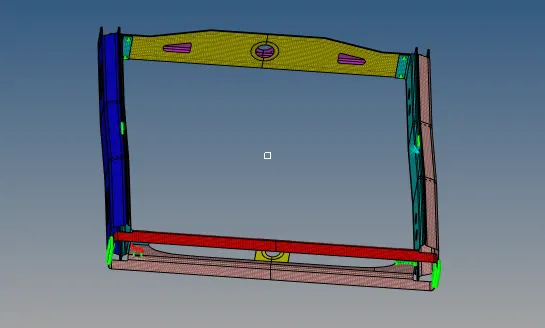
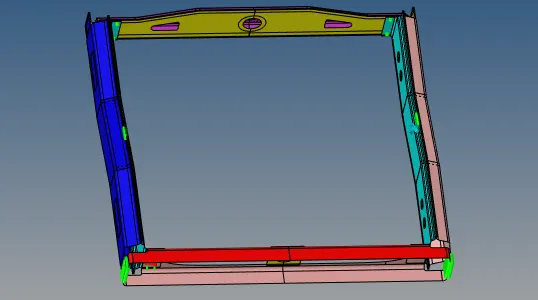
GIVEN MODEL
GIVEN CRITERIA
Target Element size - 5 Units
|
S.N |
Quality Criteria |
Value |
|
1 |
Aspect Ratio |
5 |
|
2 |
Skewness |
45 |
|
3 |
Warping |
15 |
|
4 |
Taper |
0.5 |
|
5 |
Min. Length |
2 Units |
|
6 |
Max. Length |
8 Units |
|
7 |
Min angle Quad |
45 |
|
8 |
Max angle Quad |
135 |
|
9 |
Min angle Tria |
30 |
|
10 |
Max angle Tria |
110 |
|
10 |
Tria % |
15 |
Procedure
- Import the model
- Mesh the given components and ensure the quality criteria given
- Assign Material and Property to the components.
1. Right_Rail_2 & Front_truss_1:- Seam-Quad(angled+capped+L)
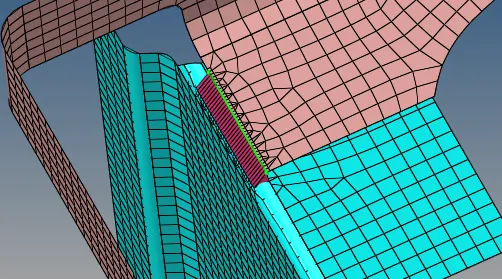
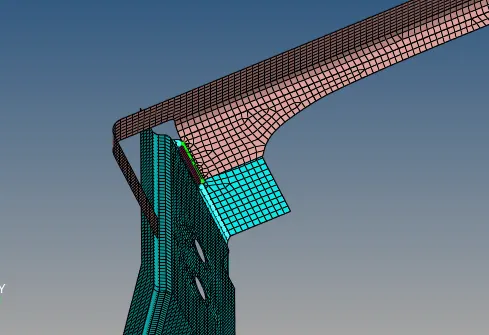
From Connectors , Go to SEAM---- Quad (angled + capped +L), click the nodelist and assign nodes in the surface .
Also select the componets displayed and create.
2.Left_Rail_2 & Front_truss_1:- Quad elements
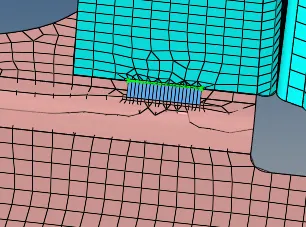
From Connectors , Go to SEAM---- Quad , click the nodelist and assign nodes in the surface .
Also select the componets displayed and create.
3. Front_truss_2, Front_truss_1 & Right_Rail_1:- Spot weld with 2 Layers and 5 mm Diameter
From Connectors , Go to SPOT---- WELD--GIVE 5mm dia , click the nodelist and assign nodes in the surface .
Also select the componets displayed and create.
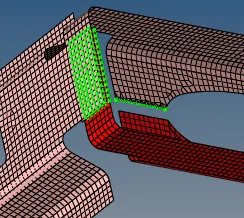
4. Front_truss_2, Front_truss_1 & Left_Rail_1:- Hexa (Adhesive)
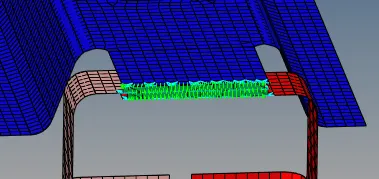
From Connectors , Go to Area---- Adhesives, click the nodelist and assign nodes in the surface .
Also select the componets displayed and create.
5. Rear_truss_2 & Right_Rail_2:- Bolt Connector
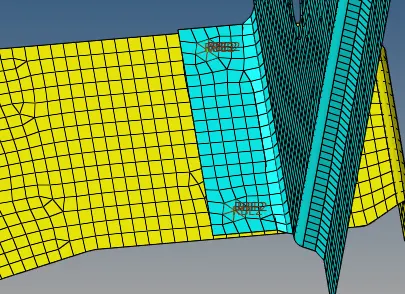
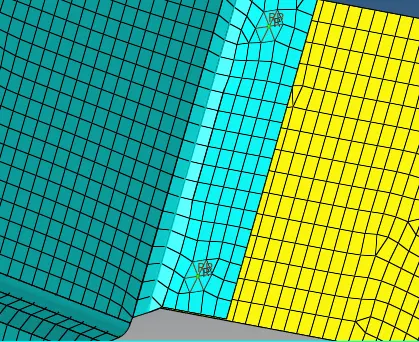
From Connectors , Go to BOLT---- BOLT GENERAL- , click the nodelist and assign nodes in the surface .
Also select the componets displayed and create.
6. Rear_truss_2 & Left_Rail_2:- Bolt Connector
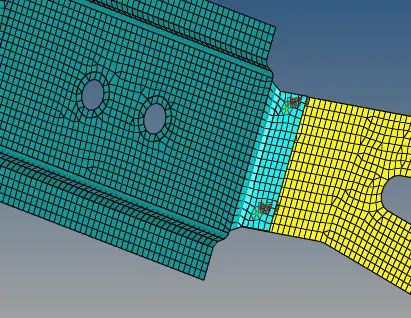
From Connectors , Go to BOLT---- BOLT GENERAL , click the nodelist and assign nodes in the surface .
Also select the componets displayed and create.
7. Right_Rail_1 & Right_Rail_2:- Spot-weld with Rigid Elements
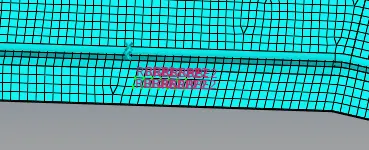
From Connectors , Go to SPOT---- Rigid -- , click the nodelist and assign nodes in the surface .
Also select the componets displayed and create.
8. Left_Rail_1 & Left_Rail_2:- Spot-weld with Spring Elements
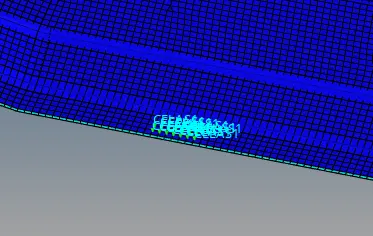
From Connectors , Go to SPOT---- Spring-- , click the nodelist and assign nodes in the surface .
Also select the componets displayed and create.
CONCLUSIONS
Connectors specified are connected to the required parts succesfully.