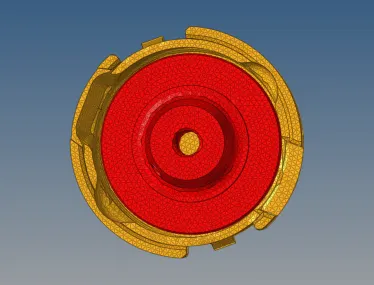
Week 8-3D Tetra Meshing Challenge
1. OBJECTIVE
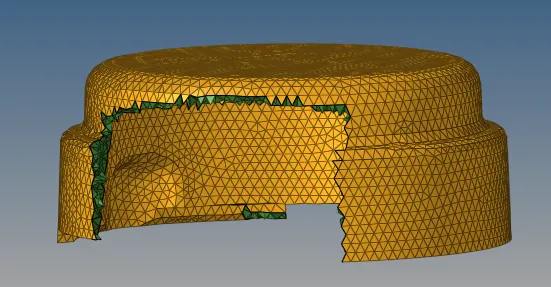
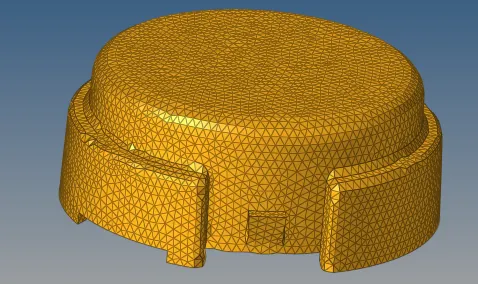
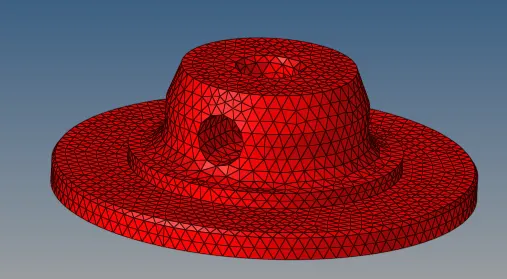
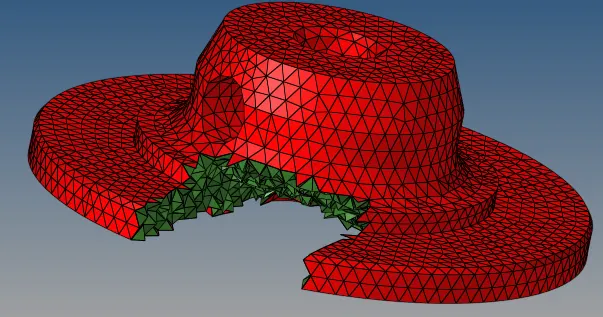
Create a Teramesh for Housing component with the following quality criteria using 2D to 3D method
Given CAD model
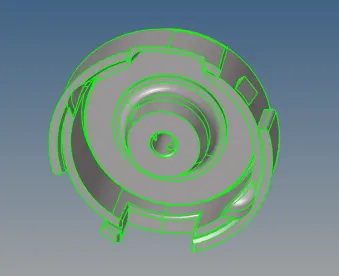
Given Quality Criteria
Elements sizes: Min- 2 Units, Target- 5 Units, Max- 7 Units ,Tet collapse: 0.15
PROCEDURE
1) Import the hosing model from the specified folder.
2)Divide the model into required components.
3)Remove the solid components if present.
4)Set the quality criteria given
5)Defeature the surfaces if it is falling below minimum length.
6)After the Geometry cleanup is all finished go for meshing.
7)Select automesh and select mesh to trias only
8) Select all the surfaces and click mesh.
9)Adjust the elements failing the quality criteria.
10) Then go for tetra mesh in 3D panel and select all the elements and mesh.
11) Then check elements failing tet collapse and fix it.
12) Do all these steps for all the components.
Conclusion
3D tetra mesh is created by 2D to 3D tetra mesh generation.