Week 9-Creation of 1D Connectors Challenge
OBJECTIVE:
Mesh the given Component with a Mesh size of 5mm.
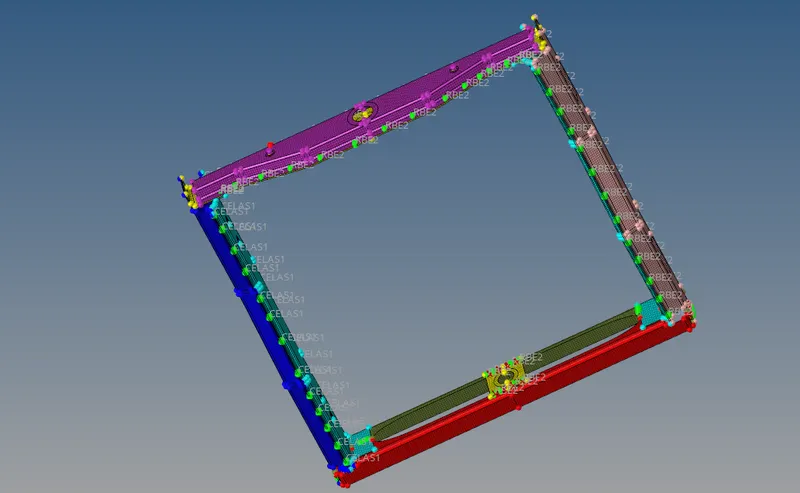
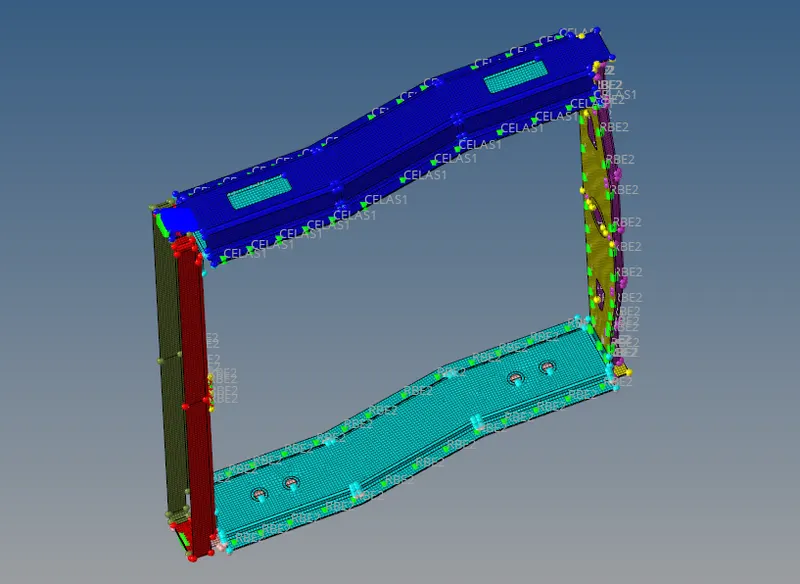
Create connector and Attach the various parts of the given model
1. Right_Rail_2 & Front_truss_1:- Seam-Quad(angled+capped+L)
2. Left_Rail_2 & Front_truss_1:- Quad elements
3. Front_truss_2, Front_truss_1 & Right_Rail_1:- Spot weld with 3 Layers and 5 mm Diameter
4. Front_truss_2, Front_truss_1 & Left_Rail_1:- Hexa (Adhesive)
5. Rear_truss_2 & Right_Rail_2:- Bolt Connector
6. Rear_truss_2 & Left_Rail_2:- Bolt Connector
7. Right_Rail_1 & Right_Rail_2:- Spot-weld with Rigid Elements
8. Left_Rail_1 & Left_Rail_2:- Spot-weld with Spring Elements
9. Rest all the component left Join them with suitable connectors
PROCEDURE :
1.upload the model to the hyper mesh.
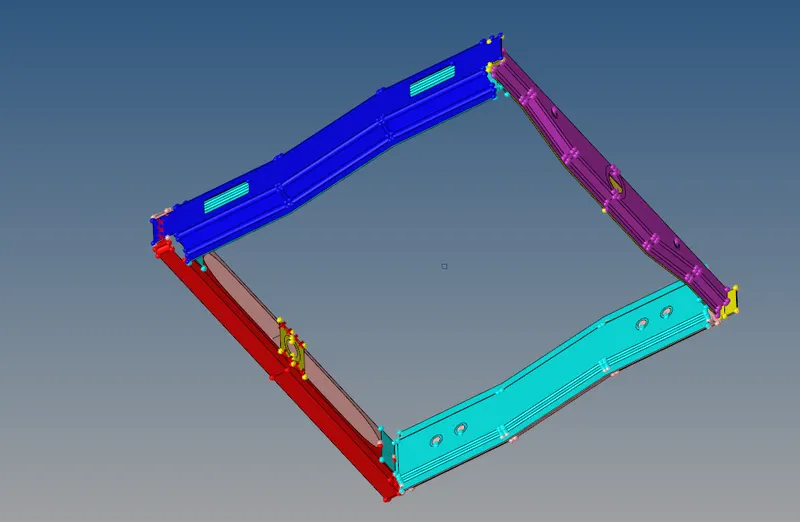
2. do the meshing .
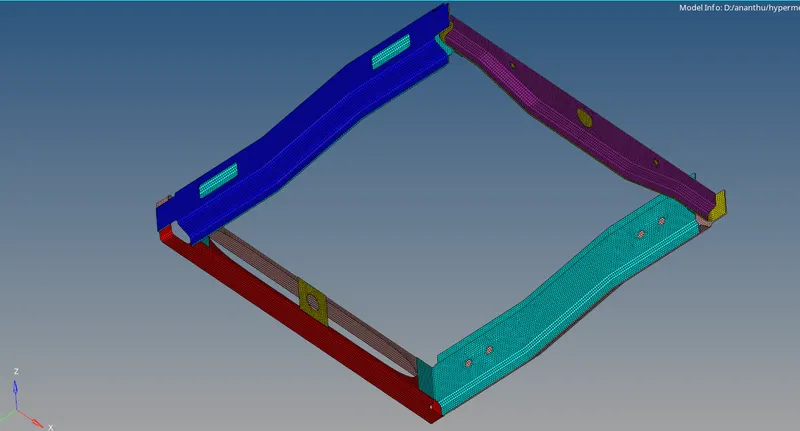
3. hide all components and open the ones required to be connected .
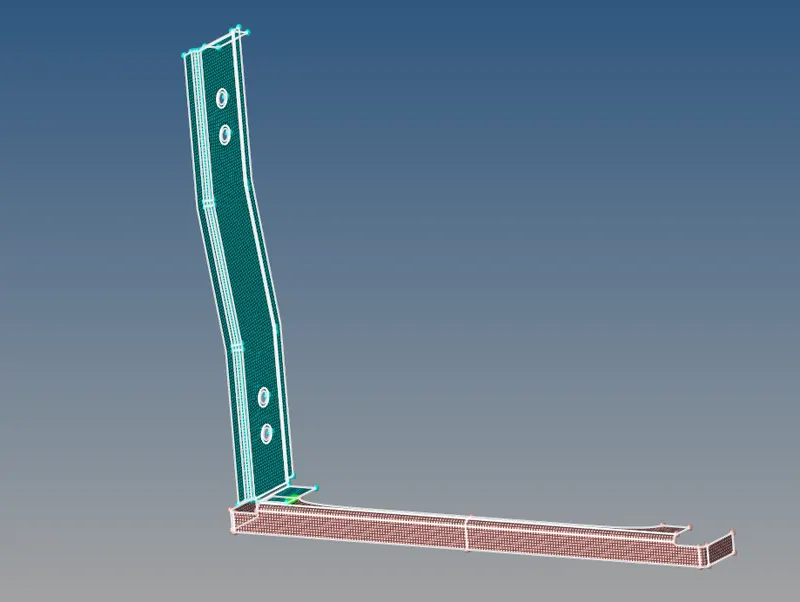
4. select right rail 2 and front trus 1 from connetors in 2d select seam and set type to Seam-Quad(angled+capped+L) and set tolerance as
10 and spacing as 5 select components and press create.
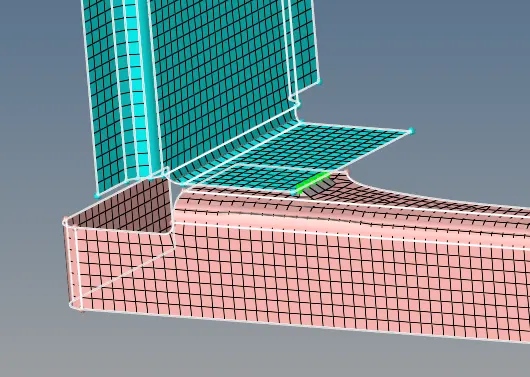
5.select Left_Rail_2 & Front_truss_1 with type as Quad elements press create.
 .
.
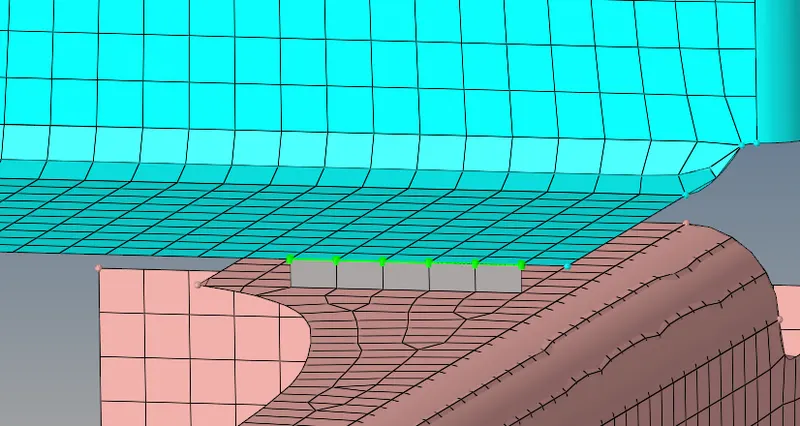
6.select Front_truss_2, Front_truss_1 & Right_Rail_1 do Spot weld with 3 Layers and 5 mm Diameter.
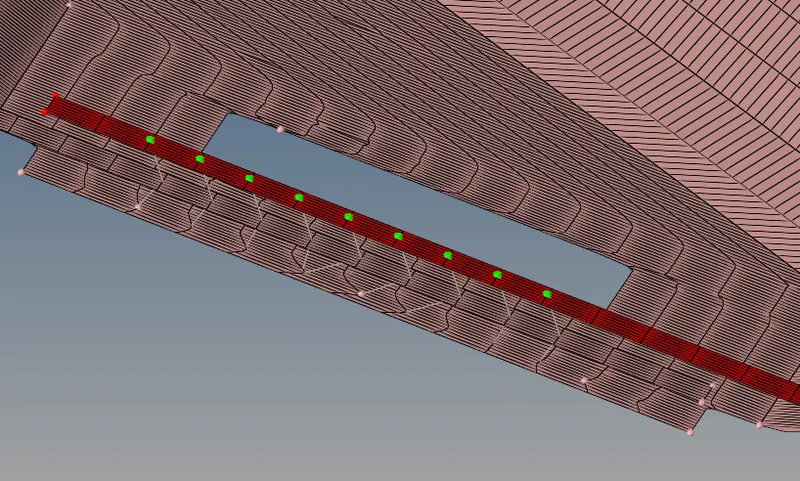
7.select Front_truss_2, Front_truss_1 & Left_Rail_1 and do Hexa (Adhesive) from connectors.
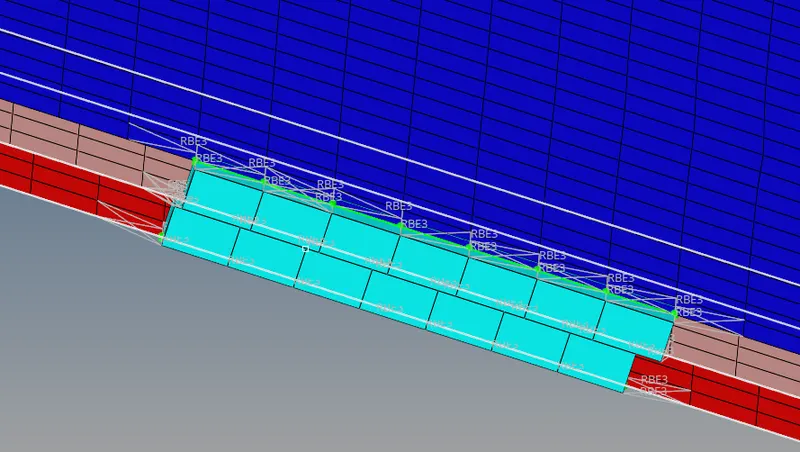
8. select Rear_truss_2 & Right_Rail_2 do Bolt Connector,select create hole if none , from bolt menu.
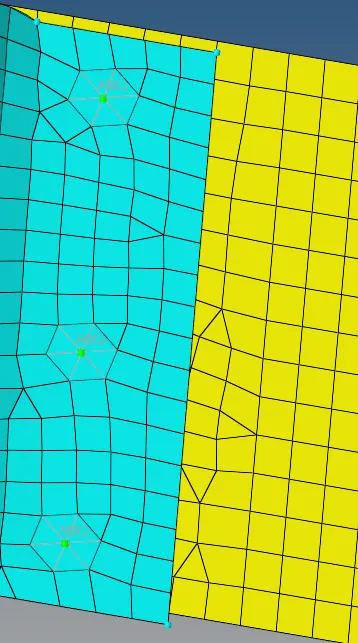
9.select Rear_truss_2 & Left_Rail_2 do Bolt Connector , select create hole if none , from bolt menu.
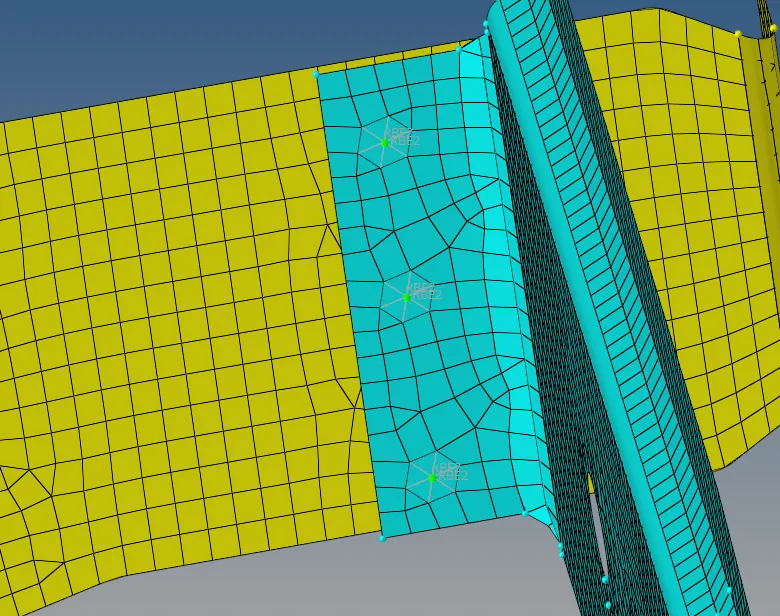
10.select Right_Rail_1 & Right_Rail_2 do Spot-weld with Rigid Elements.
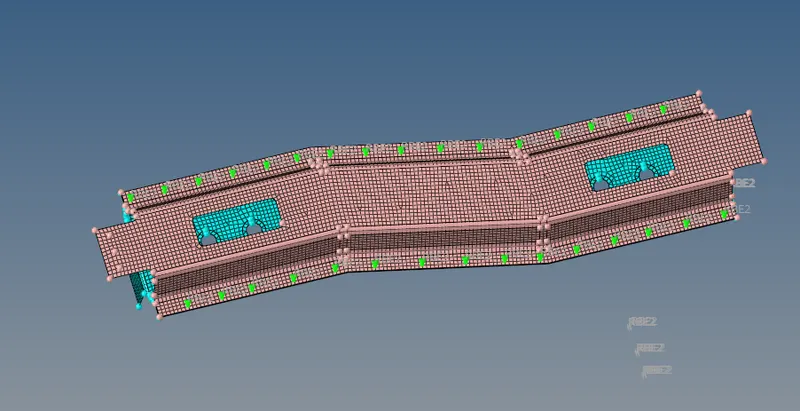
11. select Left_Rail_1 & Left_Rail_2 do Spot-weld with Spring Elements and tolerance 10 and diameter 5.
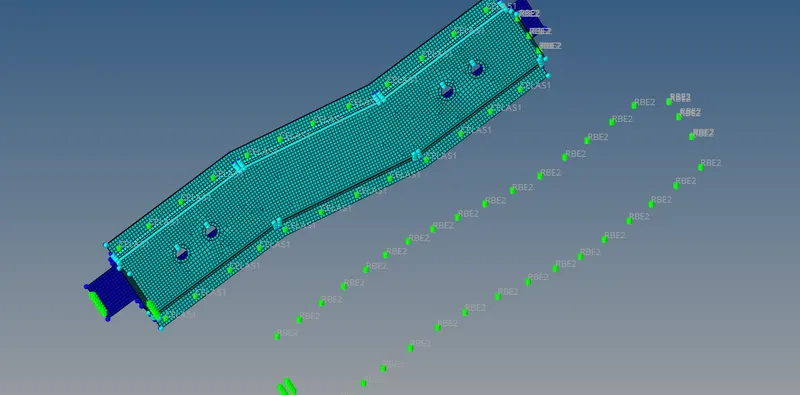
12. connect other components with suitable connectors.
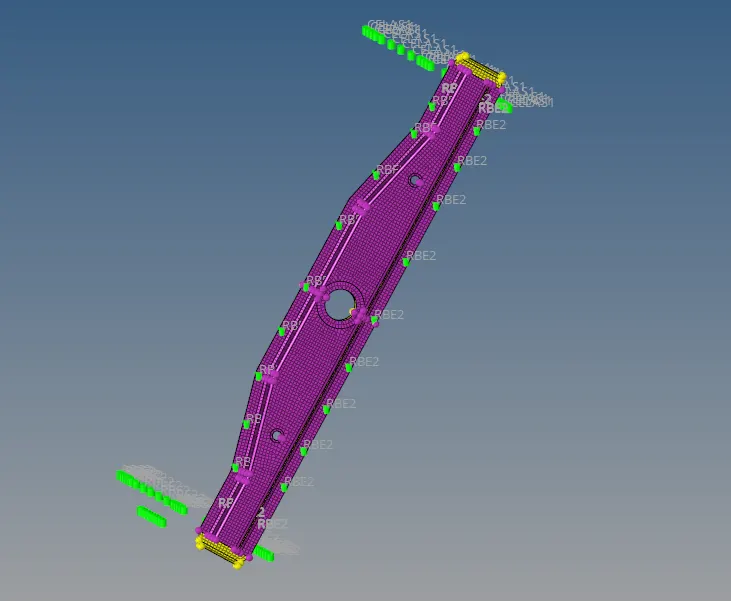
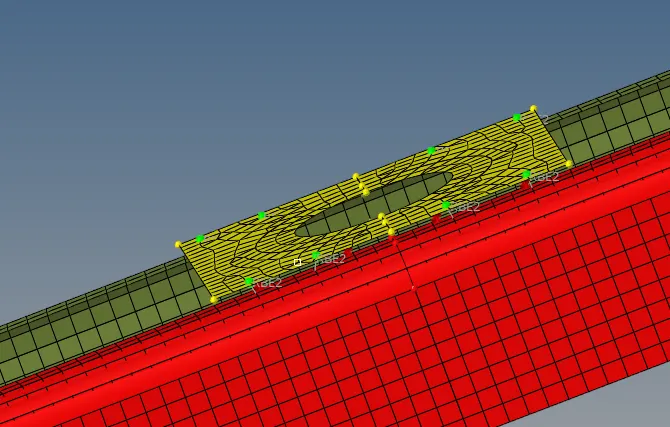
RESULT:THE GIVEN COMPONENT WAS MESHED AND CONNECTORS WHERE PROVIDED AS IN QUESTION.