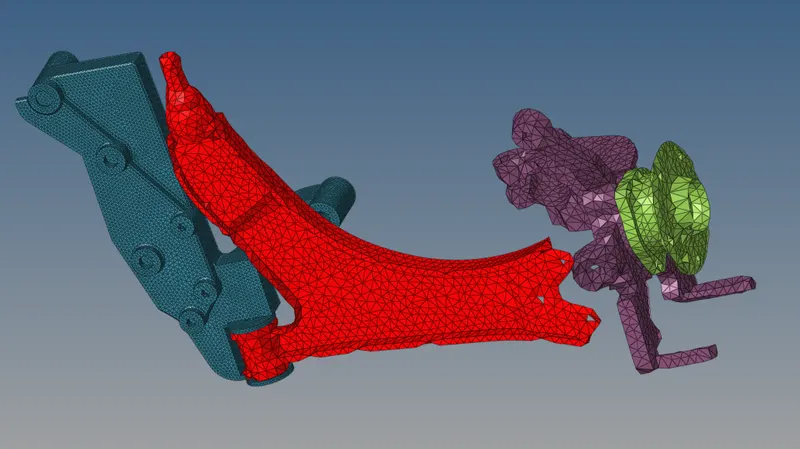
Week 8-3D Tetra Meshing Challenge
OBJECTIVE:
TO DO 3D Meshing WITH
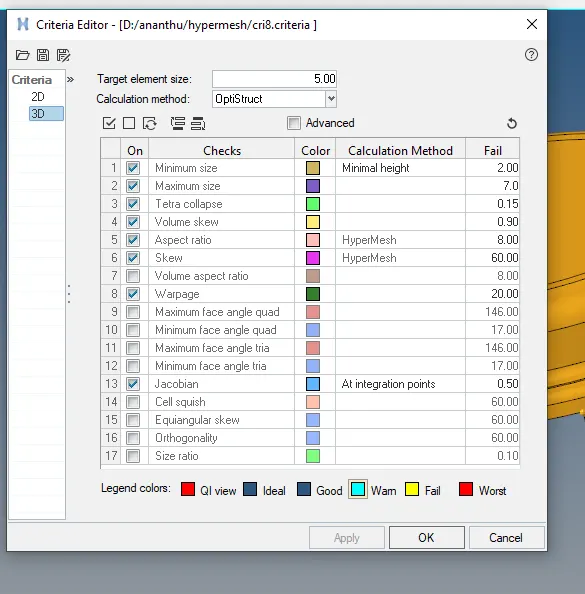
Elements sizes: Min- 2mm, Target- 5mm, Max- 7mm
Tet collapse: 0.15
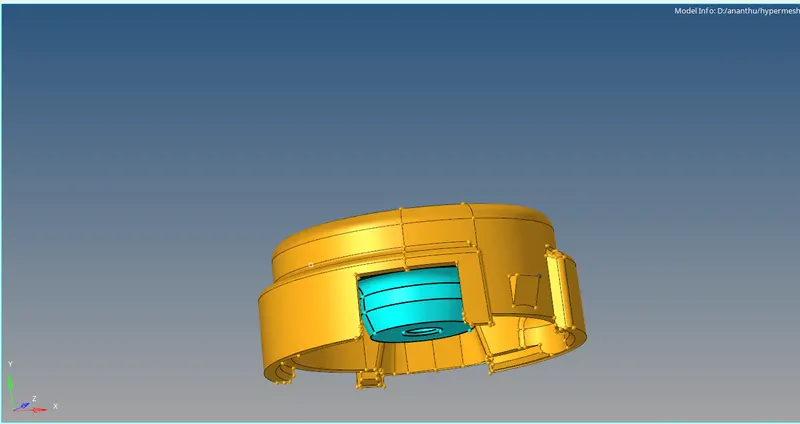
ON HOUSING MODEL
PROCEDURE:
1. openhypermesh and upload the model which is in step file.
2. set the 3d quality criteria as in the question.
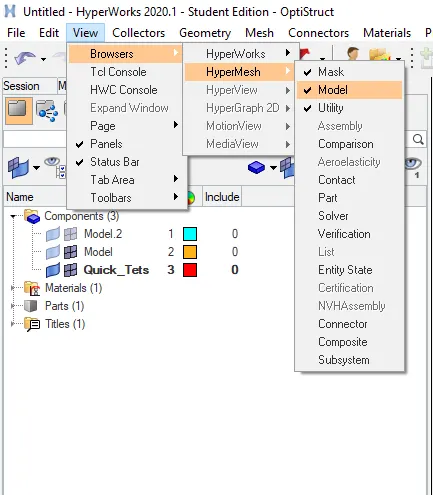
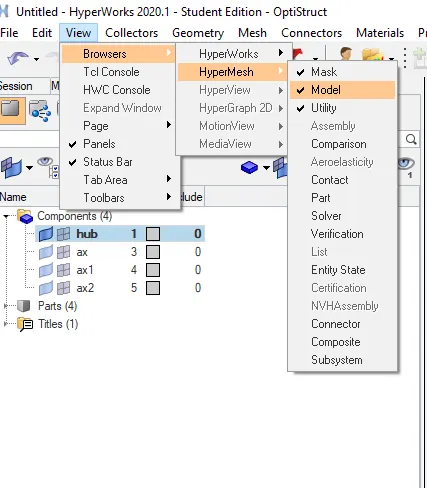
3.go to view fromthere hypermesh and to utility AND TO QUICK MESH for 3d meshing.
4.apply parameters and set it to tias only do the meshing.
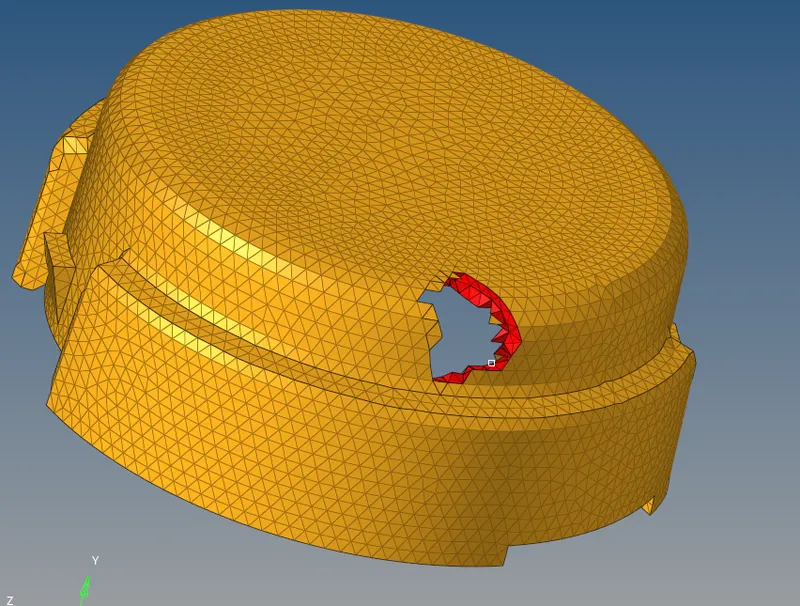
5. 3d mesh will be created and from there go to f10 and check for the tet colapse if any correct it.
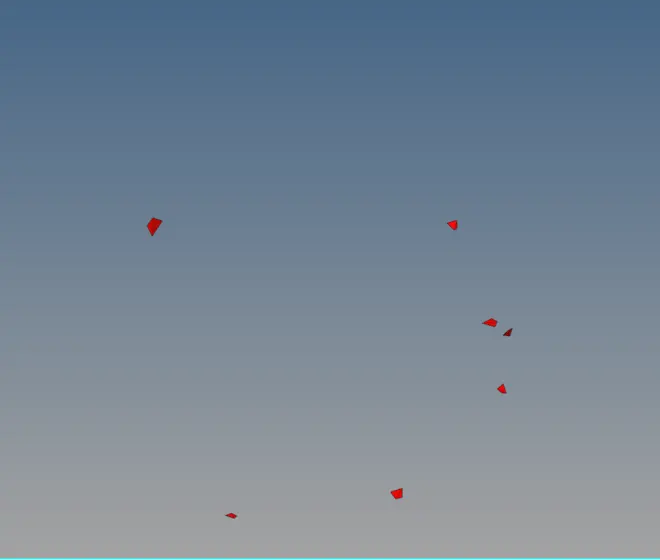
6. try tetra remesh and if it doesnt work go manually and correct the tet colapse.
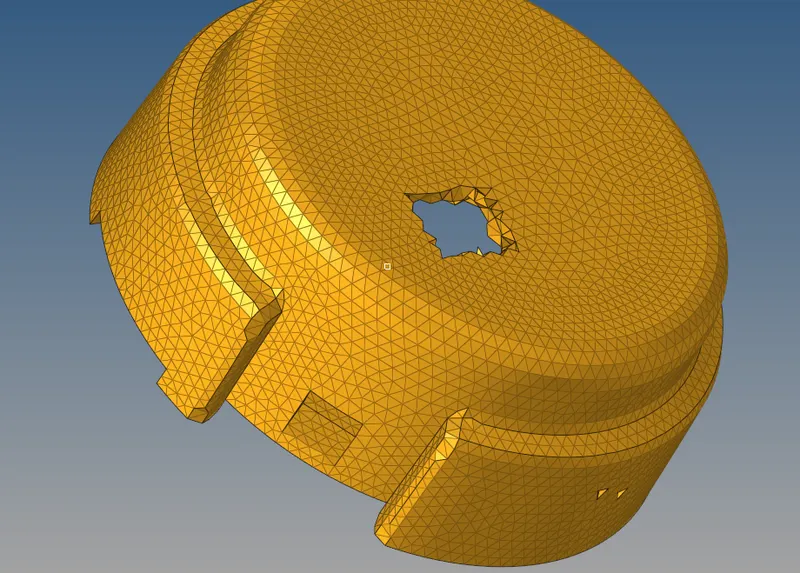
7. open the second model and do the same for it if any tet collapse is found remesh or correct it manually.
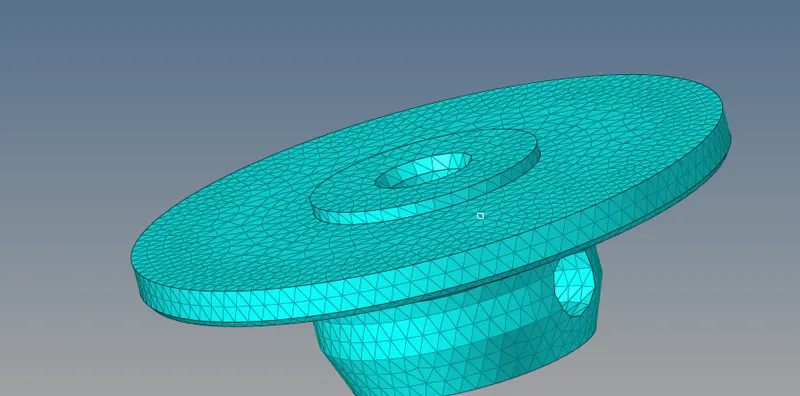
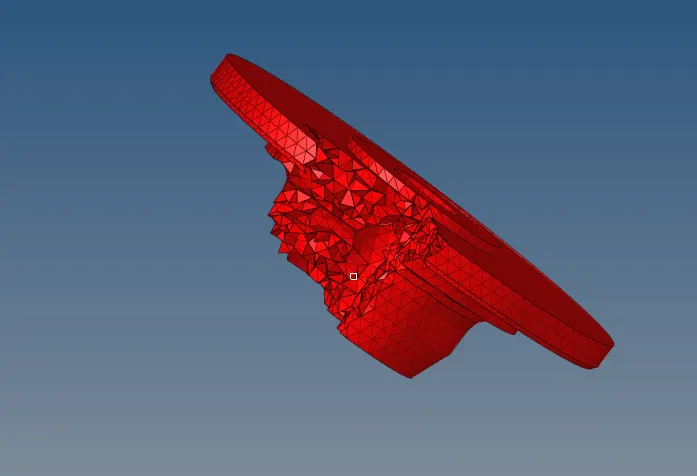
8. after all the tet collapse has been corrected our model is ready.
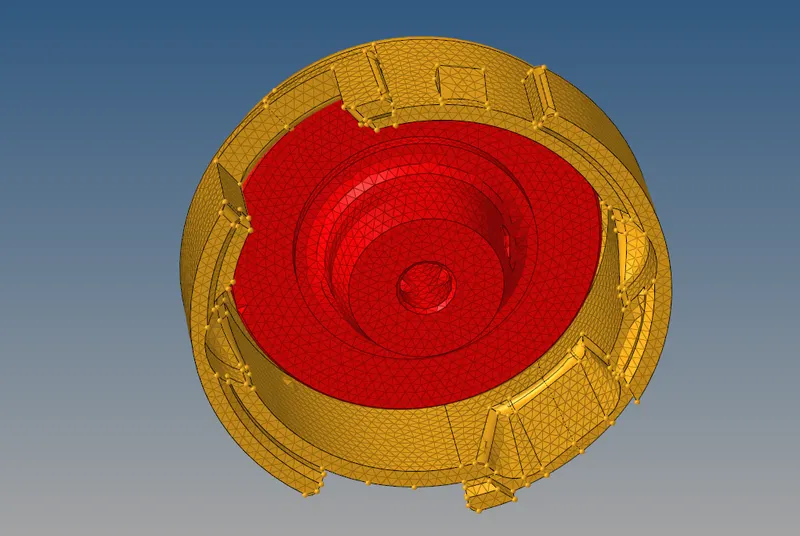
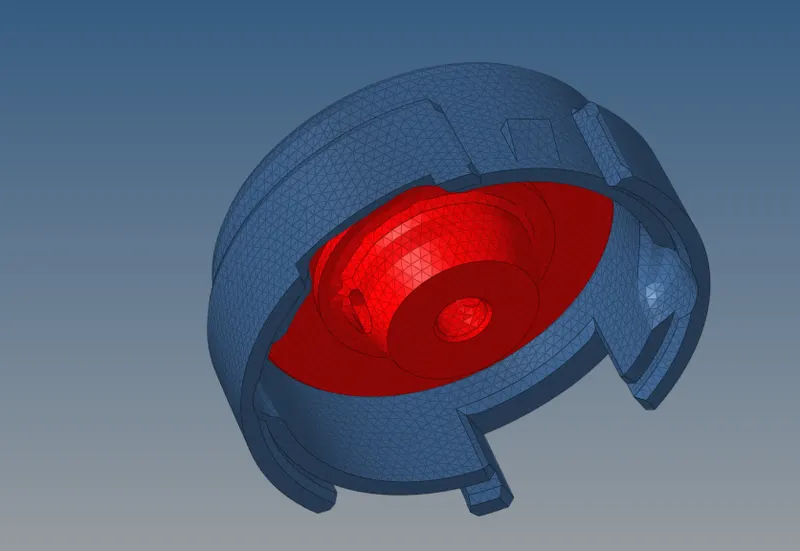
RESULT: THE GIVEN MODEL WAS TETRA MESHED FOR THE GIVEN CRITERIA.
 .
.
MODEL 2
OBJECTIVE :For the given model, Create 3D tetramesh with 6mm element size.
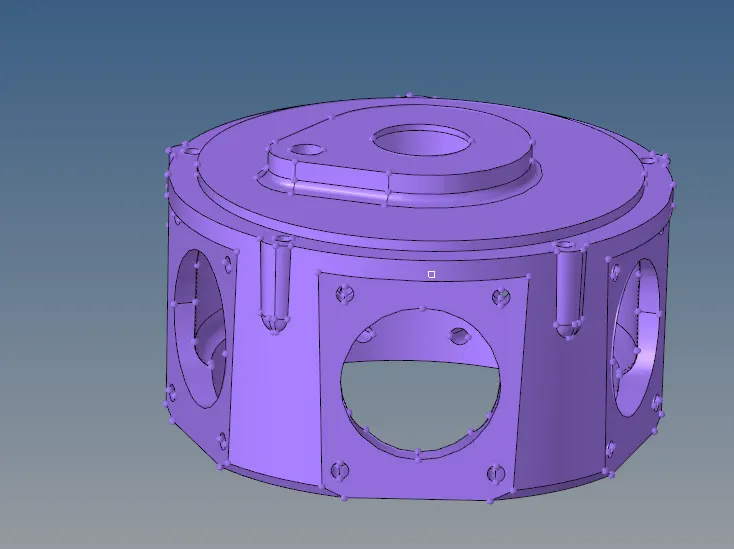
PROCEDURE:
1. OPEN THE MODEL IN HYPERMESH AND SET THE QUALITY CRITERIAS .
go to view fromthere hypermesh and to utility AND TO QUICK MESH for 3d meshing.
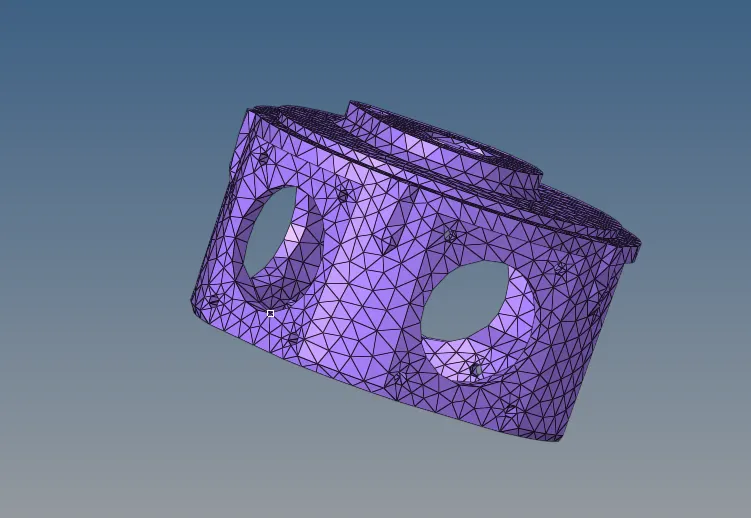
2.rename the mesh obtained and go to 3d quality and check the tet colapse
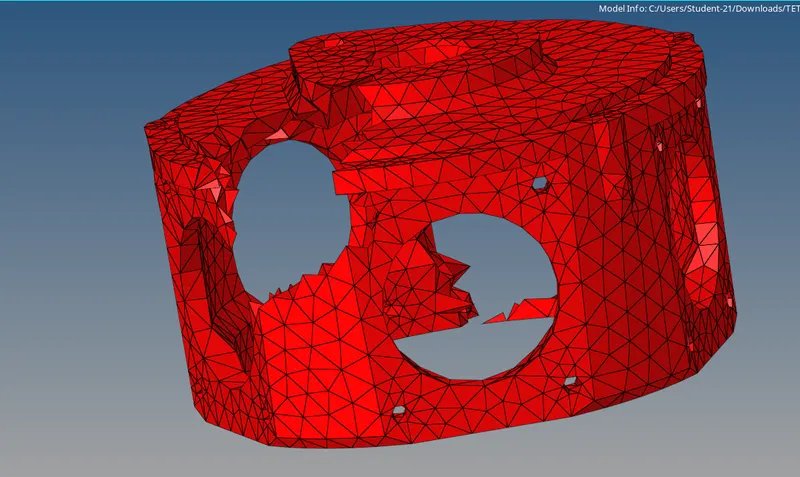
3.to correct the tetcollapse remesh the component by setting the tet colapse value in tetra remesh.
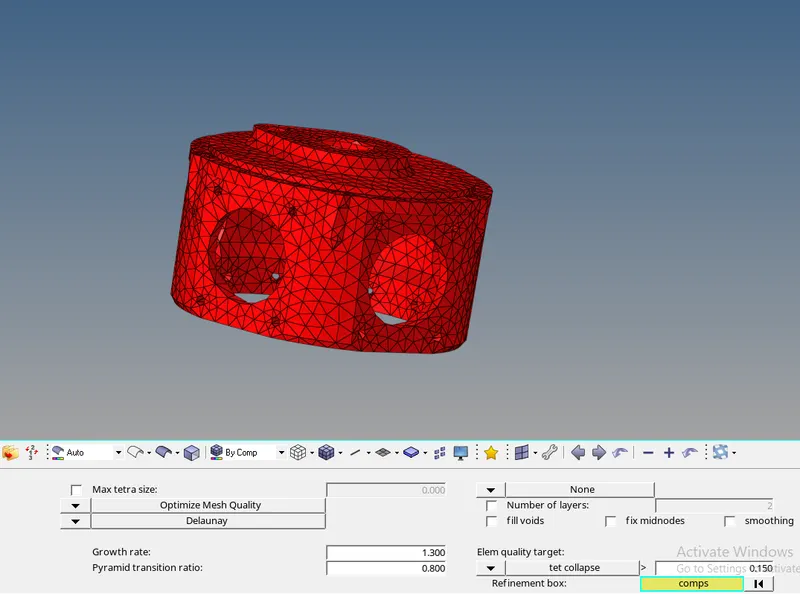
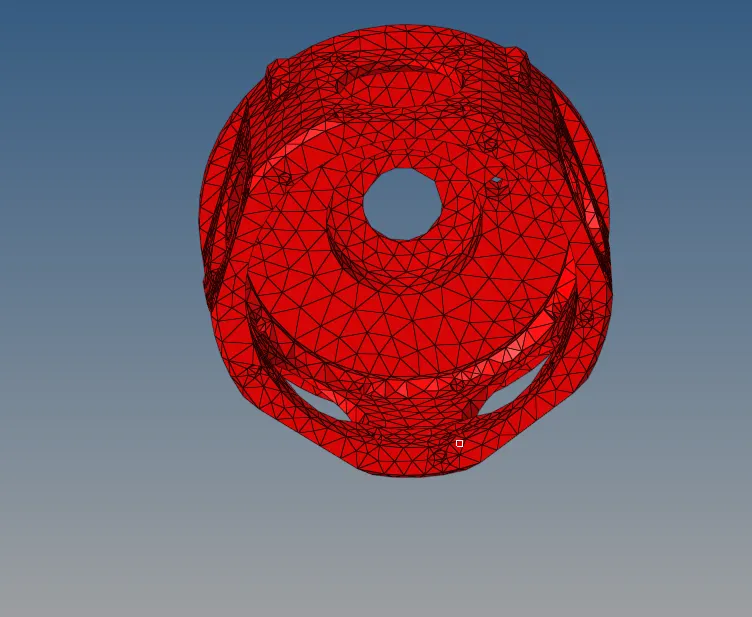
RESULT: the given model was 3d meshed with given criteria with zero tet collapse.
MODEL 3
OBJECTIVE: For the given model, Create 3D tetramesh with 6mm element size.
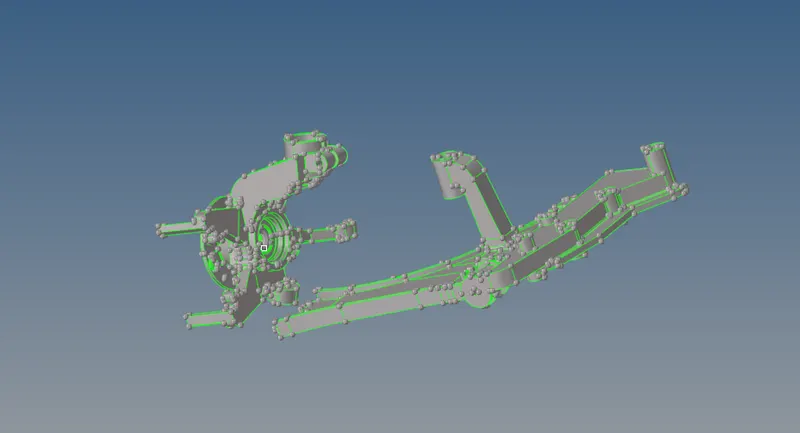
PROCEDURE:
1. set the criteria files as required and clean up the geometry of each components.
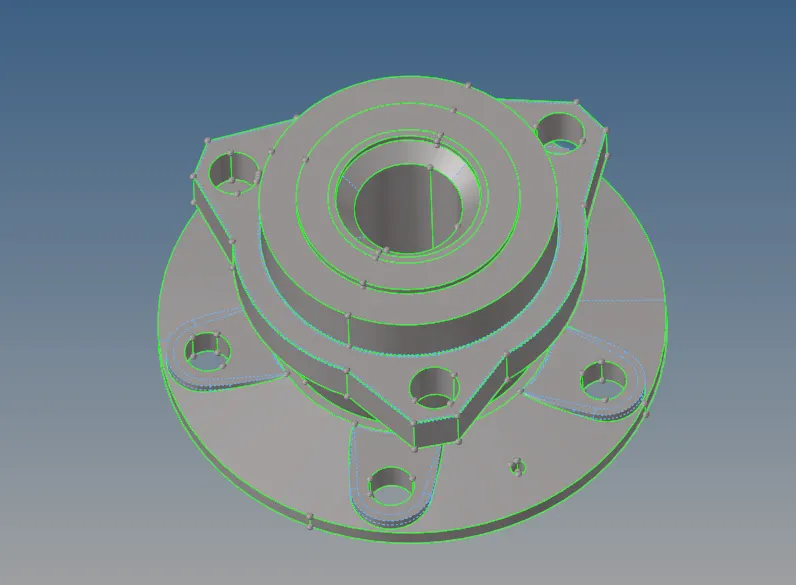
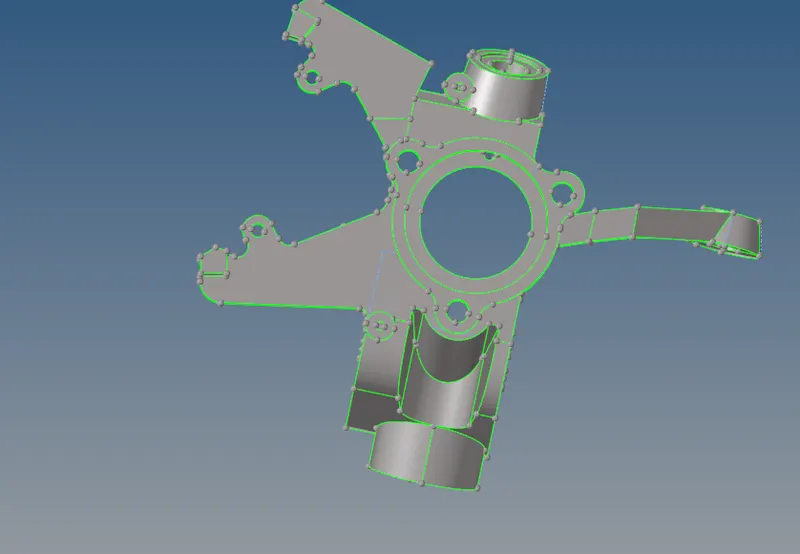
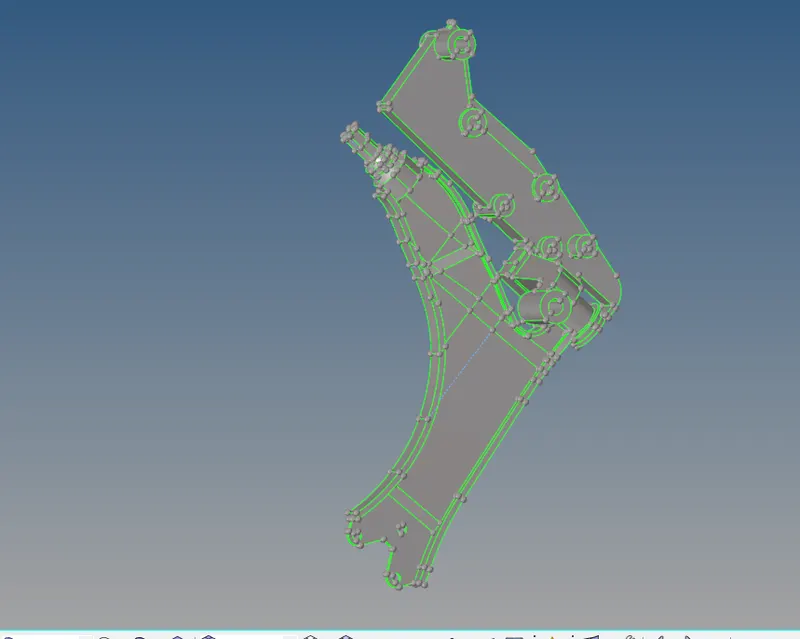
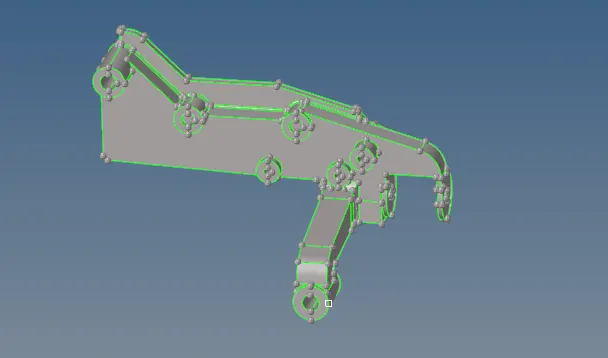
2. goto view browesers hypermesh and utility do quick mesh.
3.do quick tetra mesh
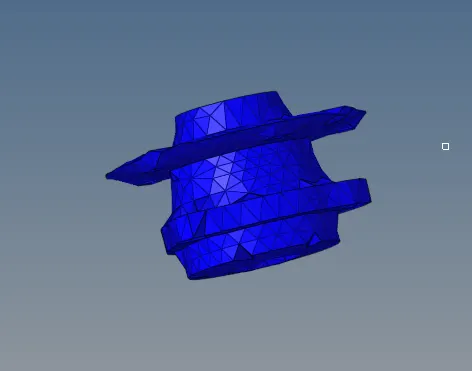
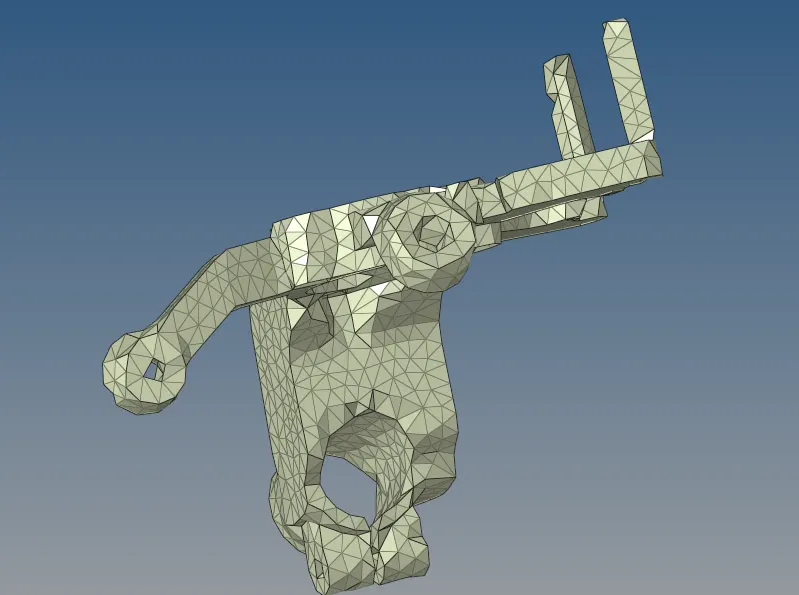
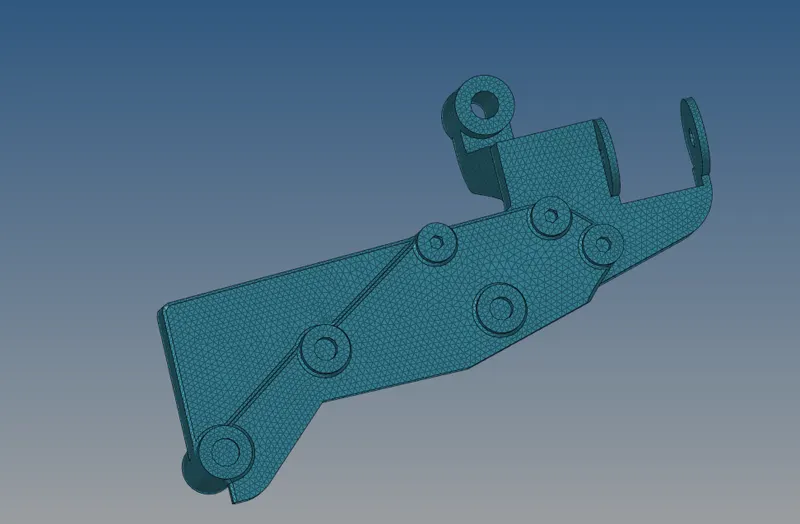
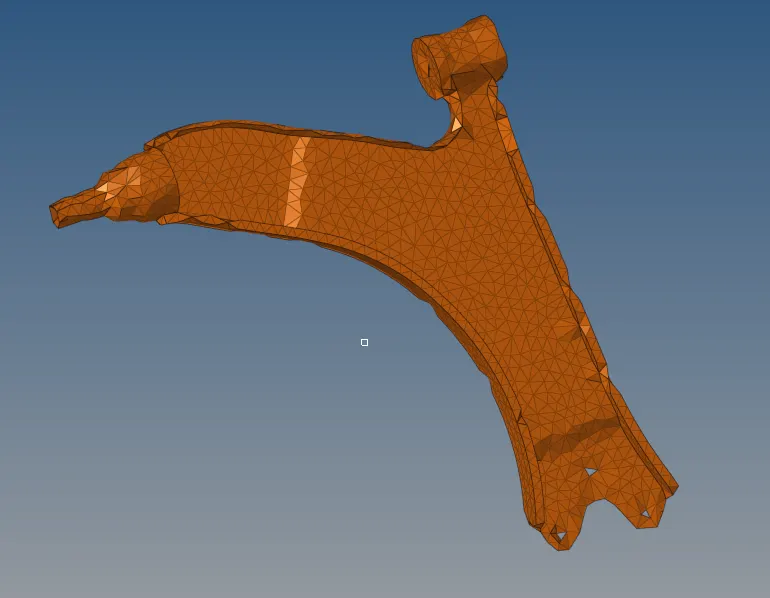
4.check for 3d element quality and remesh to get rid of the tet collapse.or correct it manually.
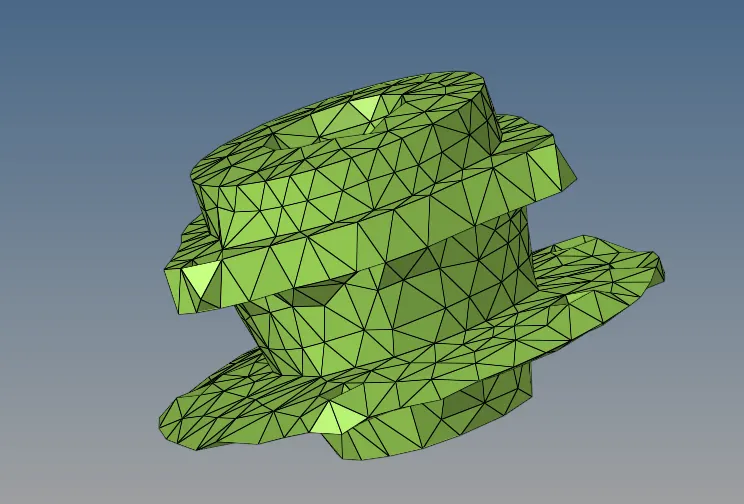
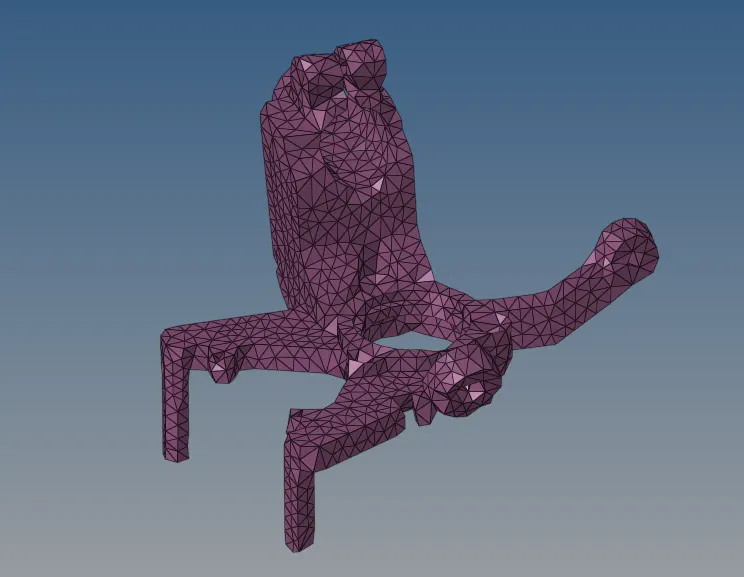
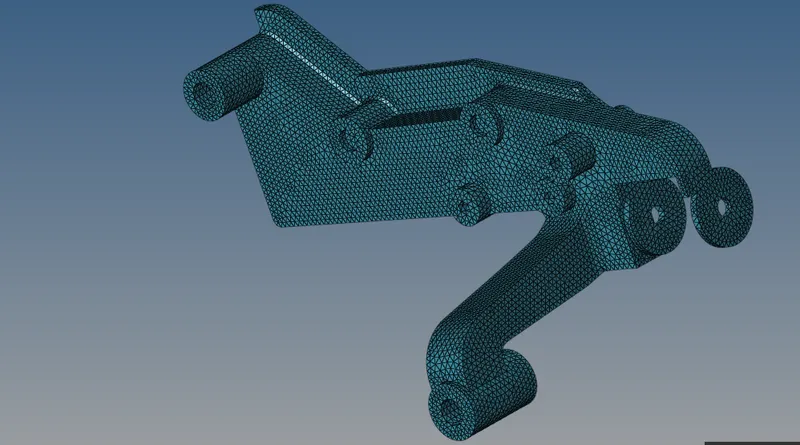
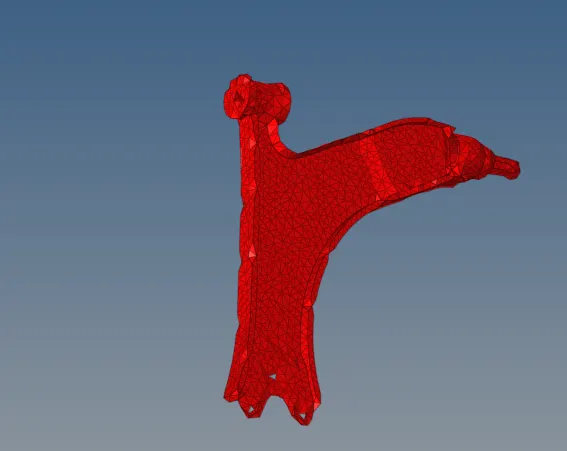
RESULT: the given components where 3d meshed on the given criteria.