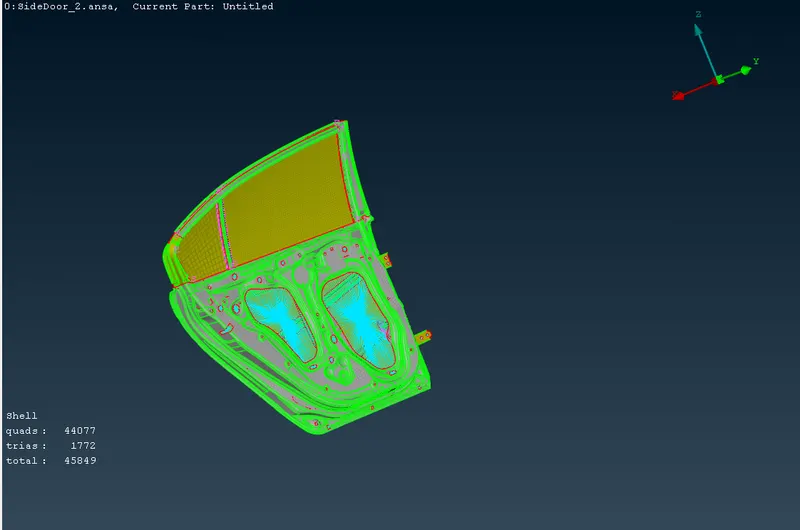
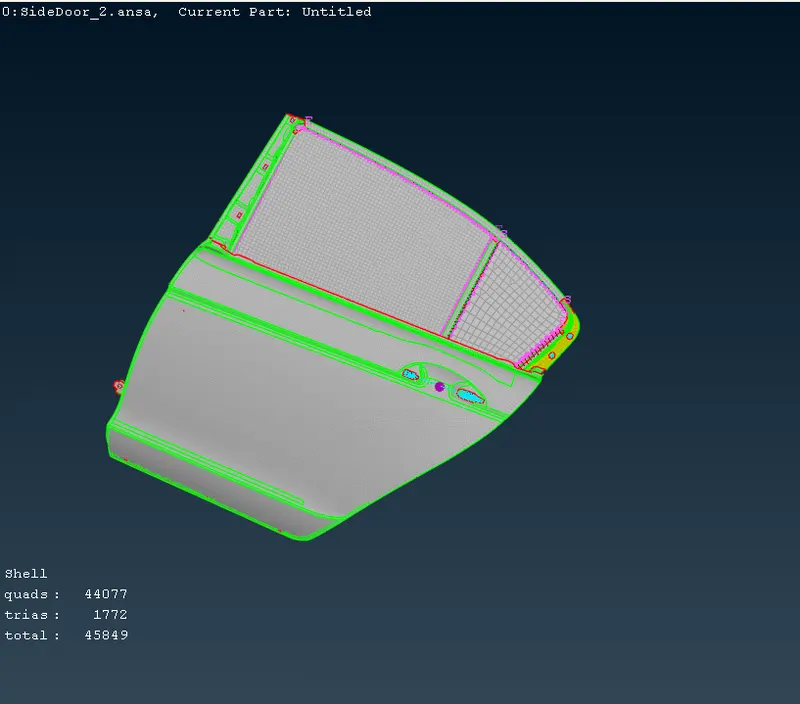
Week 9 - Creating connection for Rear door
AIM:-
For the given Rear door FE model, Create and Apply different PIDs for different components and Perform suitable connections.
Procedure :
First we took the model from given link and download the model.
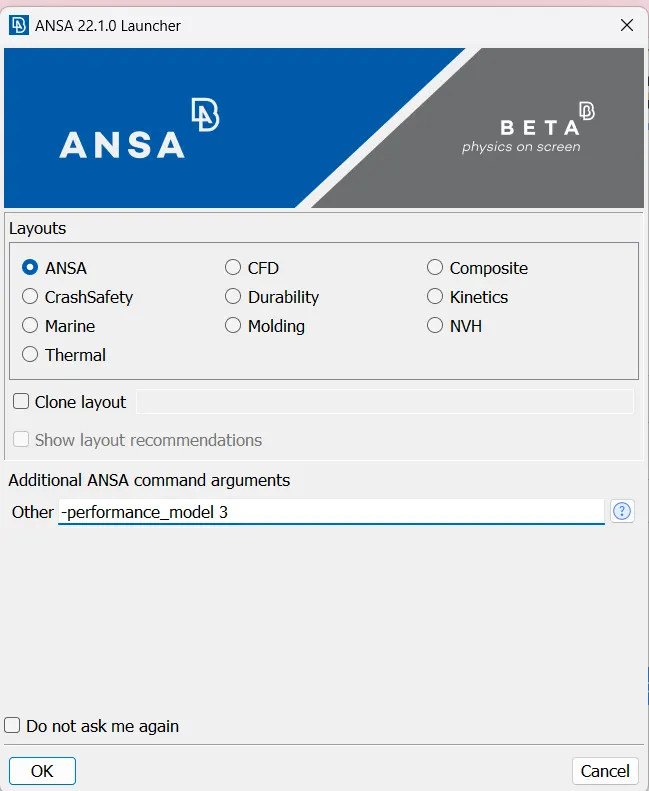
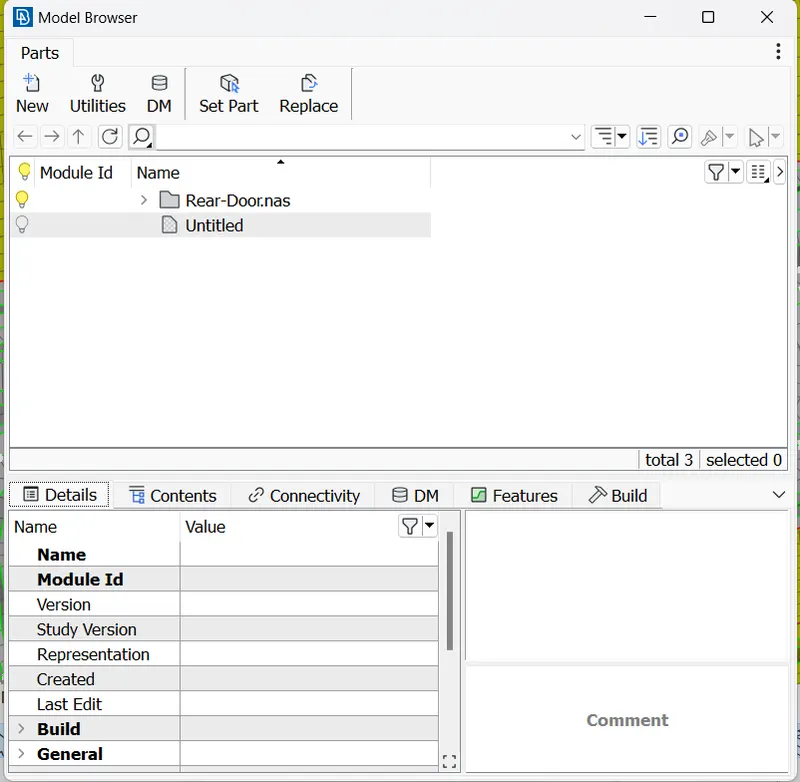
Then we open model in ANSA,for fixing graphical issue we will give inputs like below
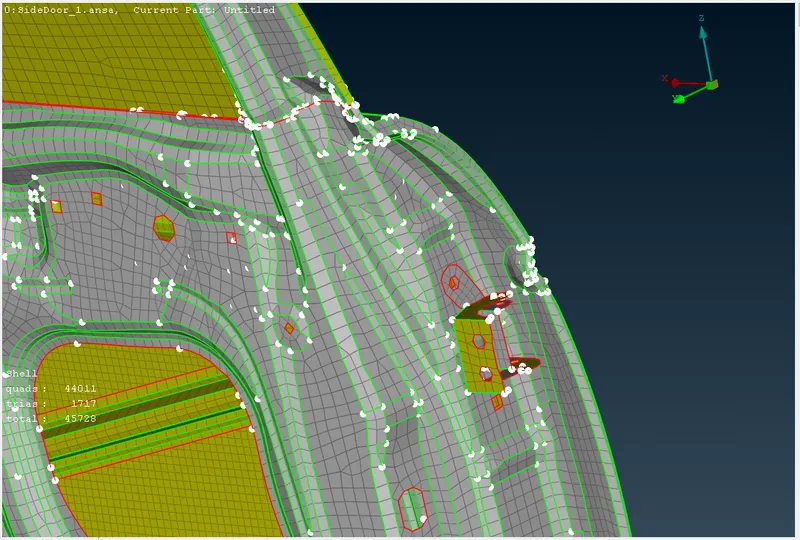
Then we can open the file.model like Below
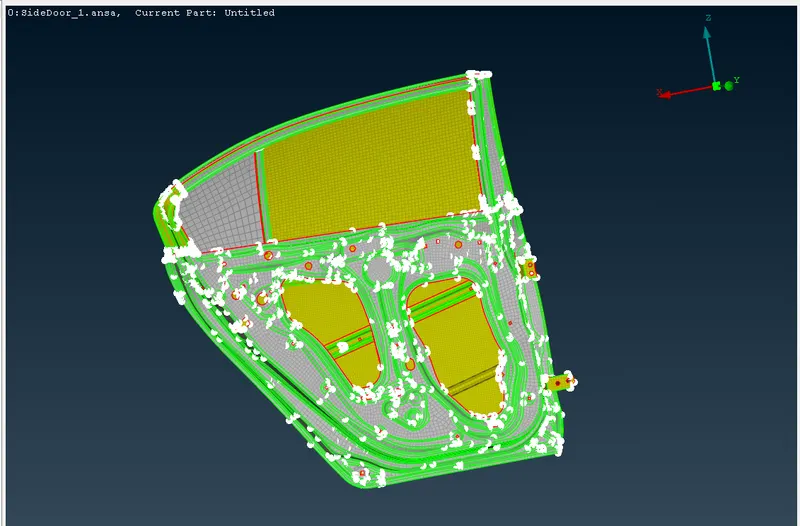
Then we go for make connections
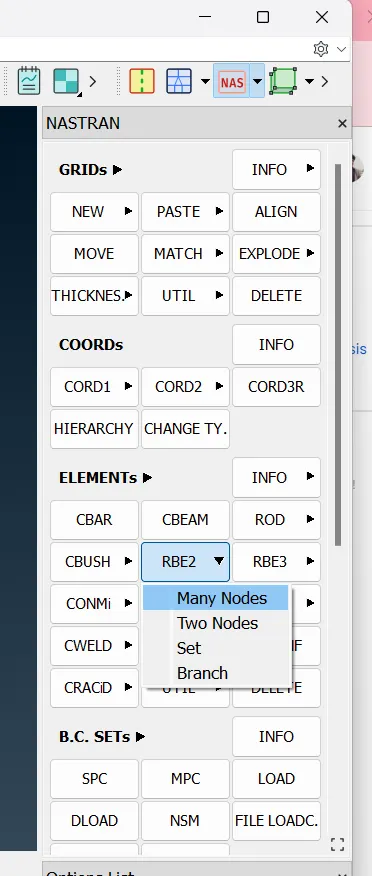
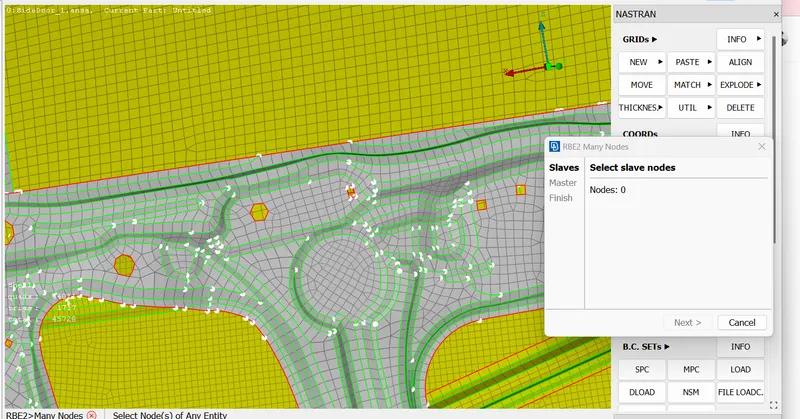
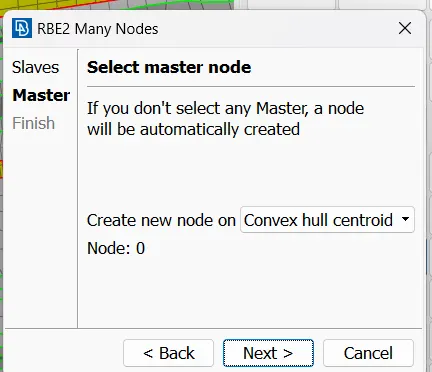
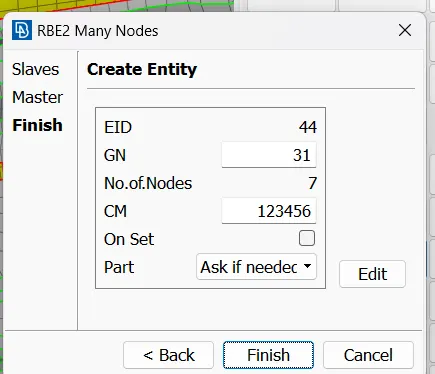
In which CM 123456 are the degrees of freedom.as per our requiremment those are varied.
similarly do for remaing place.then we go for door fixing area here door will move in z rotational.
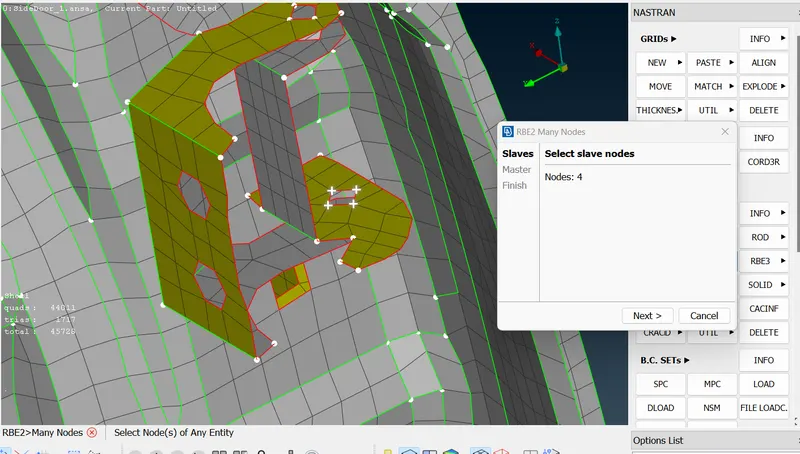
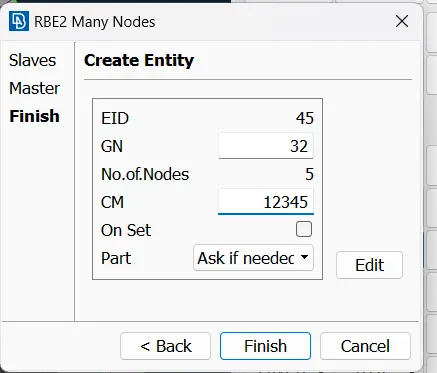
similarly we can do at oppsite direction and make connection like below
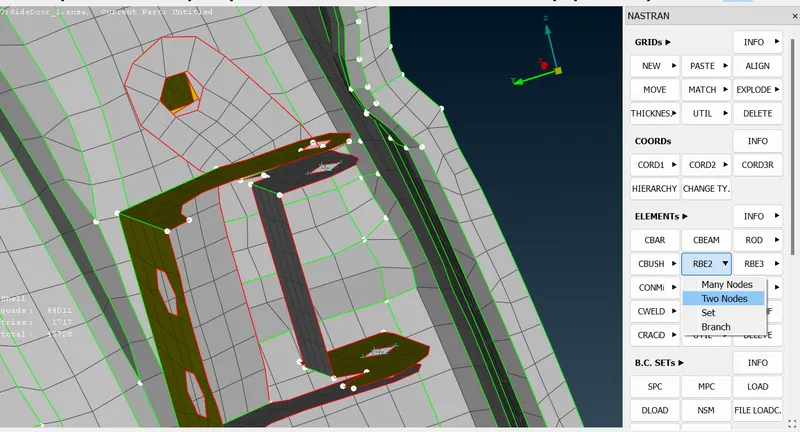
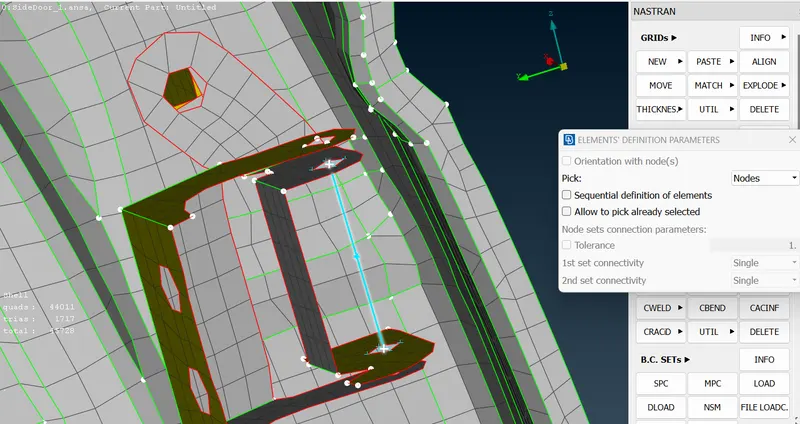
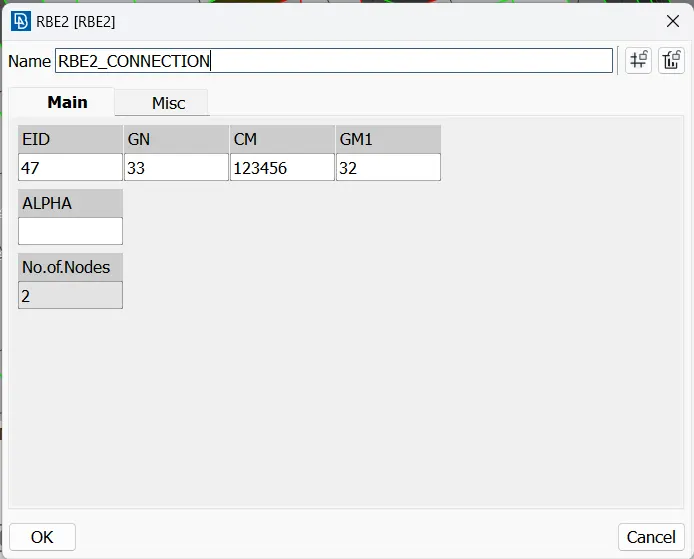
Then we go for door handle .here like above we can make connection and add the mass per door handle.
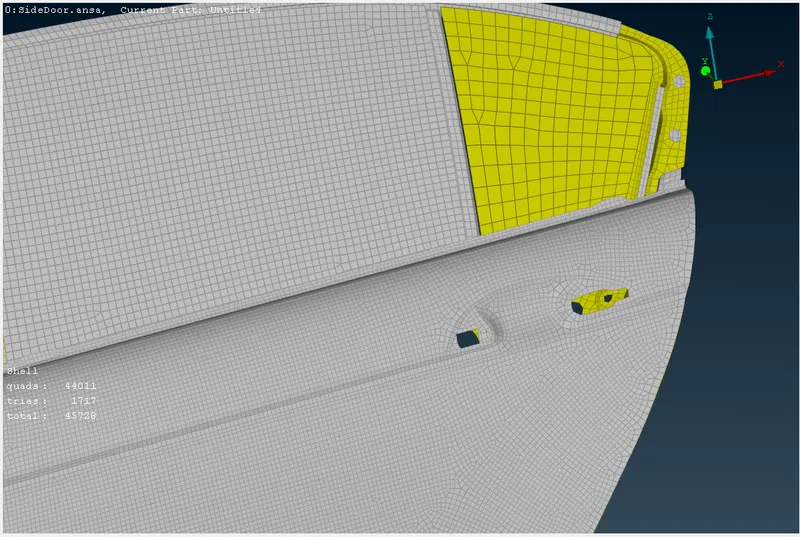
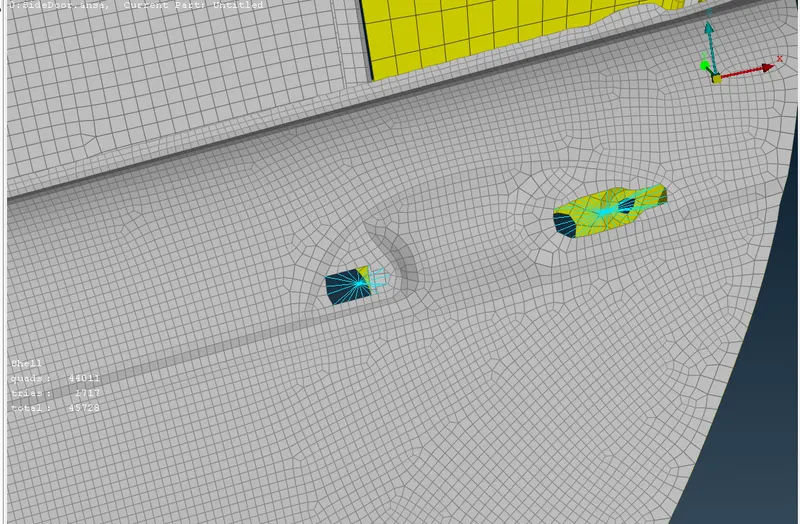
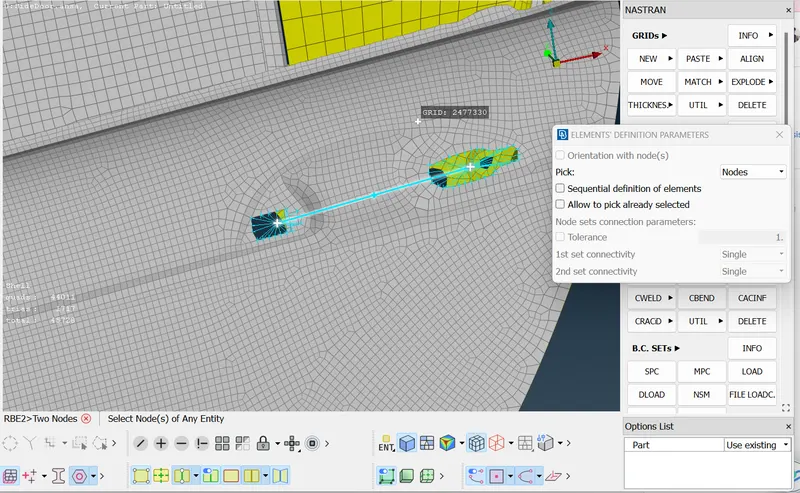
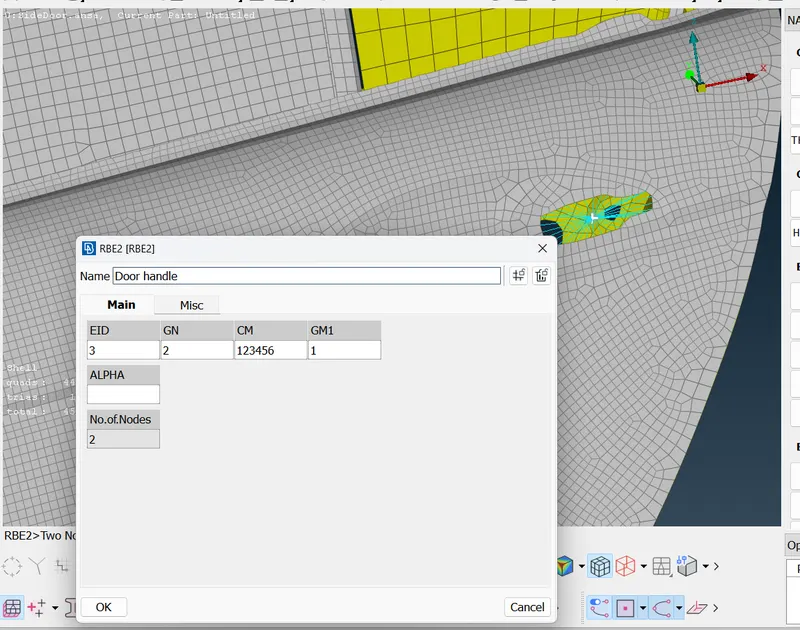
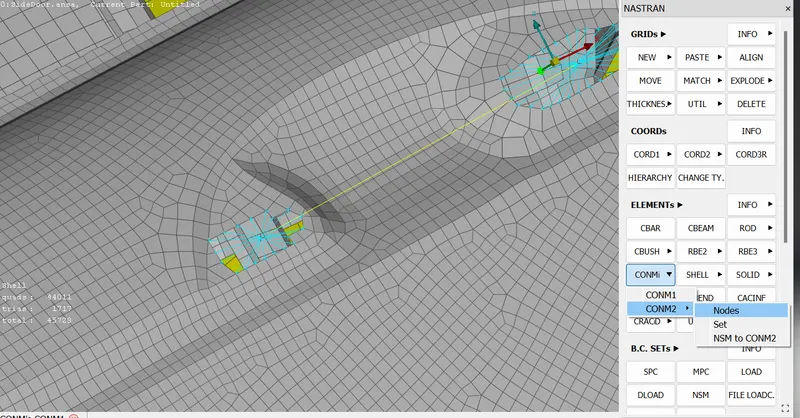
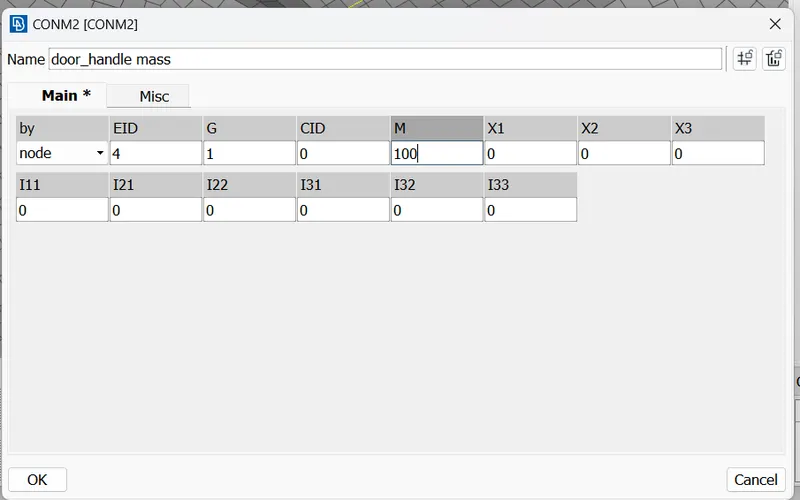
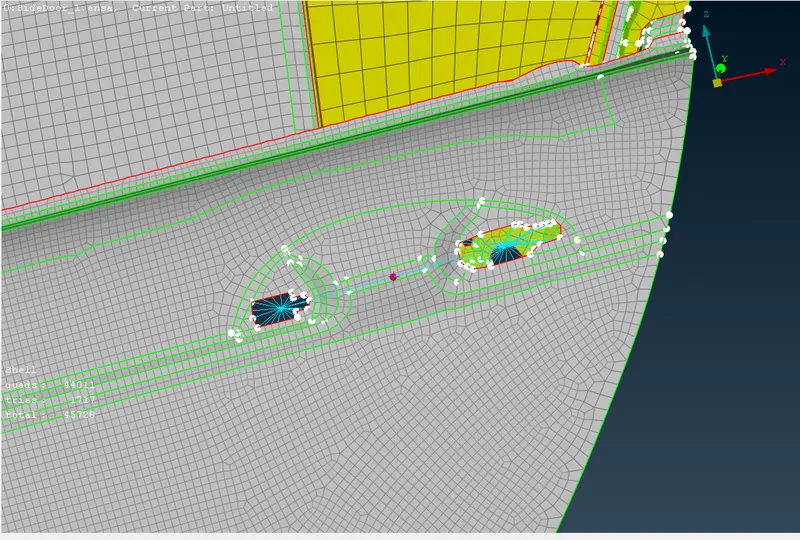
Then we add c bush for mirror moving.First make a property for window and rail.
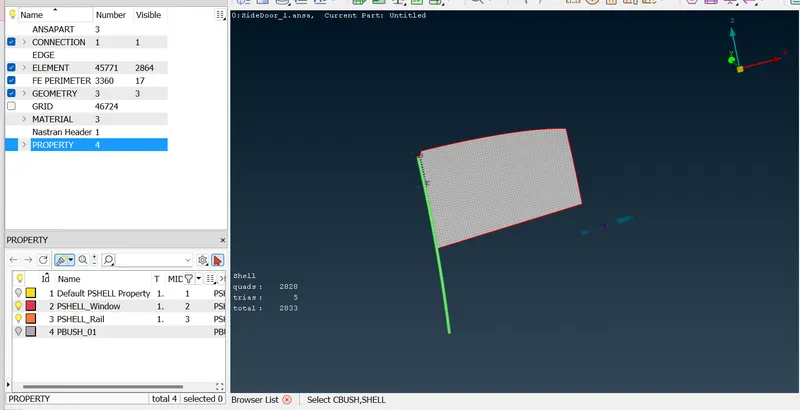
Then make a curve by using Cons2curve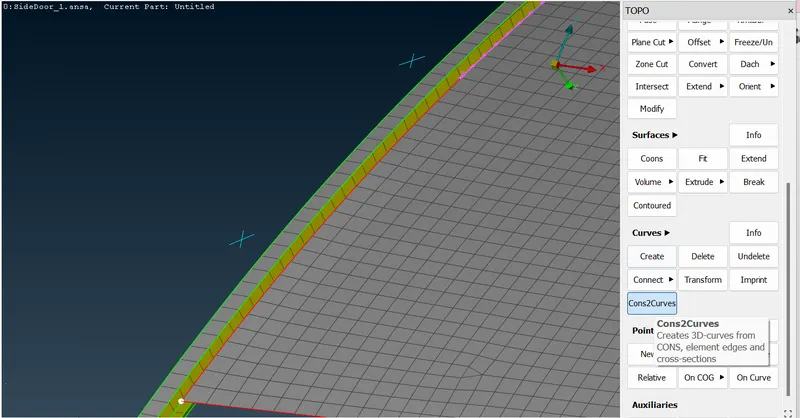
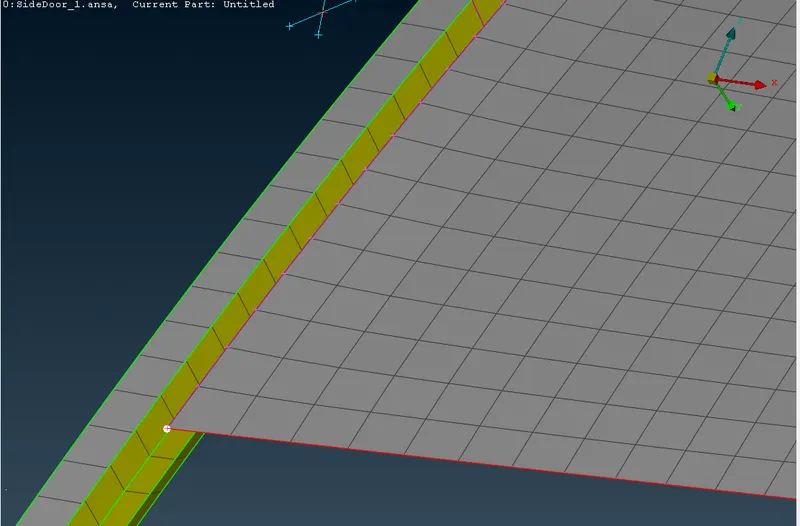
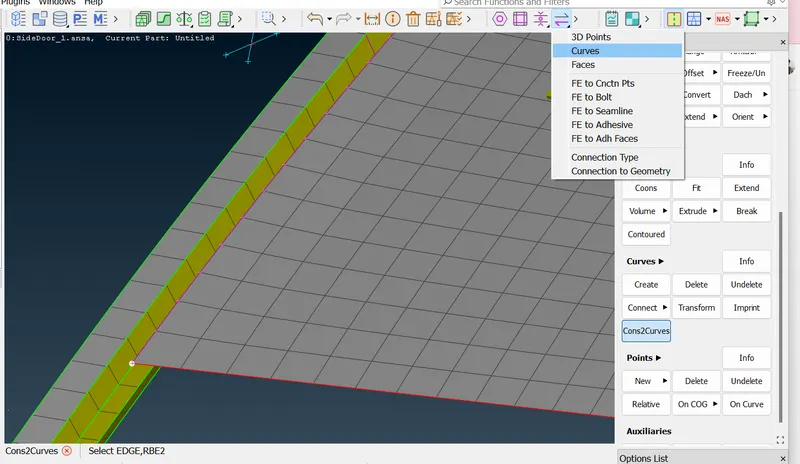
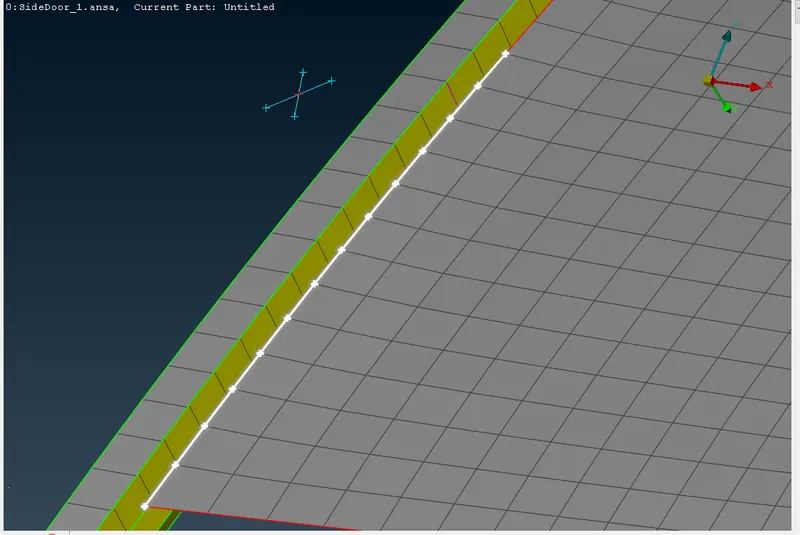
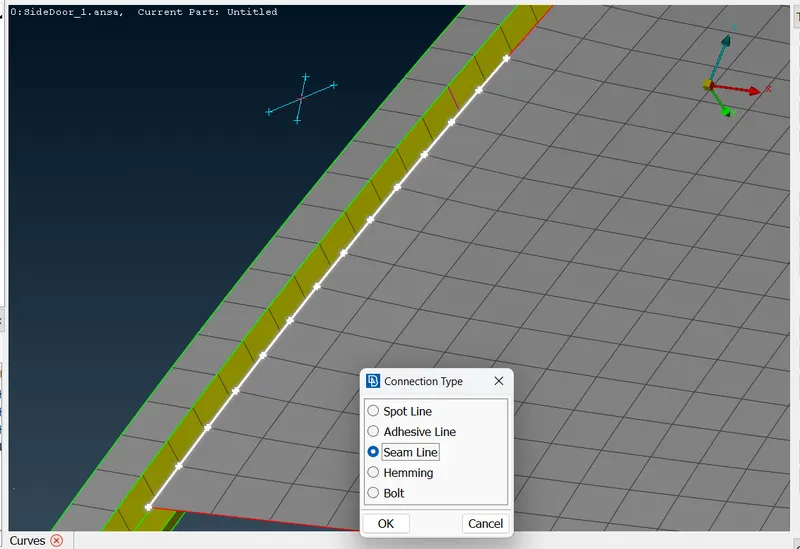
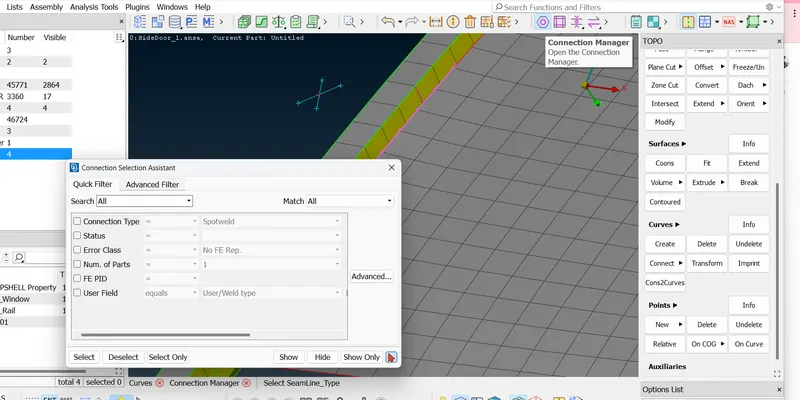
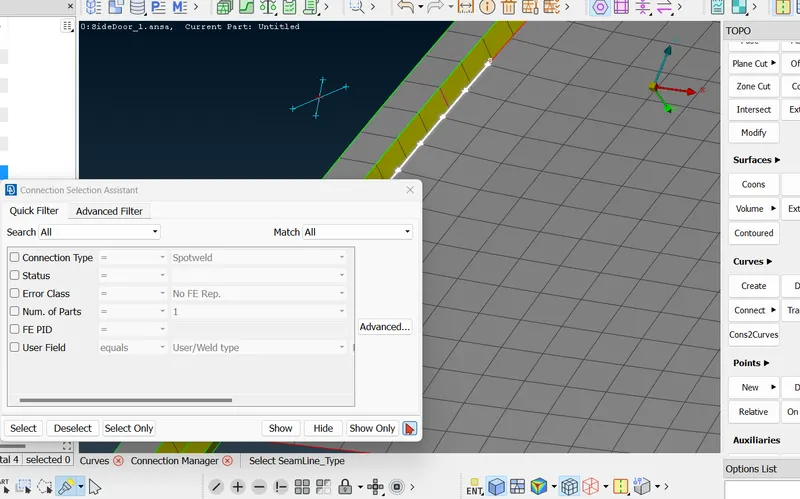
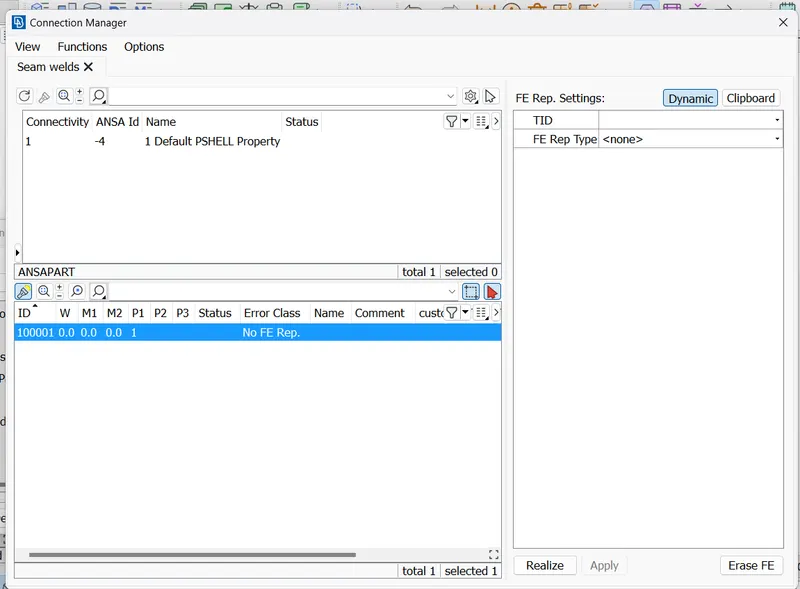
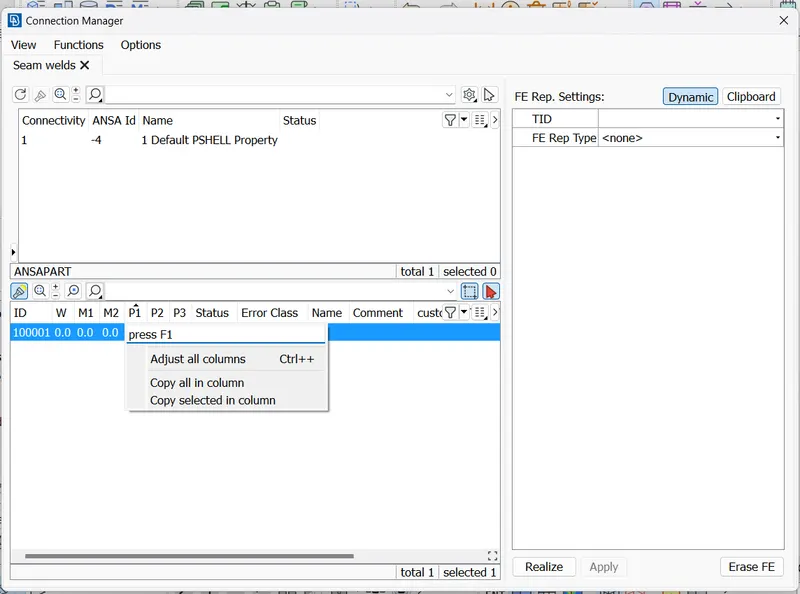
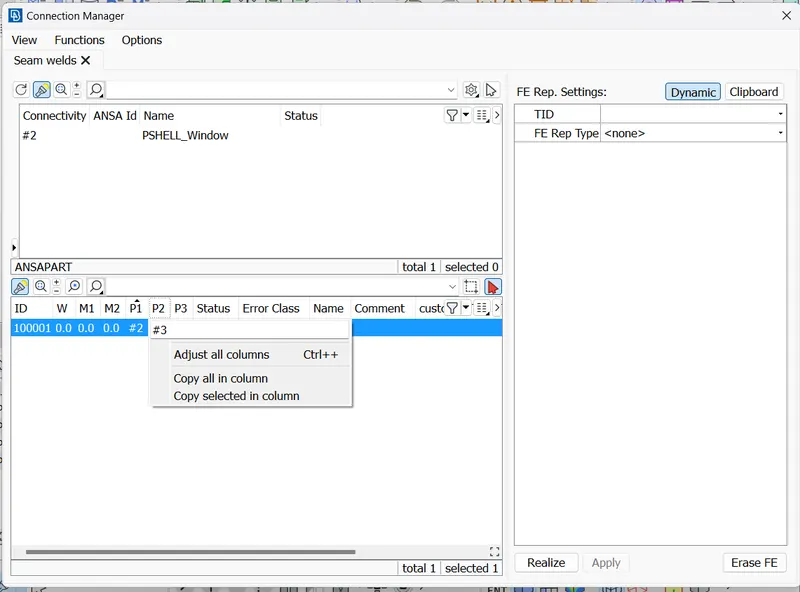
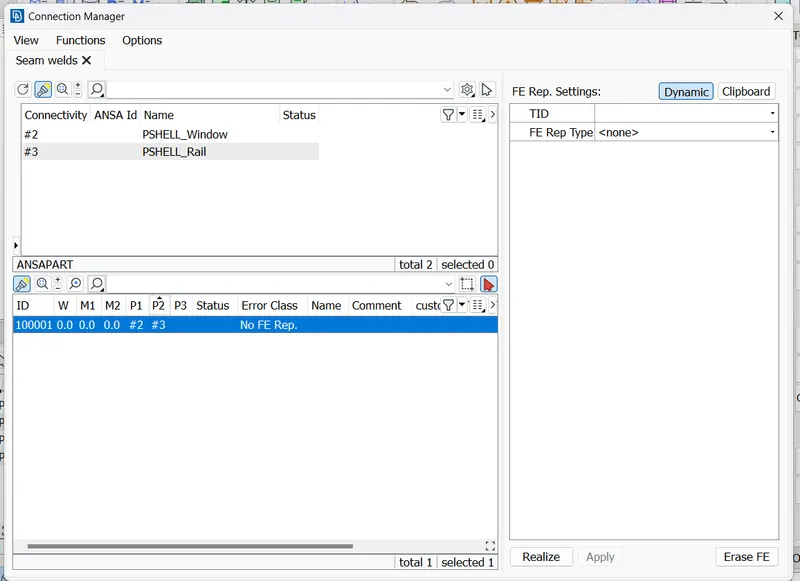
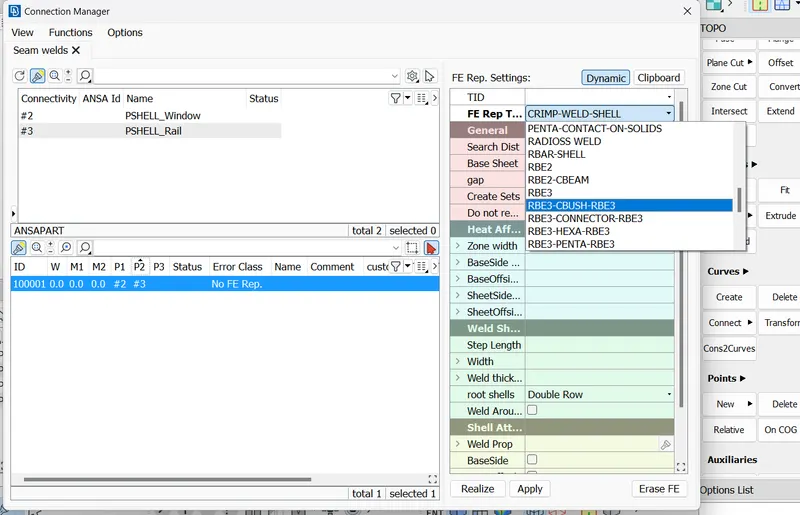
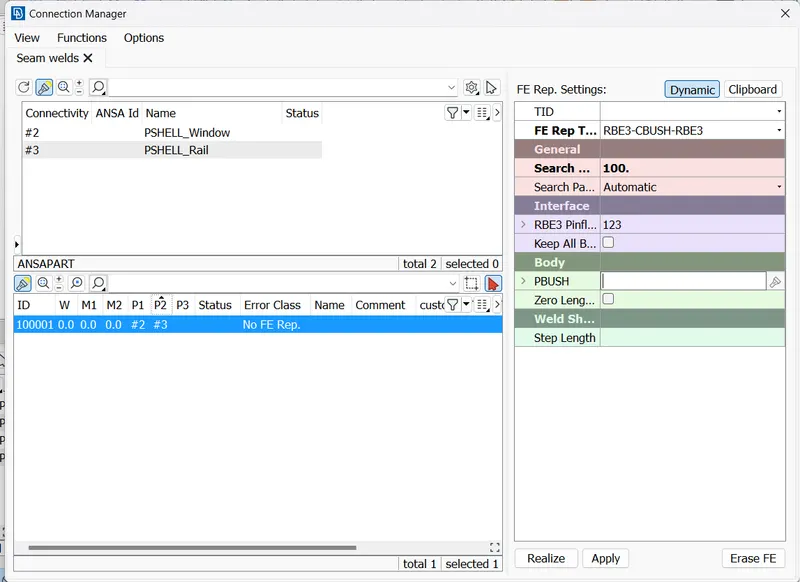
For PID Press' ? 'symbol and then apply and realize.
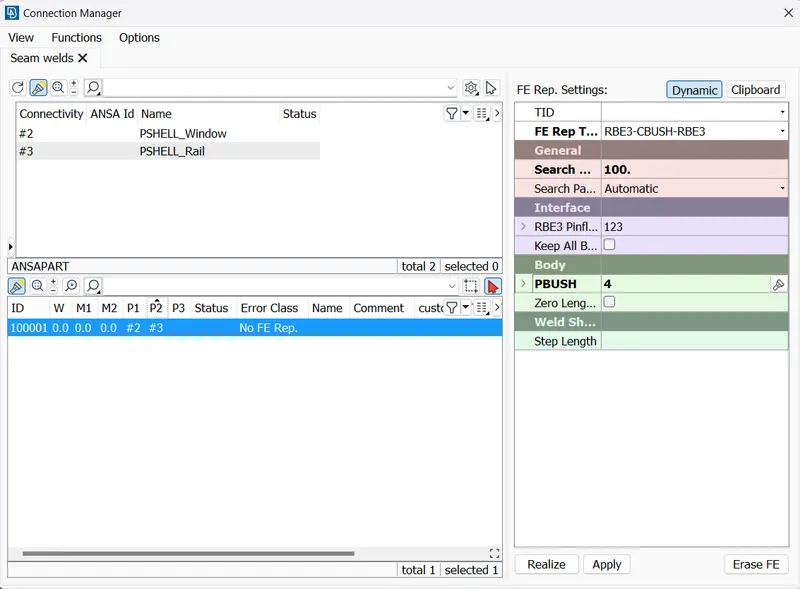
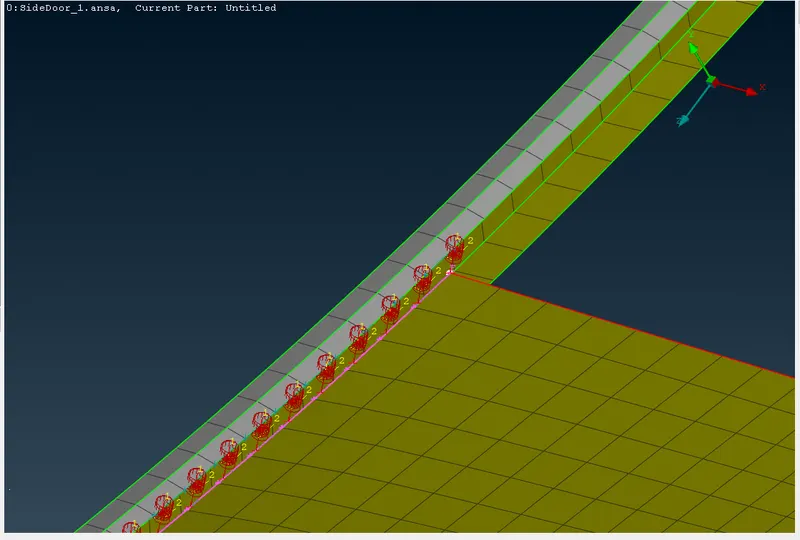
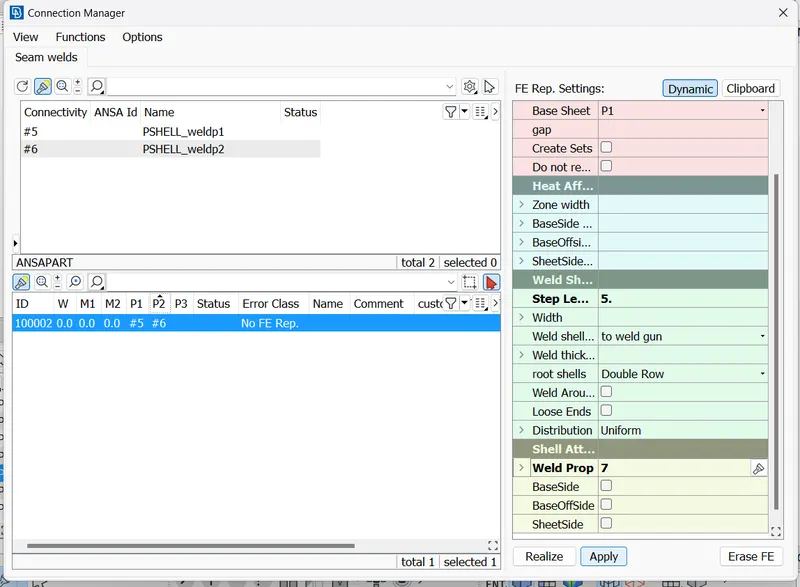
Then we go for weld areas to make a connection.In which we can make a curve feat 2 curve
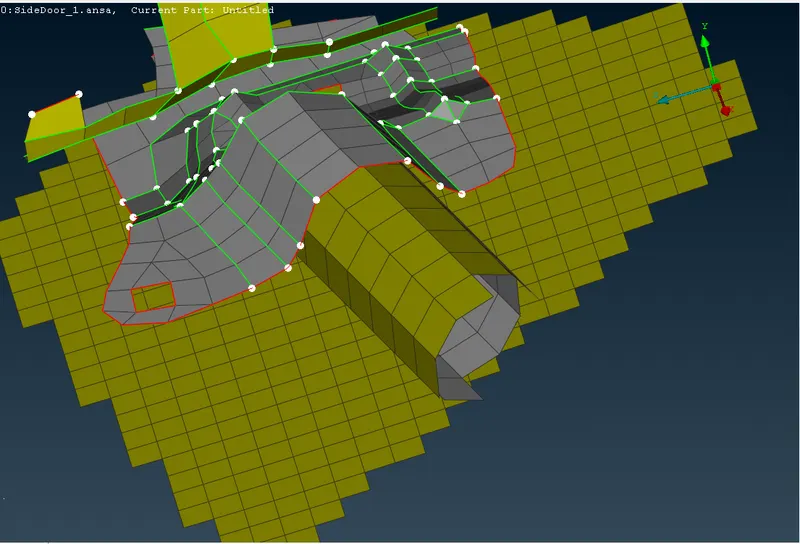
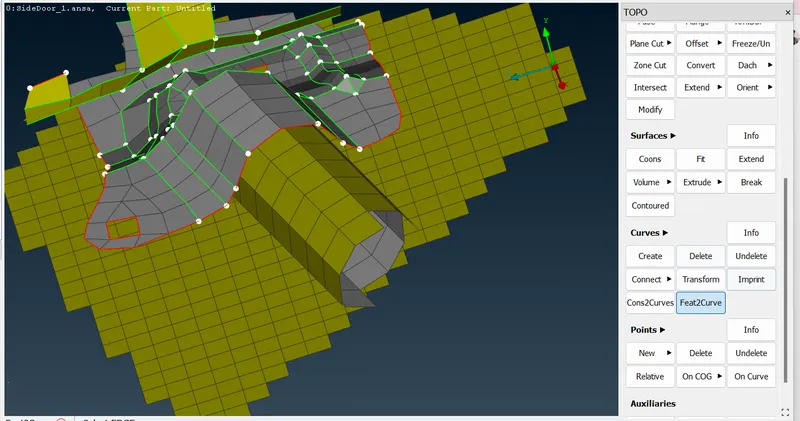
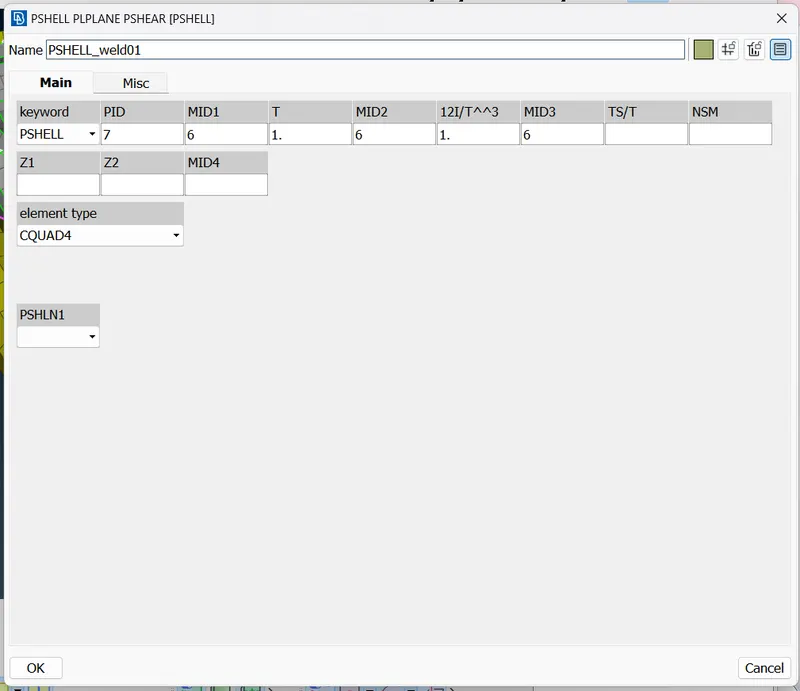
And we need make 2 pid's for weld area for creating weld connectrion.
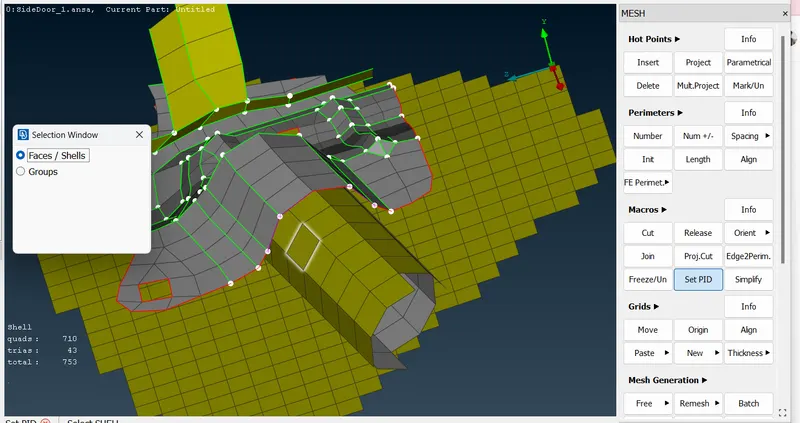
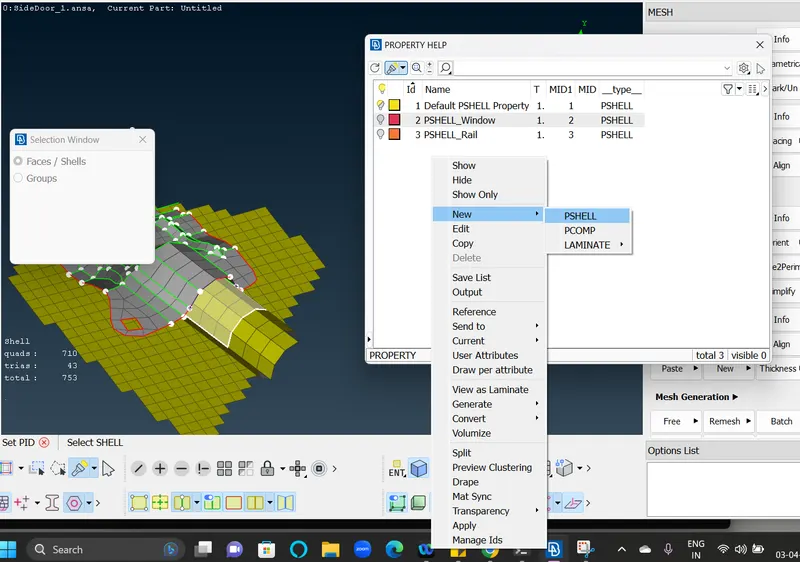
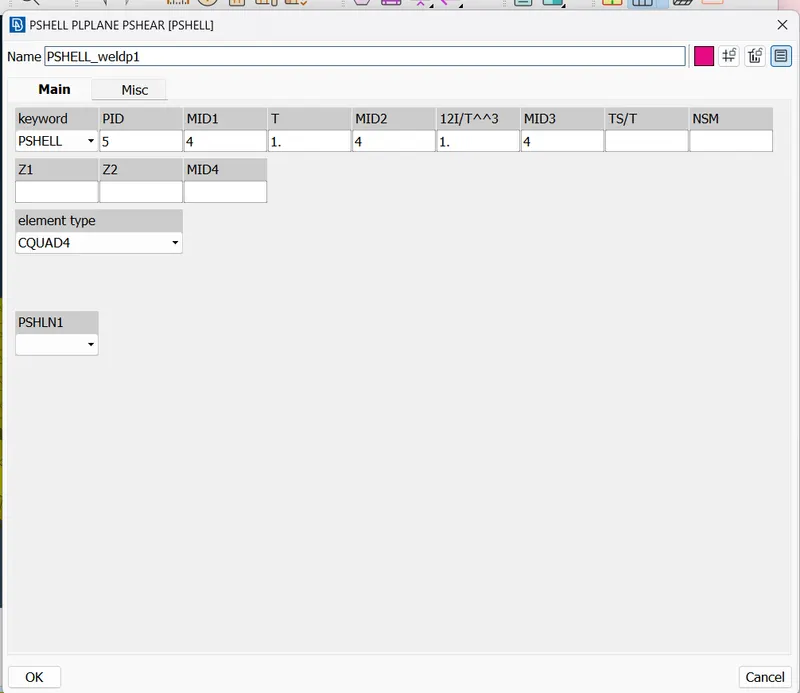
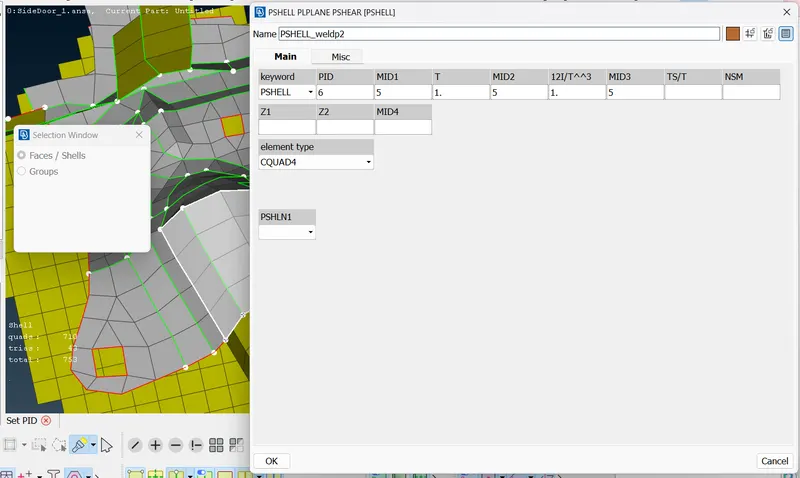
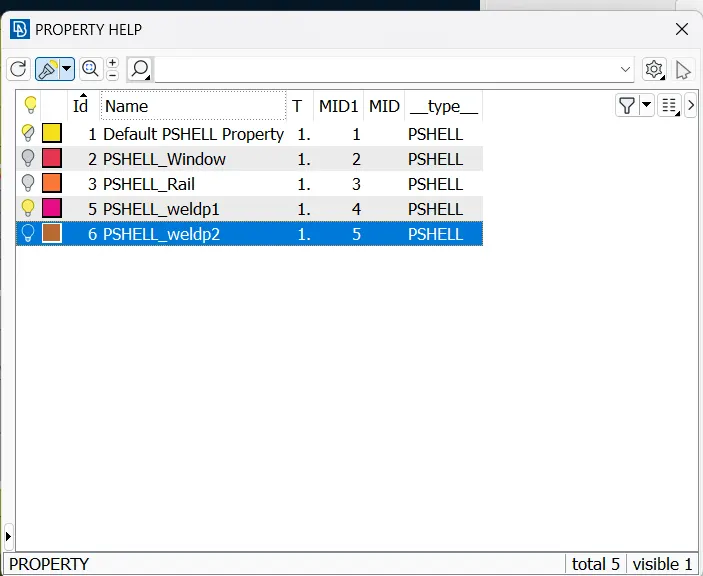
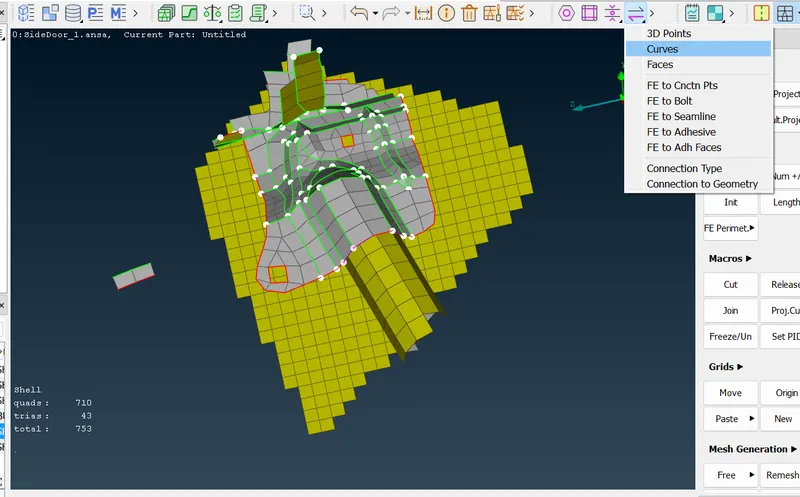
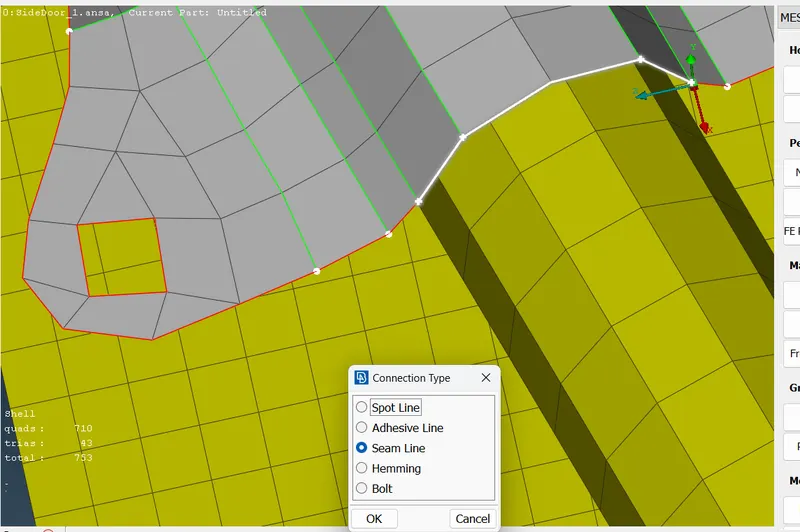
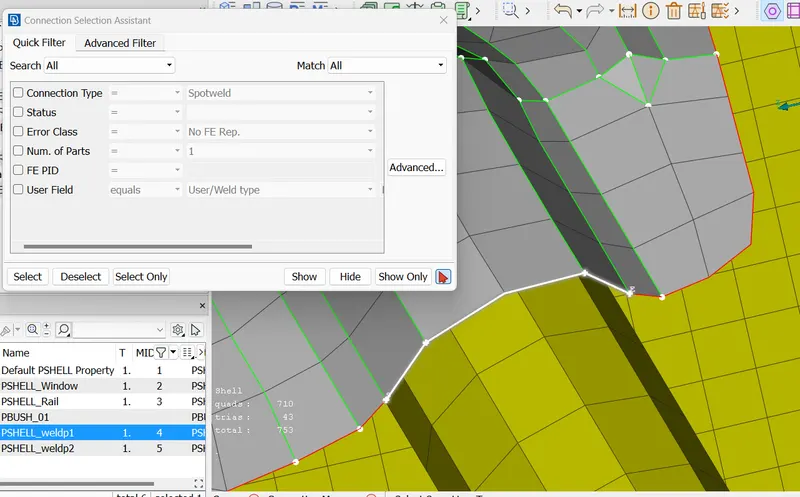
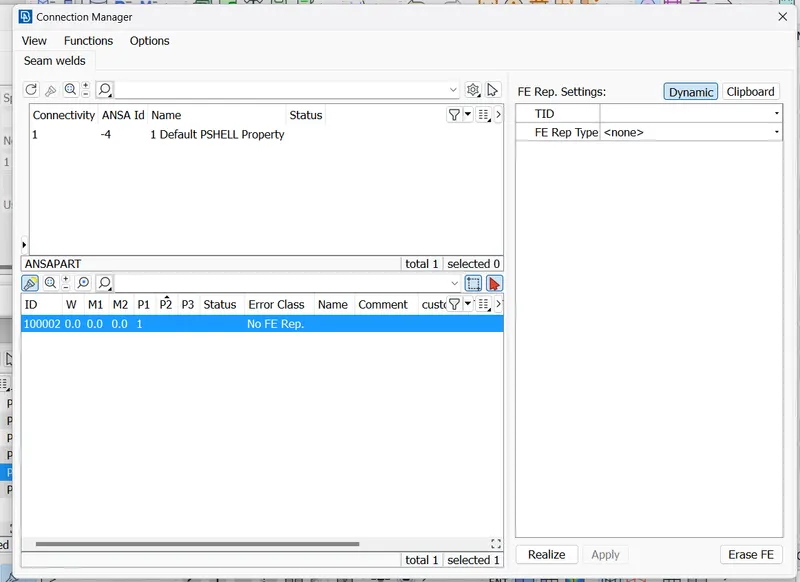
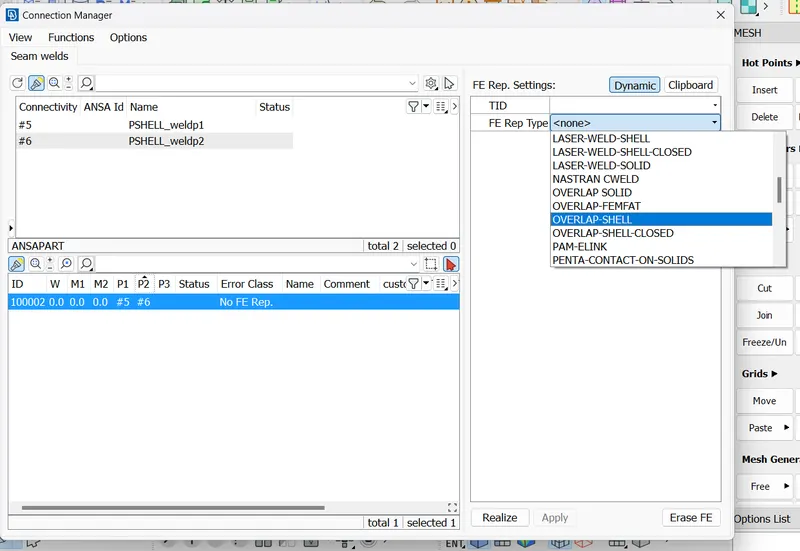
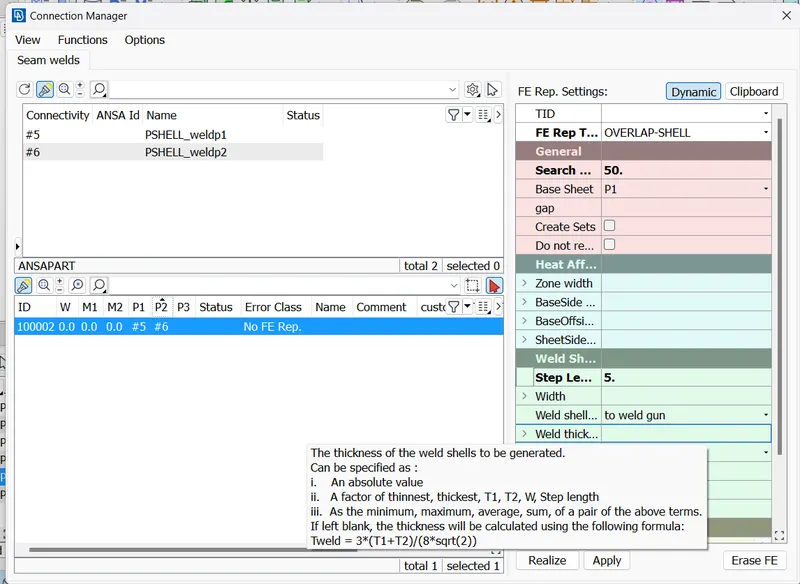
For PID Press' ? 'symbol and then apply and realize.
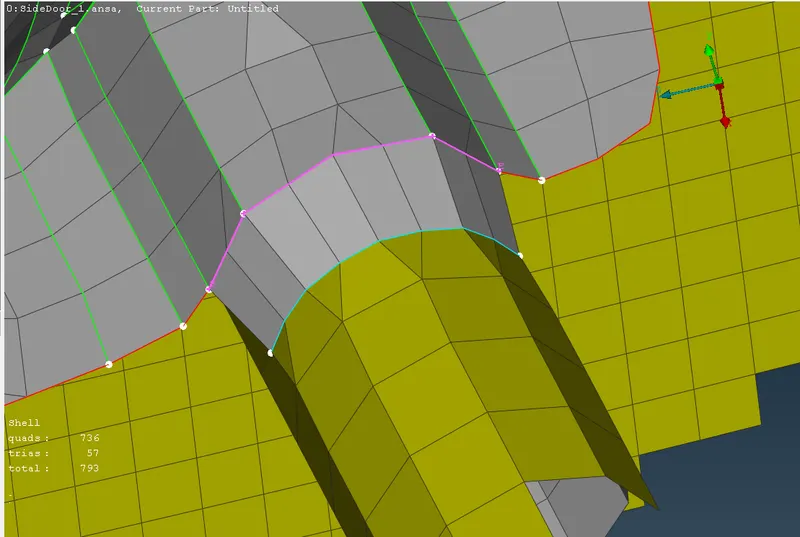
By using all the above method we make the connection and final output like below.