Week 3 - 2D meshing for Sheet metal
Aim:-
For the given Hood model, Take the mid surface for all the components after checking the geometrical errors and mesh the mid surface with the given element Quality criteria.
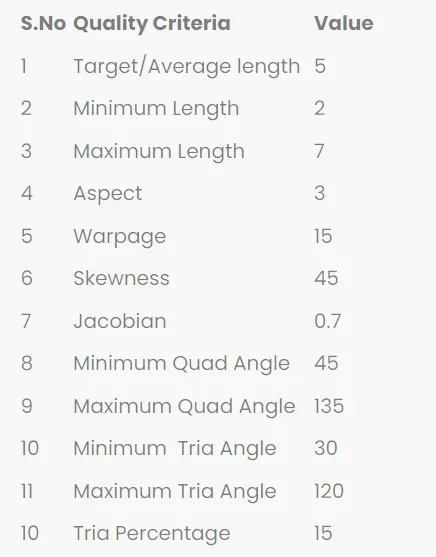
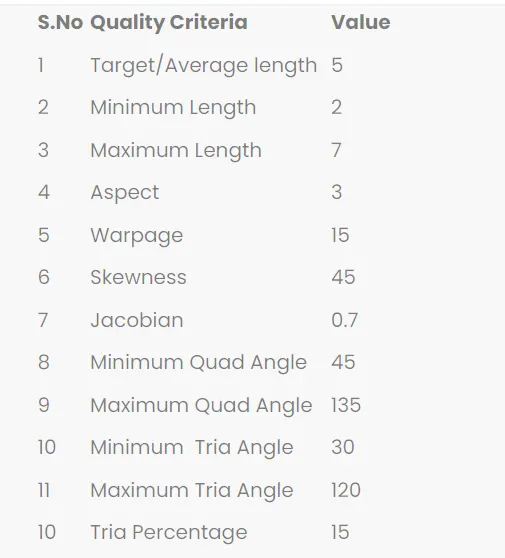
Below Quality criteria for Meshing
Procedure :
First we took the model from given link and download the model.
Then we open model in ANSA,for fixing graphical issue we will give inputs like below
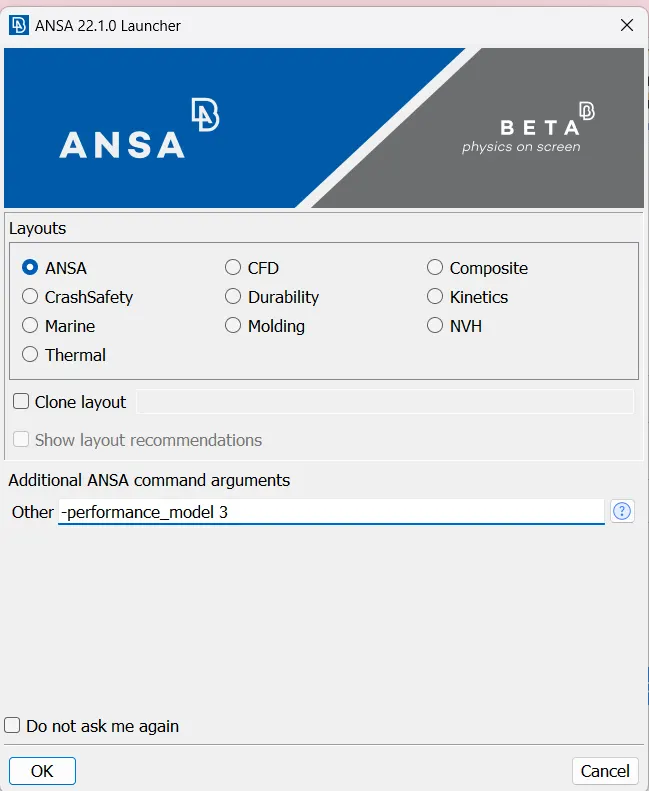
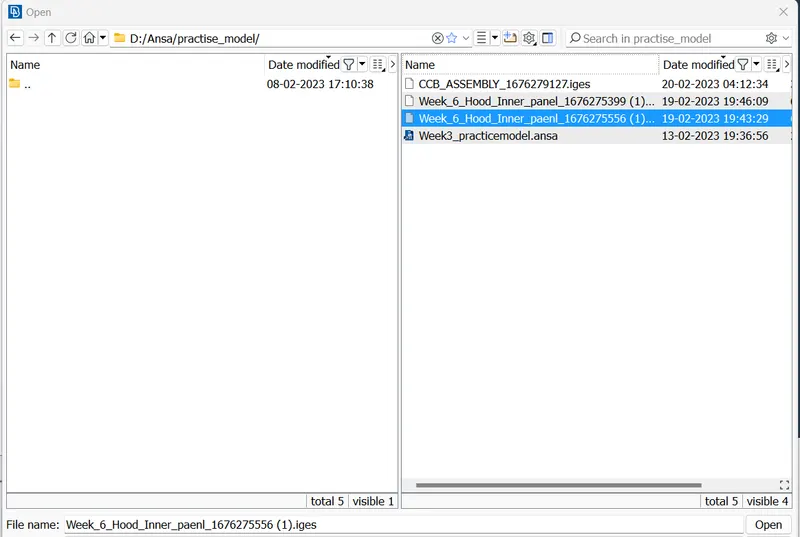
Then click on open,model in ANSA like Below
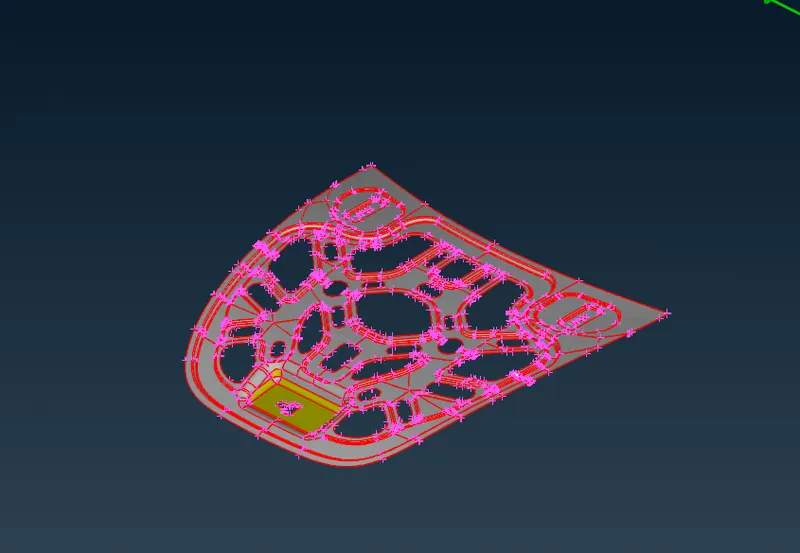
- After opening the model, One should check with the single CONS in the model. Generally single CONS will be represented by Red colour lines which shows there is no connectivity between the surfaces in the model.
- From the above image it is clear that the model is having only single CONS. Basically every CAD model while imported in ANSA, It should have double CONS (yellow lines).
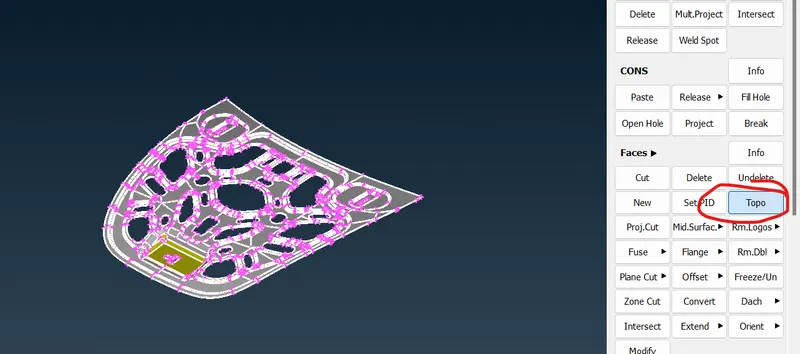
- In order to get double CONS from single CONS, TOPO operation should be carried out.
- After upload the model into ANSA we give the Topo for the model.

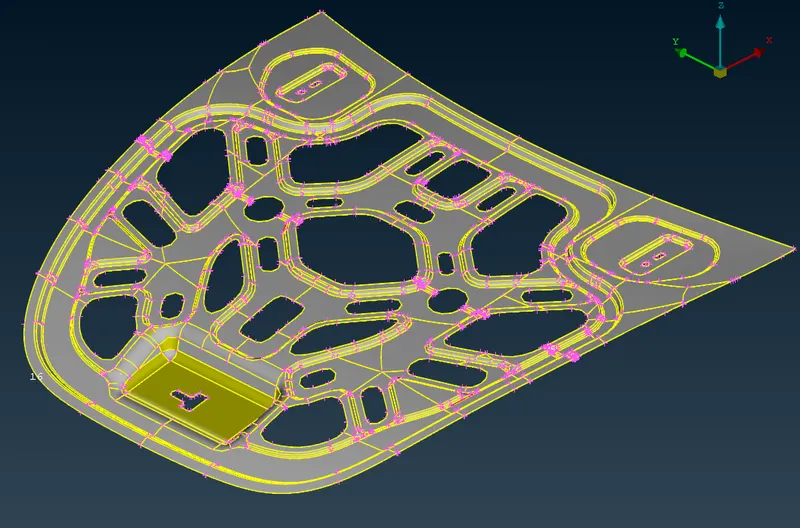
After the topo model look like below
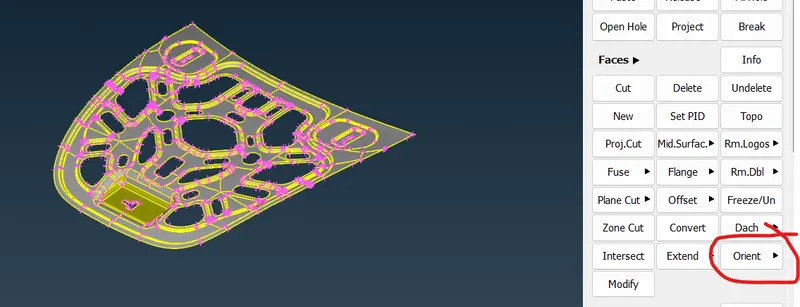
Next we can give Orient for the model to modify the orientation of a model for getting good results
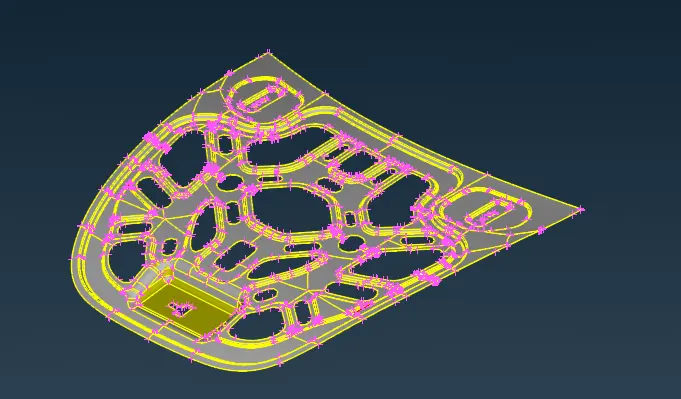
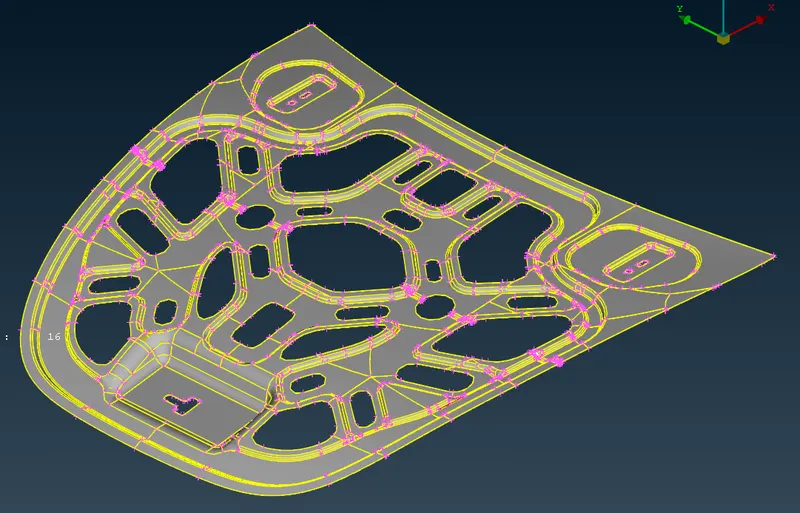
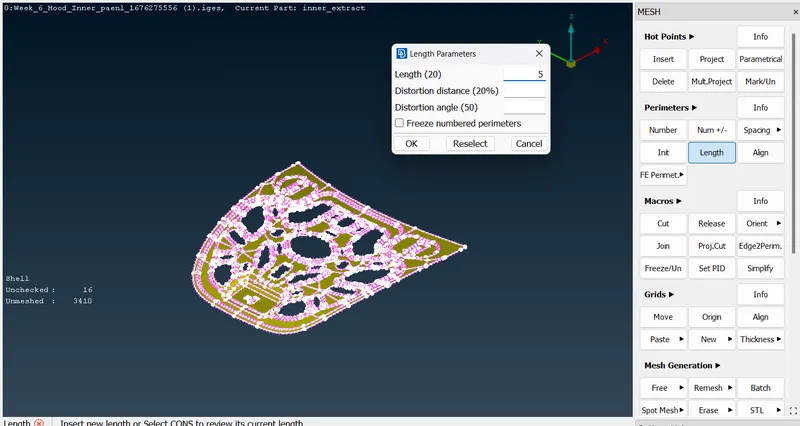
Changing the distance between nodes from 20 to Target element length given Quality criteria,we can increase the cons resolution model.This will help us to undestang Shape and Geometry of a model.
Then start geometry check for model
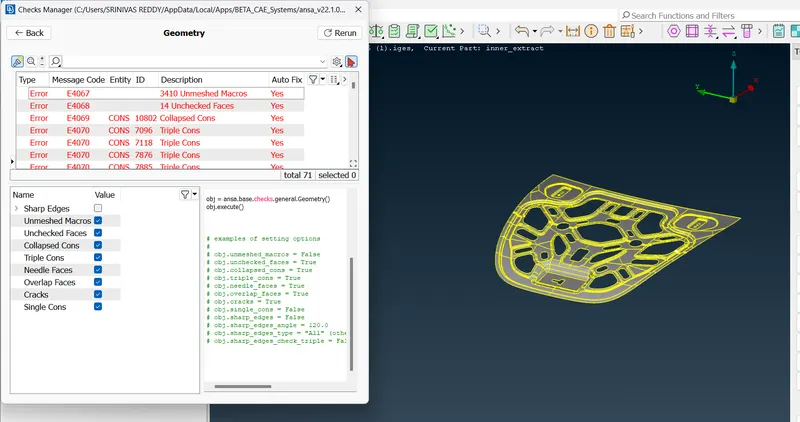
Some of gemetric issues we are automaticaly fix by right click on the issues window select fix then middle click.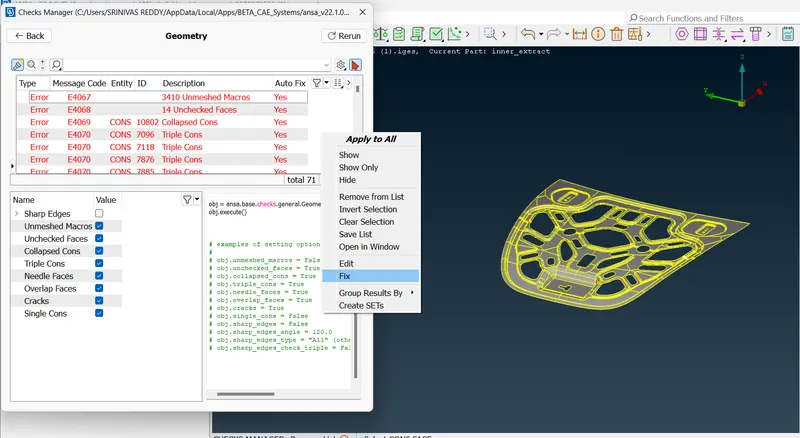
Remaing issues clear manually
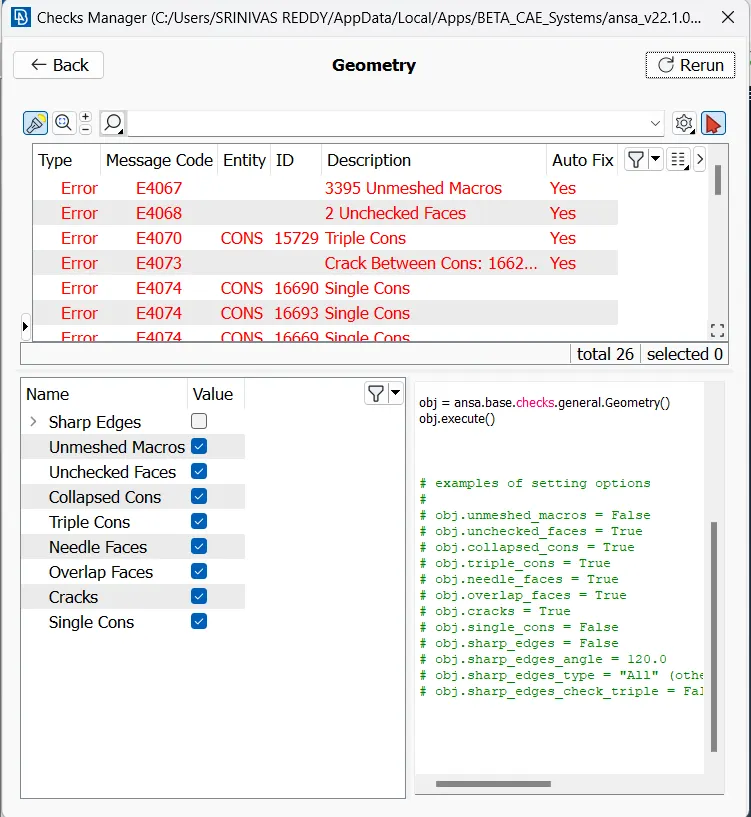
Then right click on at issues to clealrly visualize the issue and fix the issue by using below commands
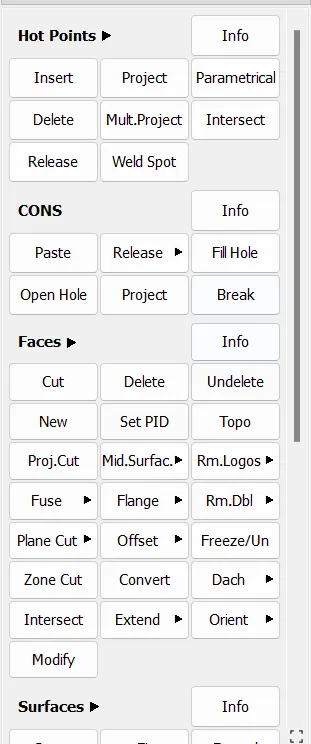
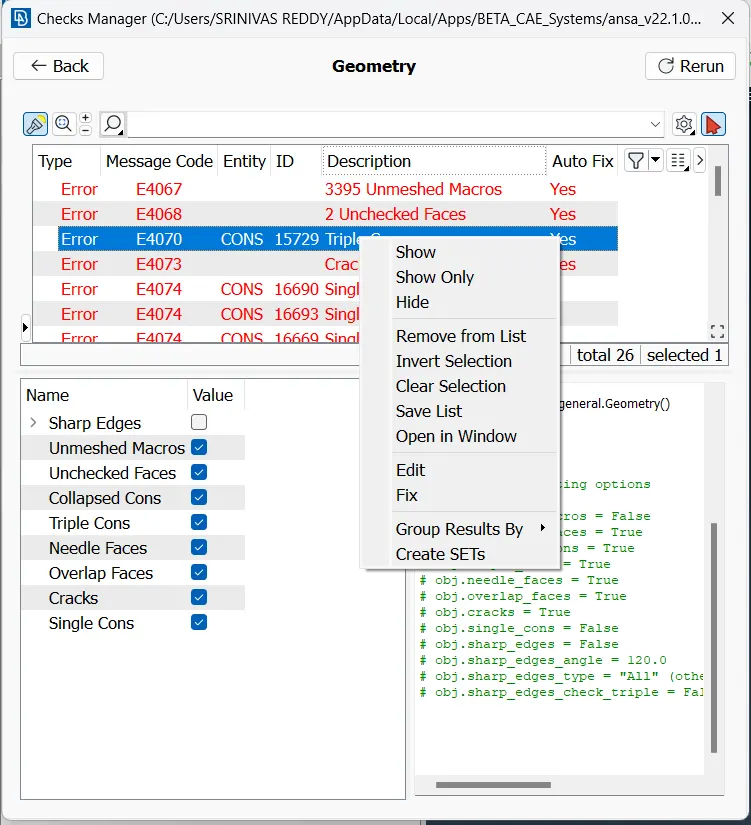
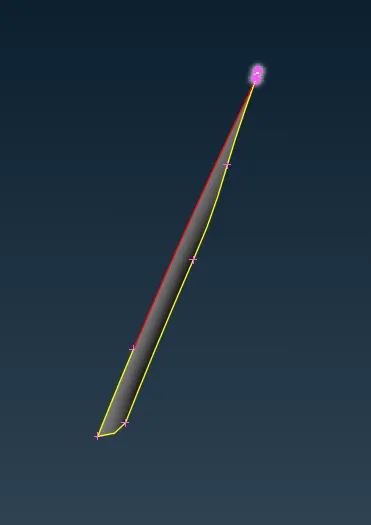
After removing geometry check our model like below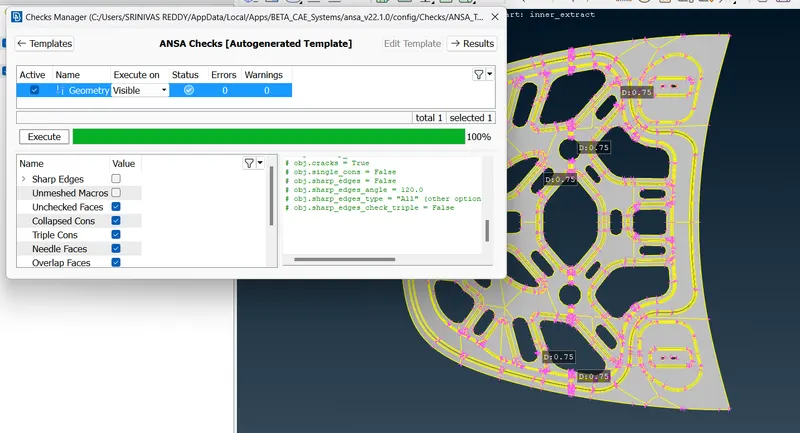
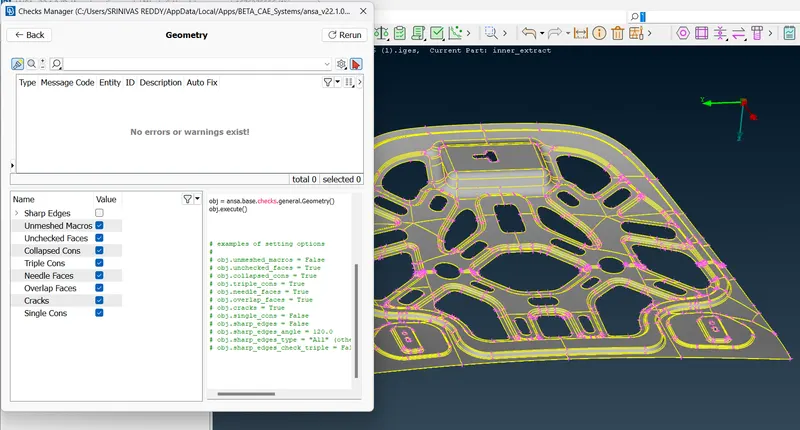
Next we need measure thickness of the model
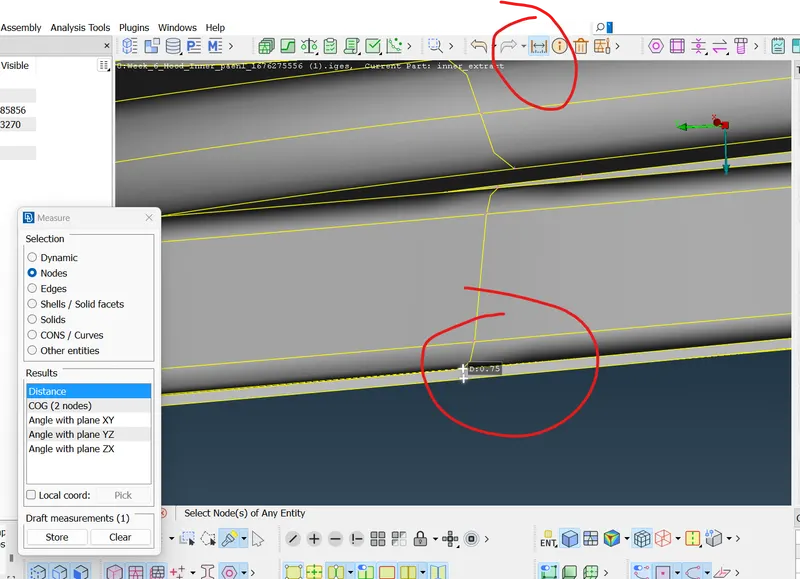
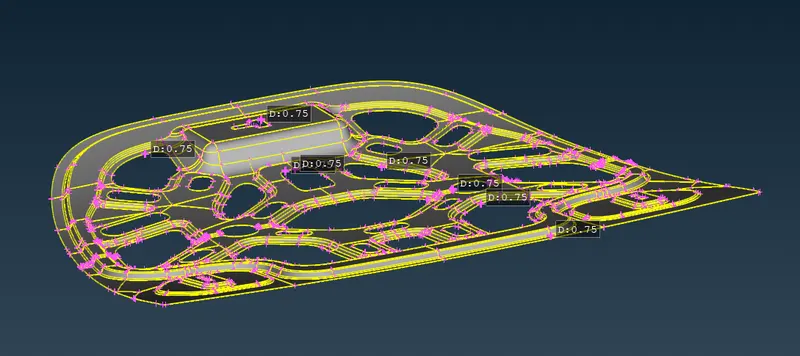
Then create or remove unnecessary PID
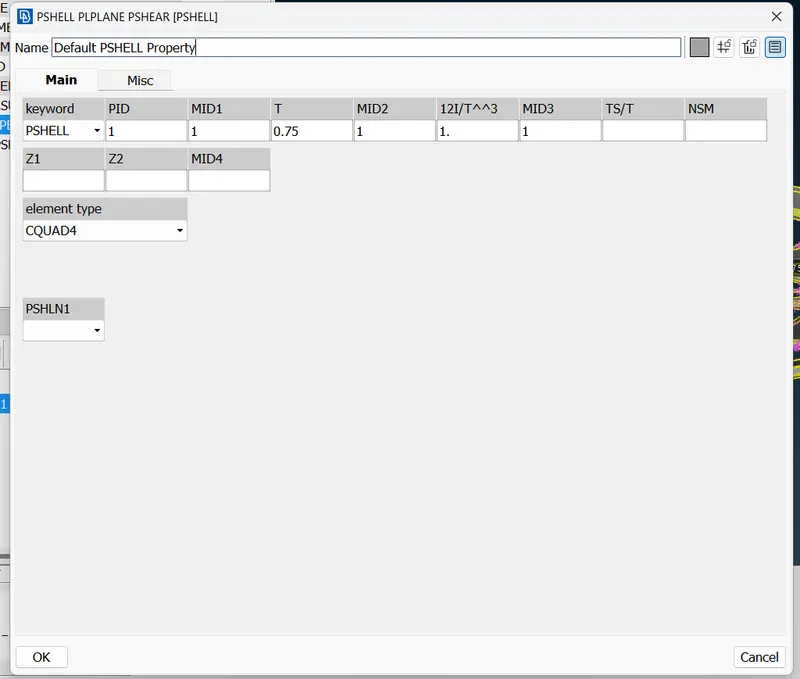
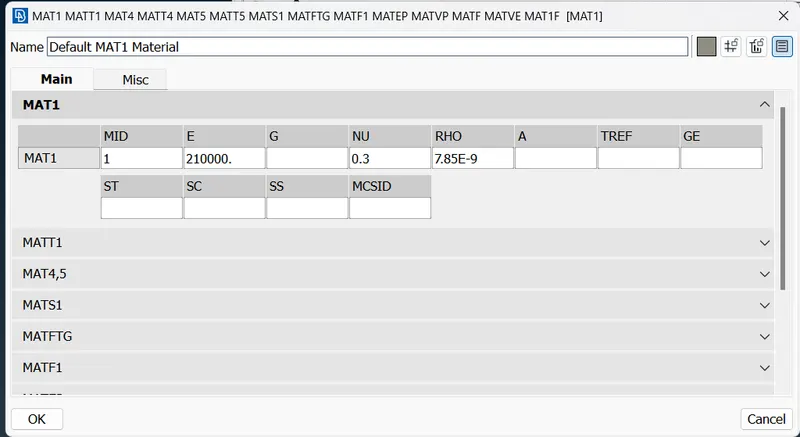
Check the material assigned to the object
Then we create midsurface to our model.In which we have two option
1.automatic

2.manual

1.By using mid-surace (skin) command we create mid surface of model automatically
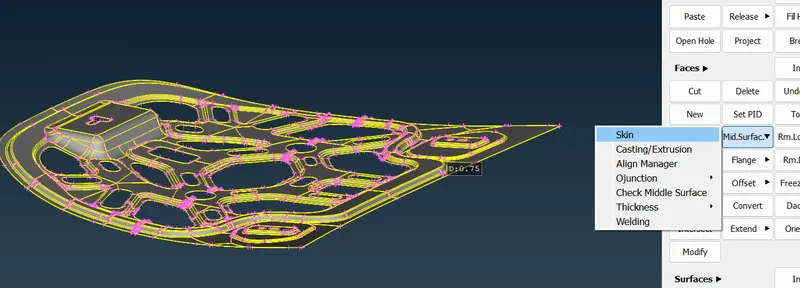
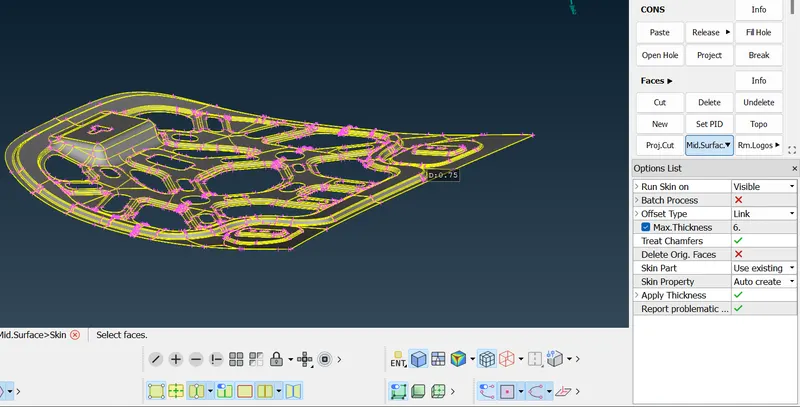
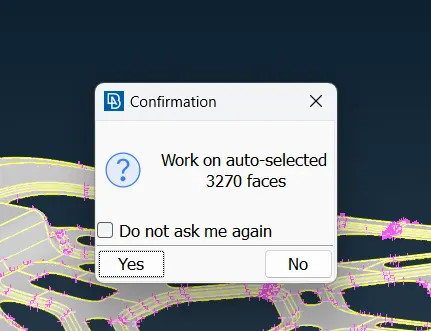
Then click on ok.
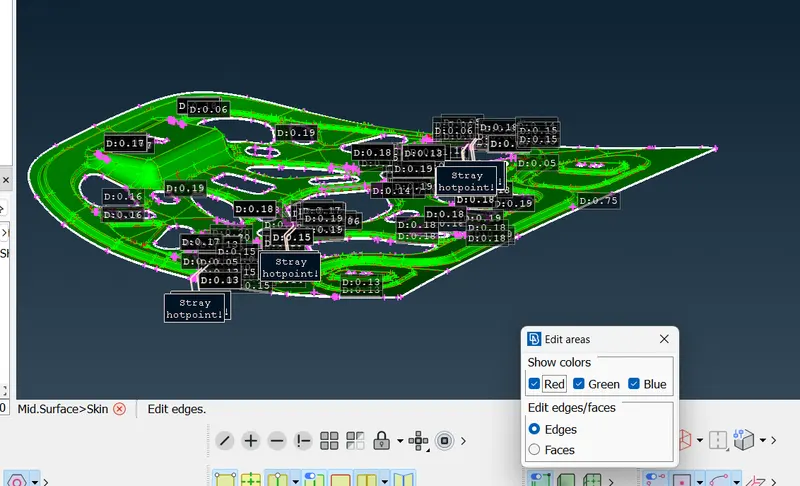
Check the model and have any face issues fix it.
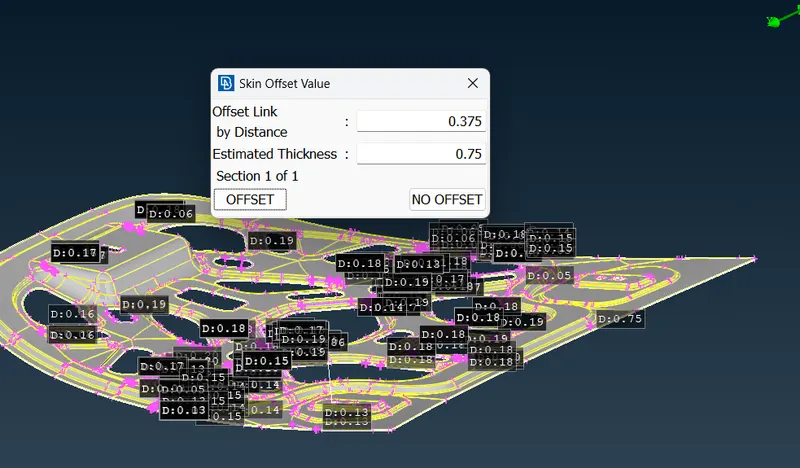
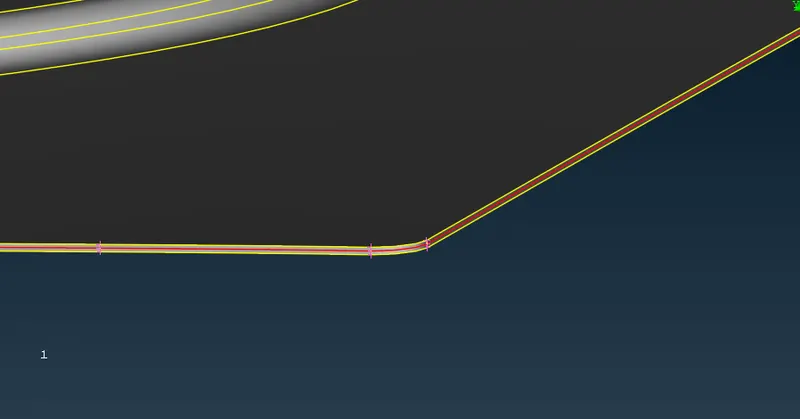
2.manuall we create the midsurface by using offset method.
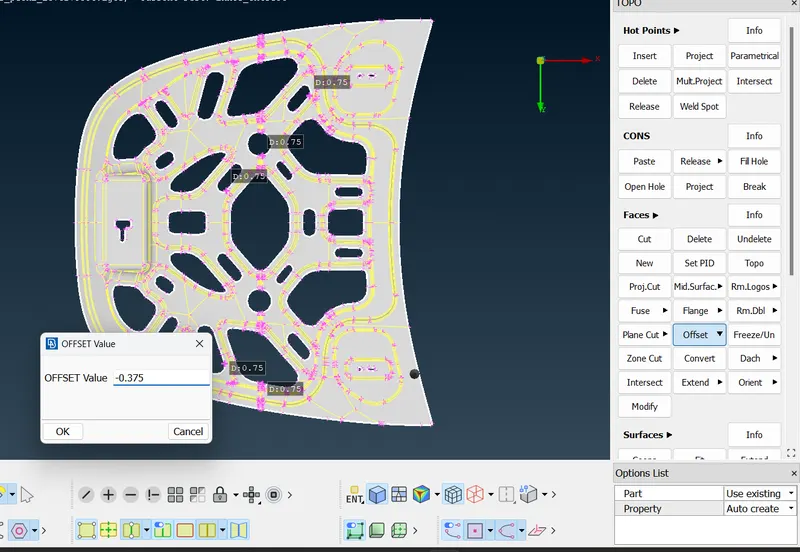
select the onside of model by feature option.then give in option list propert as Auto create.then middle click in mouse.we get below result.
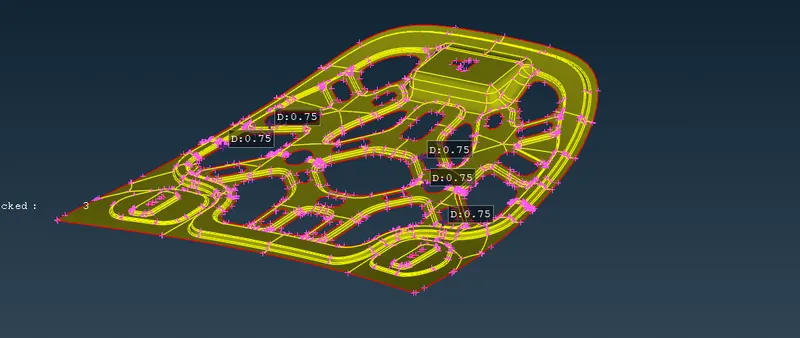
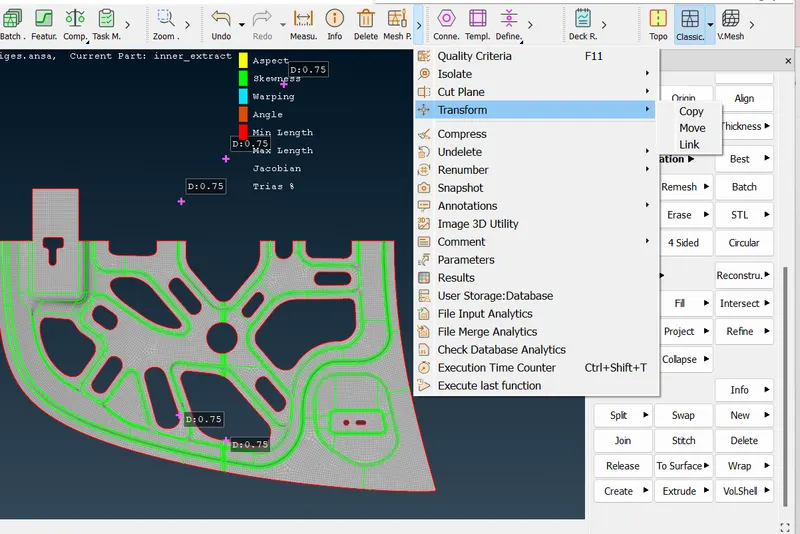
create midsurface and then start the geometry cleanup.before that we can cut the our model beacause most of surface is symmetry.due to that one side we can do the geometry clean up and give mesh to that model and give transform command and give copy to get same on other side.
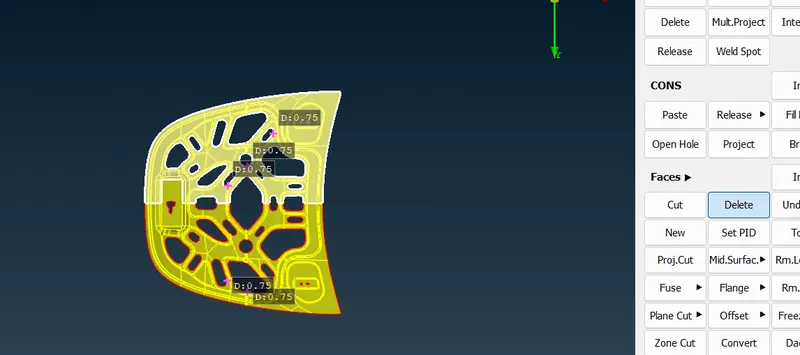
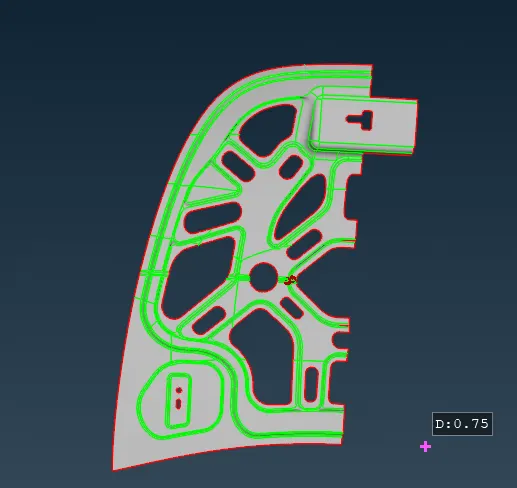
Geometry clean up
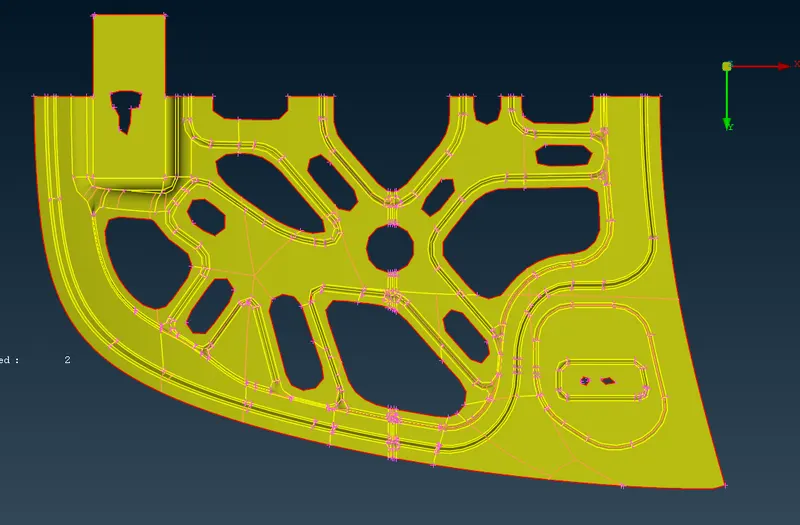
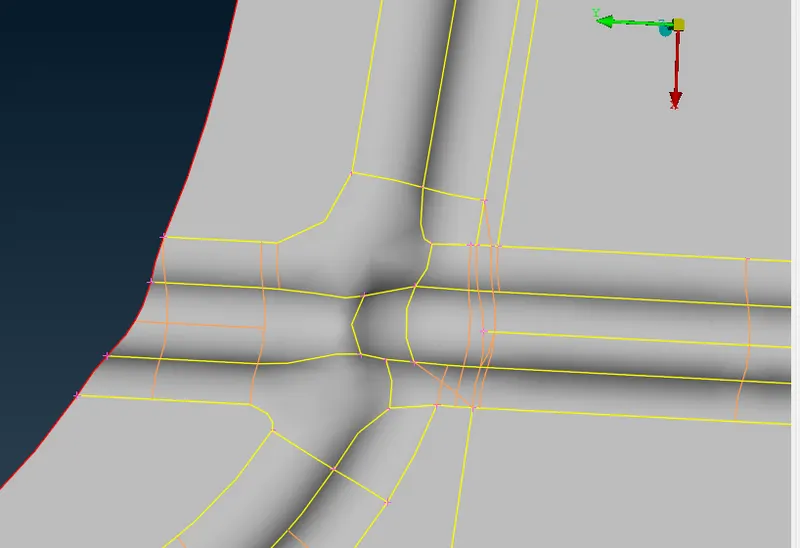
Then we move to mesh and apply the best mesh and copy to other side.
First give the mesh parametrs like below
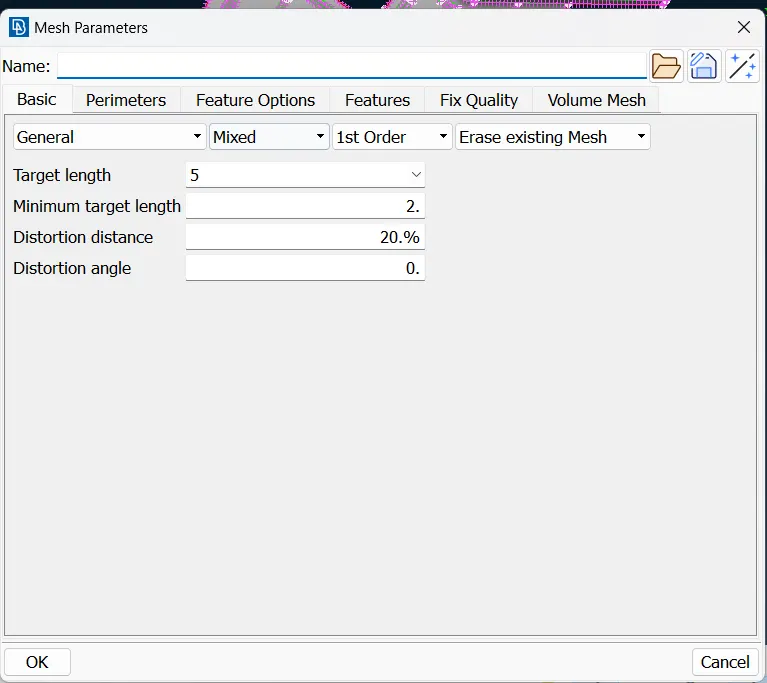
Then we apply below quality criteria to model
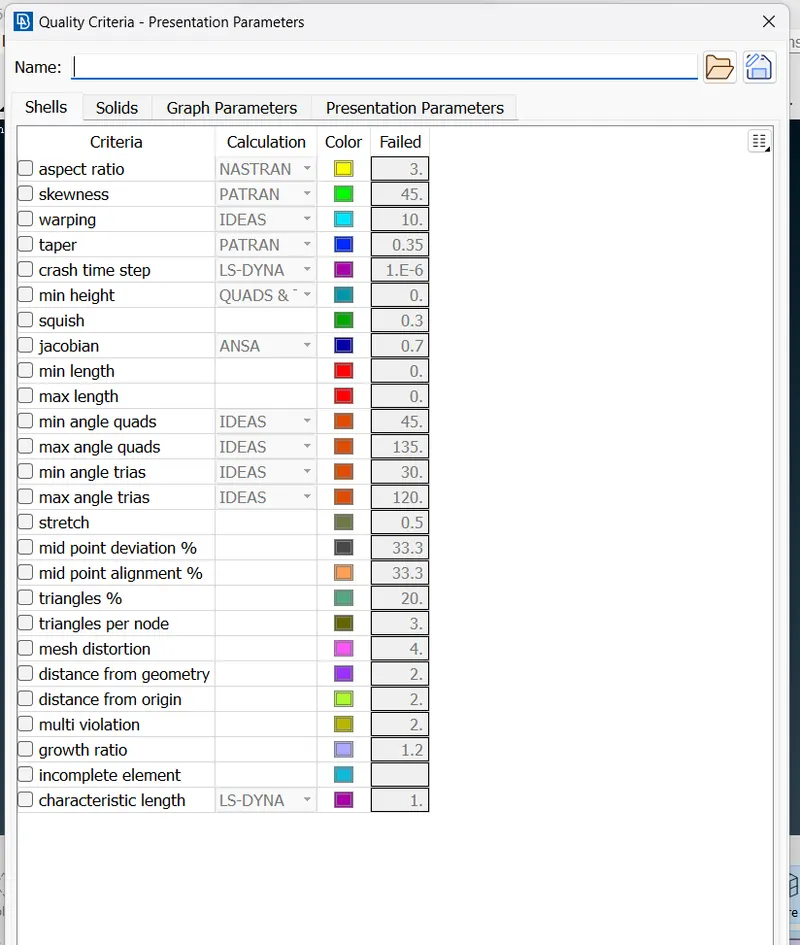
By clicking the F11 we get quality criteria popup like below
then we apply mesh to the model
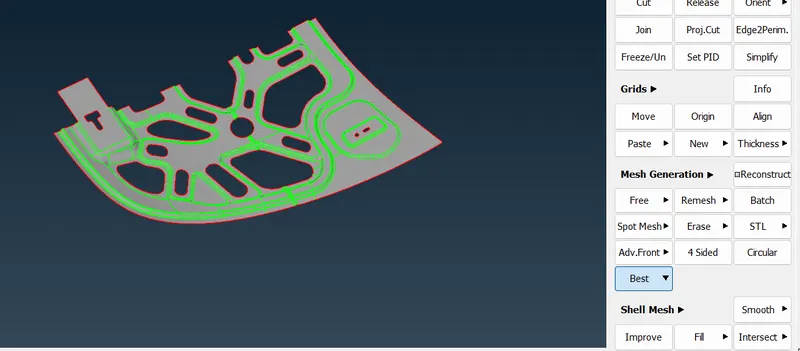
Then we check the Quality criteria of mesh as per our challenge.by enable quality criteria by click on the hidden button
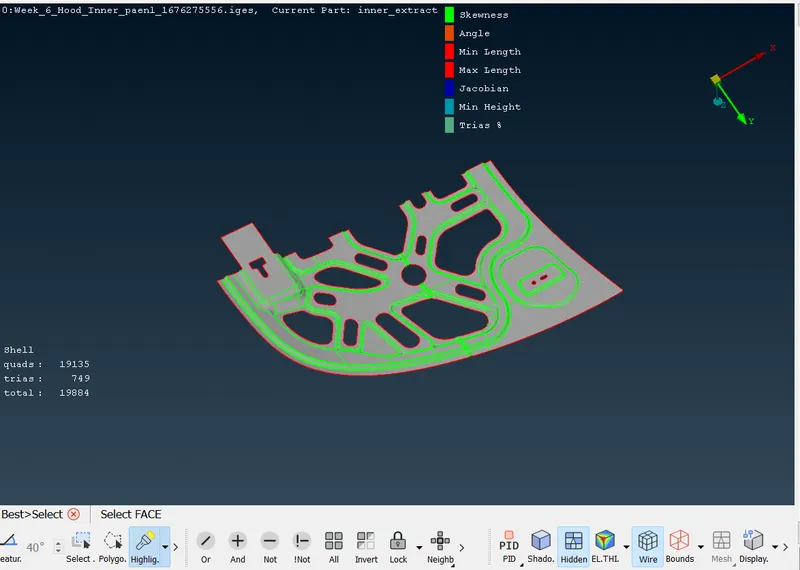
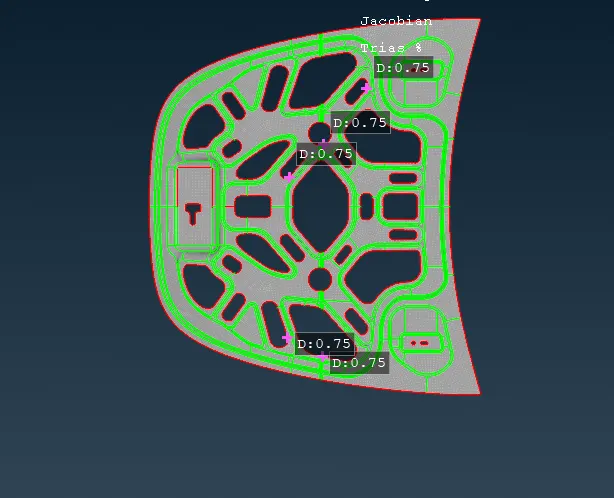
it shows mesh quality issues like below
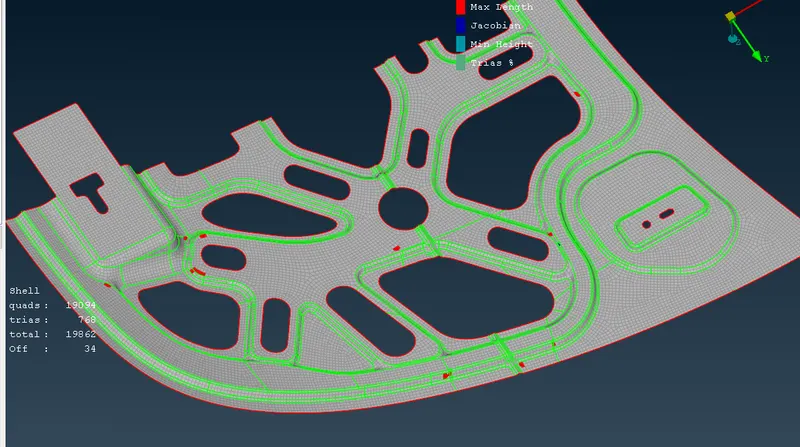
to fix the the quality issues by using below commands
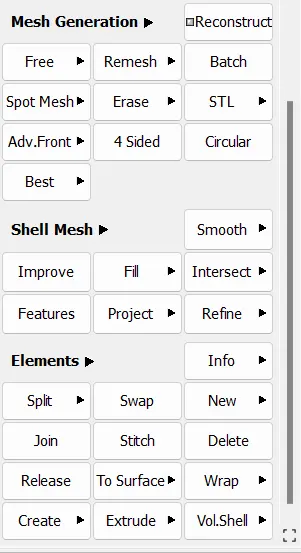
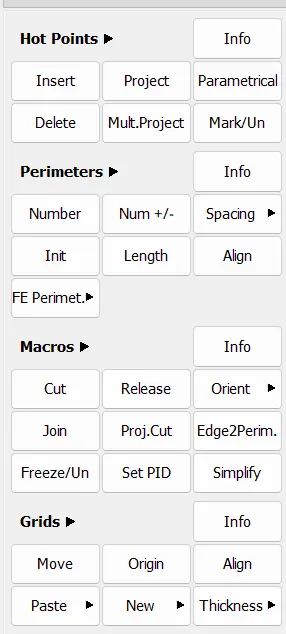
Then we need to focus on the mesh flow.it means all tria elements one direction and reduze the count of trias.by using above mesh edit command we will get proper mesh flow in our model.after the checking mesh floe in model.
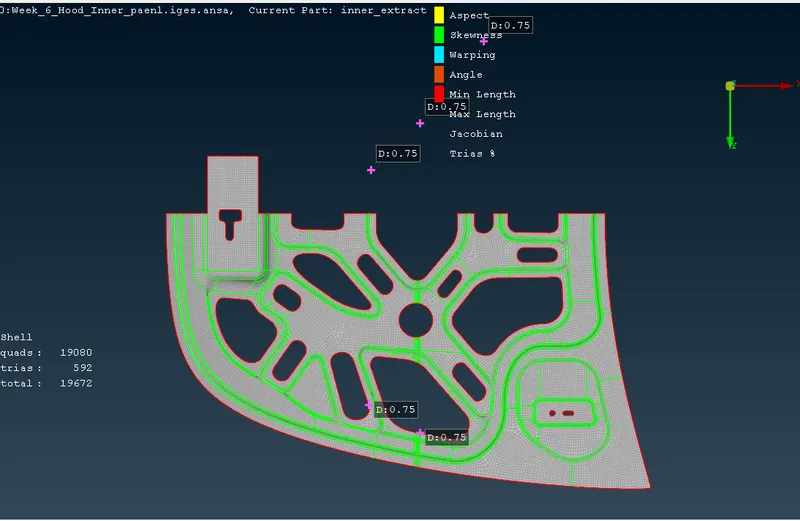
Then we can found the meshing on remaing portion of a model by using Transform _copy_symmetry_apply.
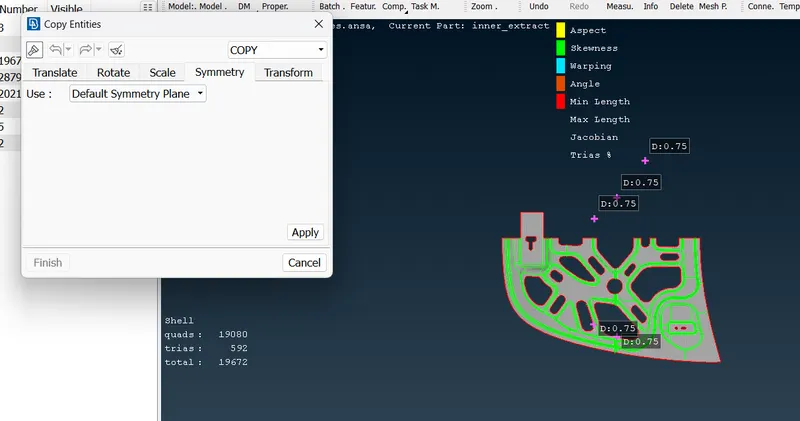
Then click on apply we get like below.This is the final reult for our challenge.