Week 4 - 2D Meshing for Sheet Metal
Aim:-
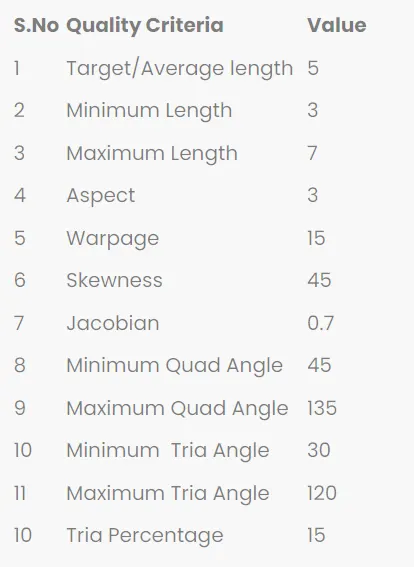
For the given CCB CAD model, Check for the Geometry cleanup , Take the mid surface, and Mesh it with the below 2D element Quality criteria.
Procedure :
First we took the model from given link and download the model.
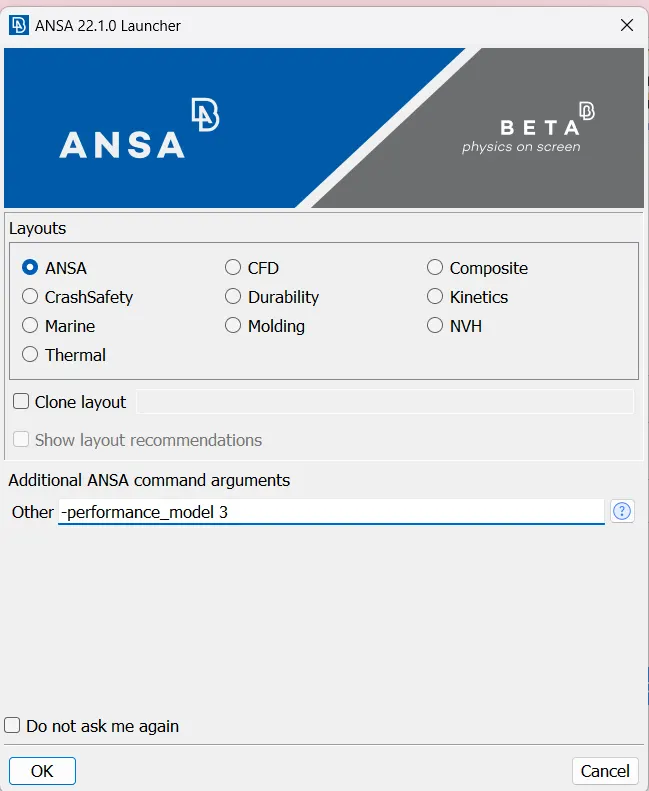
Then we open model in ANSA,for fixing graphical issue we will give inputs like below
Then open the model in ANSA it seems like below
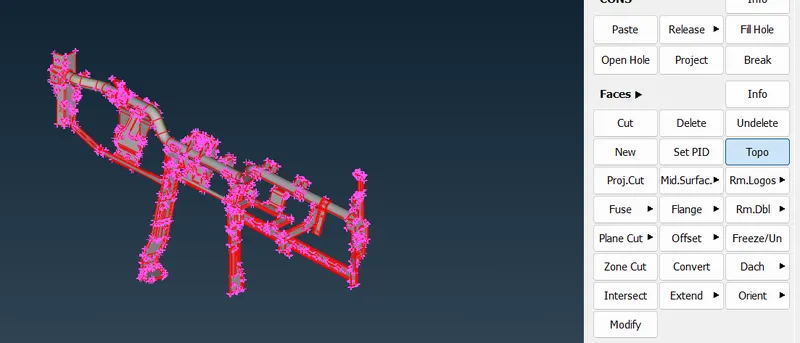
- After opening the model, One should check with the single CONS in the model. Generally single CONS will be represented by Red colour lines which shows there is no connectivity between the surfaces in the model.
- From the above image it is clear that the model is having only single CONS. Basically every CAD model while imported in ANSA, It should have double CONS (yellow lines).
- In order to get double CONS from single CONS, TOPO operation should be carried out.
- After upload the model into ANSA we give the Topo for the model.
- after TOPO apply to the model
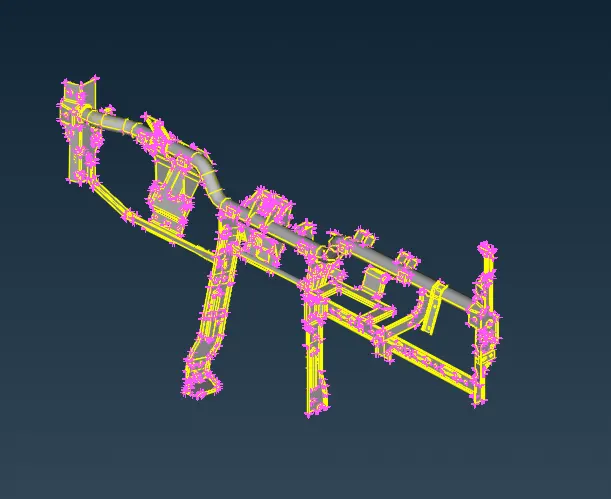
then go for geometry check for the model.
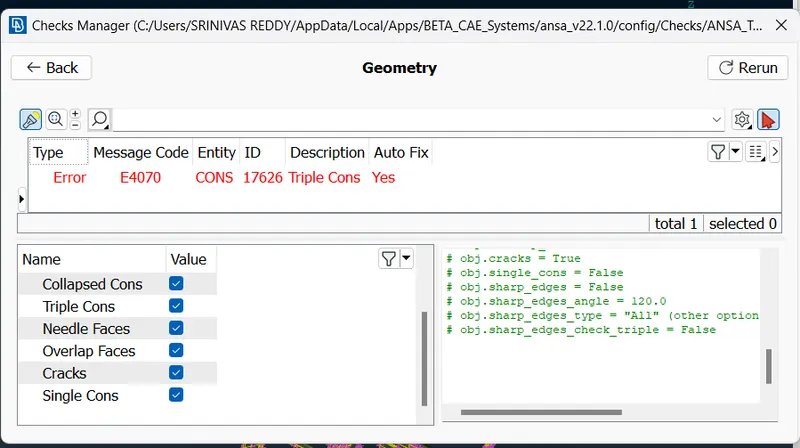
In geometry check up we got 1 geometric issues.but we ignore the that because the triple con connected to other surfaces and there is no duplicate surface.
Then we open the property list we have 34.so we individually do the midsurfacing and mesh operation to each property shell.To get good mesh flow.
first we go to the property list un hide all and unhide one by one and midsurface.
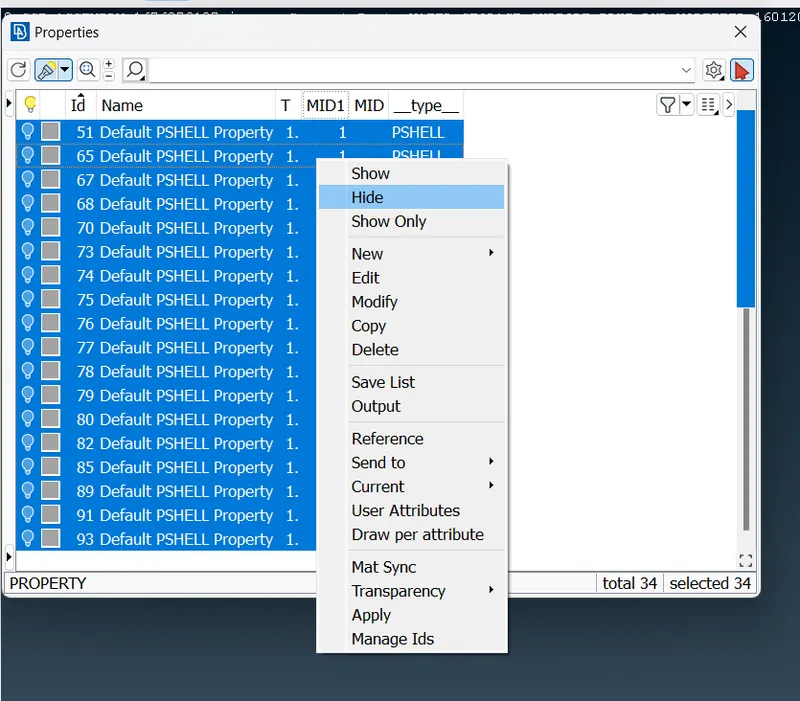
Then unhide and check the thickness and create mid surface.Then we do geometry clean up to model.
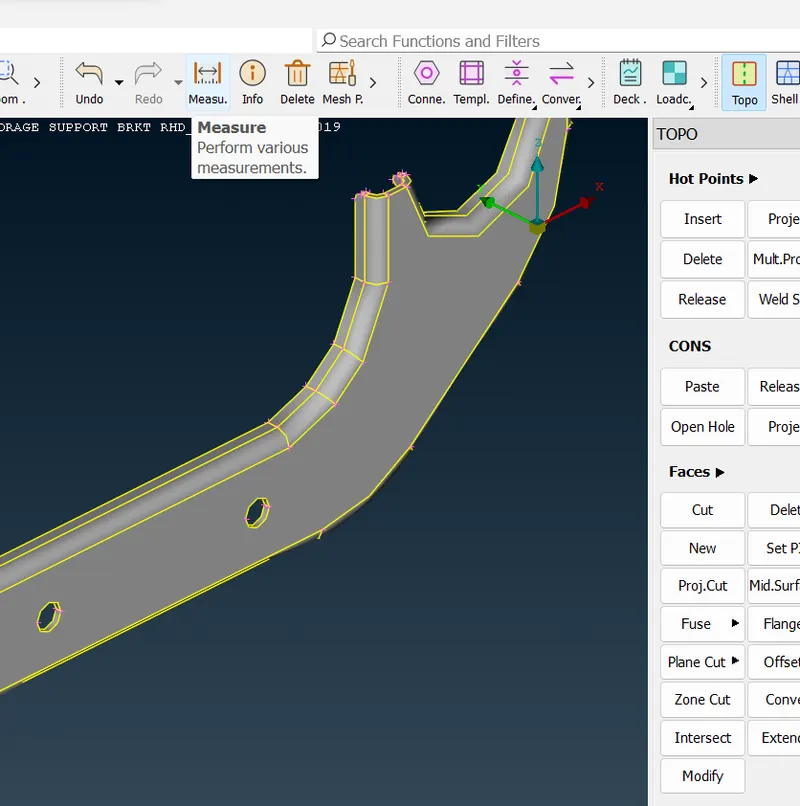
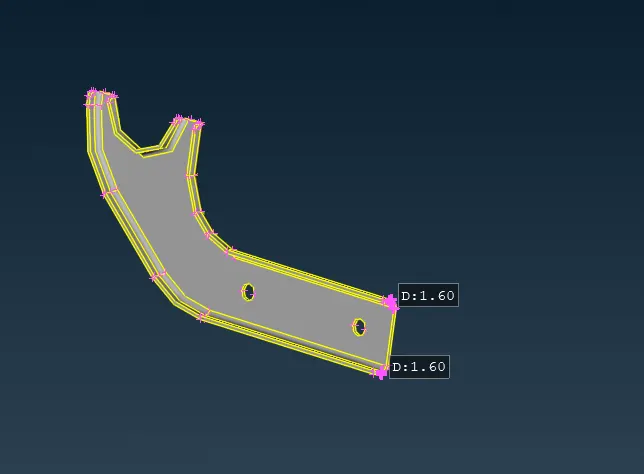
Then we create midsurface of model by using offset
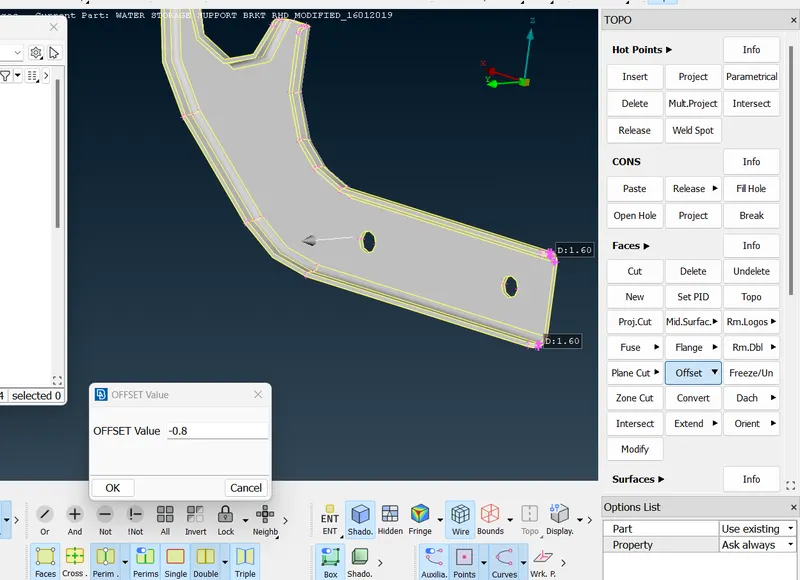 .
.
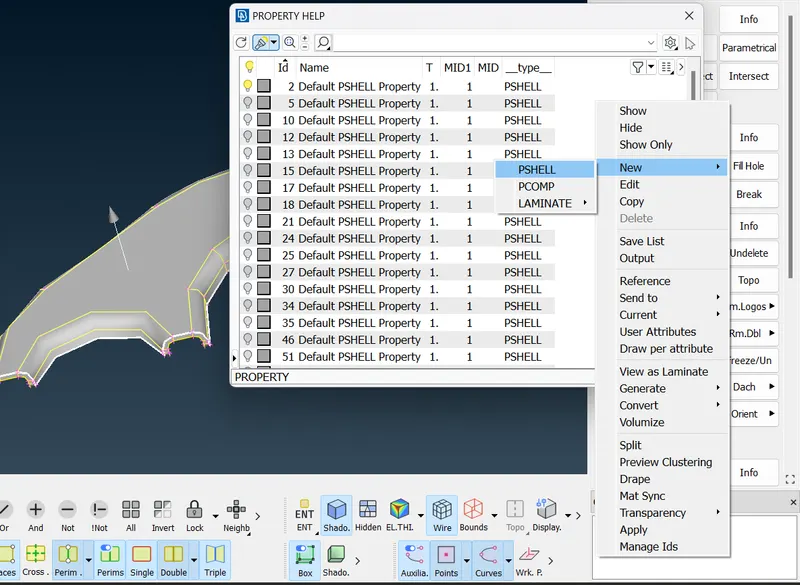
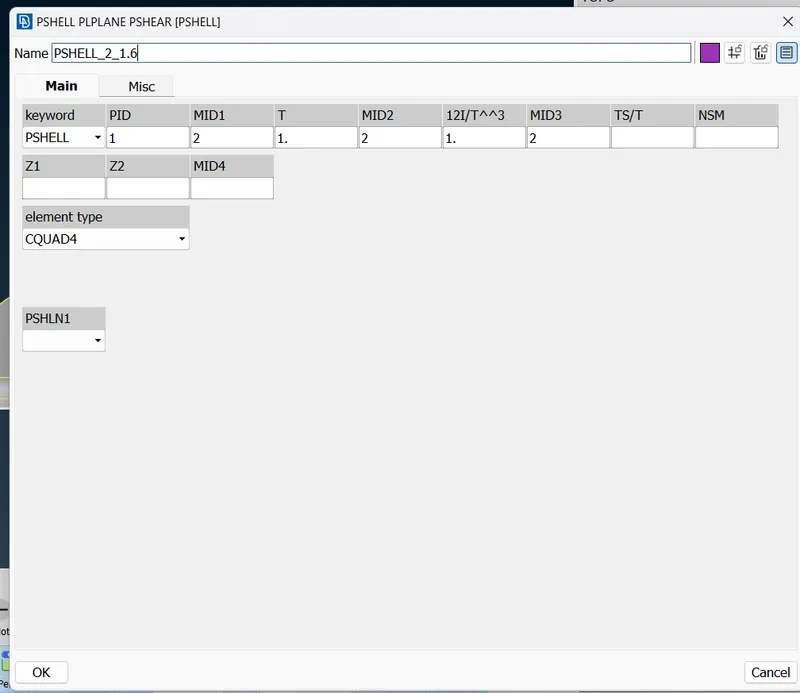
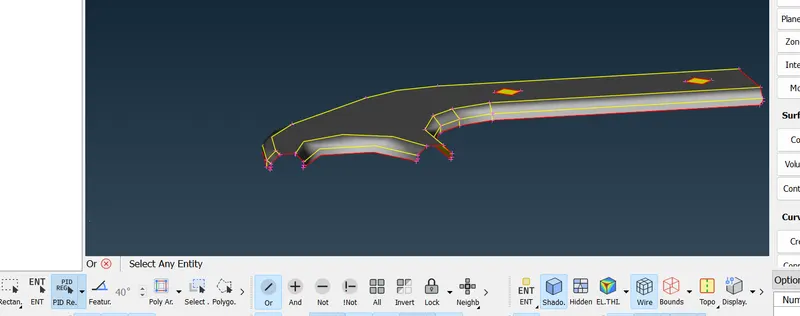
similarly,we do same procedure to all remaining 33 property list.
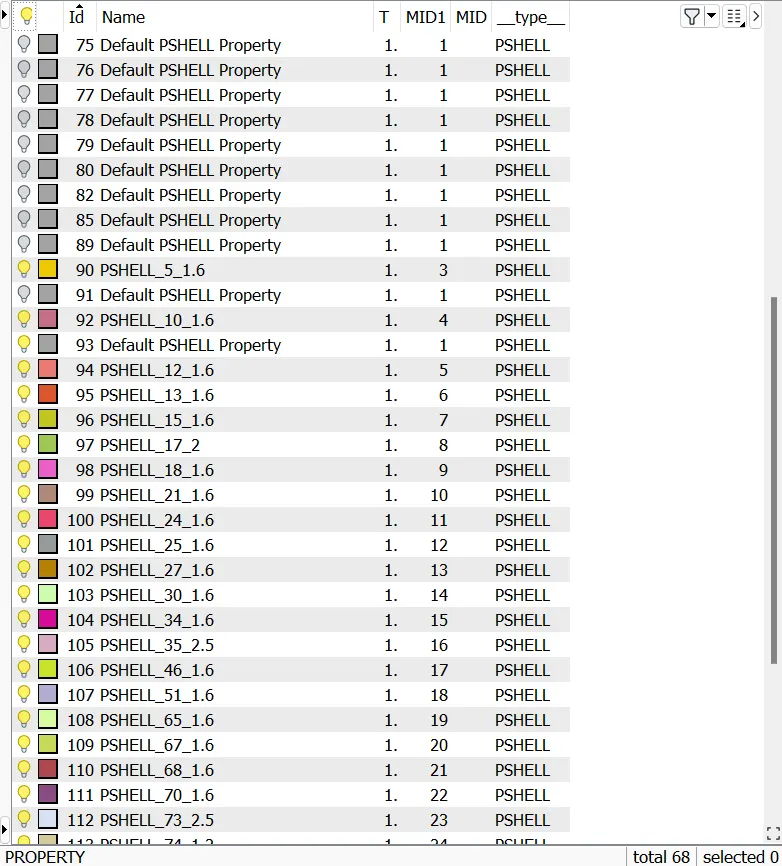
after midsurface creation we do geometry cleanup to get proper mesh
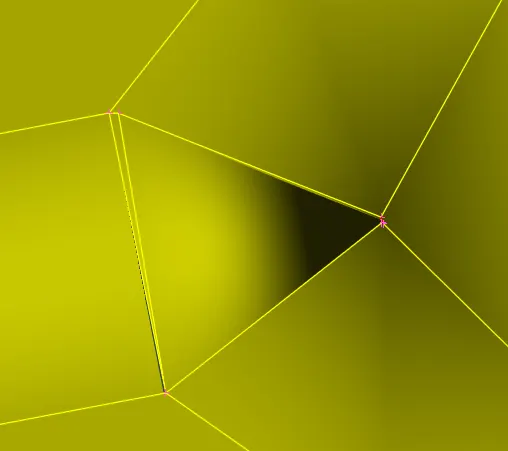
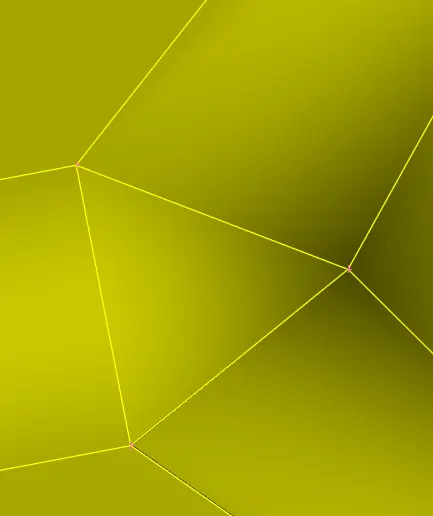
after geometry clean up we can give mesh for midsurface.
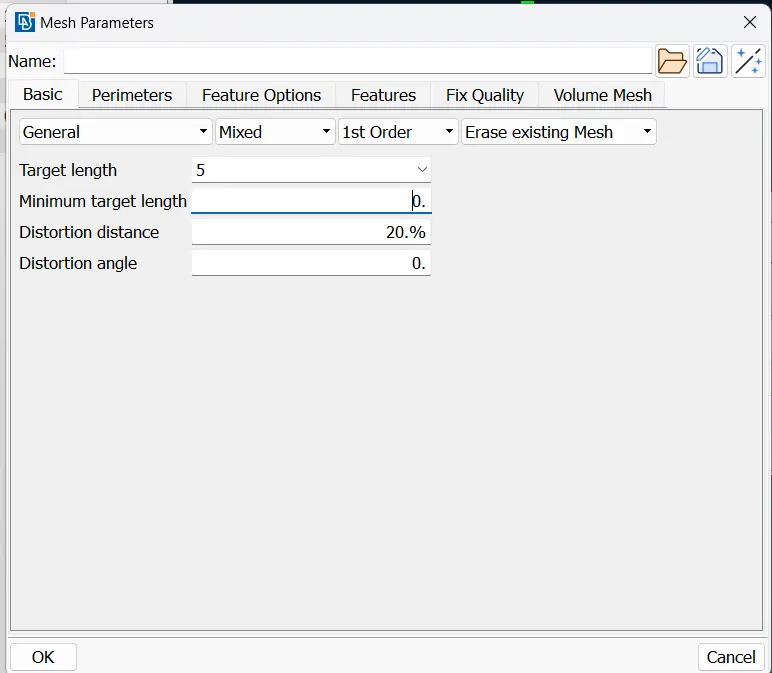
Then we can give the quality criteria like below by click on function key F11
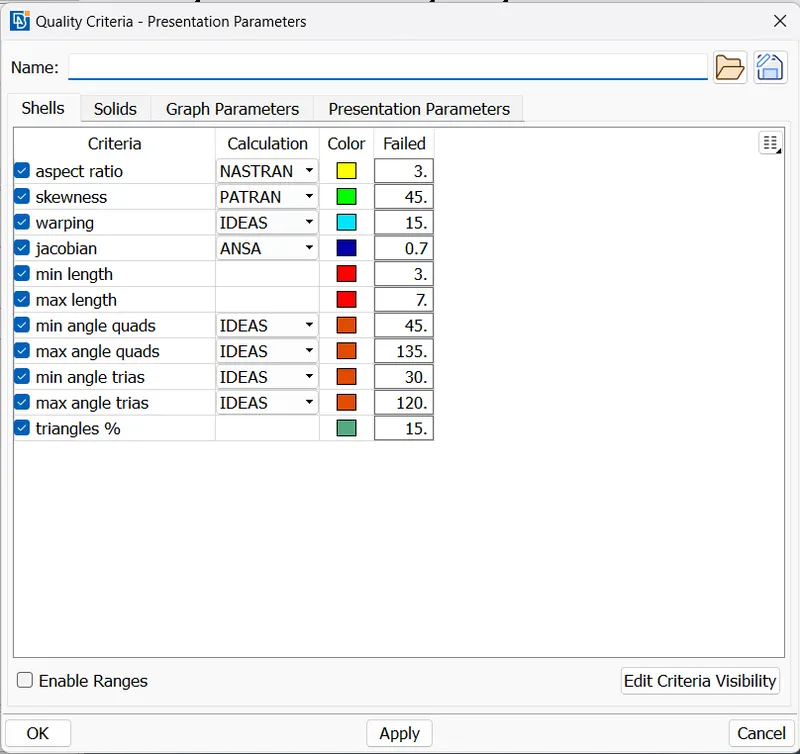
Then we click on apply and ok.
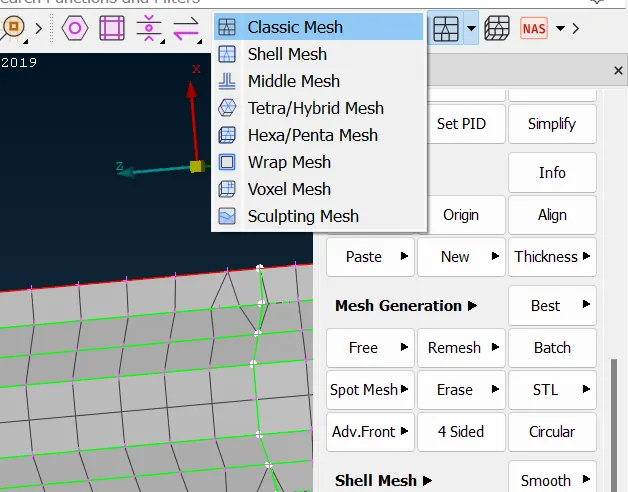
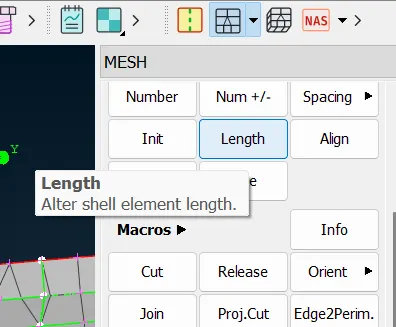
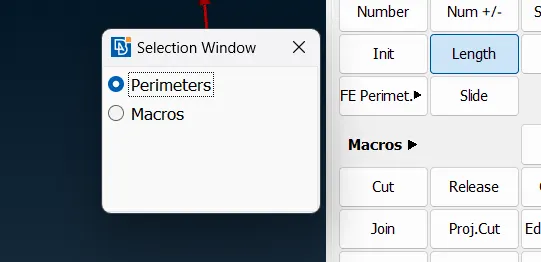
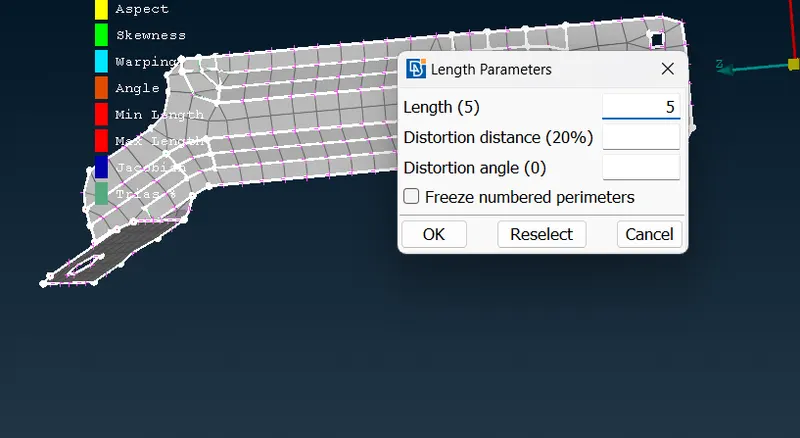
then we generate mesh by giving best mesh.
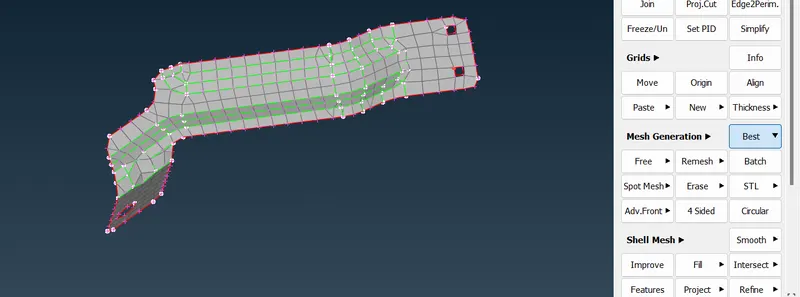
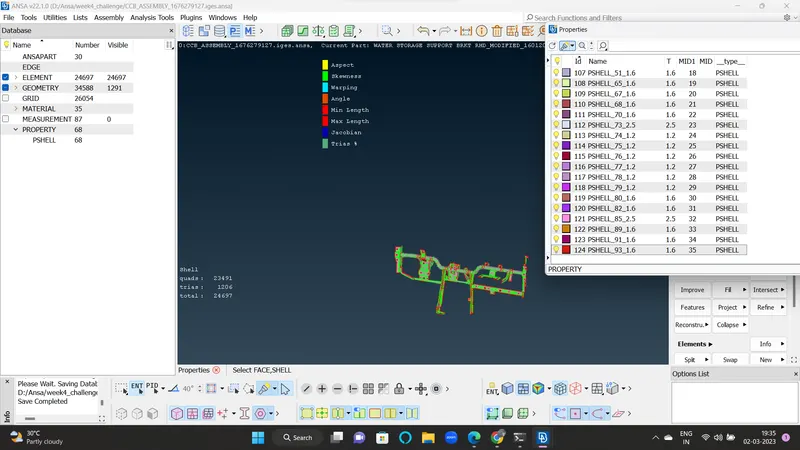
Then we work on mesh flow along with quality criteria.after that we get below
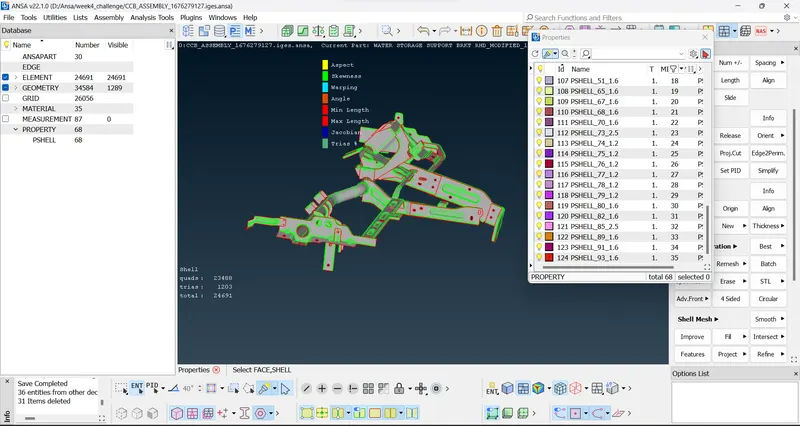
after the meshing apply the thickness to the midsurface.