Connectors for model frame assembly welding
AIM:-
To creat the connectors and attach the various parts as per the given
PROCEDURE:-
- Open the hyper mesh and import the model frame assembly welding
- Do 2D auto mesh for the component and do element optimize and clear the trias and keep good mesh flow
- Go to the connectors in 2D and there we can select the connectors which we have to use connector
- 1.Right_Rail_2 & Front_truss_1:- Seam-Quad(angled+capped+L)
Go to the connecters and seam in that select the type as Seam-Quad(angled+capped+L) and select the nodes , for the Seam- Quad(angled+capped+L) and Seam-Quad(angled+capped+T) we have to select the edge nodes for this connectors then weld angle ,cap angle and runoff angle we have to set and select the components and set the tolarence give spacing as u give for the element size and click on creat
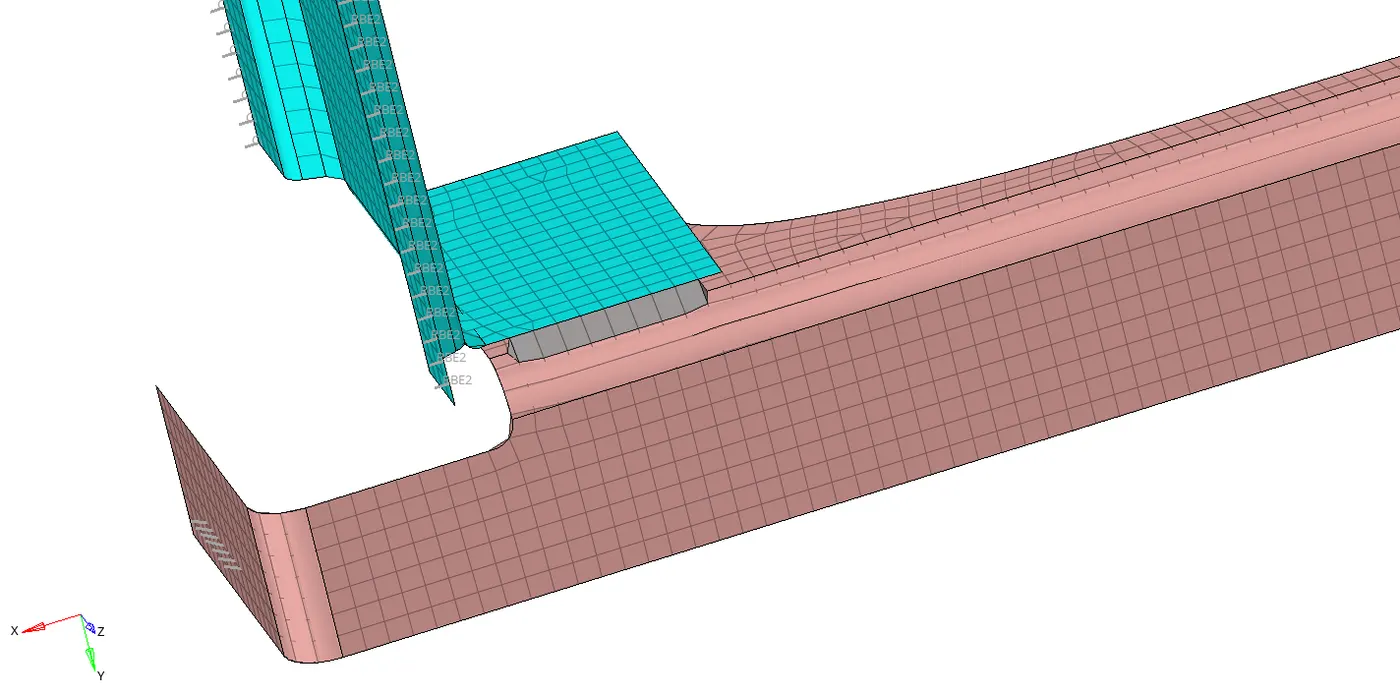
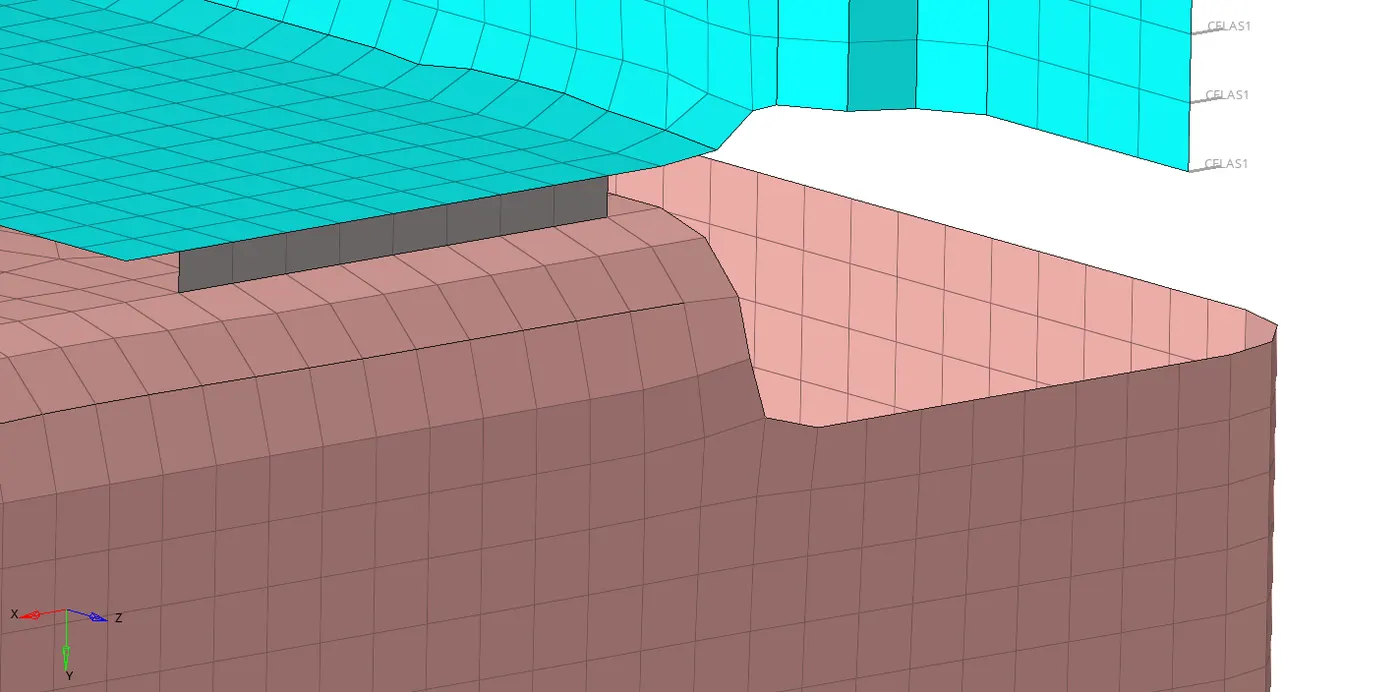
- 2. Left_Rail_2 & Front_truss_1:- Quad elements
In seam and type we have to select for the quad and give tolarence and spacing and click on creat
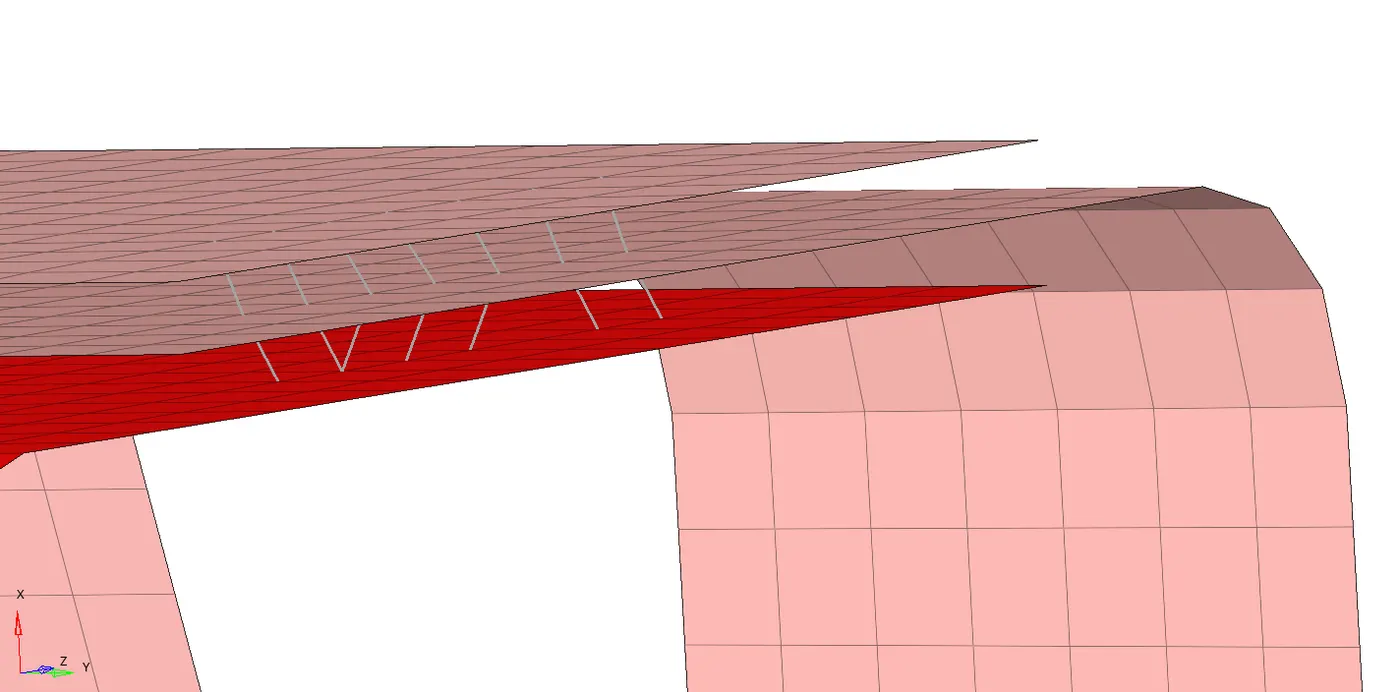
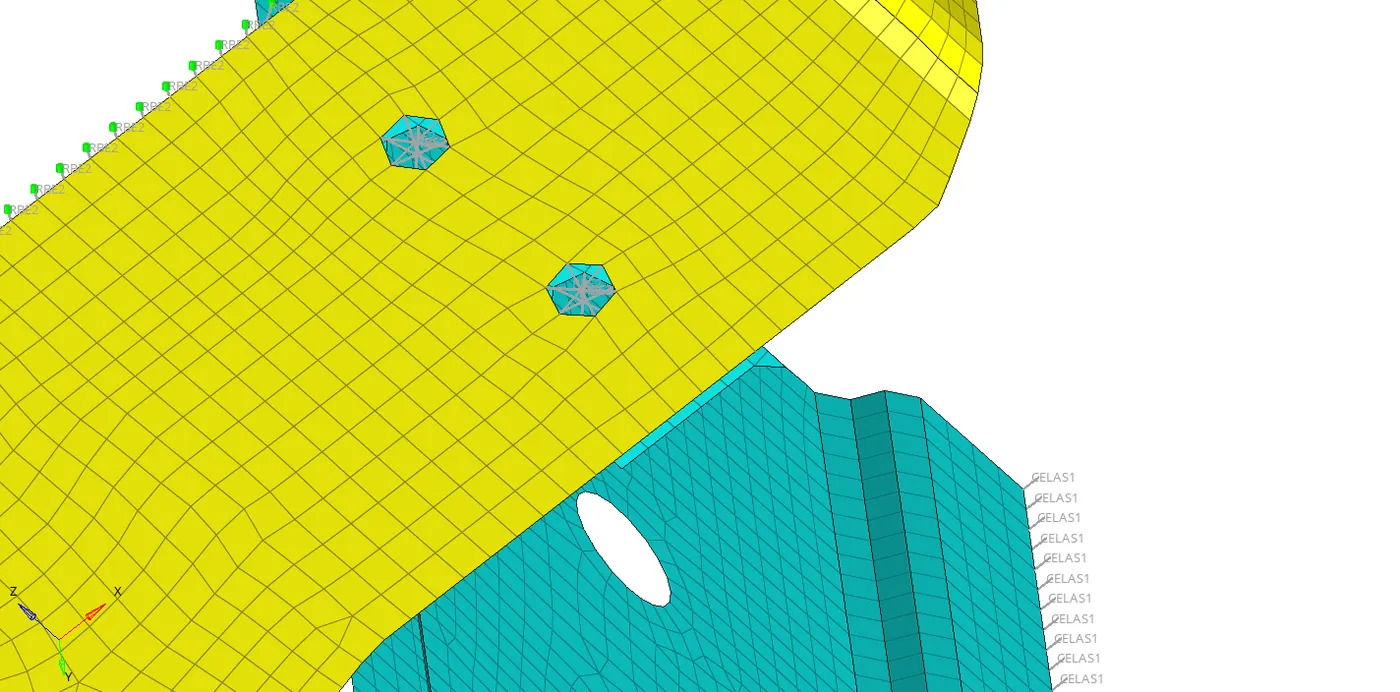
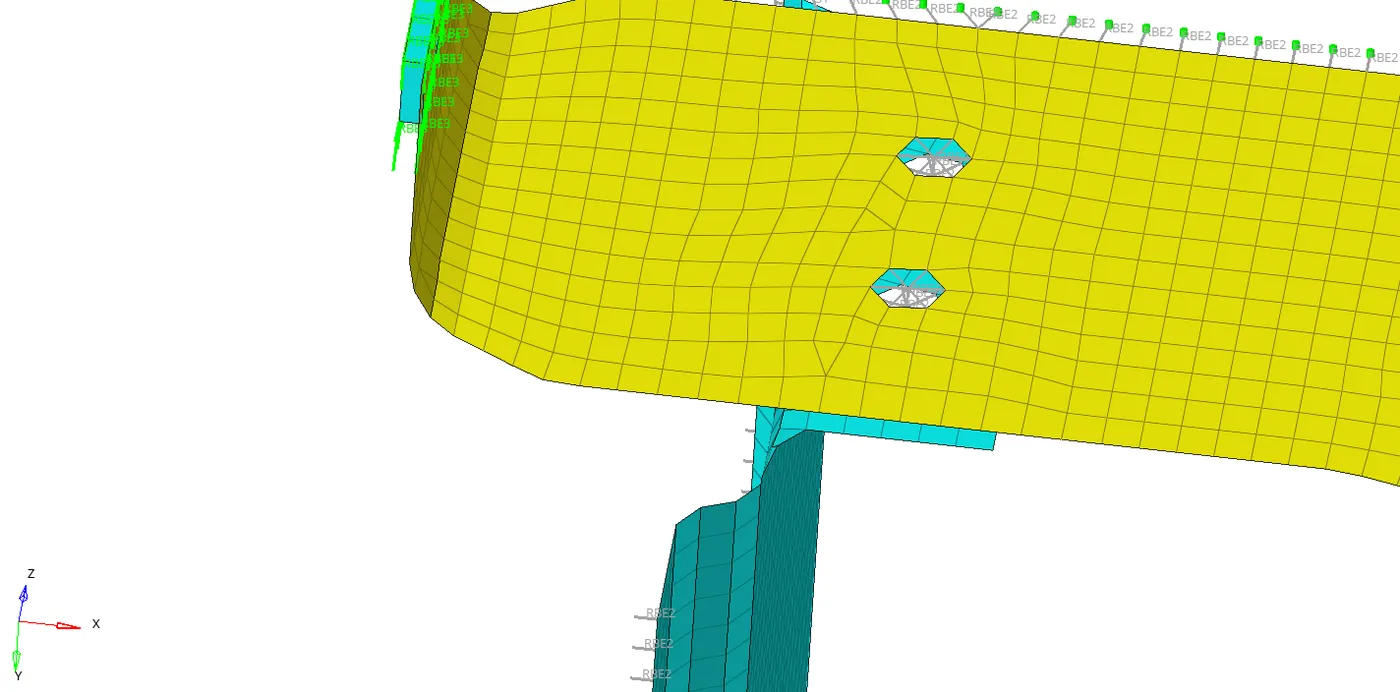
- 3.Front_truss_2, Front_truss_1 & Right_Rail_1:- Spot weld with 3 Layers and 5 mm Diameter
For this we have to go to spot in connectors and select the nodes and select the 3 layers and diameter as 5mm and click on the creat
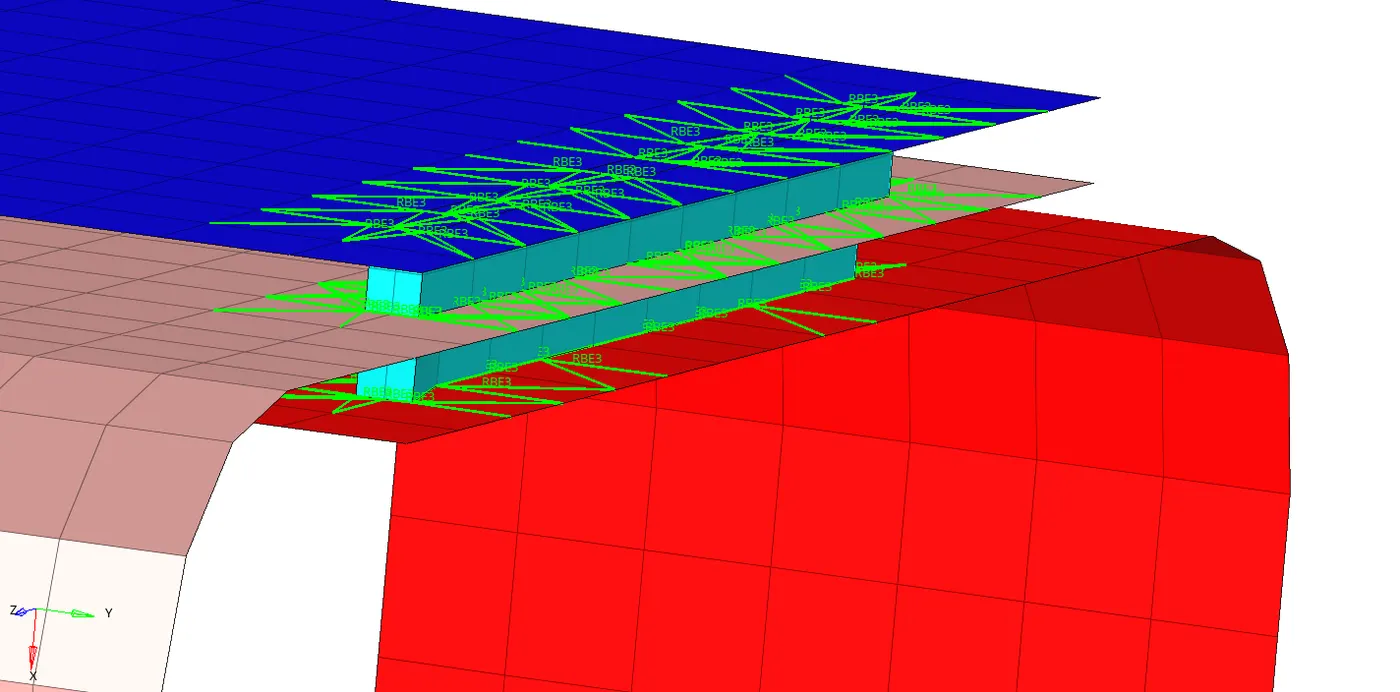
- 4. Front_truss_2, Front_truss_1 & Left_Rail_1:- Hexa (Adhesive)
In seam select the nodes and in type we have to select the Hexa (Adhesive) and give spacing and strips,coats and width select the components first we have to select any 2 and then another 2 we have to do 2 times give the tolarence and click on creat
- 5. Rear_truss_2 & Right_Rail_2:- Bolt Connector
- 6. Rear_truss_2 & Left_Rail_2:- Bolt Connector
Go to connectors and bolt select the nodes and give layers and tolarance and click on the creat
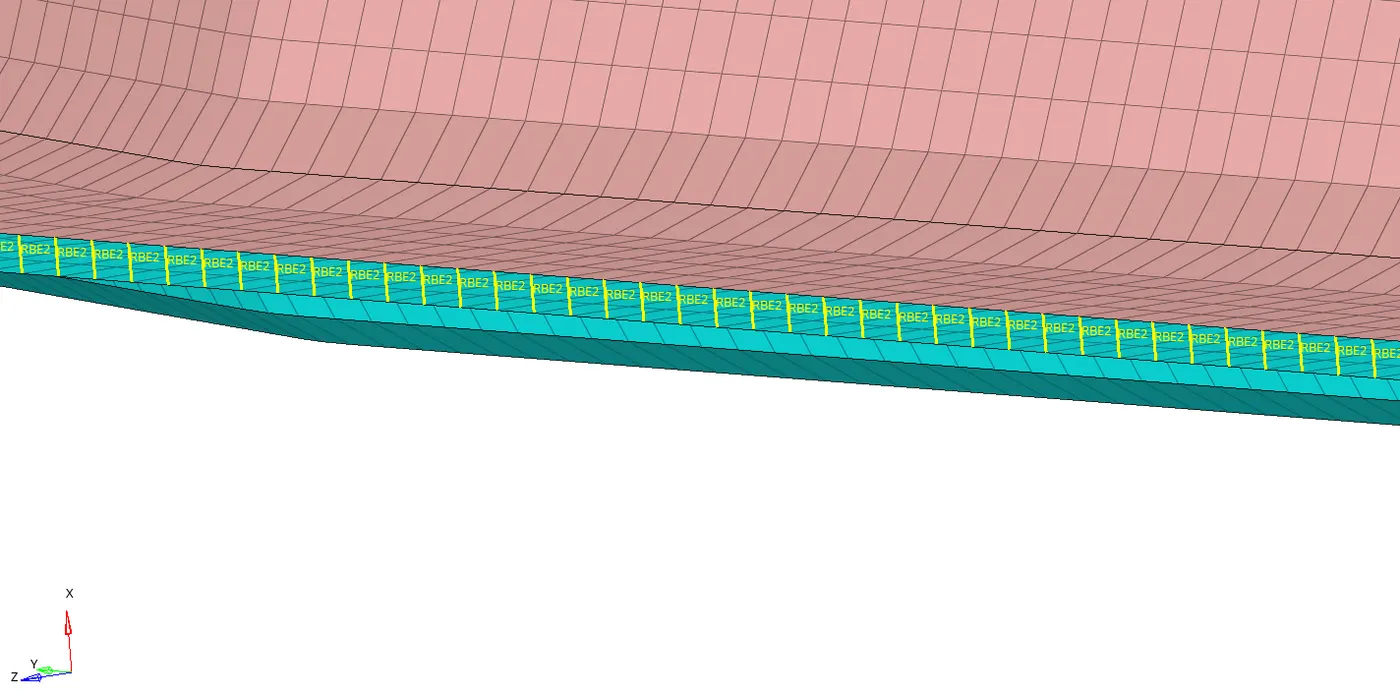
- 7. Right_Rail_1 & Right_Rail_2:- Spot-weld with Rigid Elements
Go to connectors and spot select the nodes and in type select the rigid select the layers and give tolarance and click on creat
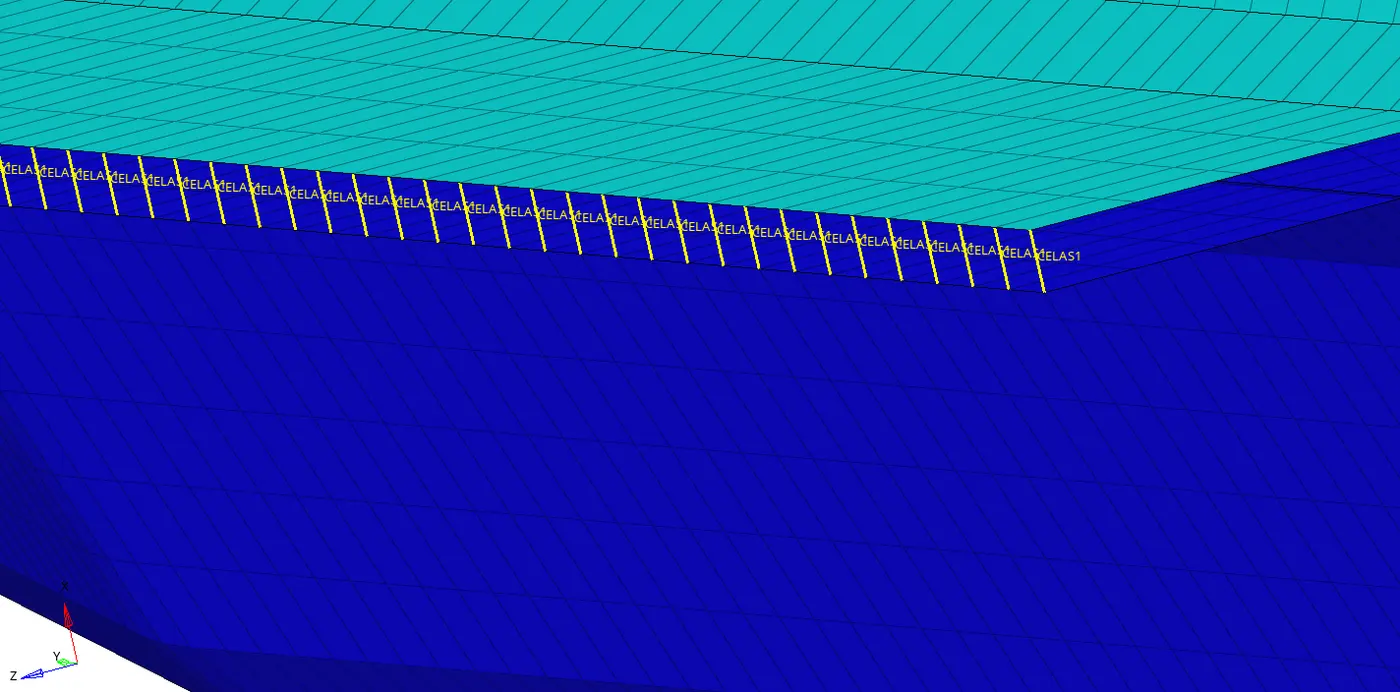
- 8. Left_Rail_1 & Left_Rail_2:- Spot-weld with Spring Elements
In spot type we have to select on spring and give tolarance and layers and click on creat
- Rest and all we have to give the connectors sutable for that as shown in fig below
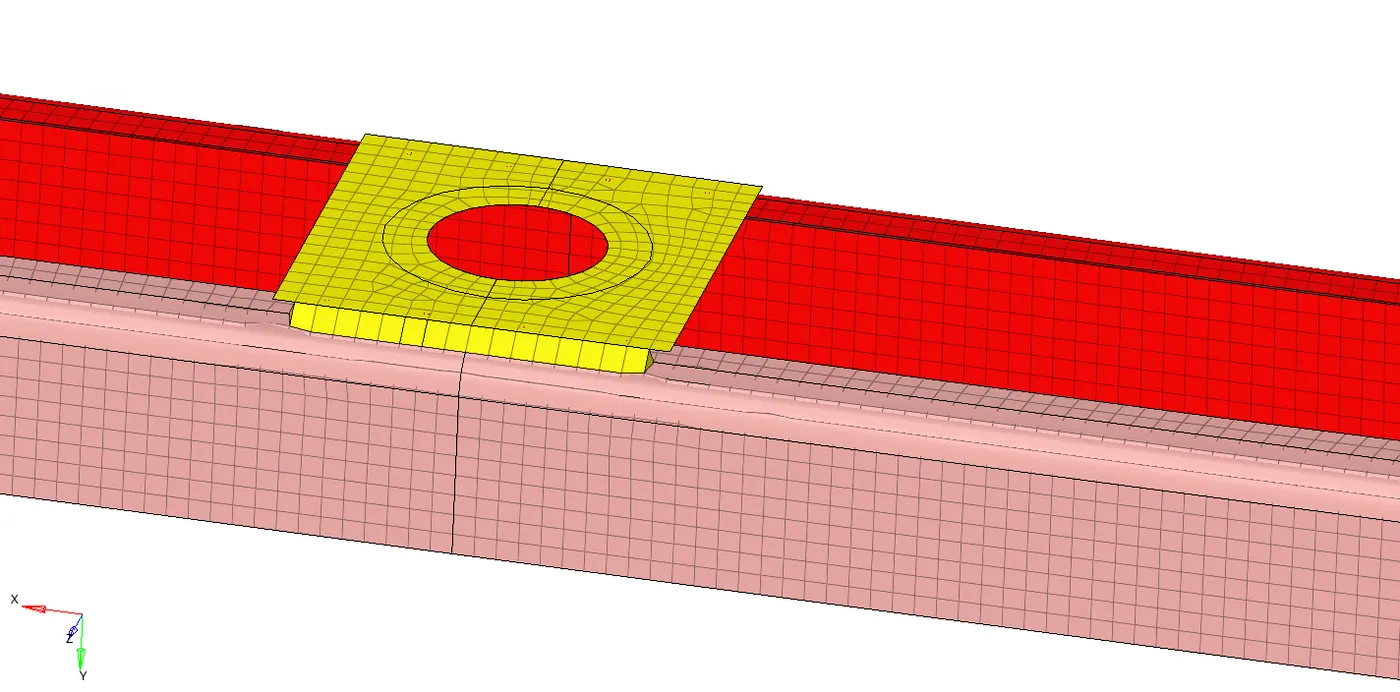
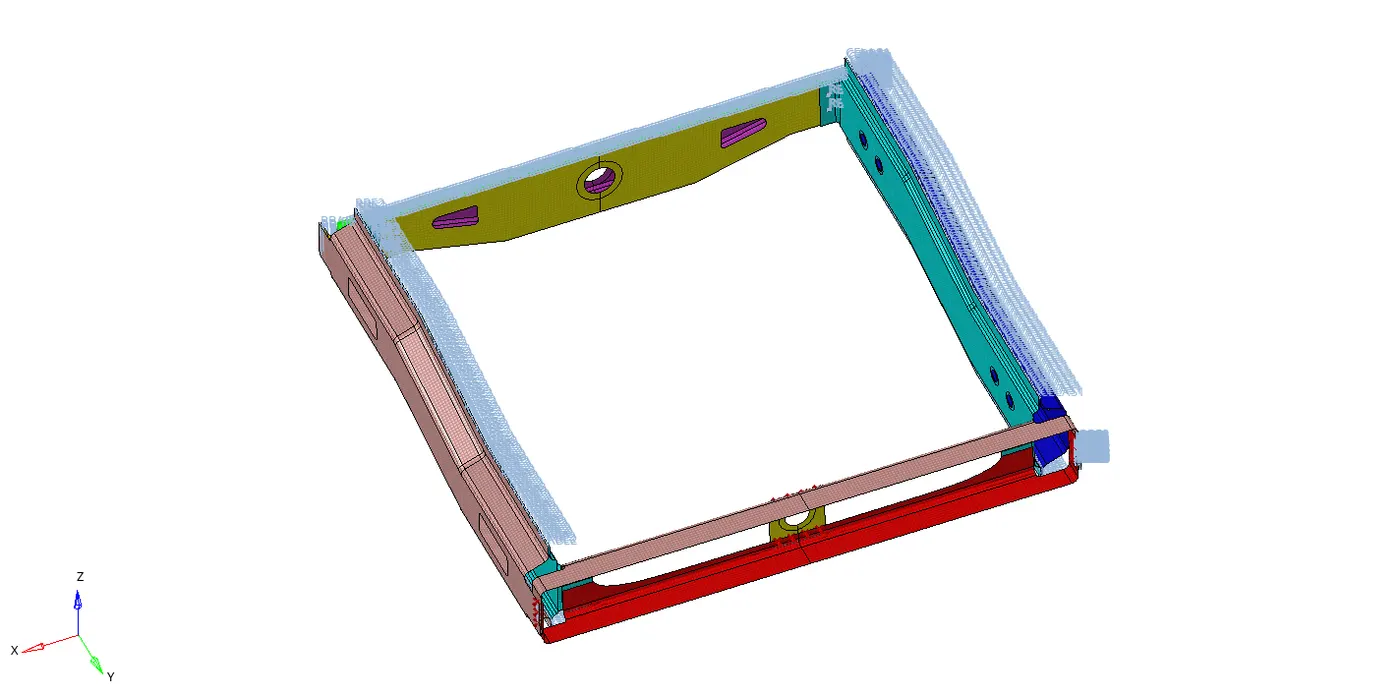
CONCLUSION:-
The connectors are created as per the given and rest and all are attached