MODEL HOOD
MODEL HOOD
AIM:-
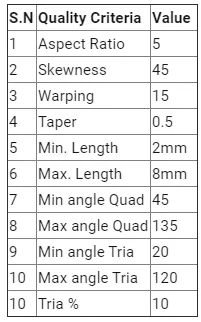
To clean up geomentry create midsurface and meshing on its as per the given criteria
PROCEDURE:-
- Open the hypermesh and import the model and the model will be in stp formate change it and import
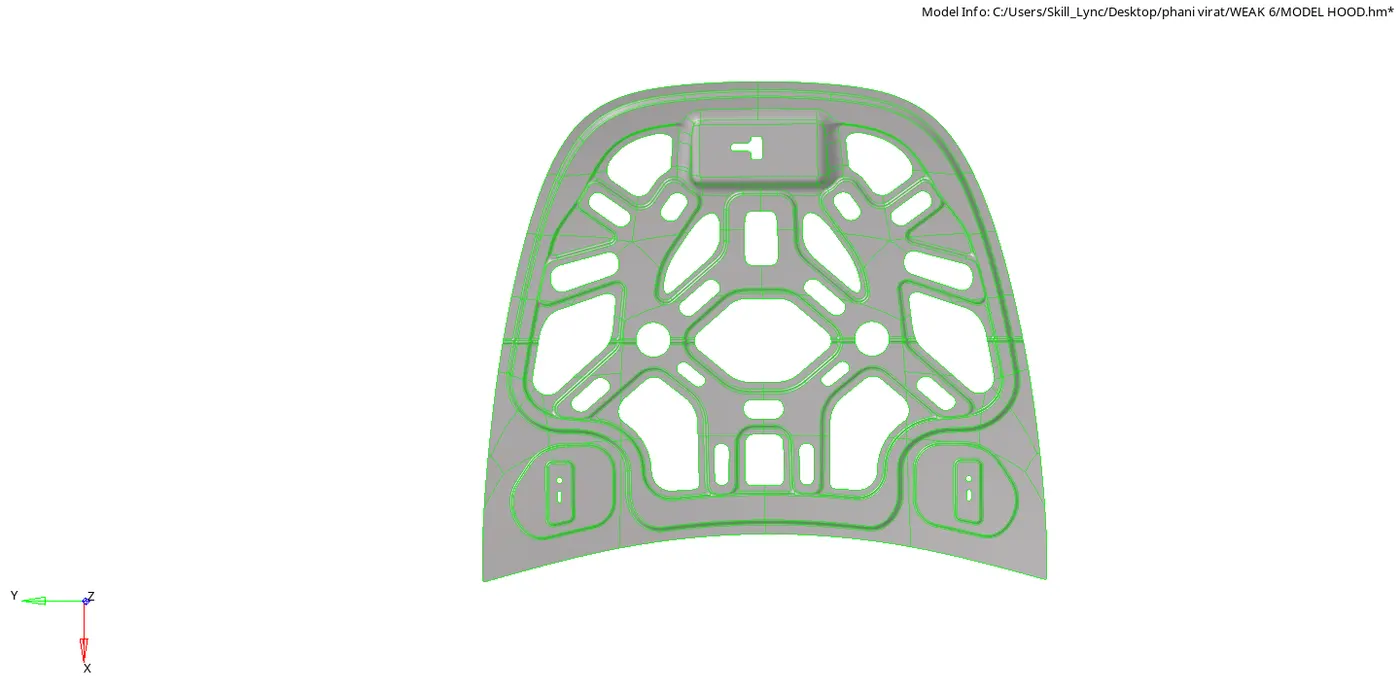
- Change the model view to the BY TOPO that we can see the wire frame and the lines properly as showen in the below fig
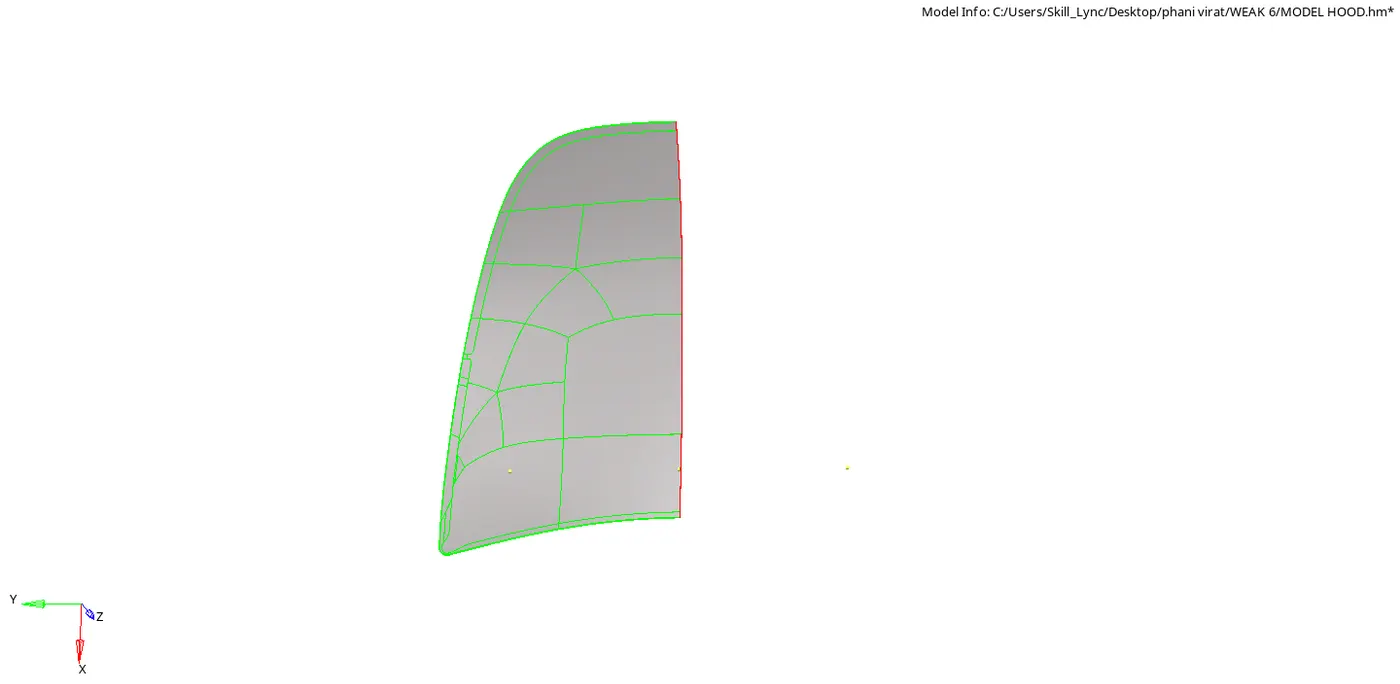
- Then delete the solides and we can see the model is symmentrical so that we can delete the half part and we can reflect the part after meshing
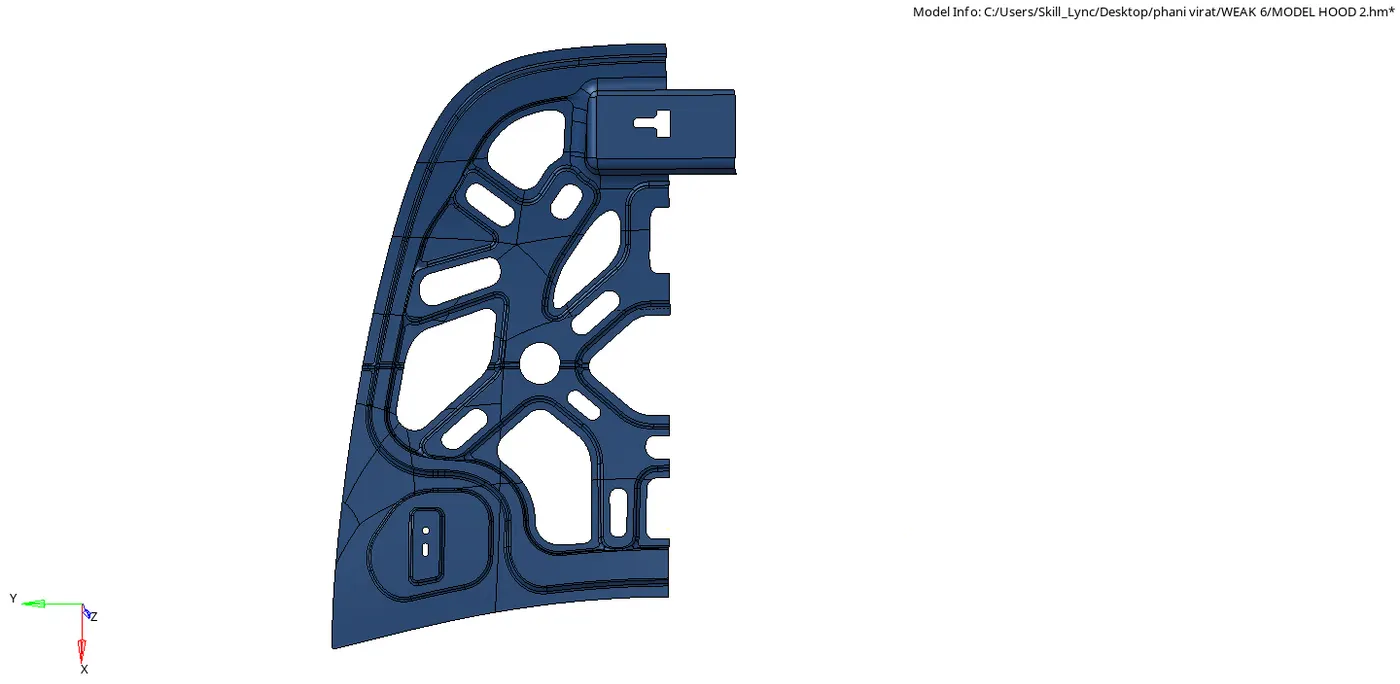
- And extract the midsurface of the each part latch , hinge , inner and outer
- Clean up the part and do the auto meshing for each part with the mentioned criteria
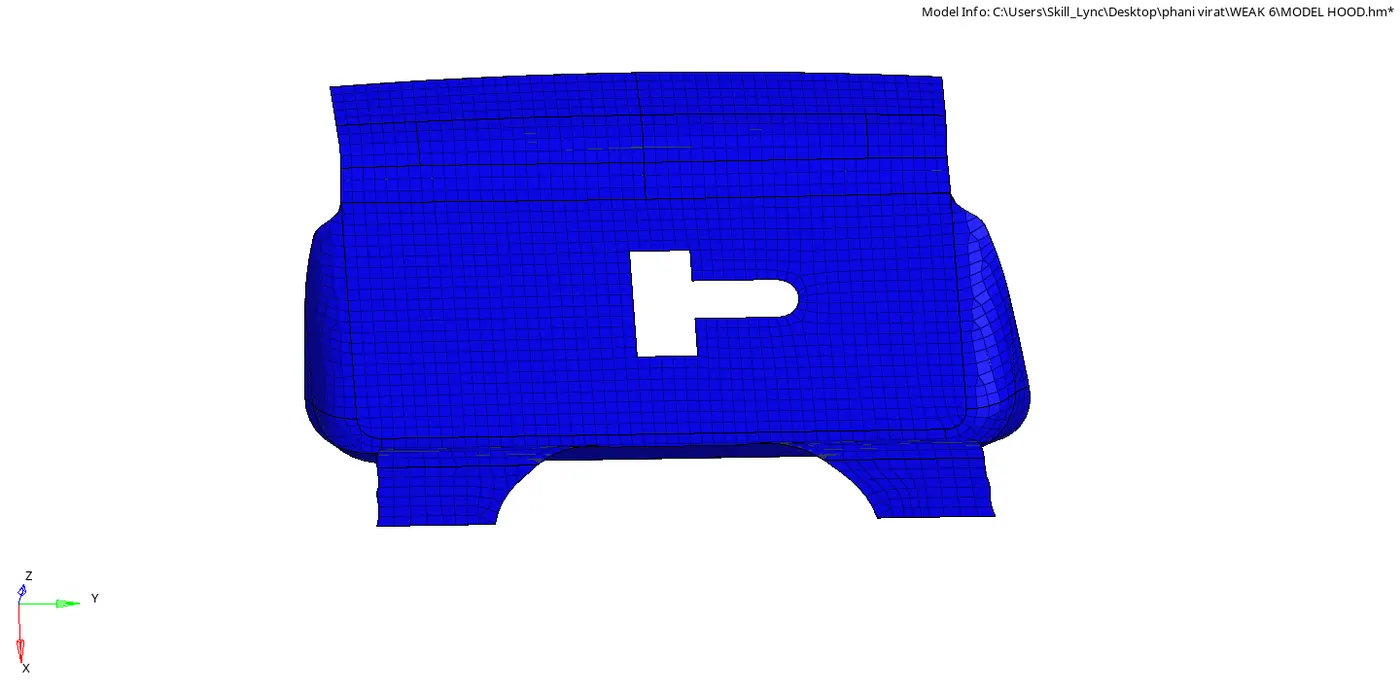
LATCH PART MESHING
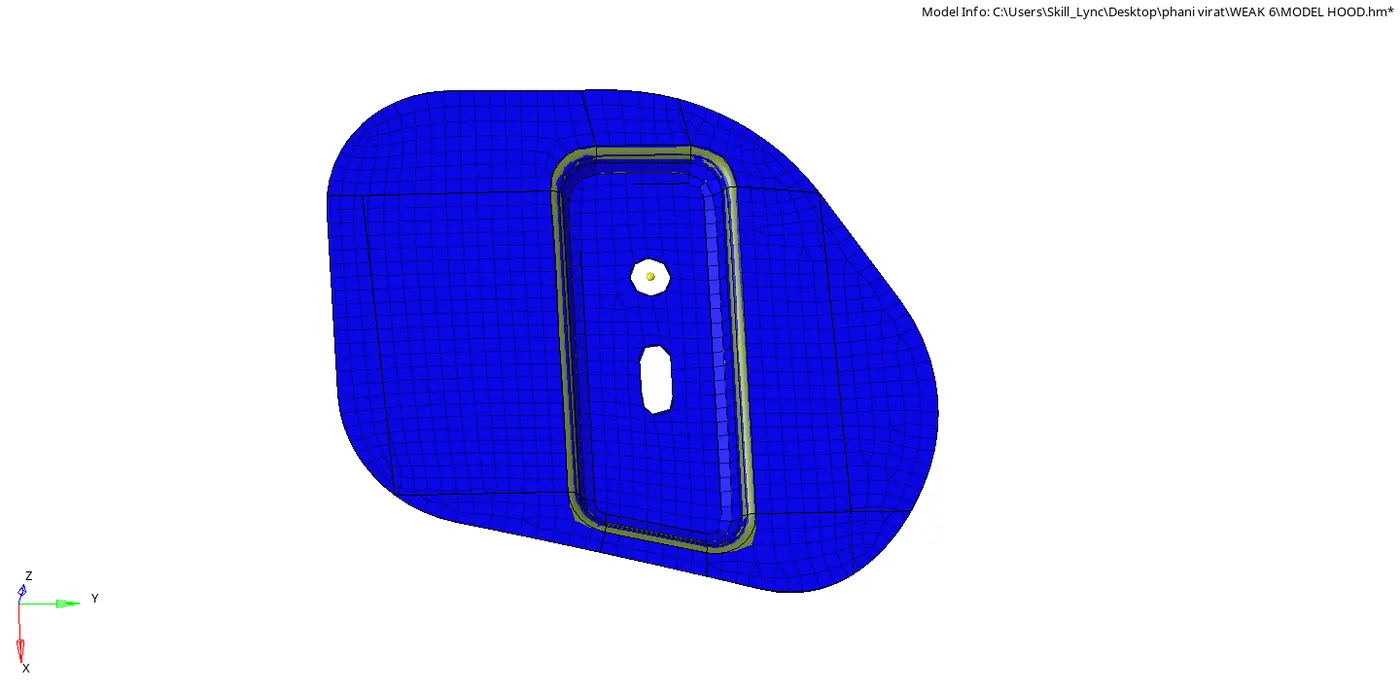
HINGE PART MESHING
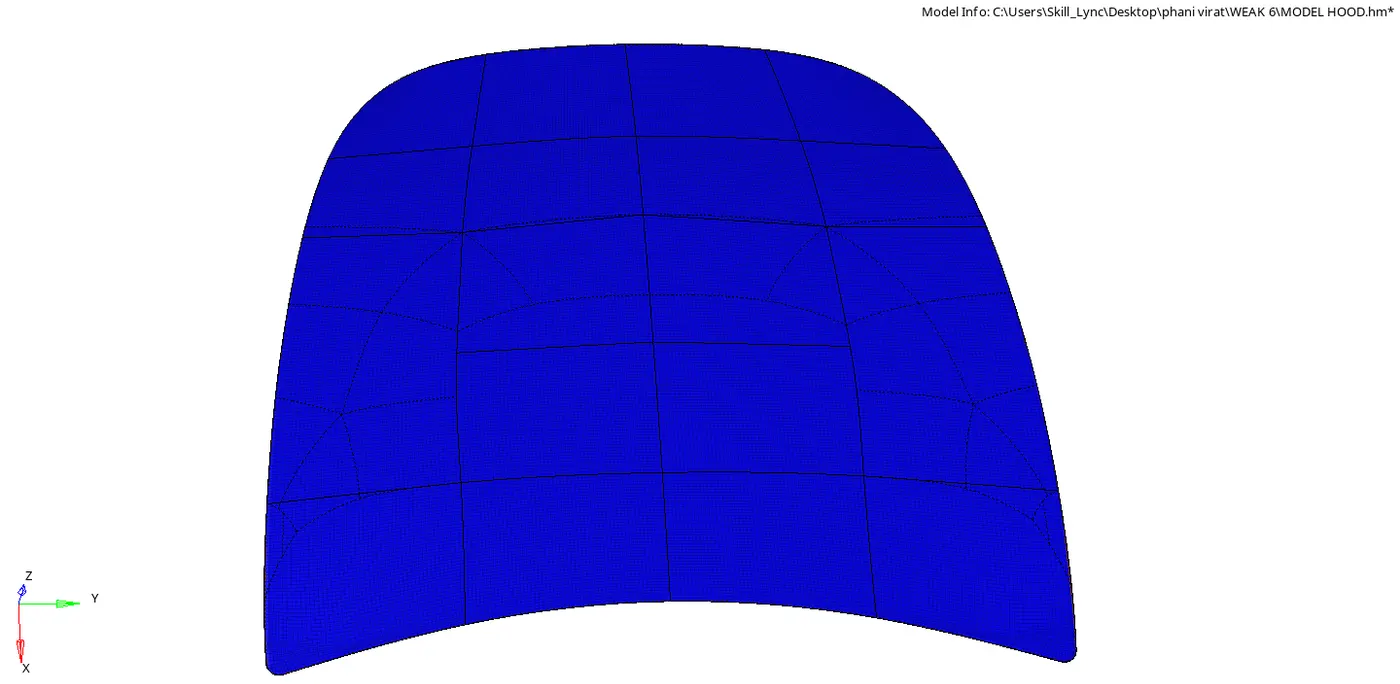
OUTER PANAL PART MESHING
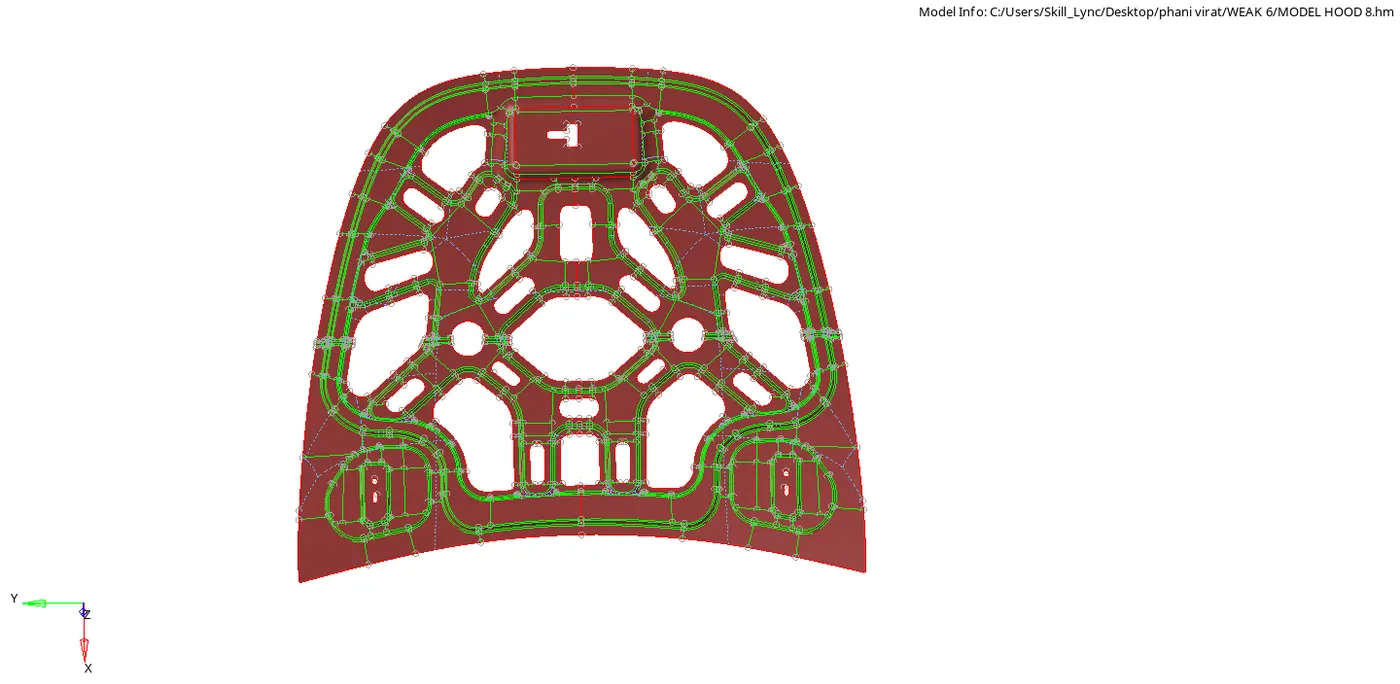
INNER PANAL PART MESHING
- After doing meshing we reflect the part and duplicate it the reflect option is in the geomentry
- The below figures shows the final that after meshing the all parts and make all parts visible
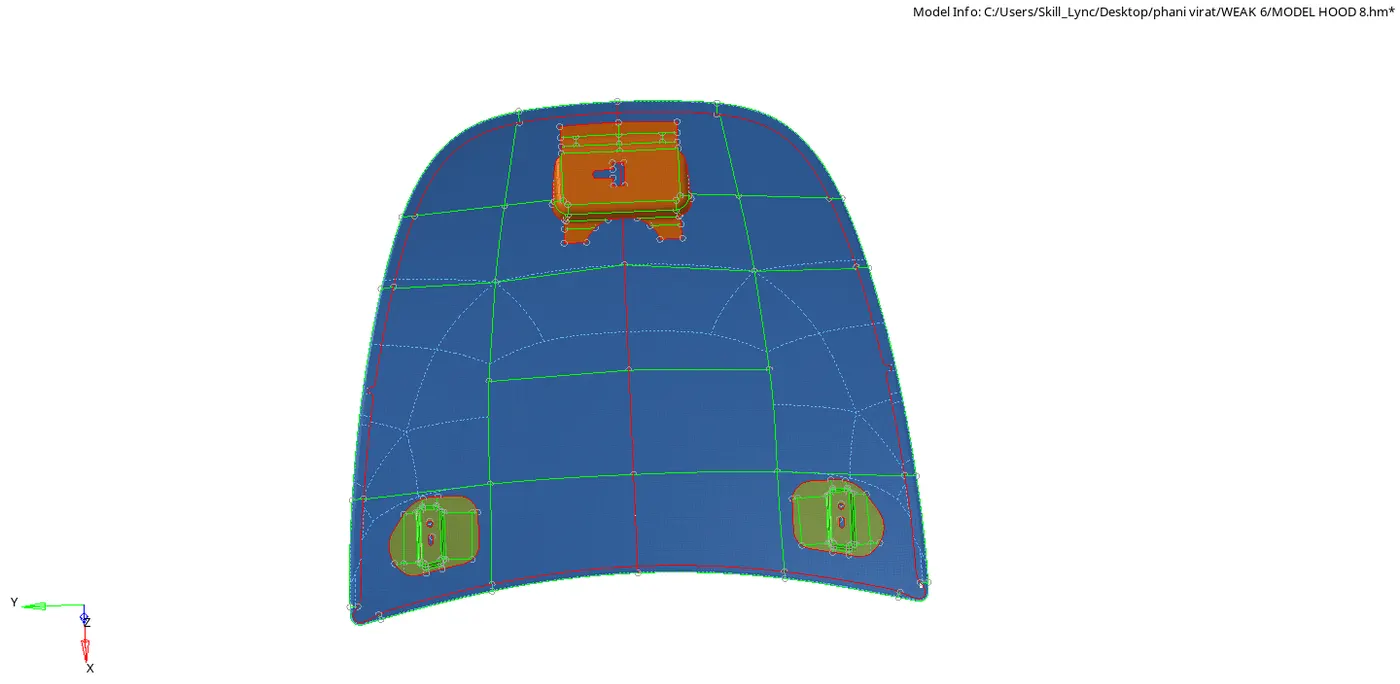
THE ABOVE FIG IS THE INNER PANAL ,HINGE,AND LATCH
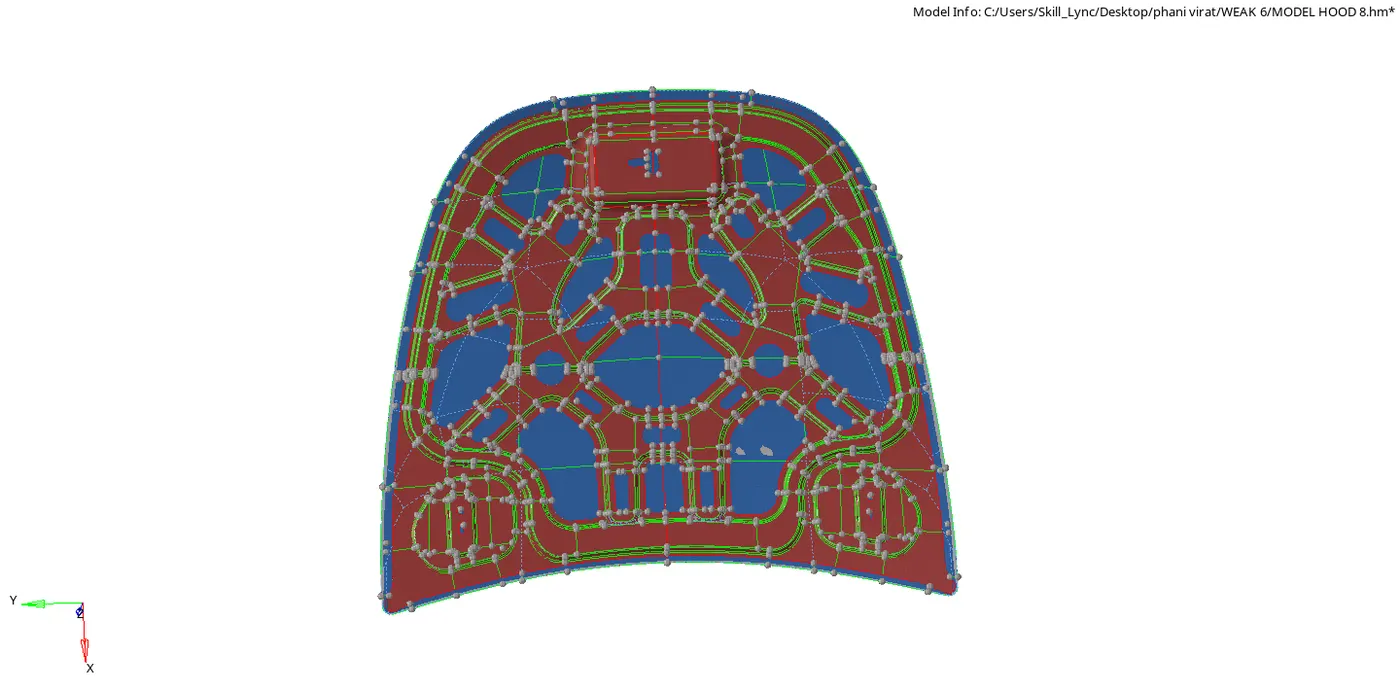
HOOD AFTER MESHING
CONCLUSION:-
The given component hood completed meshing as per the given criteria and thickness is assigned