TETRA MESHING ON Housing & Chassis_assy
CHALLENGE 1
AIM:-
To creat the tetramesh for housing model as per the given element size and tet collapse
PROCEDURE:-
- Open the hyper mesh and import the housing model
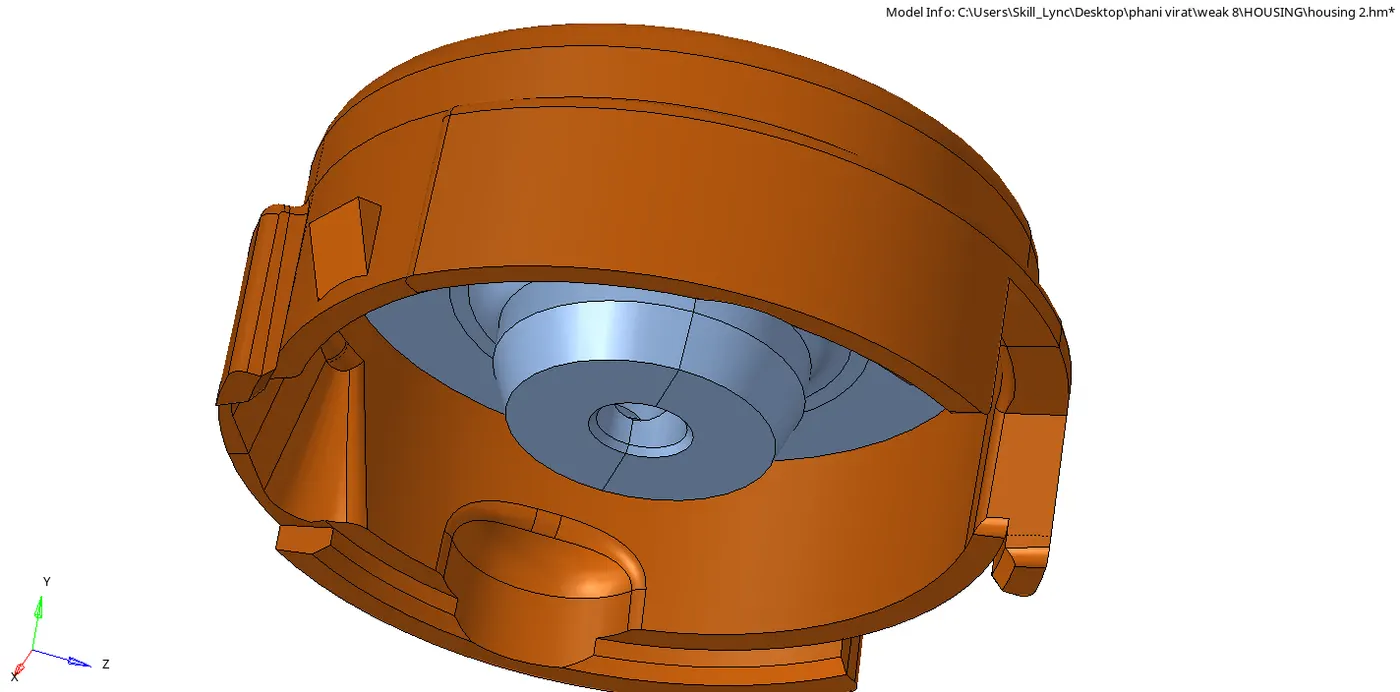
- And do the clean up for the seperate components and have to do t he 2D meshing on the component
- 2D meshing with trias and the target element length is 5 and select the component and click on the meshing
- Then check the quality index and clear the elements which are failing to the min and max length as per the given 2 & 7 respectively
- Go to the 3D and click on the tetramesh and go to tetramesh and change it to the elements and select the elements on the components and click on the mesh by taking referace of 2D it will form the 3D meshing
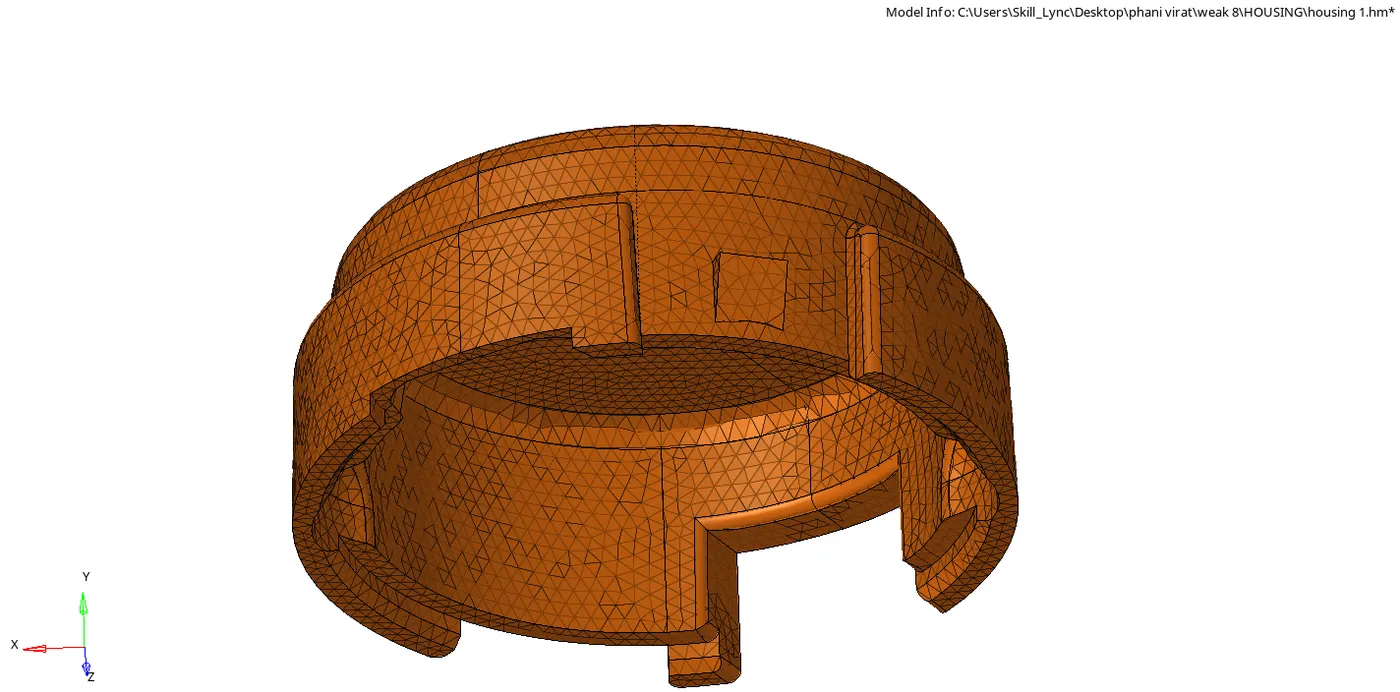
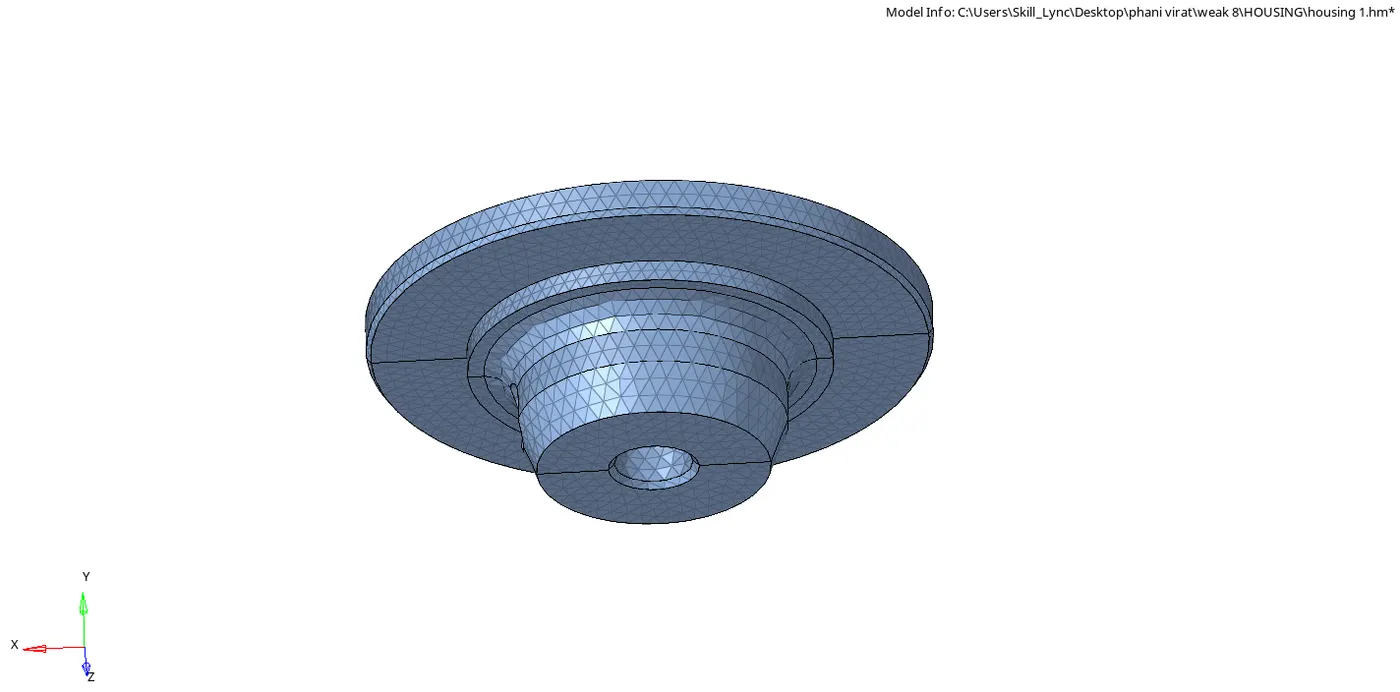
- Go to tools and check elemets and check whether the elements are failing for tet collapse in 3d check elelment
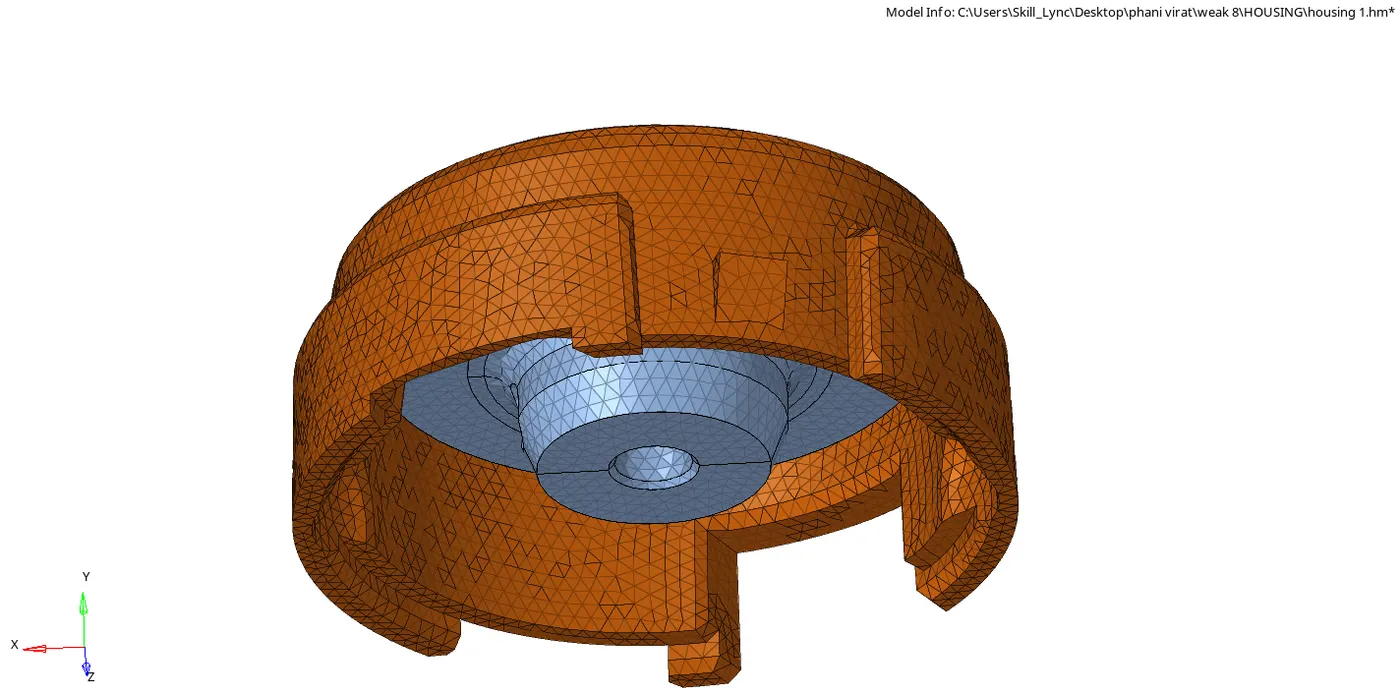
- And the final housing is done meshing as shown in the fig below
CONCLUSION:-
The tetrameshing is done on the housing model as per the given min and max element length and tetracollapse
CHALLENGE 2
AIM:-
To creat 3D mesh for the given components with element size 6mm
PROCEDURE:-
MODEL-2
- Open the hypermesh and import the model
- Inspect the model and do clean up where its going to fail for the tetcollapse
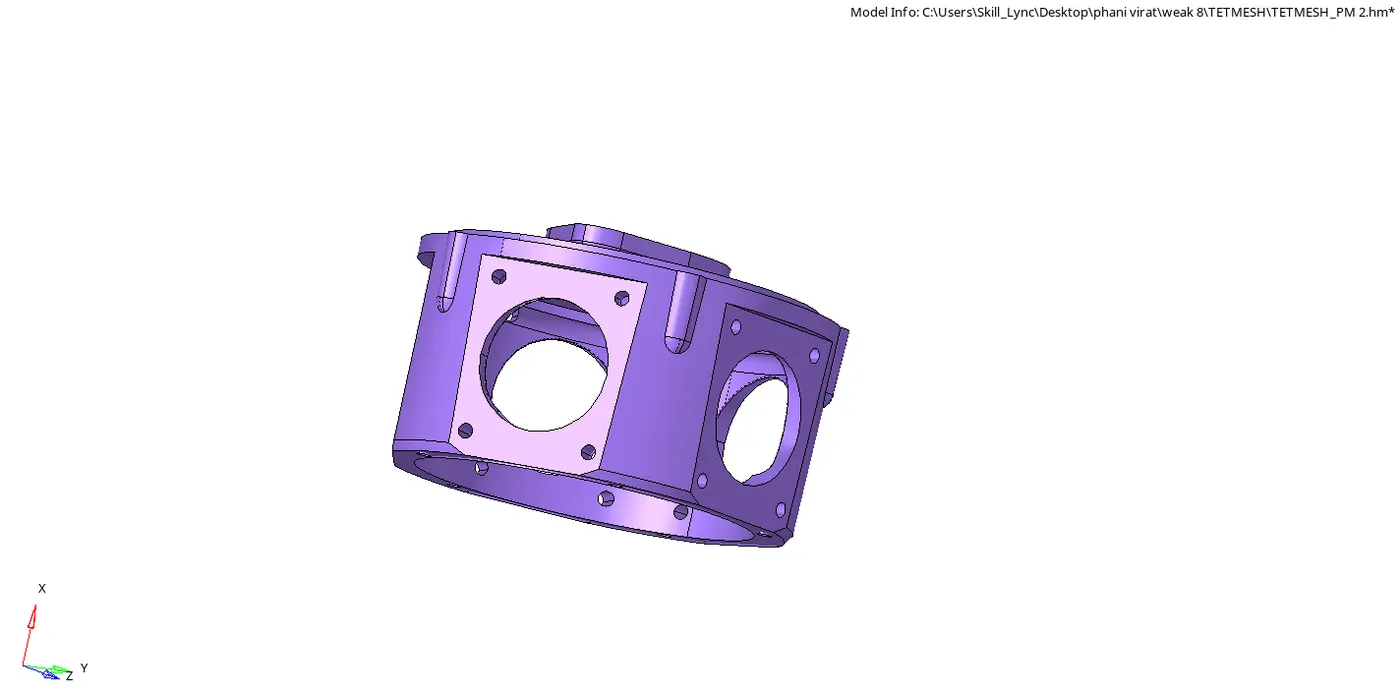
- Go to 3D and tetramesh and click on the tetramesh and go to volume tetra and give element size as 6mm and select the solids and mesh
- And go to the check element after meshing and go to 3D and click on tetcollapse check how many are failing for the tetcollapse 0.15
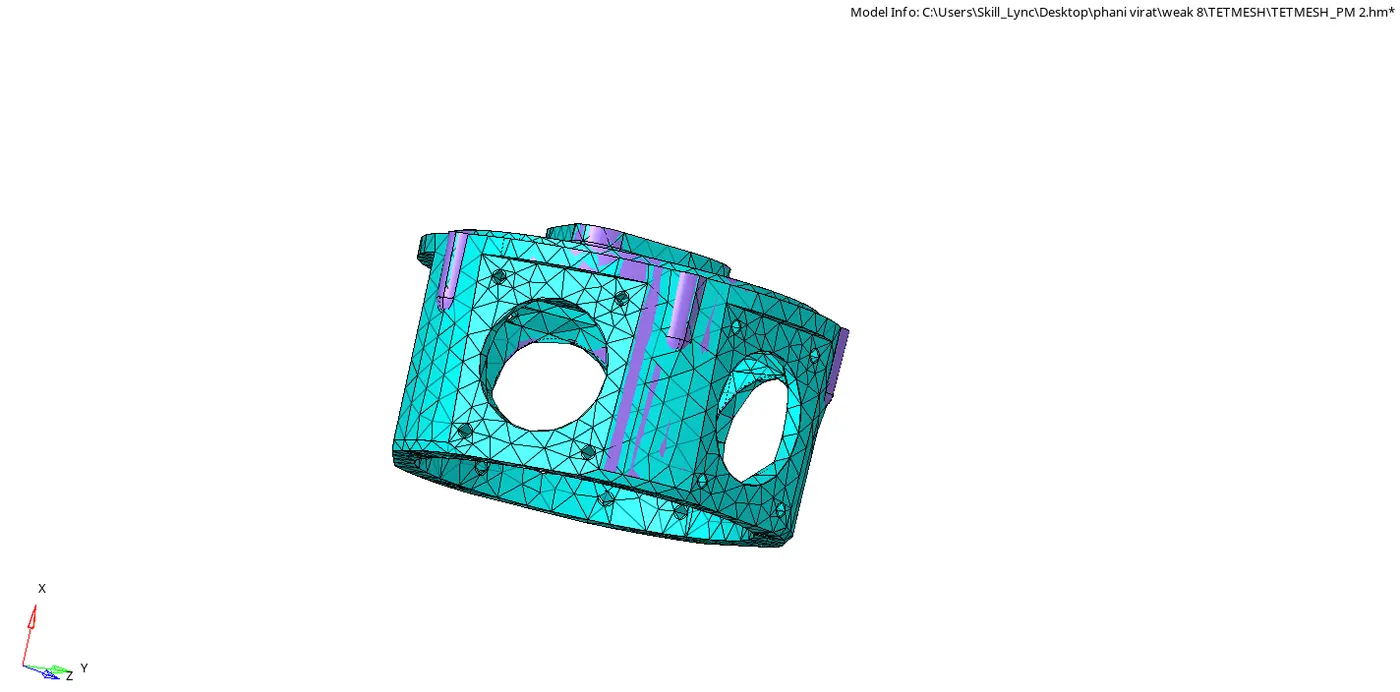
- Above fig shows the 3D meshing of the given model 2
MODEL-4
Open the hyper mesh and import the model-4(Chassis_assy) which we have to do the 3D meshing 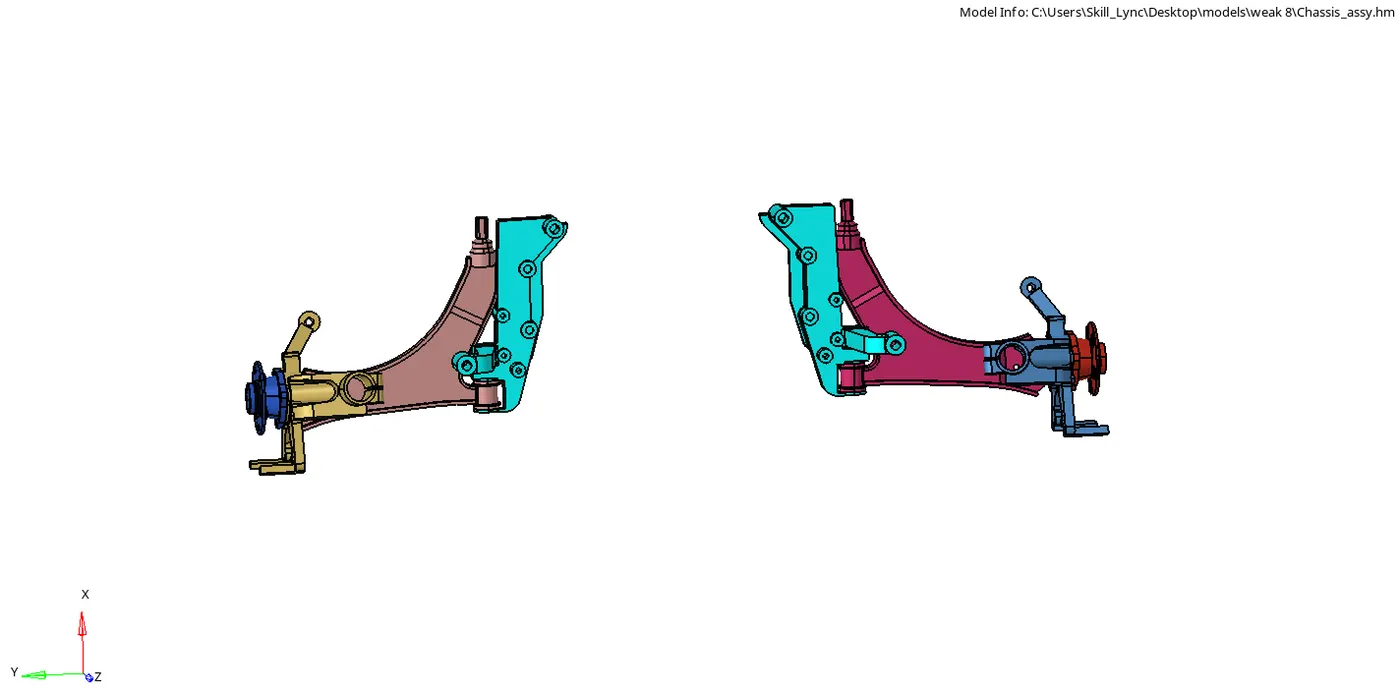
- There will be a different componenets and delete the symmetric and work on the one side and seperatly
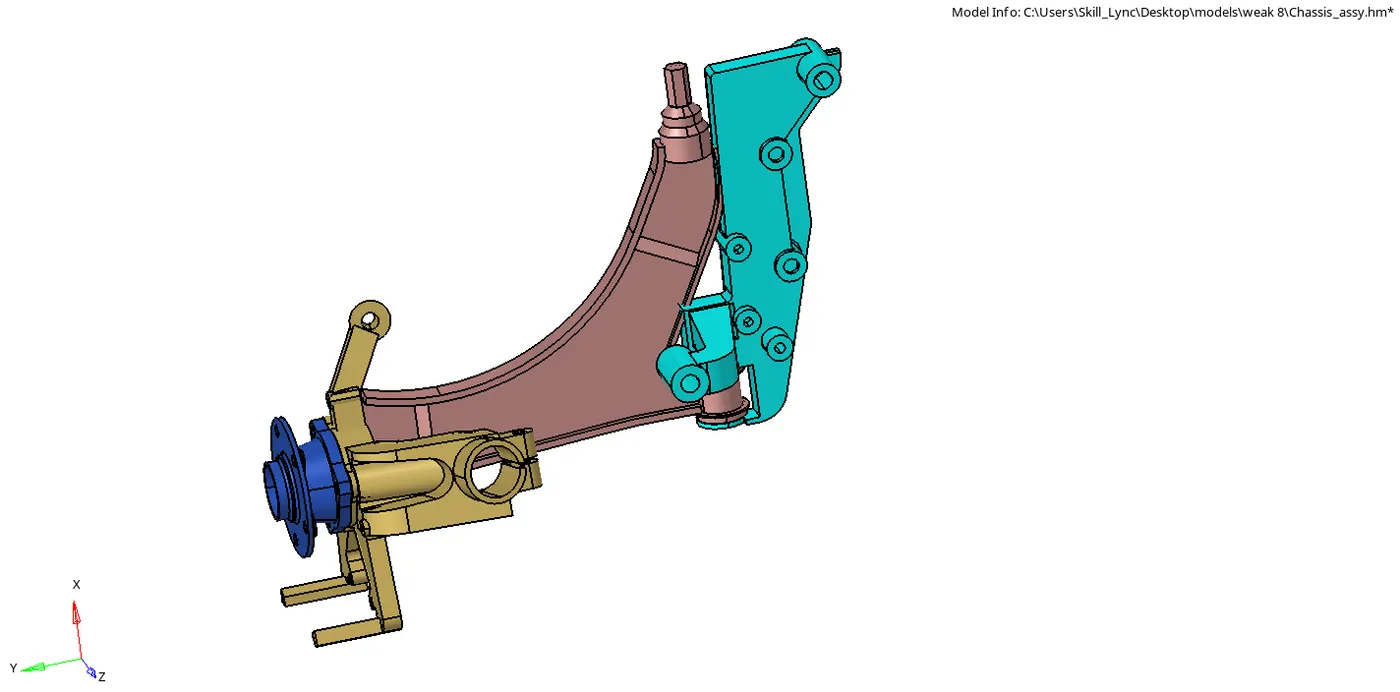
- Clean up the components one by one and do the volume tetrameshing in 3D tetrameshing
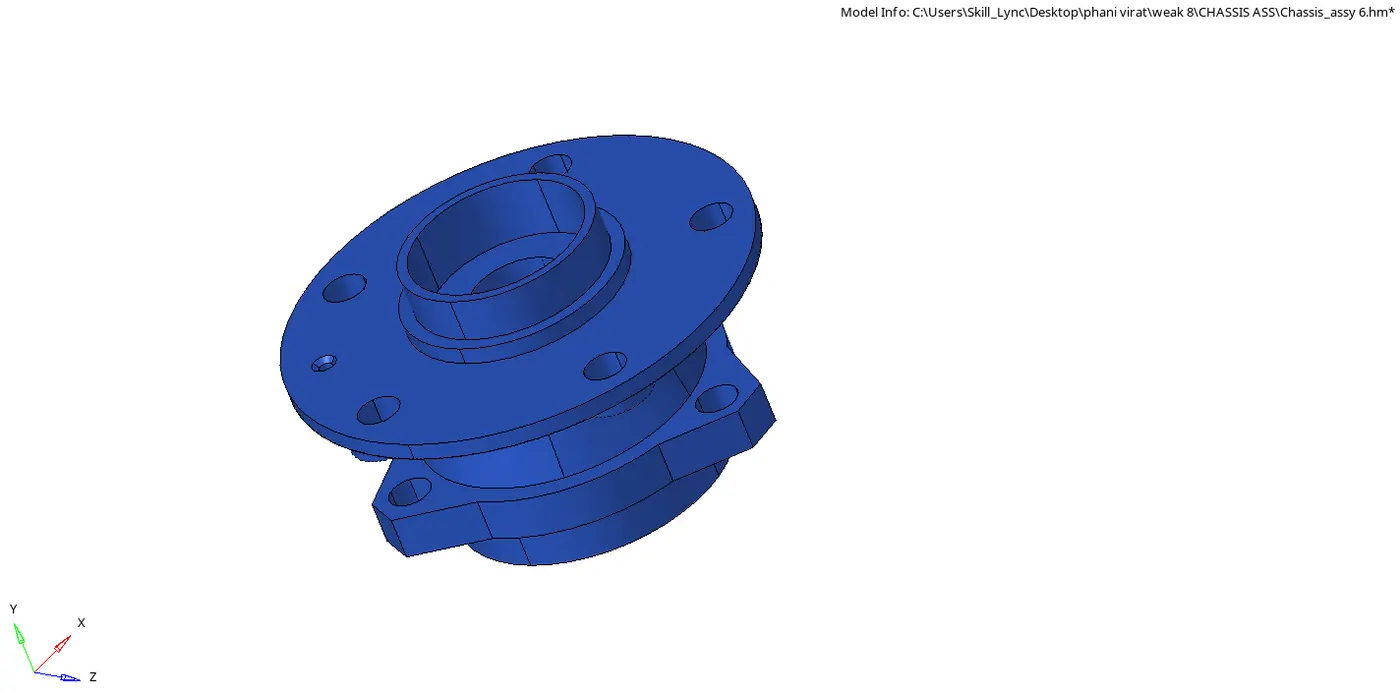
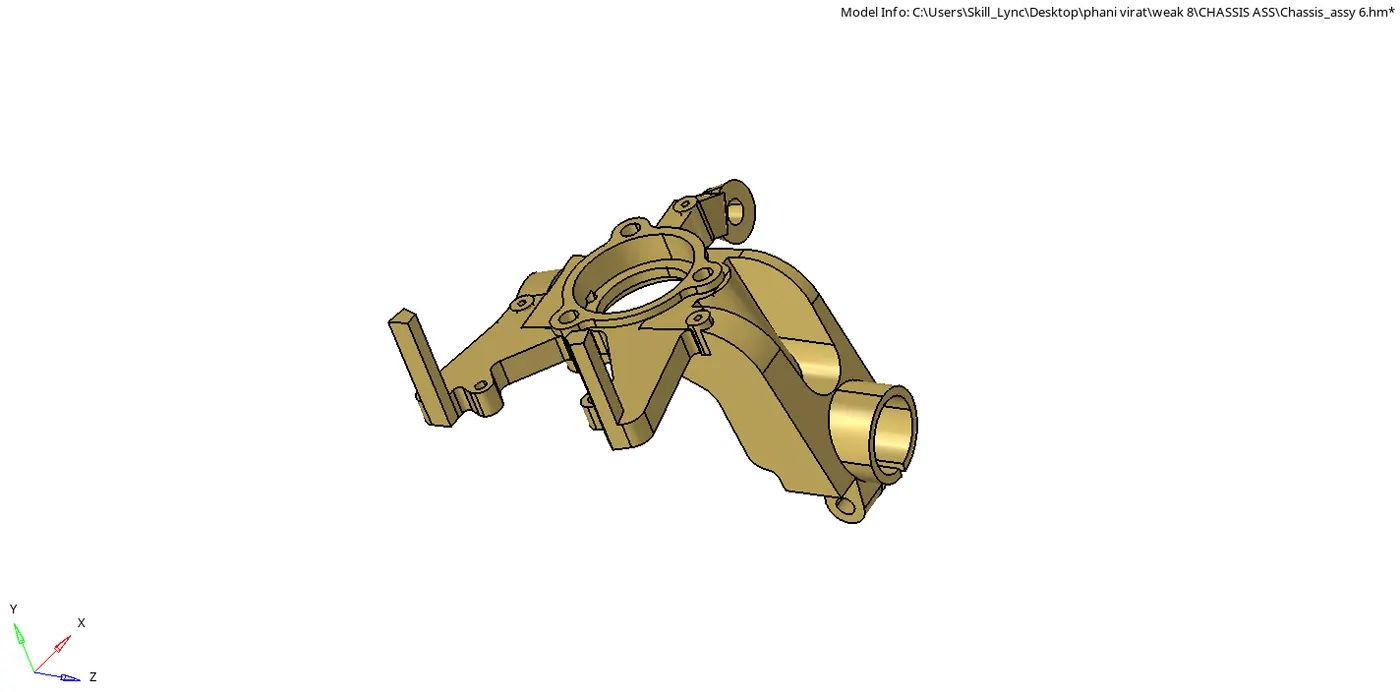
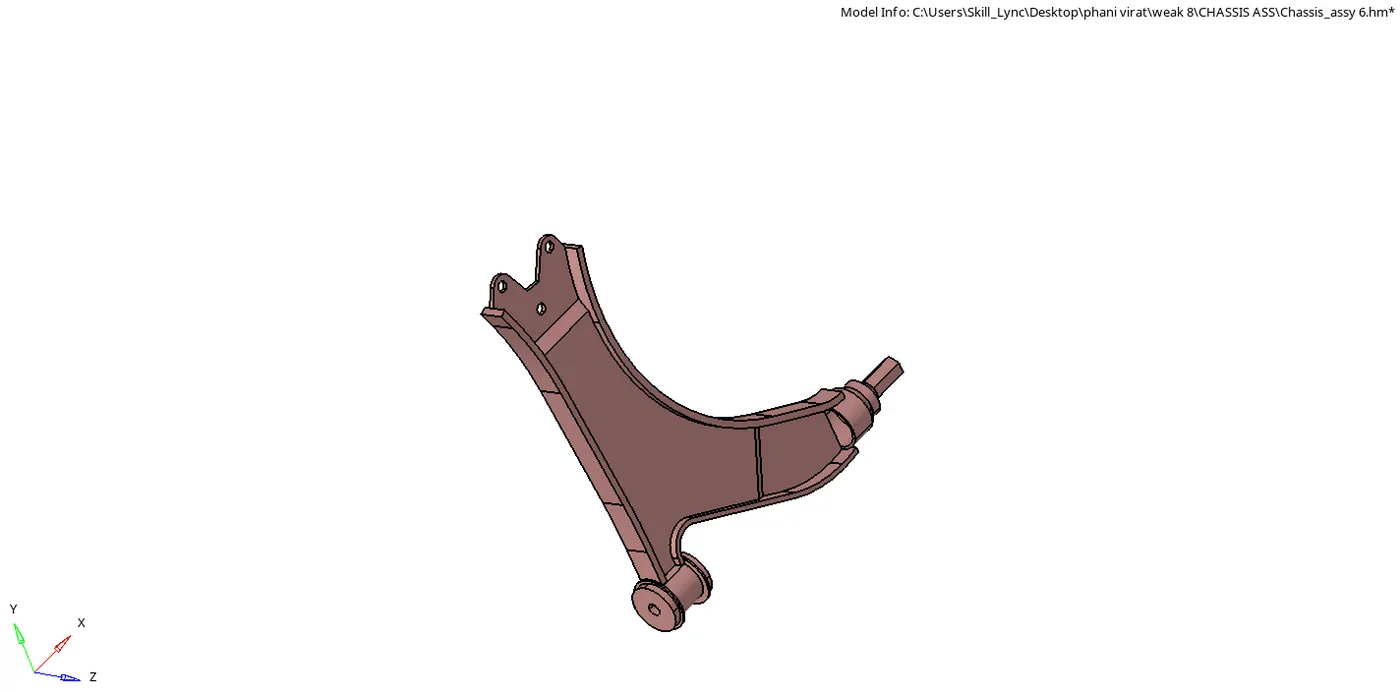
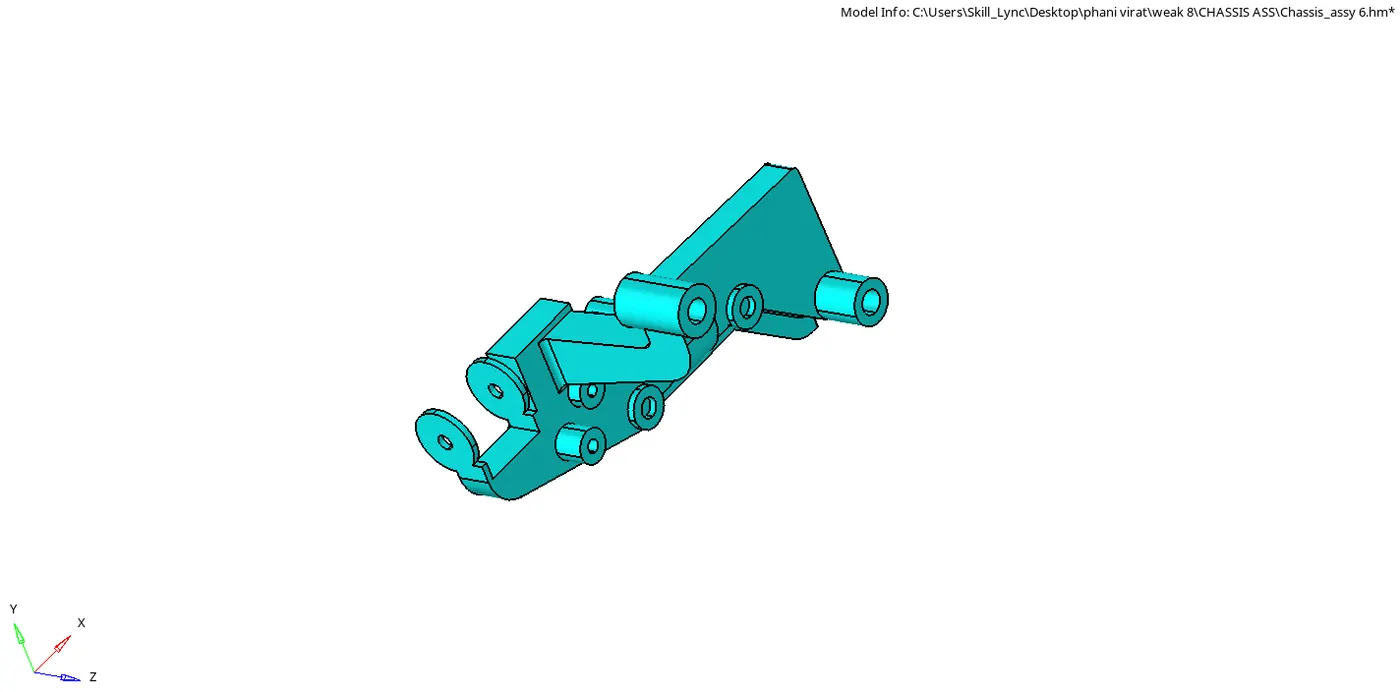
- Above fig's showes the component after clean up
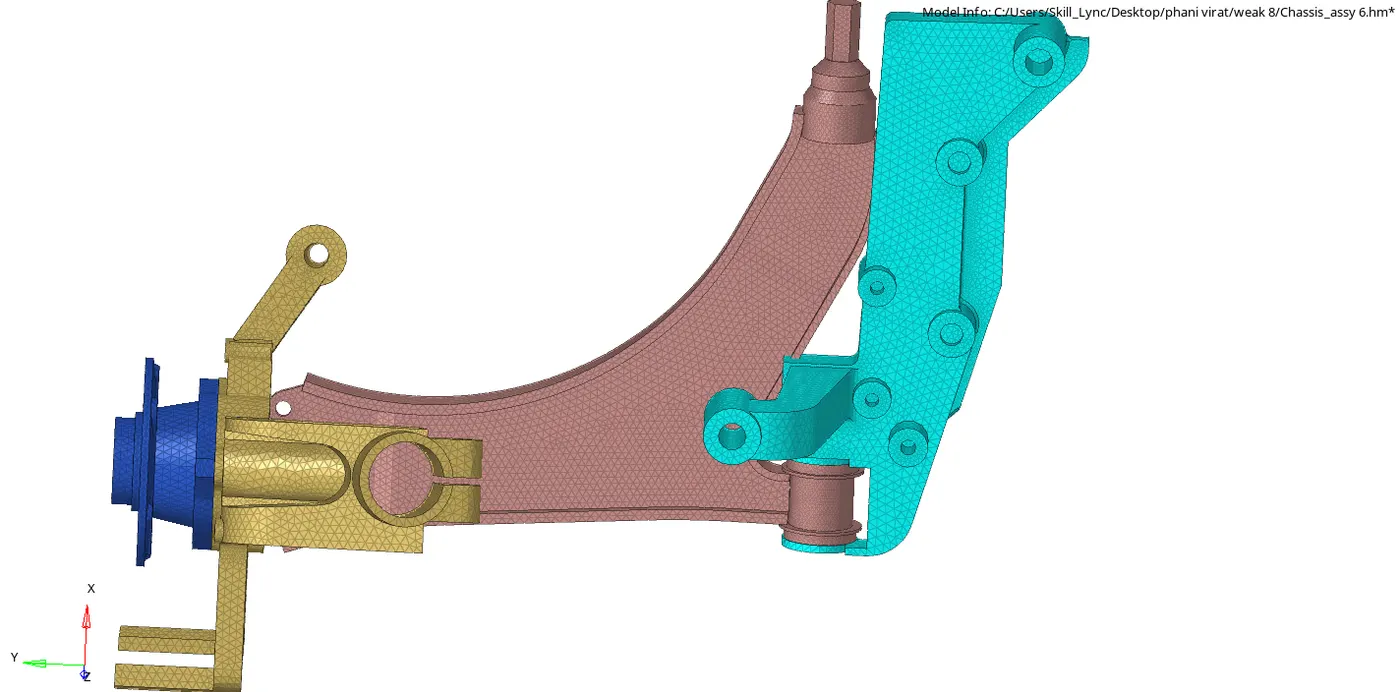
- Then do 3D meshing go to 3D tetrameshing and click on tetra meshing and volume tetra and select the solids and do meshing always check the tetra parameters and give element size 6mm
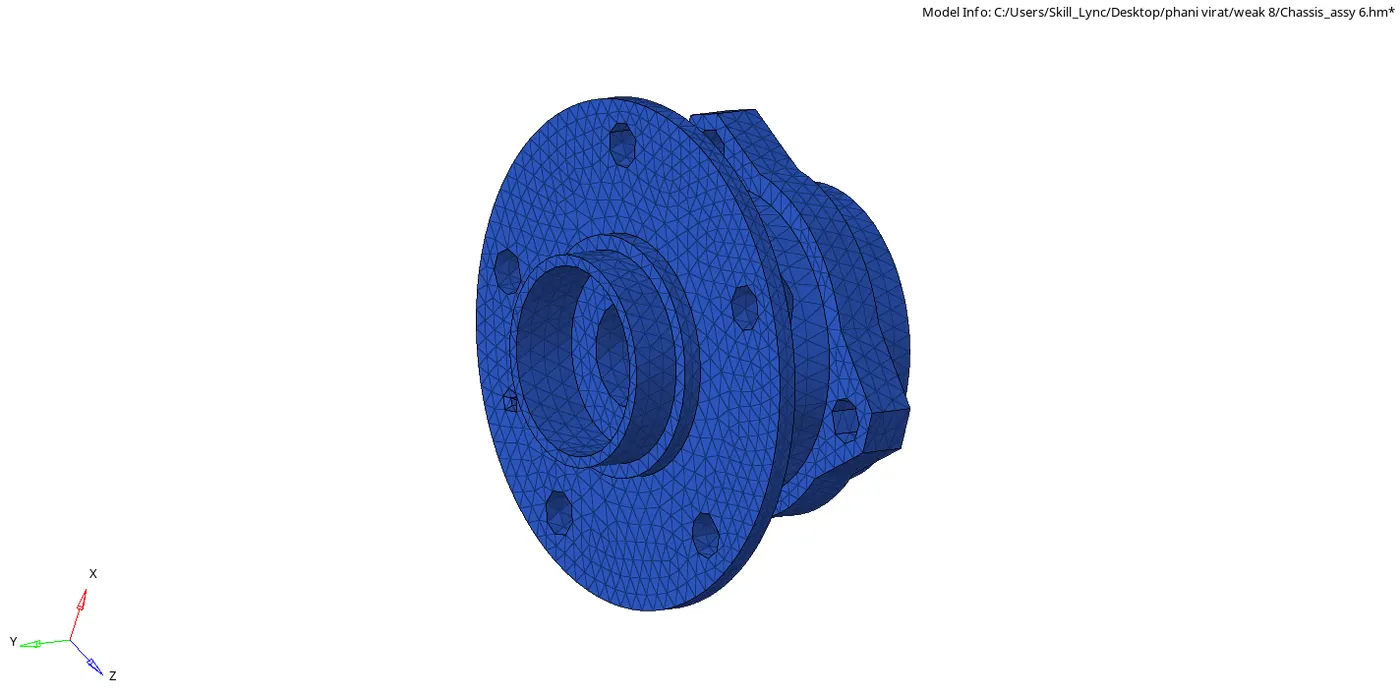
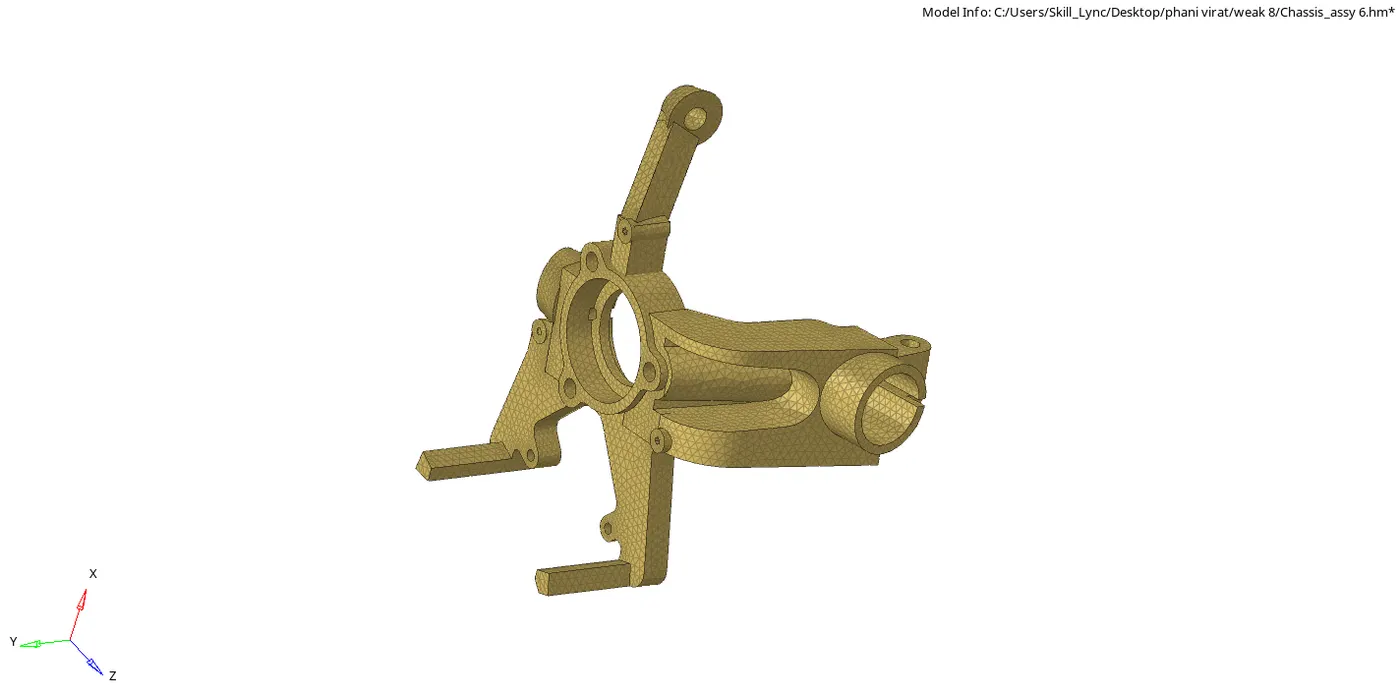
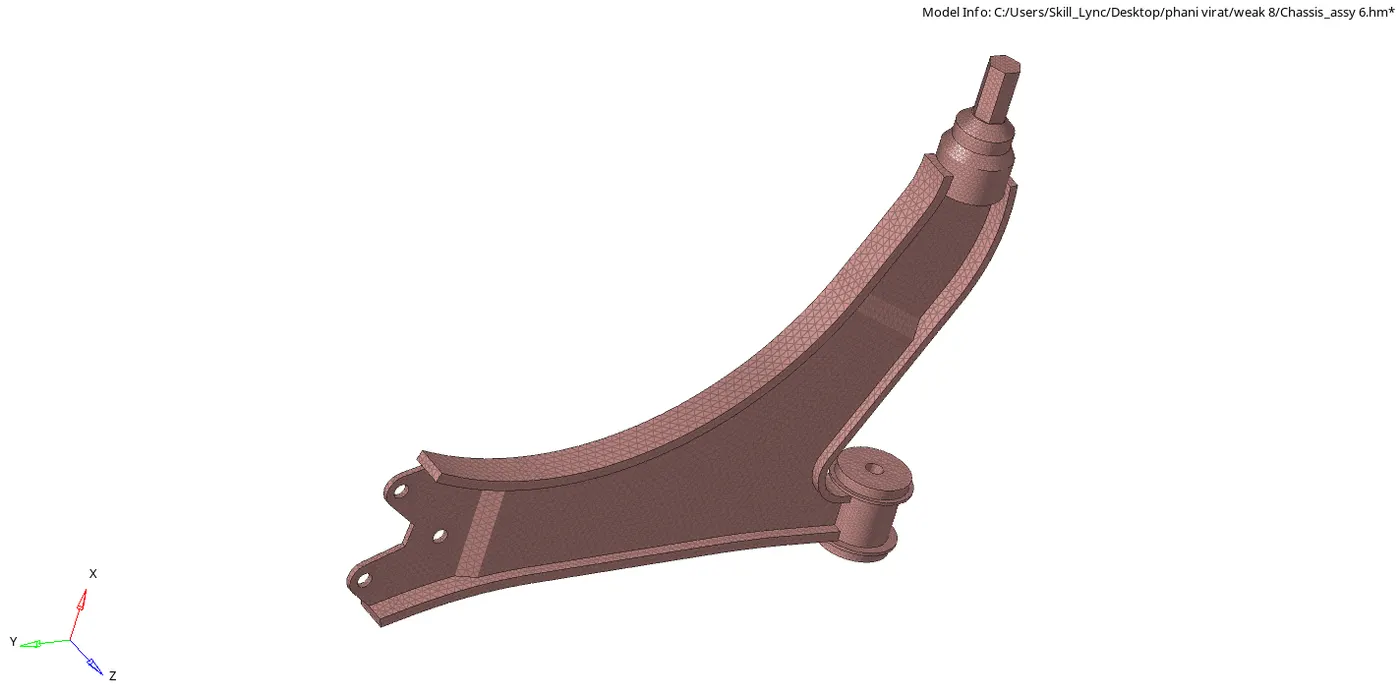
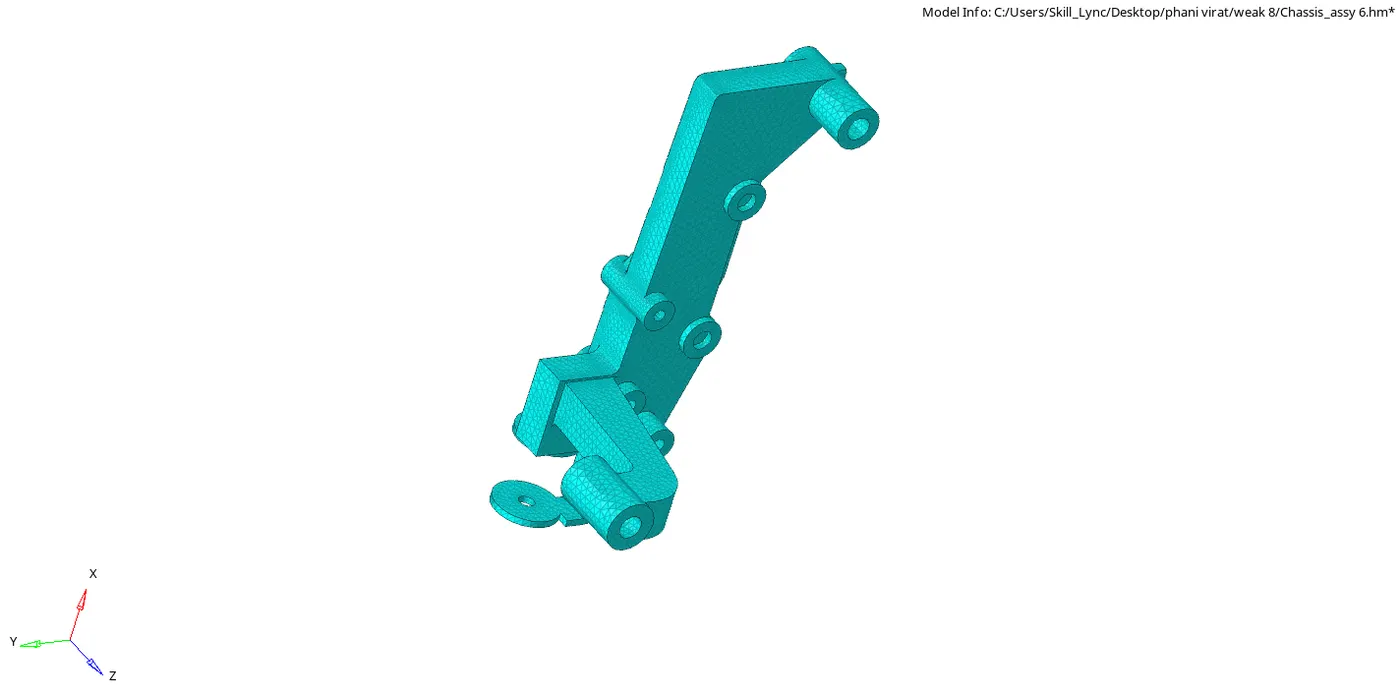
- Above fig's shows the components are mesh as per the given element length
- After completing the meshing check for the tetcollapse in check element if there is any tetcollapse fix it manually
- The below fig shows the final meshing of the model
CONCLUSION:-
3D meshing is done for the given models as per the given min,max and tetcollapse