Rear Wheel Holder floor panal
AIM:-
To extract the mid surface and meshing the given component as per the given criteria
and also assign thickness for the component
THEORY:-
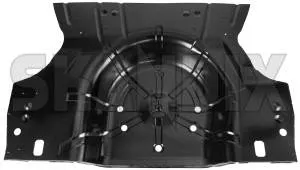
Given model is floor panal where it is used in cars to keep the spare tyre and it ,this is manufacture from steel and aluminium raw materials
PROCEDURE:-
1.IMPORT THE MODEL
- Open the hyper mesh and select the profile
- Import the model
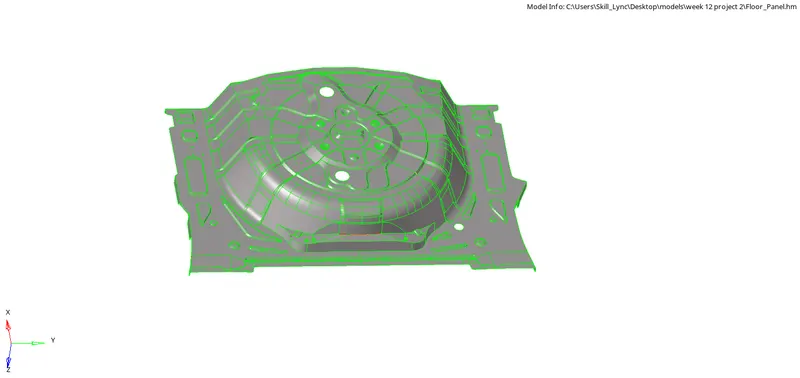
- Inspect the model (parent component) for any clean up should be done
2.CLEAN UP THE PARENT COMPONENT
- Clean up parent component is that while extracting the midsurface not to get unevensurface and to get fine midsurafce
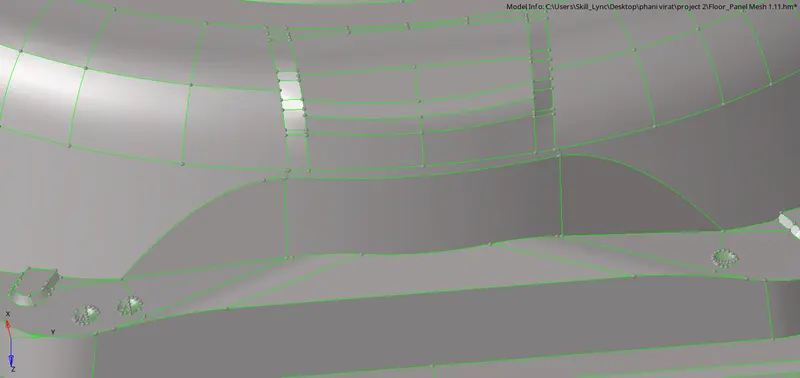
- And below fig's shows the clean up before and after
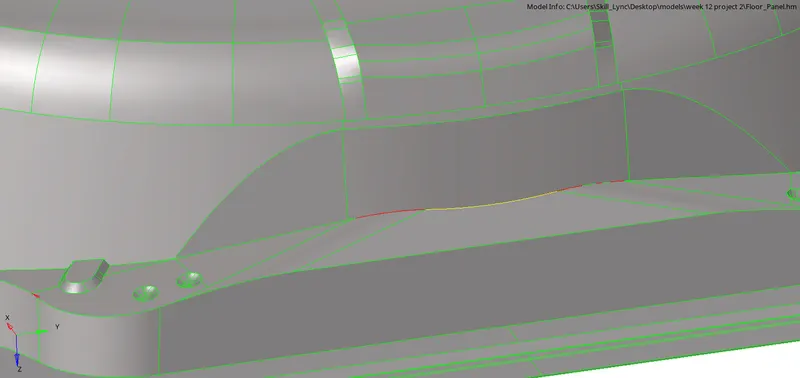
BEFORE AFTER
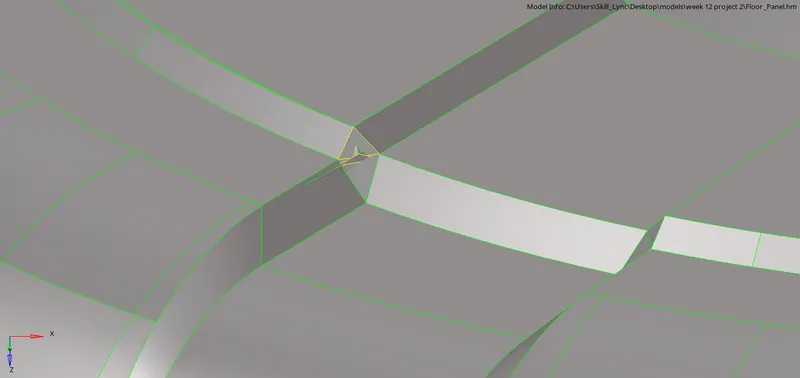
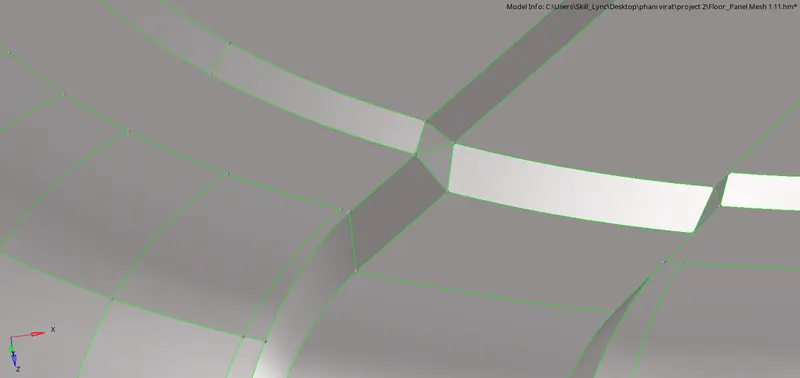
BEFORE AFTER
- The above fig's are some clean up done on parent component
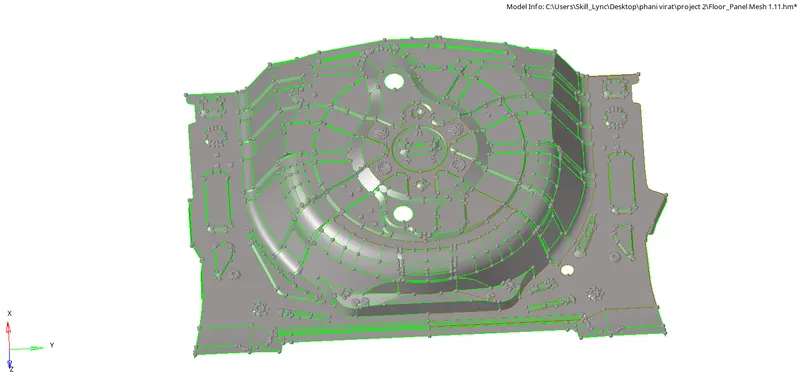
PARENT CLEAN UP
3. Extracting the mid surface manually
- Before extracting the mid surface we have to cross check the component thickness at different places
- Go to the surface edit and click on the offset and we can see that as shown in the fig below

- Select the surface and give the magnitude to off set the surface and right click on the sufs and click on the duplicates and slick on current component and current should be midsurface and click on offset and select the color normal or vector to which direction it should offset
- Same as for all surfaces and according to their length we have to offset to the middle
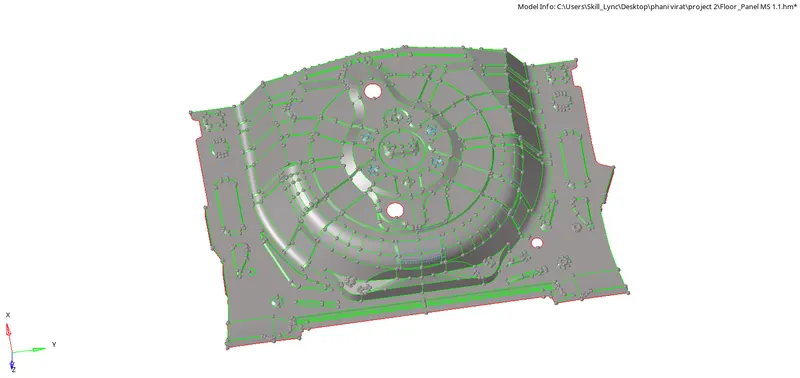
AFTER EXTRACTING MID SURFACE
4.MIDSURFACE GEOMENTRY CLEANUP
- Geomentry clean up is that where we feel that the element is going to fail we going to do clean up the geomentry
- Below fig shows the cleanup of the midsurface
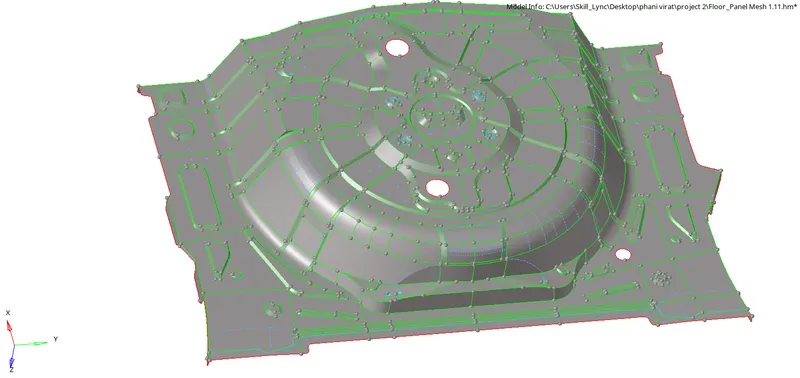
- Fine meshing is depended on the geomentry clean we are going to do
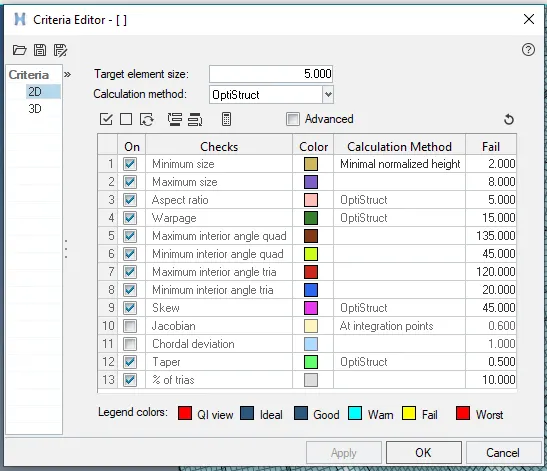
5.CRITIRIA FILE SETTING
- Go to the preferences click on the critiria file setting and set the values as per the given critiria
6.MESHING MIDSURFACE
- Go to 2D automesh and change the element length to 5mm and check on the align and size and select mixed and mesh the component surface by surface
- Do meshing with less trias and mesh flow should be fine and smooth
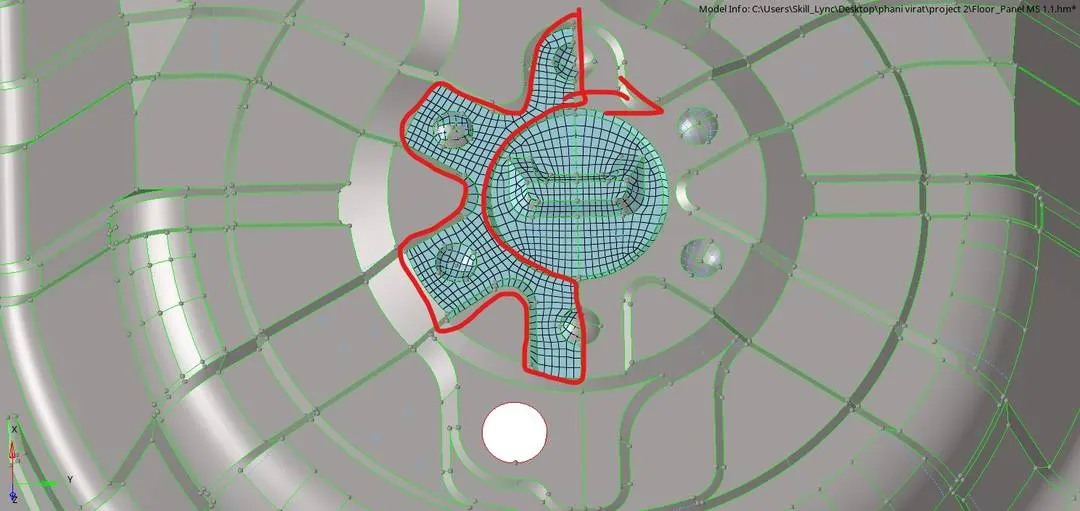
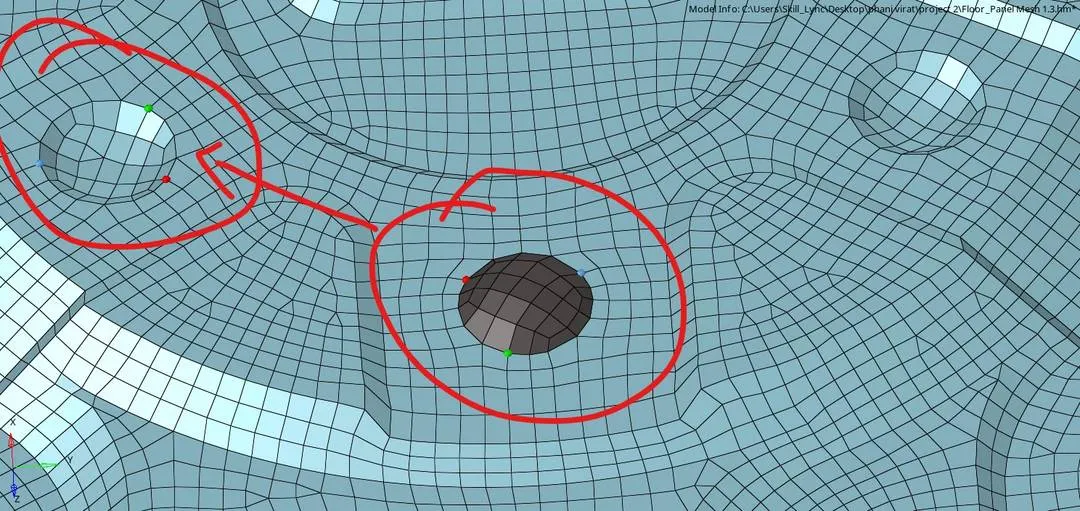
- For some surfaces we can do the position tool which are same in length and shape
- Go to tools and position and select the elements and select the n1 n2 and n3 from and to which surface we have to position the elements before doind duplicate the elements

- Below fig's shows some of the elements which are position
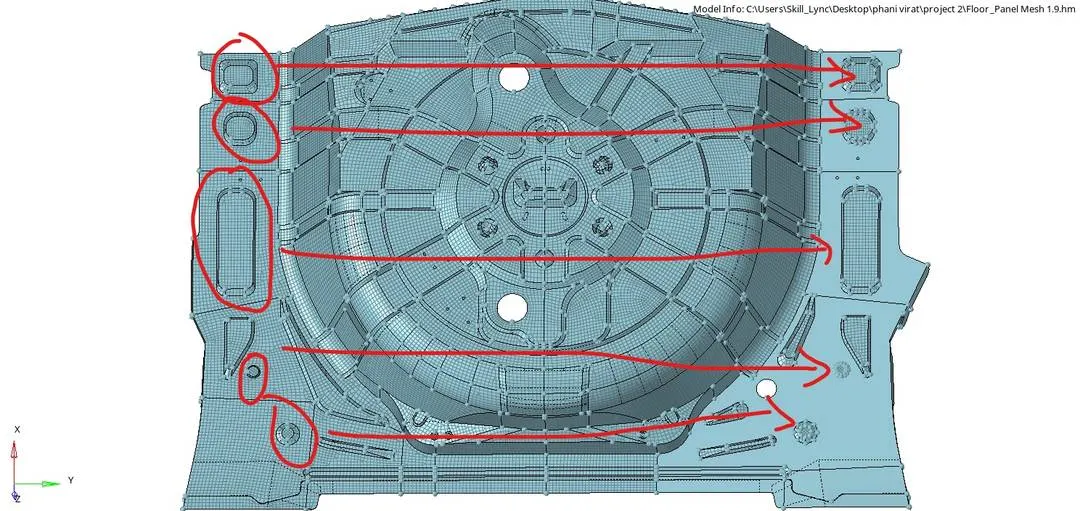
- After meshing go to the quality index in 2D and check that how many elements are failing to the given critiria
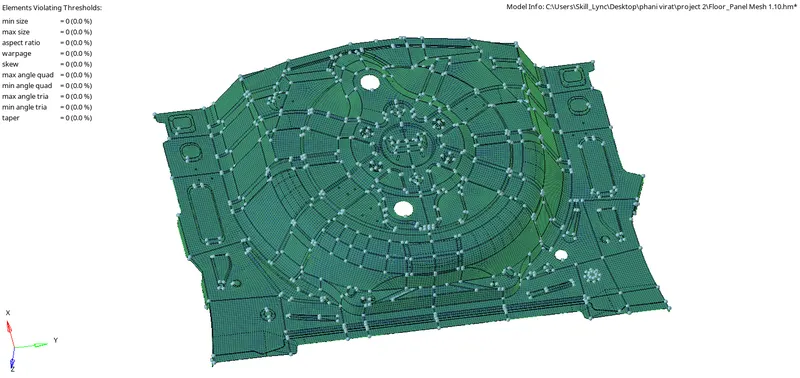
- Fix the elements that which are failing to the given critiria
7.THICKNESS ASSIGN
- We have to check the thickness of the each part and creat a separate component to that part
- Creat the property of the different thickness and in cardr enter the thickness and assign the property to tyhe respective component
- For this model through out component is 0.75
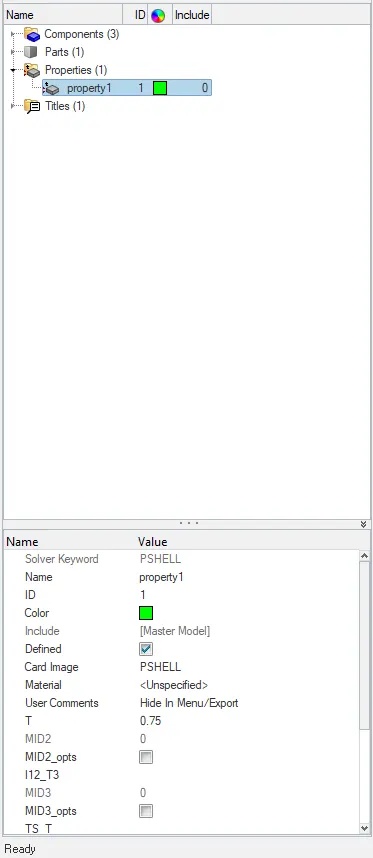
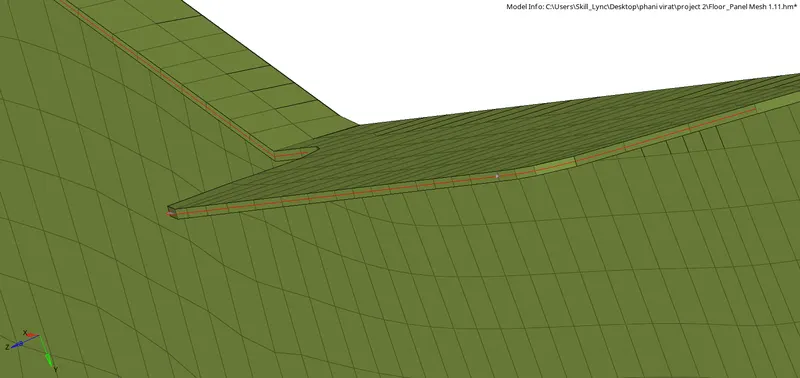
- click on 2D detailed element representation
- Below fig shows the components which is assign as per the thickness
- Below fig shows the model after meshing and assigning thickenss
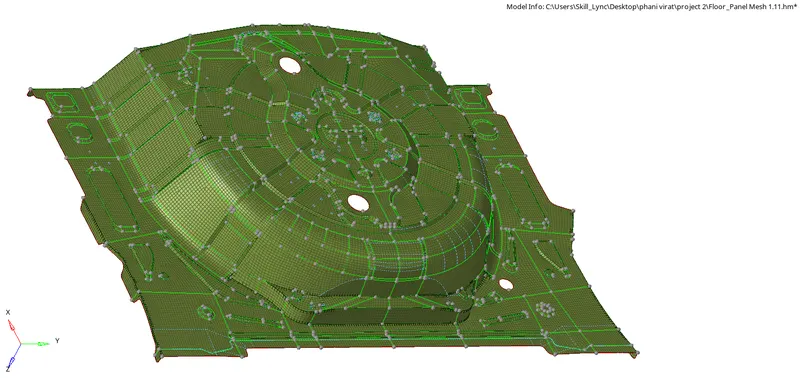
FINAL COMPONENT AFTER MESHING AND THICKNESS ASSIGN
CONCLUSION:-
Extraction of the midsurface and meshing is done as per the given critiria and assigning thickenss is done