Week 9 - Challenge 3 - Bumper
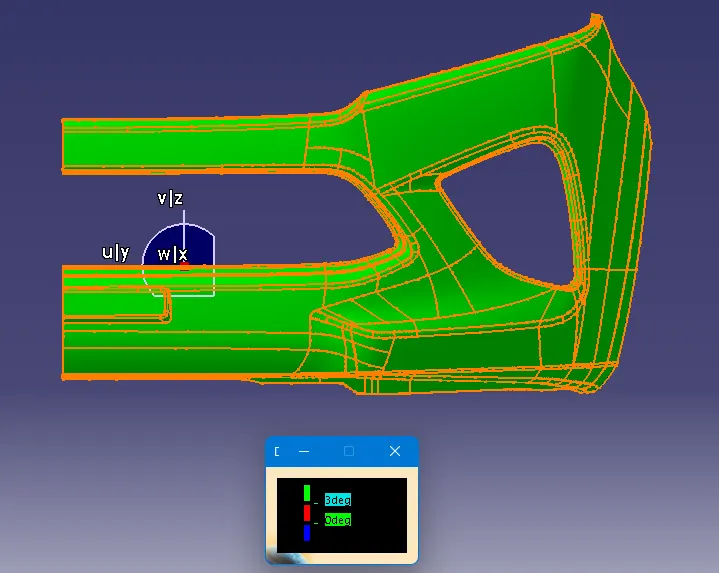
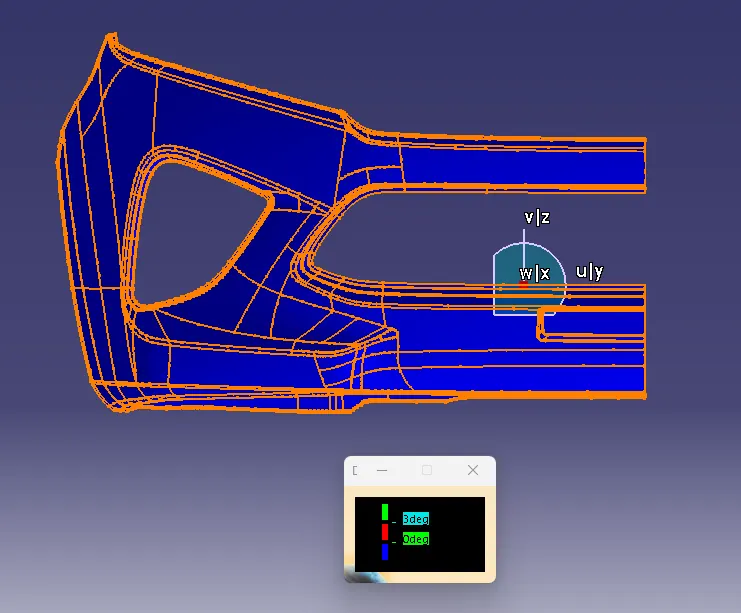
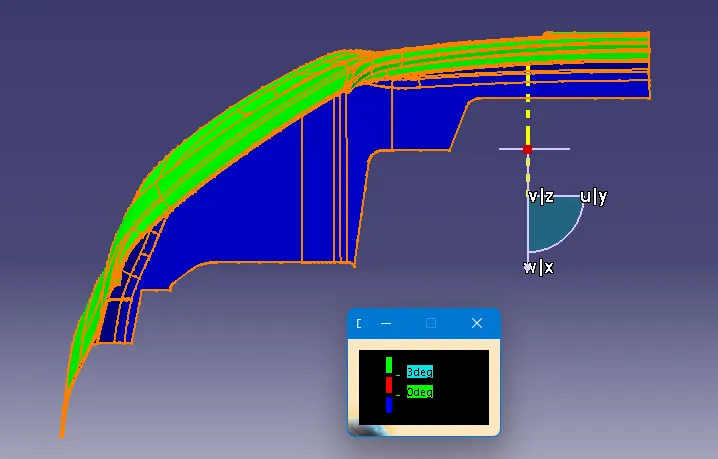
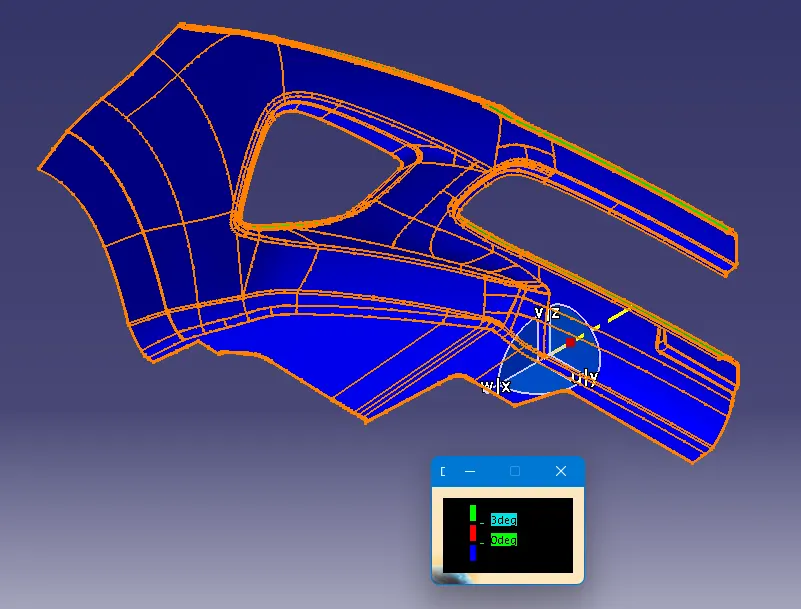
Aim: Create the Bumper Plastic component through the given Class-A surface. To begin with, the tooling axis for the given Class-A Surface should be created meeting the requirements of the draft angle and at the end perform the Draft analysis on the model.
Take the Thickness of the component to be 3 mm.
Solution:
Tooling Axis:
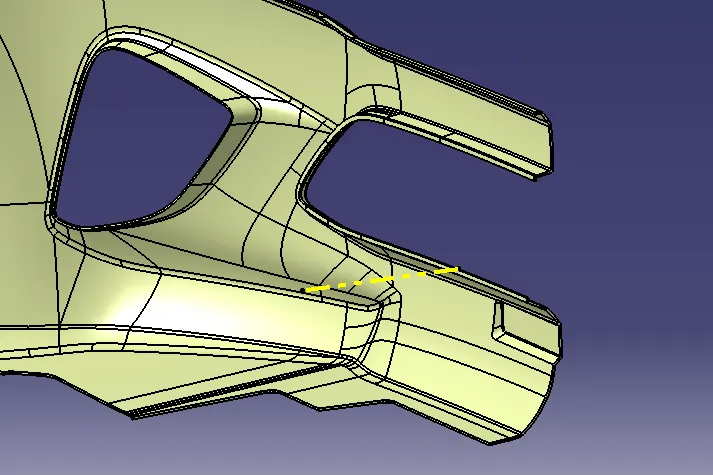
Crearting Dummy Tooling Axis.
Class A Surface:
Considering given surface as a Class A surface.
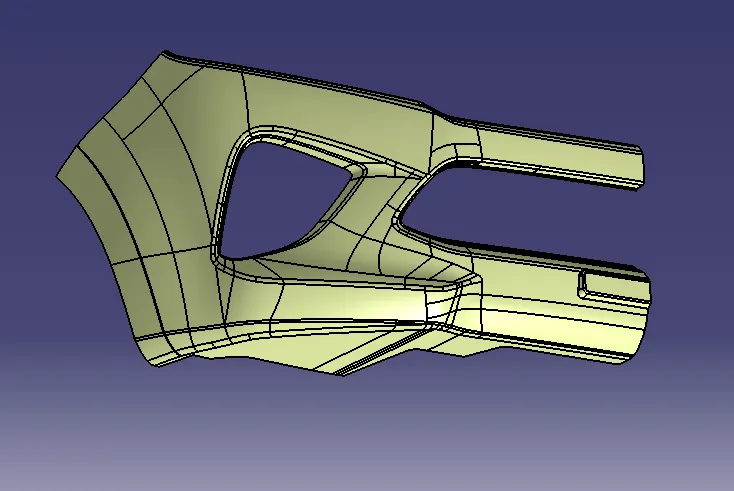
Class B Surface:
Class B surface is created by offsetting the class A surface.
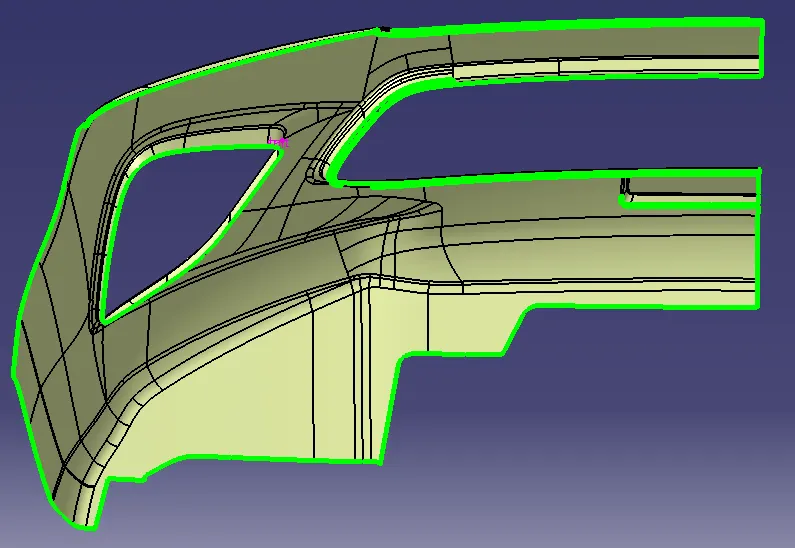
Correcting the filleted surfaces by extracting different surfaces and creating the proper class B surface.
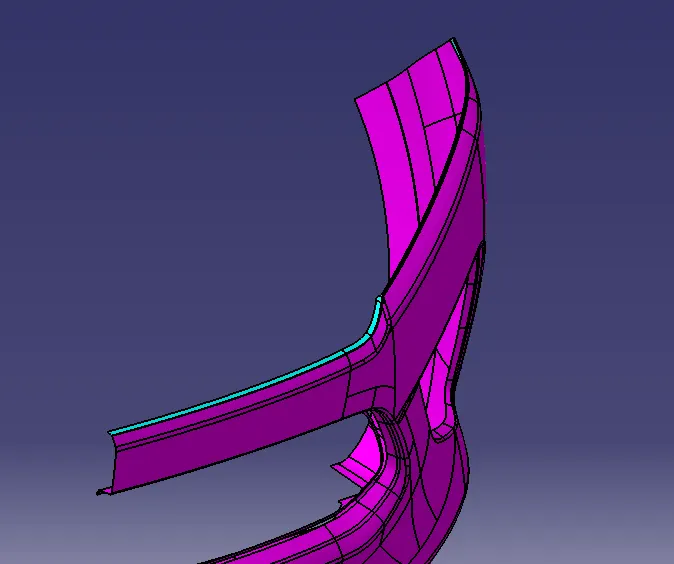
Using trim command creating a sharp edge to give a fillet to the class B surface.
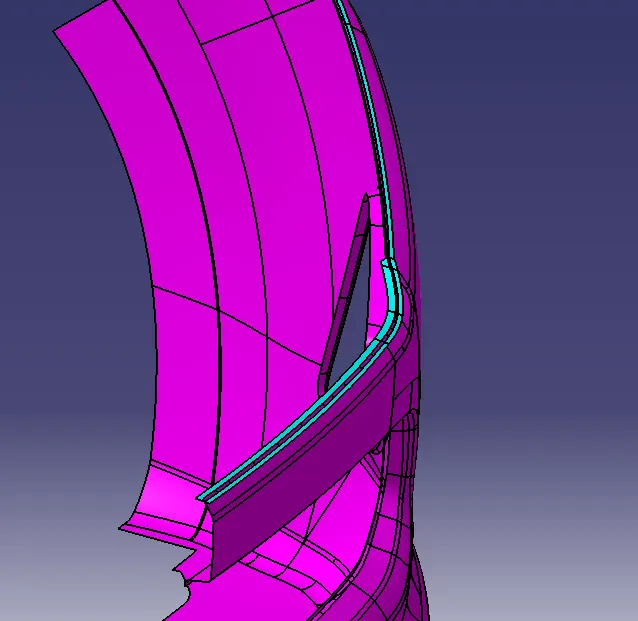
Creating other regions like this by using other methodology.
Creating surfaces by using "Split" command and "Sub Elements to remove" method.
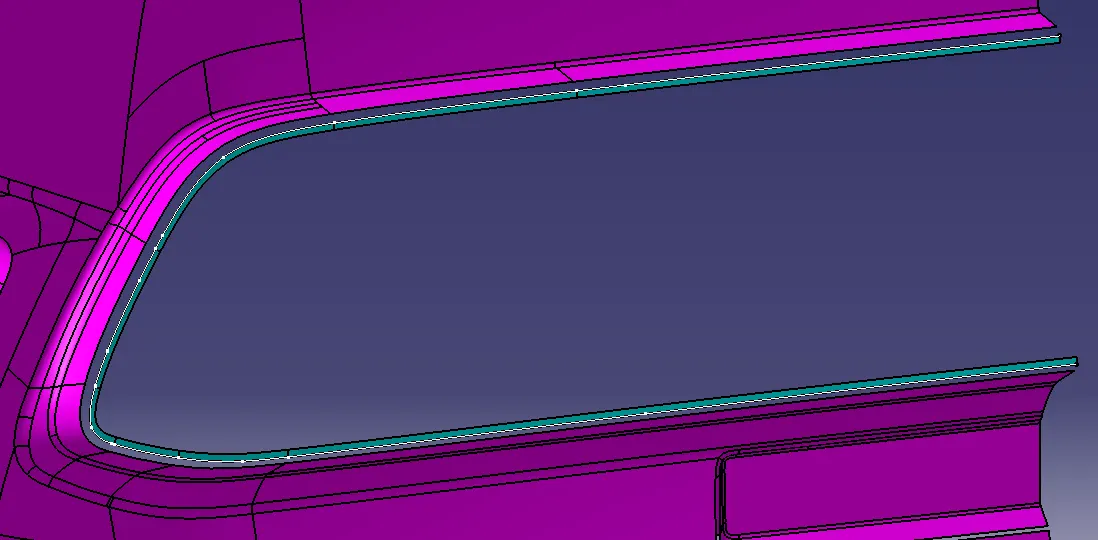
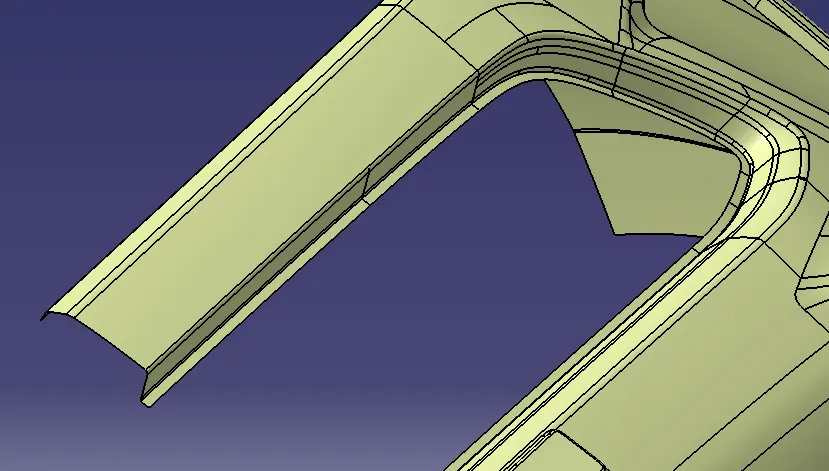
Other sides have been created using same method.
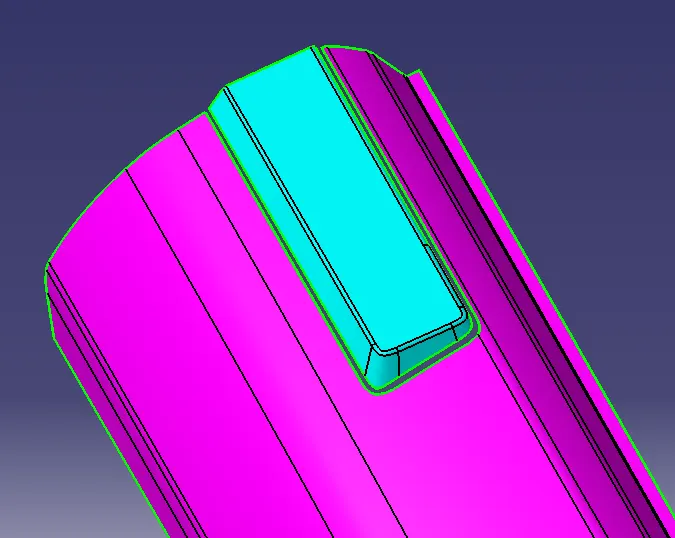
Creating Two Surfaces from one surface and optimising the upcoming problems while creating B surface.
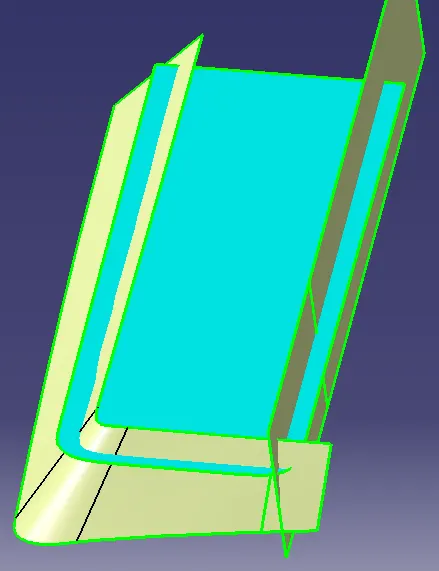
Extrapolating surfaces such as to create the required surface and trimming them.
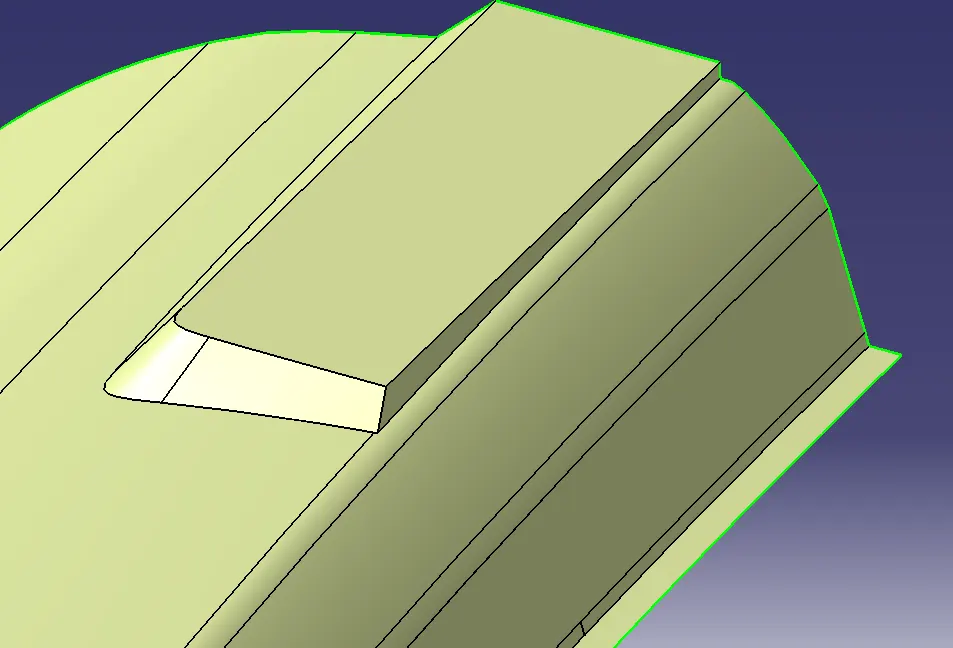
Giving fillet at the required edges.
To find out the fillet radius we need to extract and untrim the fillets. After that we need to create a circle that coincides the fillet surface, which can gice us a radius of a fillet.
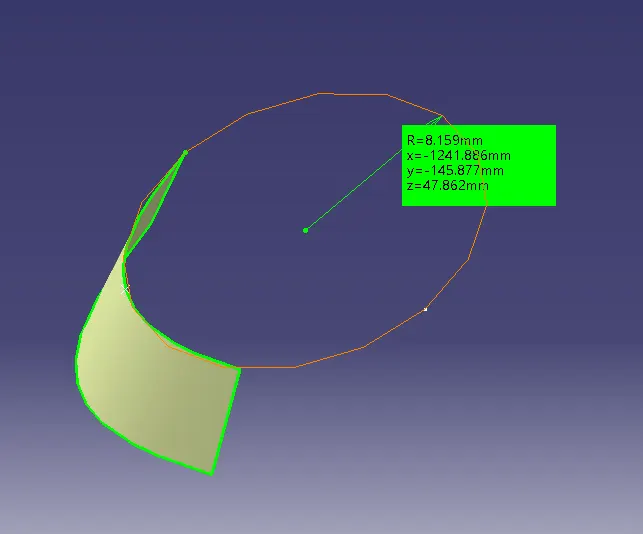
Considering Fillet radius= 8mm for Class A surface.
for Class B surface the fillet radius = 8-3=5mm and so on.
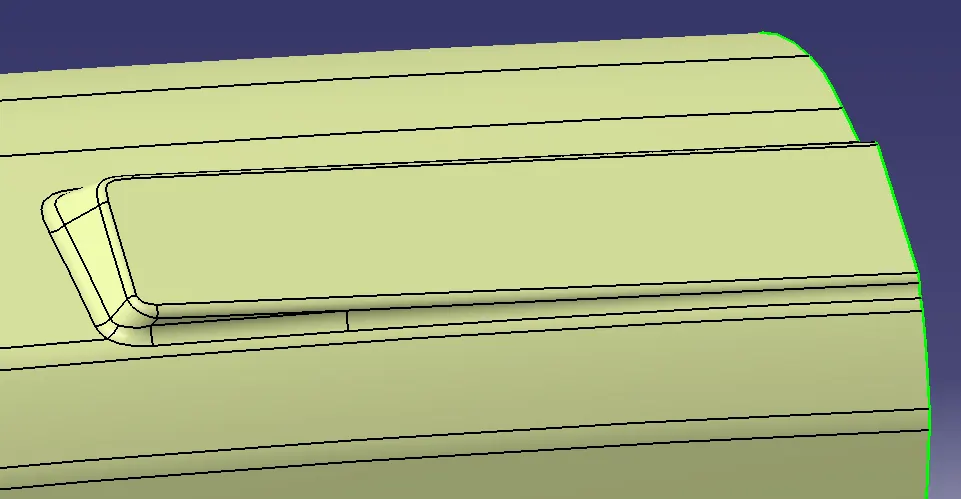
Class C surface:
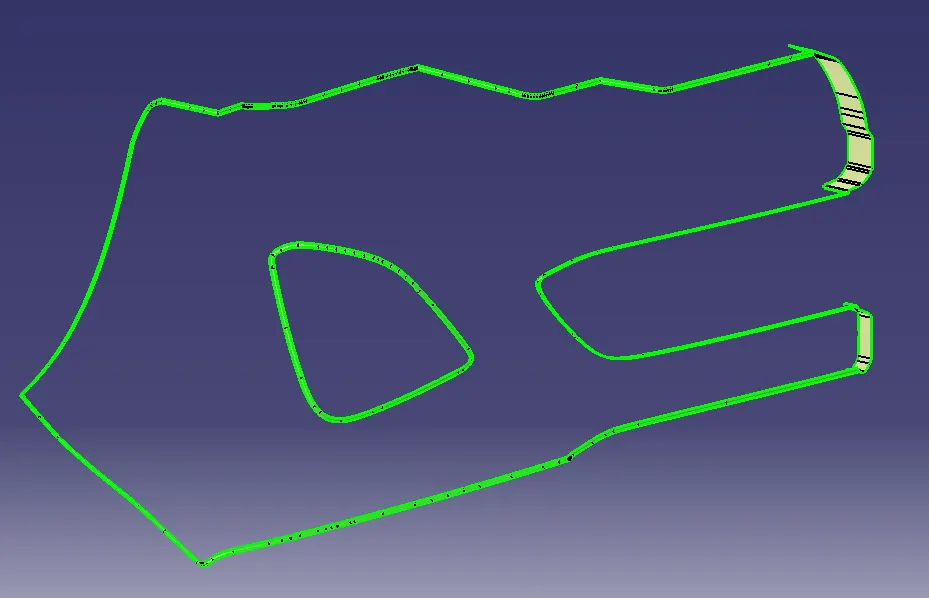
To create class C surface, we'll have to create a surface at the edge by using sweep command.
And joining them as a one surface.
Class A+C surface:
Joining Class A and Class C surface by join command.
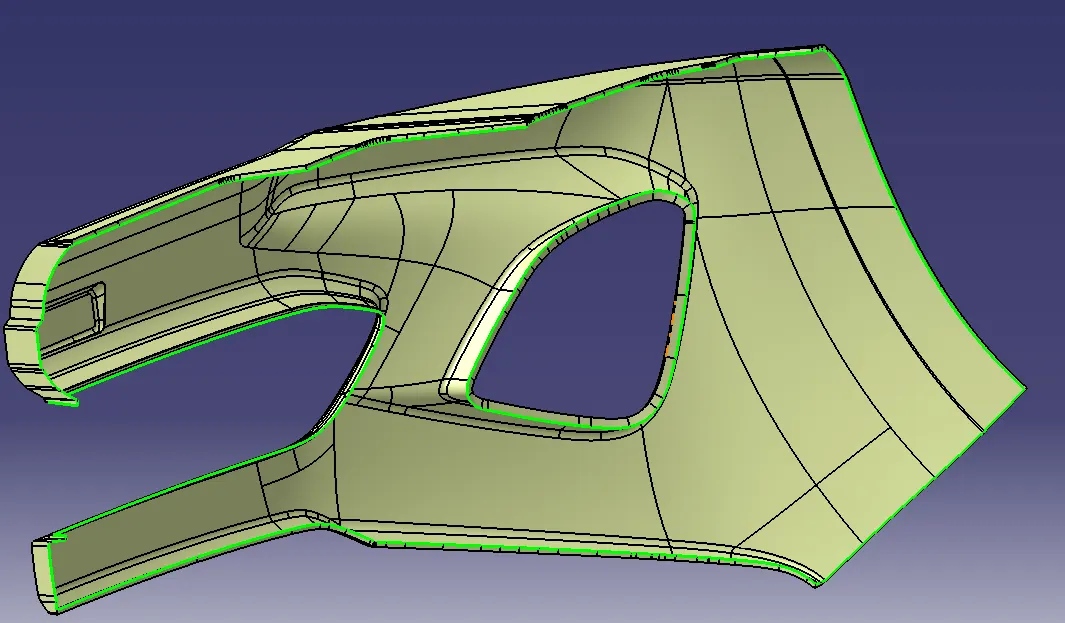
Trimming the A+C and Class B surface to get the closed surface of the required product.
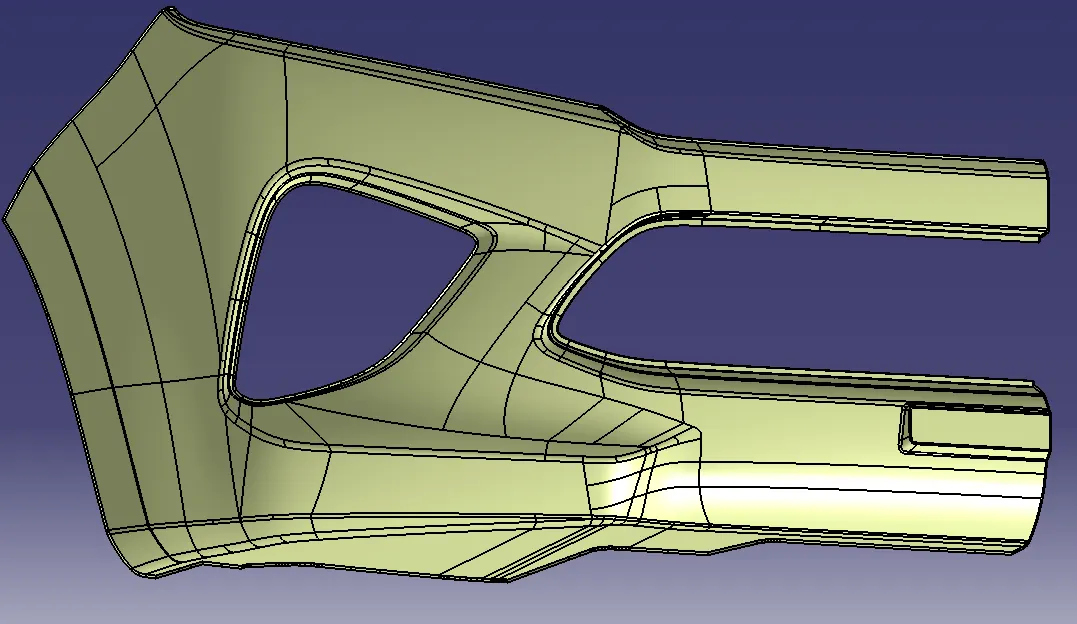
By using Close Surface, create a solid part from closed surface.
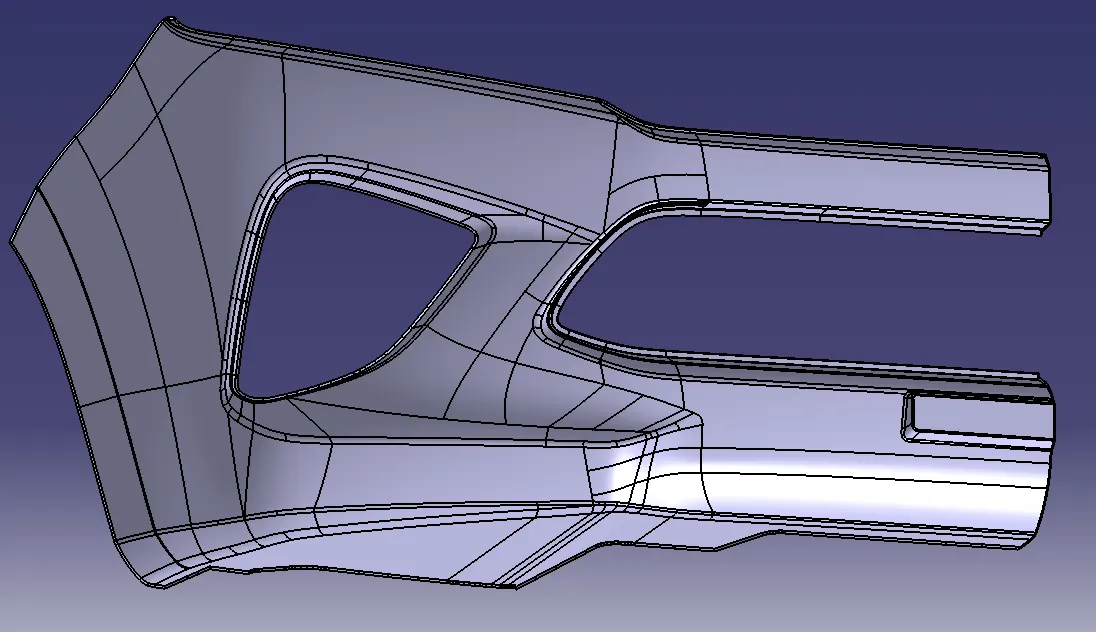
Draft Analysis: