Week 9 - Challenge 3 - Bumper
AIM
To create the Bumper Plastic component through the given Class-A surface. To begin with, the tooling axis for the given Class-A Surface should be created meeting the requirements of the draft angle and at the end perform the Draft analysis on the model.
CONSIDERATIONS
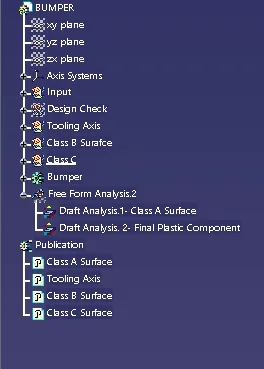
- Ensure Proper Tree Structure
- Geometrical sets should have a proper name based on the sketches present inside of it
- All the sketches should be created under the Geometrical set
- Use the Close Surface feature to make a solid body from the surface.
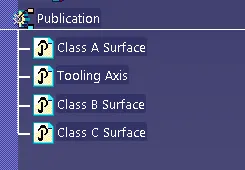
- Publications: Use the publication option and publish the Tooling Axis ,Class A, B, and C surface
1.First create a tooling axis with respect to the CLASS A surface.
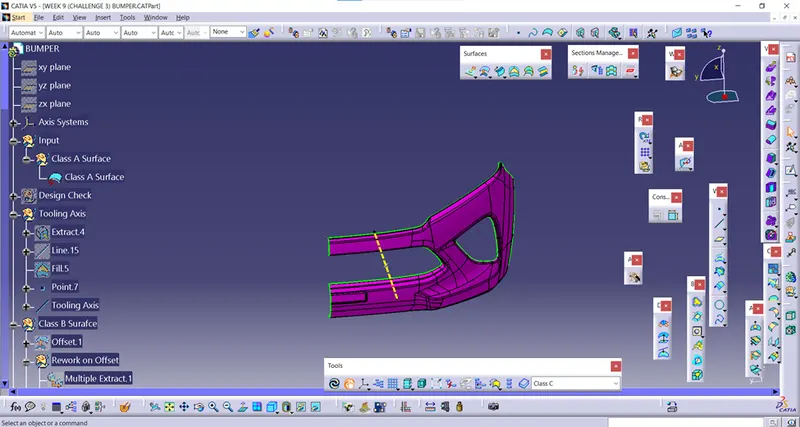
2.Create geometrical set and named it as CLASS B surface and make a offset from the class a surface.
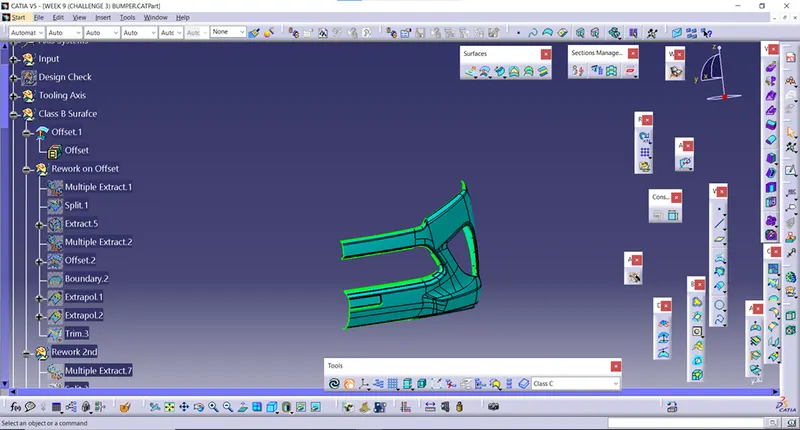
3.By using extrapolate and boundary function untrim the surfaces and trim it to the required conditions.
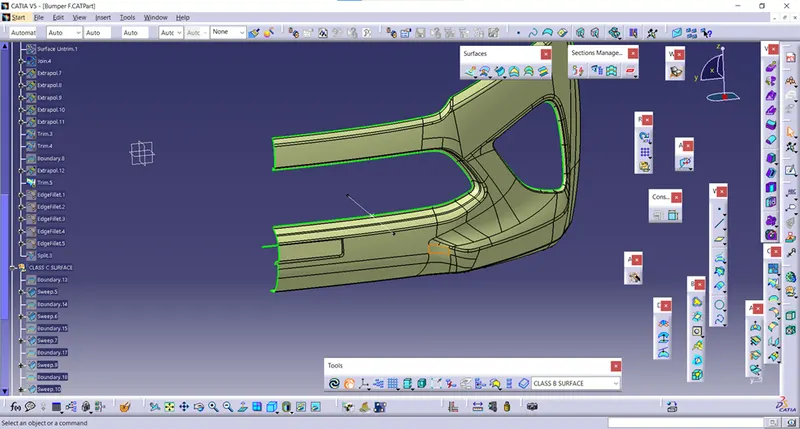
4.Then give fillets to the sharp edges .
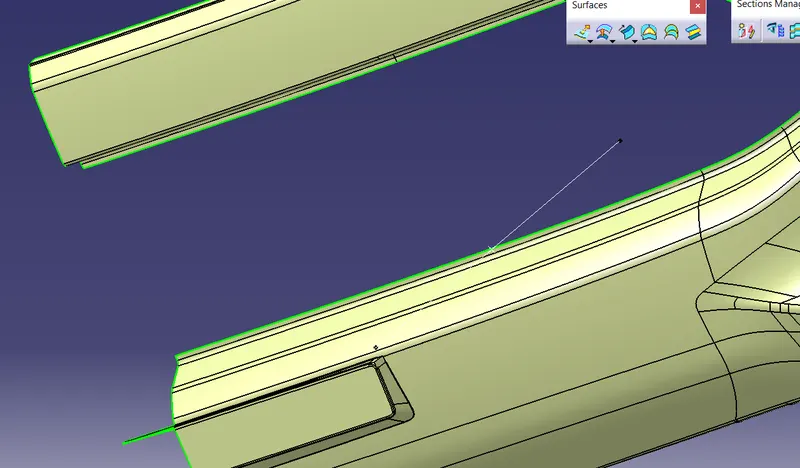
5.CLASS B surface was created
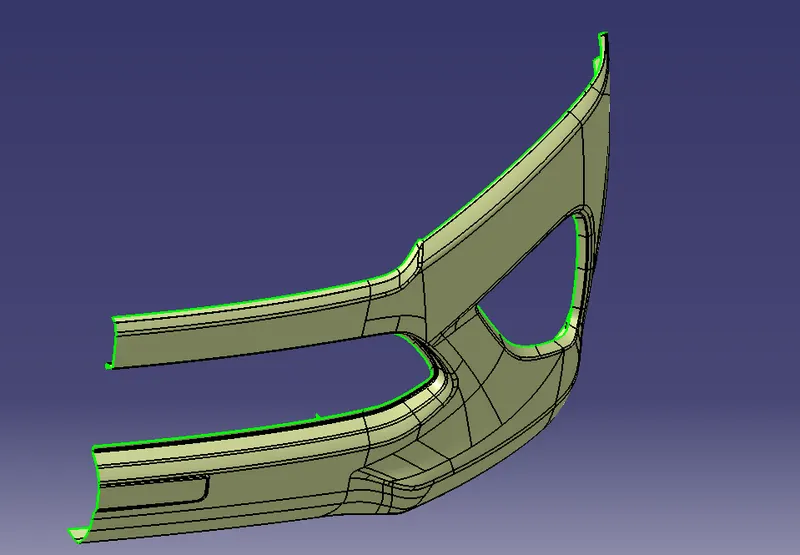
6.then using a boundry ,sweep and extrapolate features use trim to make a class c surface.
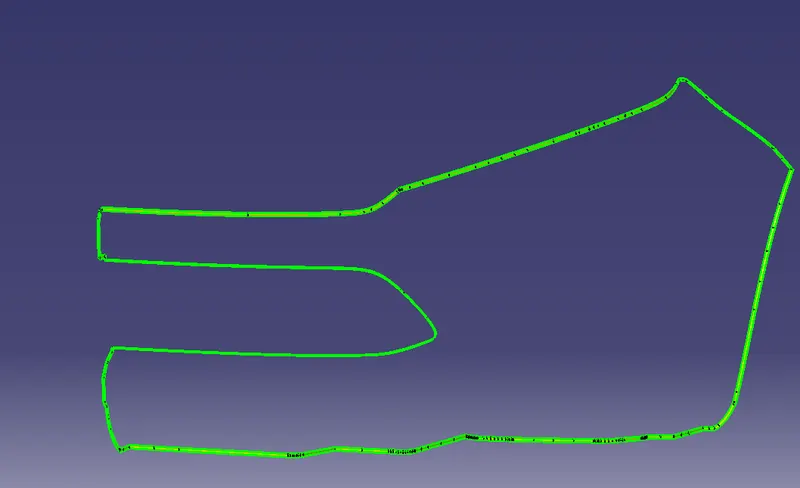
7.Then using a close surface make a part body.
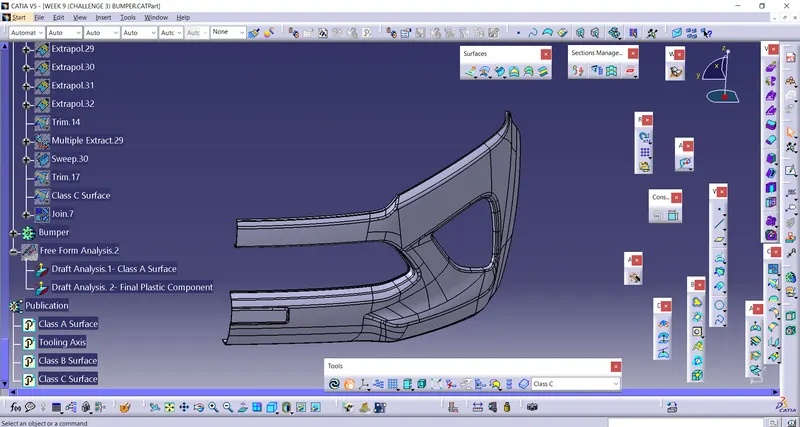
8.Do draft analysis for class a surface
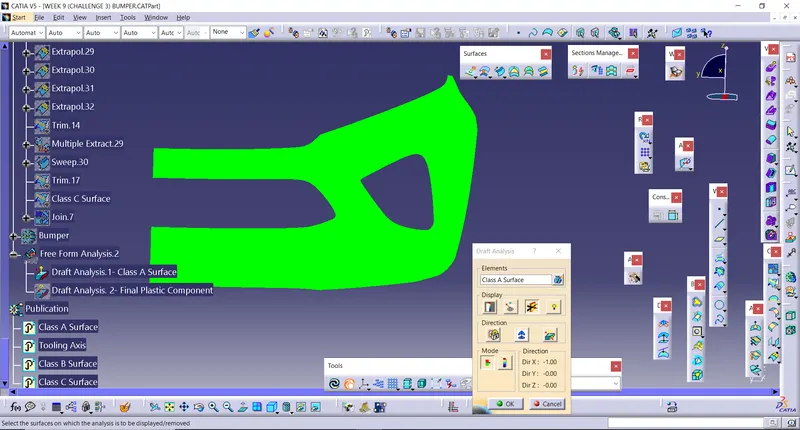
9.Then do draft analysis for class c surface
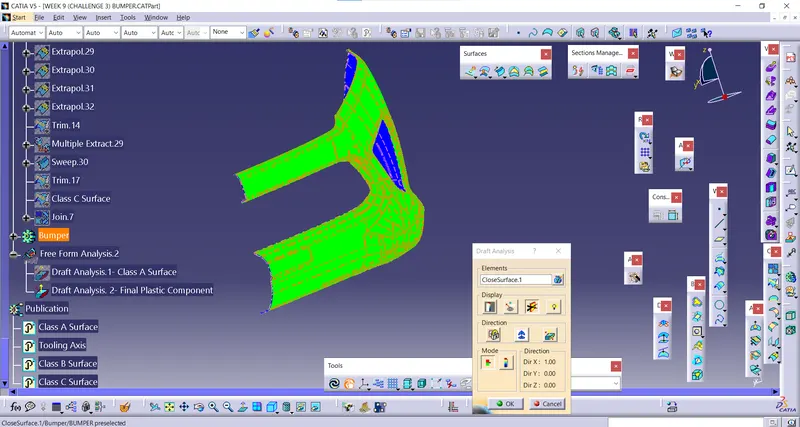
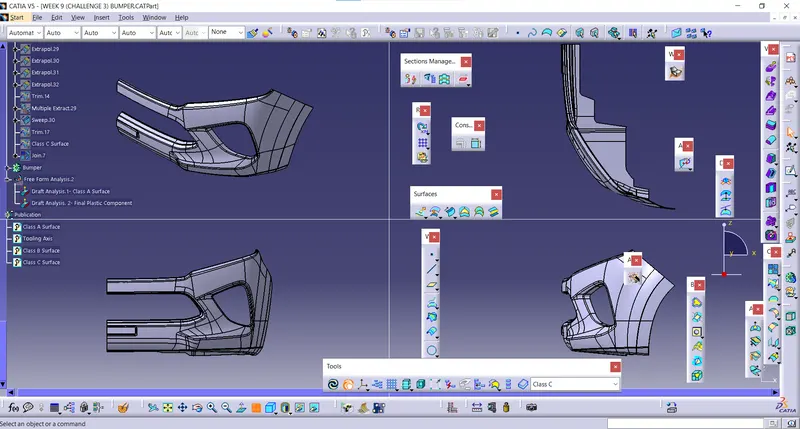
FOUR views of the part
PUBLICATION have been created for CLASS A,B,C and TOOLING AXIS
TREE STRUCTURE