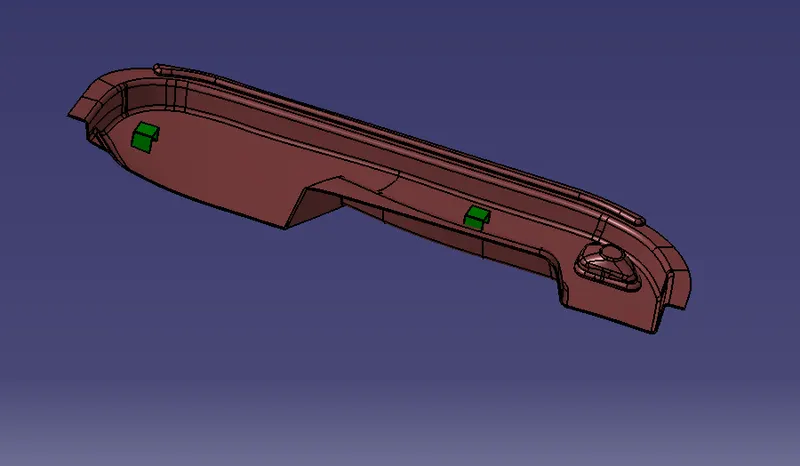
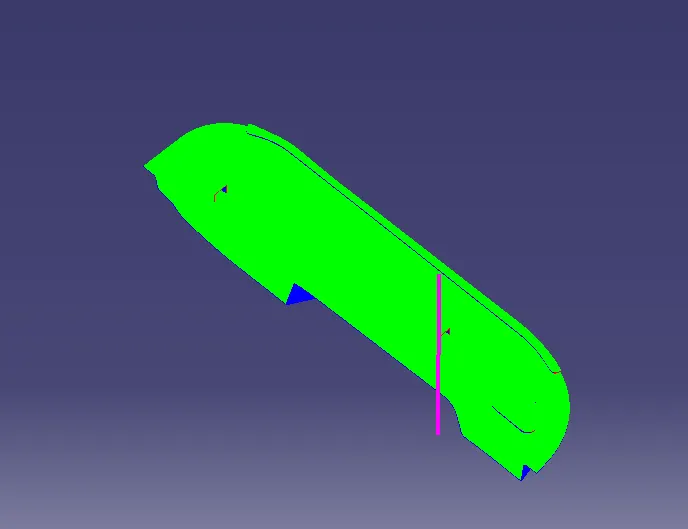
Week 10 - Challenge 2- Attachment Feature Creation (Dog House)
AIM
To Create the Dog House for the Door Trim considering the design rules.
Dog house is a engineering feature used for a supporting purpose in the door trim which was placed in the side of B SURFACE.
STEP BY STEP PROCEDURES FOR CREATING DOG HOUSE
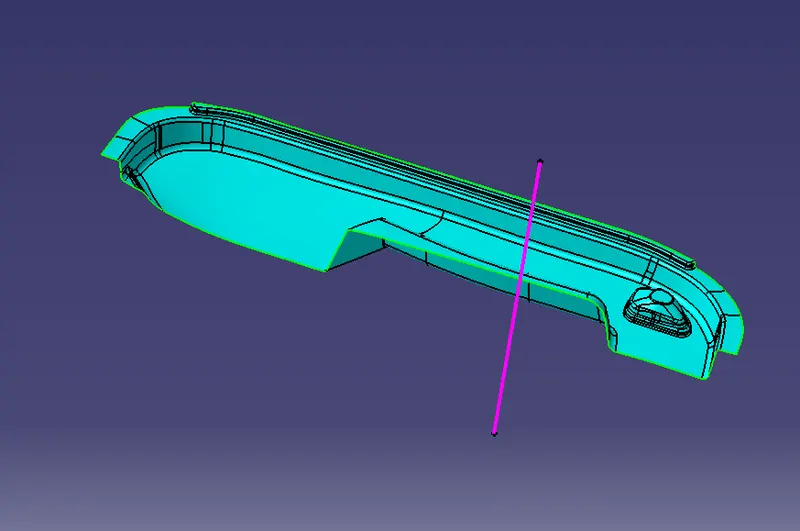
1.Create a tooling axis for the given CLASS A SURFACE.
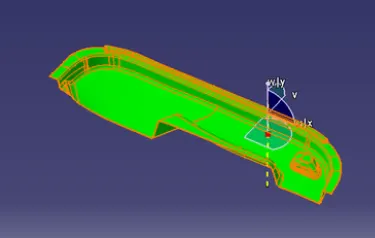
- Check the best possible tooling direction by manually adjusting the compass.
- By analysing it is found thathe t y axis as tooling direction would clear most of the faces without any difficulties.
- Now extract any surface and create a mid-point on it.
- Then create a dummy axis creating a line on the point and direction along the y-axis.
- Perform draft analysis to find whether the given axis clears the draft analysis. If not create a new tooling axis.
2.DRAFT ANALYSIS for the CLASS A SURFACE
3.CLASS B SURFACE creation
Class-B surface means the thickness of a part it is not visible and is inside part. In other words, the Class-B surface is a surface below a certain thickness from the class-A surface. This is the surface that contains engineering aspects of a model.
- Create offset surface of CLASS-A about 2.5mm inward direction.
- Check for discontinuity and rework on the offset surface using extract, multi-extract, multi sections surfaces.
- Join the surfaces and ensure the final CLASS-B surface created has no gaps.
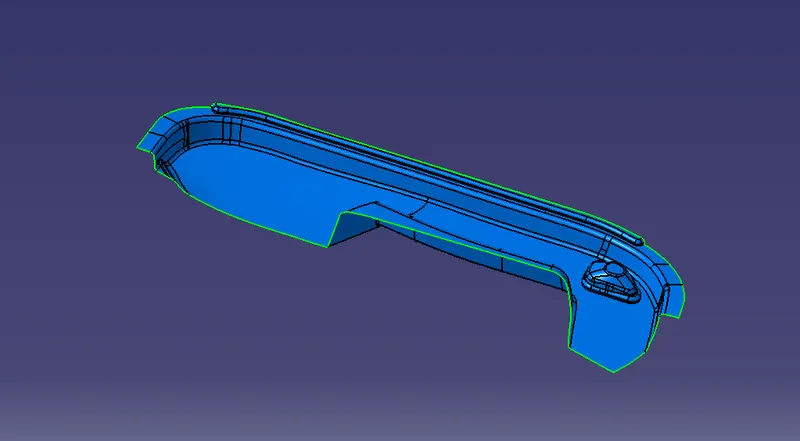
4.CLASS C SURFACE creation.
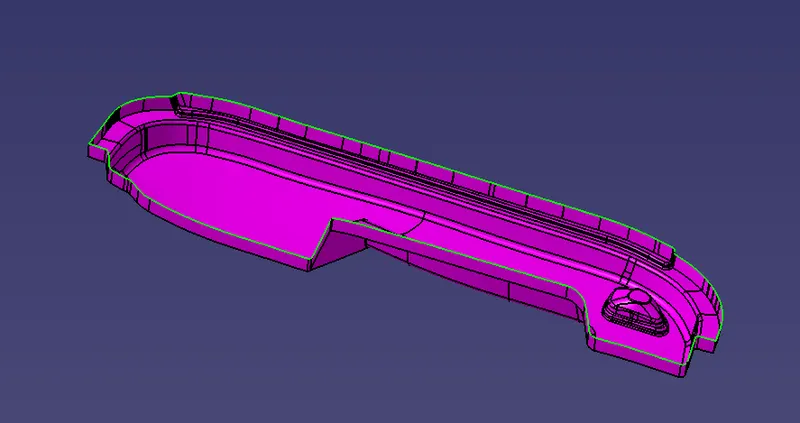
5.After creating class c surface the following steps are followed
- Join the class A+C surface
- Then extrapolate the class b surface to some distance.
- Then make a trim for that two surfaces.
- Go to the part body work bench and select a closed surface condition.
- Now the closed part body was created.
- Create a DOG HOUSE for the created part on the surface of the class b surface.
- The dog house design limitations are given according to that design a dog house.
- After designing that dog house we want to create another dog house for that create a point where that next dog house should be created.
- For creating another one make a point then copy the dog house and paste in main part body.
- Then make a translation and select point to point as a refernce and make the another dog house.
- Finally do the draft analysis for the final product.