Week 9 - Challenge 2 - Switch Bezel Design
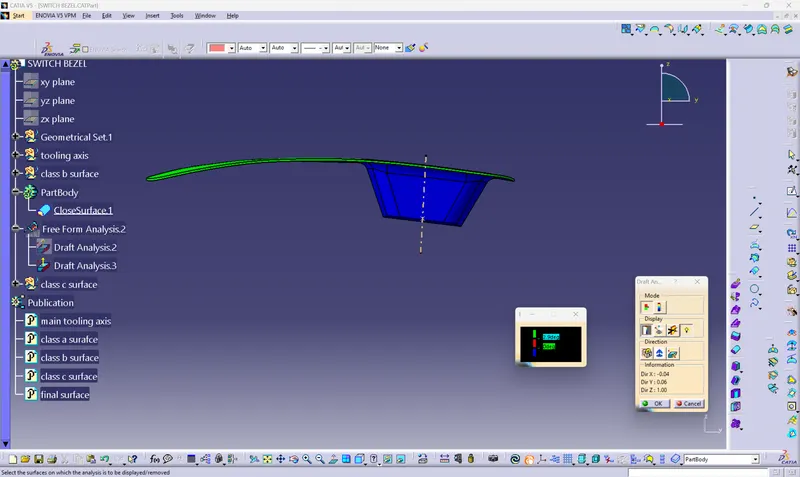
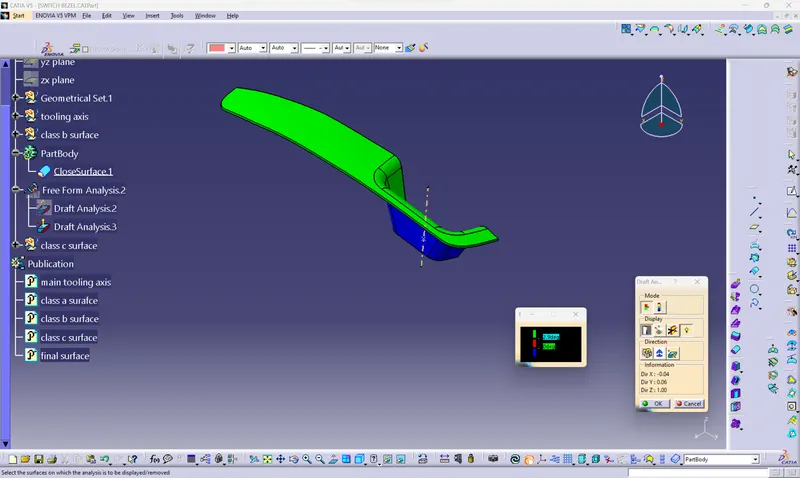
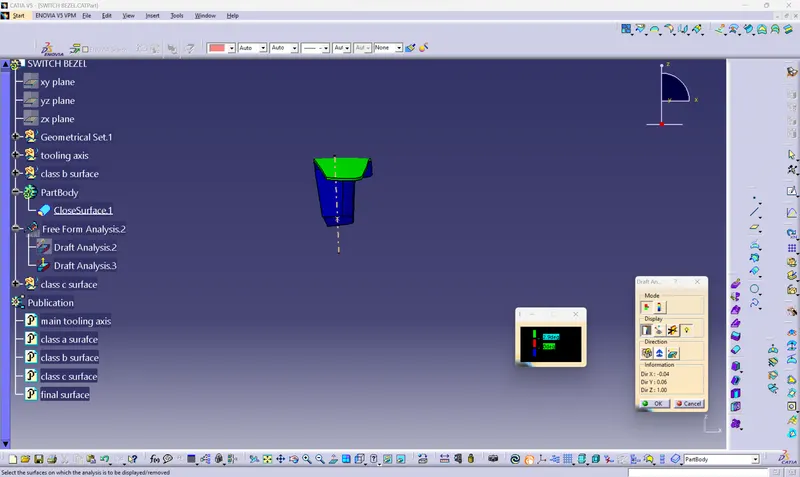
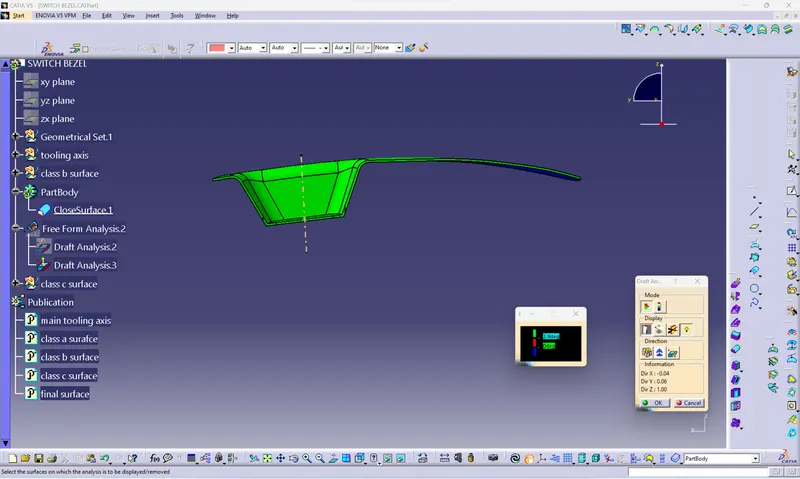
draft analysis
for the draft analysis we have to creat the tooling axis and for it we have to find the plane surface or a hole or a circular cut out
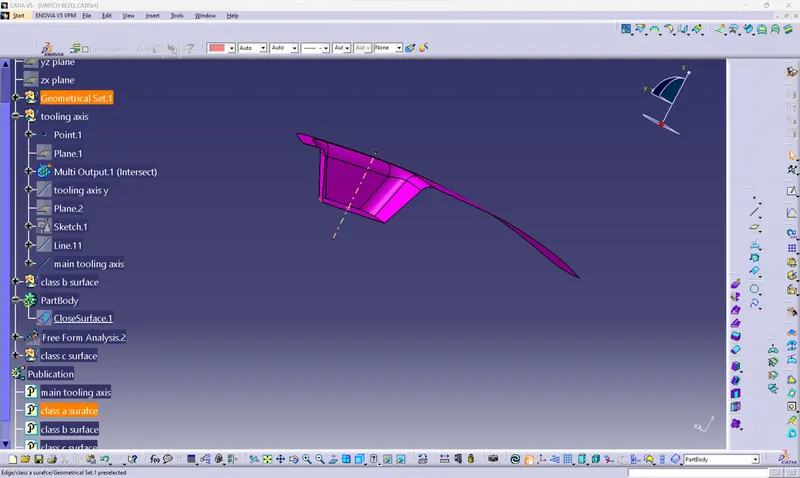
in this part we have the plane surface so we created the tooling axis on that surface and after the creation we do the draft analysis by putting and locking the compass on the tooling axis for class a surface and after that choose the display option and this is the first draft analysis after that when we get the final part we again do the draft analysis
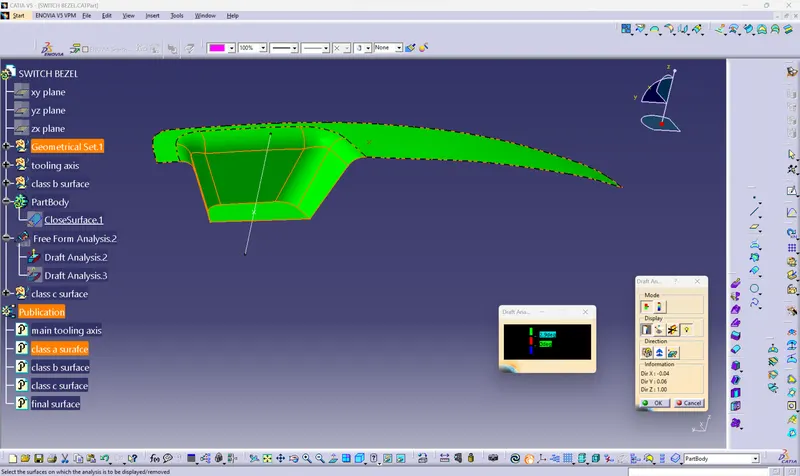
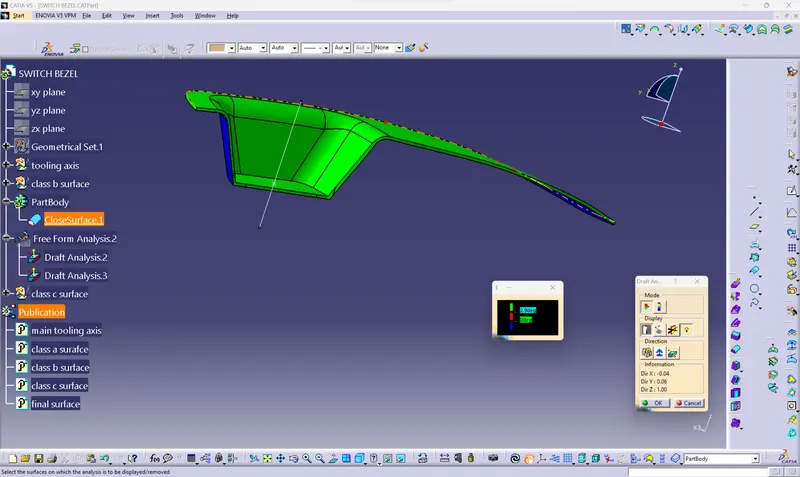
tooling axis
for tooling axis we have to choose a direction which is most suitable for the opening of injection molding core and cavity in this we find that that direction is z axis so first we creat a mid point on the surface and than we creat a plane on that point in the yz plane and do the intersection option by which we get the two line in incline at some angle and after that we do the bisecting line option and than we get the dummy tooling axis -y axis
some process for the dummy tooling axis -x axis but in this case we have no surface on the left so we creat a dummy tooling axis which is at 5degree to the z axis and that how we get the dummy tooling axis -x axis
now we use the bisecting line option to get the main tooling axis
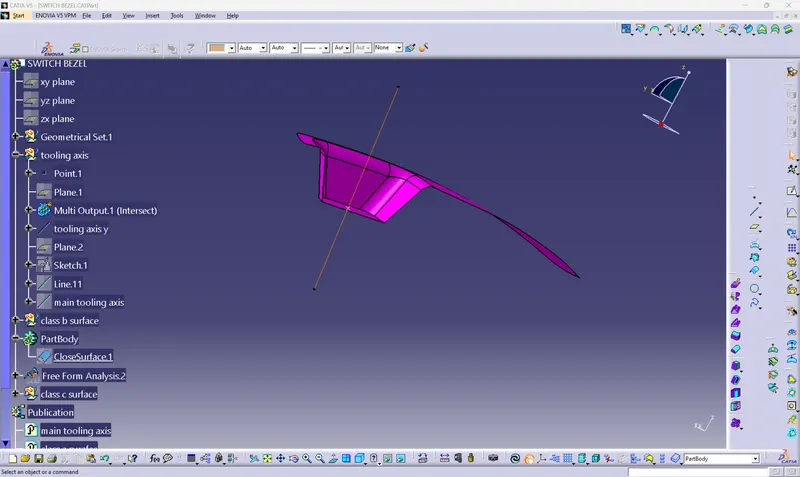
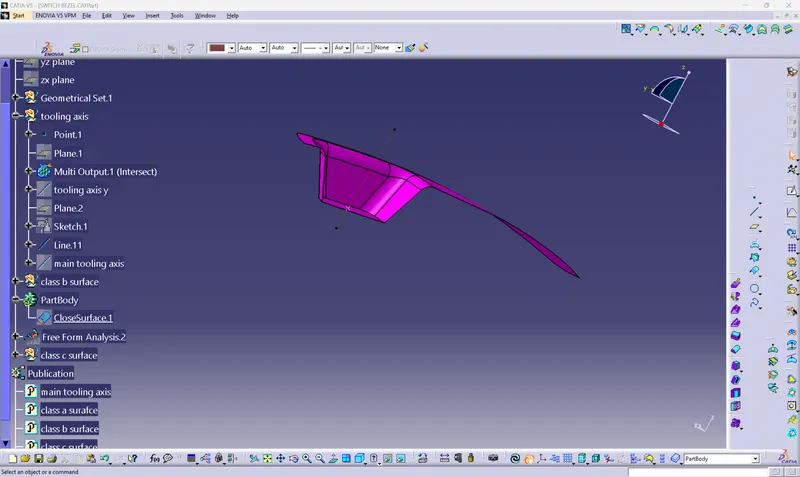
front,isometric,side,back