Week 9 Challenge
1. Generate seismic loading based IS codal provisions and zone II. Any other data you can assume and input accordingly
AIM : To generate seismic loading based IS codal provisions and zone II. Any other data you can assume and input accordingly
TOOLS REQUIRE : File, open, project browser, property window, validate, load, load cases, load combinations, seismic wizard, seismic load, scene content
PROCEDURE :
- Firstly open the previous project fie
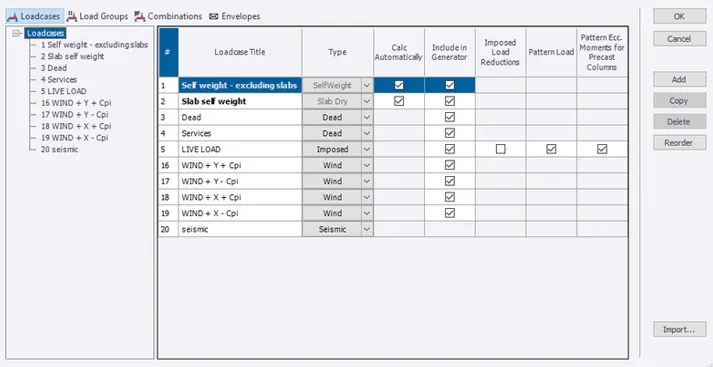
- Now select the load option from tool bar and select load cases option from it
- Now add new load case by selecting add new load option and assign required load type to it as seismic load
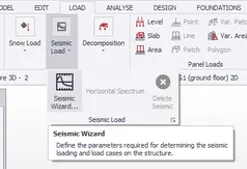
- Now select the seismic wizard tool present in the load tool bar
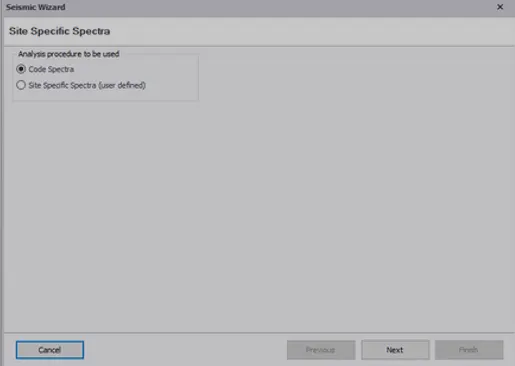
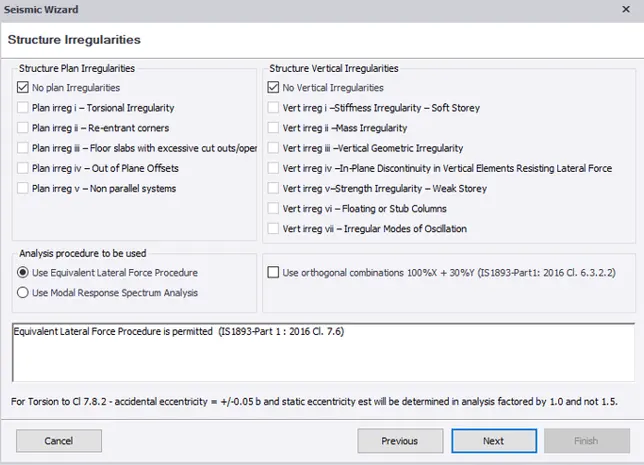
- Now a pop up window appears then select required type of analysis then select code spectra and select ok
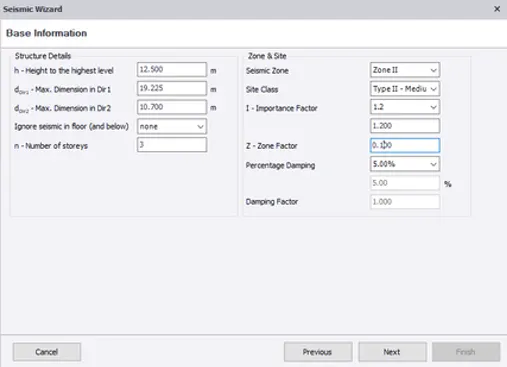
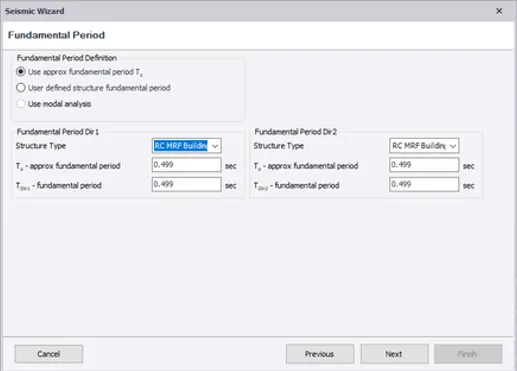
- Now select all required parameters
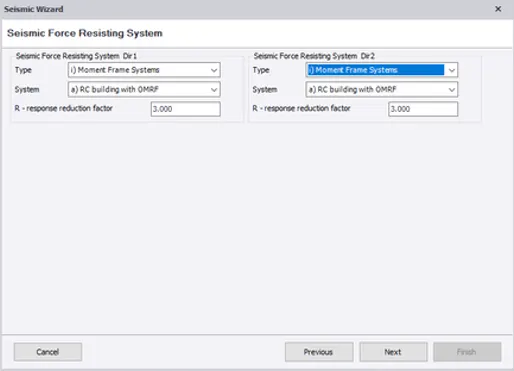
- Now seismic wizard force resisting system pop up window appears assign them as required
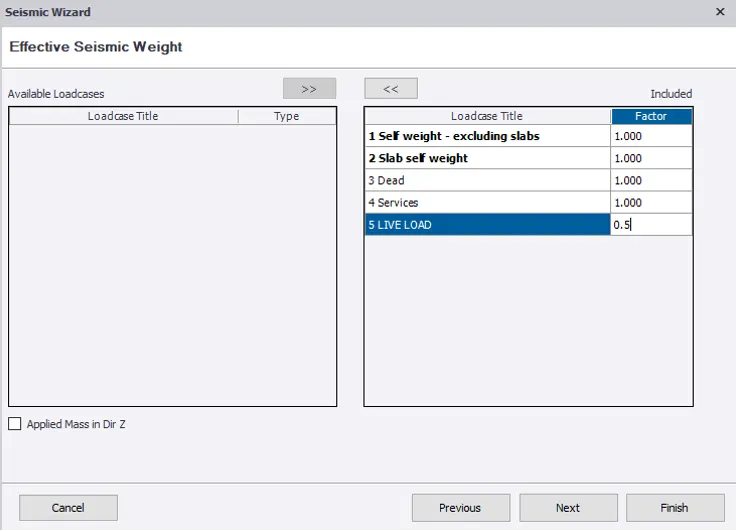
- Now effective seismic weight pop up box appears select the load and assign its factors
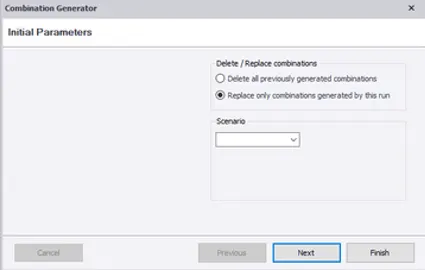
- Now combination generation pop up box appears select the option to replace only combinations during the run
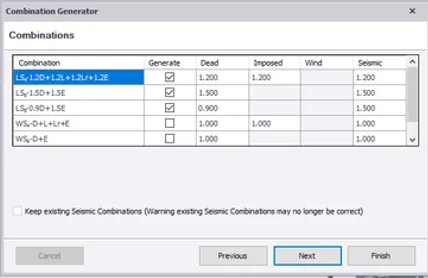
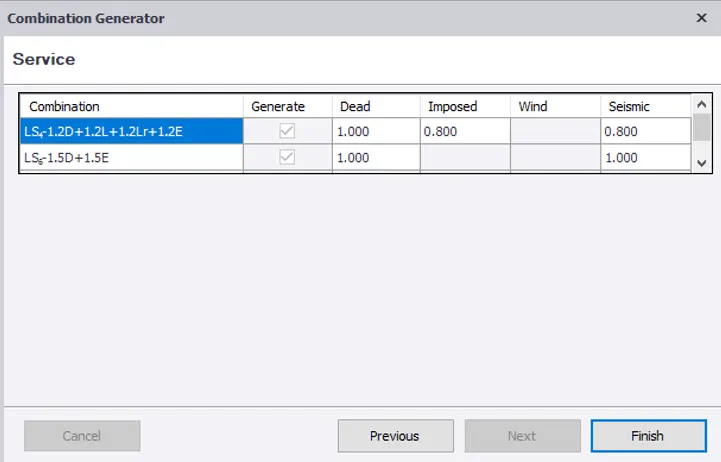
- Now a new pop up window appears showing load combinations for combination followed by service
- Now select required load combination and select ok
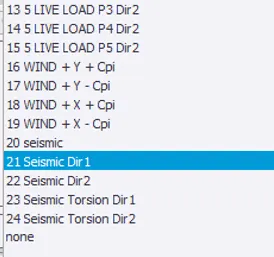
- Now check whether all load cases are generated or not
- Now select required load case from below drop down menu in project work space
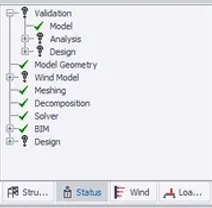
RESULT : Therefore seismic loading based on IS coding generated successfully using above procedure
2. Run the analysis. Summarize your understanding of the analysis results
AIM : To run the analysis of the model and to understand results of analysis
TOOLS REQUIRE : File, open, project browser, property window, scene content, first order linear analysis, validate, moment major, moment minor, shear major, shear minor, deflection, settings, modification factor, model tool etc.
PROCEDURE :
- Firstly open previous project file
- Now before performing analysis we should check some settings for that open settings present in the home tool
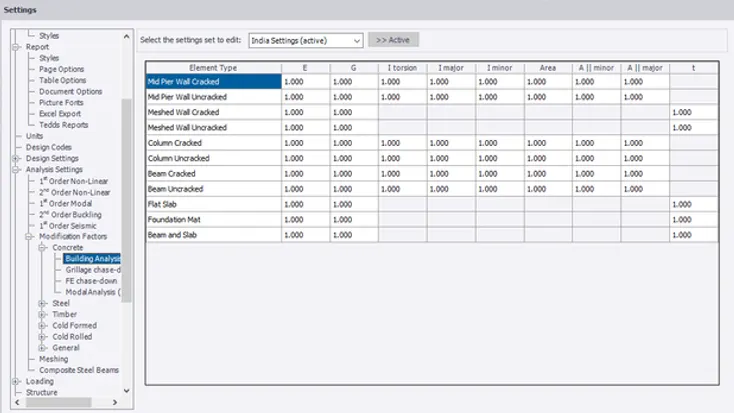
- Now a pop up box appears then select 1st order linear analysis and check for iteration and tolerance and check for modification factor and adjust it to 1
- Now perform analysis of the model for that select the analysis tool and then select 1st order linear analysis
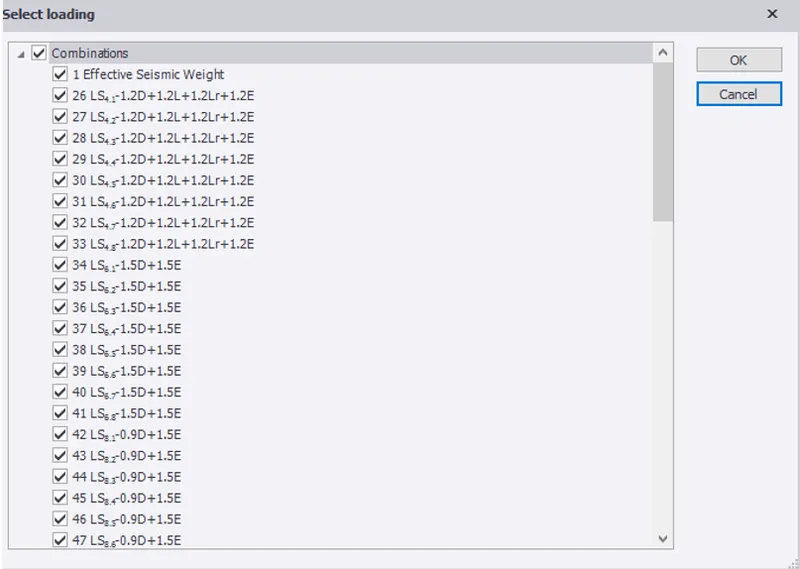
- Now after selecting 1st order analysis a new pop up box appears it shows load cases and load combinations to be considered for analysis and then let us select all the load cases and load combination
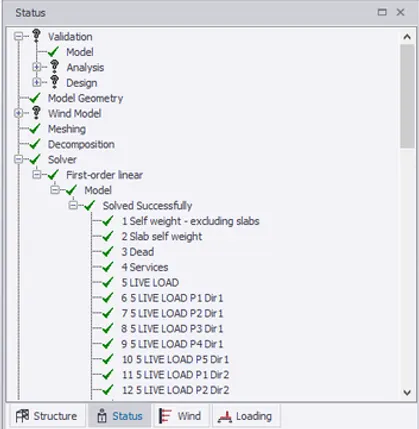
- Then the analysis is done and we can see the analysis reports in the property window
- Now our model has been analyzed and no need of any alterations to the model as the model passed the tests
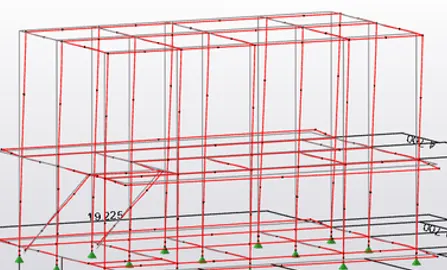
- Now let us see the deflection shear force bending moment of the model
- Now let us see the deflection of the model for different load combinations by simply changing load combinations from the below drop down box
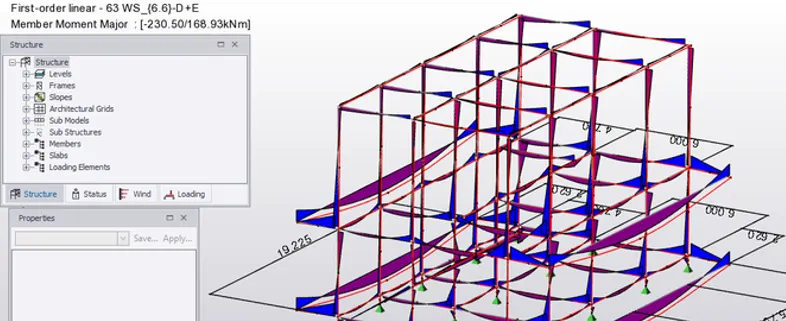
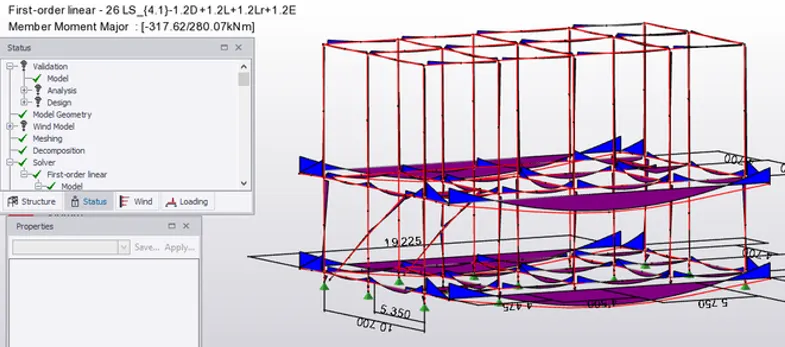
- Now similarly we can also see bending moment of the model with load combinations by selecting moment major and moment minor
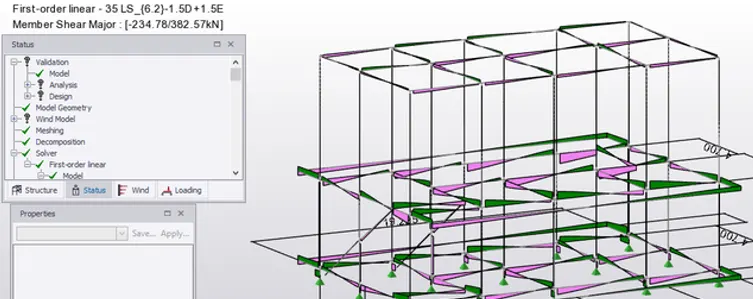
- Now similarly we can see the shear force due to different load combinations by selecting shear major
- After the analysis performed for the model we can see that there are no errors in our model and no changes are required in our model as it cleared all the tests (load combinations, bending moment, shear force)
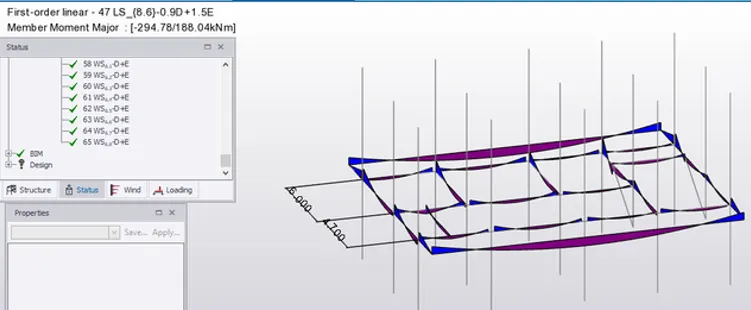
RESULT : Therefore analysis study of our model is done successfully