Week 9 - Challenge 1 - Base Bracket Design
AIM:
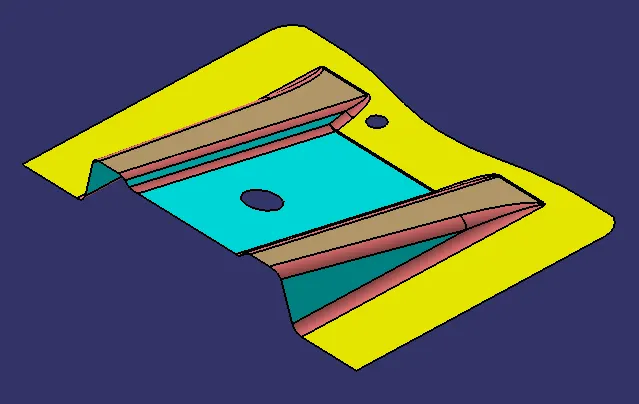
To create a component using class A surface and also to perform the draft analysis on class A surface and as well as final part.
Class A Surface:
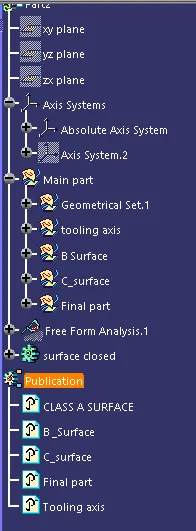
Design Tree:
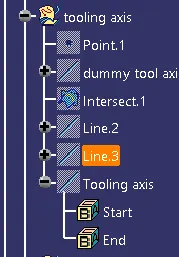
Tooling Axis:
NOTE: Before creating tooling axis we need to decide the core and cavity direction such the the pricing to prepare the mould should be decreased and it has to be simple.
- Tooling axis is used while performering Draft analysis and also while creating the C surface using sweep((With draft direction).
- Create a Geometrical set by renaming tooling axis under the main Geometrical Set.
- Now create a point using point defination in big slot.
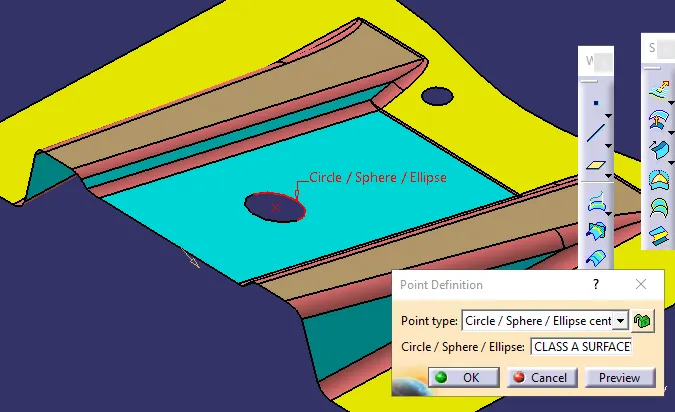
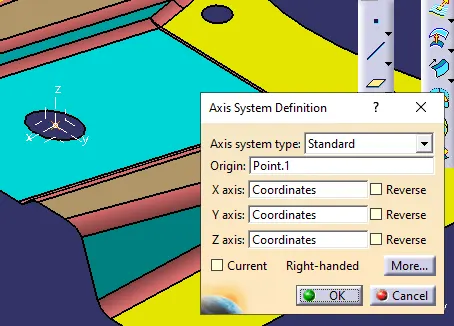
- Create a axis system on the point like below.
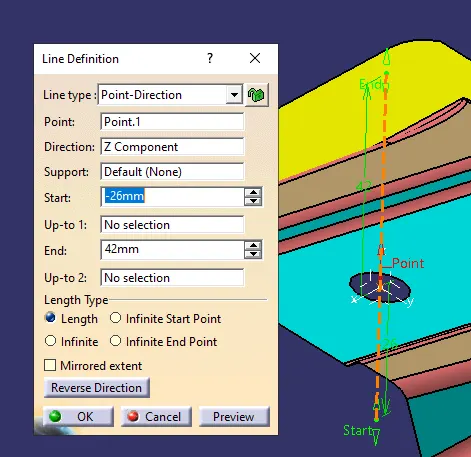
- Using line defination create a dummy tooling axis using the point and direction type like below.
- Using Intersection command by selecting the YZ and body perform the operation like below.
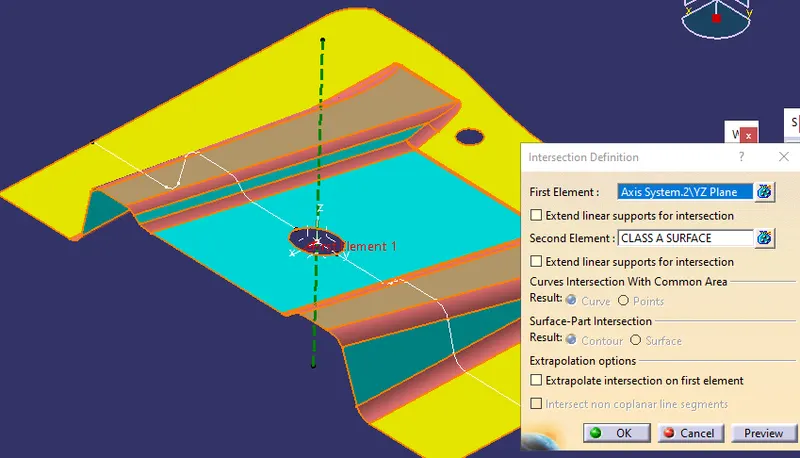
- Now check the lines of intersection where we think the min Draft angle 3deg may not be satisfied and extend the line using point and point which is useful to create a tooling axis.
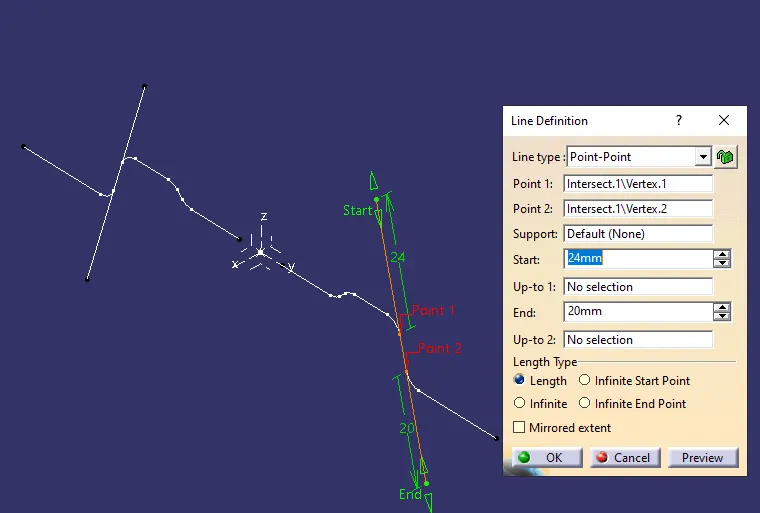
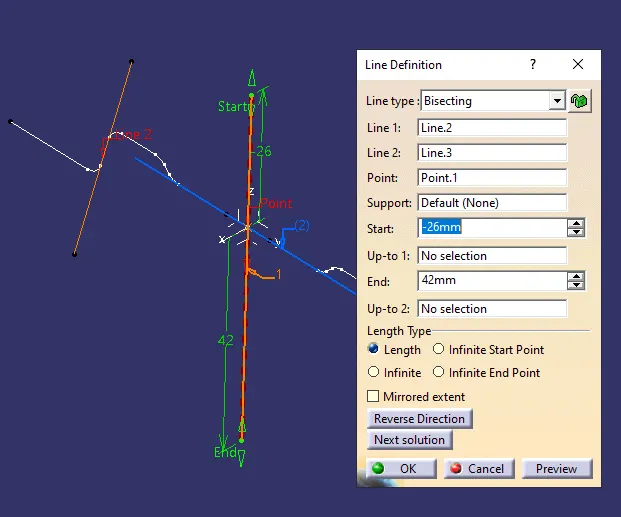
- Now using both lines create a line using bisecting type select both lines and point which we created first and selct the direction and line is formed.
DRAFT ANALYSIS:
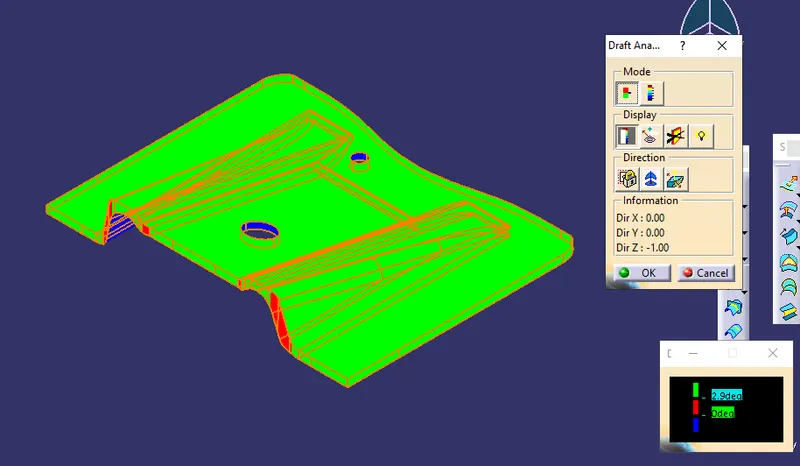
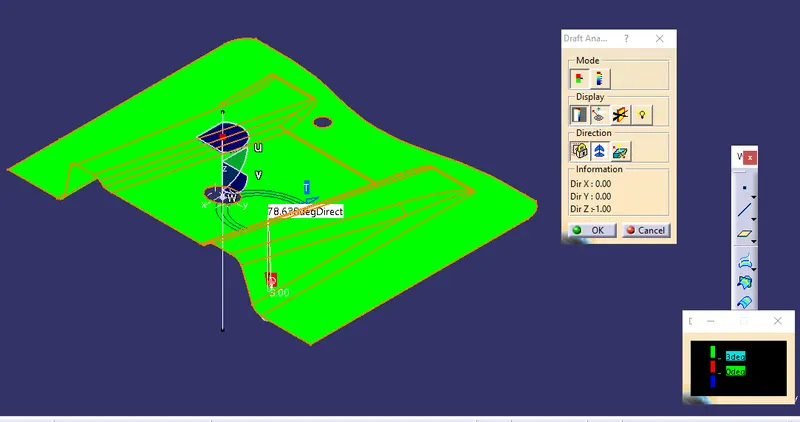
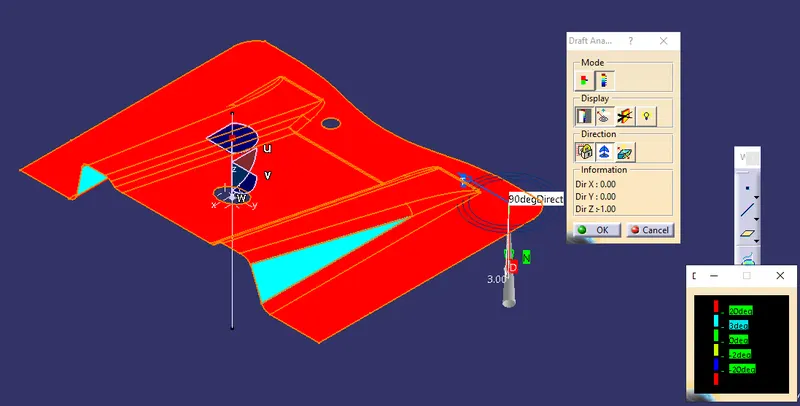
Draft analysis is made in order to check the angles along the part or Class A body so that it shall not effect the body while performing the manufacturing or moulding operation the part should come from the mould easily.
Draft range shall be from 0.5 to 3 deg
NOTE: While perofring draft analysis "view mode should be material".
- From Analysis Select "Feature draft analysis" and using Tooling axis and compass position above the body and perofrm draft analysis like below.
B SURFACE:
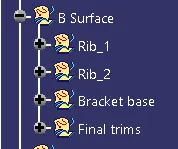
The other side of the thickness to class A is called as B surface. Basically Class A surface is known as Asthetic side and B-Surface is called a s Engineering side to which supporing parts are performed.
- By avoiding the fillets select the other parts through which we can offset and create the B surface. for that we need create supporate Geometerical sets for each set like RIB 1, RIB 2, Base Body.
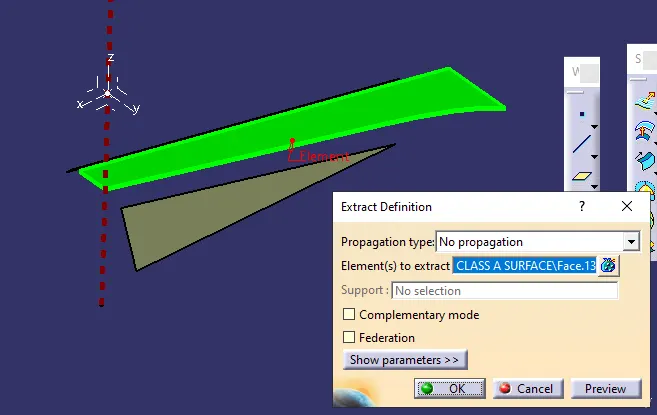
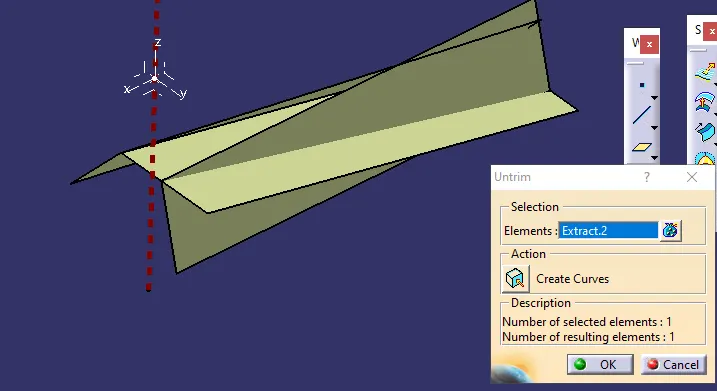
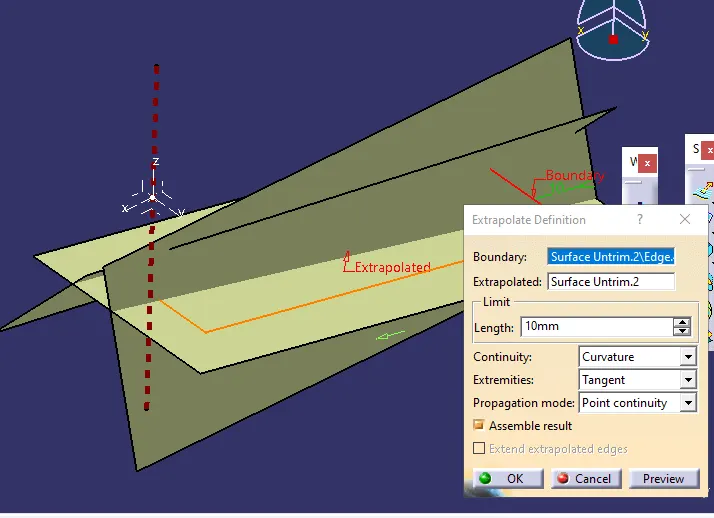
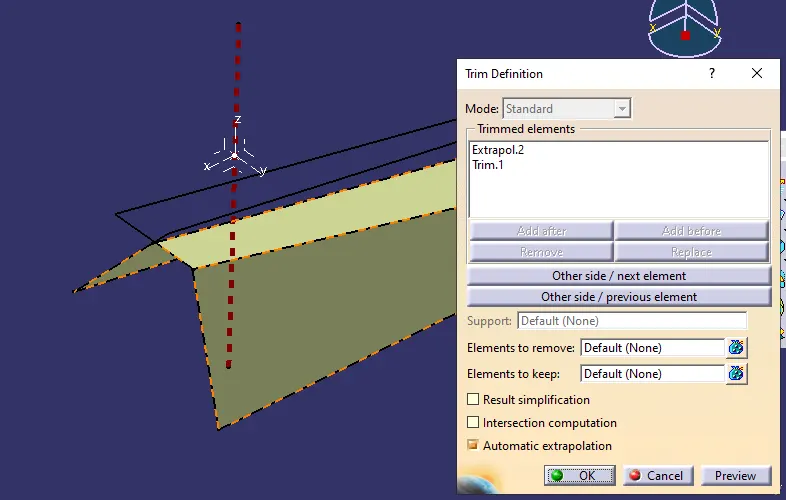
- By using Extract, Extract the sides of each set and and Un trim the sides and by using exrtrapolate all sides bhy 10mm and trim the sides as below
- Rib:1
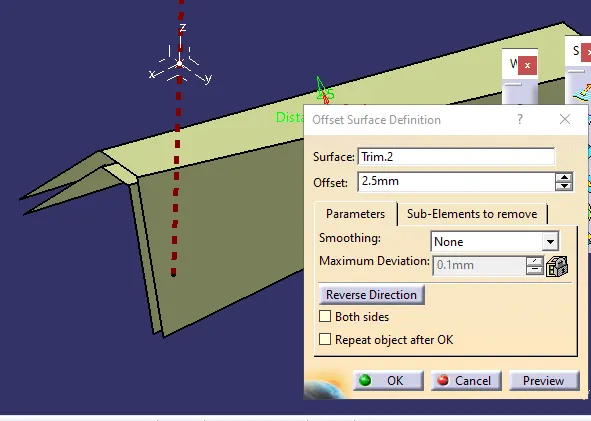
- Now offset The final body to 2.5mm
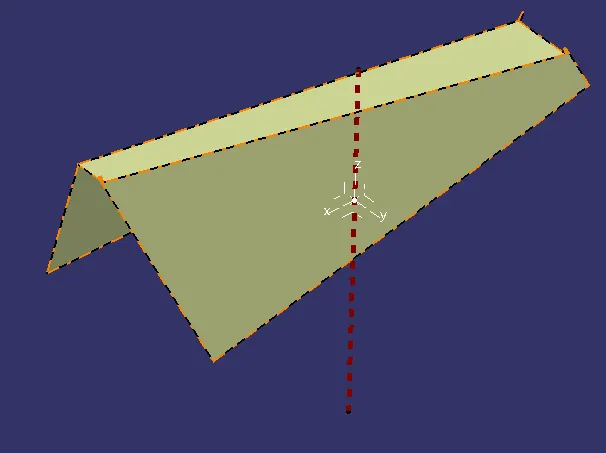
- Now repeat the same for other sets like below.
- Rib 2:
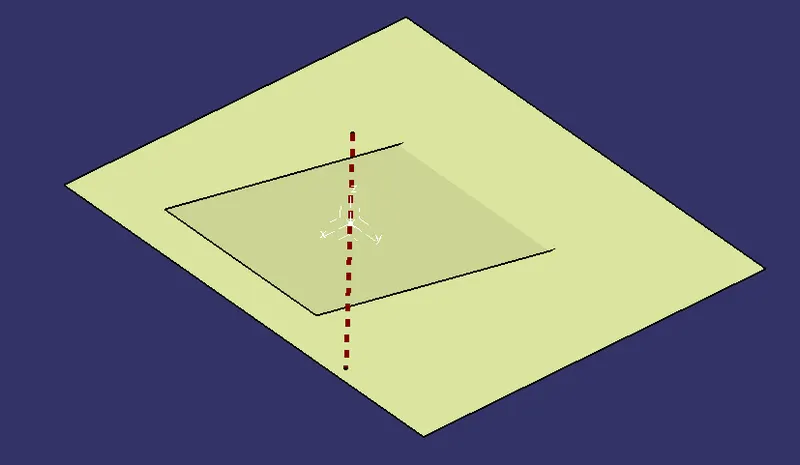
- Base Parts:
- TRIMS:
- Using trims commd trim the durcaes until we can active the shape required
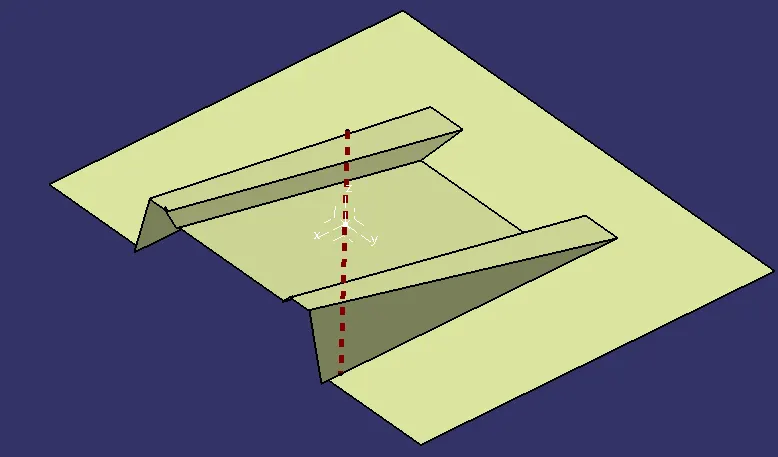
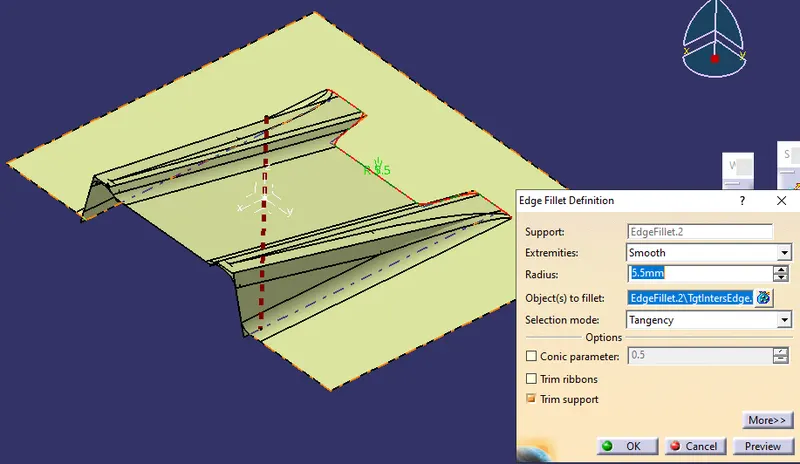
- Now apply radius using Edje radius Since the class A surfaces radius is 3 and Offset distance is 2.5 we need to add both 3+2.5=5.5.
- Note: If the offest is above class A then we need to subtact the radius with offset.
- C SURFACE:
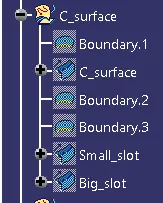
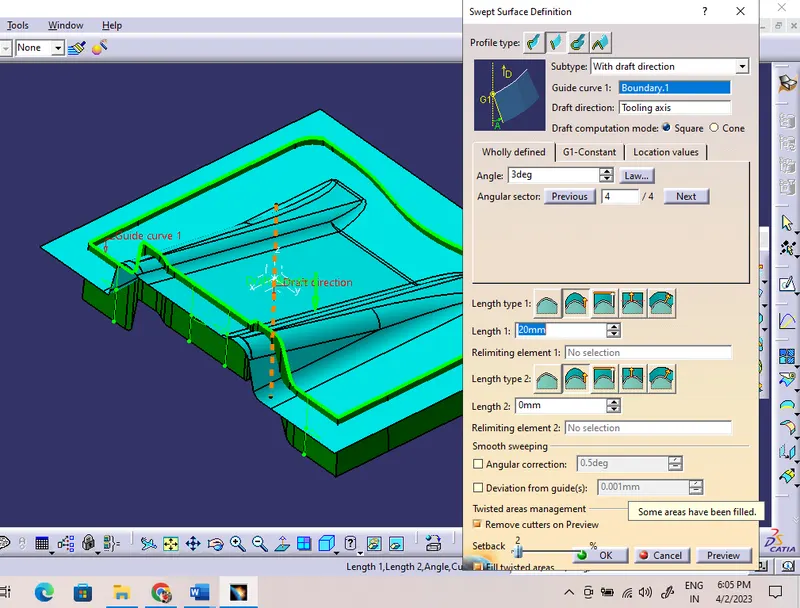
- Create New geometrical set under main set and rename as C surface. Now C surface is formed using boundary command on Class A surface and using Boundary lines and Tool axis line by using Sweep (With draft direction) angle 3deg and length 20mm.
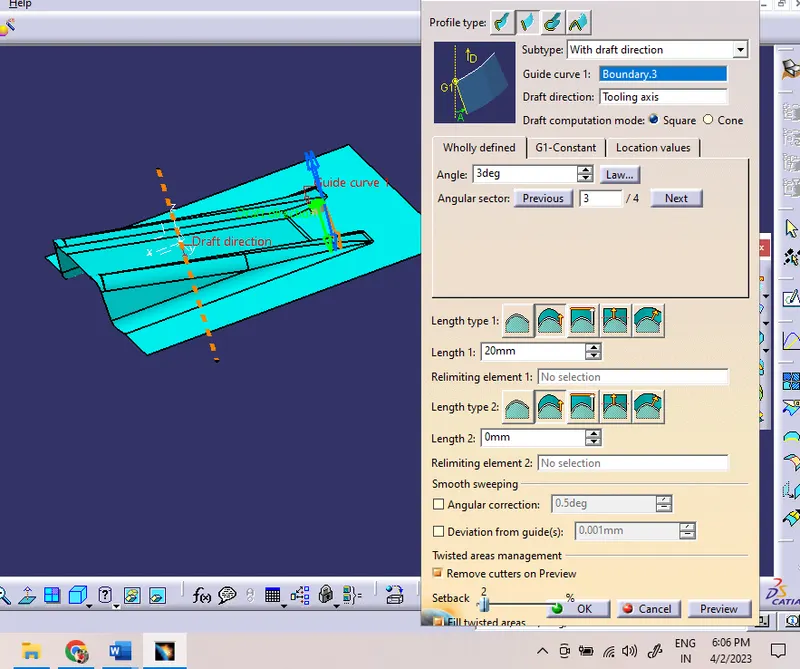
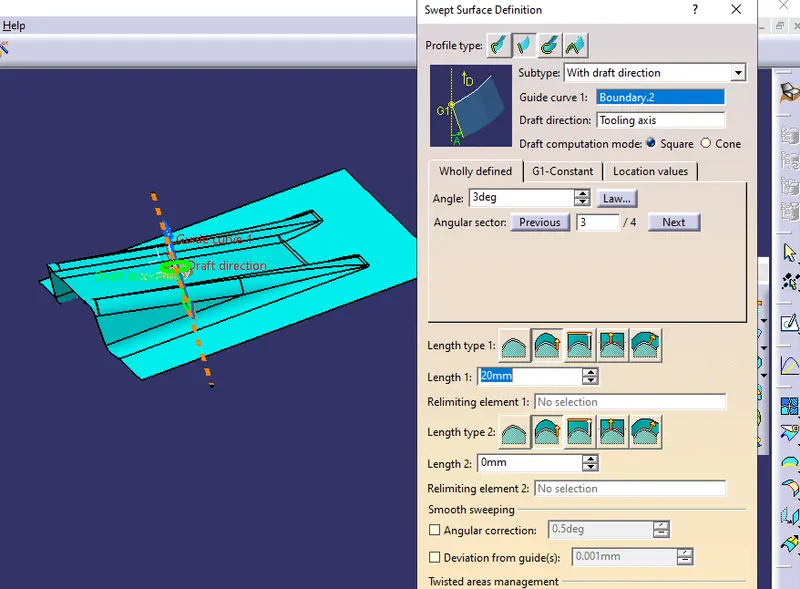
- Final part:
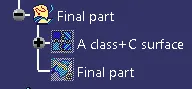
- Now join Class A and C surface and trim with Surface B.
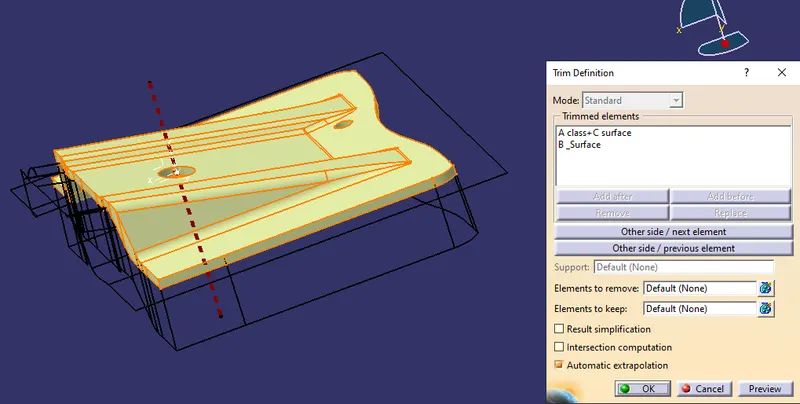
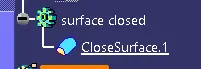
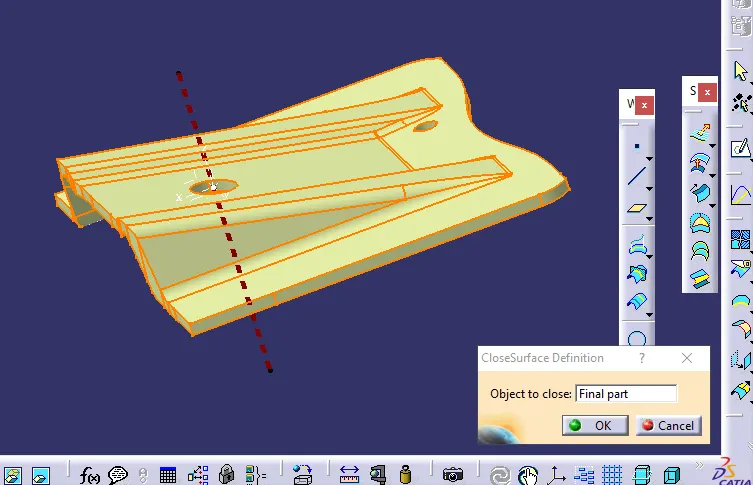
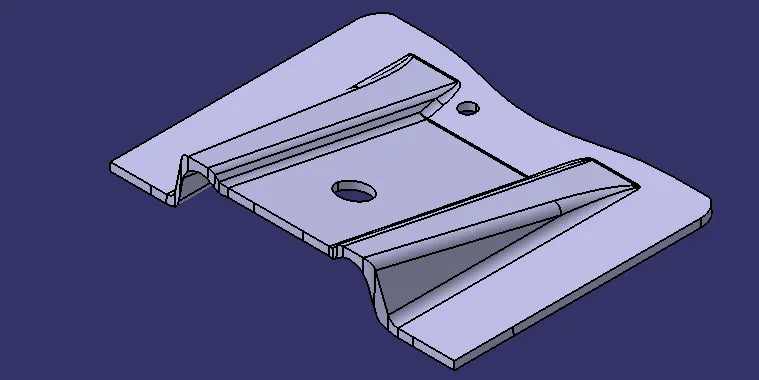
- Nowshift to Part workbench and using Close surface command and convert the Part body.
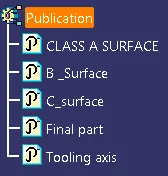
- PUBLICATION:
- Parts or features which are published wil help to access them easily.
DRAFT ANALYSIS:
- After Part body is formed again we need to perform the draft analysis.