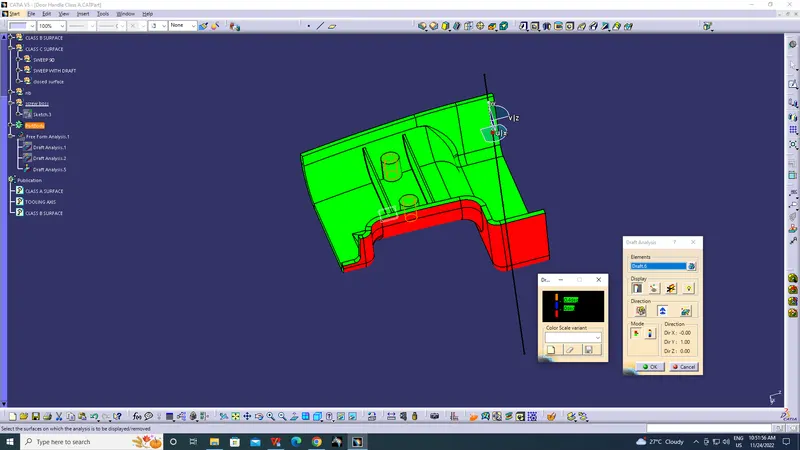
Week 9 - Attachment Feature Creation (Ribs & Screw Boss) - Challenge 1
Aim:
To create a Door Handle Plastic Component through a given Class A Surface , perform Draft Analysis on the final plastic component and also Engineering Features Srew Boss and Ribs
Objectives:
- To Create a Tooling Axis.
- To Create Class B and Class C surface.
- To Create a solid part using surface modelling.
- To Perform Draft Analysis of Class A surface and final plastic component.
- To Create the engineering features with draft analysis.
TOOLING AXIS:
The Tooling Axis is the direction in which the mould travels. The mold is built in two separate piece named core and cavity.
Three methods for creation of a tooling axis:
- Tooling axis based on x,y,z direction.
- bisecting method.
- normal to the surface.
CLASS-A SURFACE:
It is aesthetic surface and the outer most surface which is visible to the cutomers.
CLASS-B SURFACE:
It is simply off-set of Class A surface and inner most part which is not visible to the customers.
CLASS-C SURFACE:
A surface that joins class-A and class-B surfaces is class-C surface(thickness).
Draft analysis:
The draft analysis technique is used to analyze whether our part model created in CAD is manufacturable based on the draft condition applied. Here the part should get easily removed from the Mold. No parts can be ejected from the tool if it is having a straight 90-degree profile from its base surface. A small draft angle is provided to each and every area of the component in order to get easy removal of the component from the tool.
BOSS:
Bosses are common structures on plastic parts in home appliances and interior and exterior of auto-mobiles, mainly for positioning and fastening. The base of bosses often cause sink marks on the back surface of a part, this is because of the large wall thickness. The solution is to core out some material at the base.
STEP-1:
JOIN THE GIVEN CLASS A SURFACE WITH MERGING DISTANCE OF 0.1MM
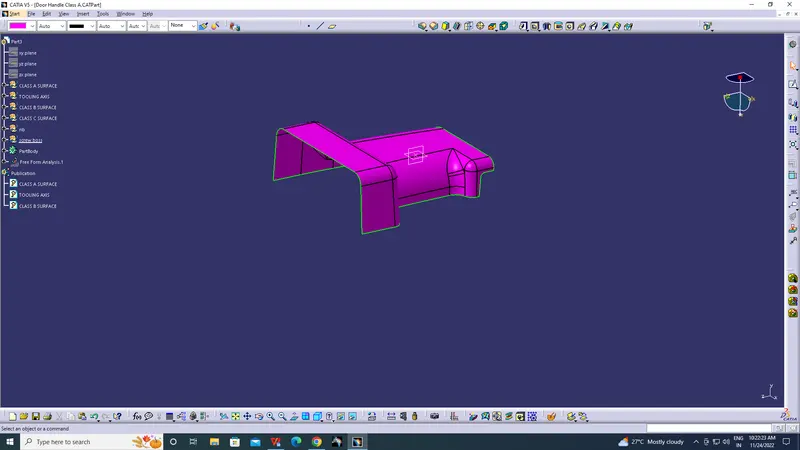
STEP-2:
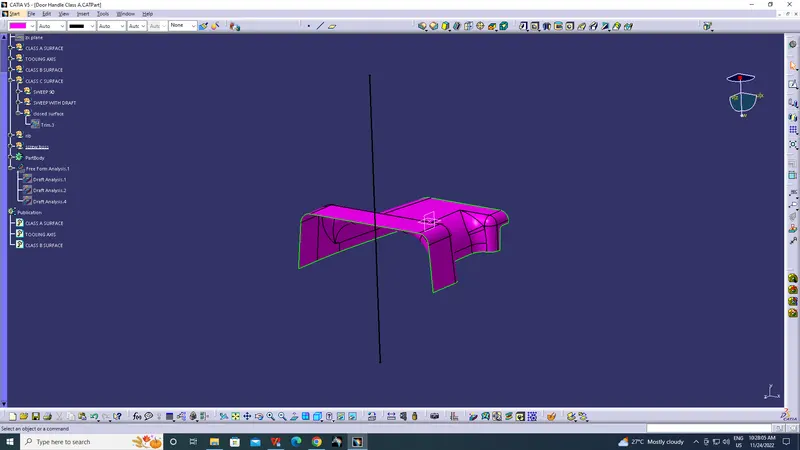
TOOLING AXIS CREATION
The component is viewed in all axes namely X,Y and Z.It is determined that the X-axis will be the direction for the Tooling axis and a line is created Using the point and X-direction as direction of the line.
STEP-3:
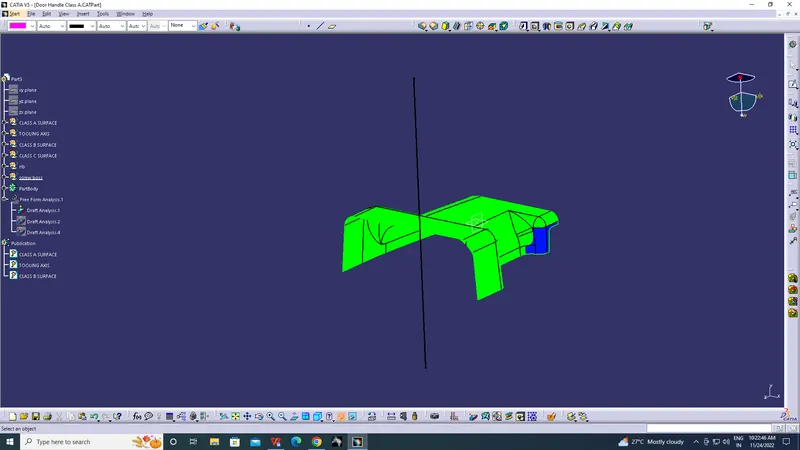
Draft analysis for the given CLASS-A surface.
Change the view mode of the component to be in customized parameter mode and then select the shading mode as materials.
Then open the featured draft analysis tool from the insert menu.
Then click on use the compass to define the current drafting direction and then drag and align the compass on the Tooling axis.
Then lock the draft direction and perform draft analysis by clicking on the component.
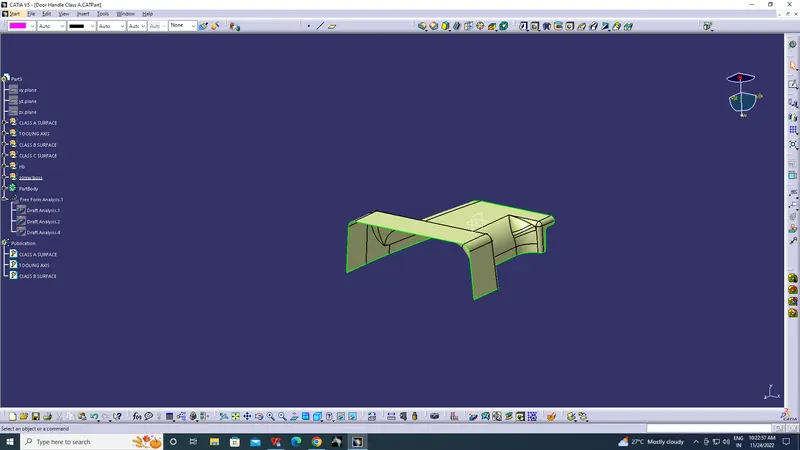
The green colour shows the positive daft tooling direction and the given surface passes the draft analysis.
Click on the analyses under the running point to check the draft analysis on the individual faces. It shows how much draft on specific points when we move the cursor point.
STEP-4:
SURFACE-B CREATION
Offset the class-A surface to 2.5 mm inward direction.
Rework on the patches and discontinuity of the offset surfaces using the features like multi-extract, Split, multi-section surfaces, extrapolate.
To ensure the continuity of the Class-B surfaces check the boundary command to find out the boundary.
Hence class-B surface creation is done.
STEP-5:
SURFACE C CREATION:
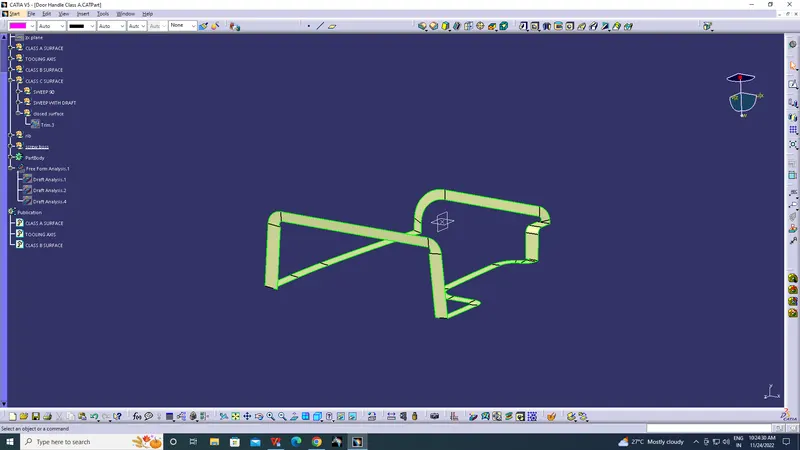
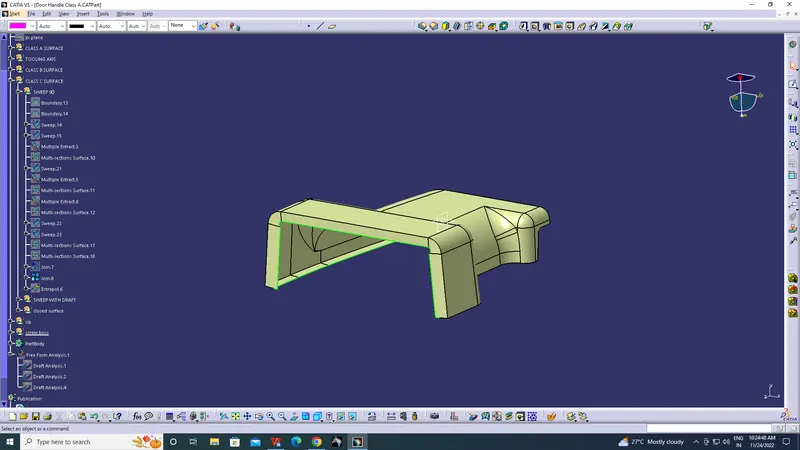
Surface that joins class-A and class-B surfaces is class-C surface.
Class C is often specified for interior surfaces not readily visible, surfaces that will be covered by another part when assembled.
Final Closed Surface
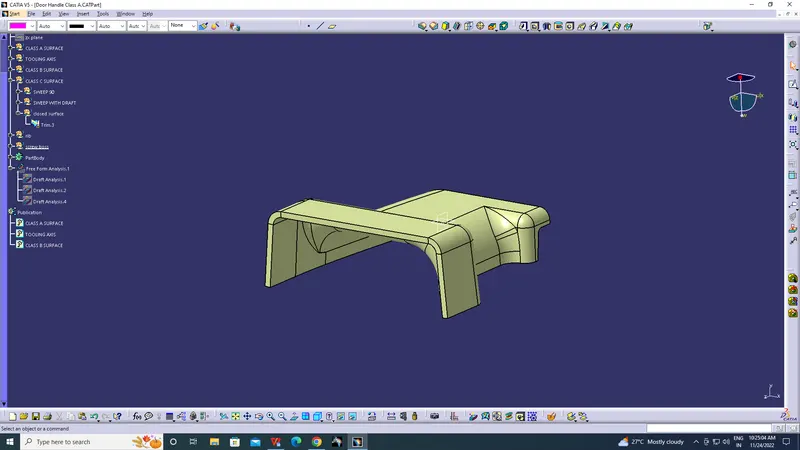
Class C surface trimmed with class B surface properly and joined with class A.
Solid Body
Using Closed Surface command of Part Workbench we have to make make the body solid.
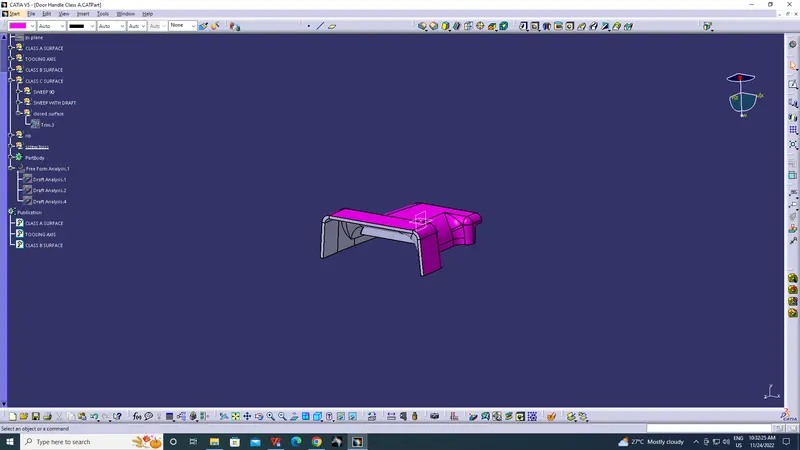
RIBS AND SCREW BOSSES:
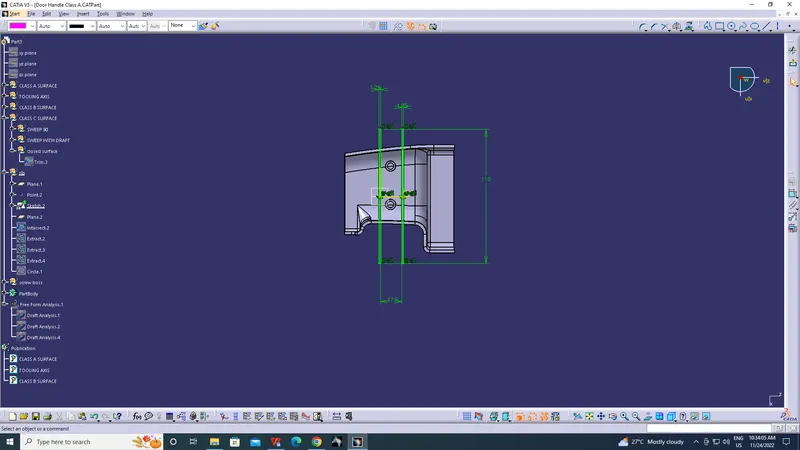
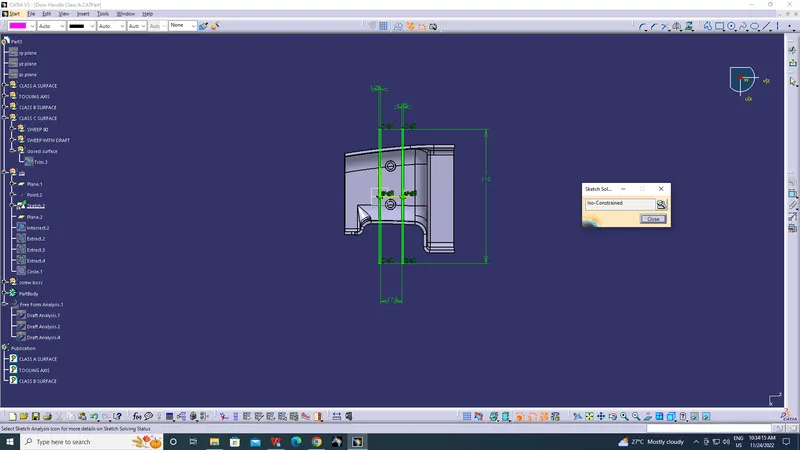
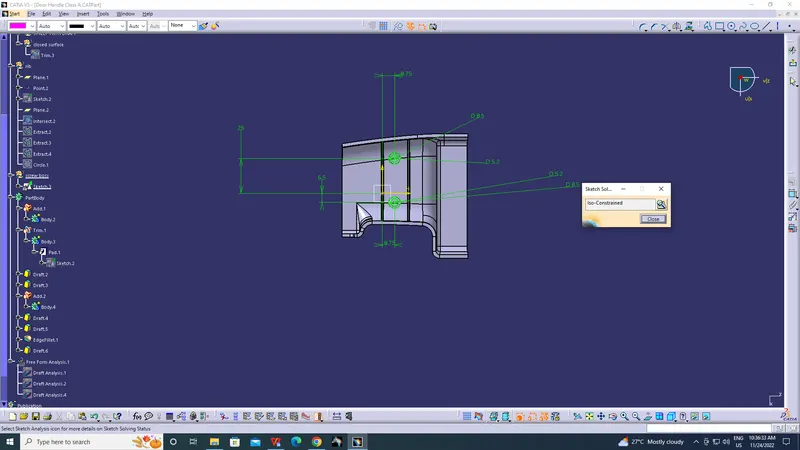
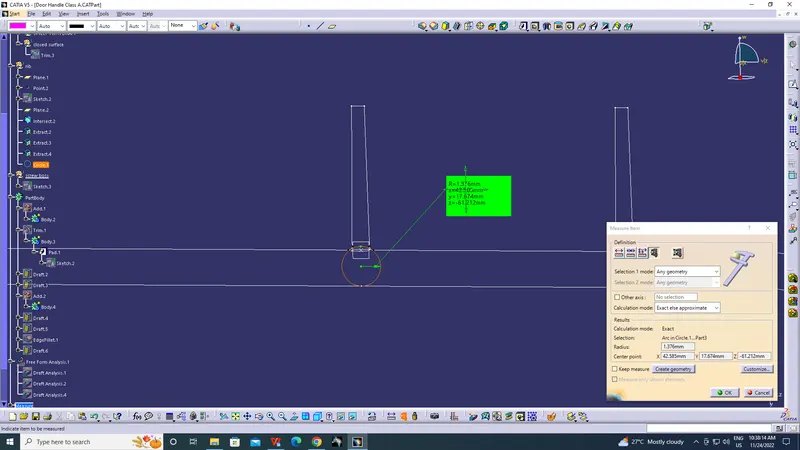
As per design standerds we will create a sketch where ribs and screw boss are needed with require draft.