Week 9 - Attachment Feature Creation (Ribs & Screw Boss) - Challenge 1
Creation of Tooling Axis:
1. Create a point on the surface where we can clear all the surfaces.
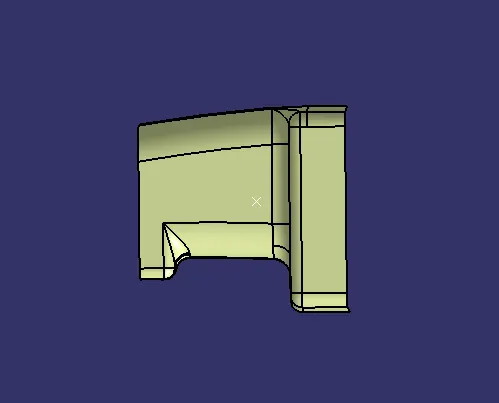
2. Create a line on the point and make it thicker and brighter to make it more visible.
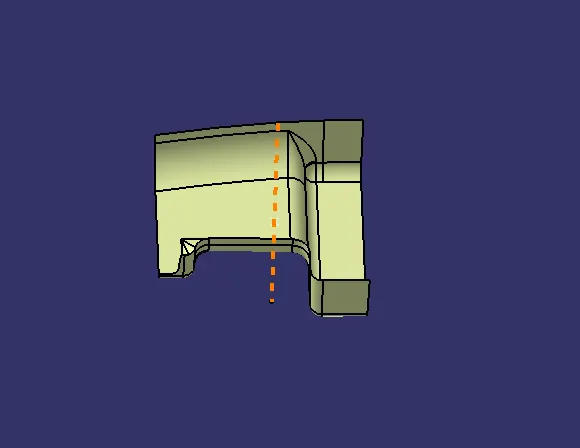
3. After creating the tooling axis.
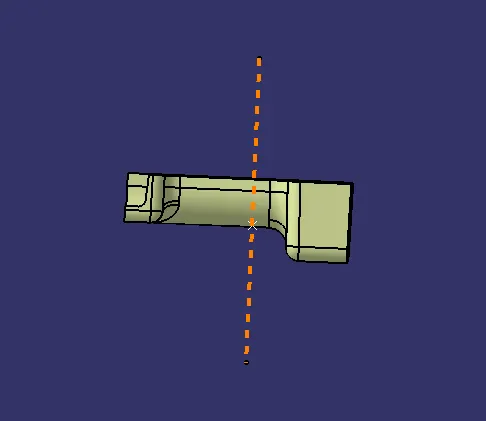
Draft Analysis on Class A Surface:
1. change the surface to material mode.
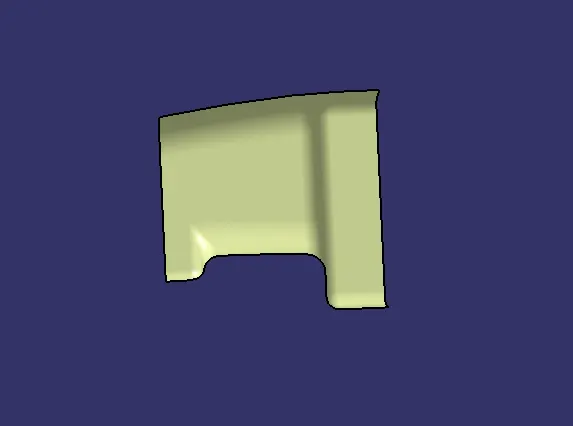
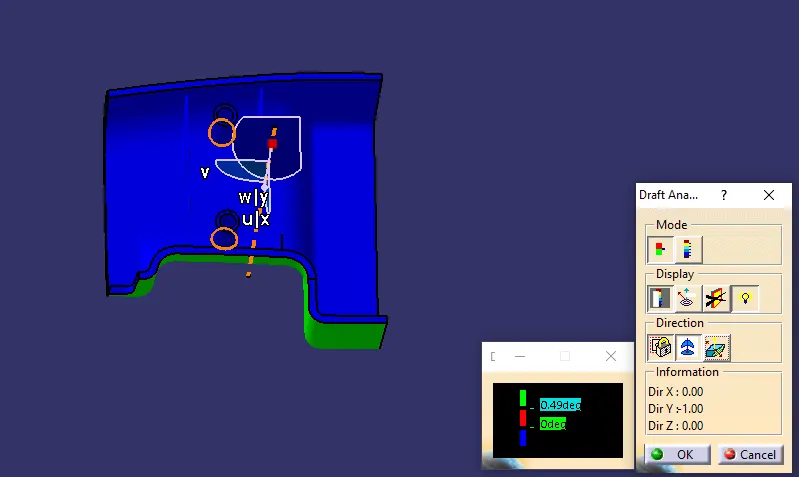
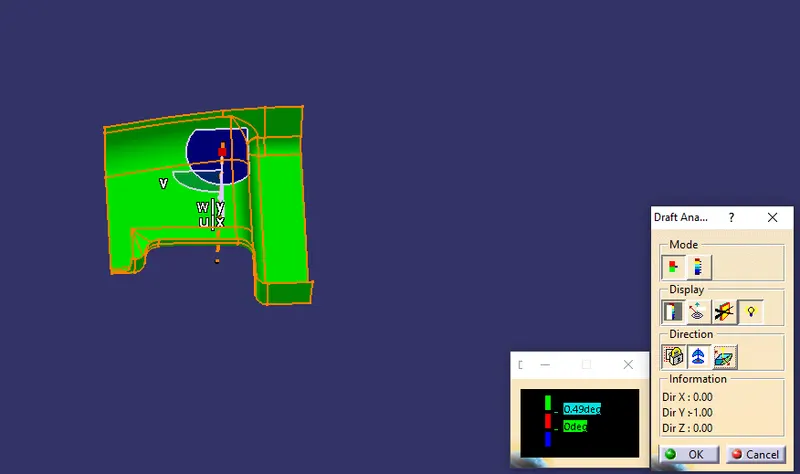
2. zoom out then click and drag the compass on the tooling axis and then lock it on axis. Then click anywhere on the surface to start to draft analysis GREEN color shows the surface is more than 0.49 degree.
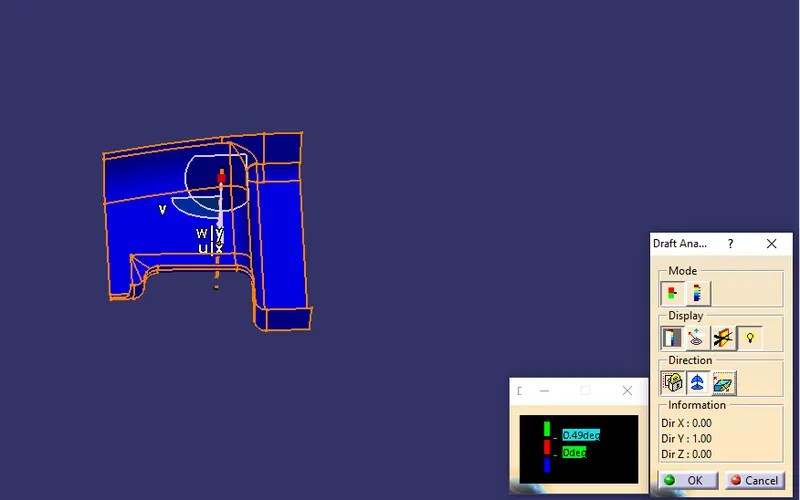
3. Click on invert draft surface to chnage the surface. Here BLUE color shows that the surface is less than 0 degree.
Multi-Section View of B Surface:
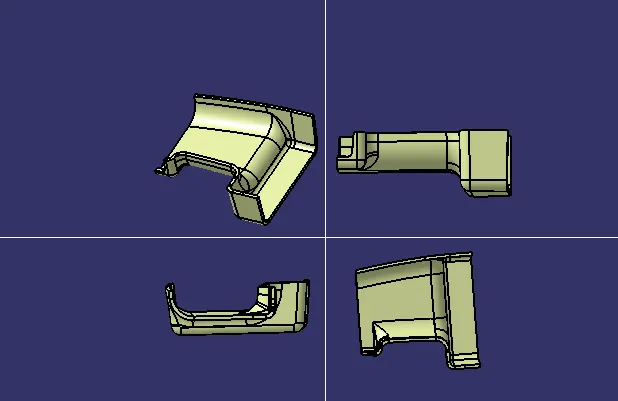
Multi-Section View of Solid after Creating the Ribs & Screw Boss:
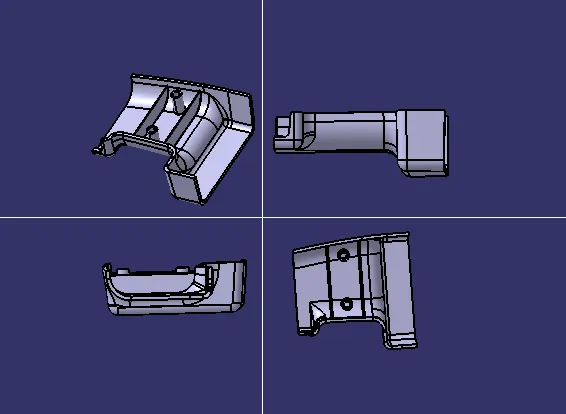
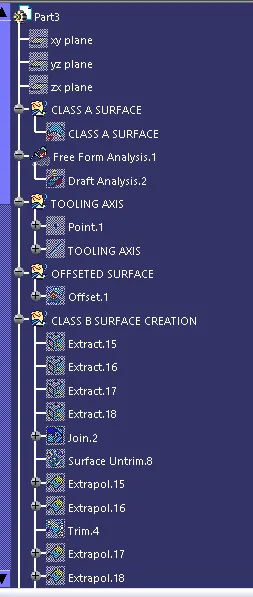
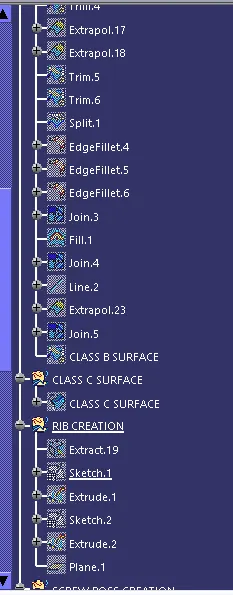
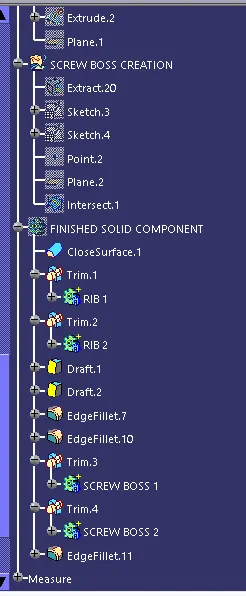
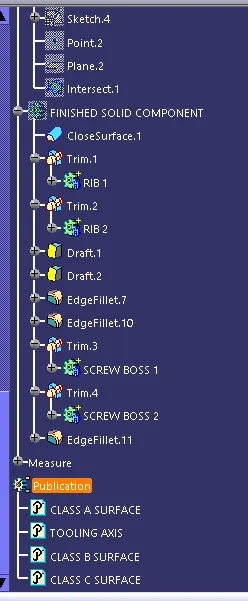
Draft Anlaysis on Finished Component:
1. Click and drag the compass on the tooling axis and click on the surface to start thr draft analysis and GREEN color shows the surface is more than 0.49 degree.
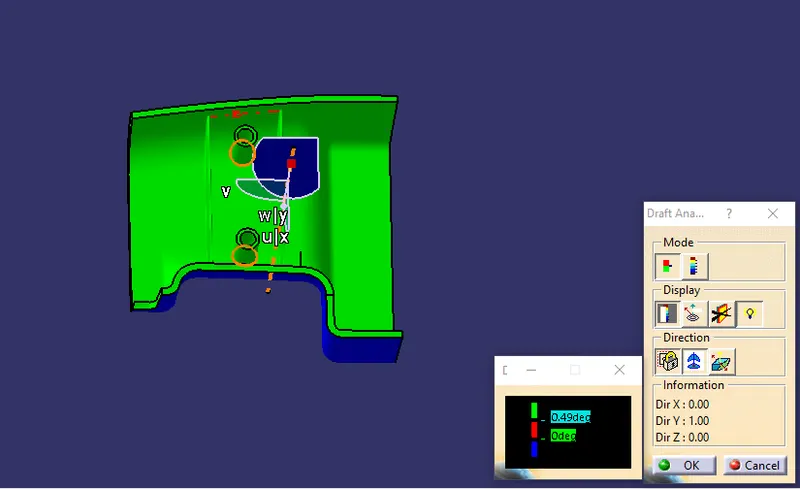
2. Click on invert draft surface to chnage the surface. Here BLUE color shows that the surface is less than 0 degree.