Week 8 - Challenge 3 - Coin Holder Design
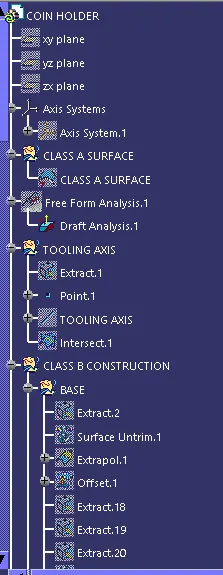
Creation of Tooling Axis:
1. surface of Class A.
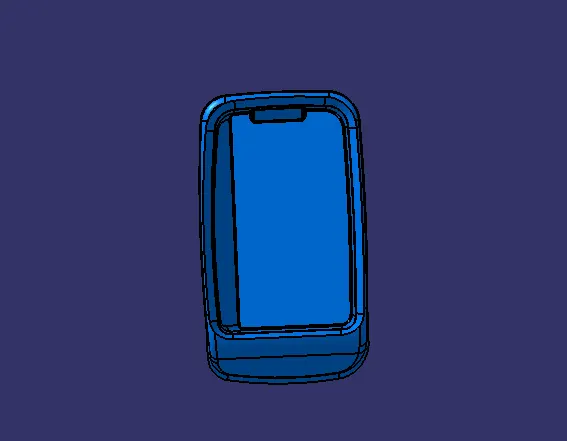
2. Here we have the flat surface with that surface we can create tooling axis. This could be better to clear all surfaces. Extract the surface to create tooling axis.
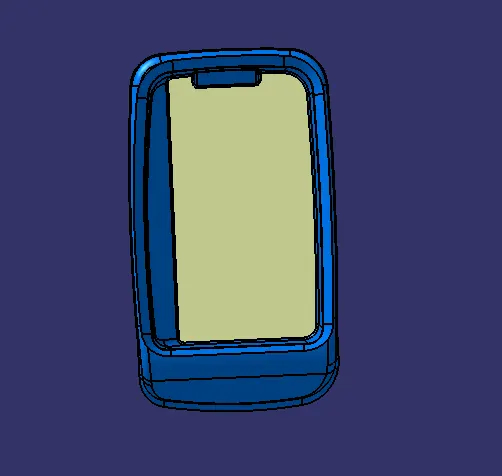
3. Create point on the center of the surface.
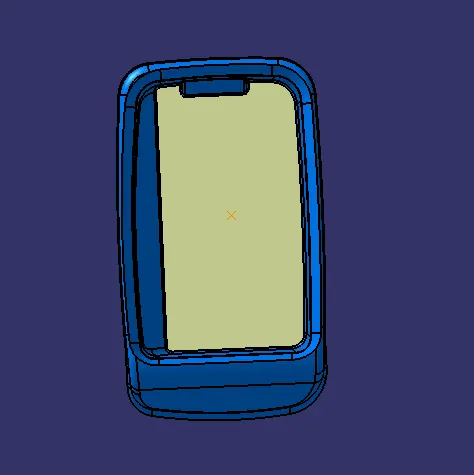
4. Create line perpendicular to that surface. This is our tooling axis then make it as thicker and brighter.
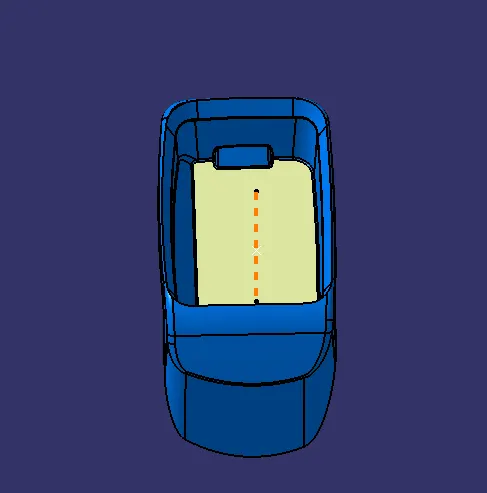
5. After creating the tooling axis.
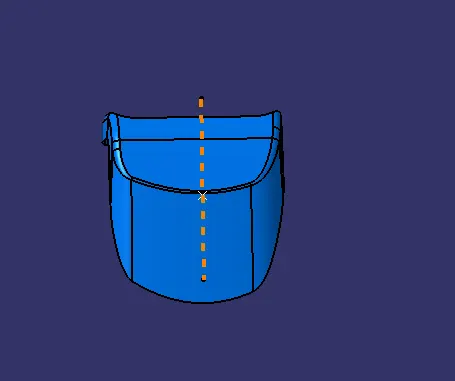
6. Create intersection to check is there any draft is given in the class-A surface.
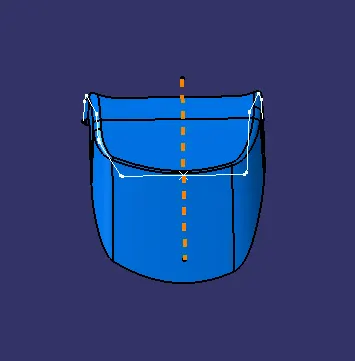
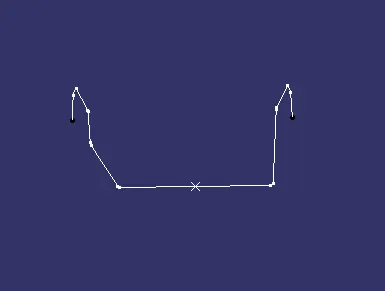
Draft Analysis On Class-A Surface:
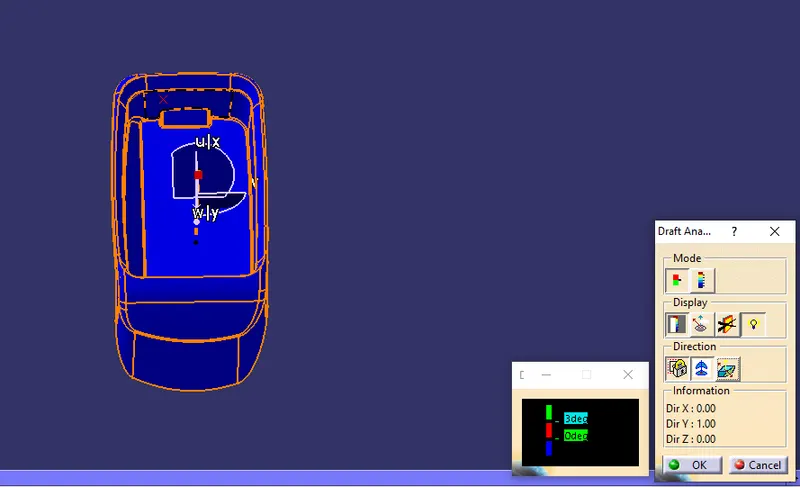
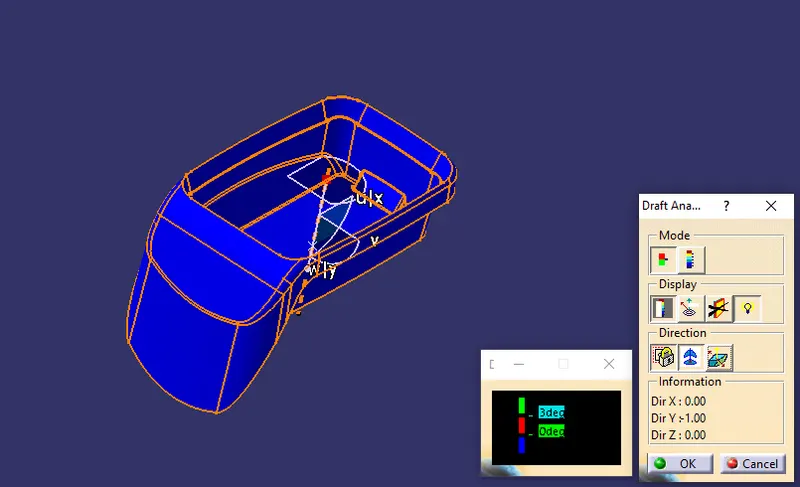
1. Zoom out to check where the compass is and change the surface to material mode.
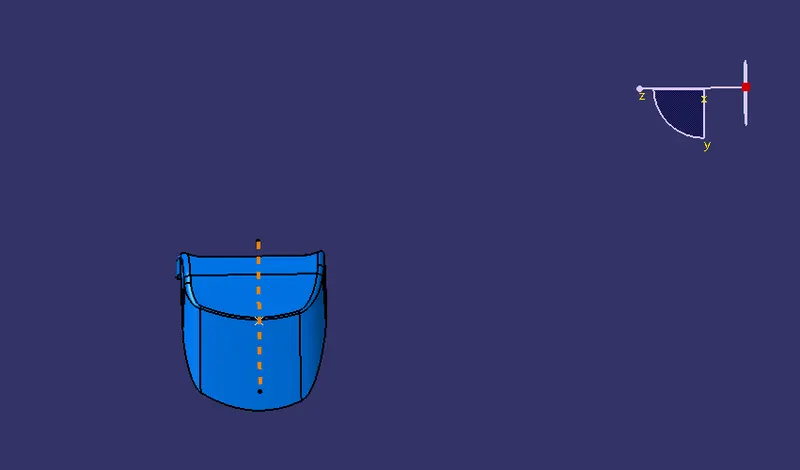
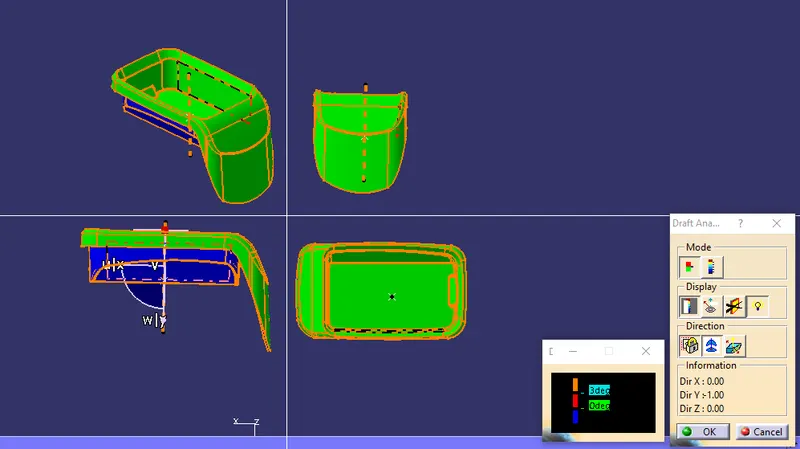
2. After placing the compass on the tooling axis click on the surface to perform draft analysis. Here GREEN color shows the surface is drafted more than 3 degree.
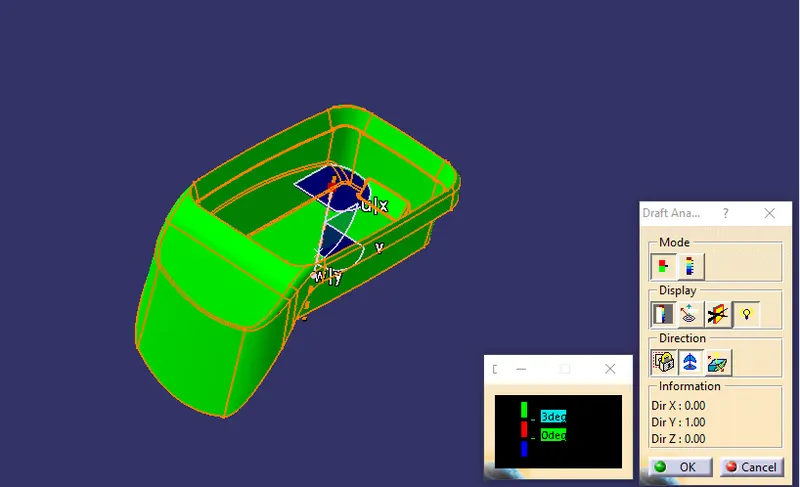
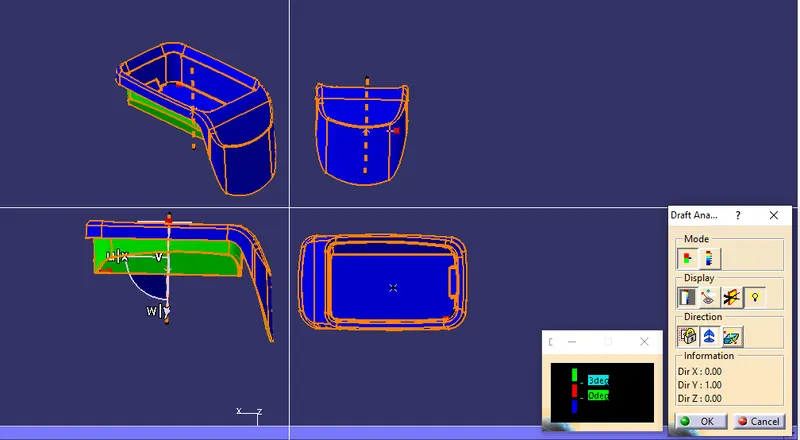
3. Then swith the surface and check the surface here in this it shows BLUE color it indicates that it is less than 0 degree.
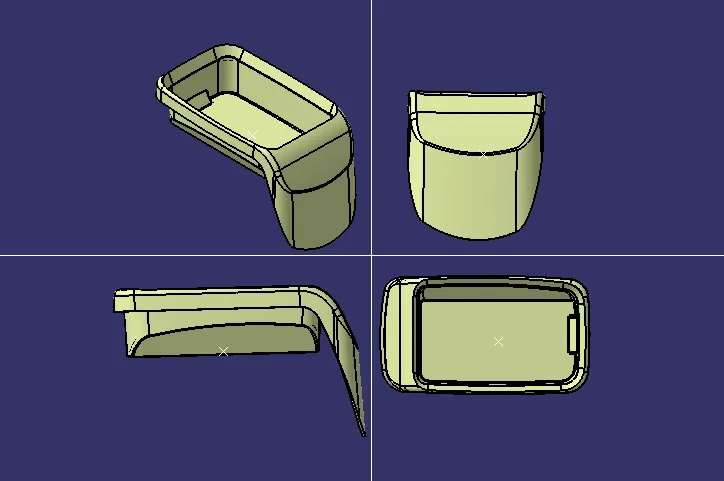
Multi-Section View of Plastic Component:
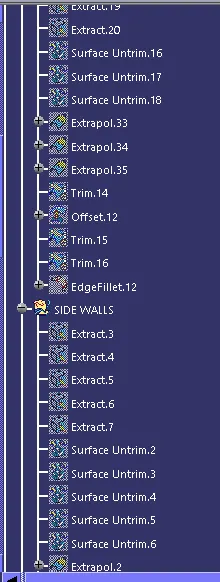
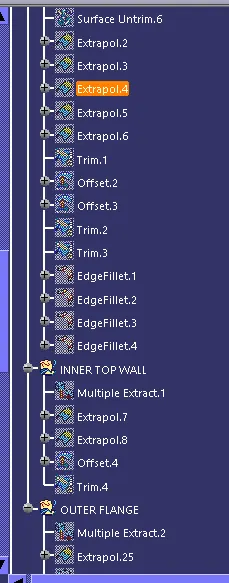
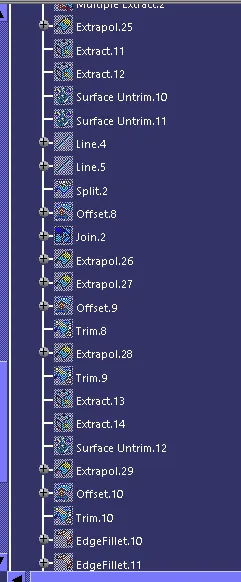
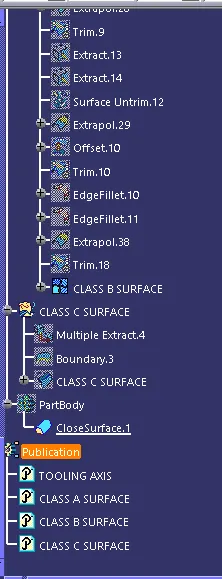
Draft Analysis on the Plastic Part:
1. Place the compass on the tooling axis and the draft chart shows it is draftef more than 3 degree.
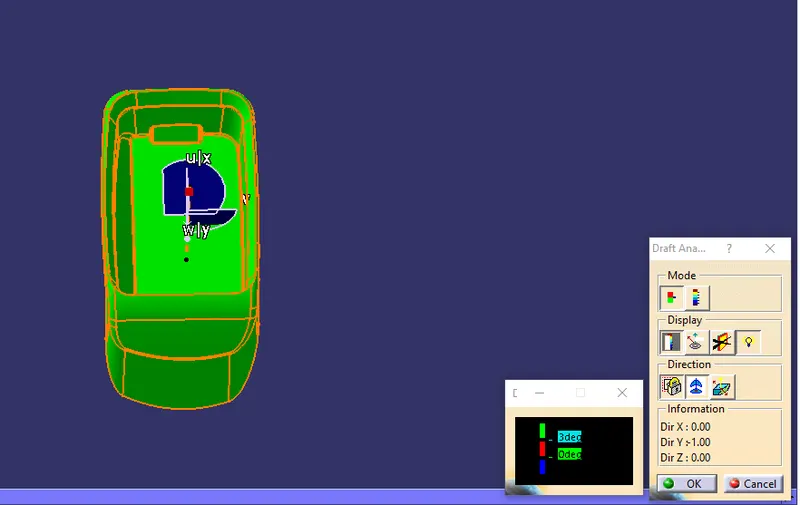
2. Switch the draft surface and here it shows thw surface is less than 0 degree.