Week 9 - Attachment Feature Creation (Ribs & Screw Boss) - Challenge 1
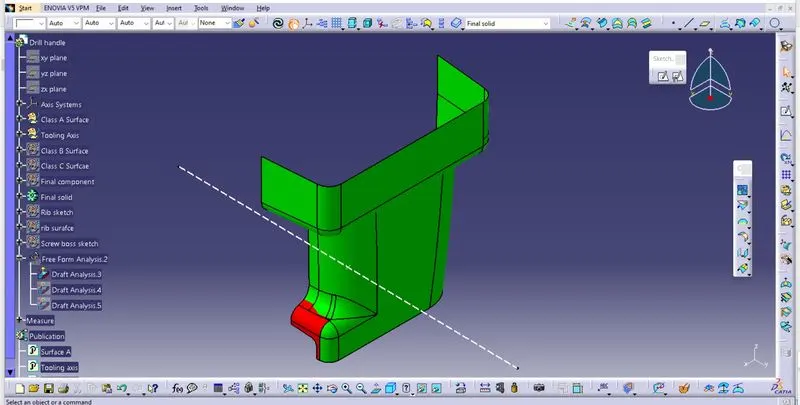
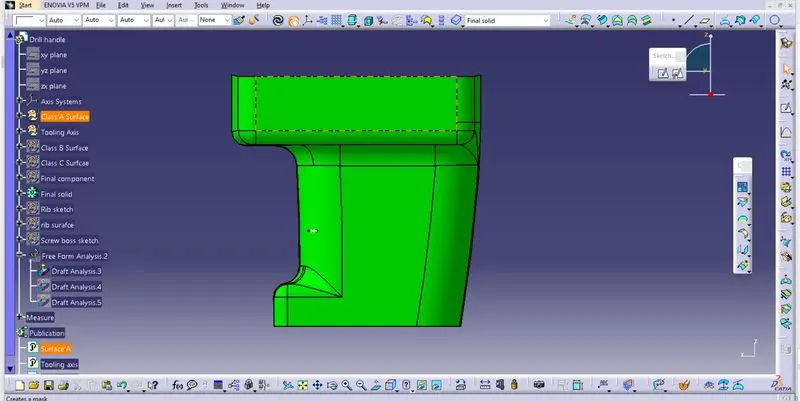
DRAFT ANALYSIS CALSS A SURFACE
Class A surface draft analysis
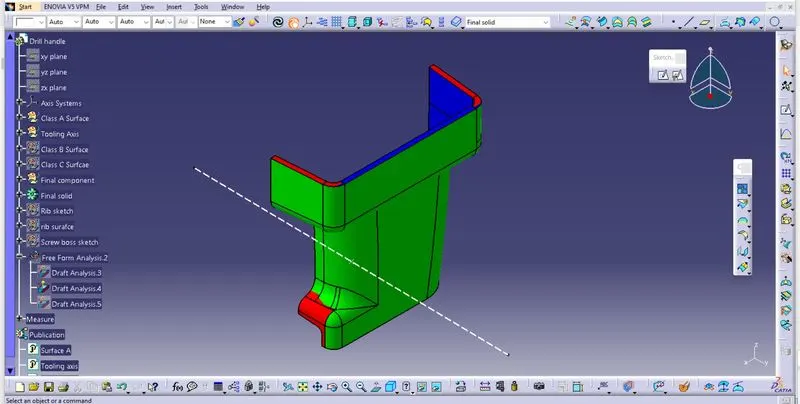
FINAL SOLID DRAFT ANALYSIS
Final solid draft analysis (Isometric view)
Final solid (Top view)
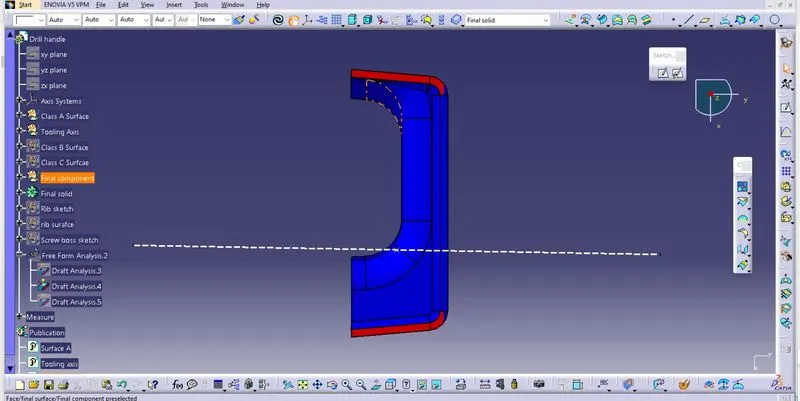
Final solid (Right side view)
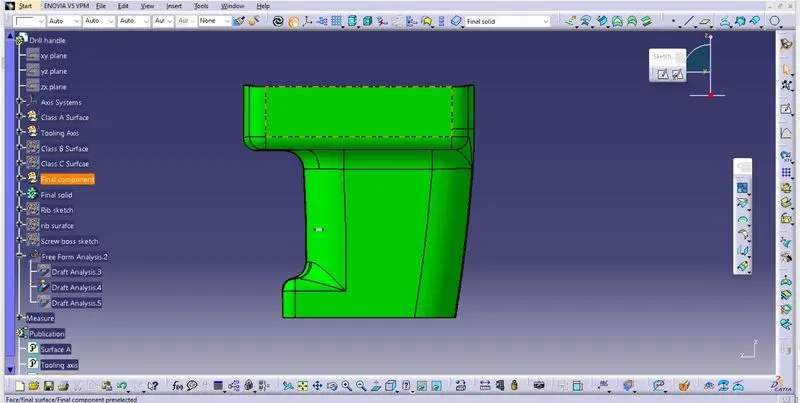
Final solid (Left side view)
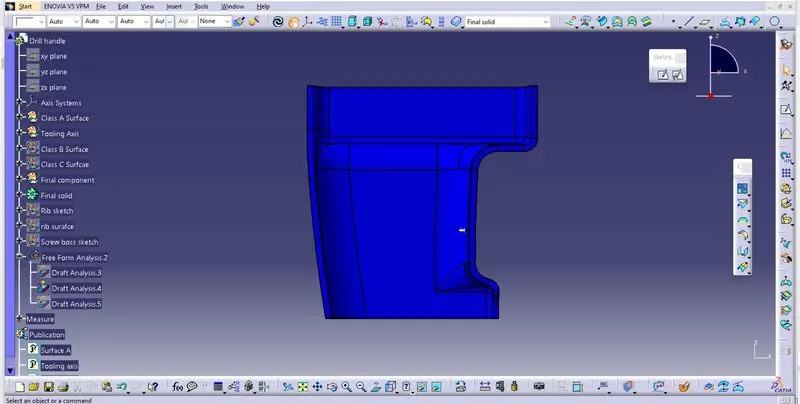
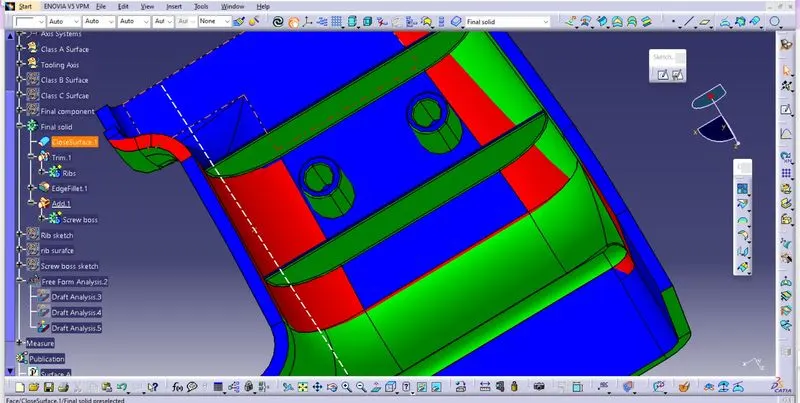
FINAL SOLID
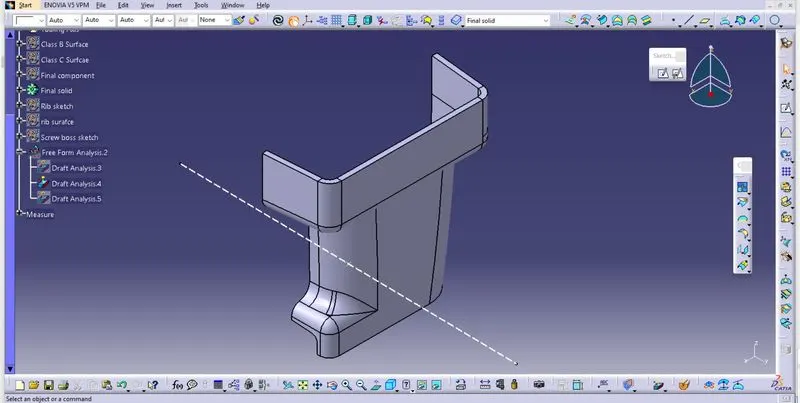
REPORT
1. Firstly a drawn a point on the flat surface given in the class A and credated a line in Y direction.
2. I check the draft analysis for the class A surface by considering the line i created as a tooling axis, given class A has some red coloured surface which are less tha 0 degree.
3. I continue with a class A surface and created class B surface using extract,untrim,extrapolate, trim, offset, mutisection surface, point, line,multiple extract commands.
4. Finally i trim class A with class C, and trim that with class B to get a closed body.
5. I created a final solid using closed command and then created the screw boss and ribs as per design rules.
5. I did draft analysis for final solid. Some part in the class C surface are in blue colour which are between 0 to 2.9 and some part are in red colour which are in less tha 0 degree with tooling axis.Some part in ribs and crew bosses are in red colour and green colour.