Week 9 - Attachment Feature Creation (Ribs & Screw Boss) - Challenge 1
DRWAING 1 CHALLENGE 1 WEEK 9
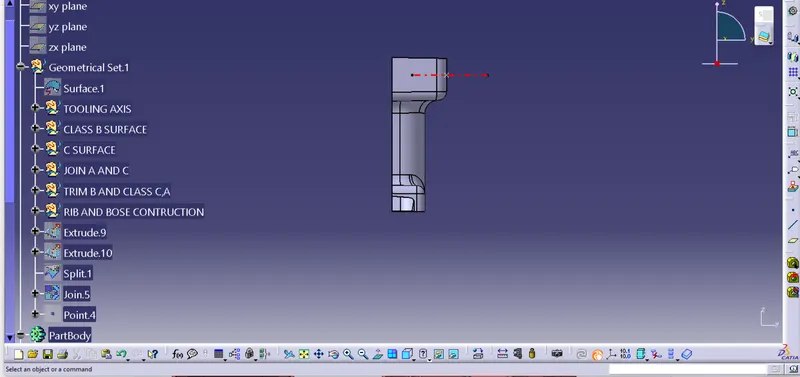
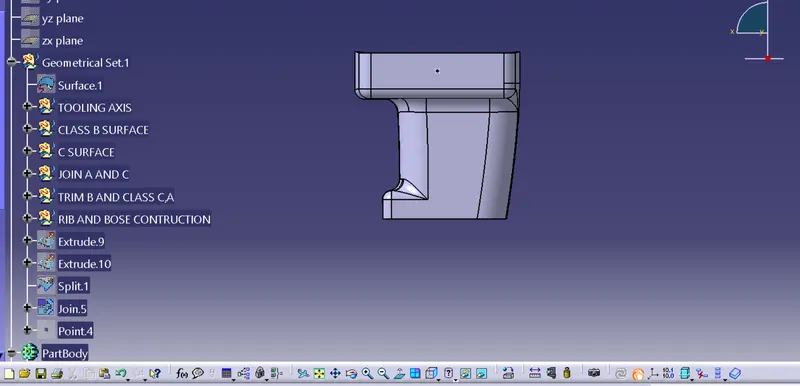
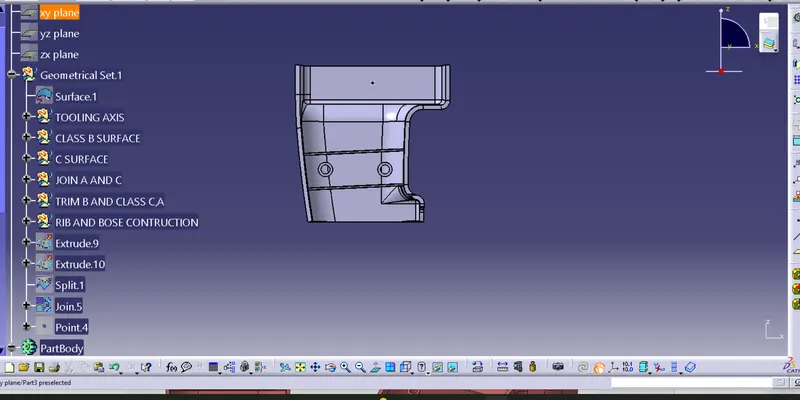
DETAILS REPORT
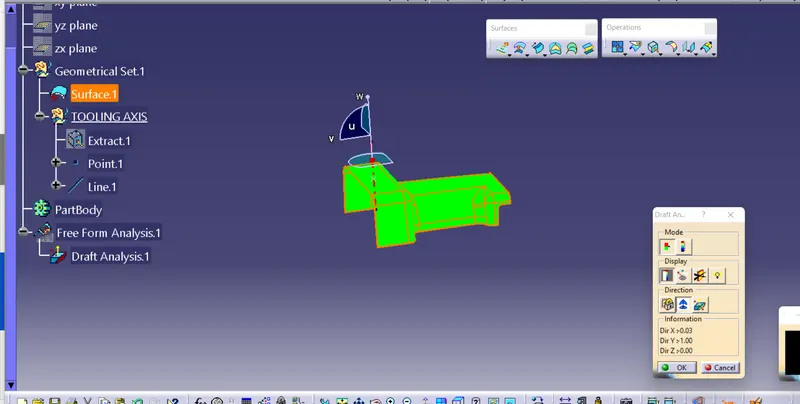
1. A s obtained Class A surface , Offset it to a suitable distance.
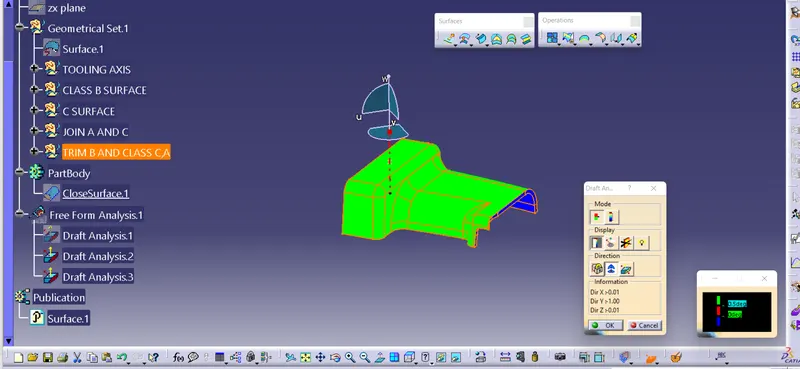
2. Name all geometrical set accordingly .
3. This offest surface to 2.5mm distance is class B surface
4. By using sweep command make class C surface perpendicular to class A
5. Hence class C surface obtained.
6. Join Class A and class C surface to get a single surface
7. Trim this surface with the class B surface.
8. By using boundary condition check whether the surface is closed or not.
9. Now using part design module give surface feature to obtained a solid body.
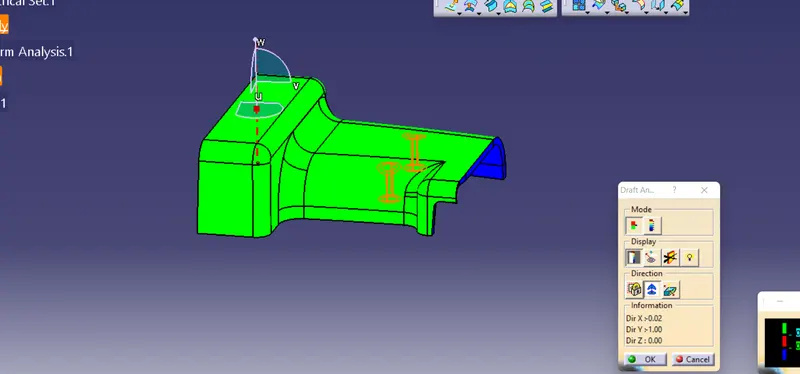
10. Do draft analysis with same and get desired green color
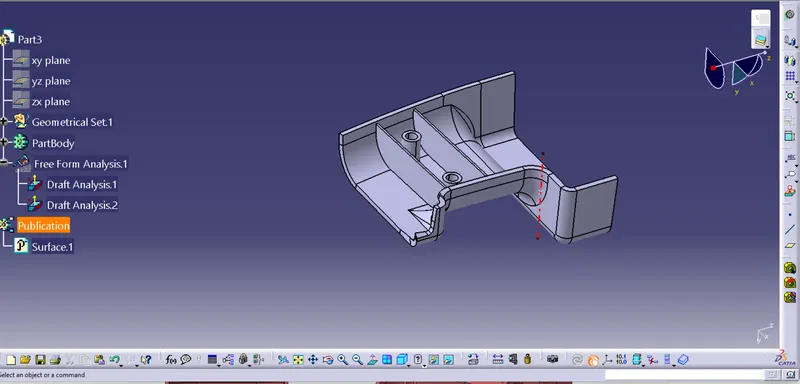
11. Now for Rib design use position sketch and extrude a line in Z direction in shape design work bench to .5 mm mirror extend.
12. Now Using thick surface feature in part design thickenn the surface to desire limit
13. Translate this thicken surface to suitable distance for second rim that is 20 mm
14. By using union trim feature get the desired rin attached with door handle.
15. For boss make a sketch of two circle and pad it to distance of 12 mm as per above given data limitation.
16. Give a draft of .5 degree to both the boss.
17. Add it to the main body ,Hence again done draft analysis by giving materila and get the out put for the same.