Week 8 - Challenge 6 - Core & Cavity Design
DRAWINH 1 CHALLENGE 6 WEEK 8
REPORT
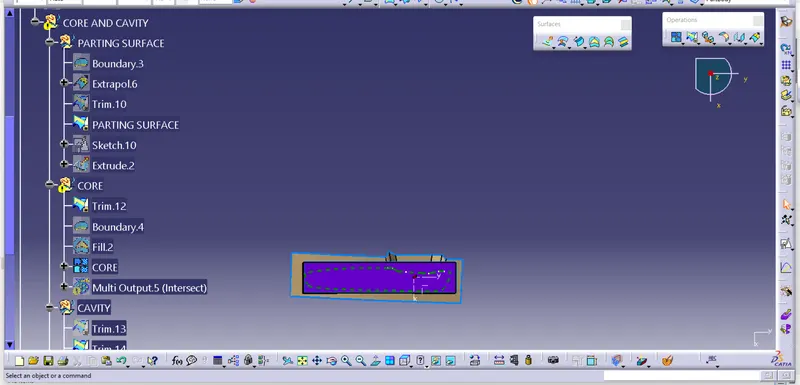
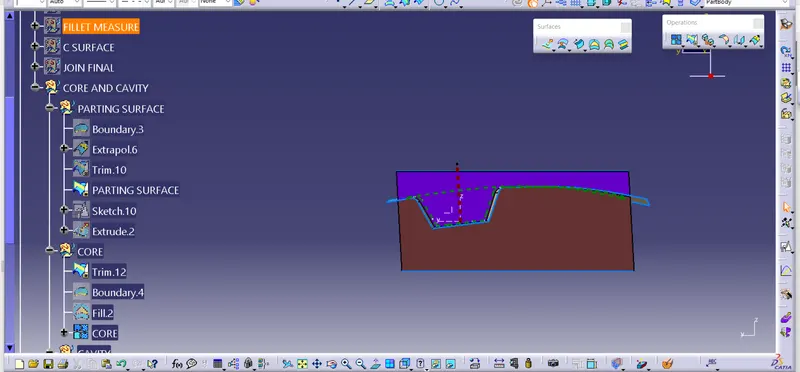
1. A s obtained Class A surface , Extrapolate to a suitable distance.
2. Name all geometrical set accordingly .
3. Trim Class A surface with Class C surface.
4. Trim Obatined surface with class B surface to get cavity part of mould.
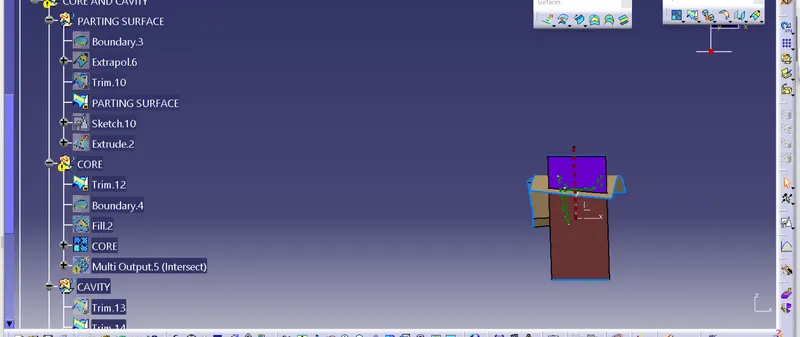
5 As the surface trimmed with class B surface will be the parting surface.
6. Now creat a rectangle to new axis system and exrtrude it.
7 Trim it with mould cavity surface and fill left hollow top part.
8. D o same for core part and get it.
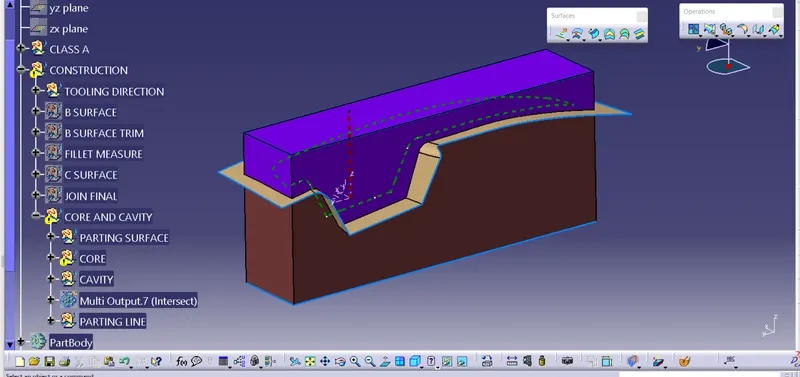
9 Now Join the seperate mould core and cavity part with Fill surface.
10. In part design module using surface commnad convert the surfaces into solid parts.
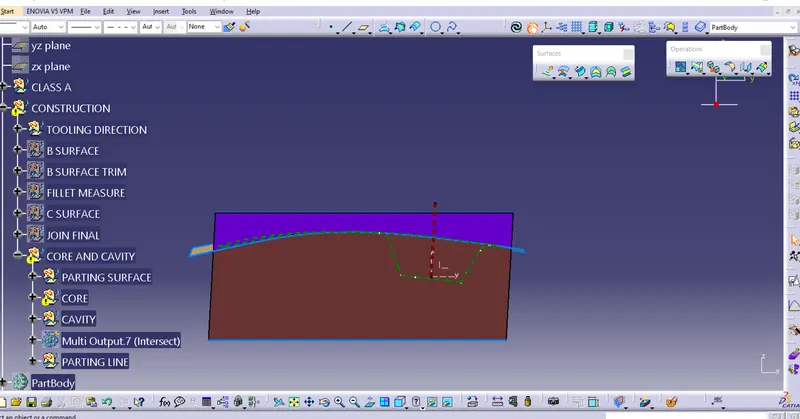
11. Using intersection command bet surface and solid part get the parting line.
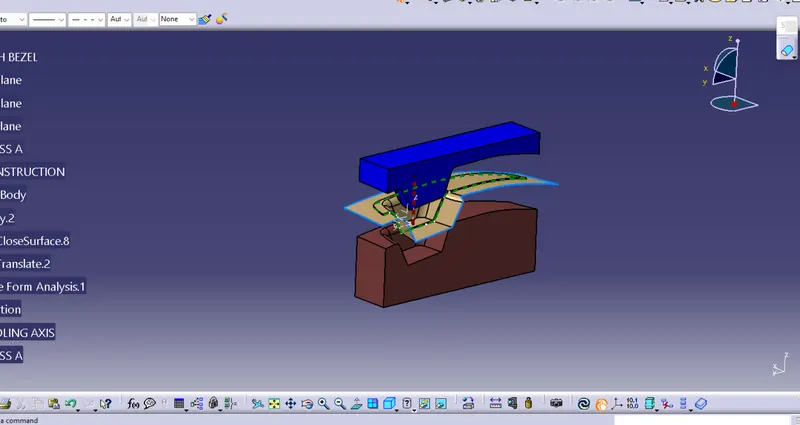
12. Now translate both the mould core and cavity parts in opposite side in the diraction of tooling axis.
13. thus obtained core , cavity and parting surface seperately