Week 8 - Challenge 2 - Switch Bezel Design
DRAWING 2
REPORT
1.
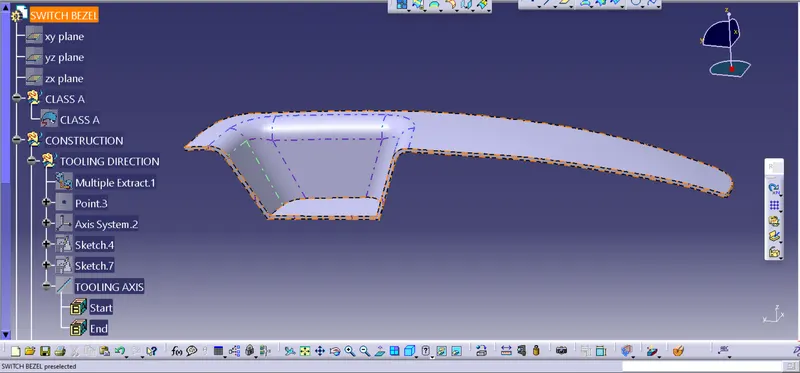
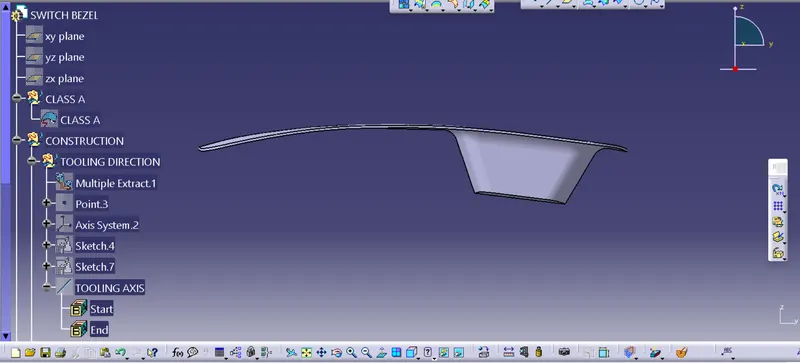
1. As obtained class A surface , first of all alooted different colour to differt geomerical surface of base bracket.
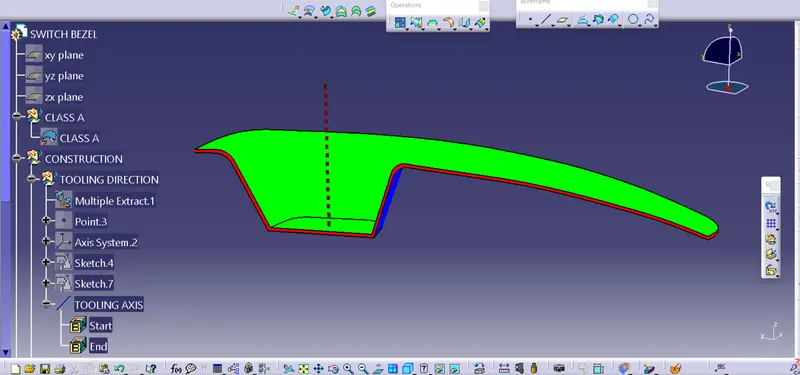
2.Than after thinked for best direction of tooling axis ,which is found to be Z direction best suitable.As there is no hidden geometry and hole.
3.Making another axis system on the base profile.
3. By using intersection command , for half part side profile one of the centre line we got.
4. All geontricall set as per requirement were inserted (Ex tooling axis, B surface etc.).
5.By cutting a section to zx plane and drawn a line inclination angle of 3 degree from bezzle surface we got another centre line.
6. Taking intersection of these two line to obtaine tooling axis.
5. Extraxted the diiferent surfaces from Class A surface such as base surface , rib surface etc.
6. Untrim all different surcfaces and extra pollated them up suitable limit.
7. Offset all extra pollted surfaces to value equal to thickness value that is 2.50 mm.
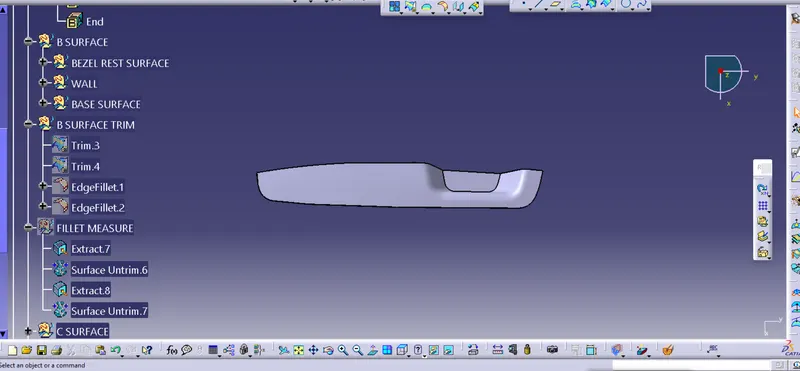
8. Trimmed all the surcfaces to get Class B surface.
9. Hence B surface obtained.
10. Class A surface boundary were obtained and sweep to value of 3 degree draft and class C will obtaine.
11. Join class A surface to Class C
11. Trimming all obtained surfaces.
12. Thus a close profile obatined checking it by boundary command
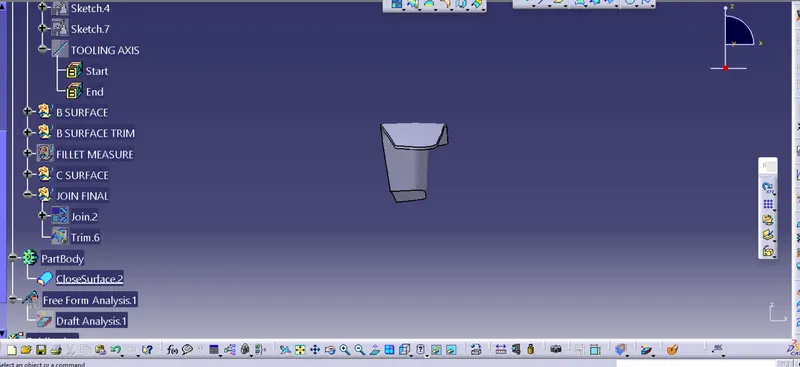
12. Now go to part design and using cloased surface command a solid geometry is formed.
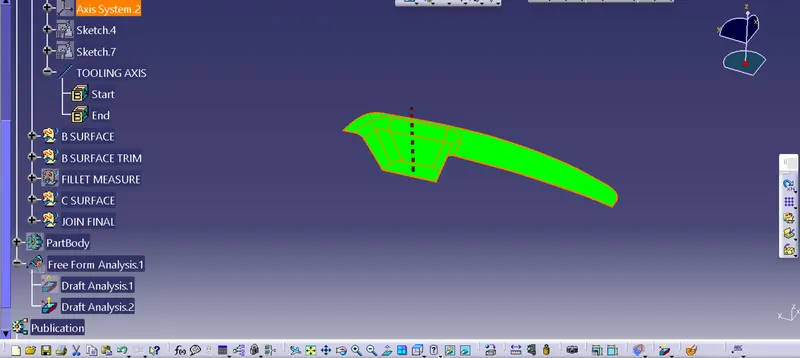
13. Again in suraface shape and desig work bench draft analysis is done by setting compass at proper position in drafting (tooling axis).
14. Thus obtained desired green colour in draft analysis.