Week 8 - Challenge 4 - Bumper
DRAWING 1 CHALLENGE 4
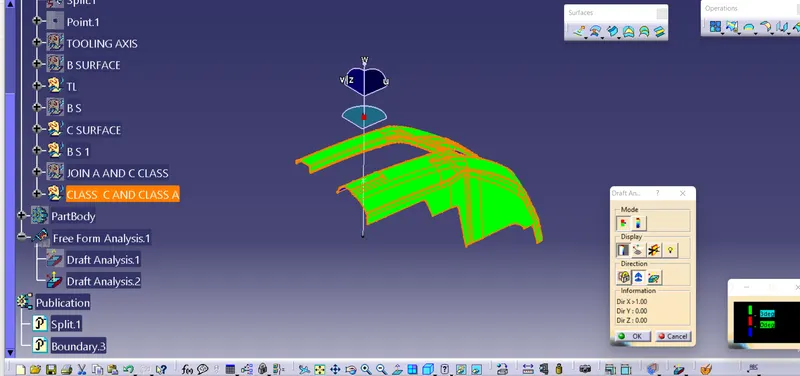
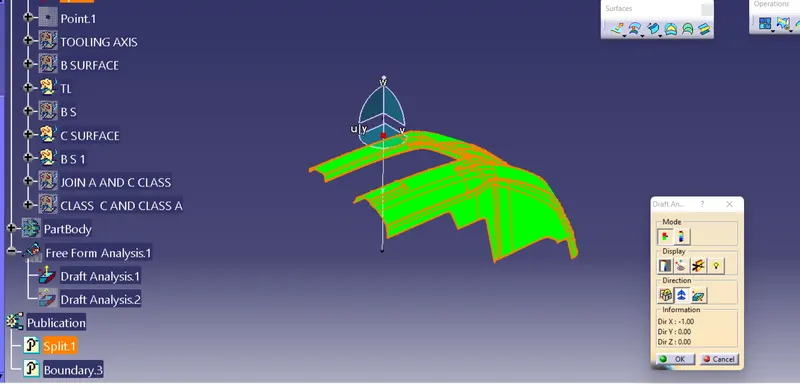
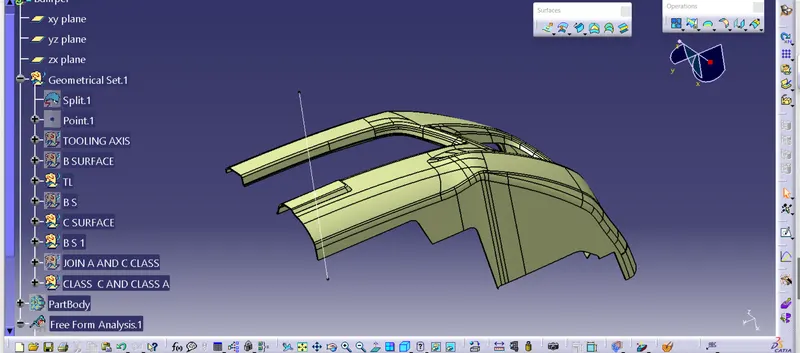
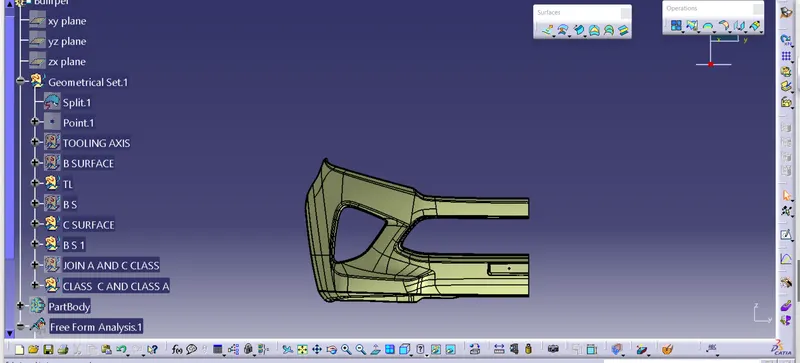
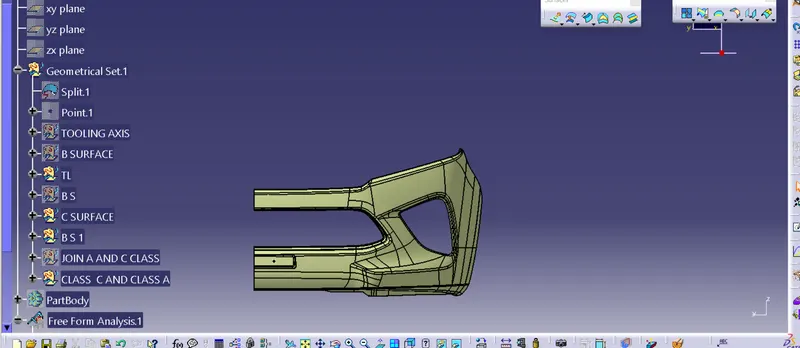
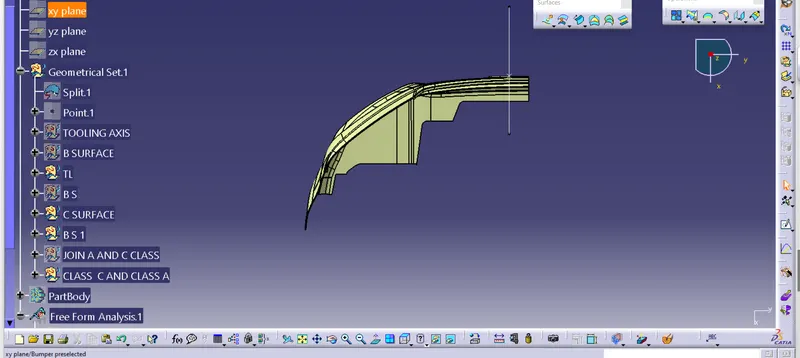
1. As obtained class A surface , first of all alooted different colour to differt geomerical surface of base bracket.
2.Than after thinked for best direction of tooling axis ,which is found to be X direction best suitable.As there is no hidden geometry and hole.
3.By using extrapolte command Extra polate surface to which tooling axis is to be form .
4. By using centre point of new axis system a line drawn perpendicular to the base surface .
5. All geontricall set as per requirement were inserted (Ex tooling axis, B surface etc.).
6.Using offset feature give offset to class A surface to a value of 3 mm.
7. Some of the surface are not extra polated, using multisection command creat the missing surface .
8. Create C surface using sweep coommand and its direction perpendicaular to Class A surface .
9. Join Class A surface with Class C surface .
10. Trimmed Class B suraface with class A and Class C .
11. Now using join command Class A surface and trimed C and B surface form a closed surface.
12. Thus a close profile obatined checking it by boundary command
13. Now go to part design and using cloased surface command a solid geometry is formed.
14. Again in suraface shape and desig work bench draft analysis is done by setting compass at proper position in drafting (tooling axis).
15. Thus obtained desired green colour in draft analysis.