Week 9 - Attachment Feature Creation (Ribs & Screw Boss) - Challenge 1
Aim:
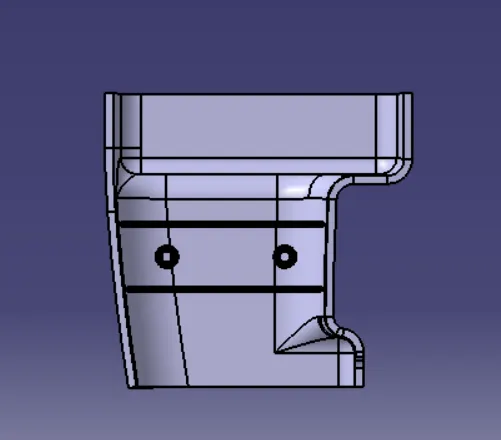
To Create the rib and screw boss for the Drill Handle considering the design rules.
Given Class A:
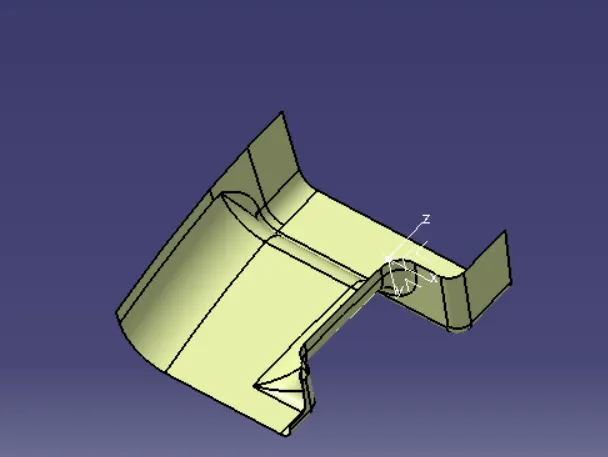
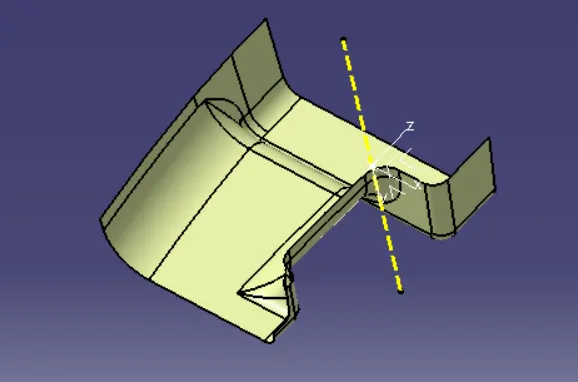
Tooling Direction:
Extract any surface from the class A surface create a point in the surface, draw a line perpendicular to the surface on that point which is the tooling direction.
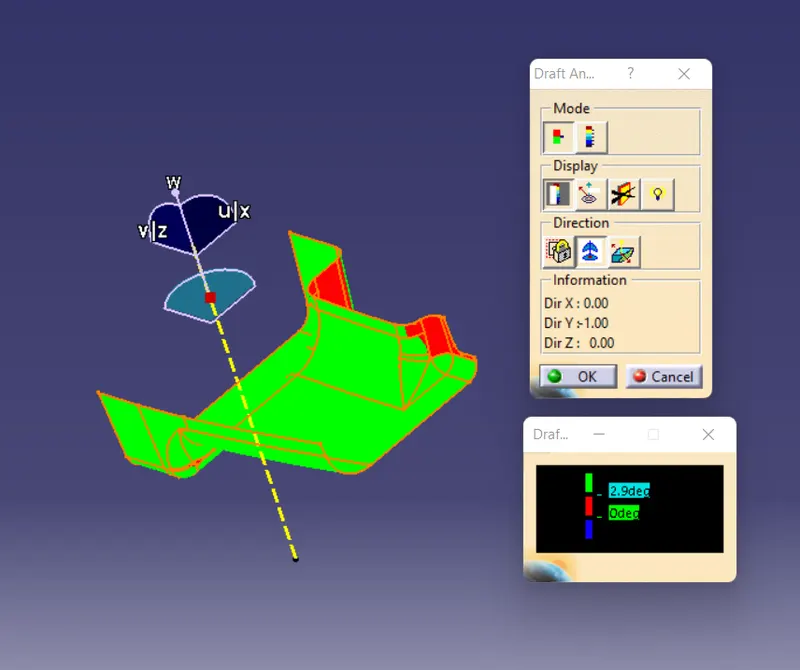
Draft Analysis:
Class B and C surface creation:
Class B Surface:
Offset the class A surface to 3 mm inward to get the class B surface. Repair the class B surafce incase if any surface is missing.
Class C Surface:
Create a boundry using the given class A. Now with the sweep option we can create a surface perpendicular to the surface to join the two surfaces.
Now trim class B with class C
And then to get final surface trim it with class a.
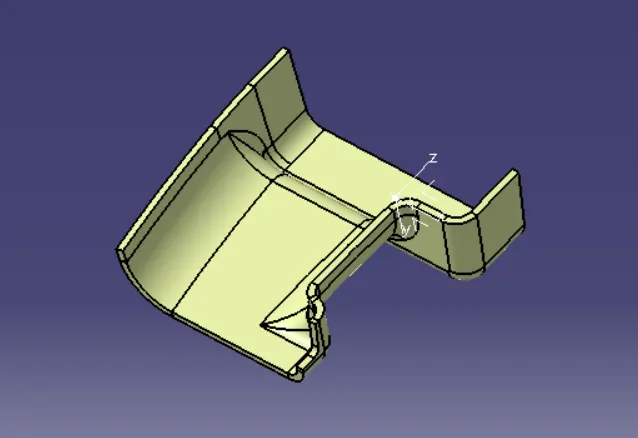
Now use the closed surface command in the part workbench to create a solid body from the final surface.
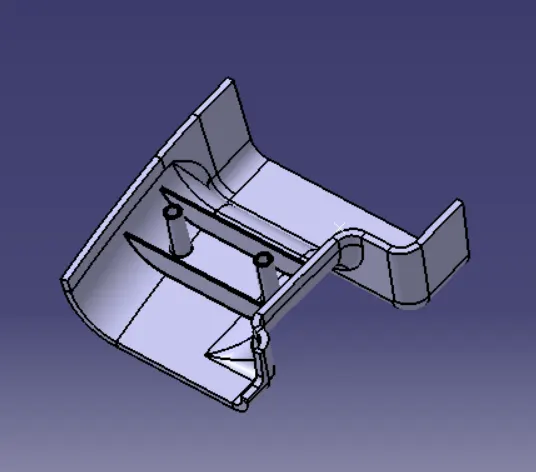
Create Rib and screw boss as per the given design rules.
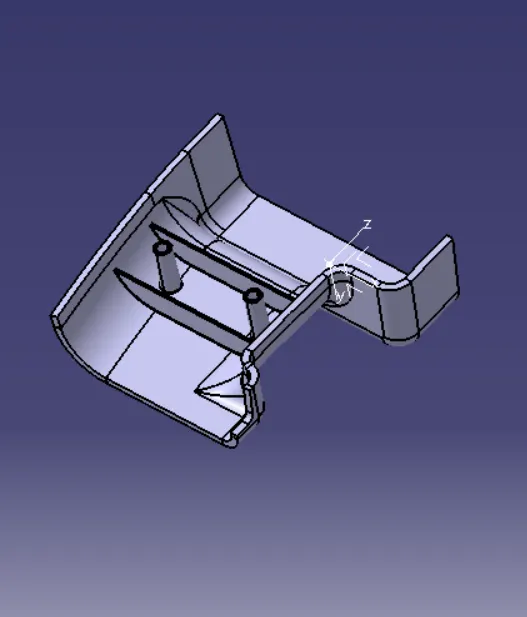
Perform Draft Analysis on the final model.
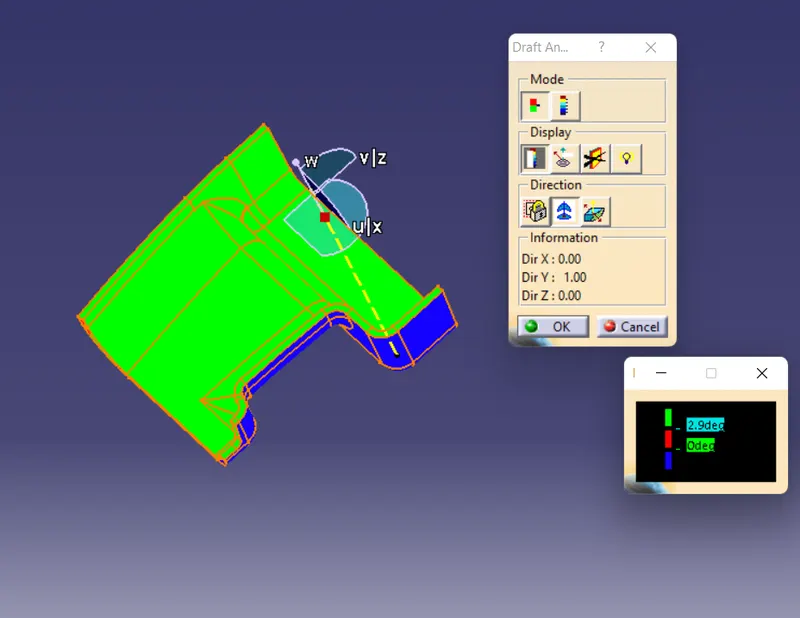
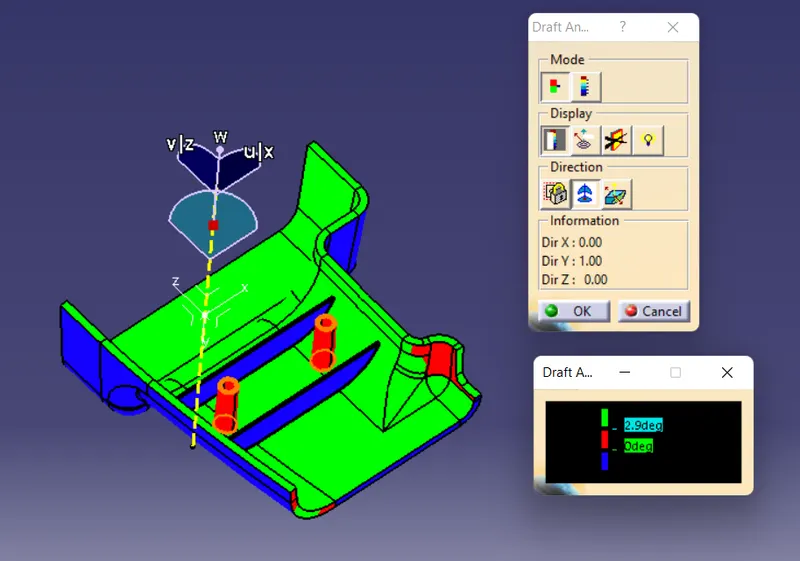
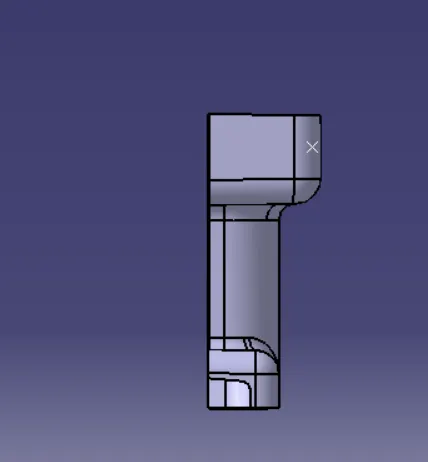
This is the result obtained for the given class A model. The class A model itself having some issues with the Drafting analysis.
Isometric View:
Front View:
Top View:
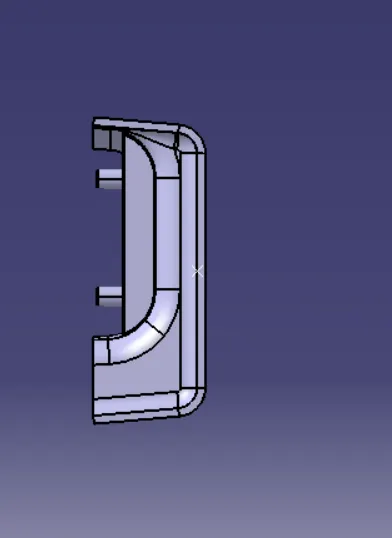
Side View: