Week 9 - Attachment Feature Creation - Challenge 2
Creation Of Tooling Axis:
1. First thing is to check the quality of the surface that we going to work.
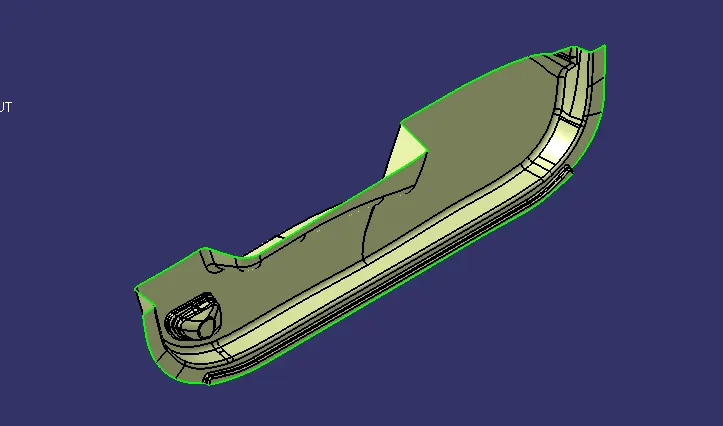
2. Place point on the center of the surface.
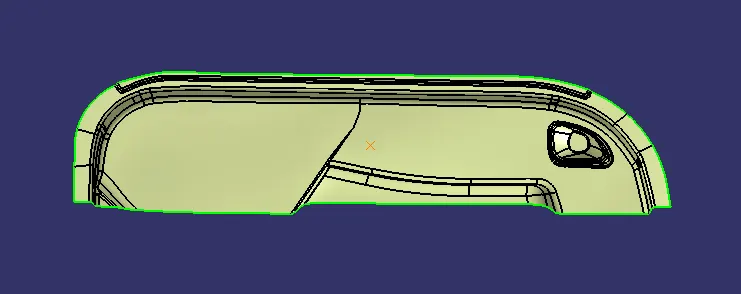
3. Create line on the point perpendicular to that surface.
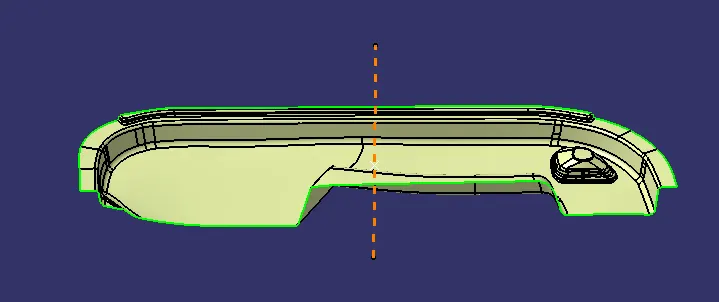
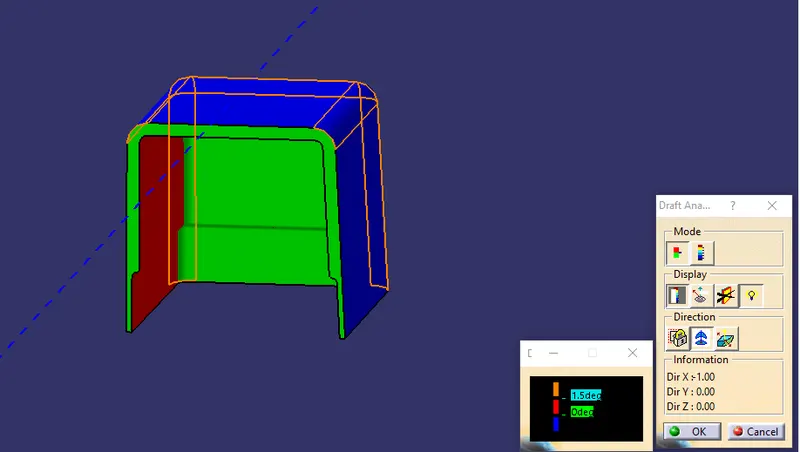
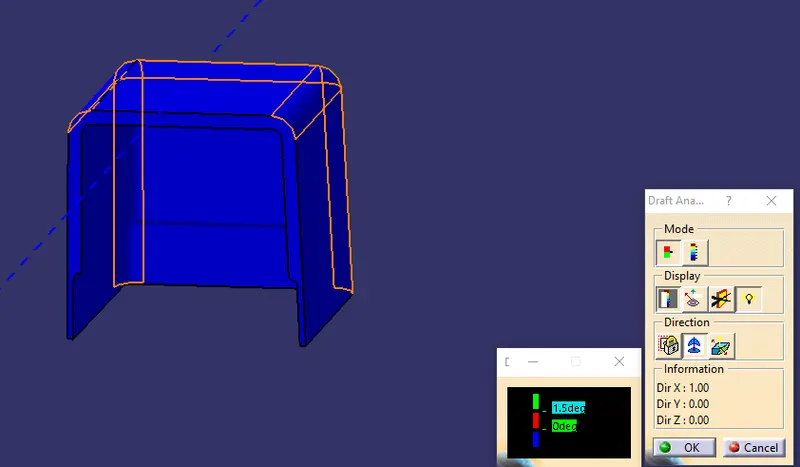
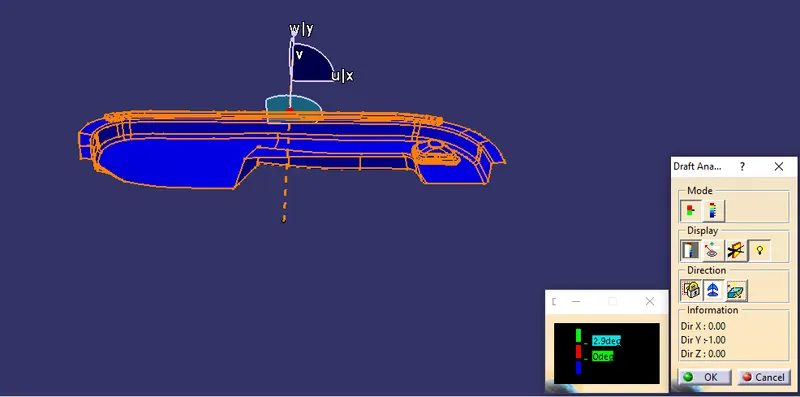
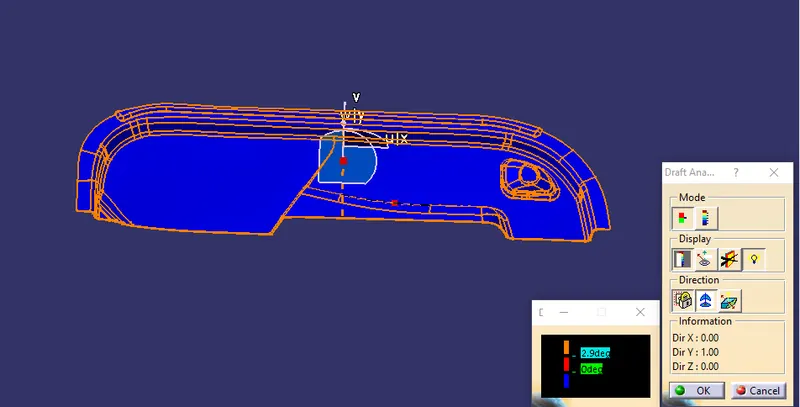
Draft Analysis on Class-A:
1. Change the surface to the material mode.
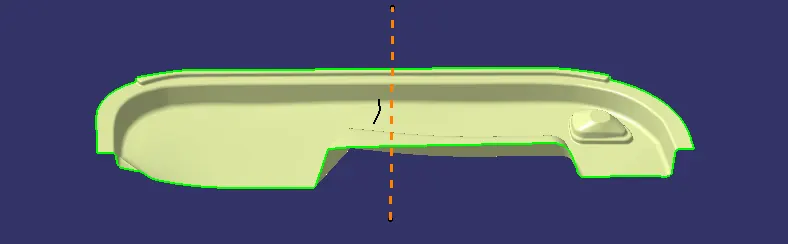
2. Zoom out and bring the compass on the tooling axis and the lock it.
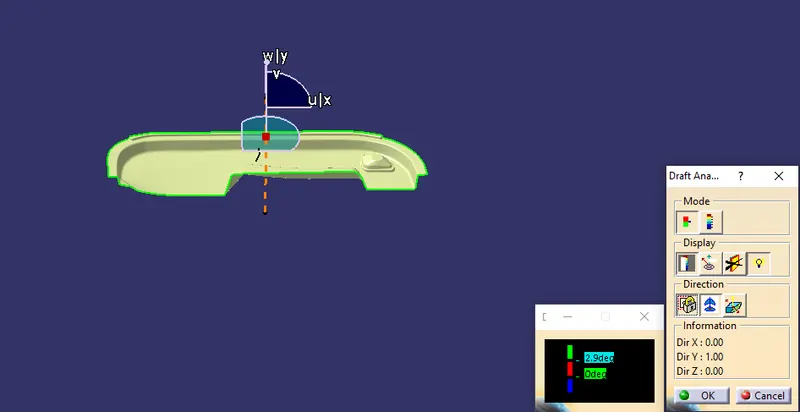
3. Click anywhere on the surface to start tha draft analysis. GREEN color surface shows the surface is drafted more than 2.9 degree.
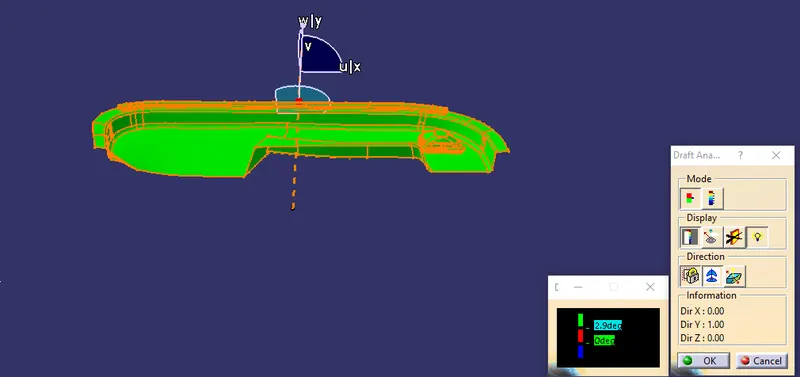
4. Click on the invert draft surface to check the surface.
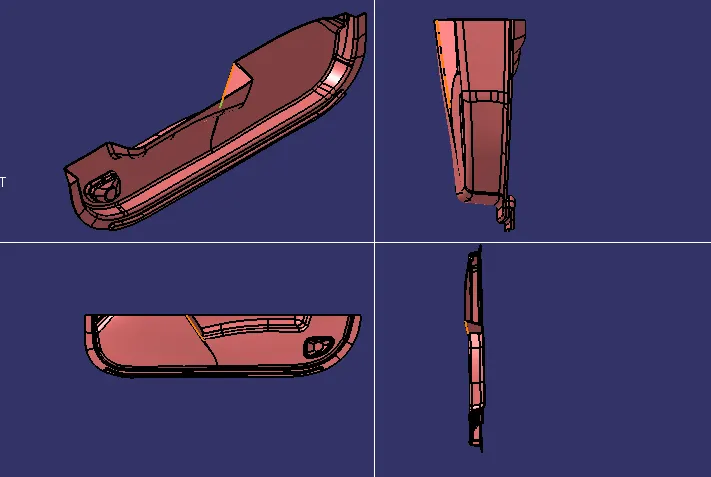
Multi-Section View of Plastic Component:
Multi-Section View of Solid Component:
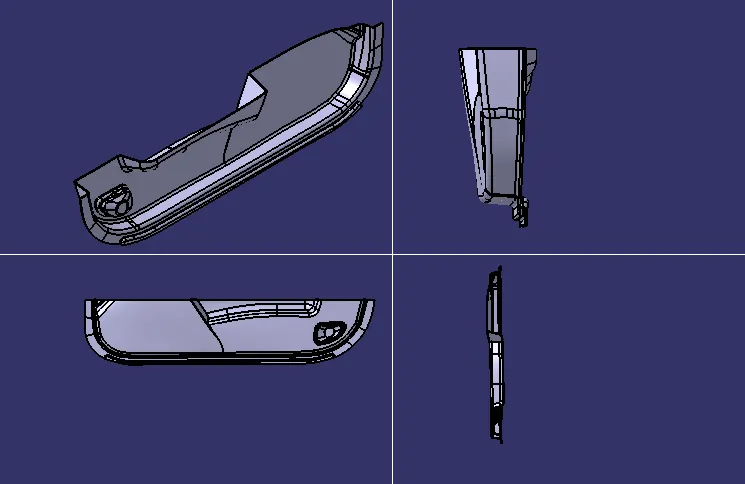
Multi-Section View of Solid Component after attaching the Dog House:
Here i cannpt able to keep the length of ((B) as given in question)) from 3-6mm because the surface is curvy.
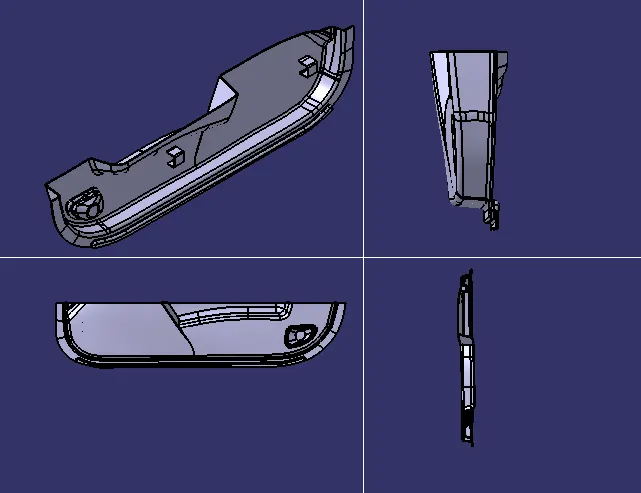
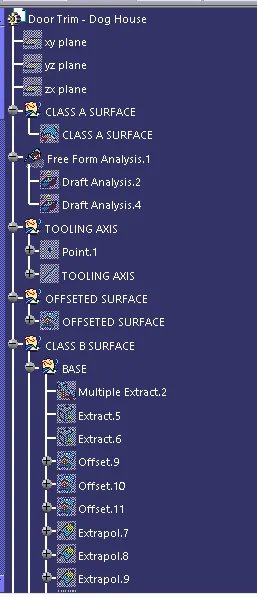
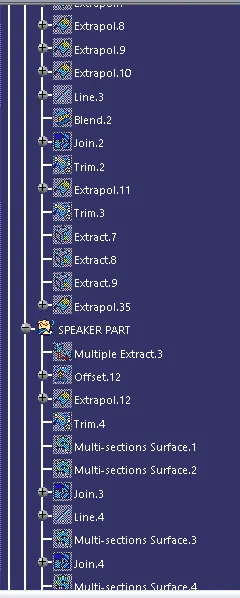
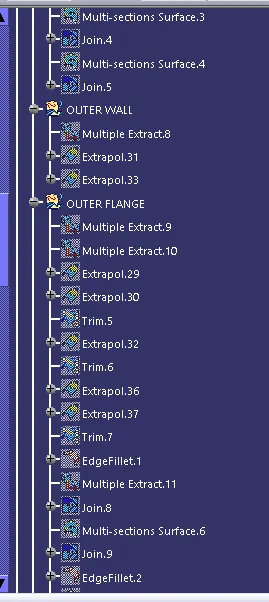
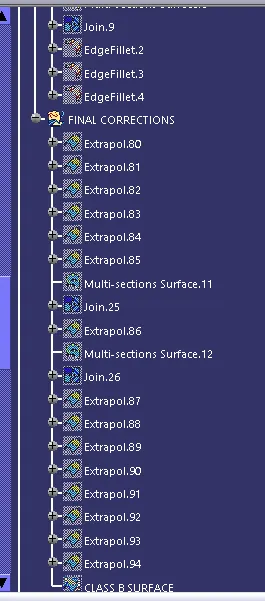
Draft Analysis on Plastic Component:
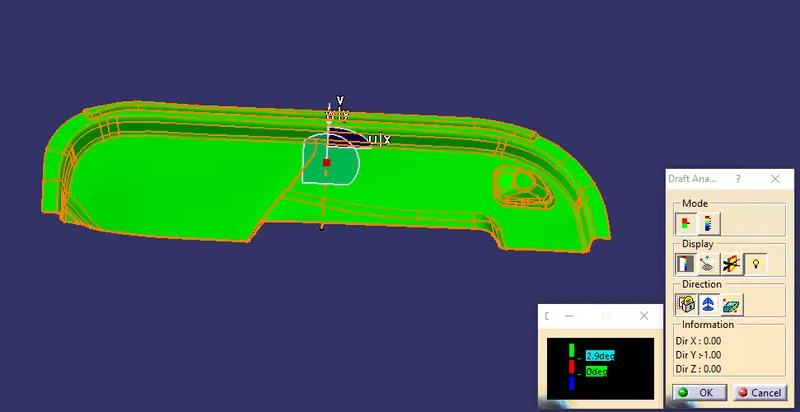
Draft Analysis on Dog house: