Week 9 - Attachment Feature Creation - Challenge 2
Screw Boss And Dog House
AIM:
To create the screw boss and the dog house in the class B surface.
PROCEDURE :
SCREW BOSS :
Screw boss is a secondary feature that is the creation in the engineering feature. Increase the height of the component and position the screw boss. Boss is used to attaching and in the assembly feature.
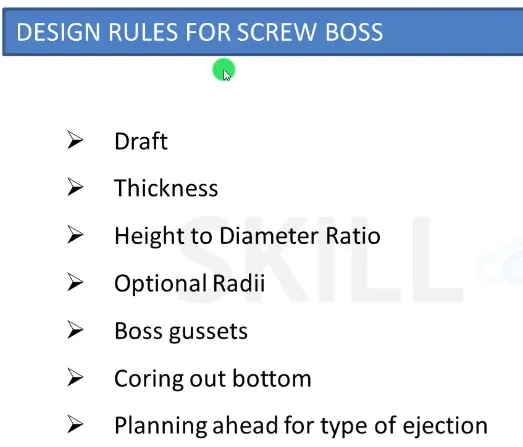
Rules for screw boss
Wall thickness = 0.6* Thickness of component
Fillet radius = 0.25 mm
Draft angle =0.5 deg.
- Steps :
- Insert the geometrical set in the cad part.
- Then draw the inner dia and the outer dia of the screw boss. Then pad the circle and then give the draft and the edge fillet.
- Assemble in the coin holder part body.
- After creating the screw boss the rib has to create in the screw boss to avoid the sink mark on the surface.
- Insert the sketch, pad the lines to create the support, and then draft it.
- And then assemble in the part body.
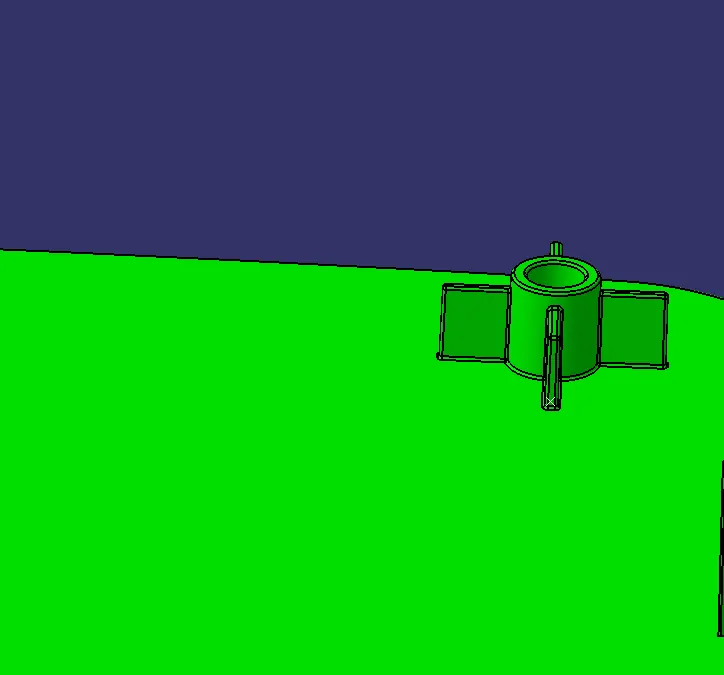
The following procedure translates the screw boos to the other end of the portion.
DOG HOUSE :
The dog house is created to avoid the sink mark and increase height.
When the screw boss is perpendicular to the tooling axis it is difficult to clear the drafting analysis. so the dog house is created to clear the tooling axis.
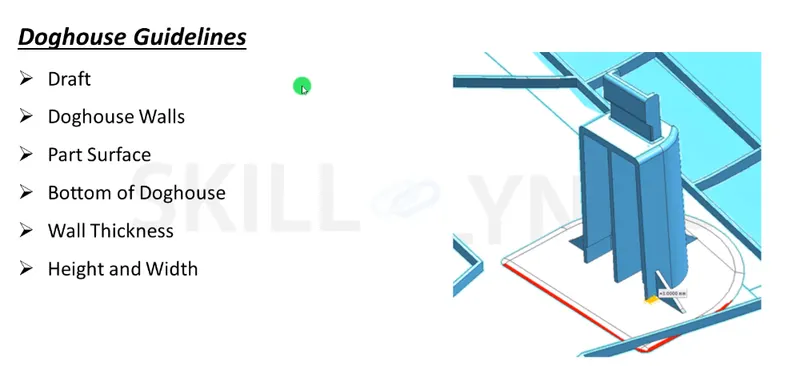
- Insert the geometrical set and the make position sketch and draw the rectangle.
- Afterward, sweep the profile with reference limit in the sweep command to sweep the surface.
- Made into the solid component
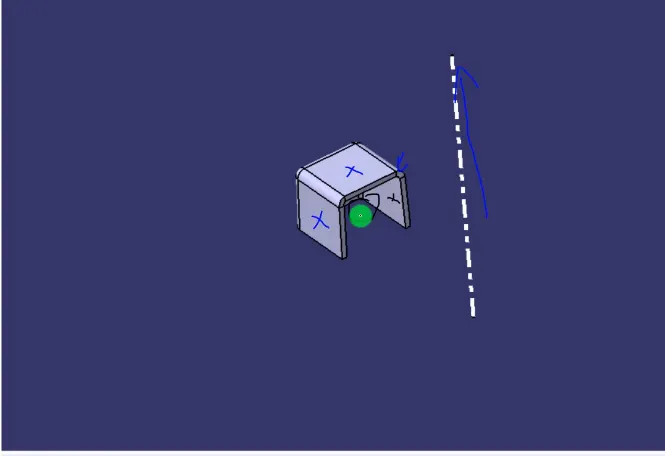
- To clear the inner face of the drafting the tooling axis has to be created.
- After creating the dog house assemble with the main part body.
- And then lift the screw boss in the dog house
- After lifting the dog house do the draft analysis.
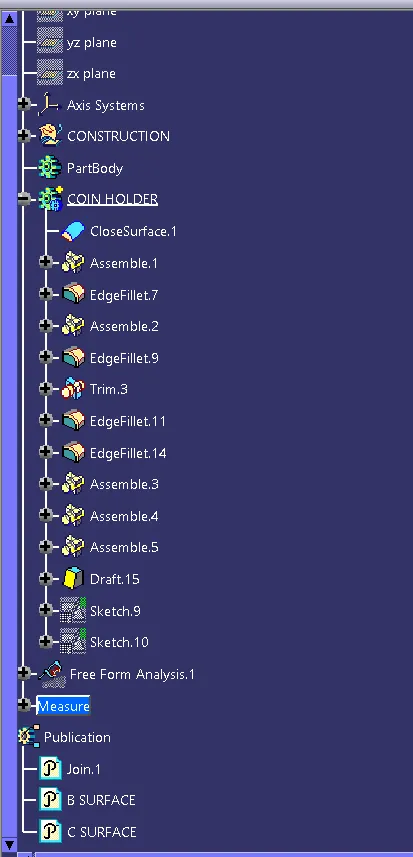
Tree structure :
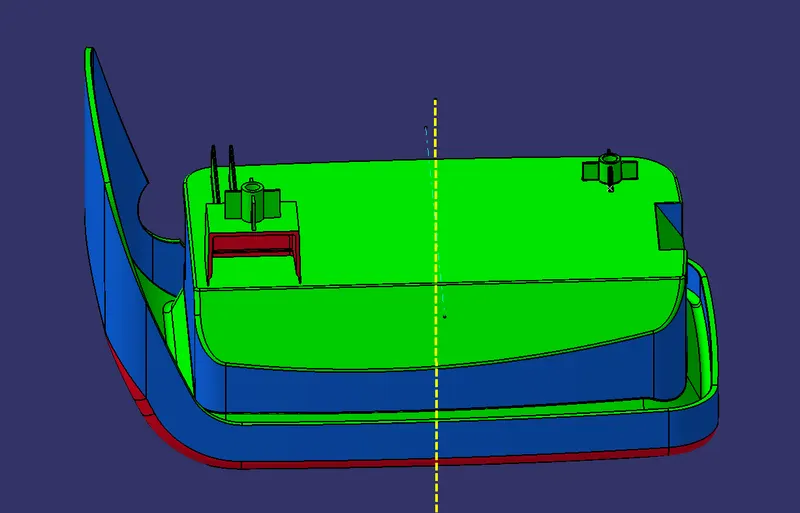
Result
Hence the dog house and the screw boss is created by using catia v5.