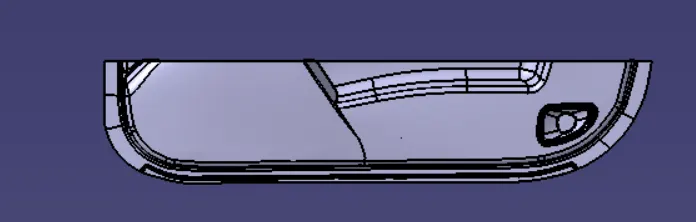
Week 9 - Attachment Feature Creation - Challenge 2
Aim:
To create the Dog House for the Door Trim considering the design rules mentioned in the video. Consider the thickness of the part to be 2.5 mm.
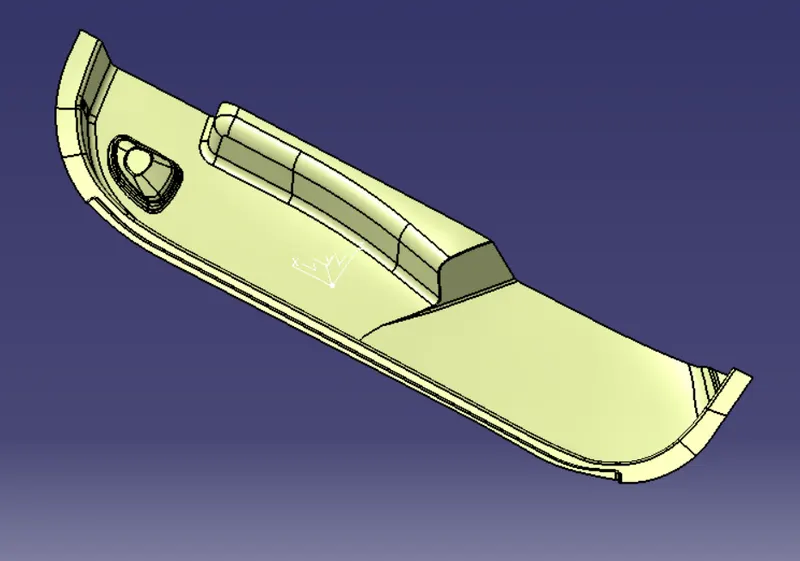
Given Class A:
Tooling Creation:
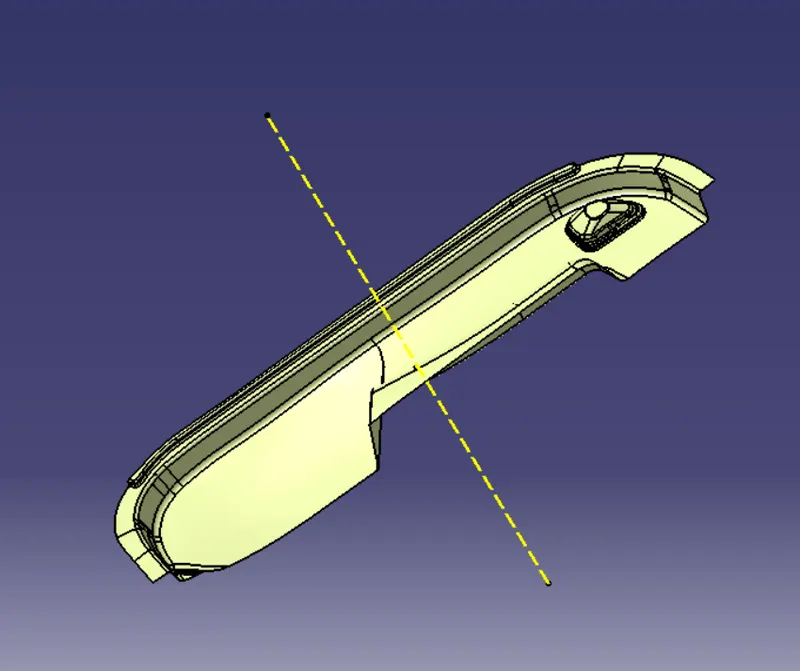
Class B & Class C surface creation:
Class B Surface:
Offset the class A surface to 2.5 mm inward to get the class B surface. Repair the class B surafce incase if any surface is missing.
Class C Surface:
Create a boundry using the given class A. Now with the sweep option we can create a surface perpendicular to the surface to join the two surfaces.
Now trim class B with class C
And then to get final surface trim it with class a.
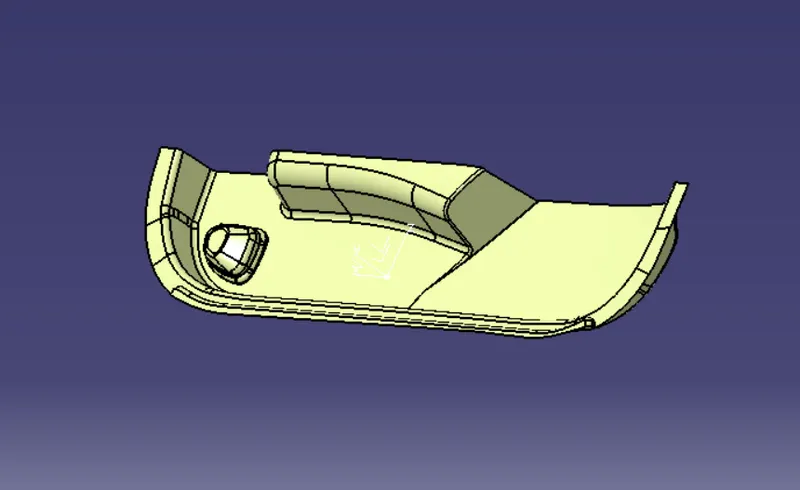
Final Surface:
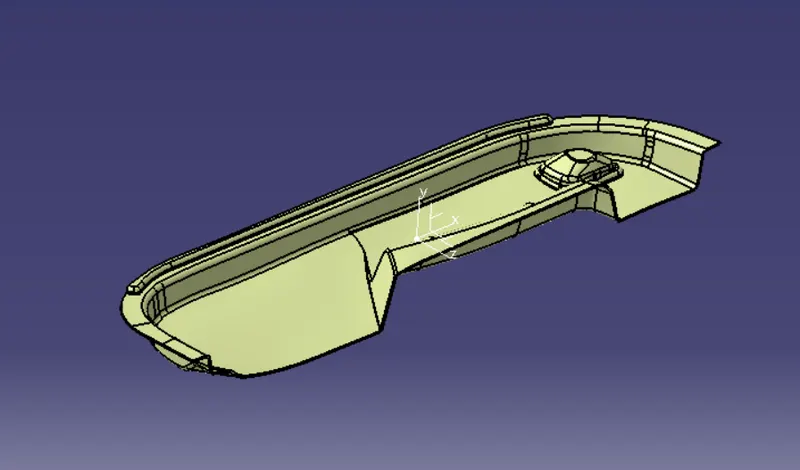
Now use the closed surface command in the part workbench to create a solid body from the final surface.
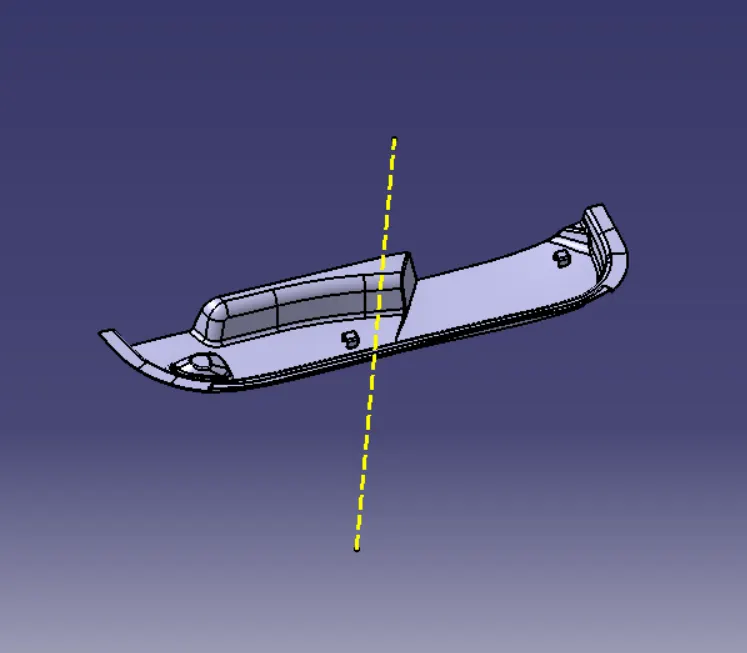
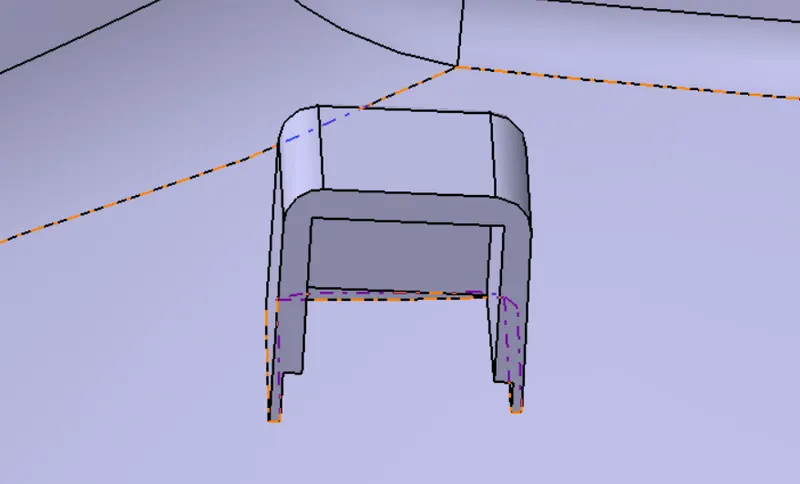
Create the Dog House for the Door Trim considering the design rules. Consider the thickness of the part to be 2.5 mm.
Dog House:
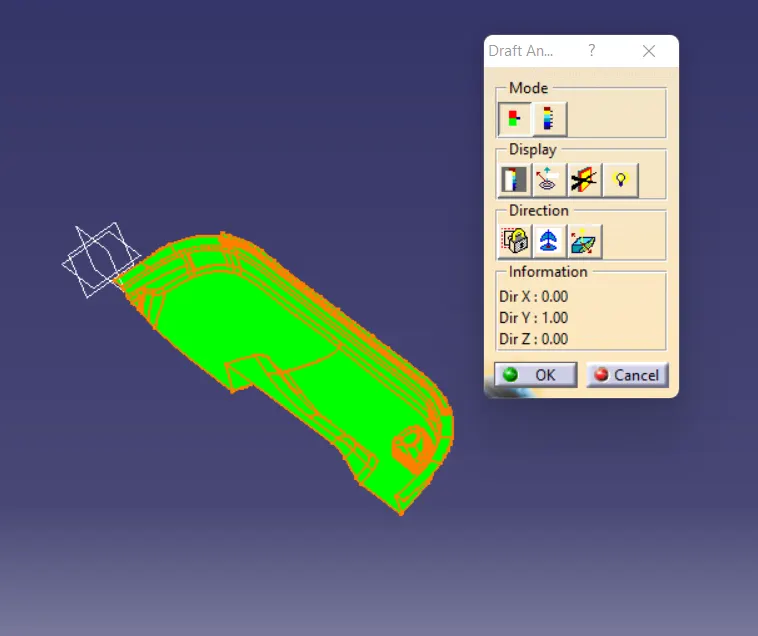
After creation perform draft analysis on the model.
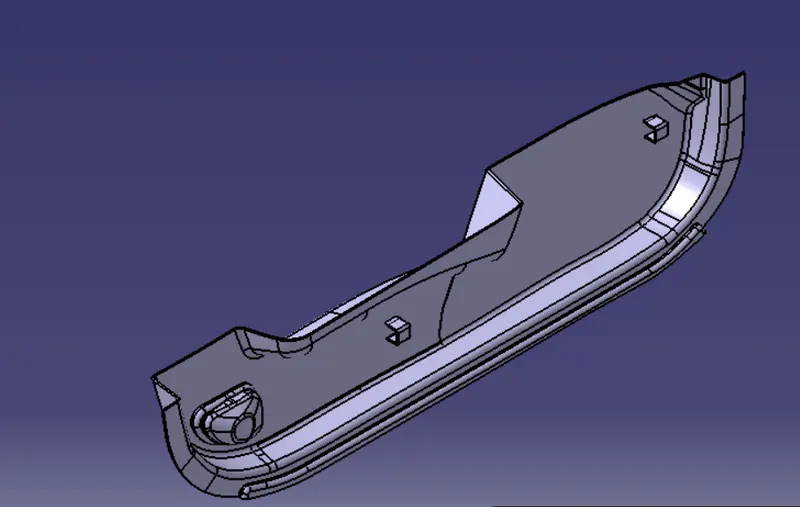
Isometric View:
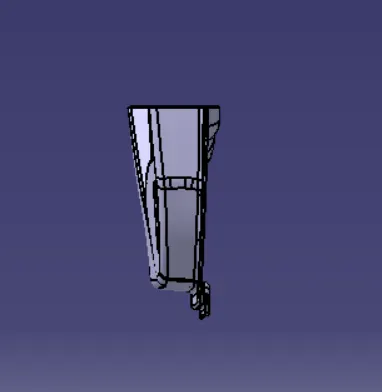
Front View:
Top View:
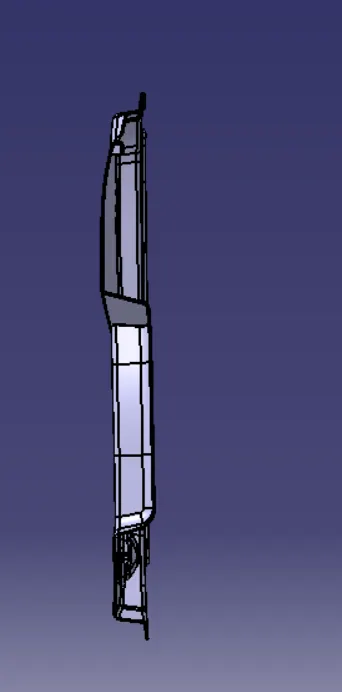
Side View: