Week 9 - Attachment Feature Creation - Challenge 2
WEEEK 9 CHALLENGE 2
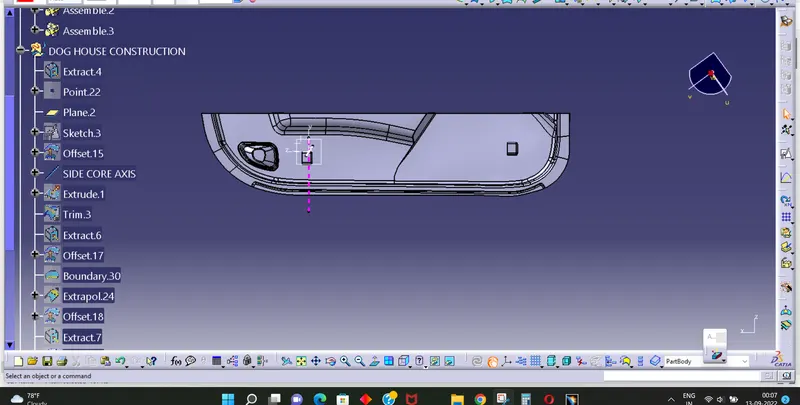
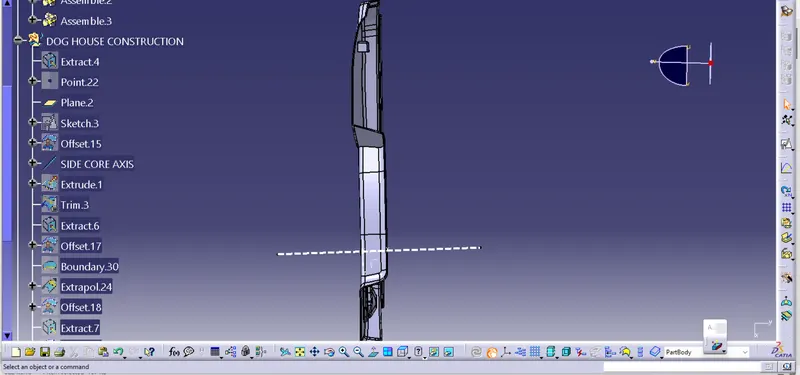
DETAILS REPORT
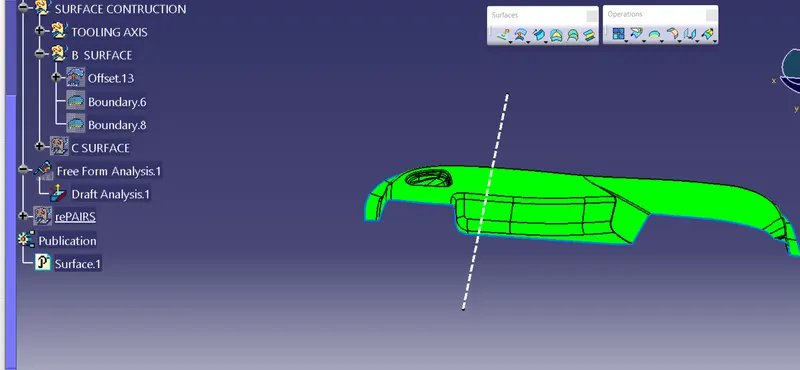
1. A s obtained Class A surface , Offset it to a suitable distance.
2. Name all geometrical set accordingly .
3. This offest surface to 2.5mm distance is class B surface
4. By using sweep command make class C surface perpendicular to class A
5. Hence class C surface obtained.
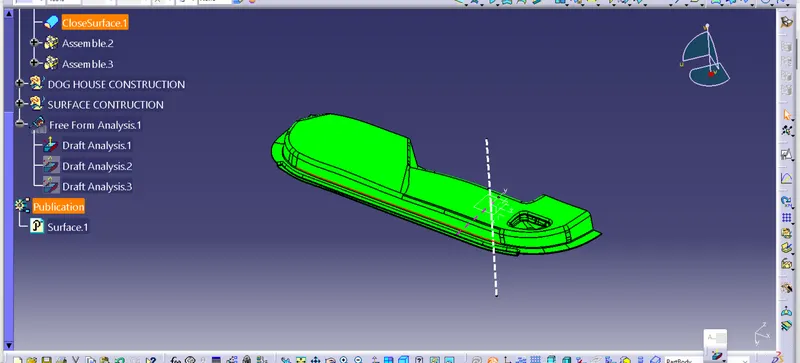
6. Join Class A and class C surface to get a single surface
7. Trim this surface with the class B surface.
8. By using boundary condition check whether the surface is closed or not.
9. Now using part design module give surface feature to obtained a solid body.
10. Do draft analysis with same and get desired green color
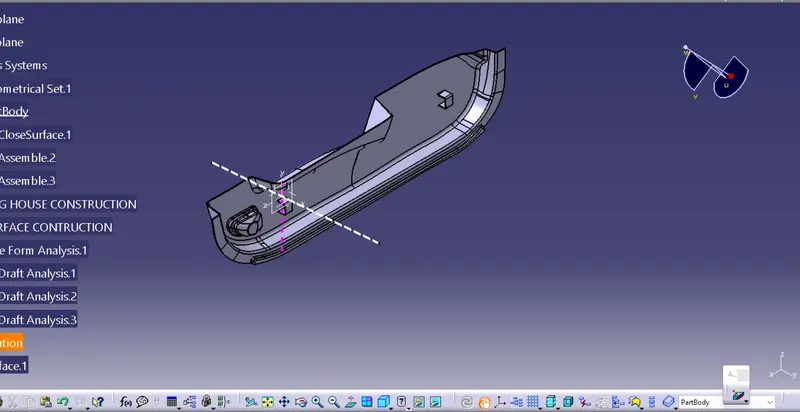
11. Now for Boss design Extract a surface from class A and offset it to a distance of 2.5 mm for reference.
12. Using position skecht Draw a rectangle of suitable dimensional as from video.
13. Sweep the sketch to a value of 12mm giving draft of 1.5 degree.
14. By using thicken surface feature in part work bench giving value of 1 mm.
15. Split therest par of boss with the plane.
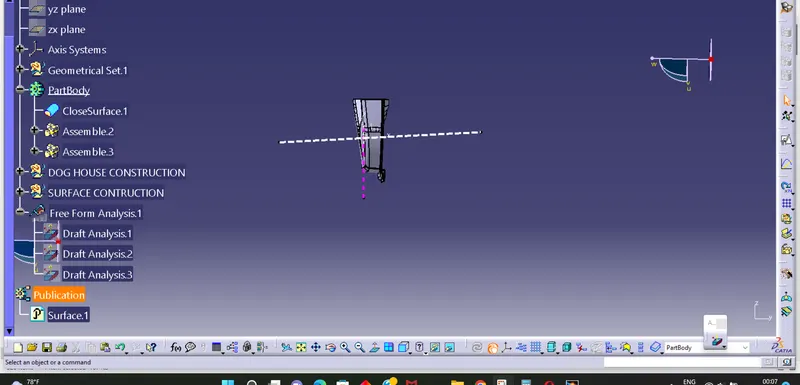
16. Give a draft of .5 degree to both surface .
17. Offset the plane to 4 mm split the trimmed lower surface to form base profile
18. Drawing a tooling axis for Boss in Z direction and do draft analysis for the same.
19. Draft analysis done and desired output come.