Week 9 - Attachment Feature Creation - Challenge 2
DRAWING 1
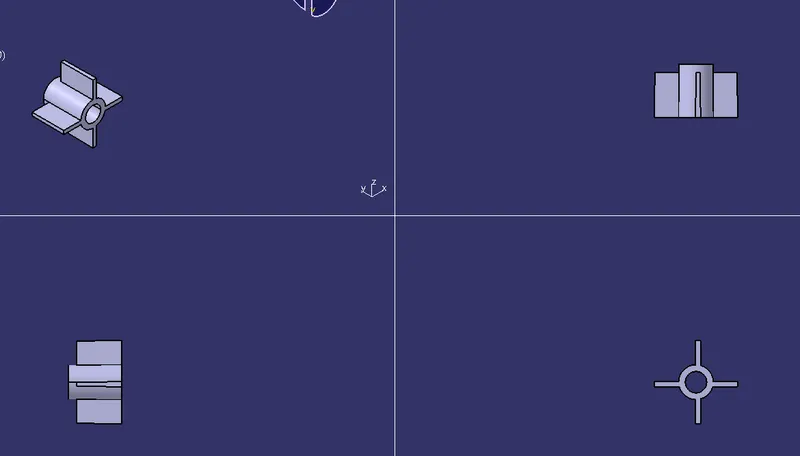
SCREW BOSS
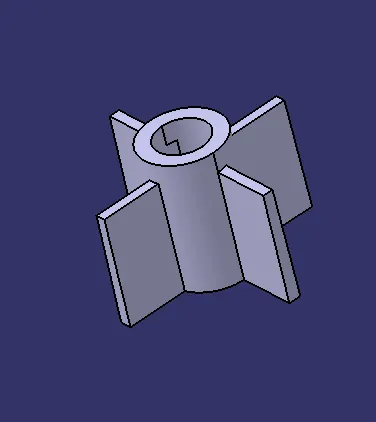
TYPES OF ORIENTATIONS
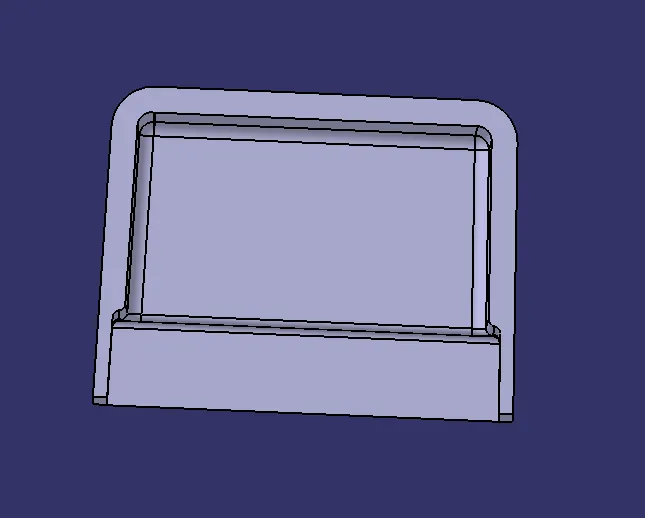
DOG HOUSE
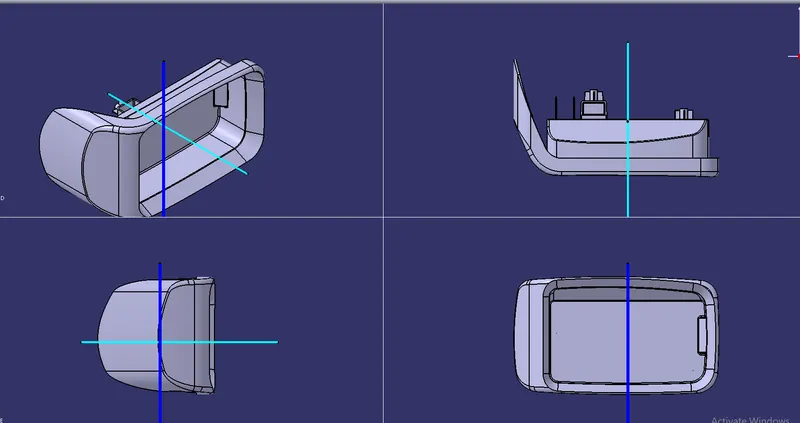
TYPES OF ORIENTATION
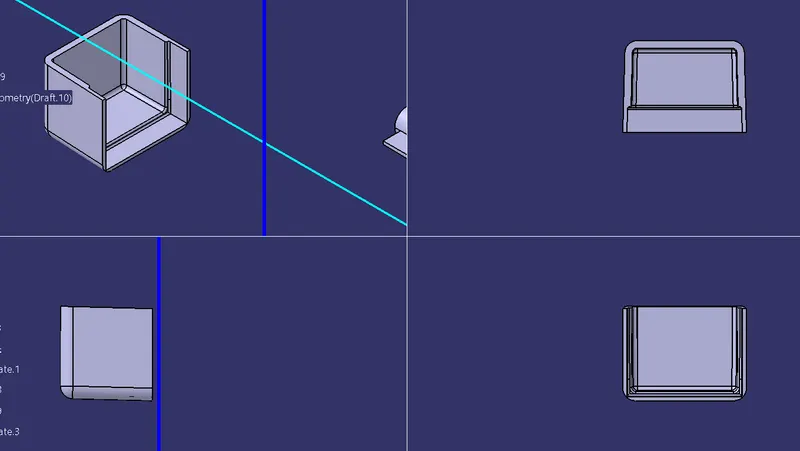
COIN HOLDER
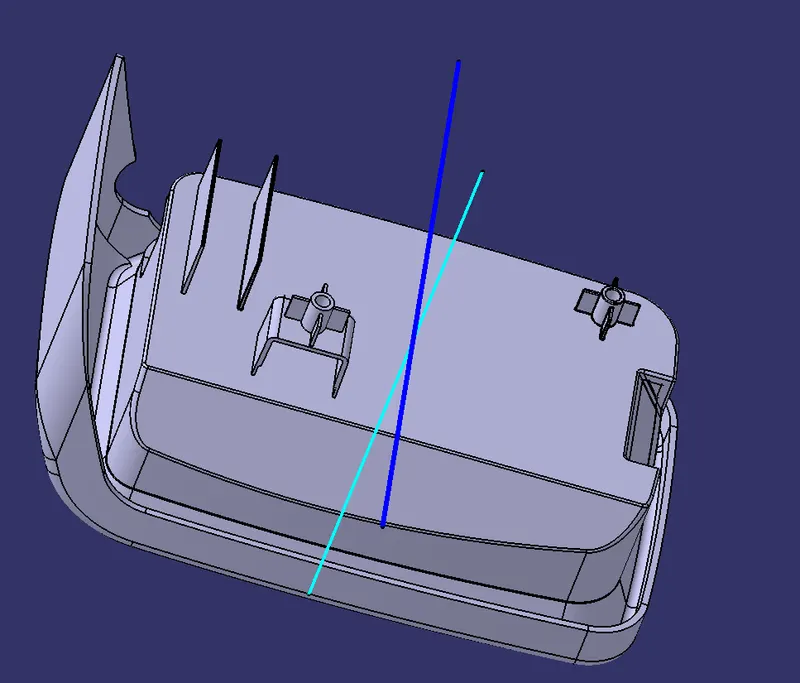
TYPES OF ORIENTATIONS
TREE STRUCTURE
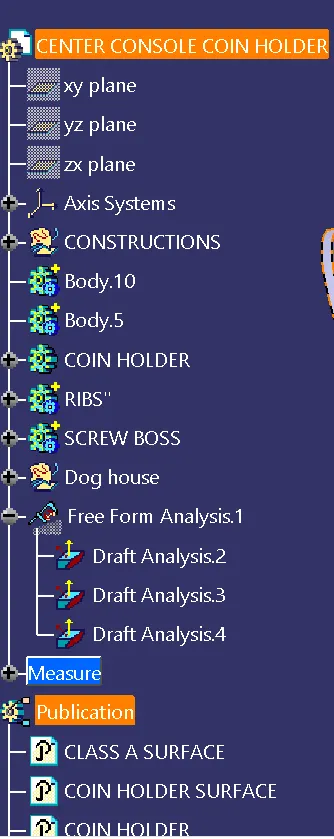
REPORT
AIM: To perform Draft analysis and also to create tooling axis for the following cat part.
TOOLS REQUIRED:Extract,offset,Draft Analysis,Sweep,Line,Point,Trim,Split,Thick surface,Circle.
Procedure: To create tooling axis select the Extract command and insert a point command create a point and then insert an axis system and then by using a intersect command intersect the surface with required axis and then using point to point command create two lines and then bisect each other to get a line 1 then select another axis and intersect it with part along another axis to create an intersect then using point to point command create two points and then bisect each other to get a line 2.Now bisect line 1 and line2 to get an line which is called as "TOOLING AXIS".
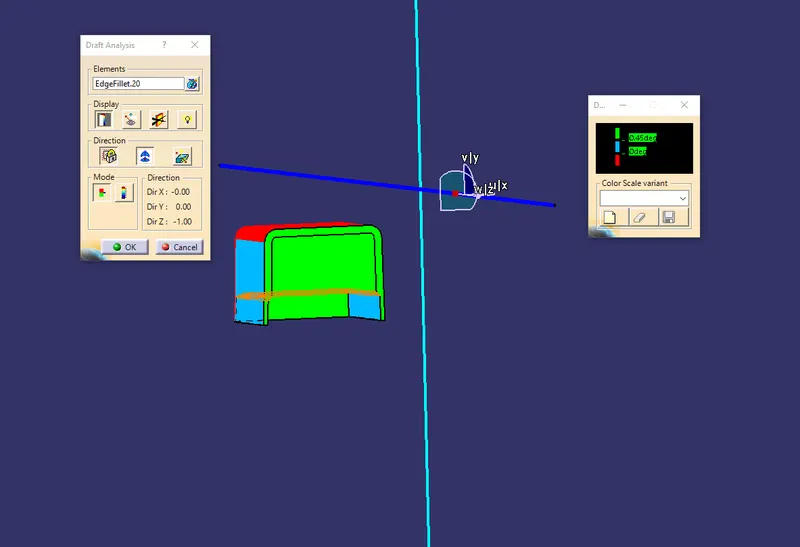
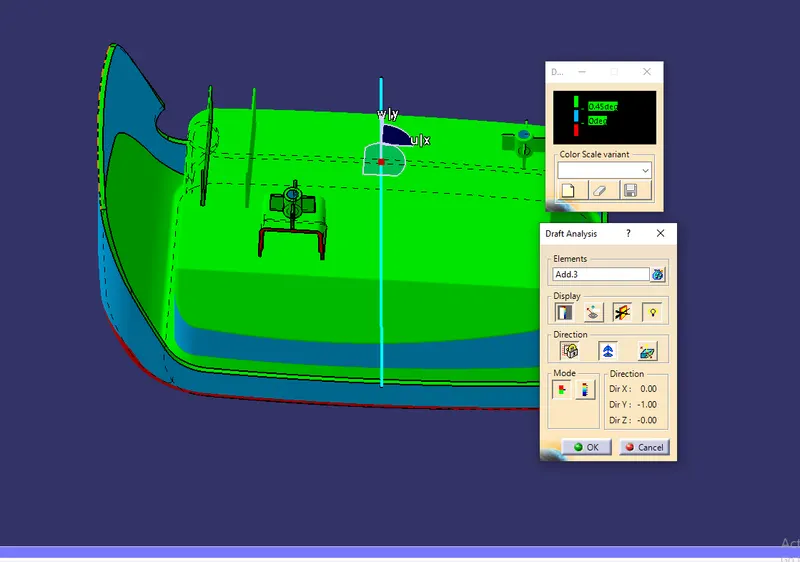
DRAFT ANALYSIS: To create Draft analysis first select the Dog house and then select the Draft analysis command and then select the axis and intersect it with tooling axis and then select the lock direction command and use the Draft along the point command to check the angle for draft to check whether the plastic component can be drafted with the tolling axis or not .
HORIZONTAL AXIS
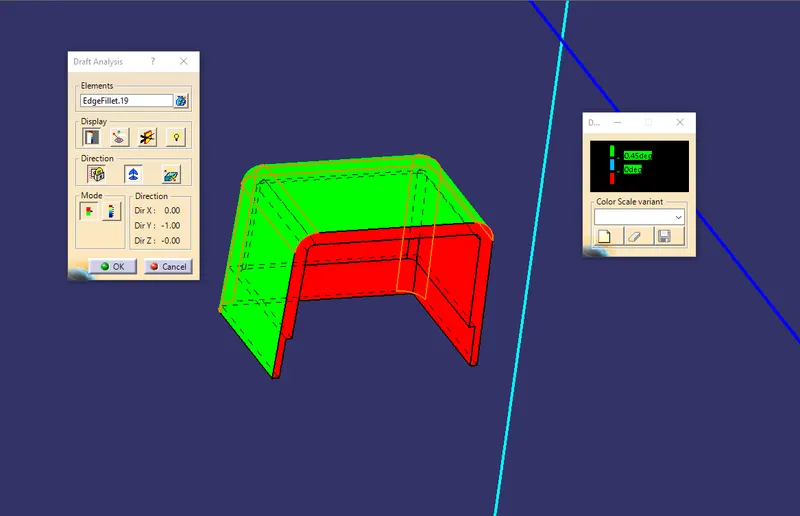
VERTICAL AXIS
CONCLUSION
As we can see that the following Dog house part can be Drafted with the Tooling direction
And for vetical axis we select the vertical tooling axis and then intersect the draft direction with the tooling axis and then draft analysis is done along vertical axis
As we can see from the above picture the plastic component can be drafted along the vertical axis .