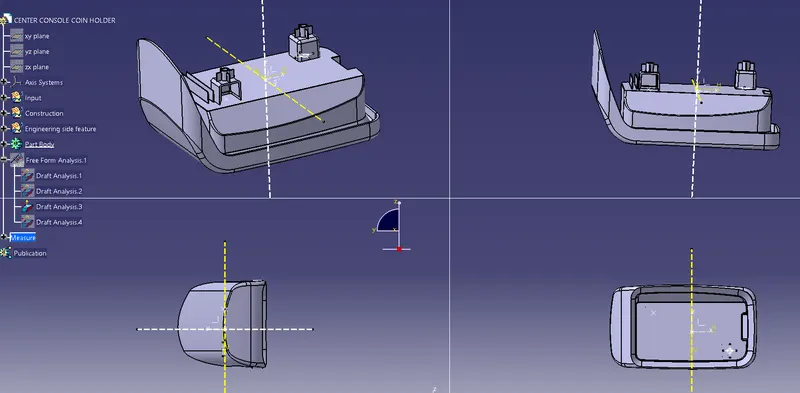
Week 9 - Attachment Feature Creation - Challenge 2
AIM:- Create the boss and Dog House for the Centre console coin holder considering the design rules mentioned in the video.
Screw boss
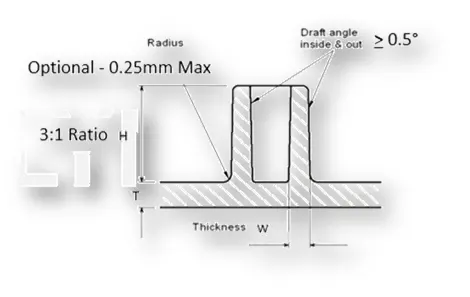
Design rule of screw boss
- Draft - 0.5 degrees on walls of boss
- Thickness - Typically 40%* of the nominal wall at the base.
- Height to Diameter Ratio - 3:1
- Radii - 0.25mm maximum radii.
- Radii - 0.25mm maximum radious.
Construction
- First, create the sketch of the base screw boss
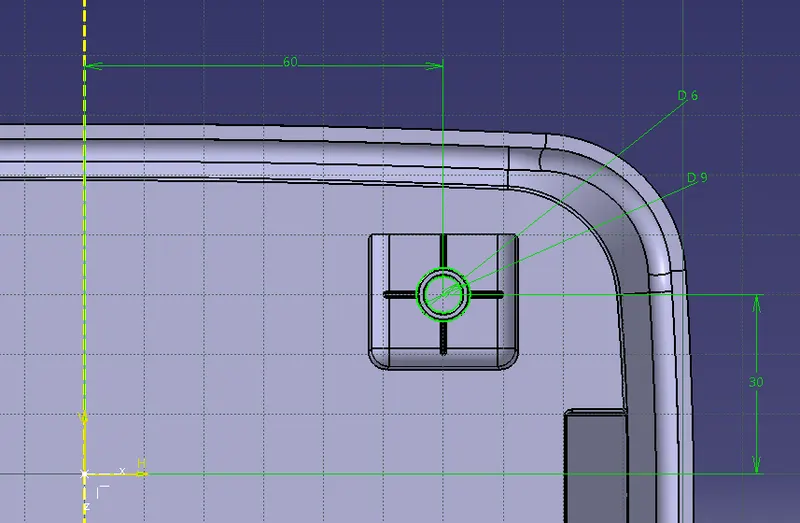
- Then pad the sketch
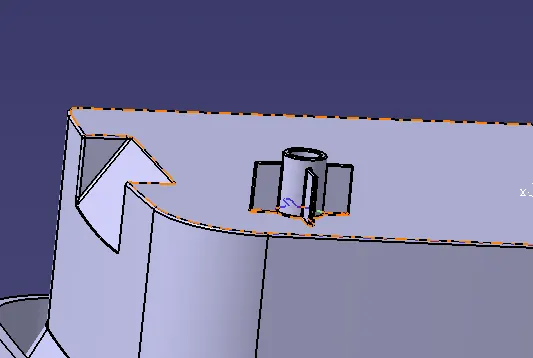
- After padding gives some draft value to the screw boss.
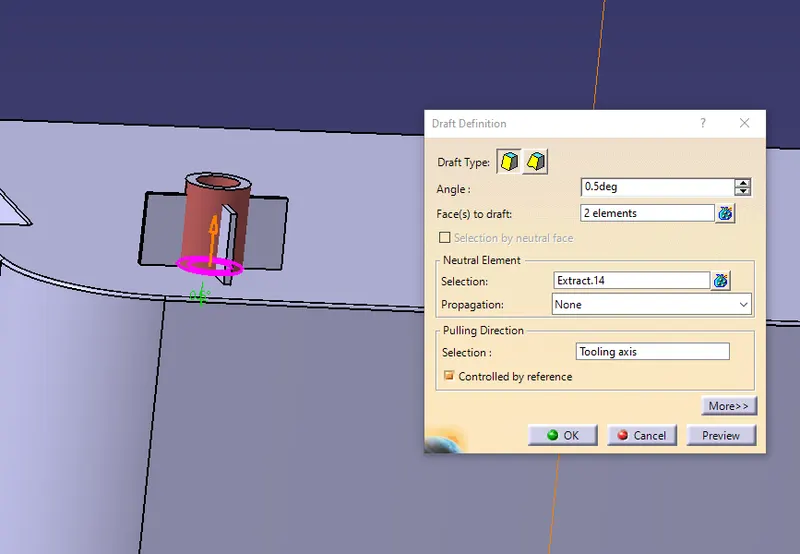
- Then give all the fillet value to the screw boss.
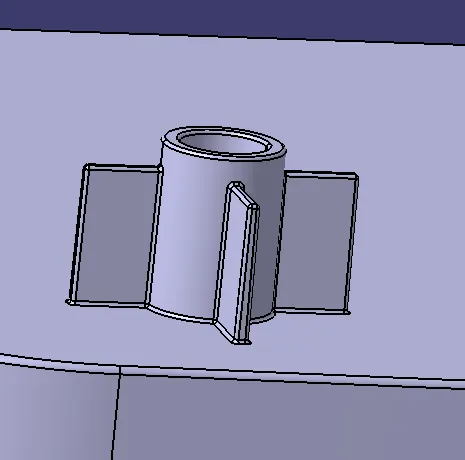
- Finally, assemble the screw boss to the part body.
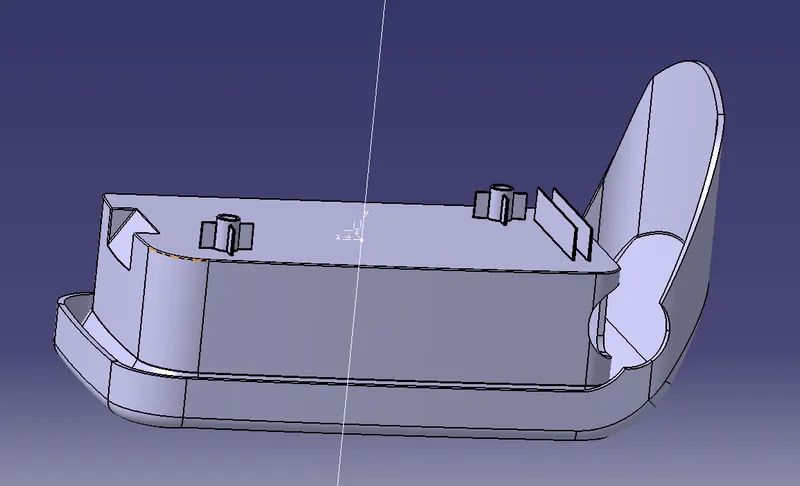
Dog House
Design rule of Dog House
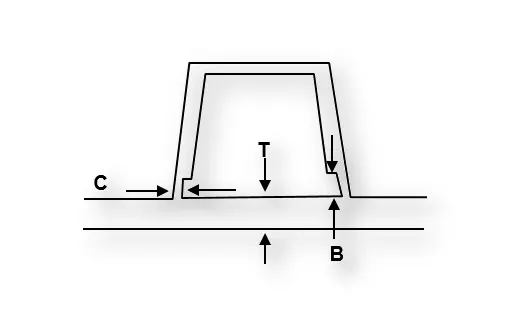
"C" is where the doghouse contacts the backside of the surface
-
Doghouse wall thickness at the intersection of the part wall ( C ) should be 40% or less than the main wall stock ( T ).
-
Height of ( B ) should be between 3.0 – 6.0 mm
Construction
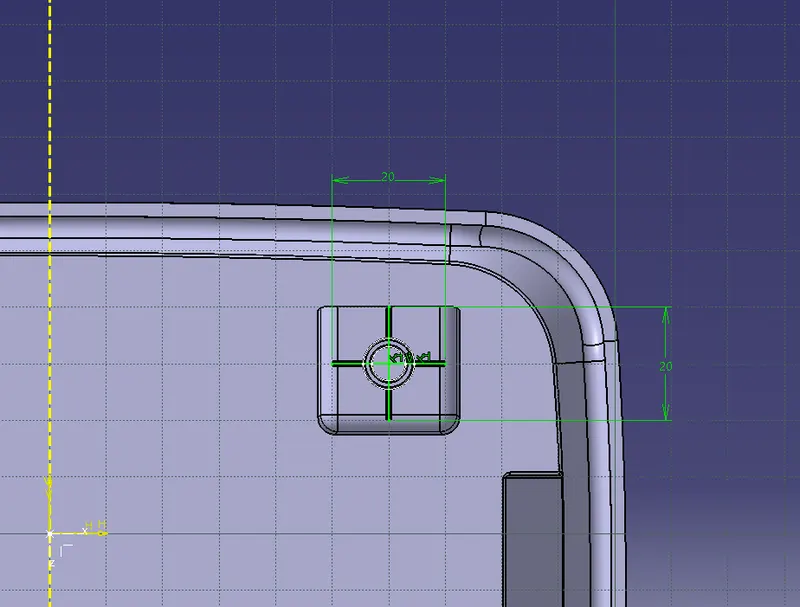
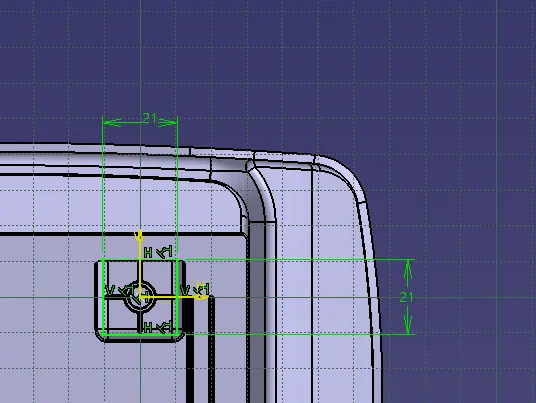
- First, create the sketch of the dog house
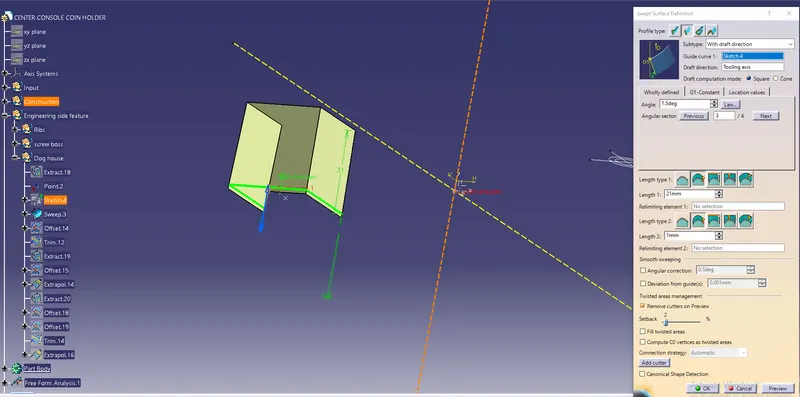
- Then sweep the sketch taking the draft direction as tooling axis.
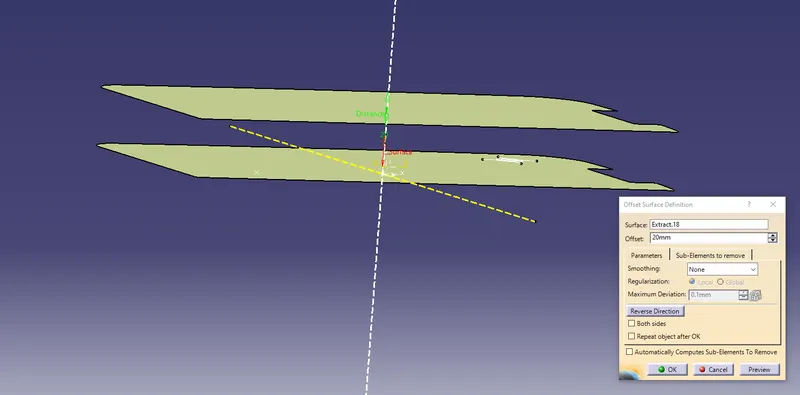
- Then offset the extrude at a distance of 20mm.
- Finally, trim the sweep and offset together.
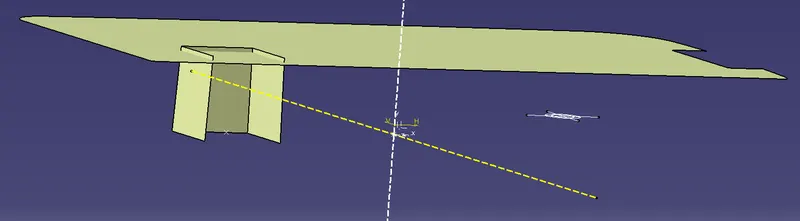
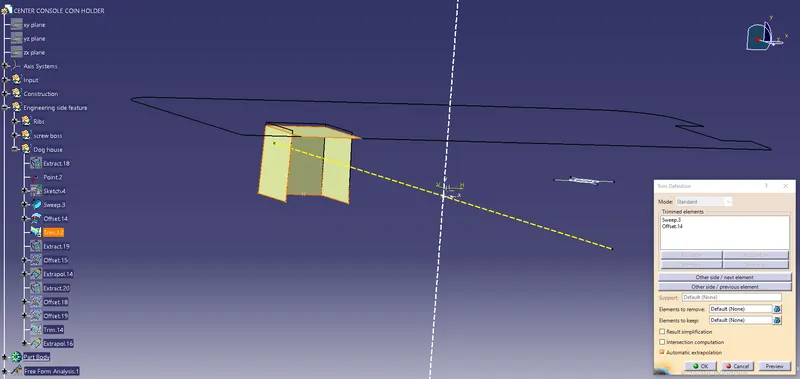
- Then the next step is to extract the front wall and offset it at a distance of 20mm. Then extrapolate the offset.
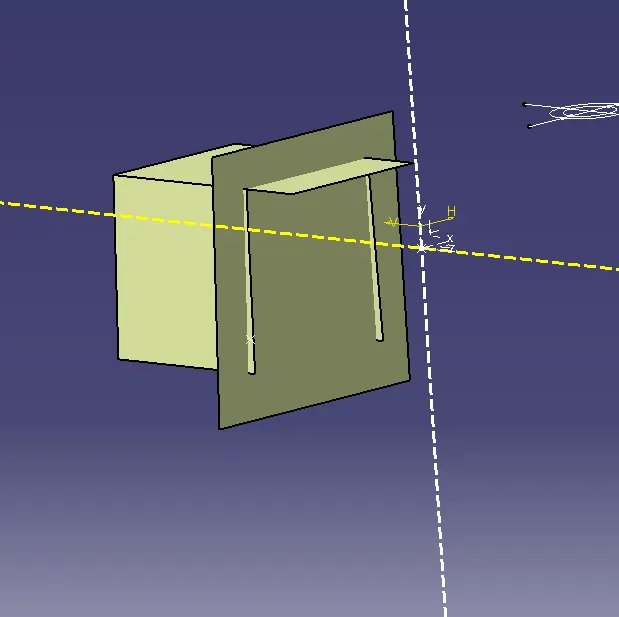
- Then thicken the surface outside and split the surface.
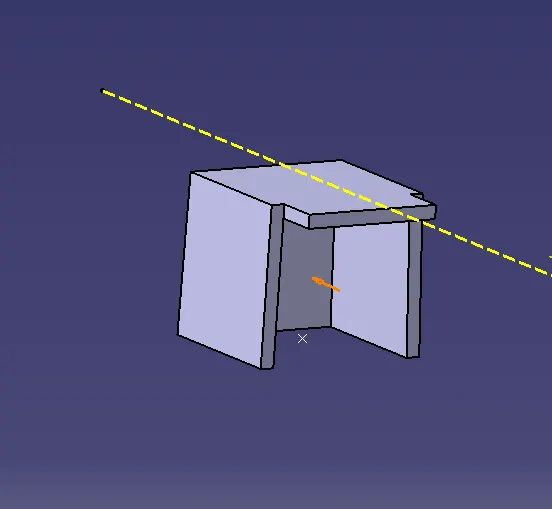
- Then extract the surface and offset it at a distance of 1 mm.
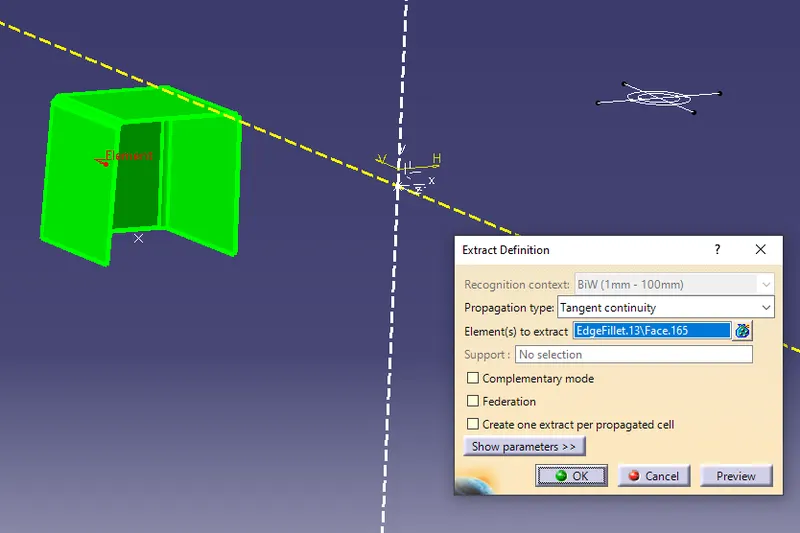
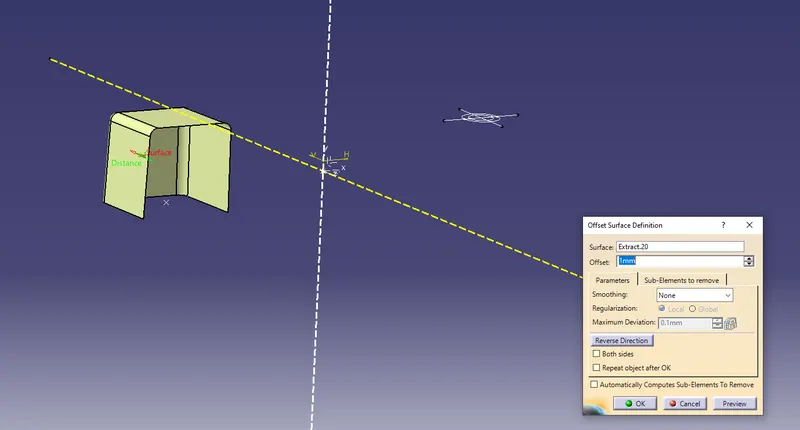
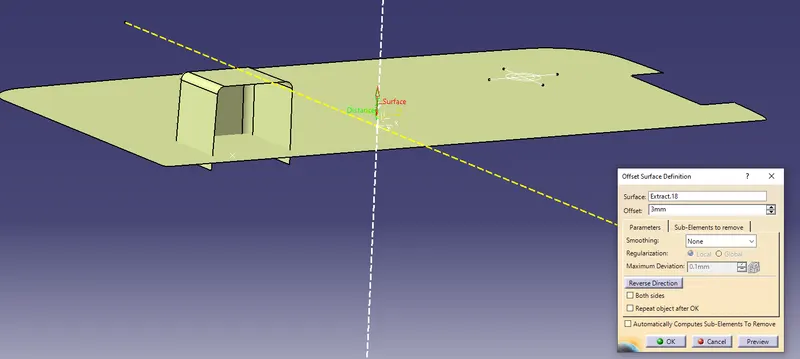
- Extract the Base of the coin holder and offset it at a distance of 3mm.
- Finally trim both the surface
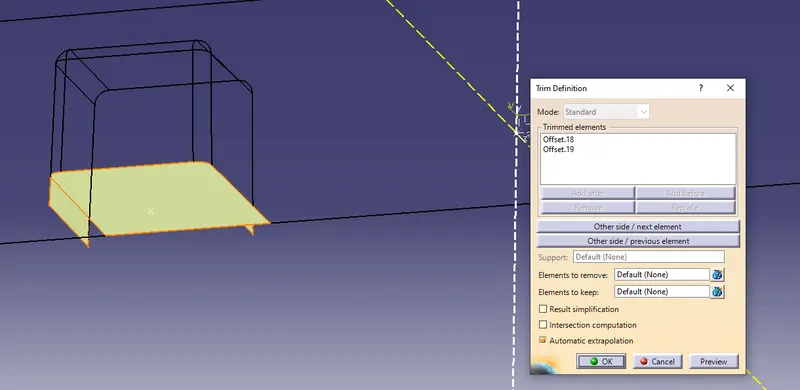
- Then split the surface with the main body.
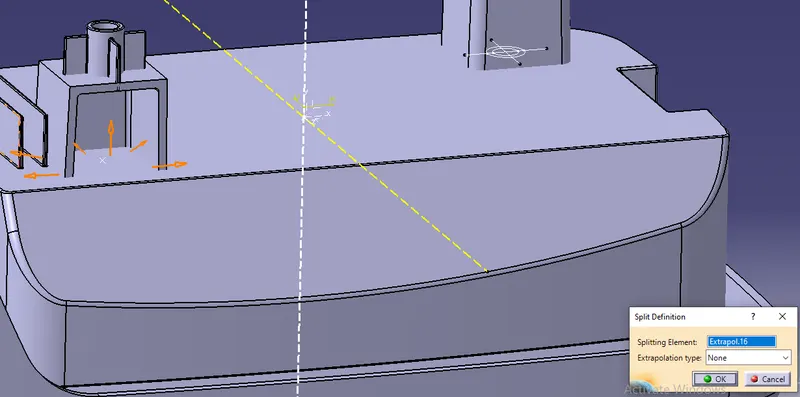
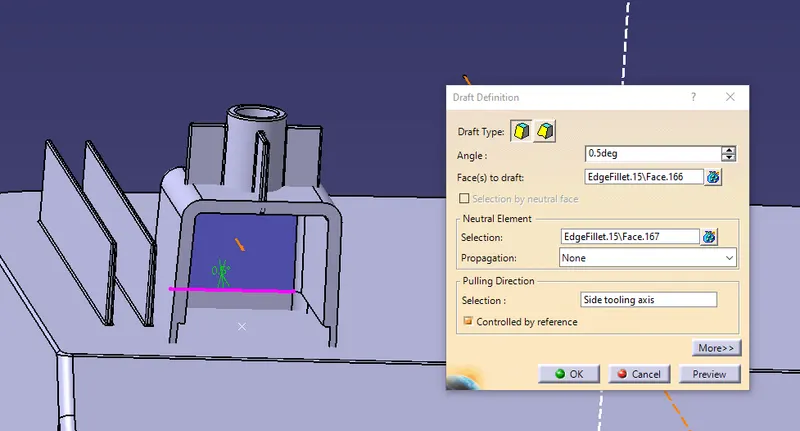
- Give the draft to the dog house taking the pooing direction as the side tooling axis.
- Finally, give all the fillet value to the dog house.
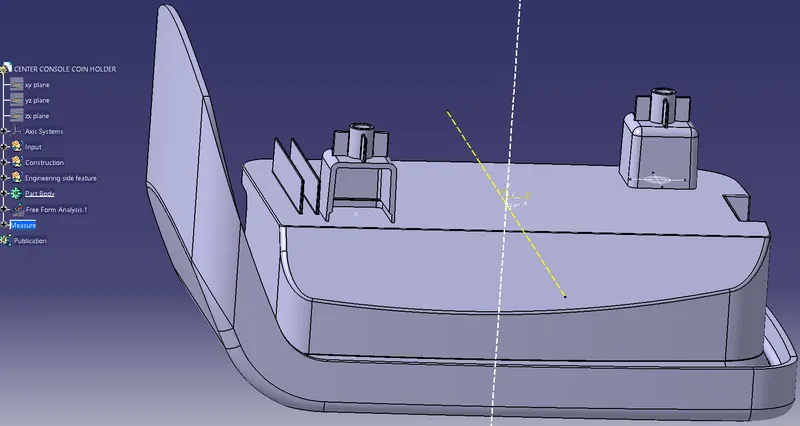
- Assemble the dog house to the coin holder part body.
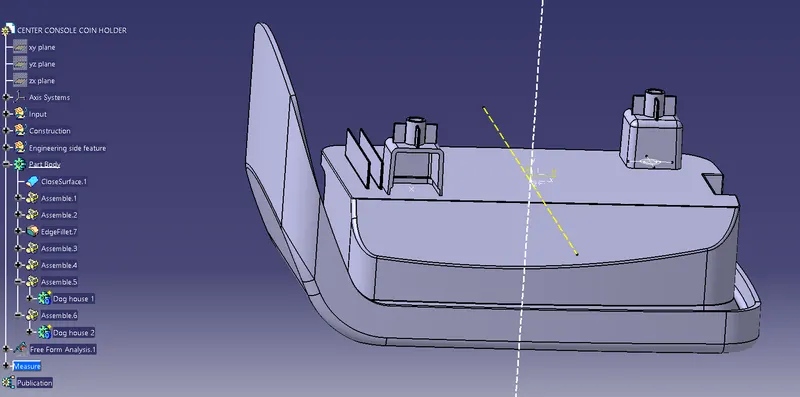
- Finally, translate the screw boss above Dog house.
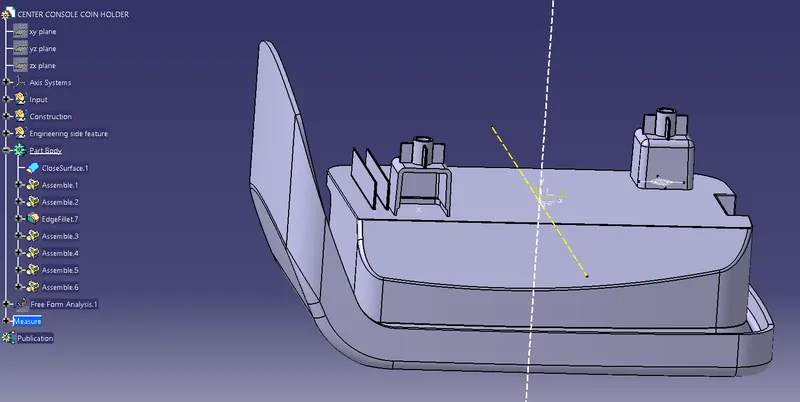
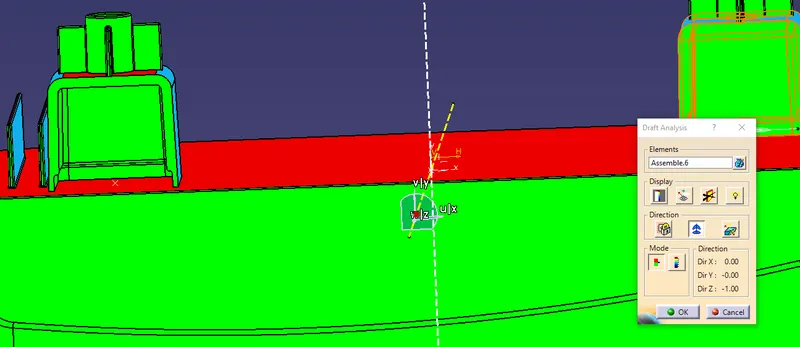
DRAFT ANALYSIS
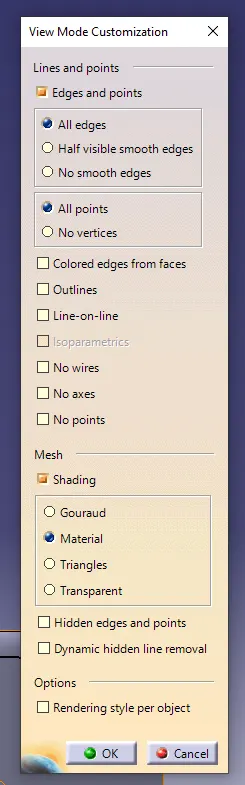
- First, change the view mode to material mode in the mesh.
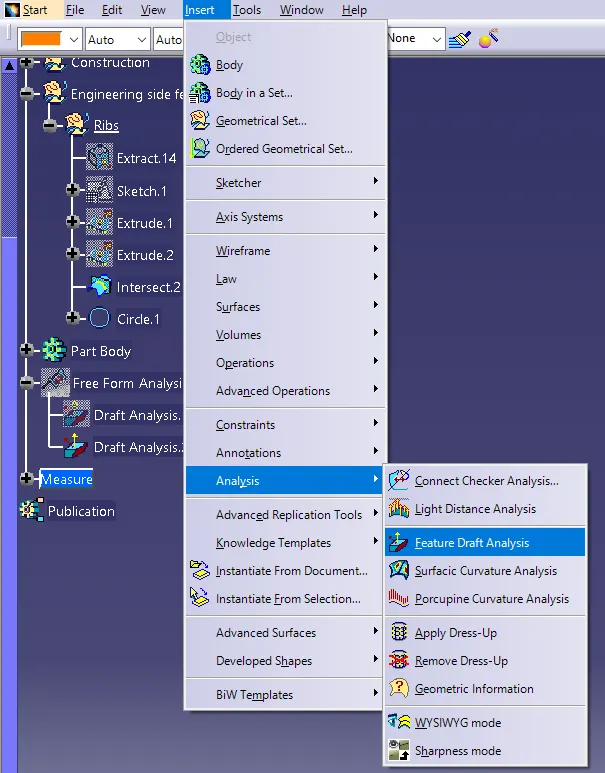
- Then go to insert>analysis>feature draft analysis
- Then click the compass and drag the compass to the tooling axis and click anywhere in the component.
Draft analysis from main tooling axis.
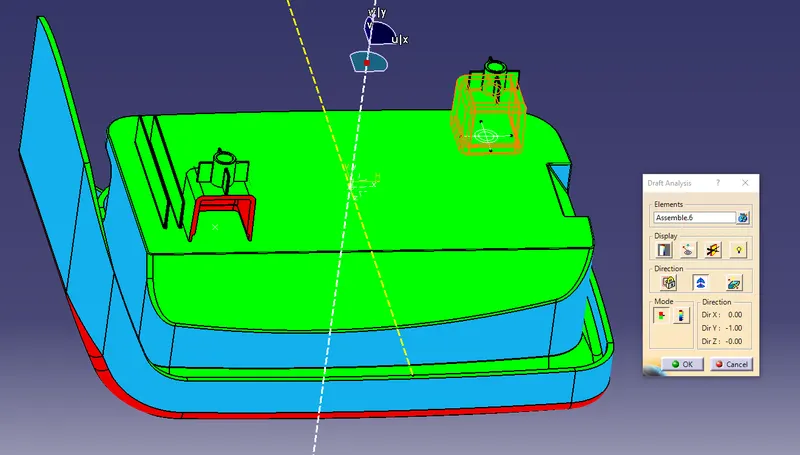
Draft analysis from side core tooling axis.
Different views of the dog house and screw boss.