Week 8 - Challenge 4 - Coin Holder Design
AIM:- Create the Coin Holder Plastic component through the given Class-A surface. To begin with, the tooling axis for the given Class-A Surface should be created meeting the requirements of the draft angle and at the end perform the Draft analysis on the model.
OBJECTIVE:-
- Create Tooling Axis.
- Perform a draft analysis on Class-A surface.
- Creation of Class-B and Class-C surface.
- Creation of the proper tree structure.
- Publishing the Tooling Axis and Class A, B, and c surface.
- The thickness of the component should be 2.5 mm.
CONSTRUCTION:-
- First, check the connectivity of the surface by a boundary condition.
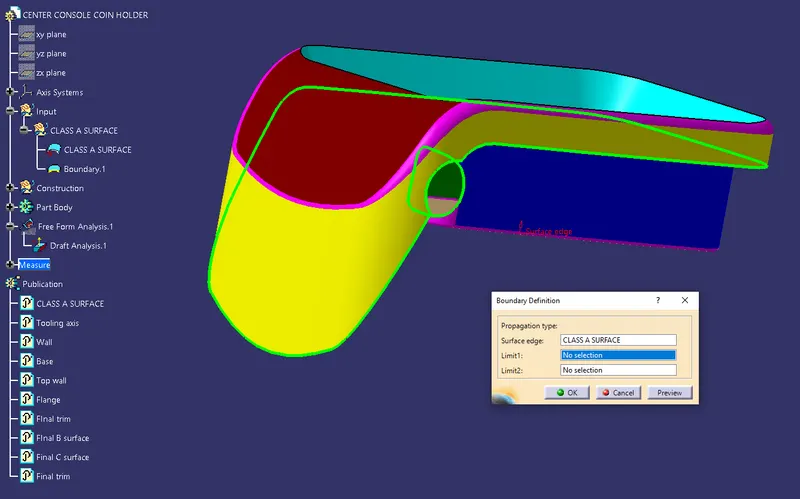
Tooling Axis:-
- Extract the base surface and create a point in the model of the surface.
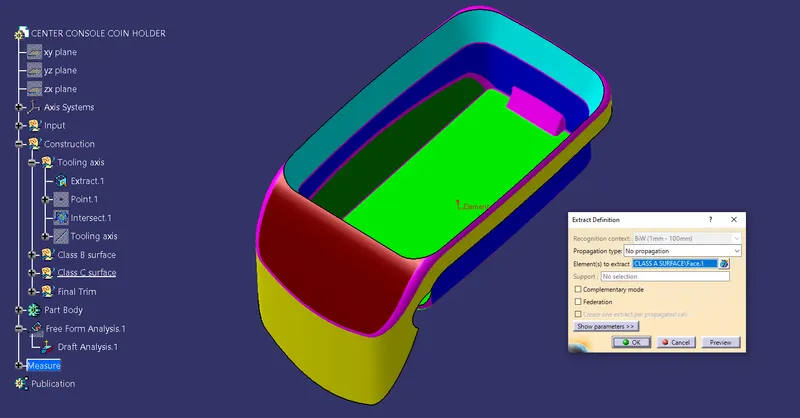
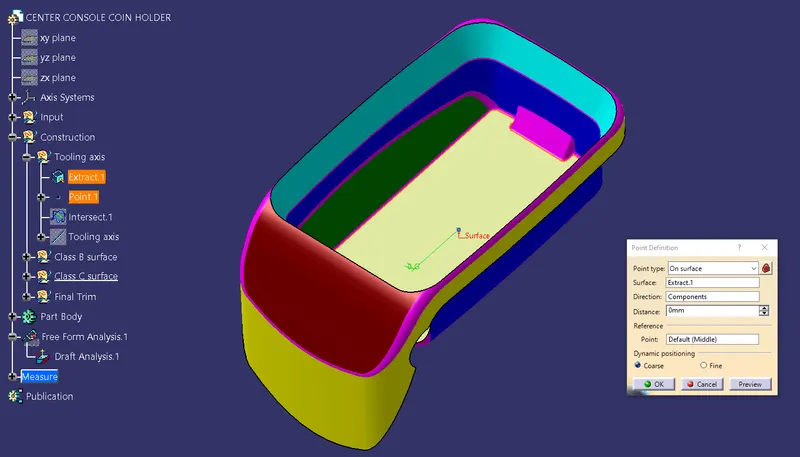
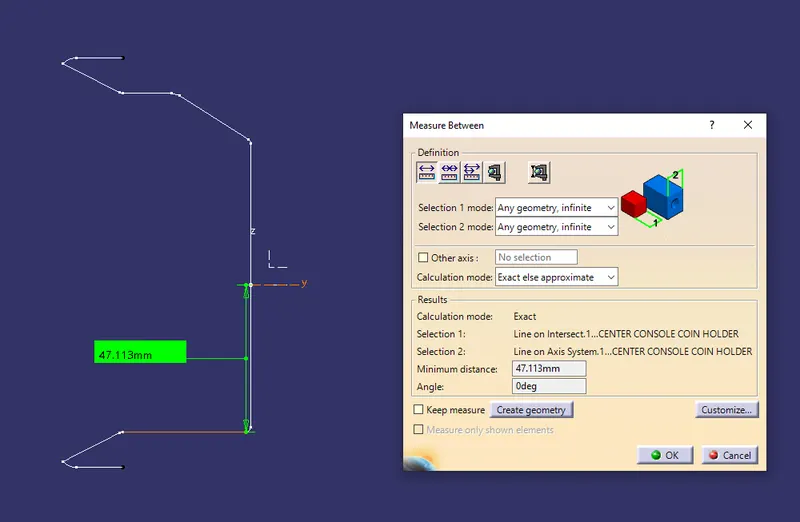
- TO create the tooling axis create an intersection in yz plane.
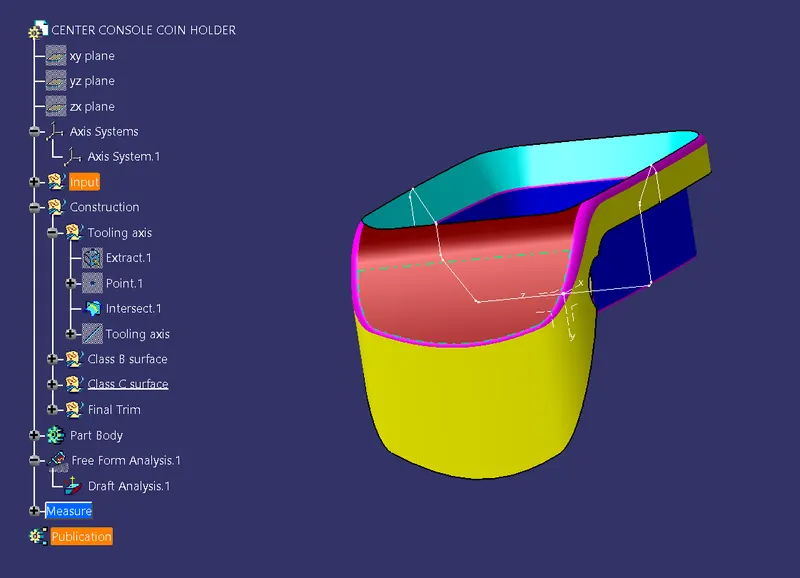
- As the wall is at an angle of o degree so the tooling axis can be made in the y-direction normal to the base.
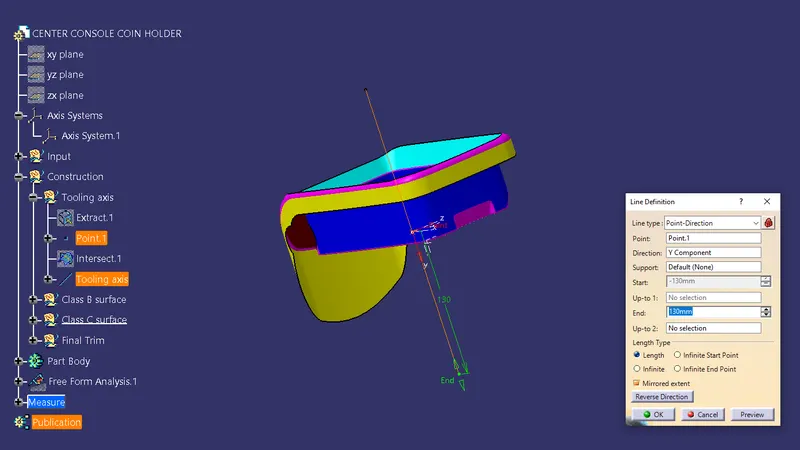
Class B surface:-
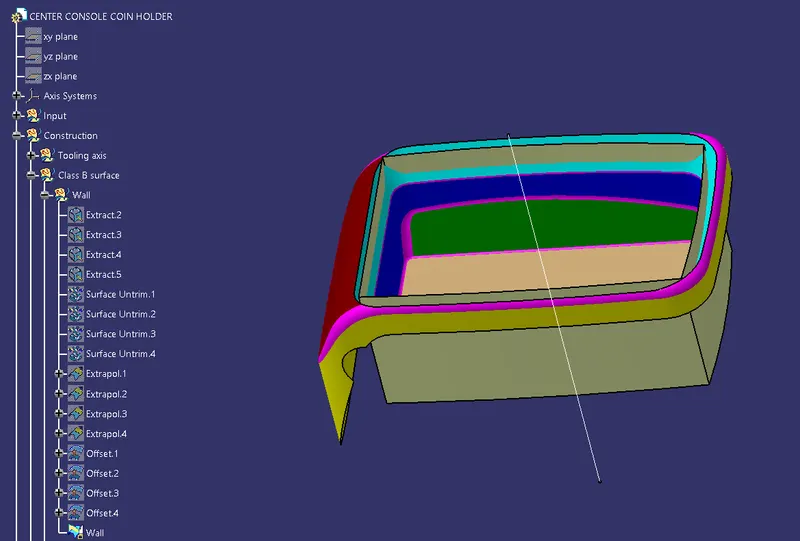
Wall
- First, extract and untrim the surface.
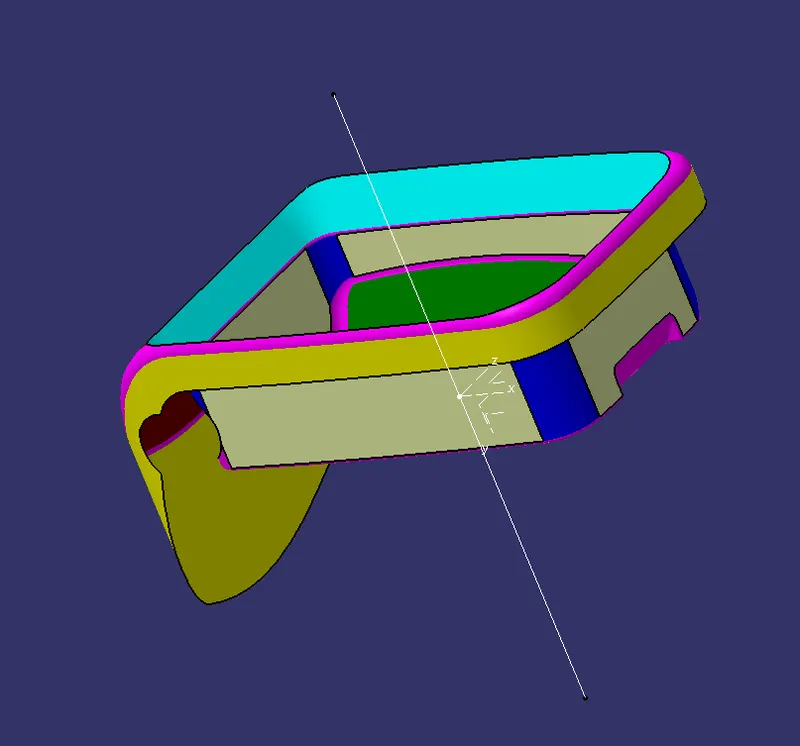
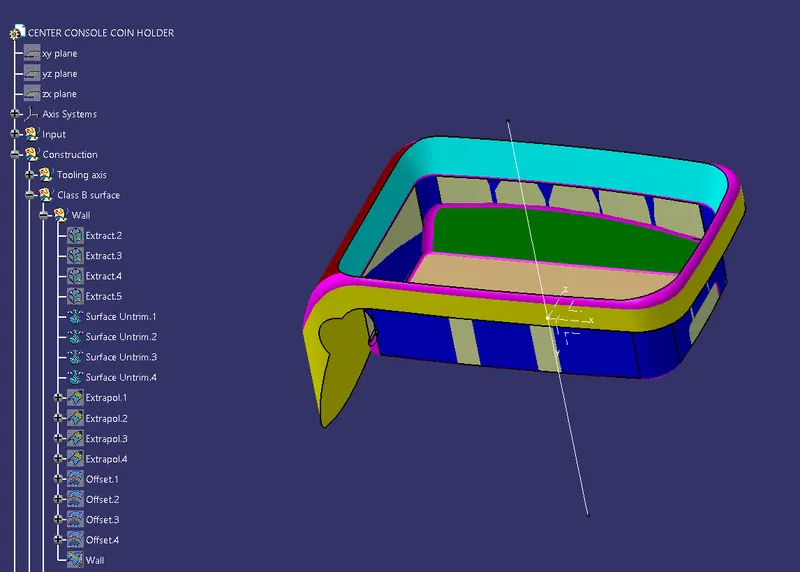
- Then extrapolate and offset the surface at a distance of 2.5 mm.
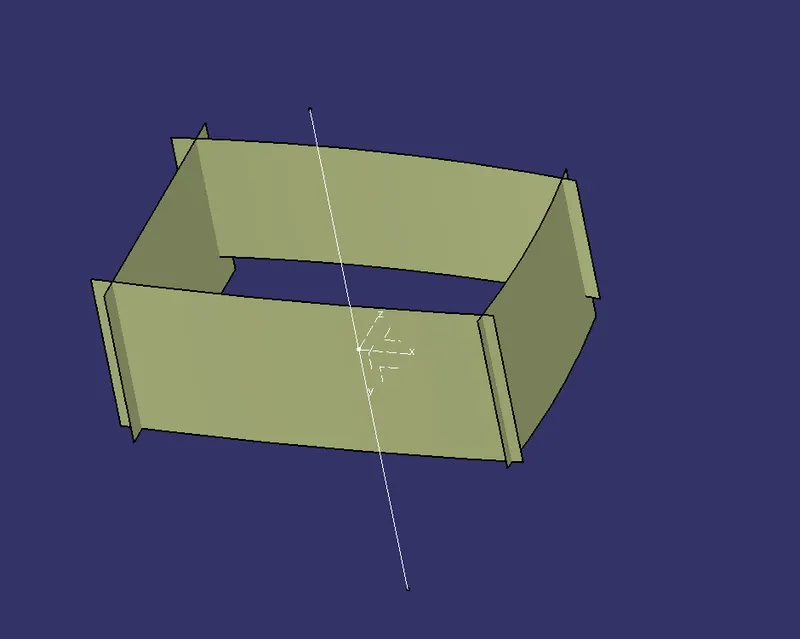
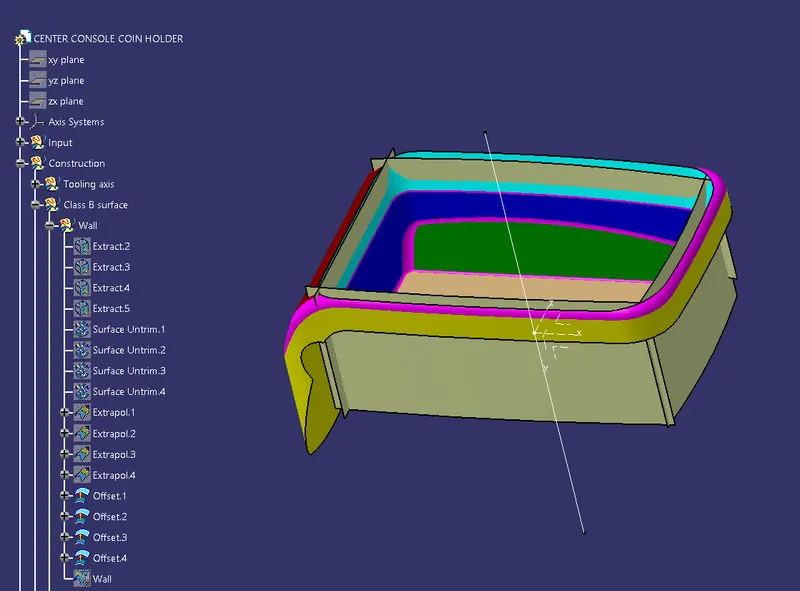
- Finally, trim all the surface.
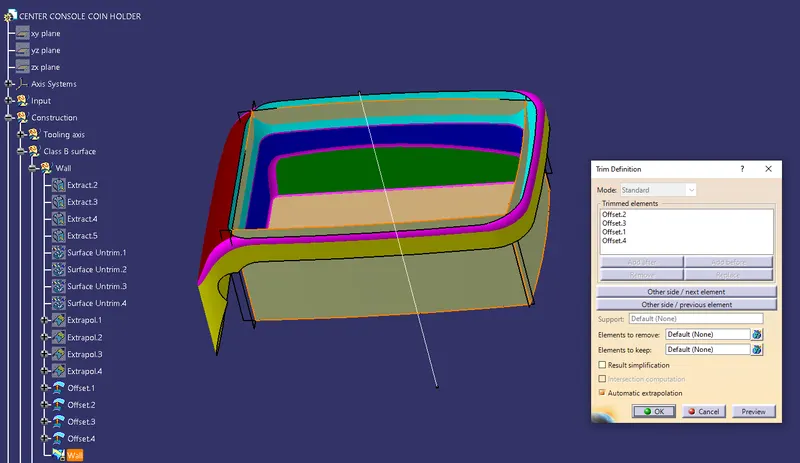
Base
- First, extract and untrim the surface.
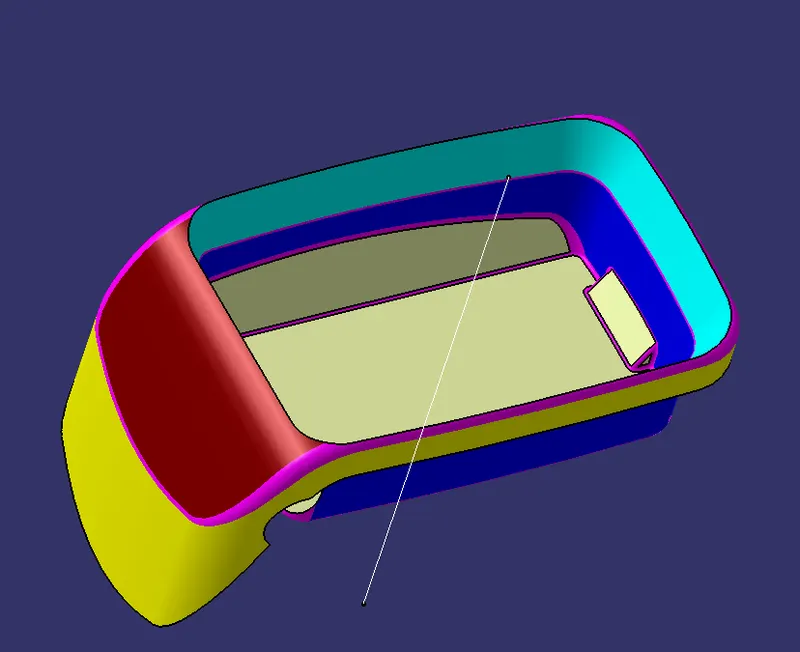
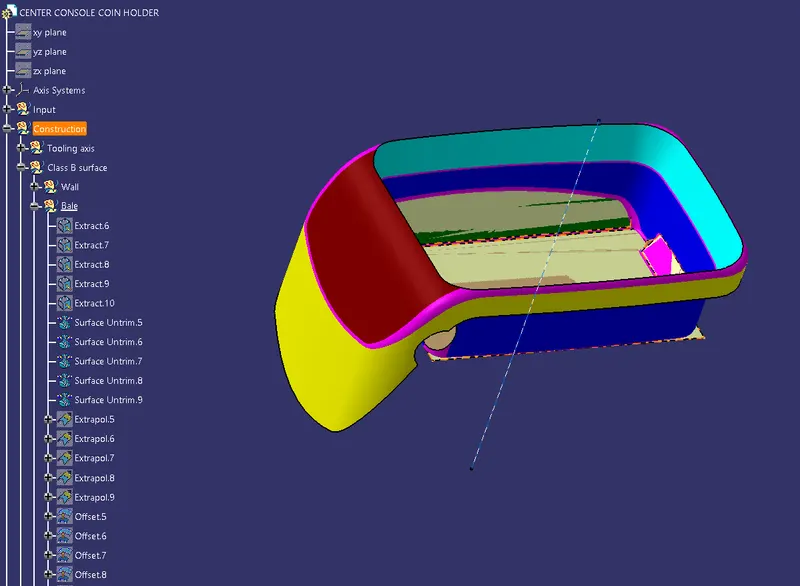
- Then extrapolate and offset the surface at a distance of 2.5 mm.
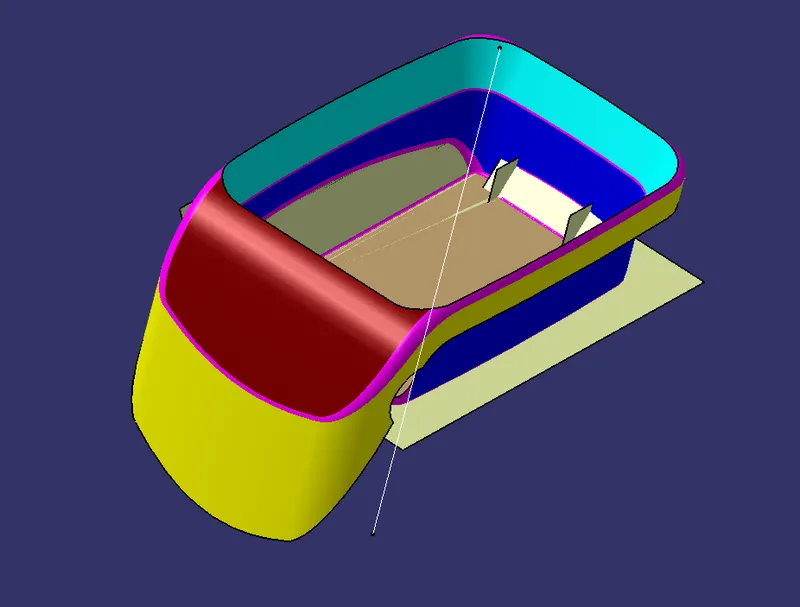
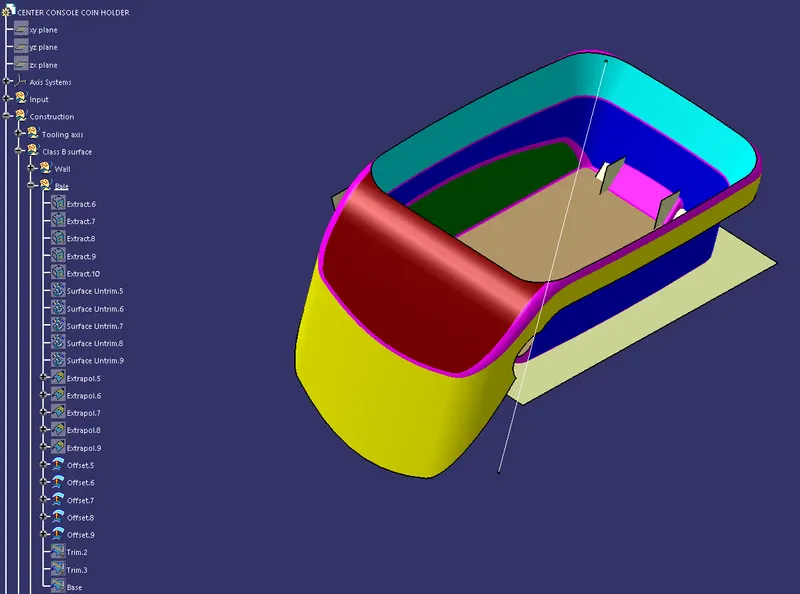
- Finally, trim all the surface.
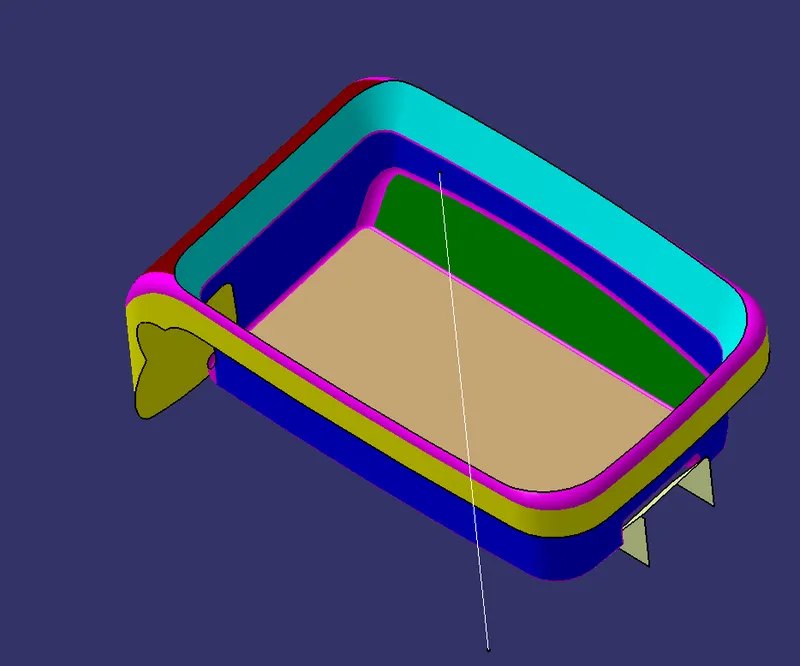
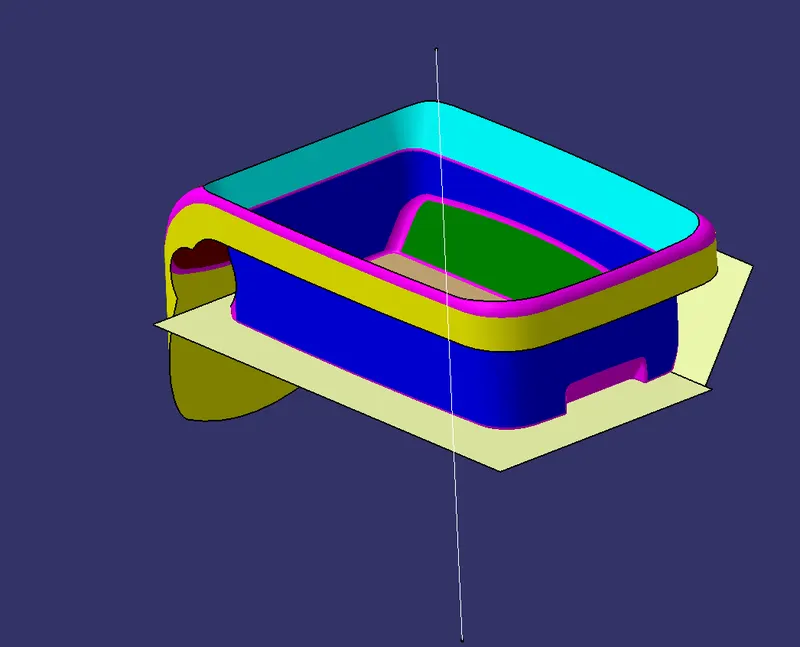
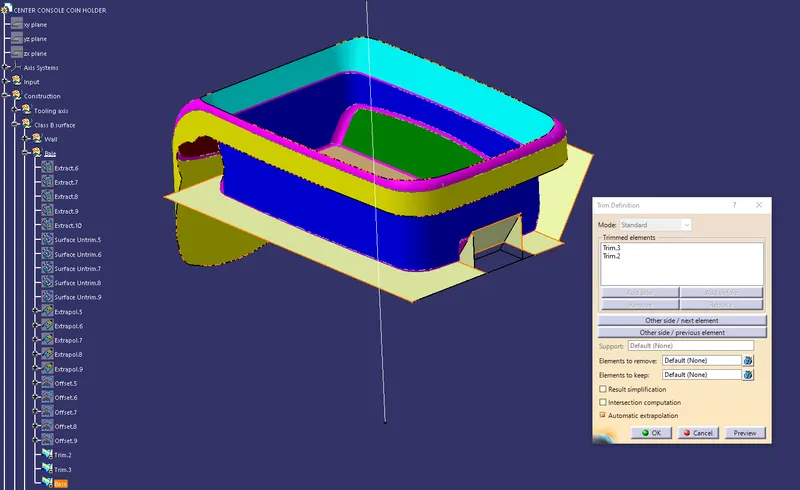
Top wall:-
- First, Extract and extrapolate the surface.
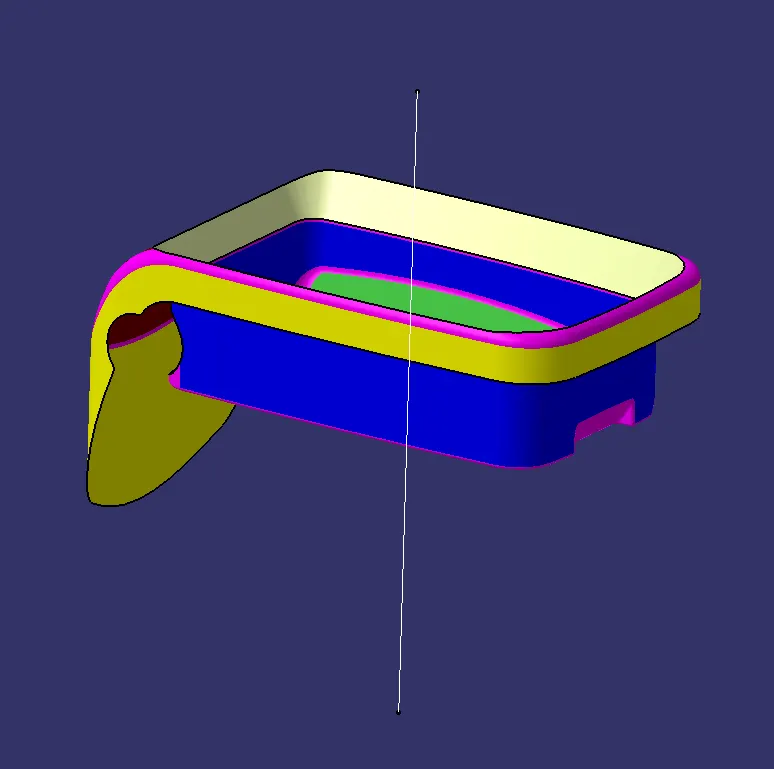
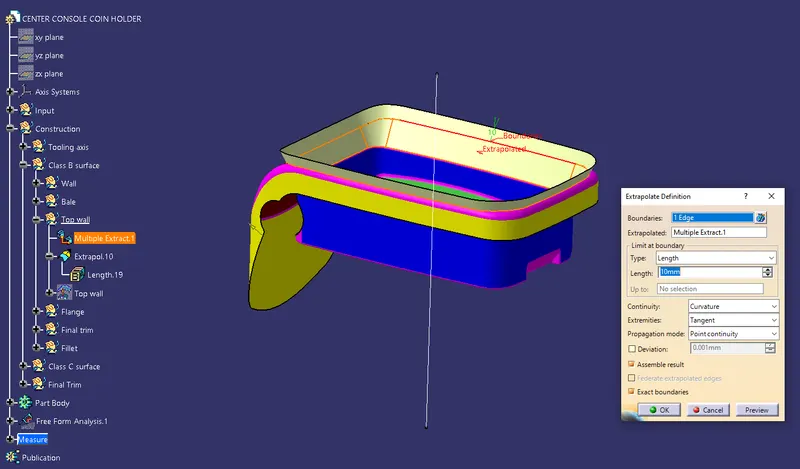
- Finally offset the flange at a distance of 2.5 mm.
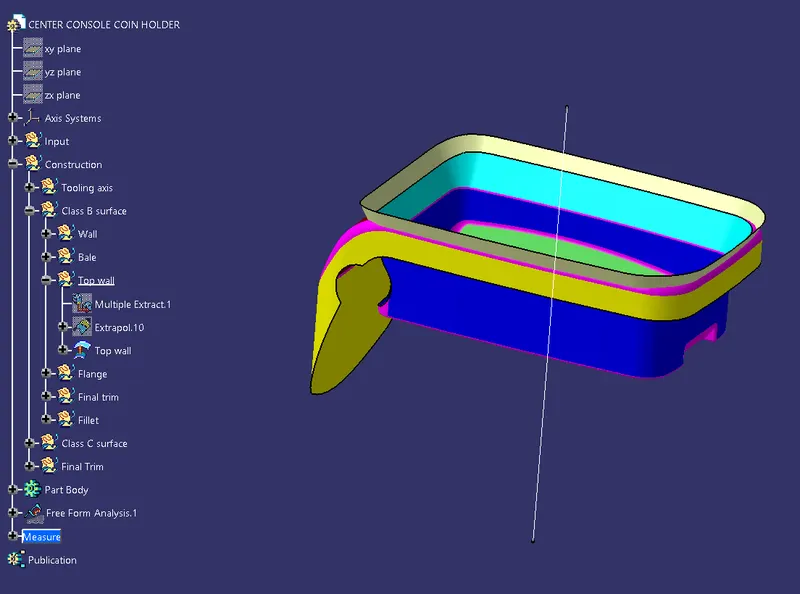
Flange:-
- First, Extract and untrim the surface.
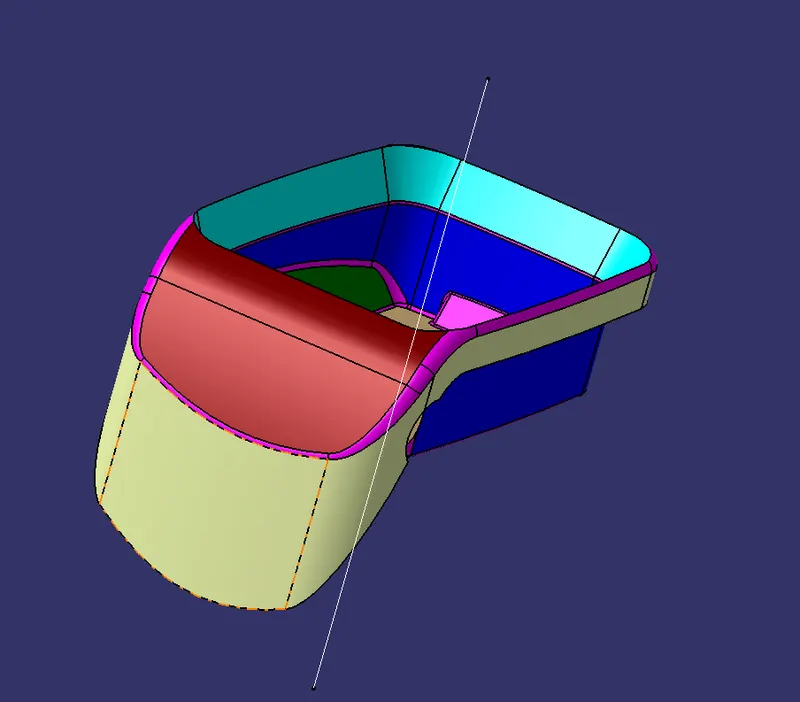
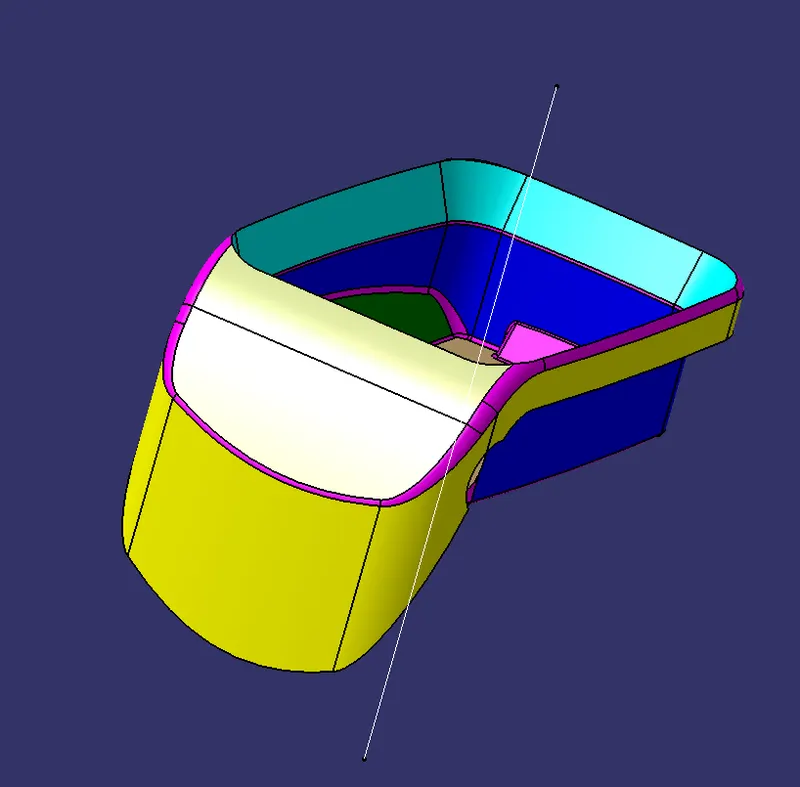
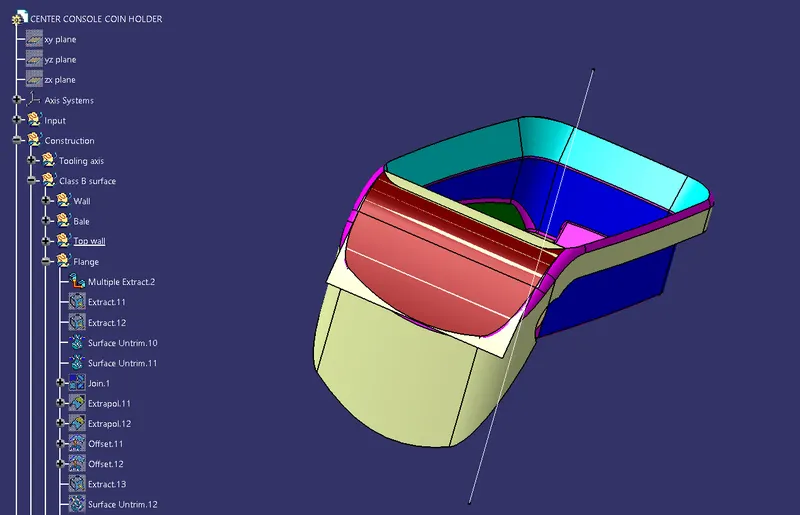
- Join the curve surface in the flange.
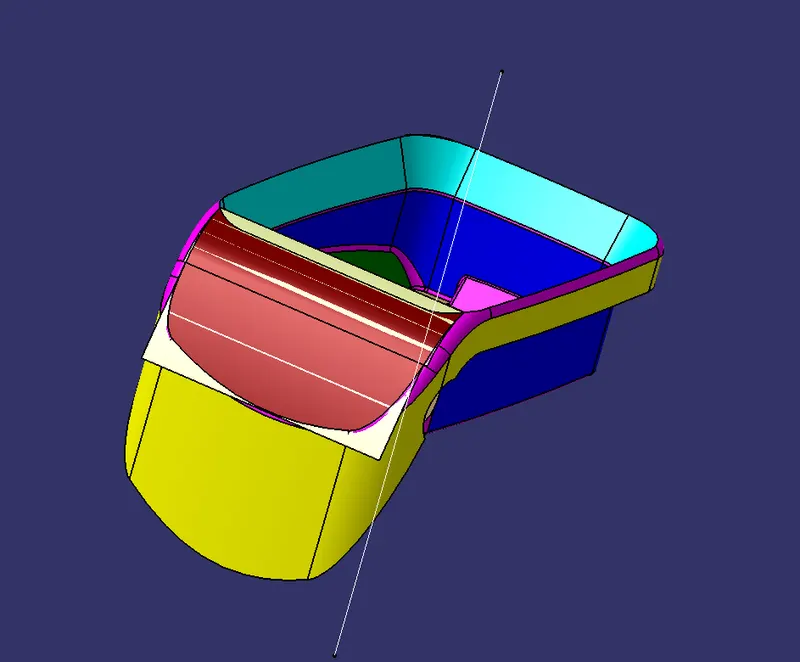
- Extrapolate and offset the surface at a distance of 2.5 mm.
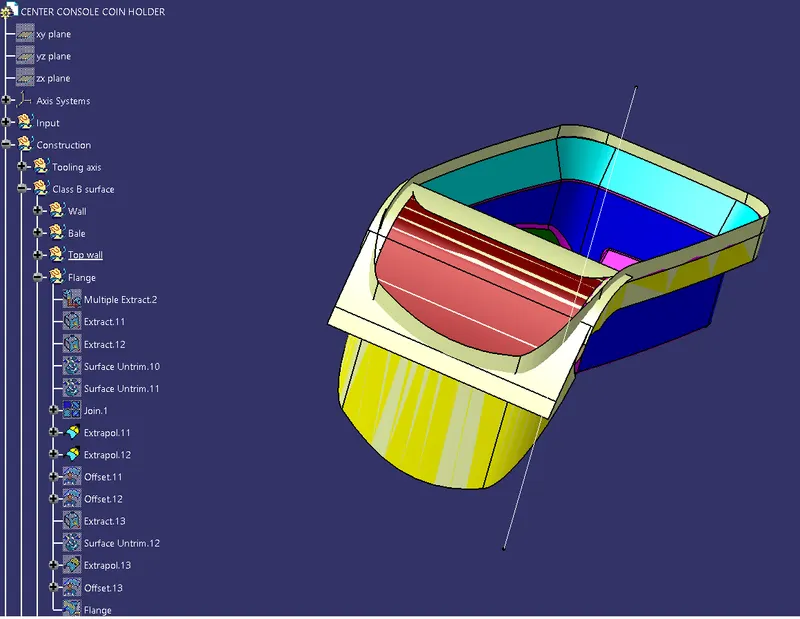
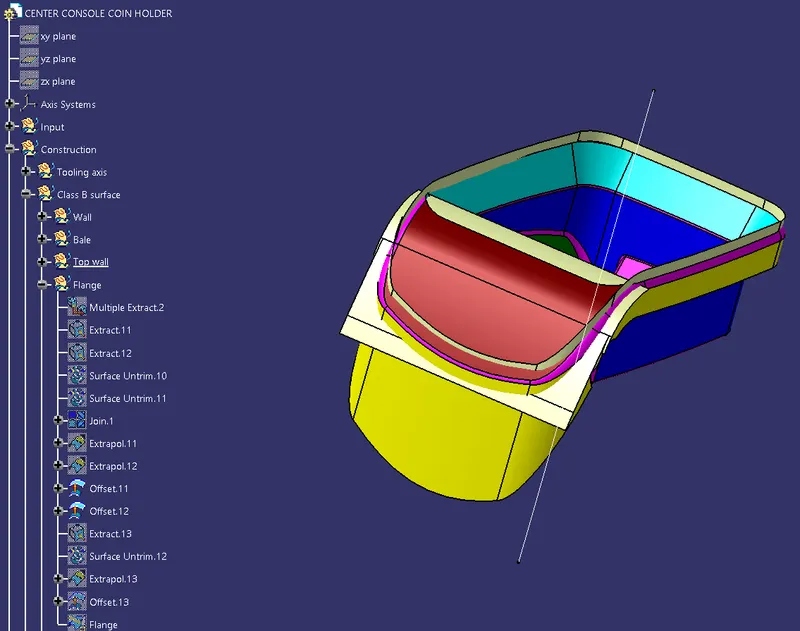
- Finally, trim the surface.
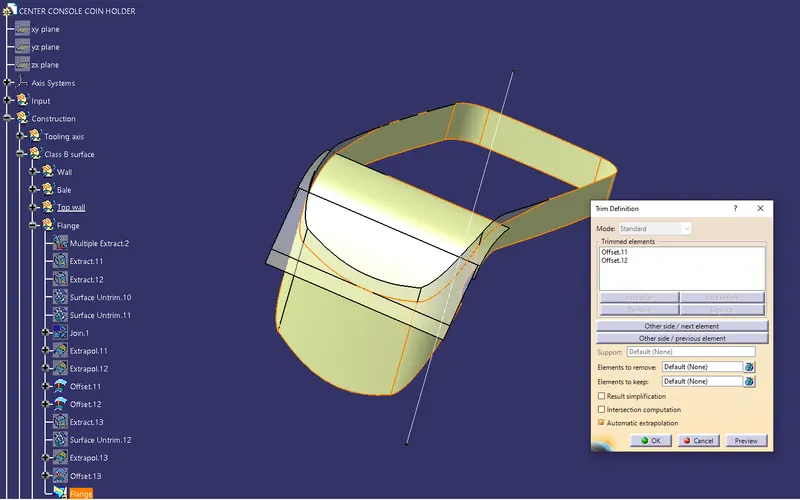
- Extract and untrim the top surface. Then extrapolate the surface.
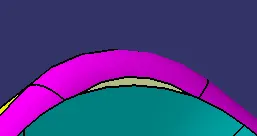
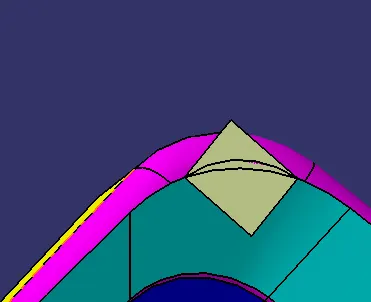
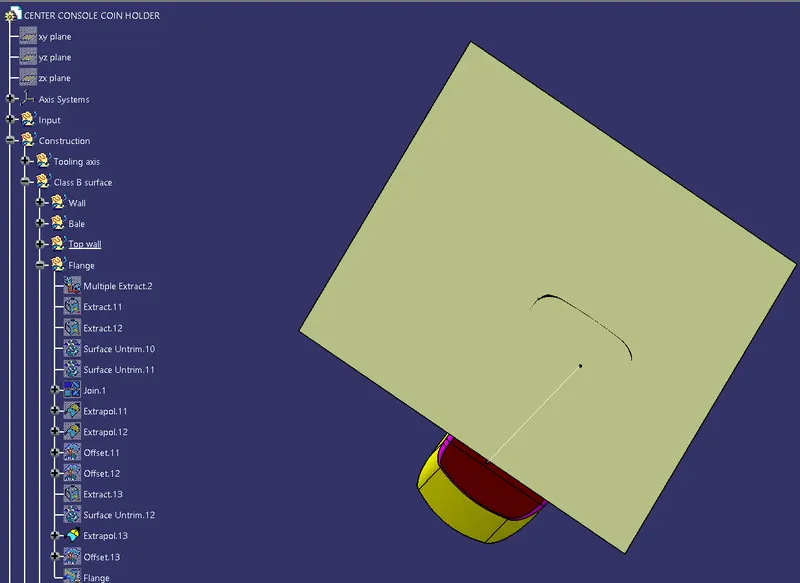
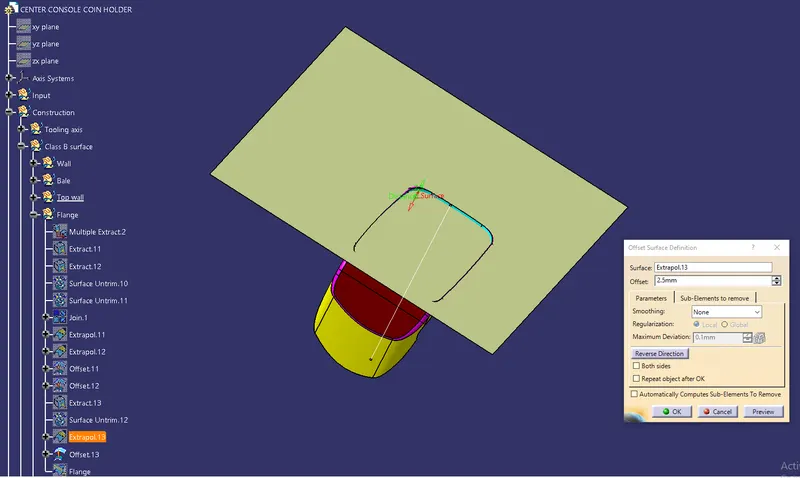
- Finally offset the top surface at a distance of 2.5mm.
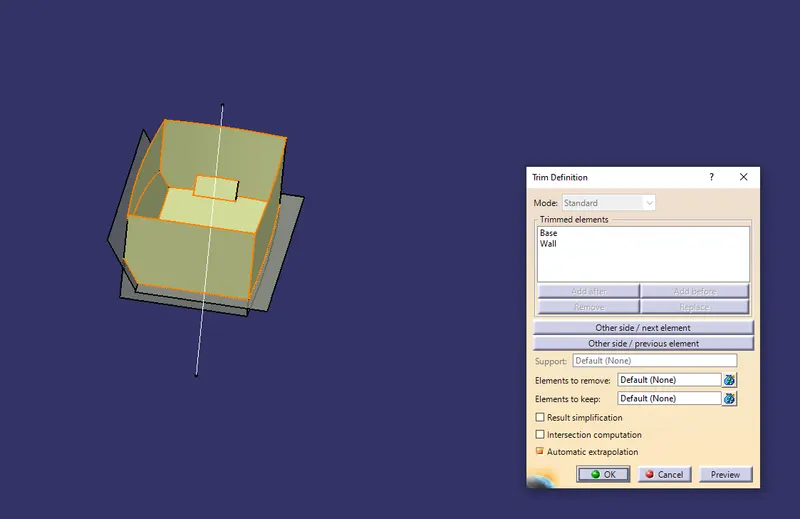
Finally, trim the wall, base, top wall, flange, and top surface.
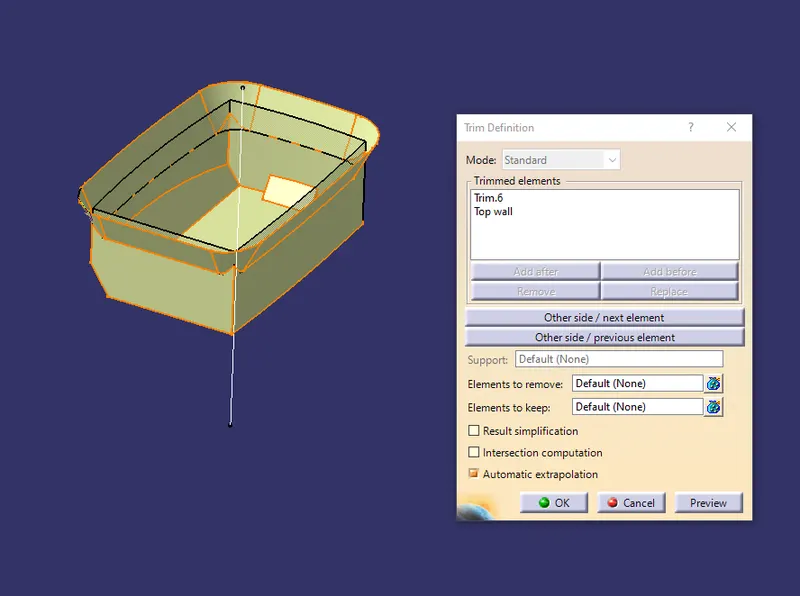
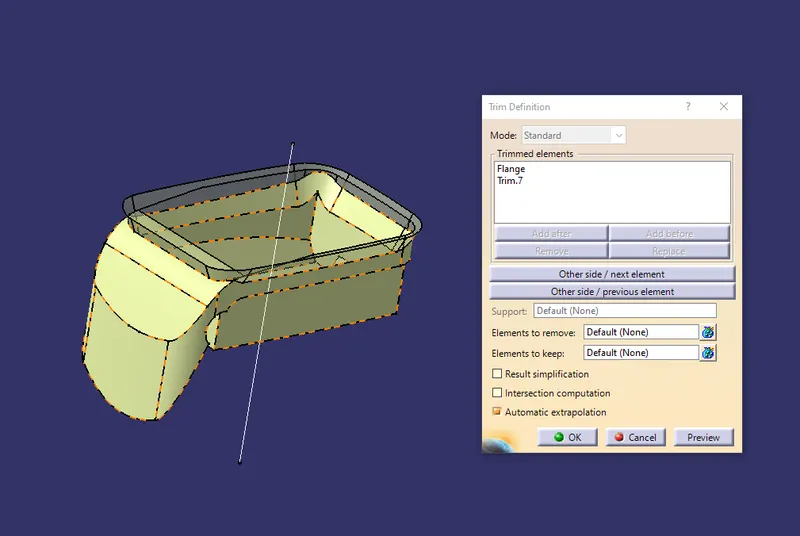
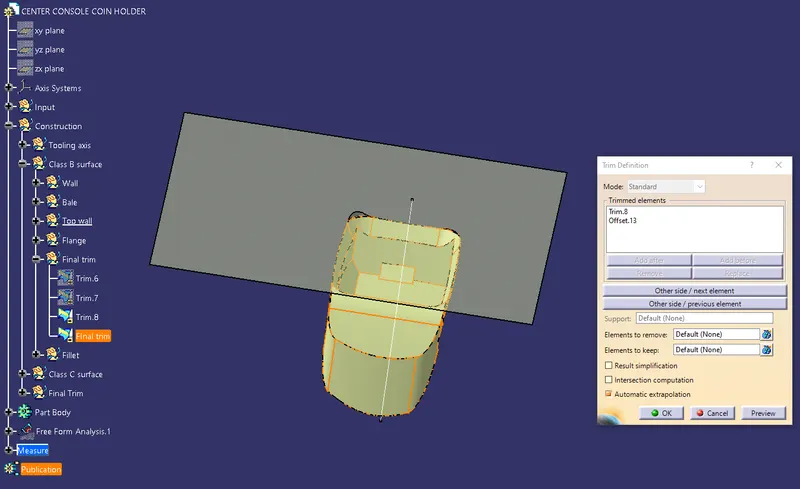
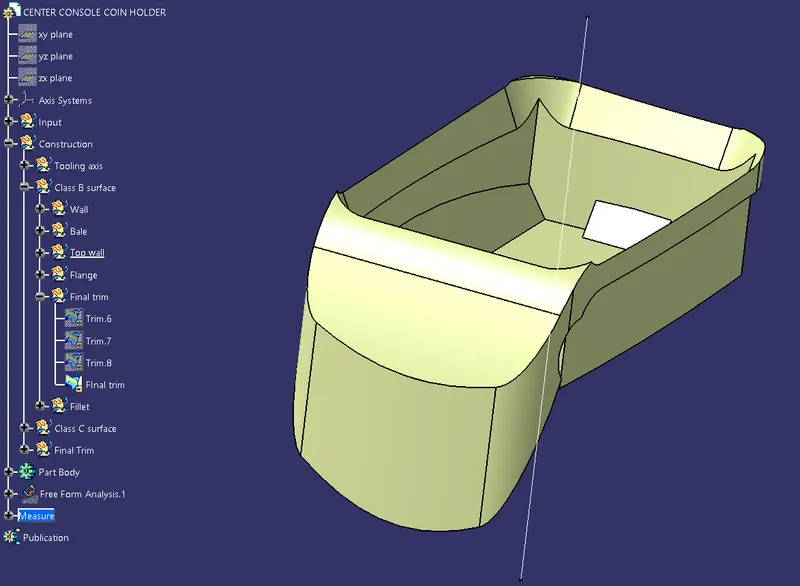
Then assign all the fillet values to the surface.
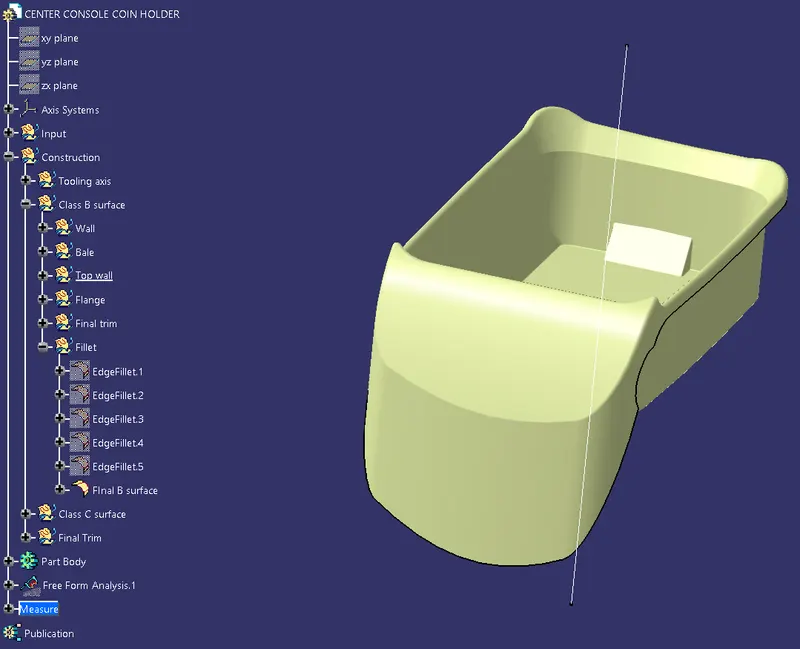
Class C surface:-
- Create the boundary for the class A surface with point continuity.
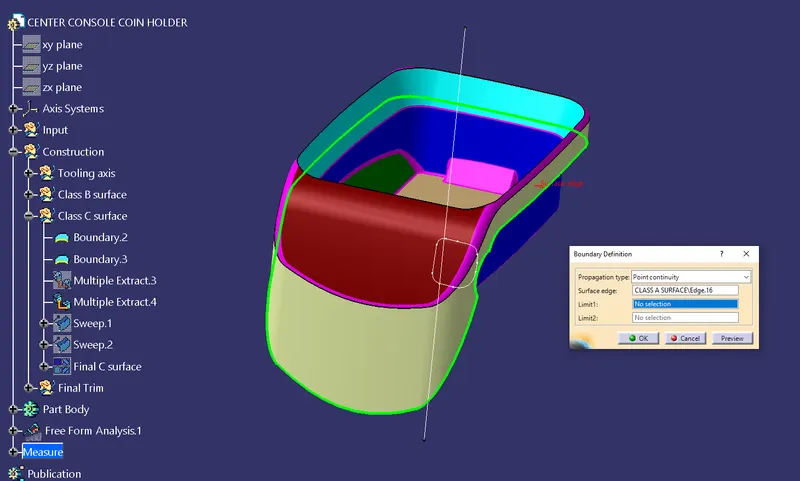
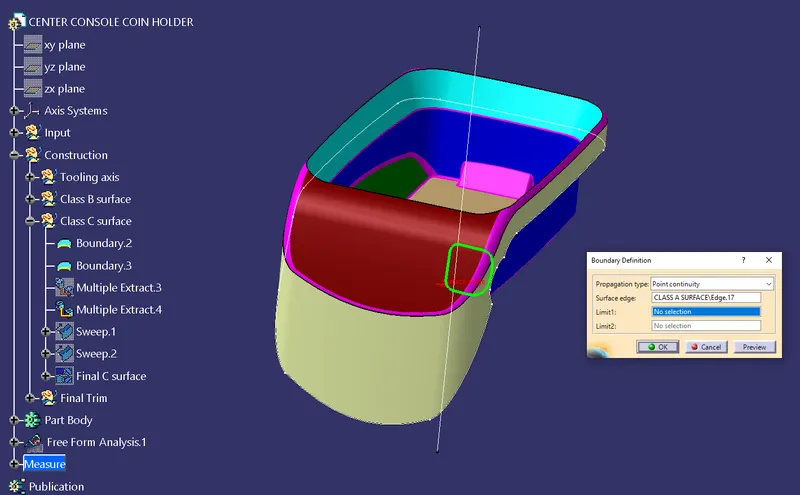
- Then multi extract the surface that is touching the boundary.
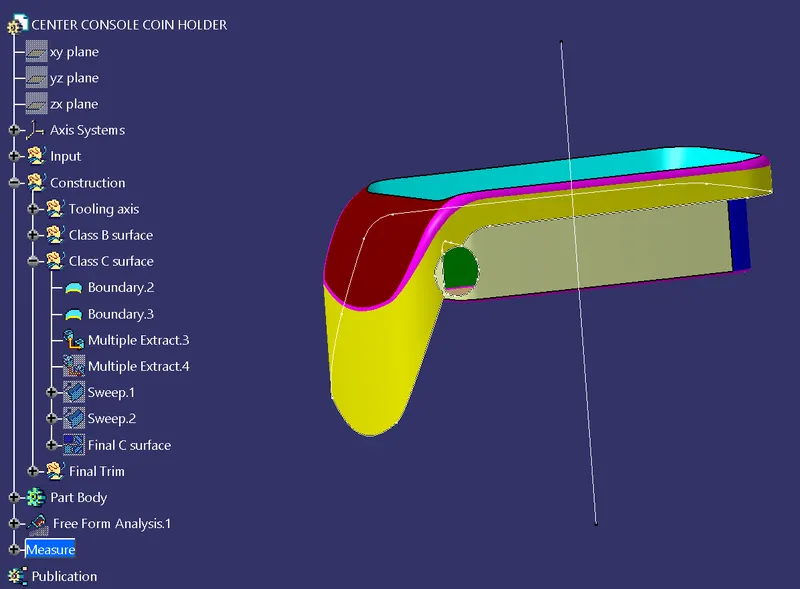
- Sweep the surface the guide curve as the boundary and reference surface as the multiple extract.
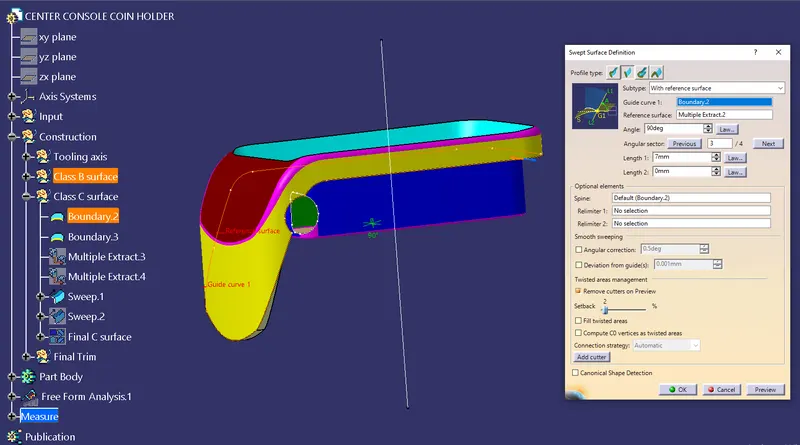
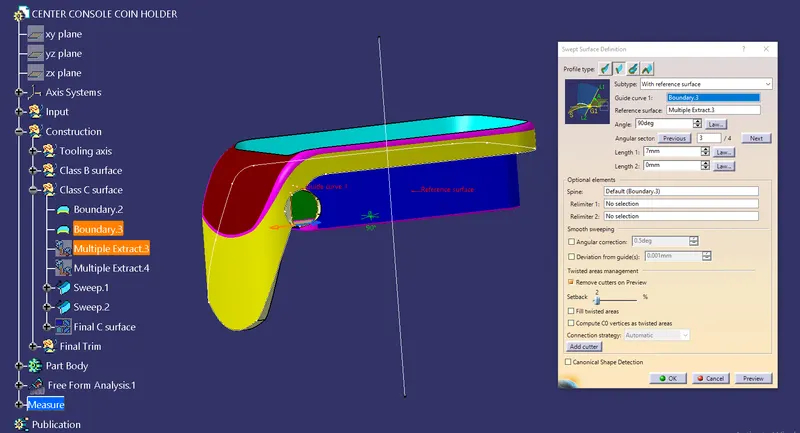
- Then join the sweep and Class A surface.
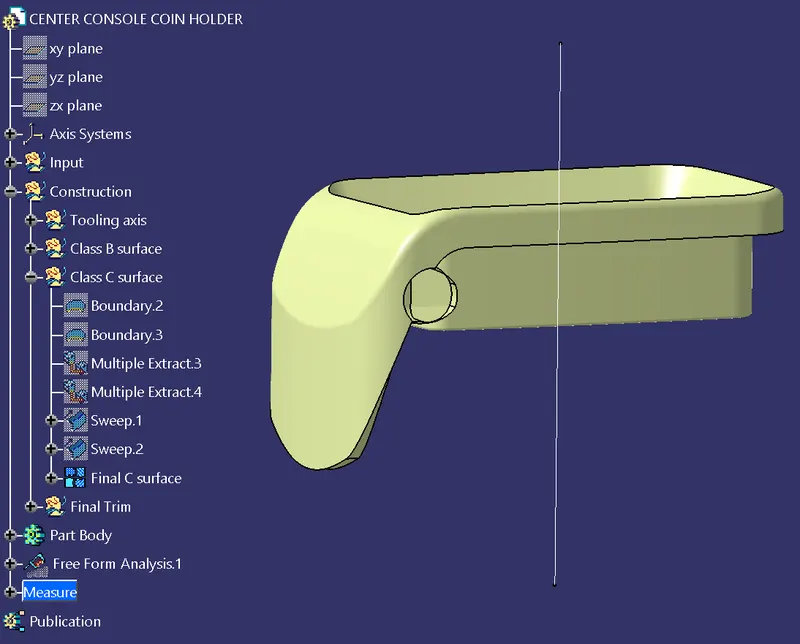
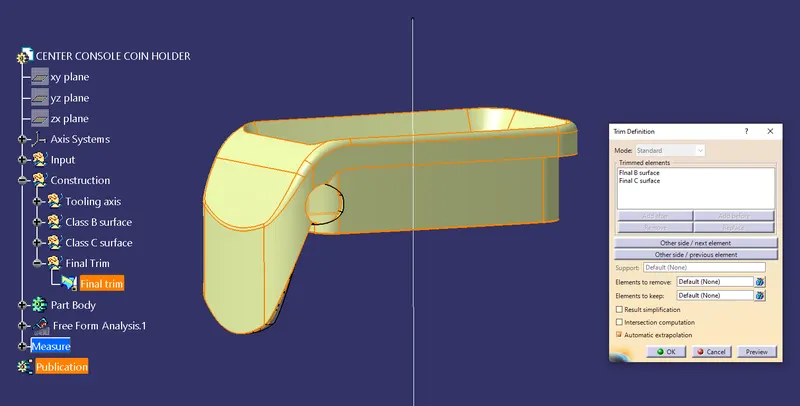
Finally, trim all the surface.
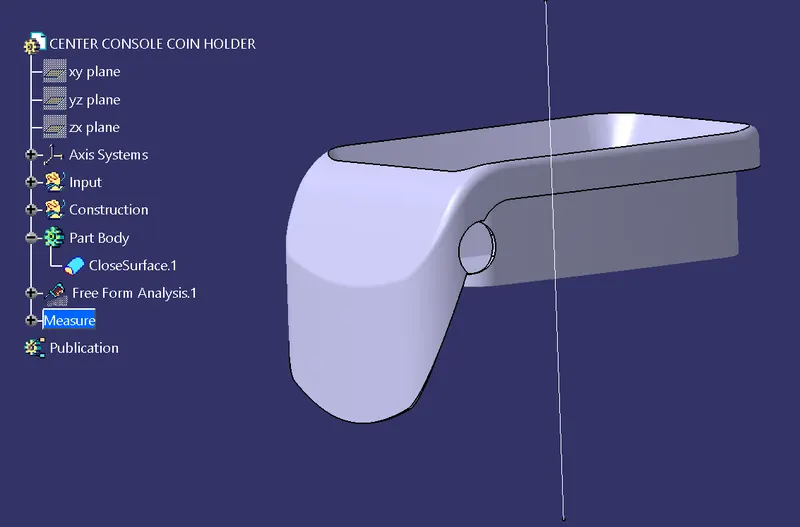
Create the close surface of the Coin holder.
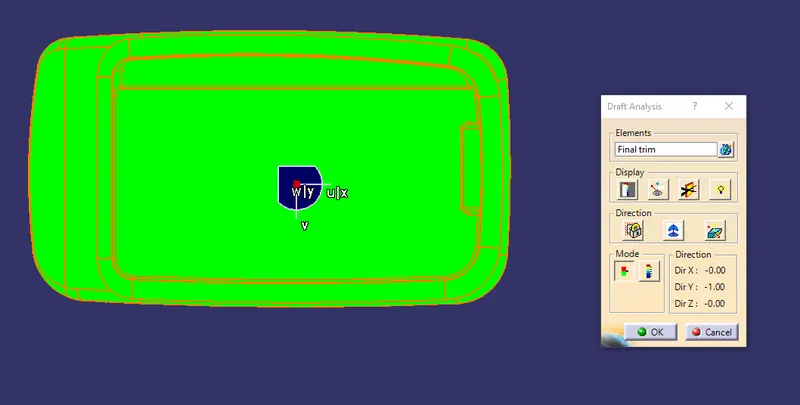
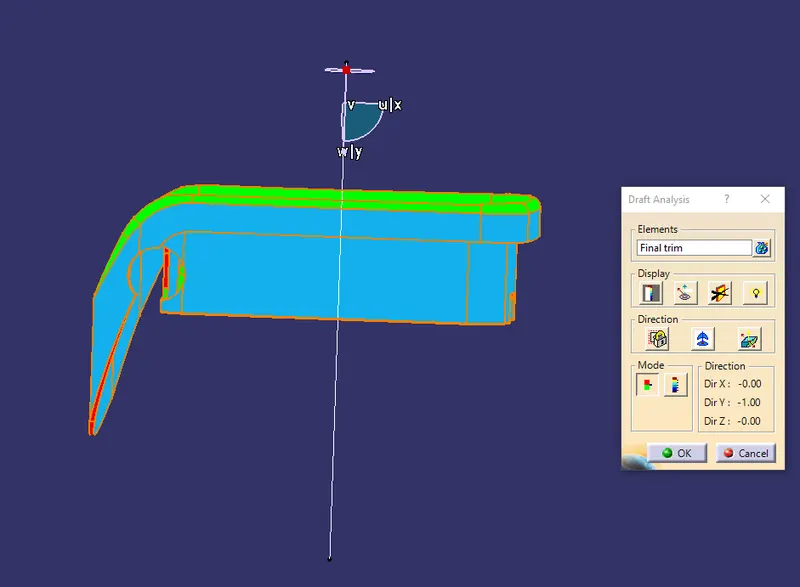
DRAFT ANALYSIS
- To start the draft analysis first go to material view mode customization and select material.
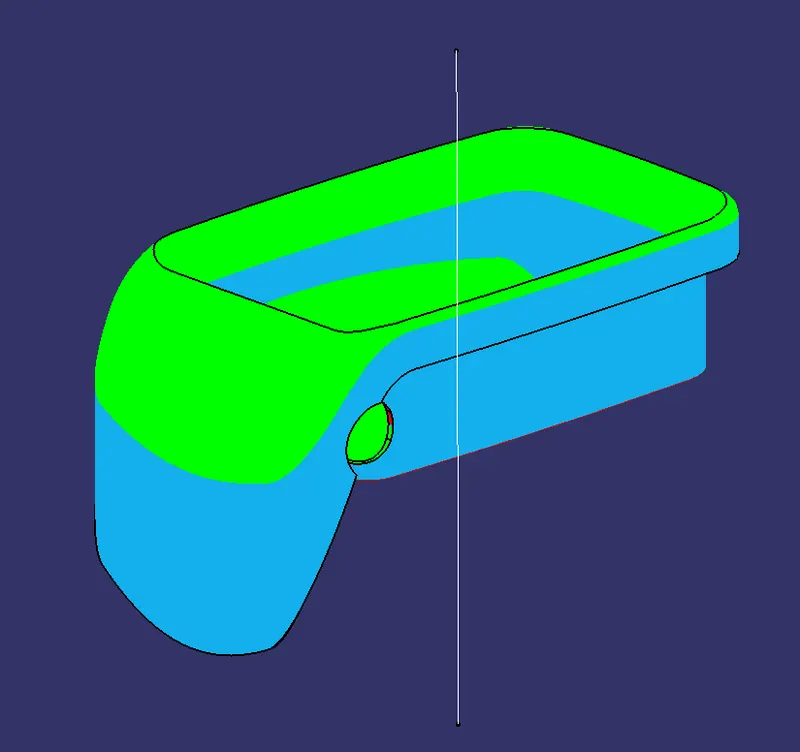
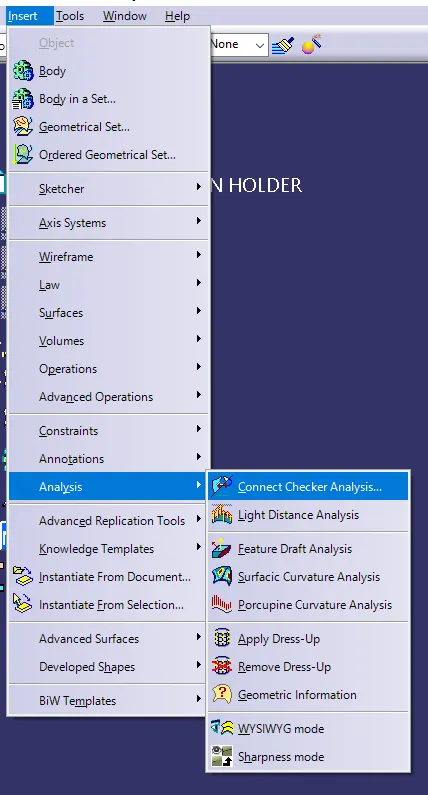
- Go to "Insert>Analysis>Draft analysis"
- Fix the compass in the tooling axis by dragging the compass to the tooling axis.
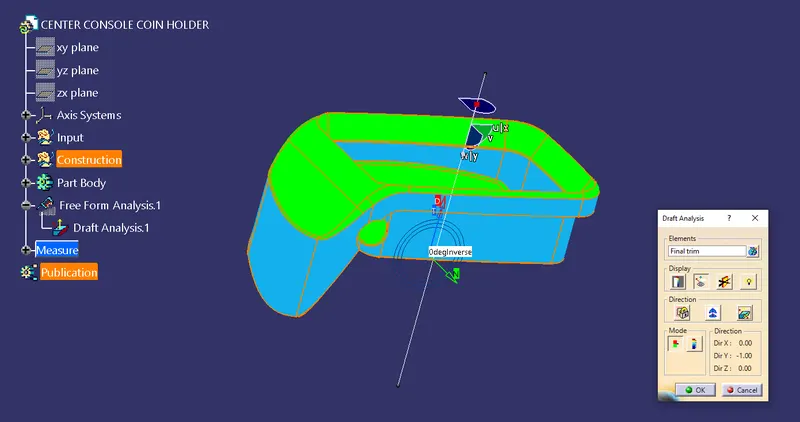
Various Orientations (Isometric, Front, Side, and Top View)
- Isometric view
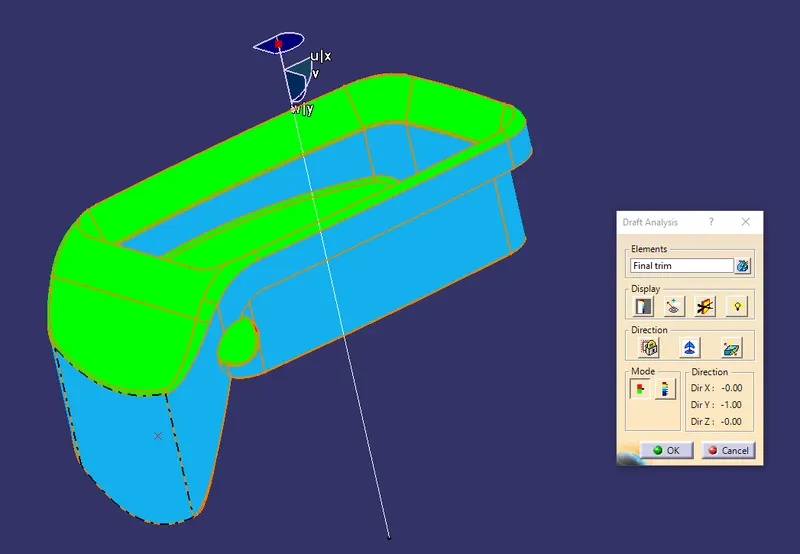
- Side view
- Front view
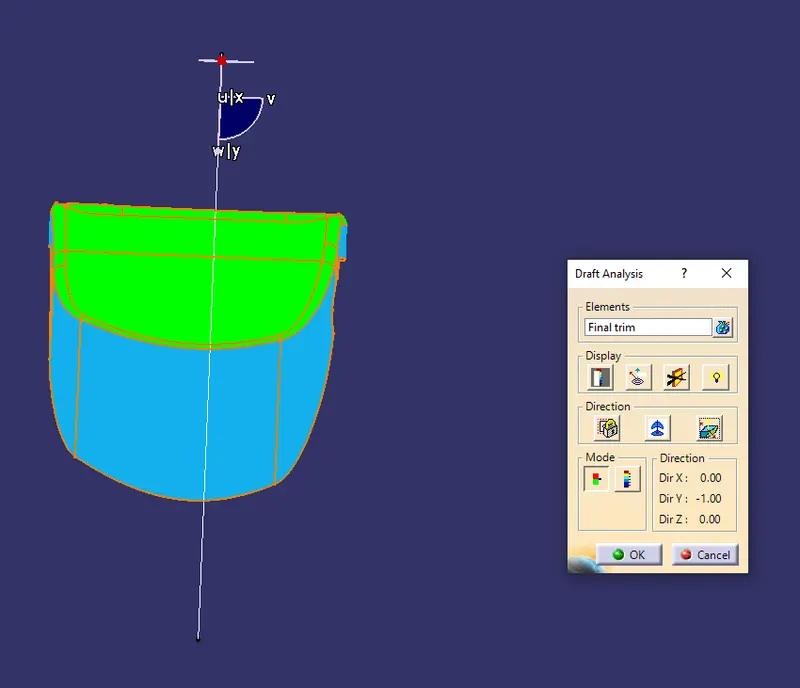
- Top view