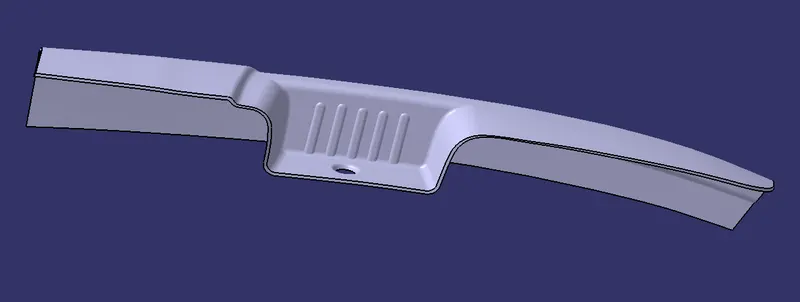
Door Arm Rest Week 8 Challenge
AIM:- Create the Door Armrest component through the given Class-A surface. To begin with, the tooling axis for the given Class-A Surface should be created meeting the requirements of the draft angle and at the end perform the Draft analysis on the model.
OBJECTIVE:-
- Create Tooling Axis
- Perform a draft analysis on Class-A surface
- Creation of Class-B and Class-C surface
- Creation of the proper tree structure
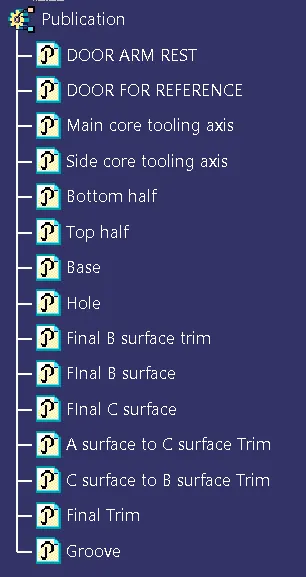
- Publishing the Tooling Axis and Class A, B, and c surface.
Construction:-
- First, check the connectivity of the Class-A surface by using the boundary condition.
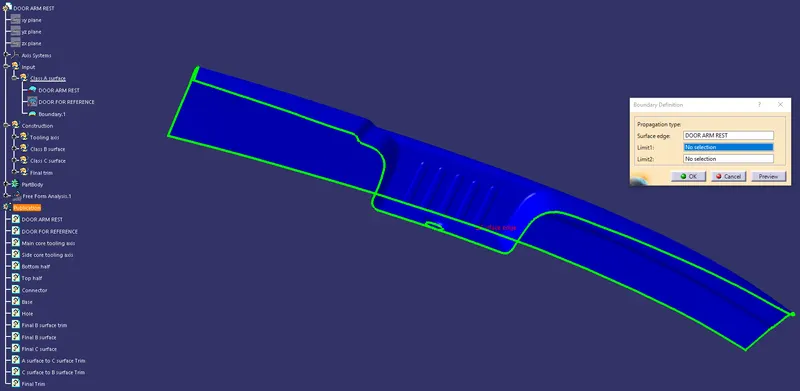
Construction of Tooling axis:-
- First, create a circle and point on the hole for creating the cooling axis.
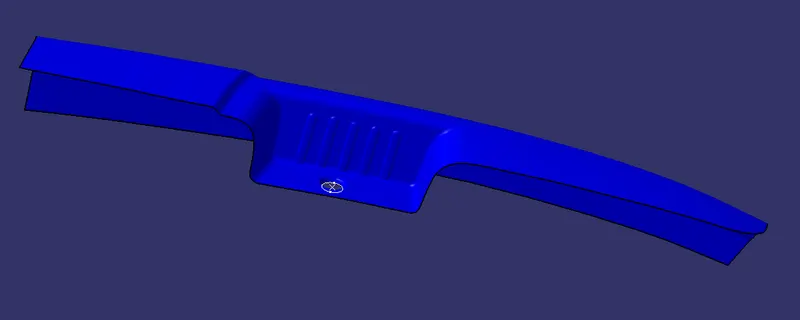
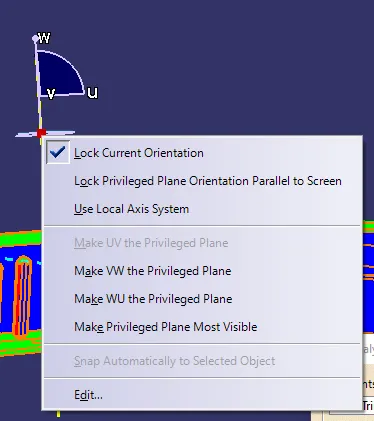
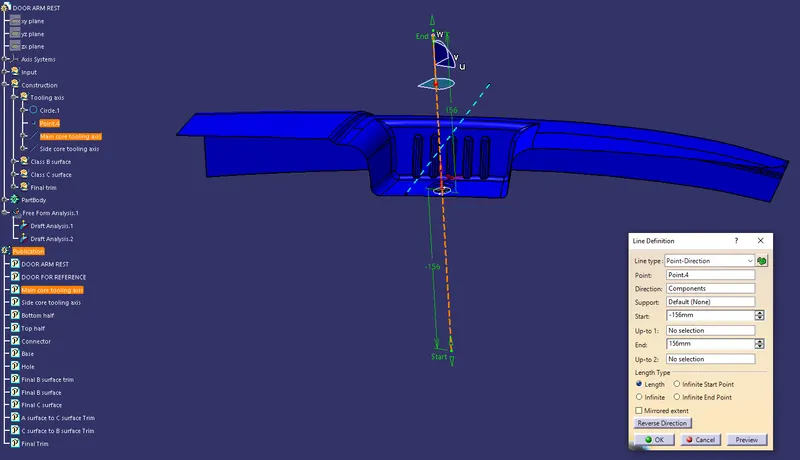
- Create the Main core tooling axis by selecting the direction as a compass Direction.
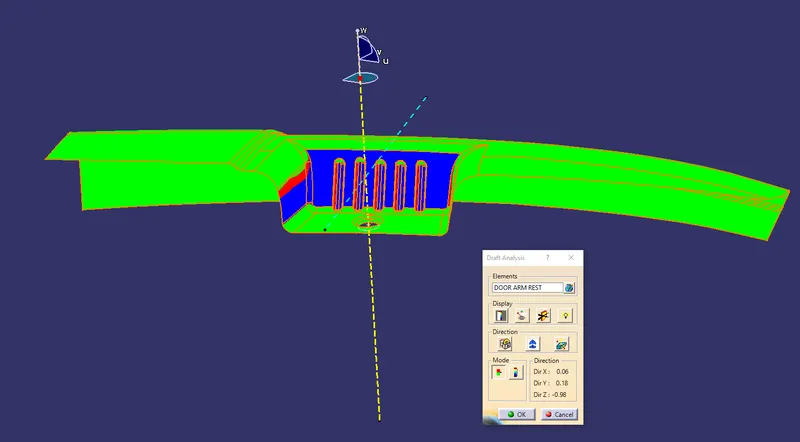
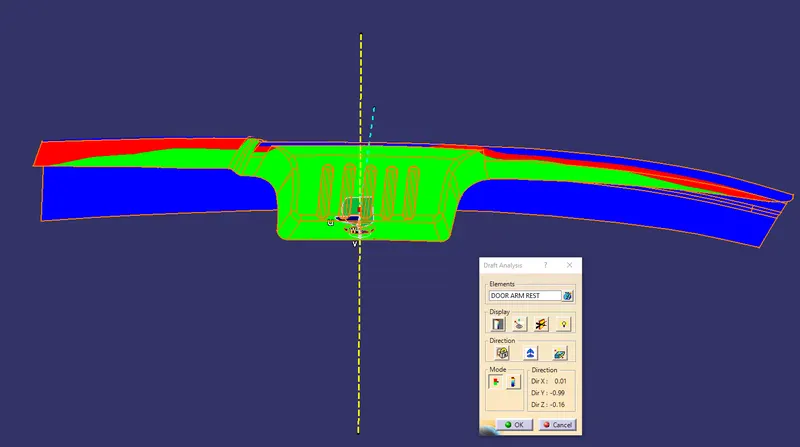
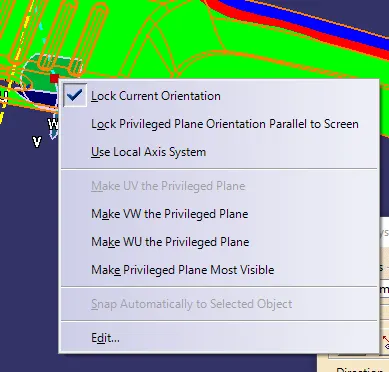
- Create the Side core tooling axis by selecting the direction as a compass Direction.
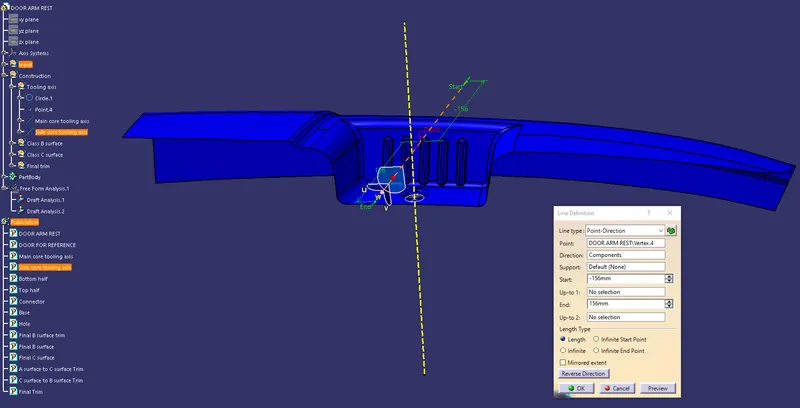
Construction of Class B Surface:-
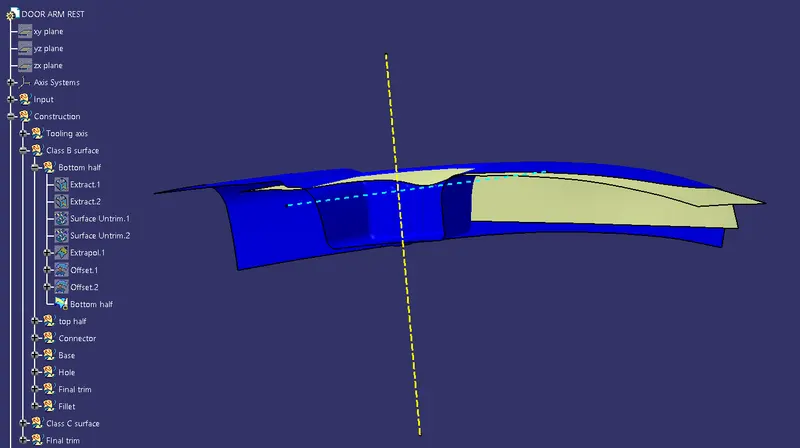
Bottom half
- First extract and surface untrim the bottom half.
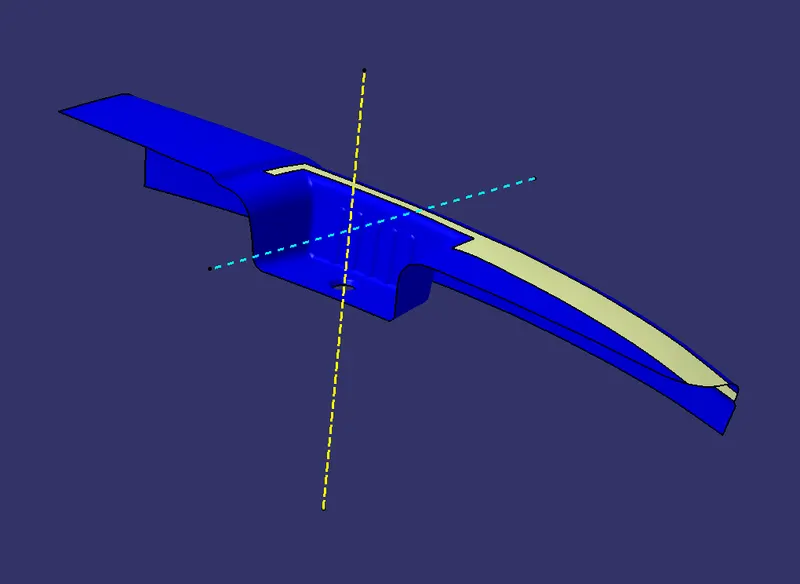
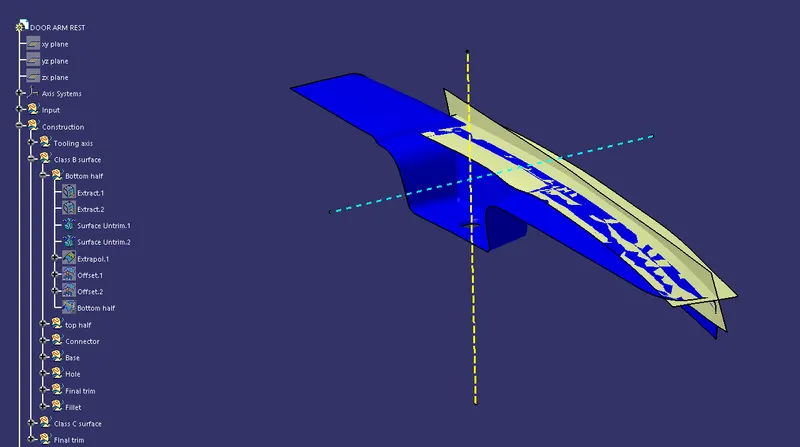
- Extrapolate the surface.
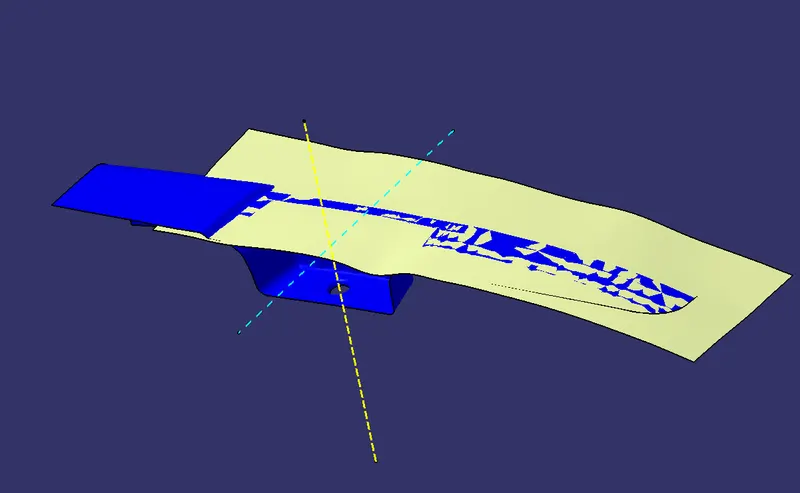
- Offset the surface at a distance of 2.5 mm.
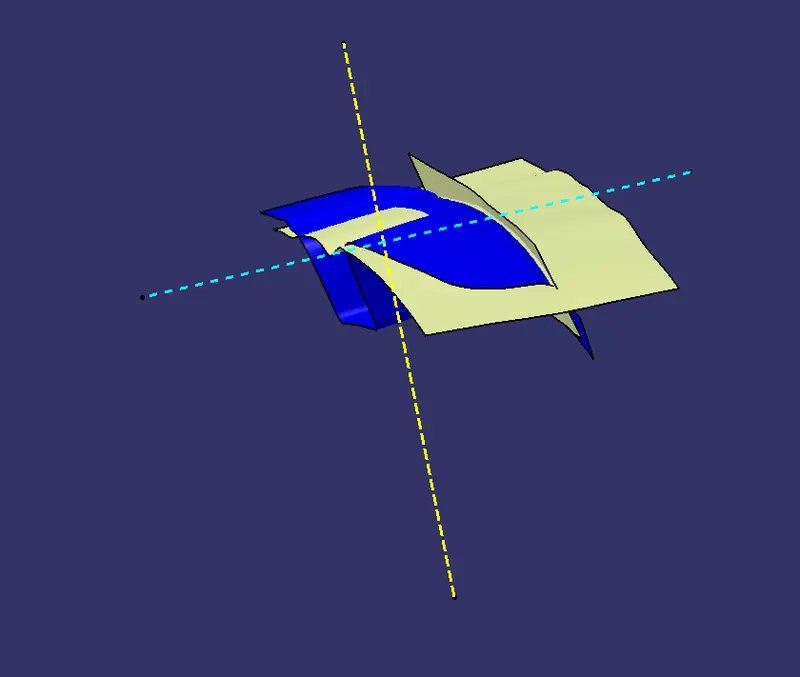
- Finally, trim the to half surface.
Top half
- Do the same for the top half first extract and untrim the surface then offset at a distance of 2.5 mm.
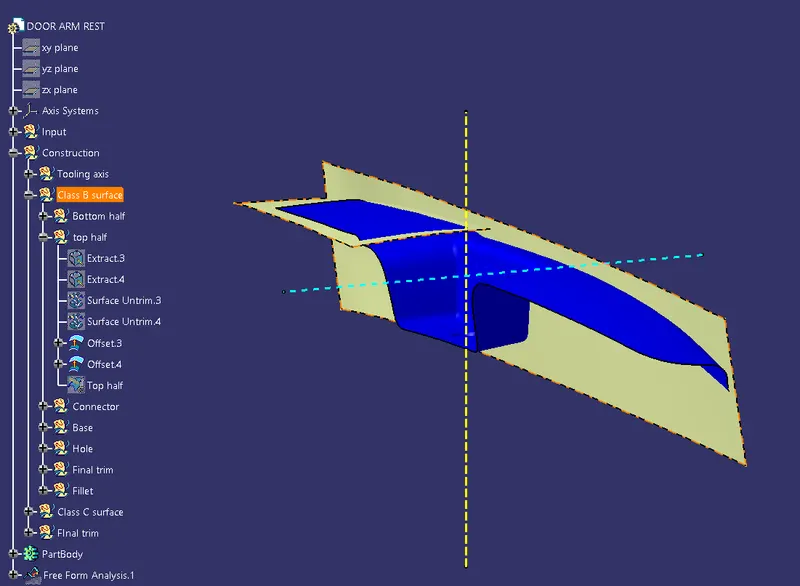
- Finally, trim the top half surface.
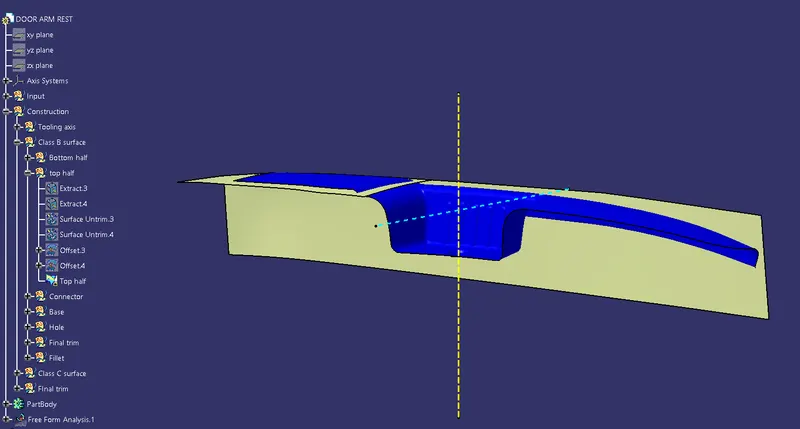
Base
- First, extract and untrim the base then offset the surface at a distance of 2.5 mm.
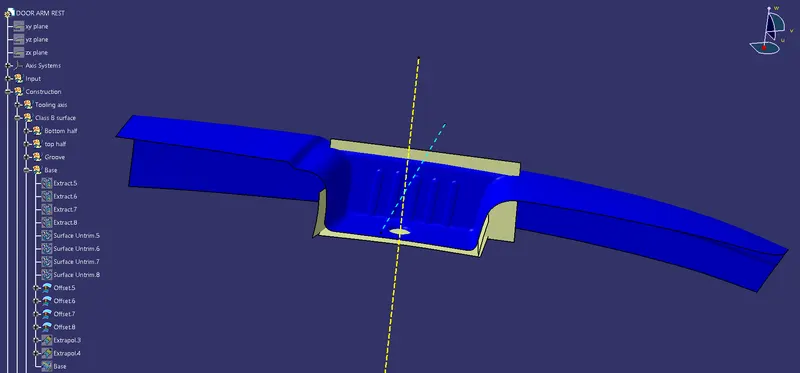
- Then extrapolate the base surface.
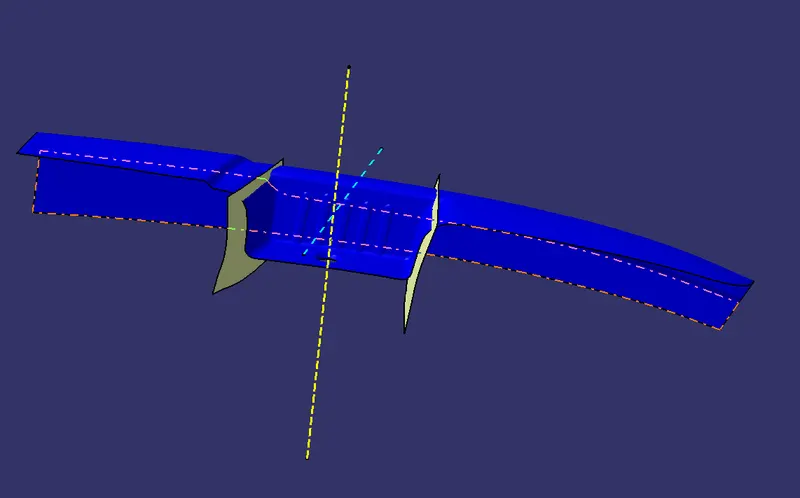
- Finally, trim all the surfaces to create the base.
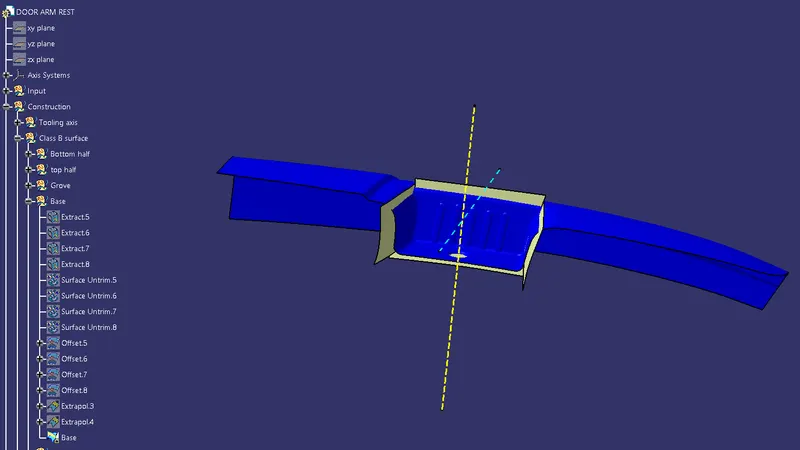
Hole
- Do the same for the hole.
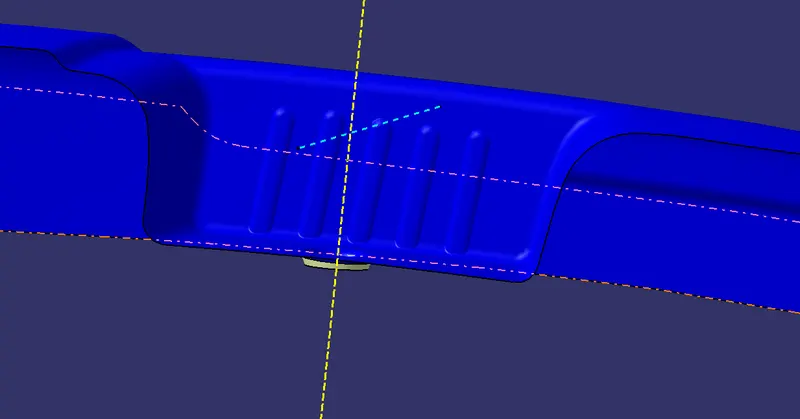
Grove
- Create the sweep by selecting the profile as the line and guide curve as the curve.
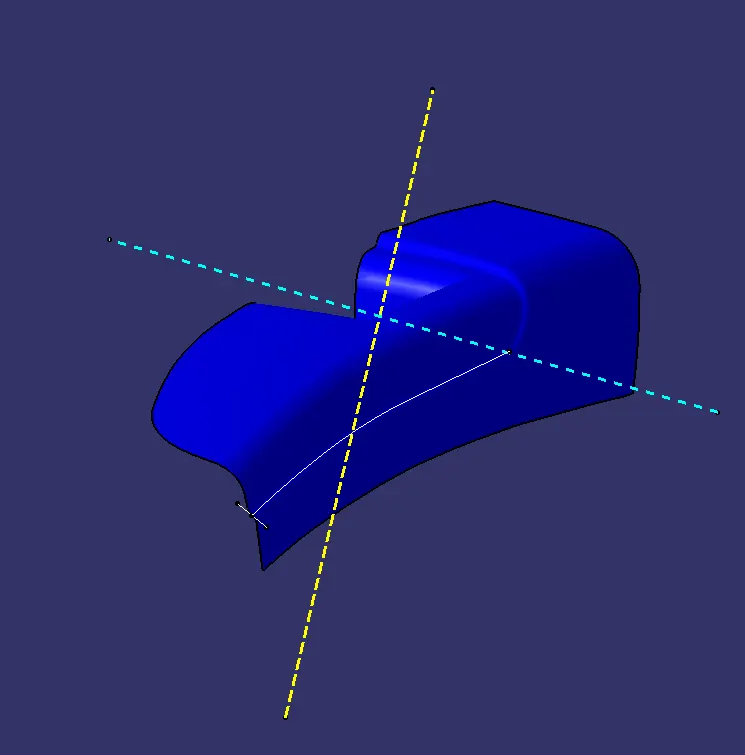
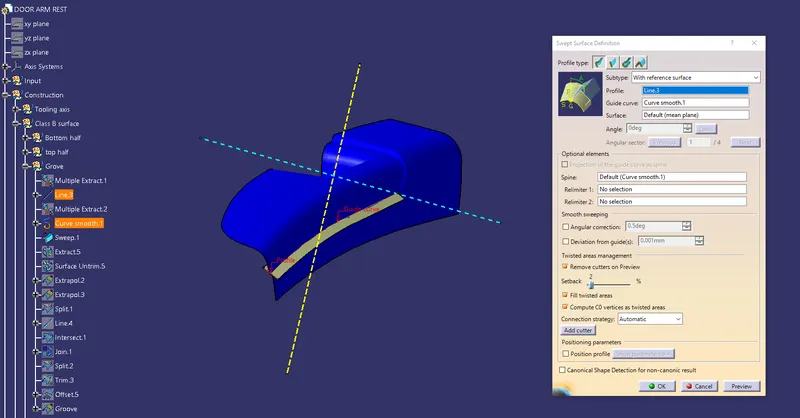
- Then Extrat and untrim the surface that is seen at the top in the grove.
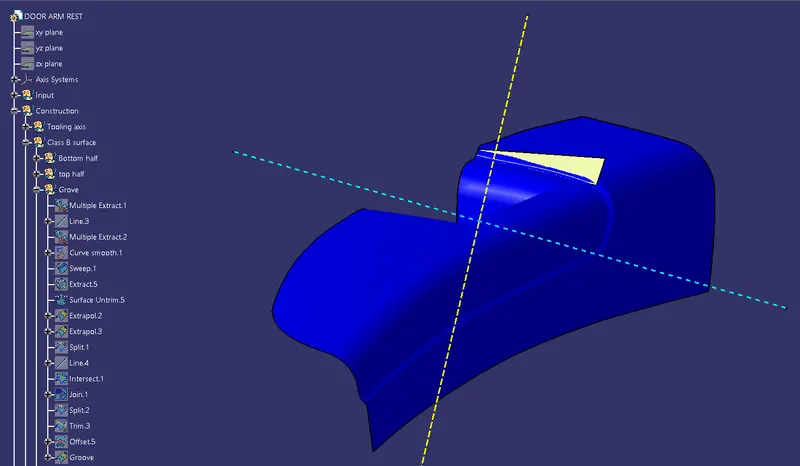
- Extrapolate both the surface.
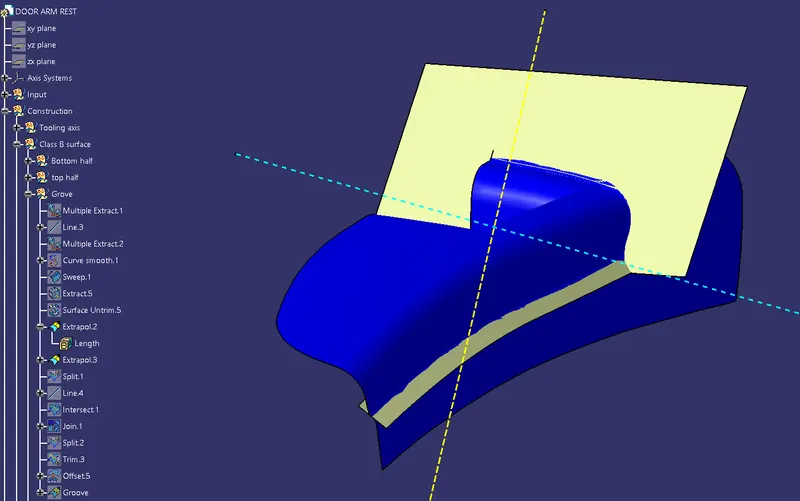
- Finally trim both the surface
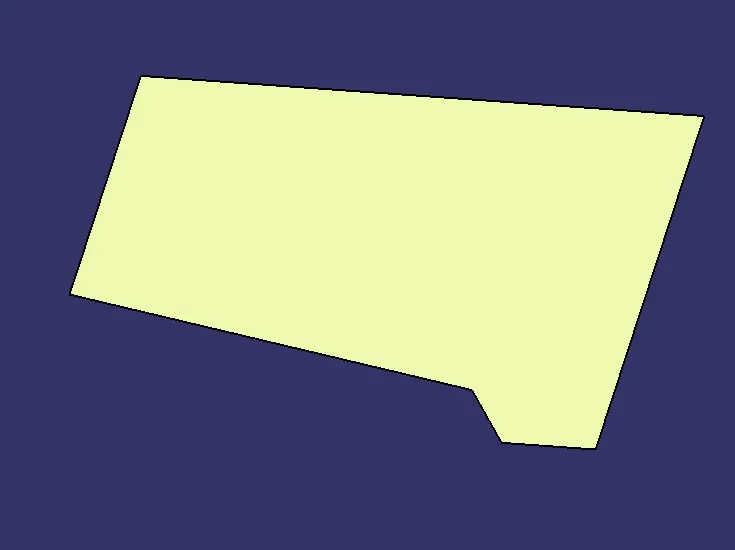
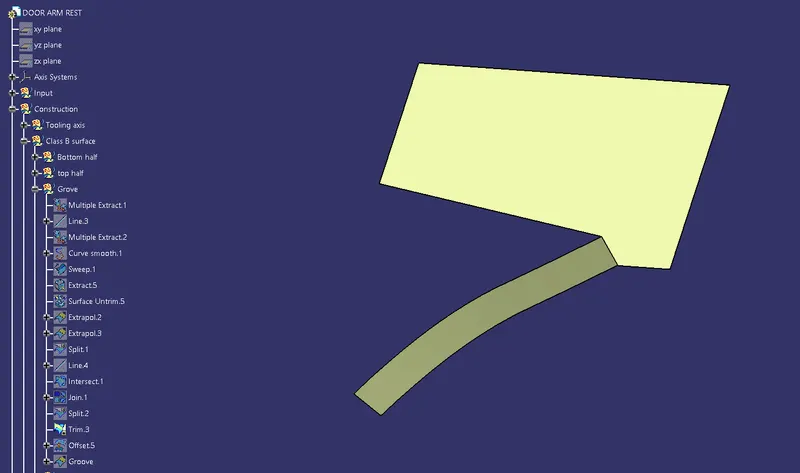
- Offset the surface at a distance of 2.5 mm.
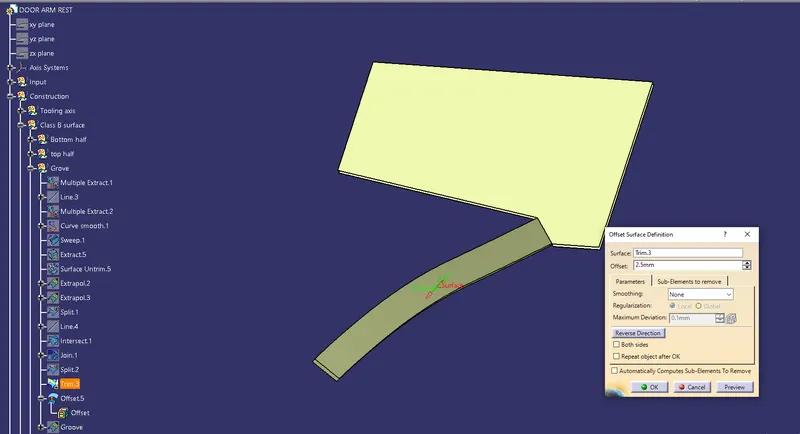
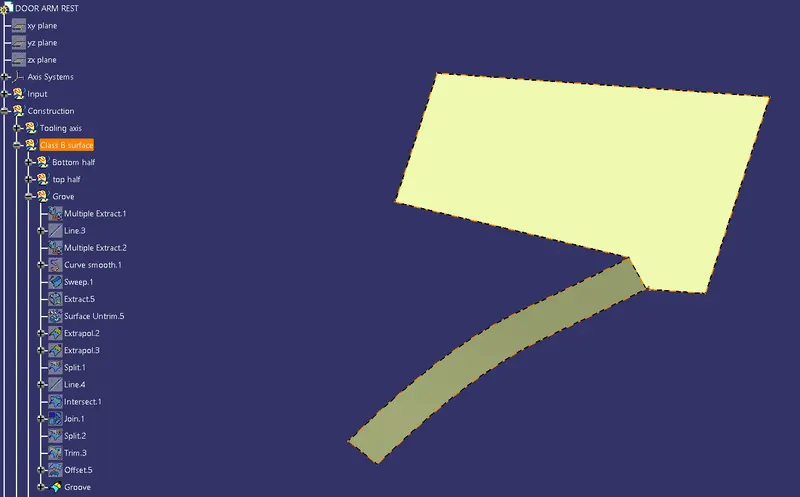
Final trim
- Then Trim The bottom half, top half, grove, base, hole.
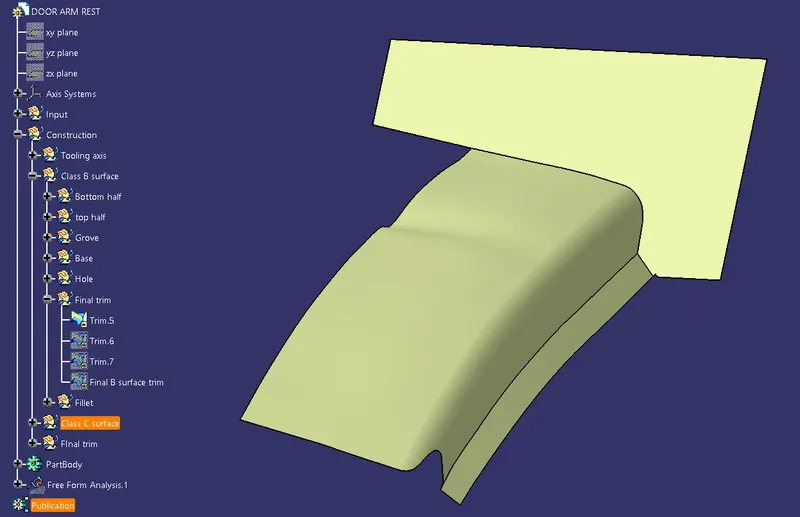
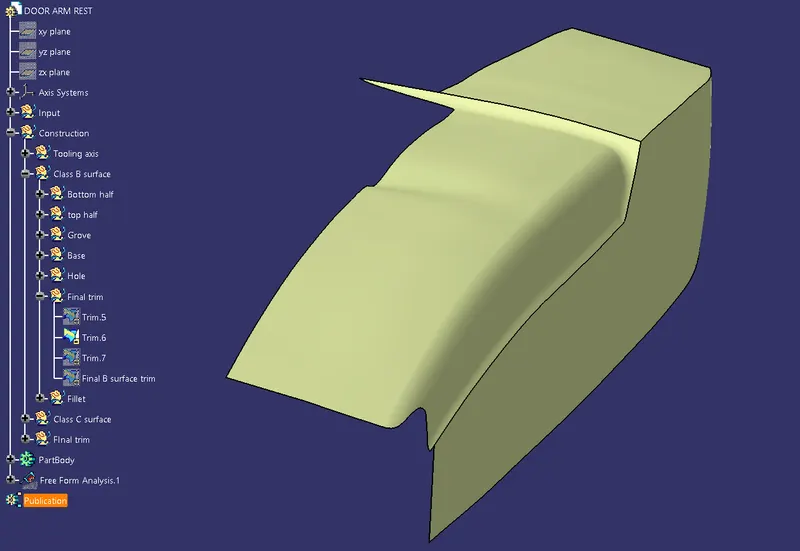
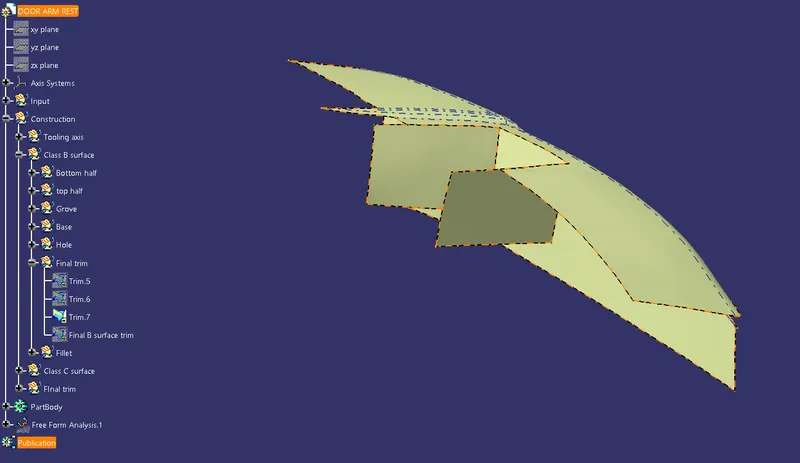
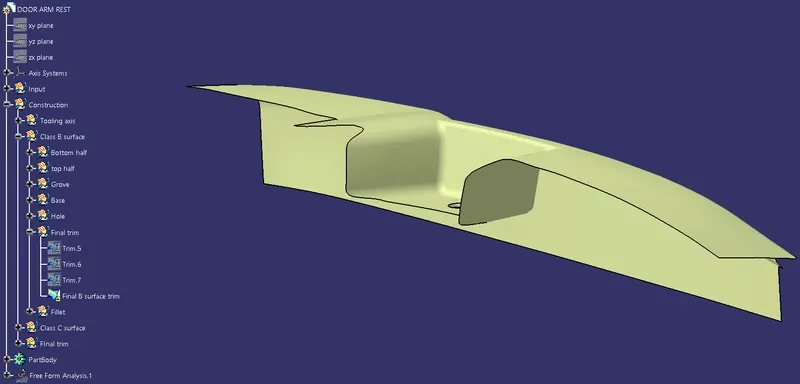
Finally, give all the fillet value and the Class B surface is created.
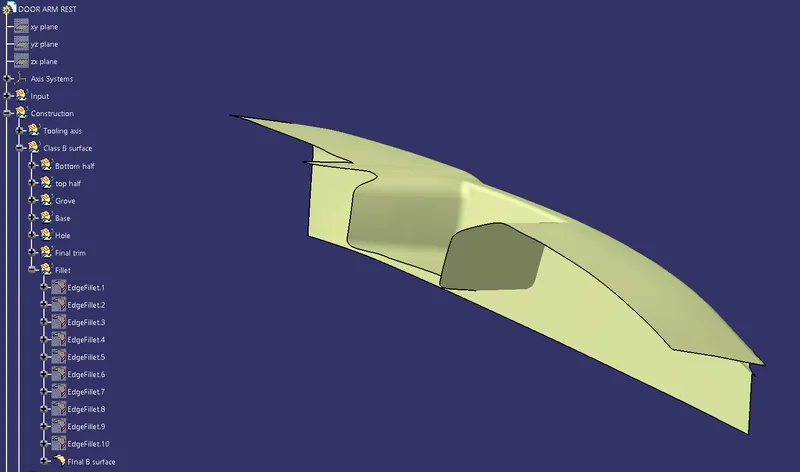
Creation of Class C surface:-
- After the creation of the Class B surface, the Class C surface should be created. To create a Class C surface we should use the sweep option.
- Sweep the plane surface by specifying the angle.
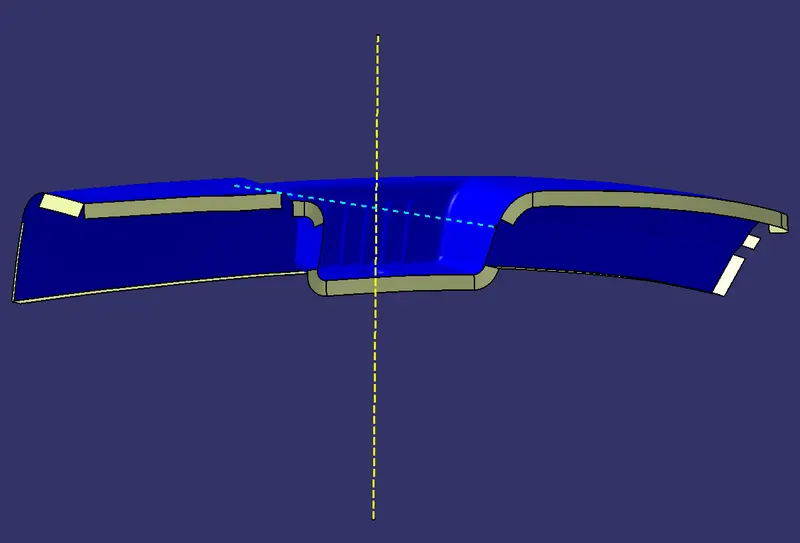
- Create the multisection by selecting the section and guide curve.
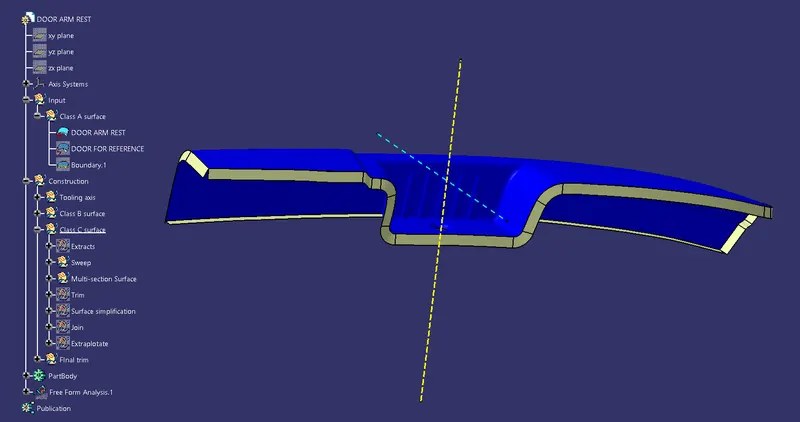
- Extrapolate and trim, then join the surface together.
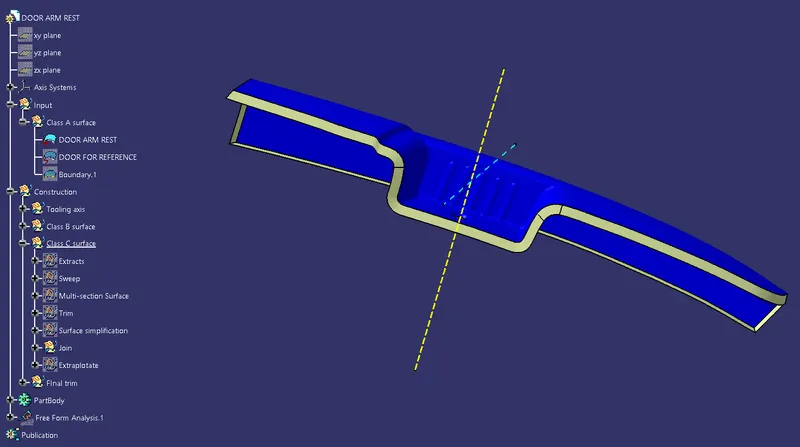
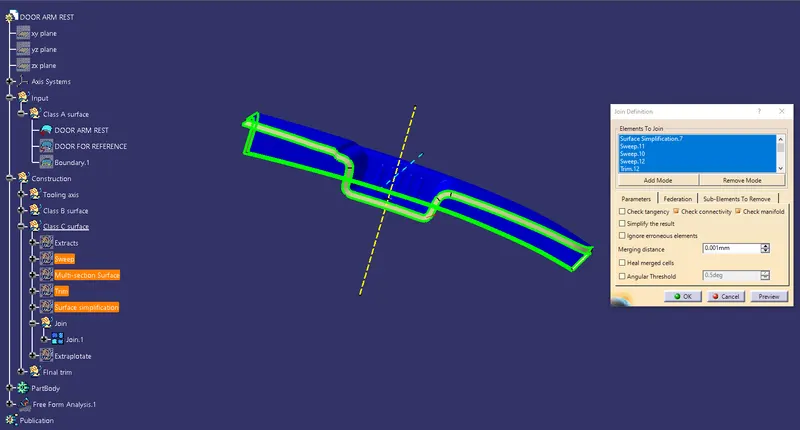
- Then, extrapolate the surface.
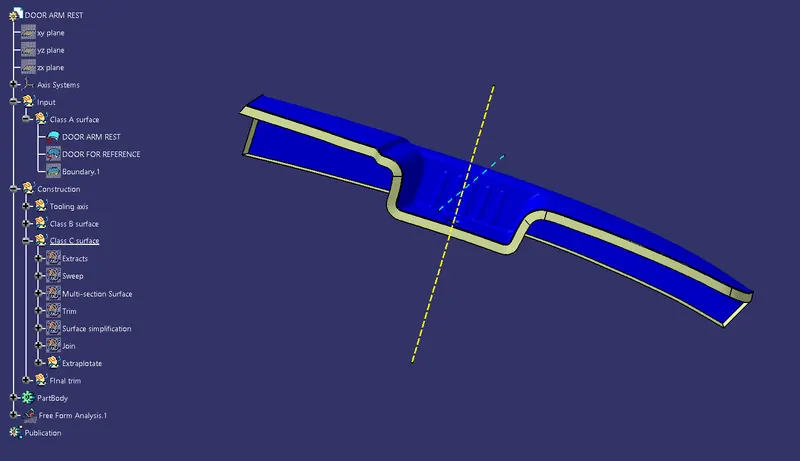
Final trim:-
- Finally trim the Class A, Class B, and Class C surface.
Trim Class A surface with Class C surface.
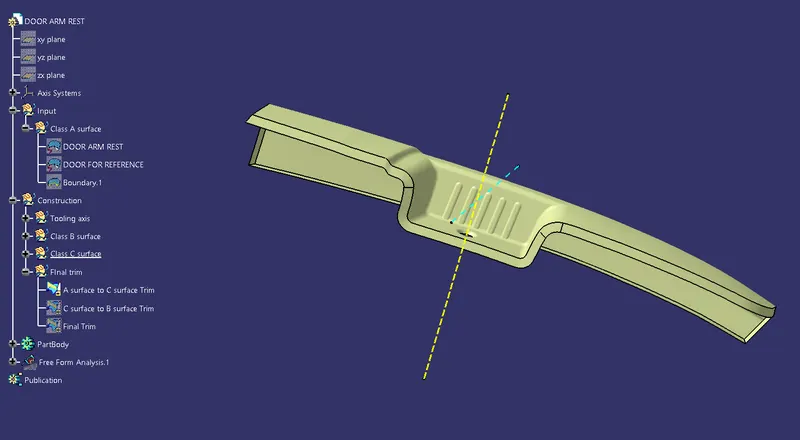
Trim Class C surface with Class B surface.
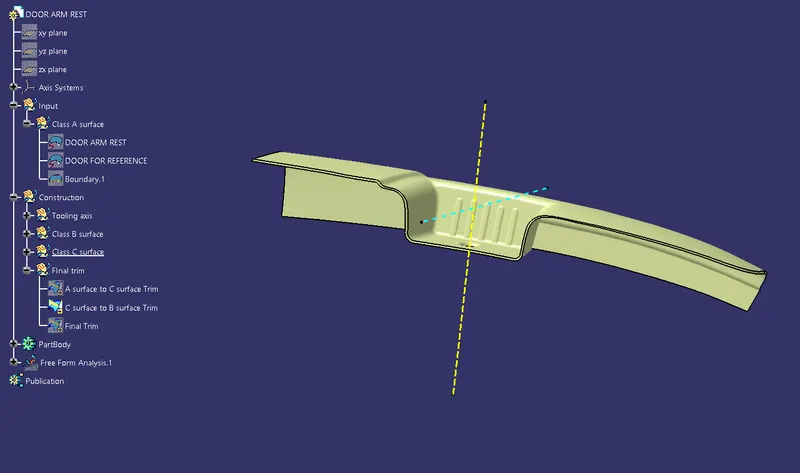
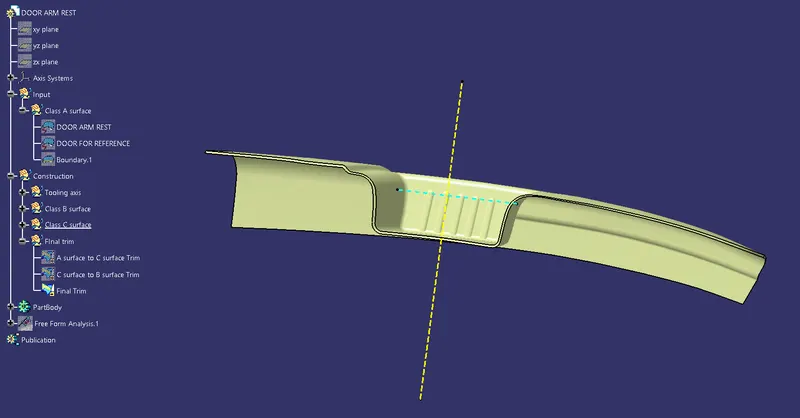
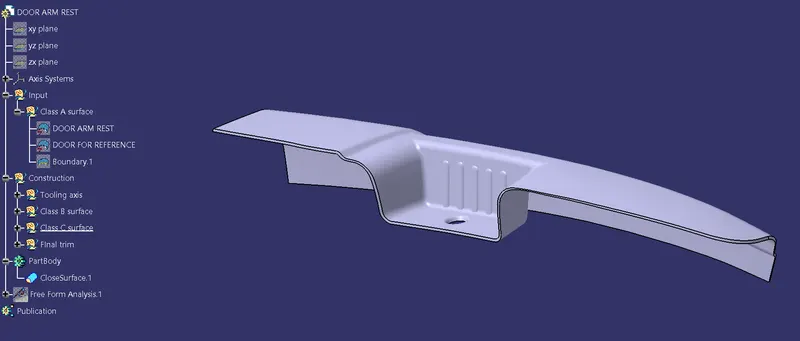
Finally, Create the solid surface of the door arm rest.
Publication of all the surface
DRAFT ANALYSIS:-
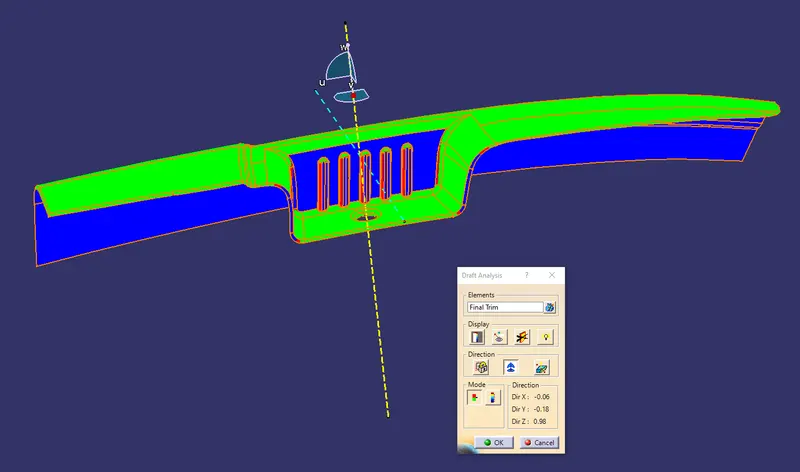
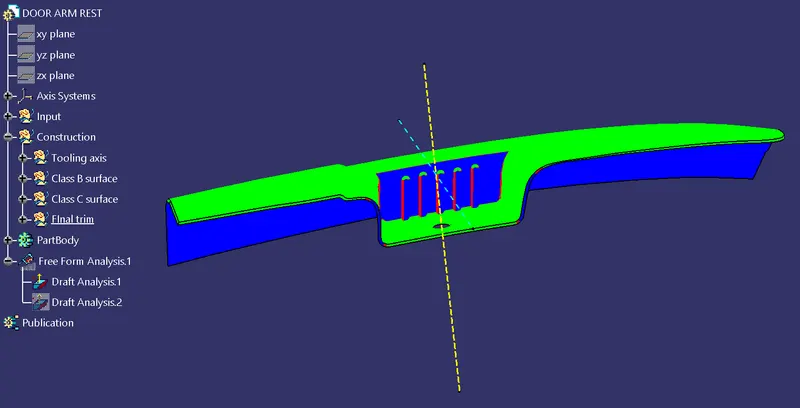
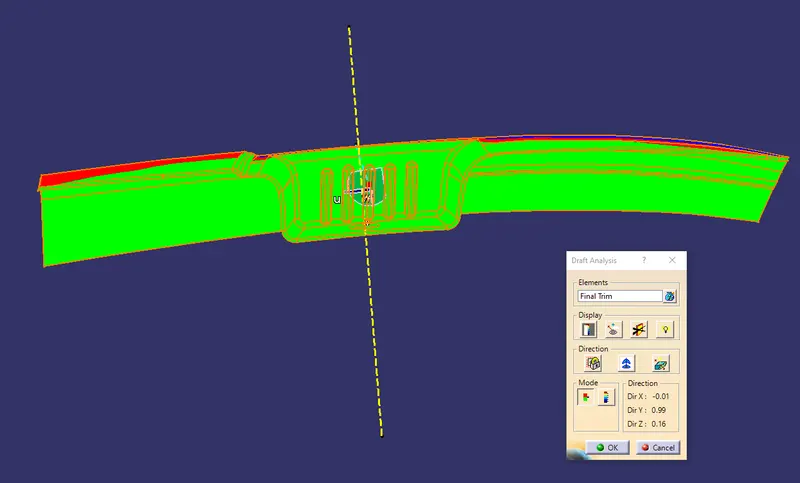
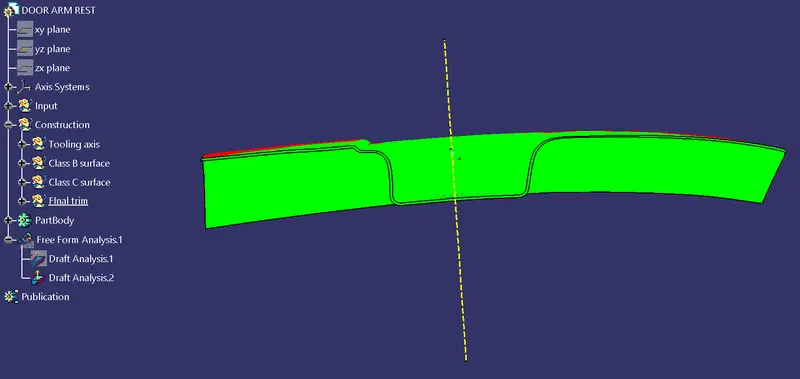
- The hole is not clearing so we can create a protrusion that comes out of the side core and create a hole in the door arm rest.
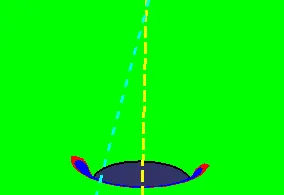
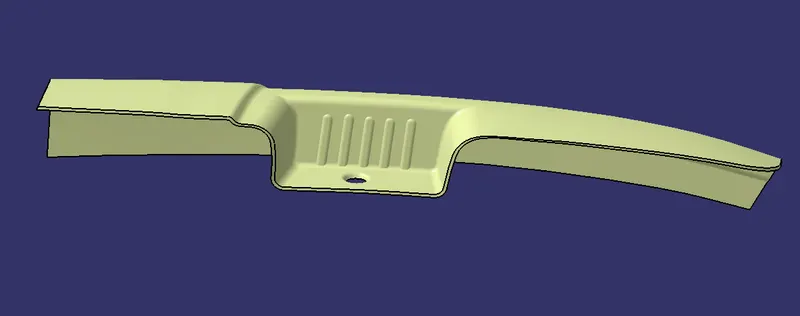
Finally the door arm rest surface and solid are created from the class A surface. The draft analysis of the component is also complete.
Isometric view of the surface:-
Isometric view of the solid:-