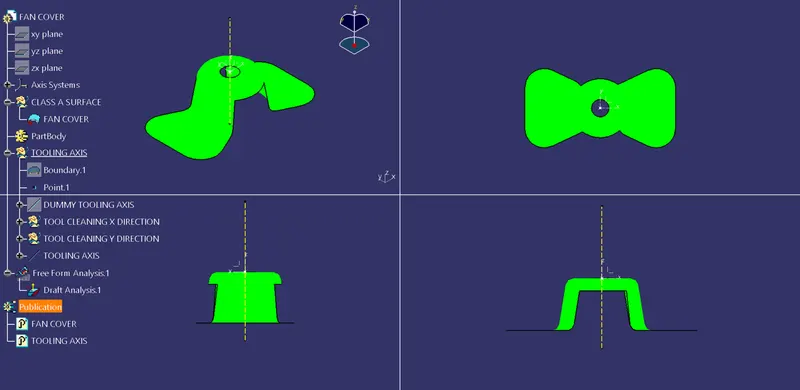
Week 8 - Challenge 1 - Draft Analysis on a Fan Cover
DRAFT ANALYSIS FOR FAN COVER
AIM:- To create the tooling axis for the given Fan cover model meeting the requirements of the draft angle and perform the Draft analysis on the model.
1) CHECK THE CONNECTIVITY OF CLASS A SURFACE
- First, select the boundary command and check the connectivity of the surface. We can also check the connectivity with the help of the join command.
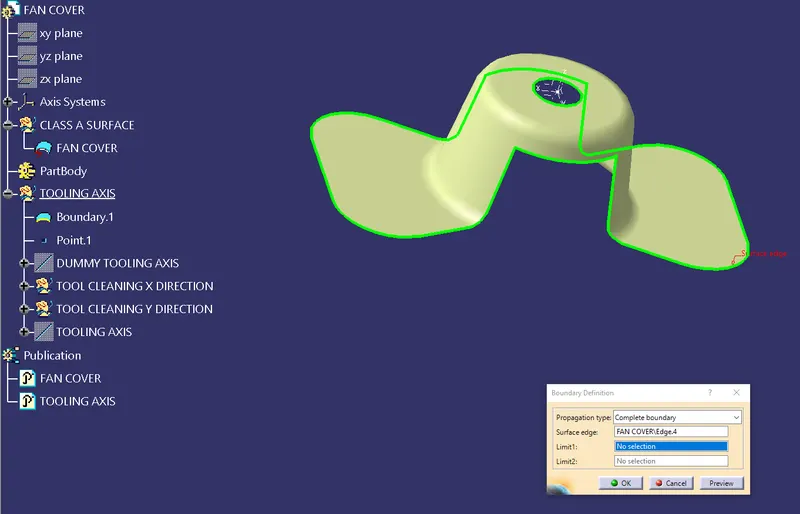
- Billow image shows the connectivity of the surface.
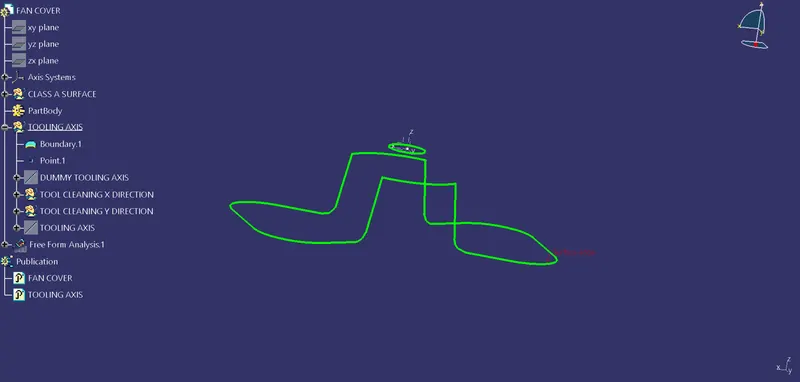
2) TOOLING AXIS DIRECTION:-
- The second step is to define the tooling axis direction. The tooling axis is the direction in which the mold opens and closes in the tooling axis. First, create the dummy tooling axis.
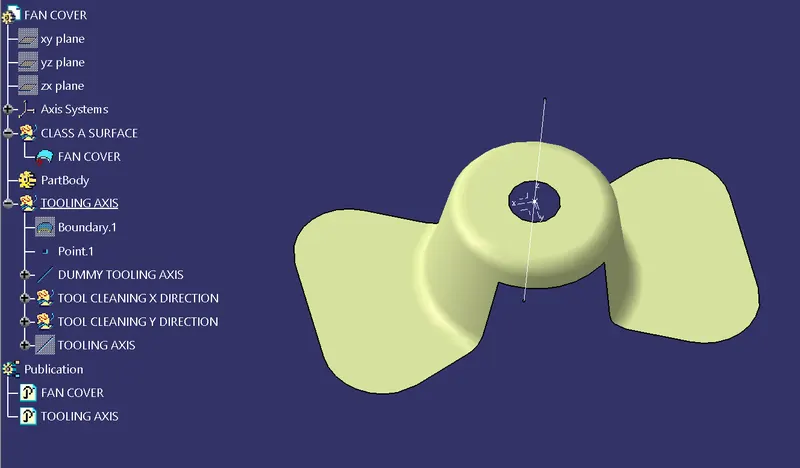
- The z-direction is the best possible way to define the tooling axis for the fan cover.
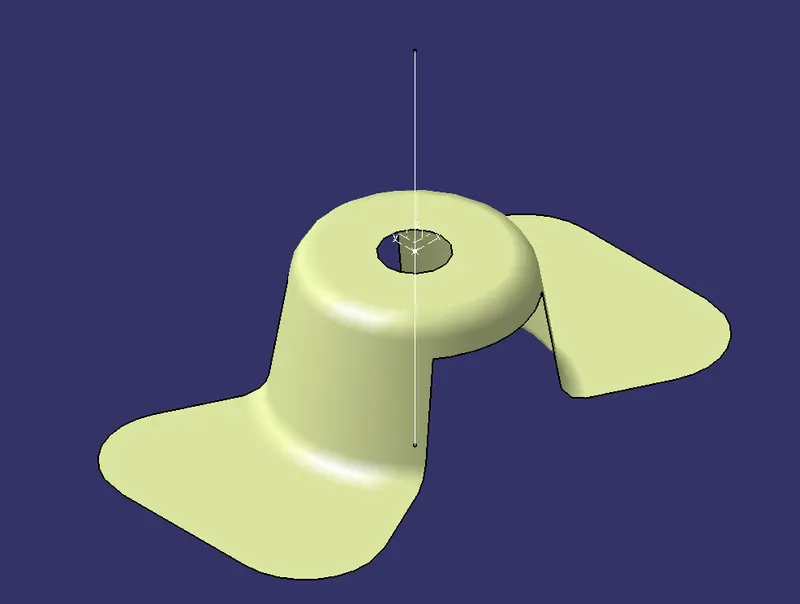
- Take the intersection of the fan cover in zx plane.
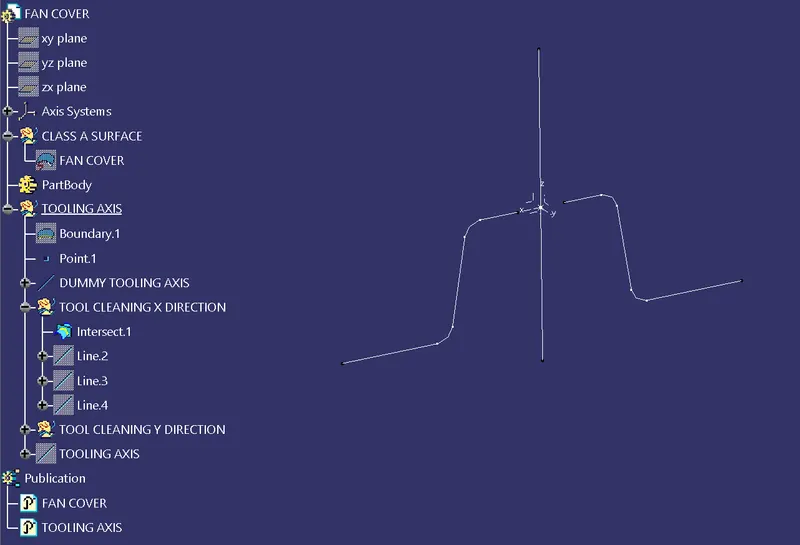
- Then check which all lines will create problems during the tooling. By the intersection, we can find that the 2 angled lines can create problems while tooling. Bisect both the line and the axis will be formed. This axis will be the tooling axis for x-direction.
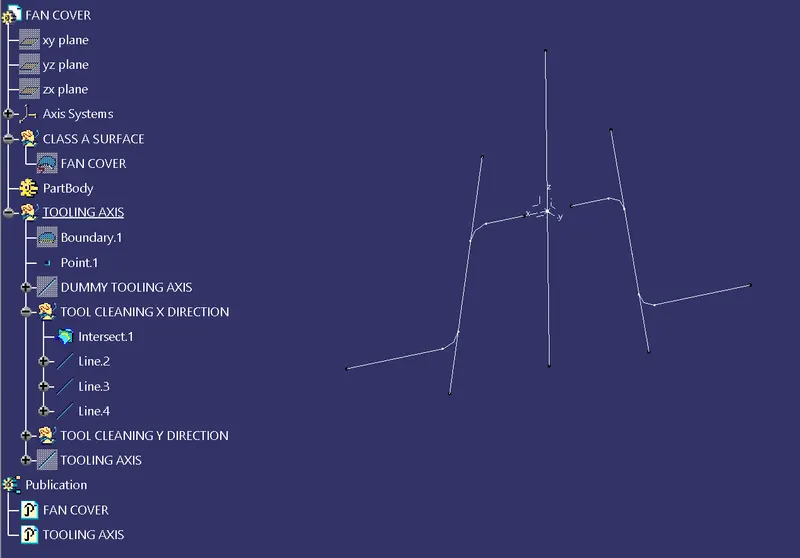
- Then do the same for the Y-direction to specify the tooling axis.
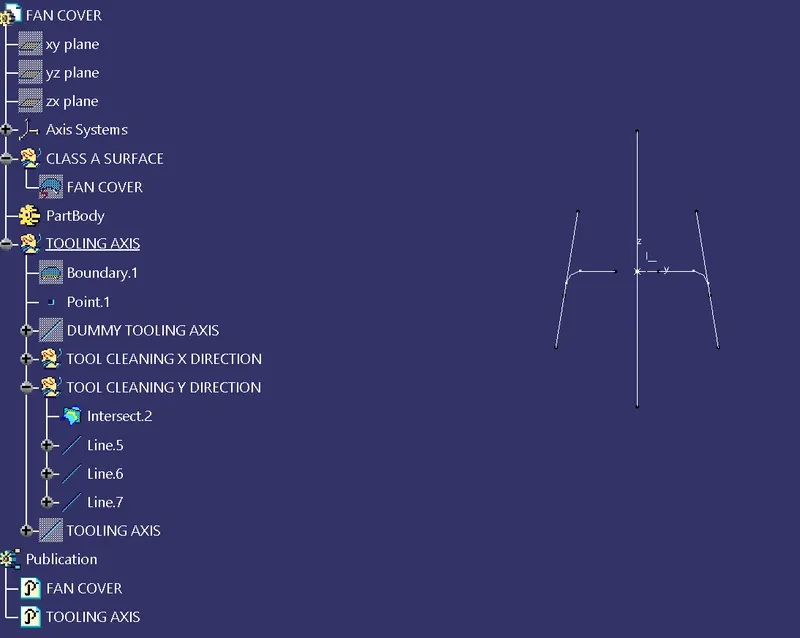
- Then bisect both x-direction and y-direction tooling axis through z-direction to find the final tooling axis for the fan cover. The below image shows the tooling axis for the fan cover.
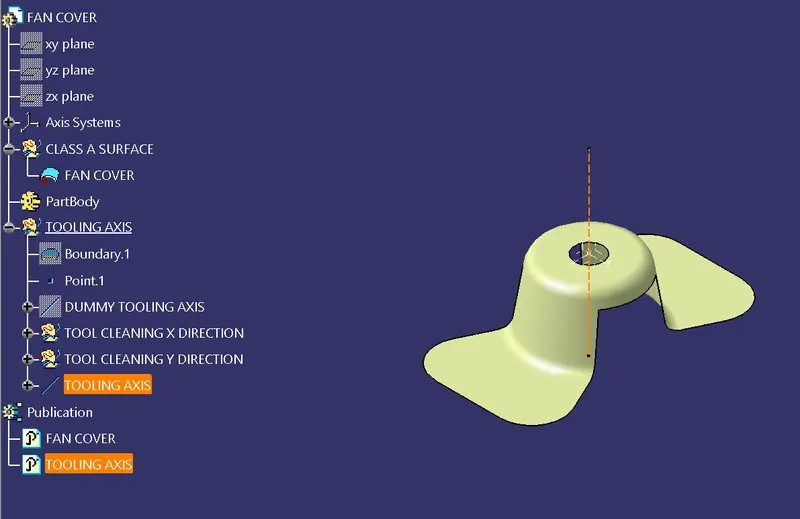
3) Publication:-
- Go to TOOL>PUBLICATION in the tool drop-down menu
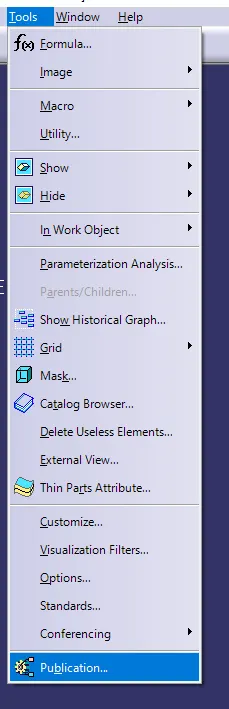
- Select the "FAN COVER" and "TOOLING AXIS" to publish.
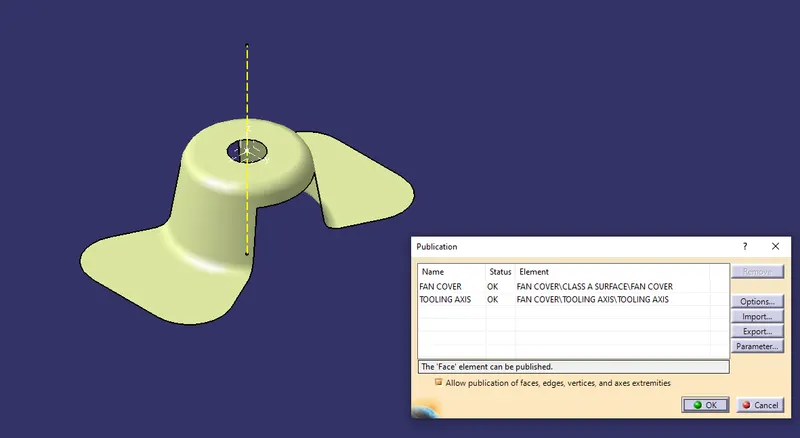
4) Draft analysis:-
- First, select the view mode customization, and in mesh select material.
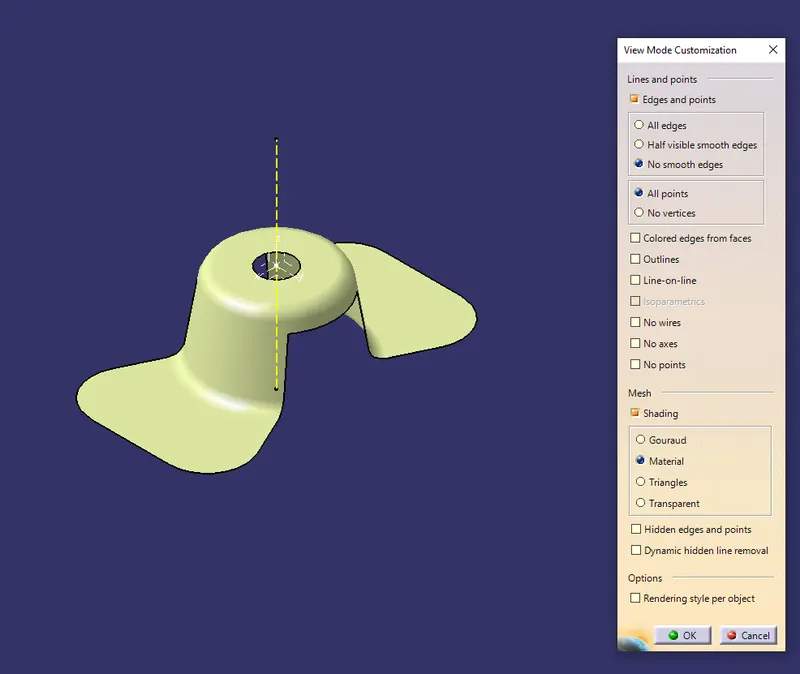
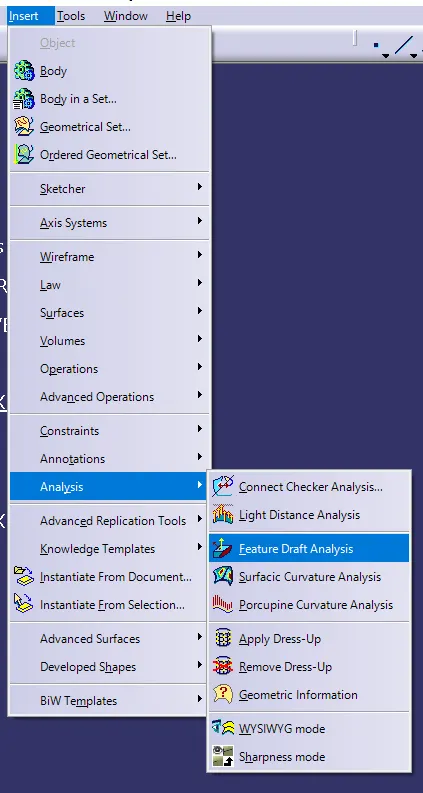
- Then go-to Insert> Analysis>Feature Draft analysis
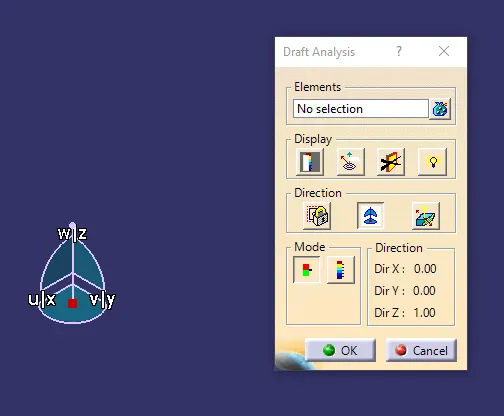
- In Draft Analysis select the compass in direction and zoom out to find the compass.
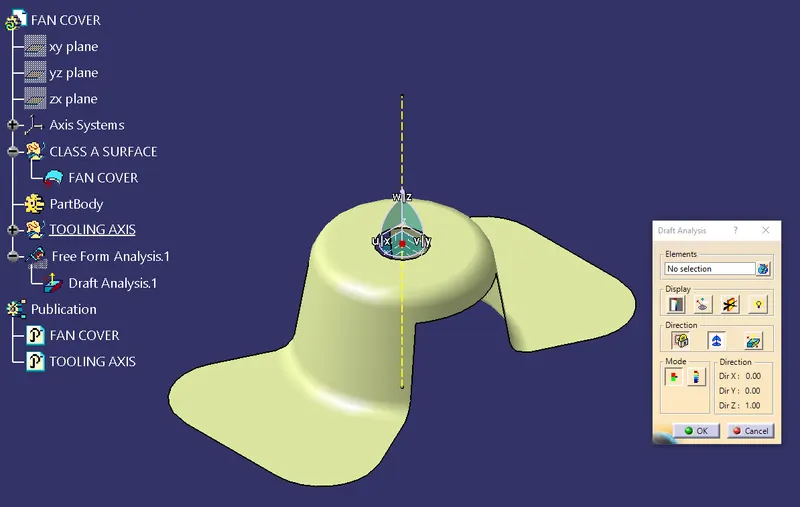
- Then lock the compass in the tooling axis
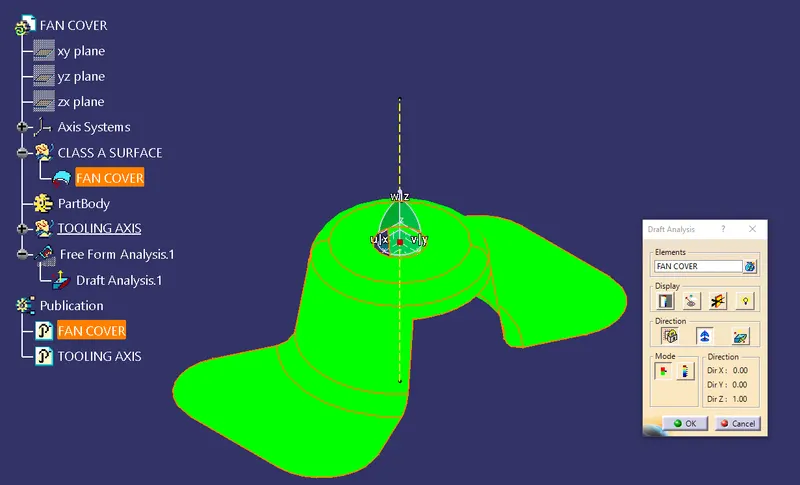
- Then select an element as the fan cover.
- In display select "Show or Hide color scale"
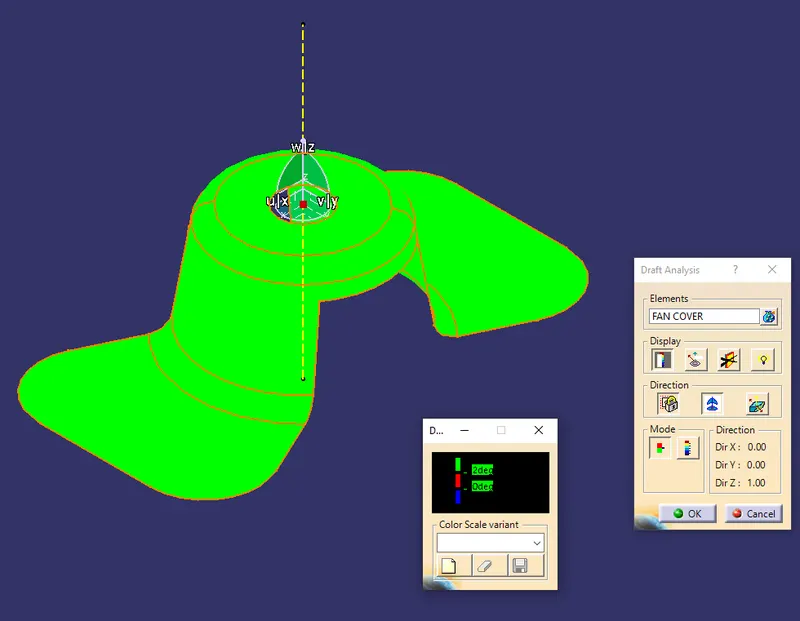
- Double click the number to change it to 3 degrees.
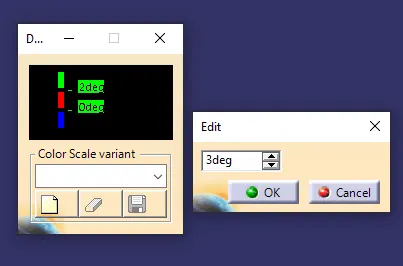
- 3 degrees is the min draft angle to specify.
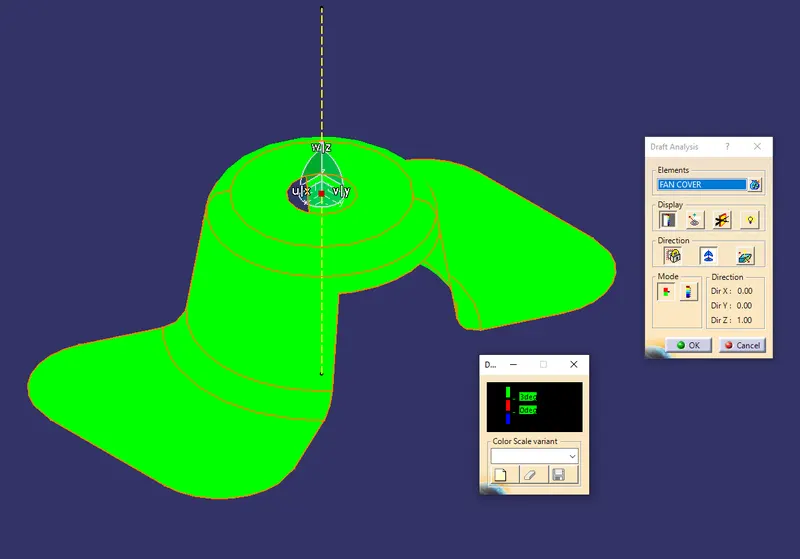
Draft analysis is completed.
5) Various orientation(Isometric, Front, Side, and Top View)