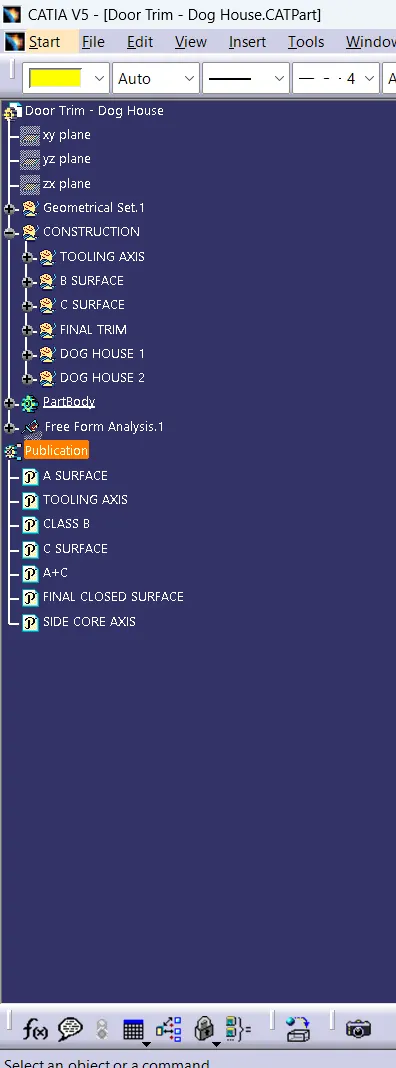
Week 9 - Attachment Feature Creation - Challenge 2
CREATING DOG HOUSE IN DOOR TRIM
AIM
To create the Dog House for the Door Trim considering the design rules mentioned in the video. Consider the thickness of the part to be 2.5 mm.
TOOLING AXIS
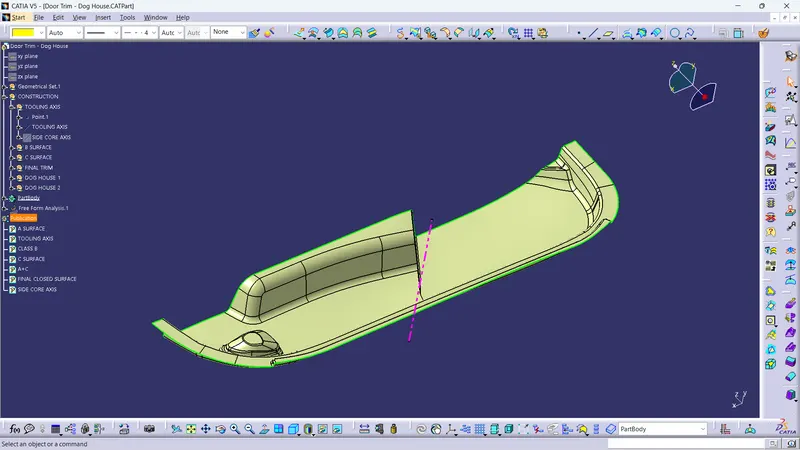
- First we need to identify the axis which is going to work in the core and cavity
- In this component the we can simply create the tooling axis in the y direction
B SURFACE
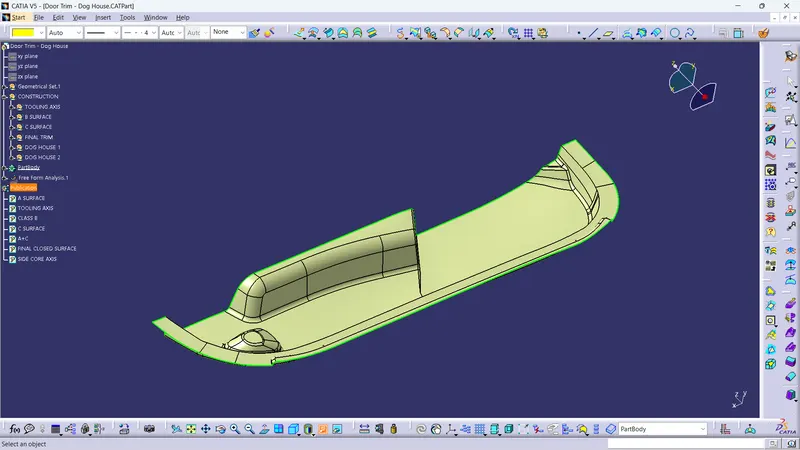
- This surface is offseted from the class a and solving the patches which is created by using jion,extrapolate,trim,extract commands
C SURAFCE
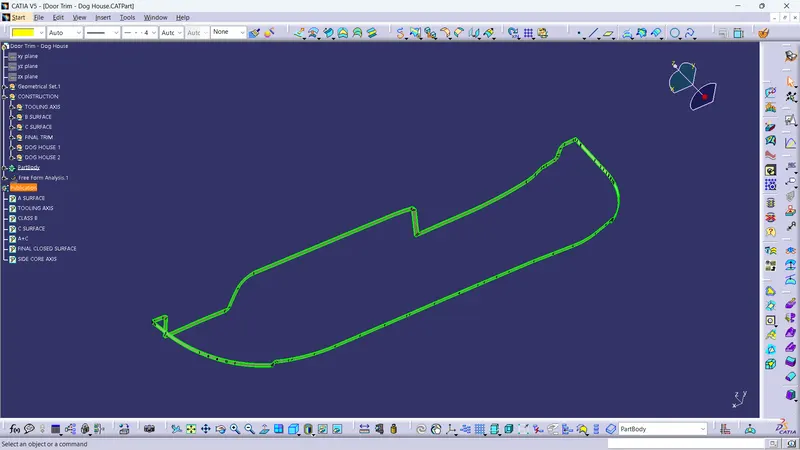
- The c surface is created by using the surface referance and draft direction sweep command
A+C SURFACE
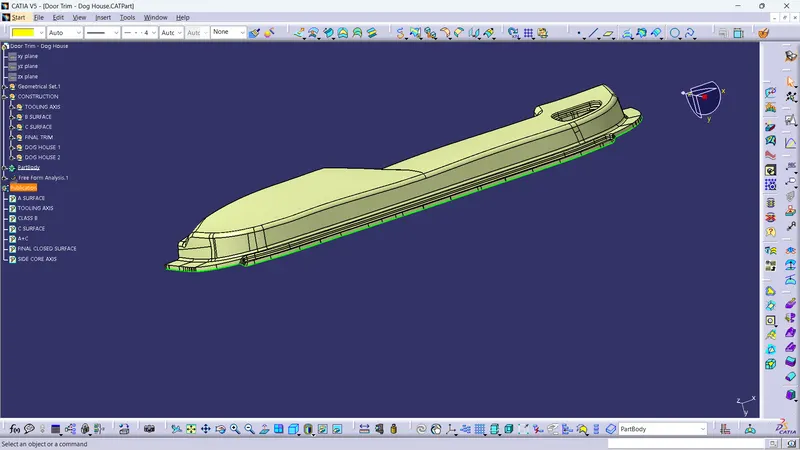
- The A surface and C surface is jioned together using join command
FINAL TRIM
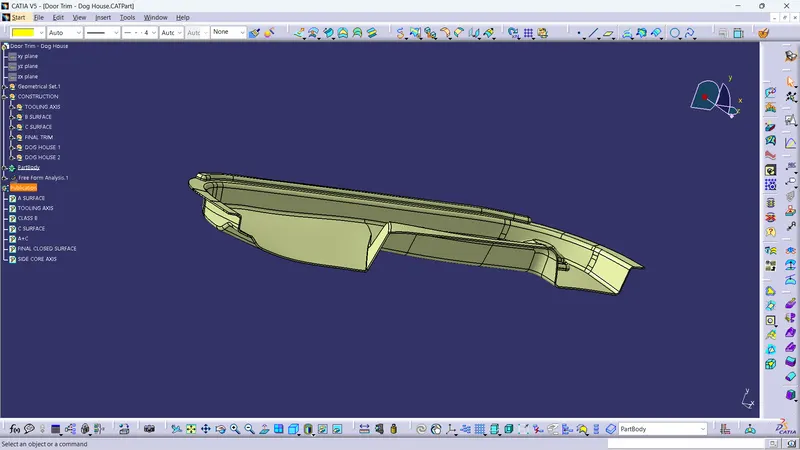
- The a+c and b surface trimed together to get the closed surface
SOLID BODY
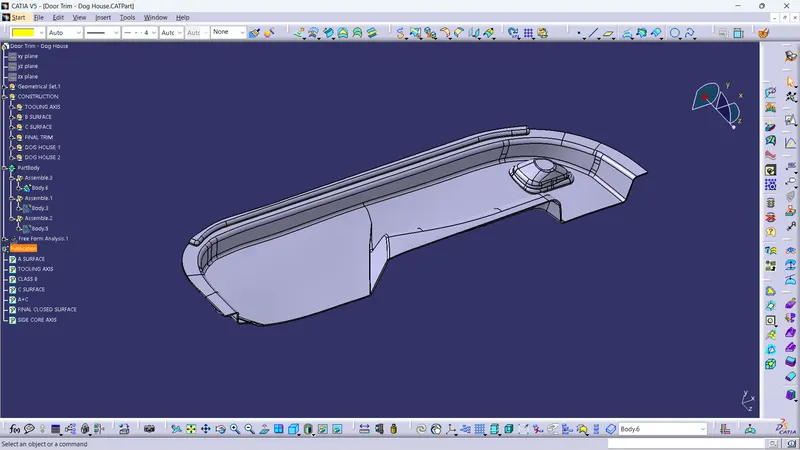
- The solid body is created by using the close surface command
DRAFT ANALYSIS IN SOLID BODY
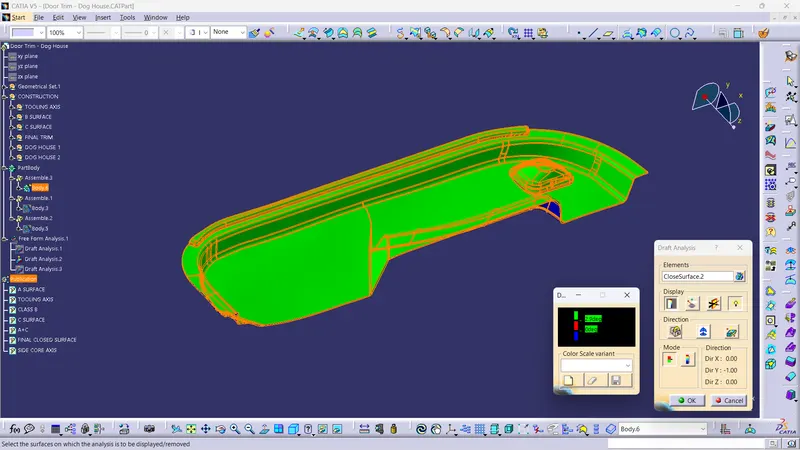
- The solid body will be cleared in 2.9 degree
CREATING DOG HOUSE
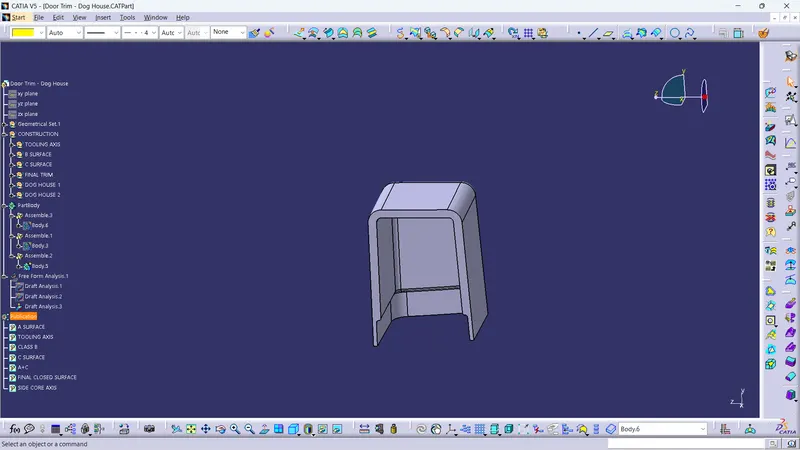
- The dog house is created in the b side
- Then the thicken command is used for getting solid body then it is added to the main body
DRAFT ANALYSIS FO DOG HOUSE OUTSIDE
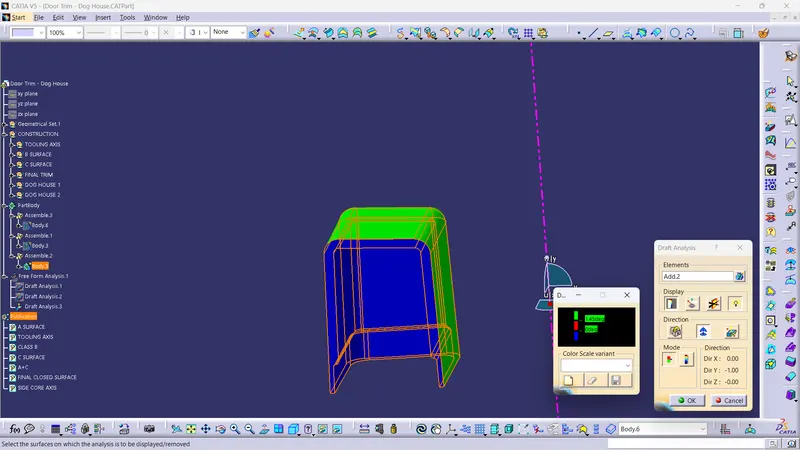
- The draft analysis is done in the outer area of the dog house it will be cleared in 1.45 degree
DRAFT ANALYSIS IN DOGE HOUSE INSIDE
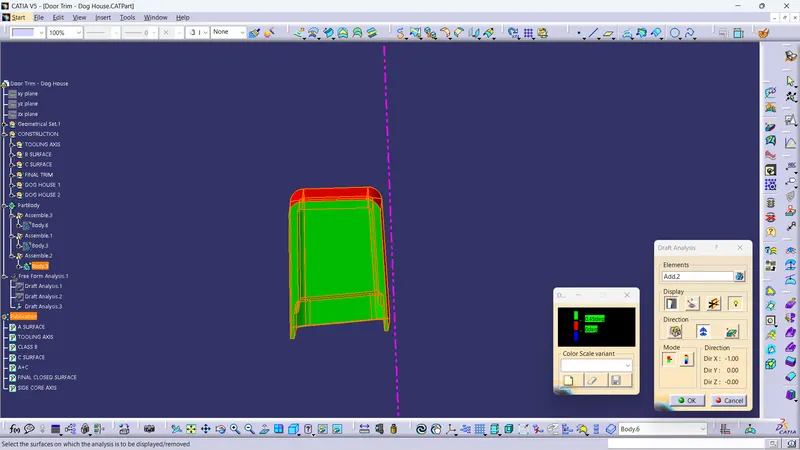
- To check the draft analysis in the inside we need side core axis
- The side core axis is created in the x direction
- In this inside dog house will be cleared in 0.45 degree
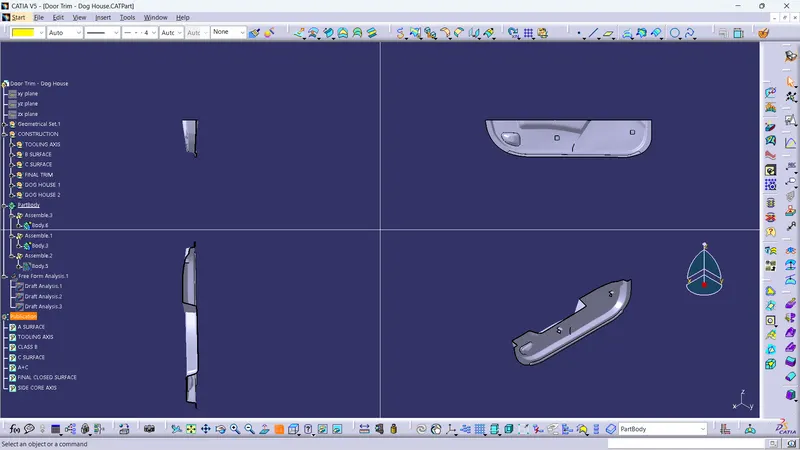
TREE STRUCTURE