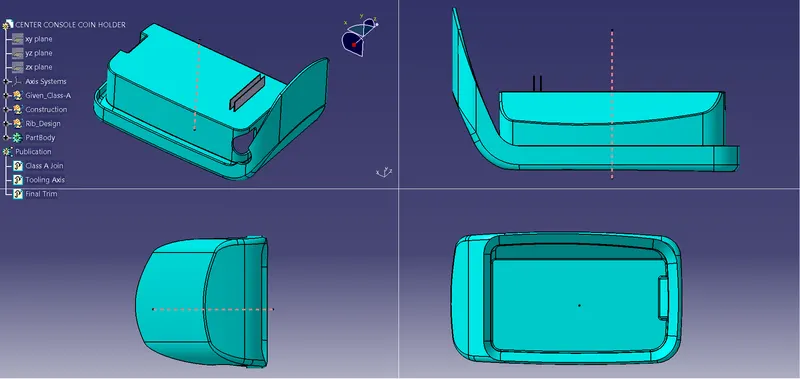
Week 9 - Attachment Feature Creation - Challenge 1
Constructing the tooling axis line:
- Extract the base of the part.
- Take intersections of the class A along the xy and yz plane.
- Next using the intersections, construct two lines along the side walls and use bisecting line command with respect to the two lines constructed along the side walls. This way you will be able to achieve the tooling line 1.
- Again using the next intersections, construct two lines along the side walls and use bisecting line command with respect to the two lines constructed along the side walls. This way you will be able to achieve the tooling line 2.
- Finally using line 1 and 2 use the bisecting line command to get the proper tooling axis line.
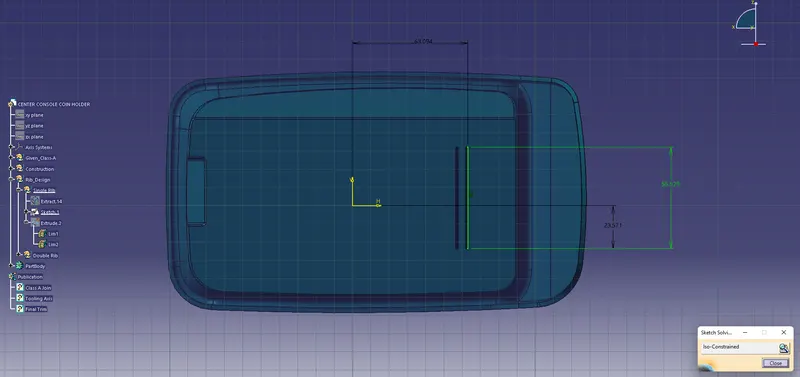
Rib design:
- Construct the sketch.
- Extrude the sketch using generative shape design workbench.
- Next go to part design workbench and select the thick surface command and thicken the extruded surface.
- Next using draft command.
- Select constant draft type and give an angle input of 0.5 degree.
- Select the faces to draft ( side walls of rib).
- Select neutral element as base of rib or base of coin holder.
- Select pulling direction as the tooling axis.
Hence you will get a proper draft for the profile.
- Finally give an edge fillet of 0.25 for the rib.
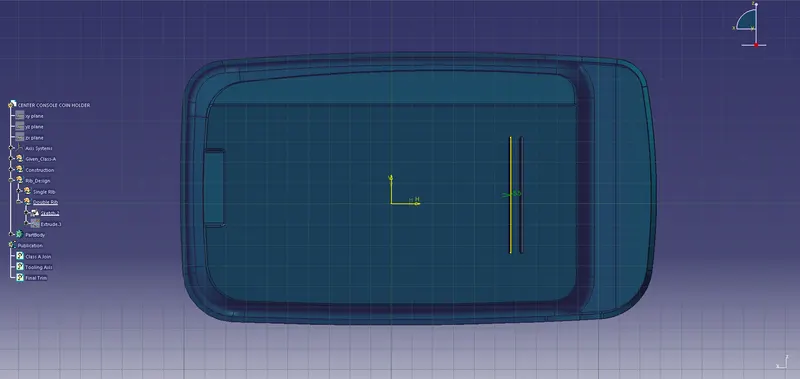
- Follow the same procedure for the second rib as well.
Different views: