Week 9 - Attachment Feature Creation - Challenge 1
DRAWING
CLOSED SURFACE
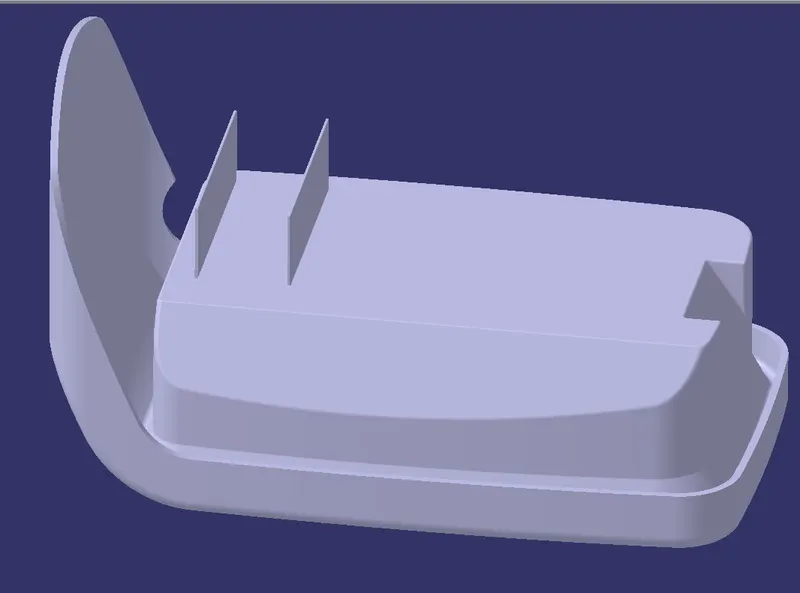
INTERFACE
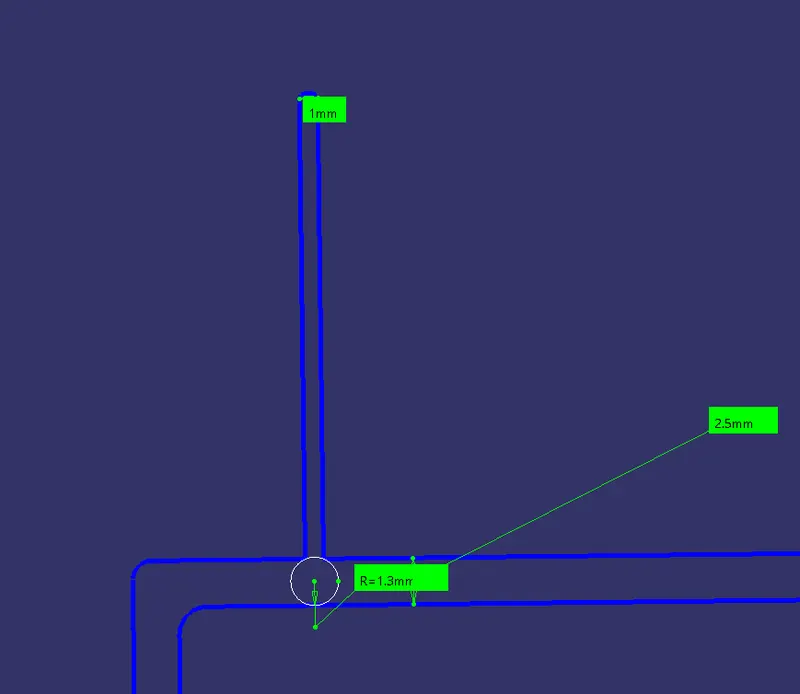
CLOSED SURFACE
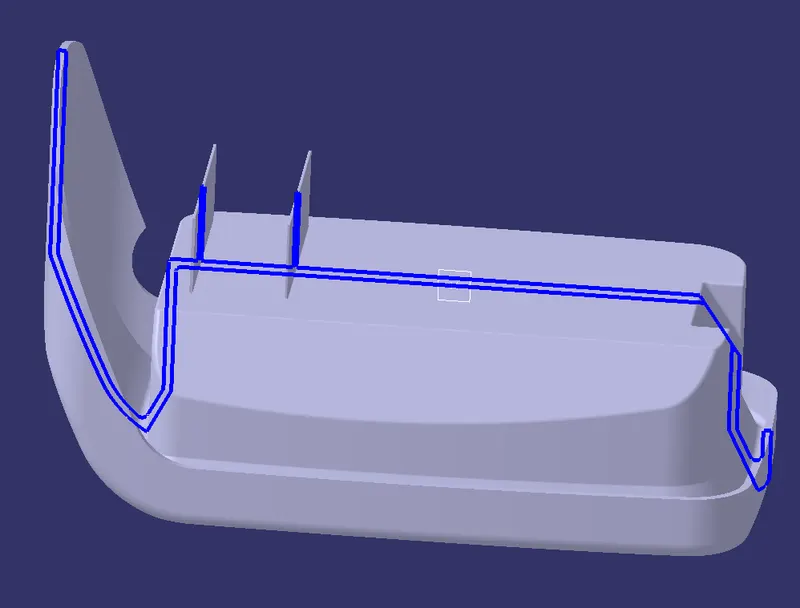
TYPES OF ORIENTATION
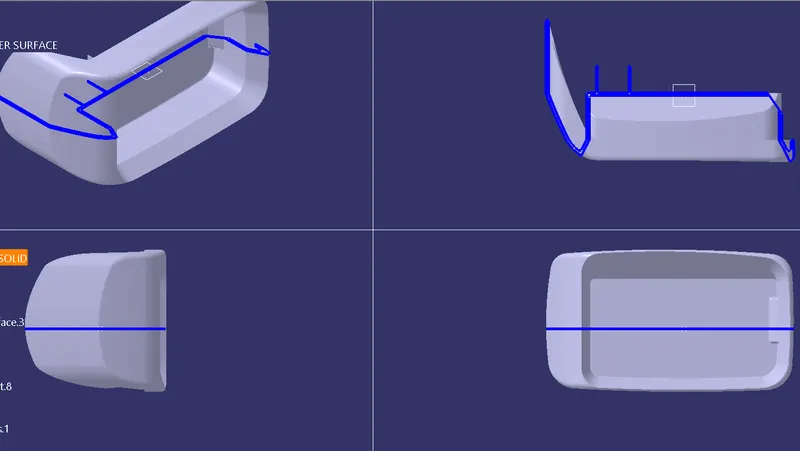
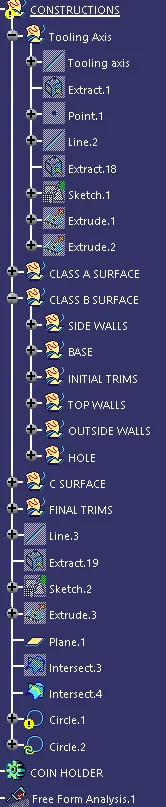
TREE STRUCTURE
REPORT
TOOLING AXIS :To create a tooling axis we select the face of the component and then we should create a point on the selected surface and then select the interface and select the component and axis and a interface is formed and then select two points line and then draw two lines and bisect each other lines and then we bisect each other and a new line is formed which is known as "TOOLING AXIS".
DRAFT ANALYSIS:
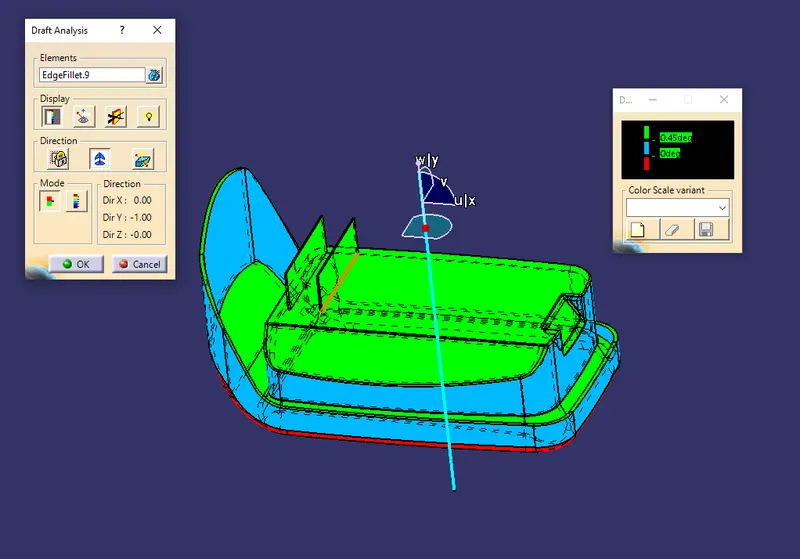
As we can see in the above part the component can be drafted along the tooling axis we select the direction and then we should lock the direction with the axis system along the tooling axis then angle should be adjusted accordingly as 0.45 degrees for the draft to happen