Week 9 - Attachment Feature Creation - Challenge 1
REPORT:
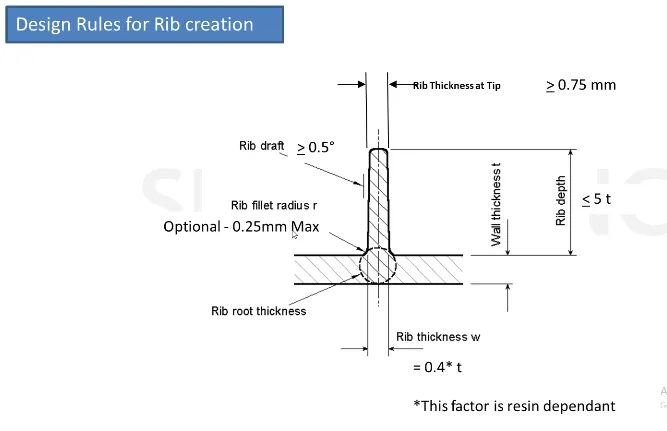
- Design rules to be followed for creation of Ribs
- Extract the base surface or the surface on which the ribs are to be generated
- Create a point at centre and also a line normal to the face
- Use positioned sketch and sketch a line profile for the rib
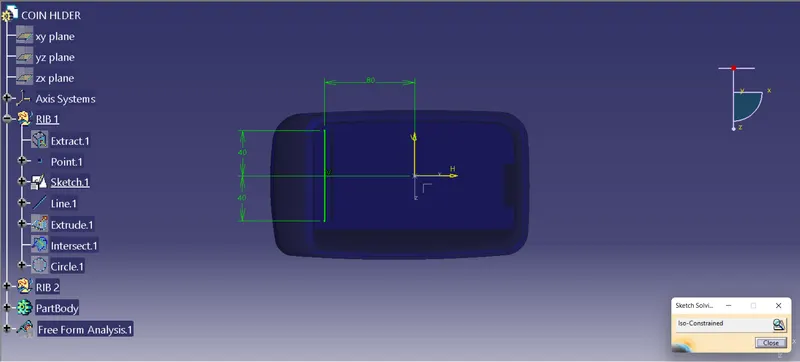
- According to the design rule the height of rib should be 5t, So extrude the sketch with 5×2.5=12.5mm length
- The thickness for rib is calculated as 0.4t, So insert a new body and thicken the extrude by 0.4×2.5=1 mm
- Then provide 0.5° draft on the rib faces accorging to the design rules
- Provide the rib fillet radius as 0.25mm which is the maximum
- Check the rib thickness at tip the minimum value allowed is 0.75mm
- To check the rib root thickness take the intersect of the body with respect to the XY plane and create a tritangent circle touching the base and the filleted rib portion and measure the values
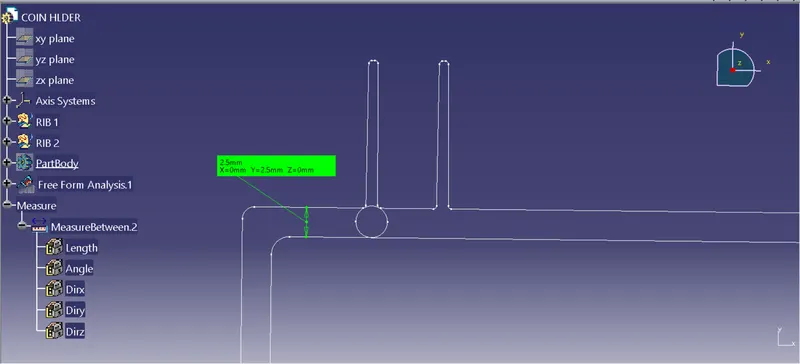
- Similarly create another rib at an offset distance of 6mm as 3:1 ratio is to be maintained
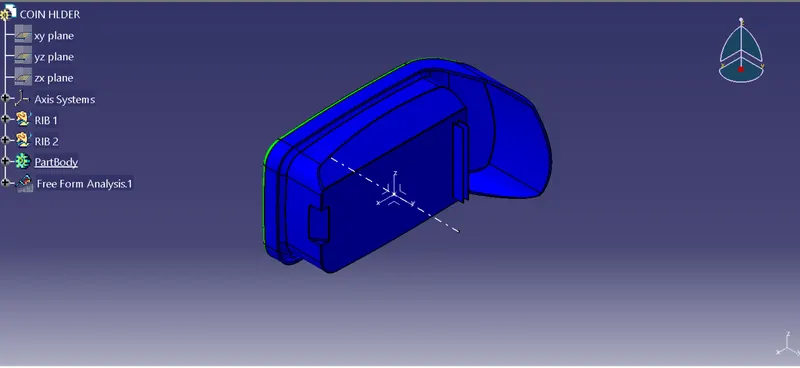
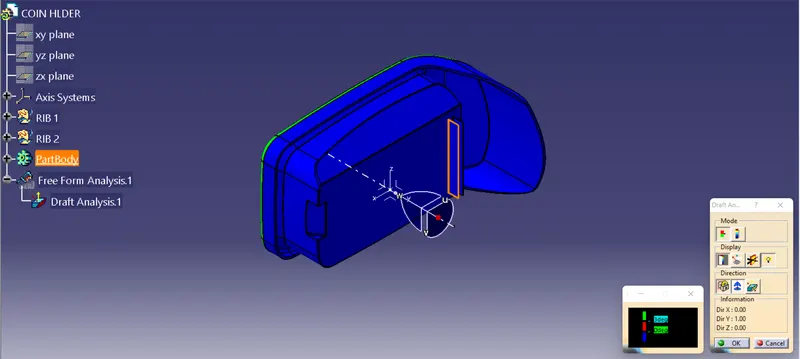
- For the draft analysis go to Insert-Analysis-Feature Draft Analysis and make sure the view mode is on material
- Inline the compass with the Tooling Axis and lock then click on the Coin Holder solid part we will get the draft analysis the minimum draft required is of 3 degrees
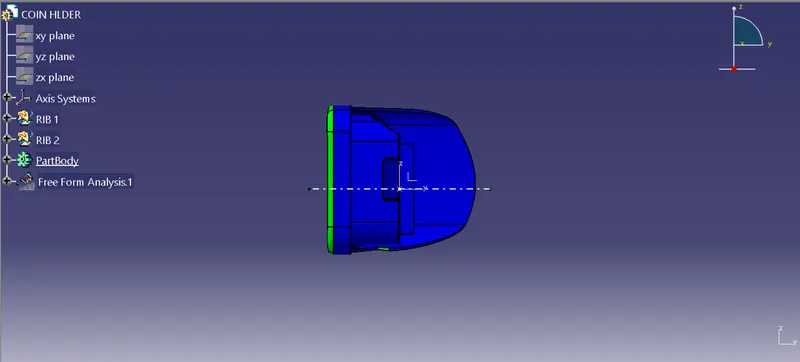
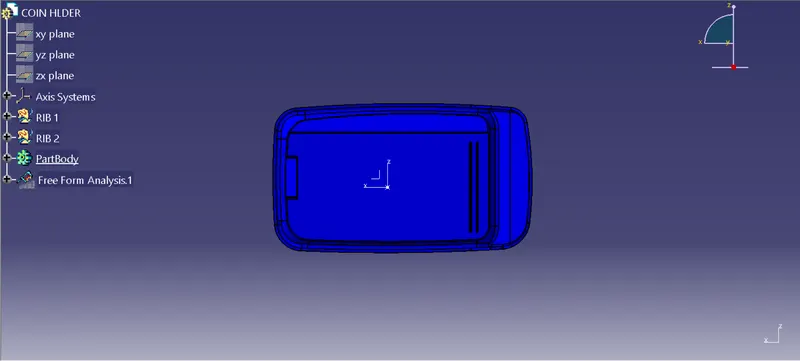
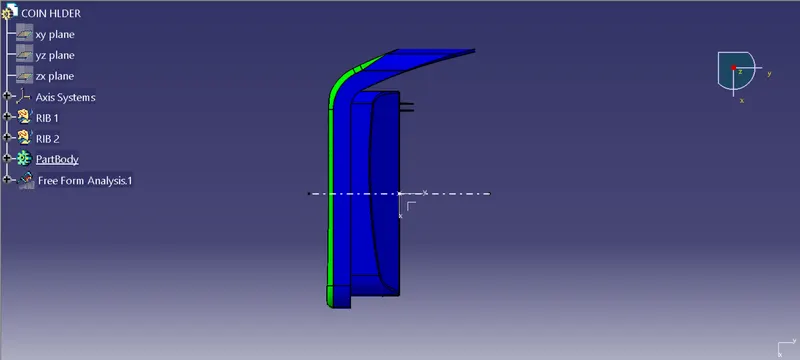
- When we click on the Coin Holder solid part it will turn green that means the required draft angle is maintained
- We can change the value of draft angle from the colour scale table and the model will change the colour accordingly
- We can also analyse the draft at a particular point on the body by moving the mouse cursor on the surface
- Draft analysis report:
Screenshots of the completed design in various orientations (Isometric, Front, Side, and Top View):