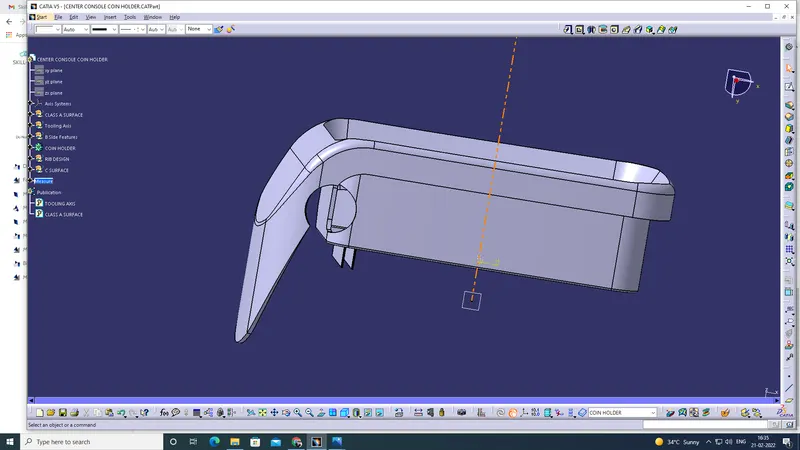
Week 9 - Attachment Feature Creation - Challenge 1
Explanation:
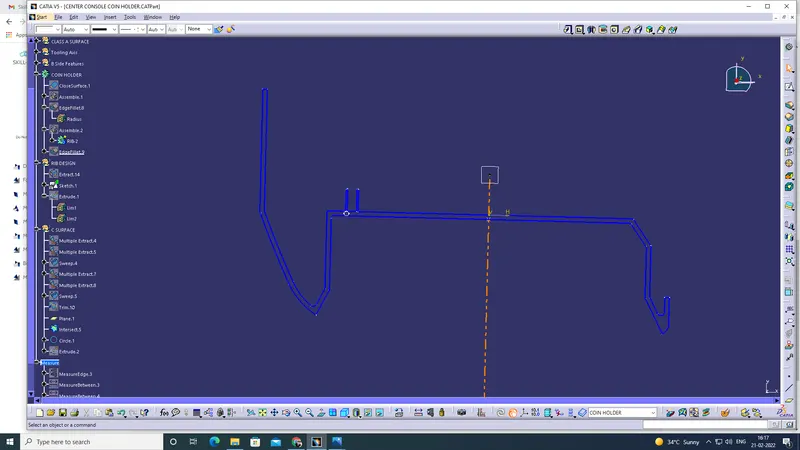
1. First take the b side feature and ready to create a rib.
2. So extract the base
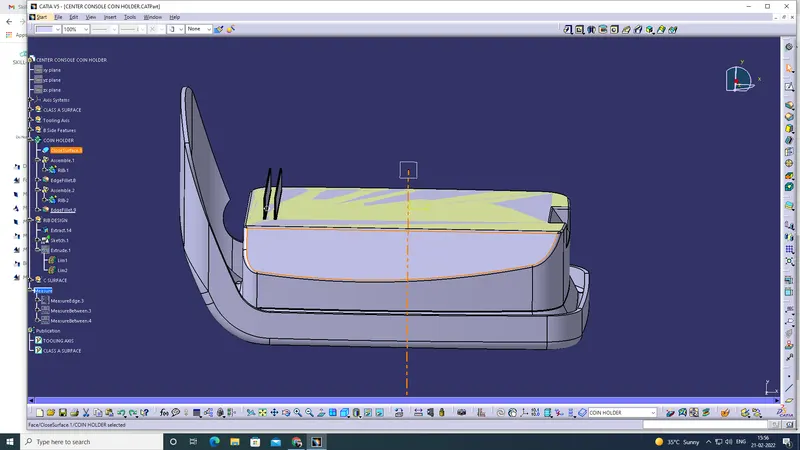
3. Then draw the line in left side and constrained using dimension.
Rib sketches ensured all in iso contrained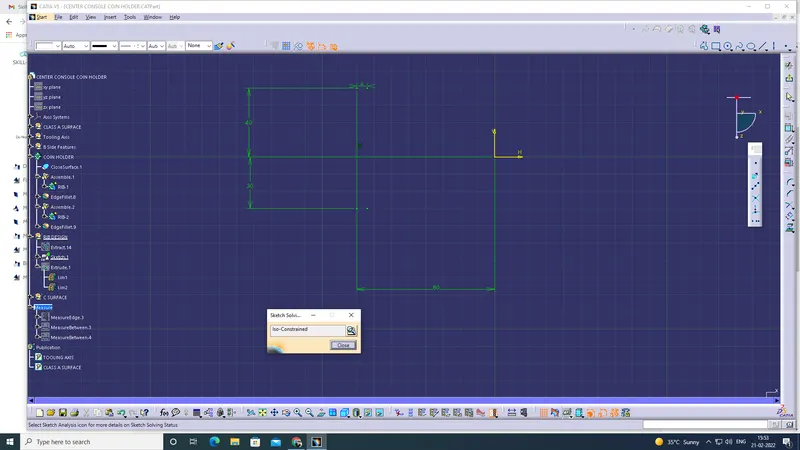
4. Then using extrude tool and increase the height as per the standard. (12.5mm)
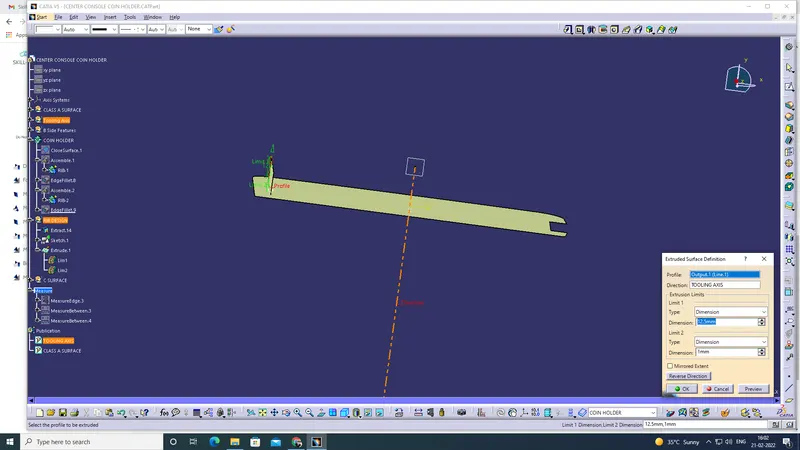
5. Then put the thickness as per the standard 0.4*t (0.4*2.5) = 1 mm.
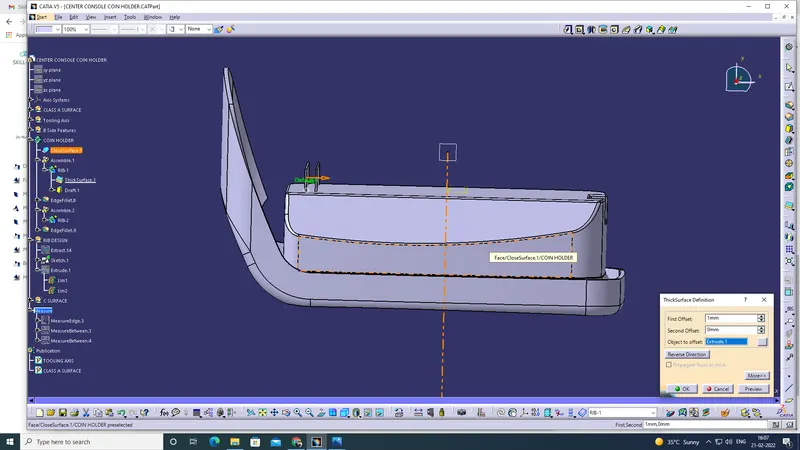
6. Then put the draft as per the design standard (0.5 degree per side minimum).
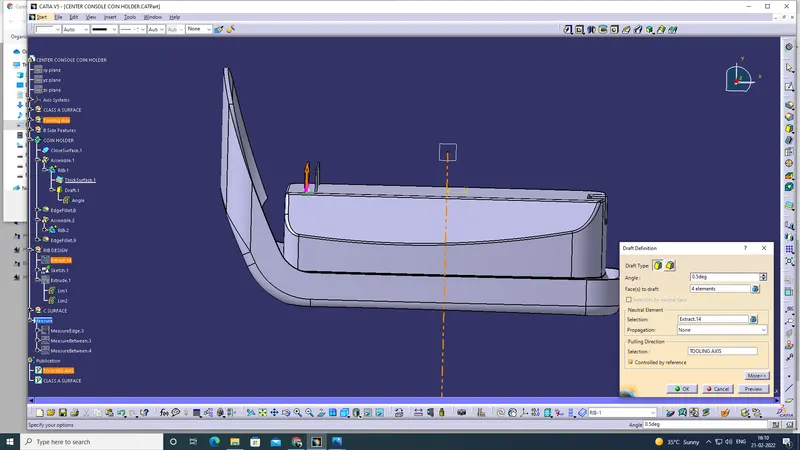
7. Then convert into part body (via- create a body and named Rib- 1) then assembled into coin holder.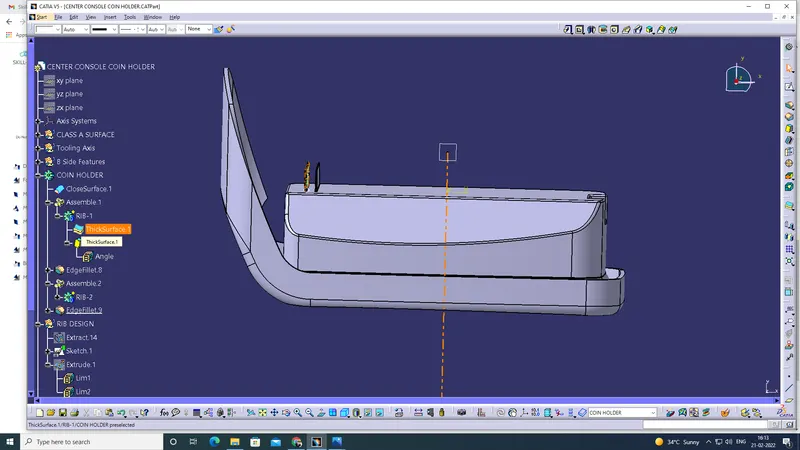
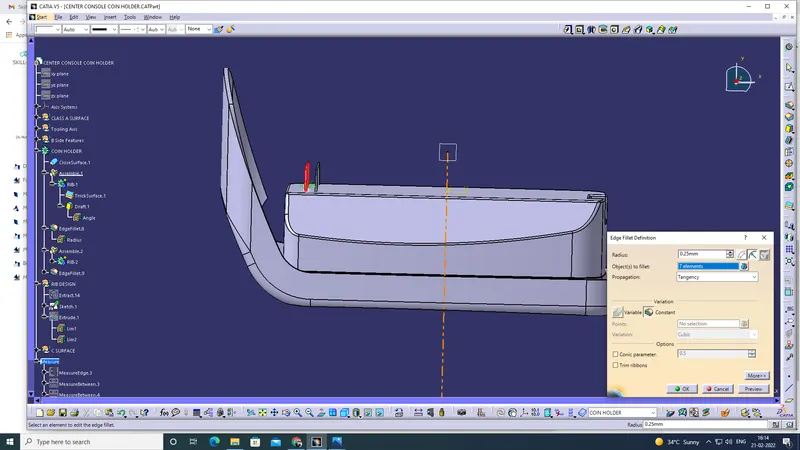
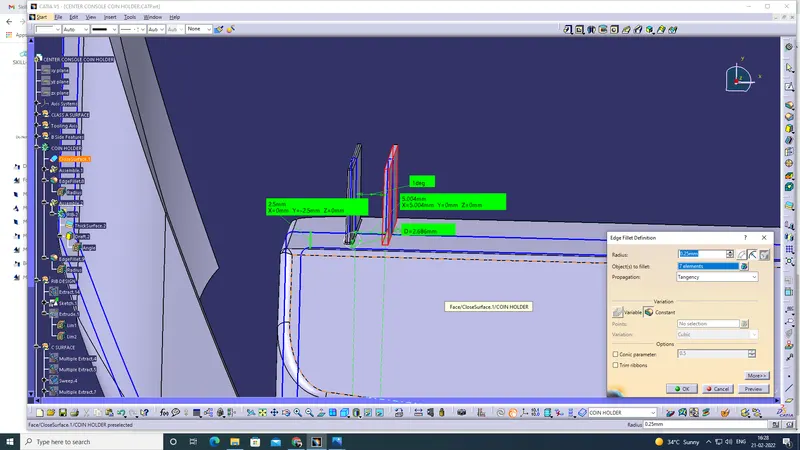
8. Then put the fillet (as per the design rules optional 0.25mm maximum)
9. Then changed in generative shape design, then put the intersection and cross verified the design rules dimensions.
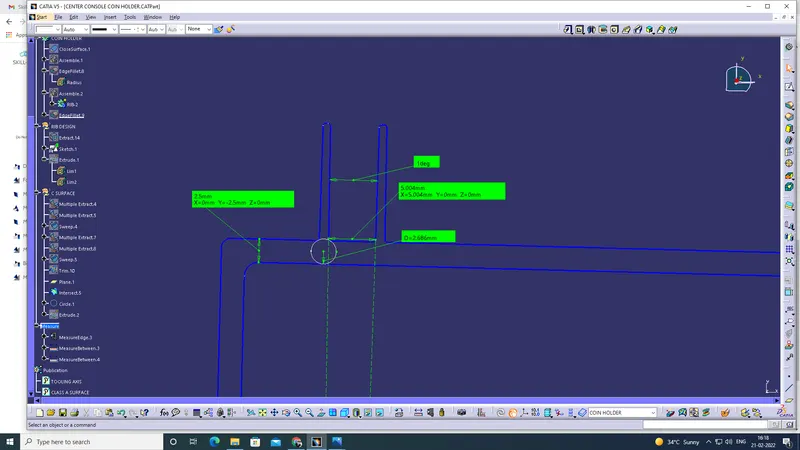
10. After complete the Rib1 then create the Rib 2
11. Gape between two ribs (3:1)
y/x<3
Calculation:
Height = 12.5
space between ribs = x
Ratio = 3
12.5/x = 3
x= 12.5/3
x= 4.166 (so we can 5mm)
12. Using the same sketch using offset tool gape between 5 ( but we observed the 4mm in intersection view so we added +1) now its 6mm
13. Remaining as the same procedure in Rib1 in Rib2 (thickness, draft, fillet)
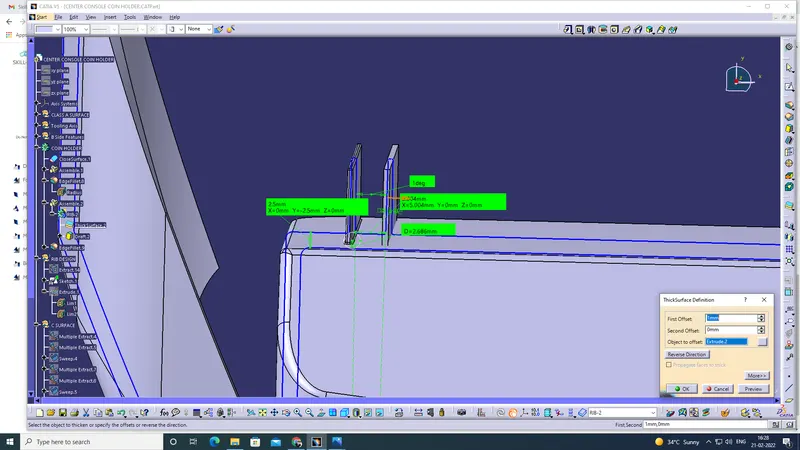
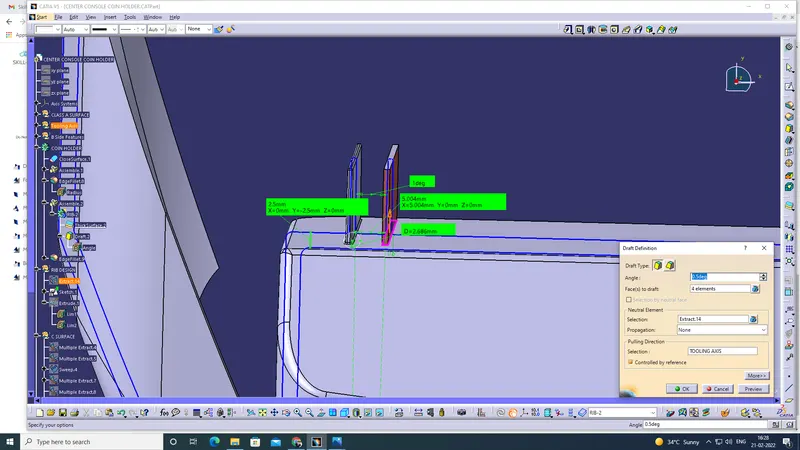
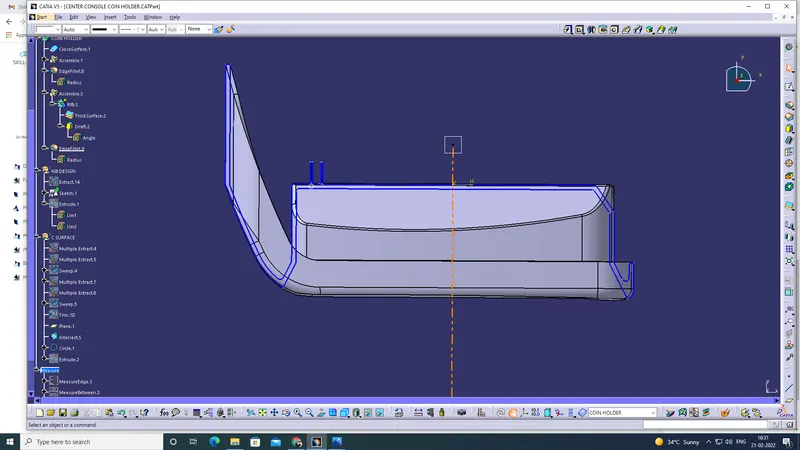
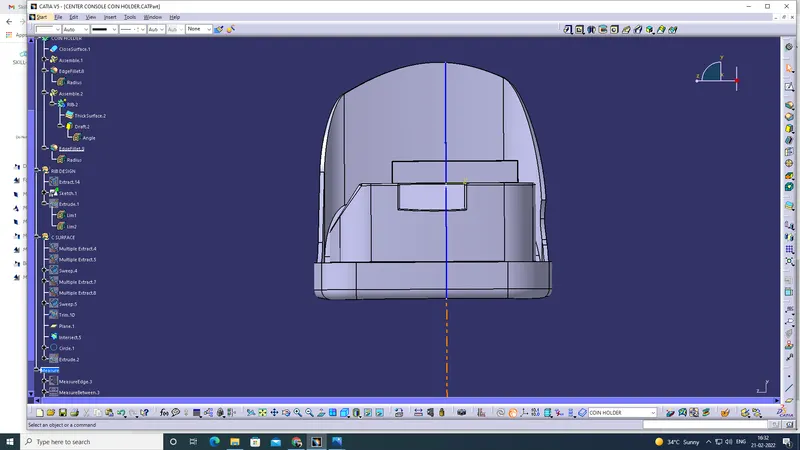
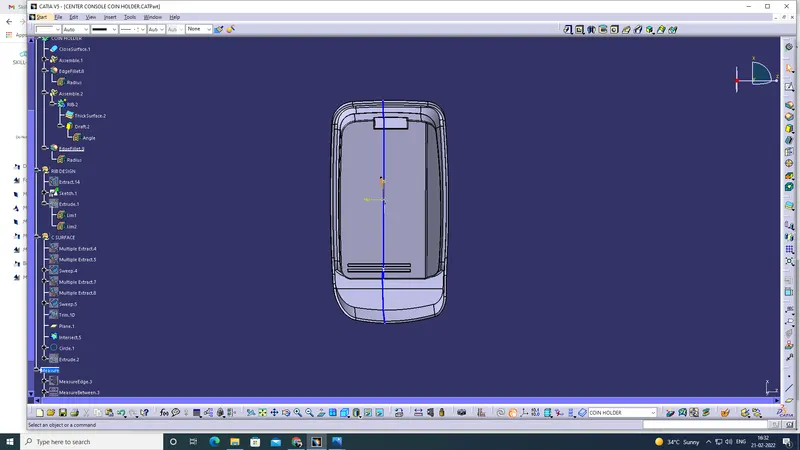
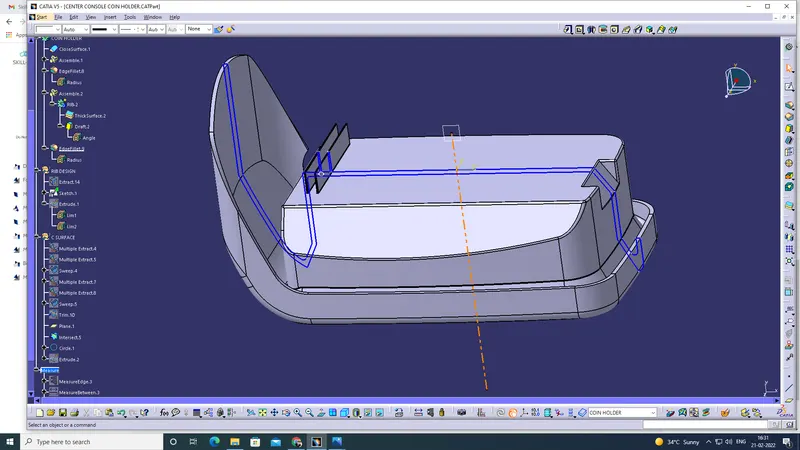
14. Front, side, top and isometric view.