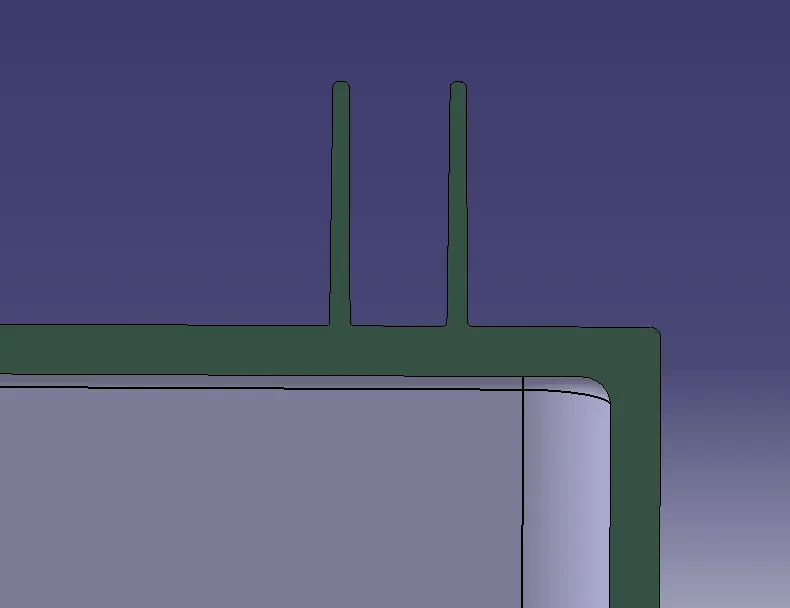
Week 9 - Attachment Feature Creation - Challenge 1
AIM:-To create the rib for the Centre console coin holder considering the design rules.
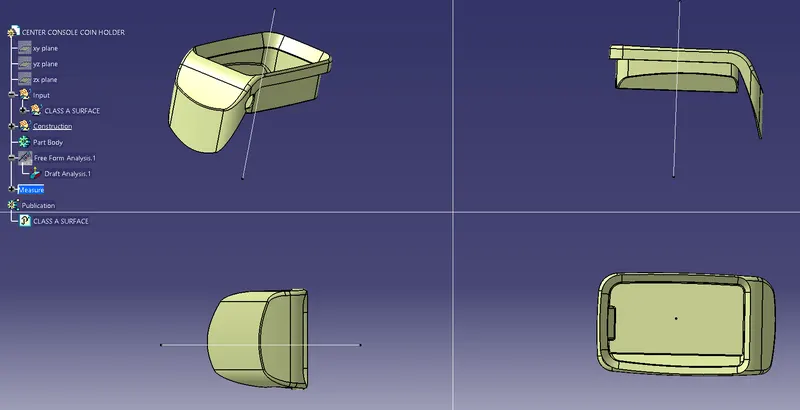
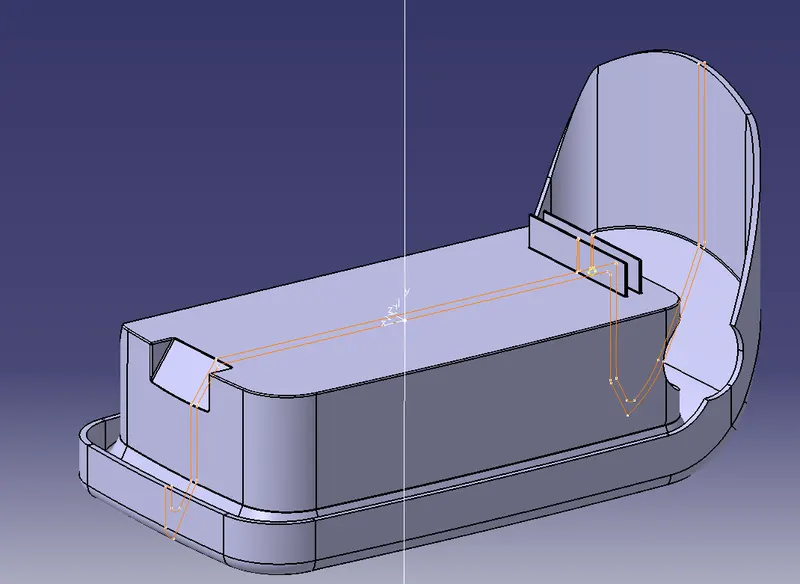
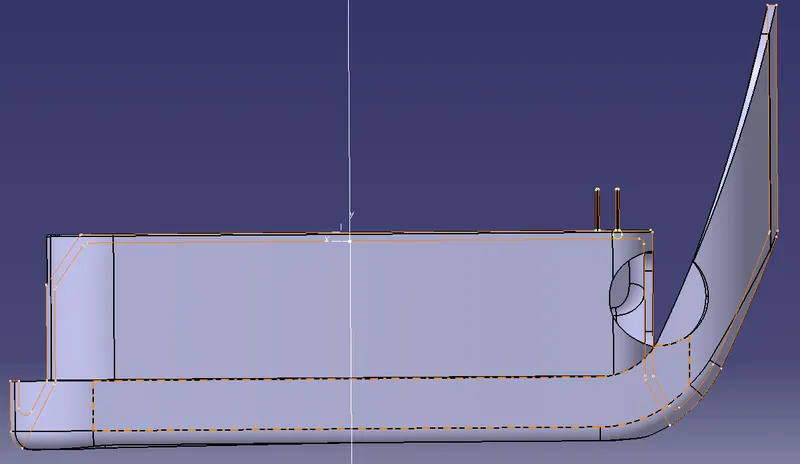
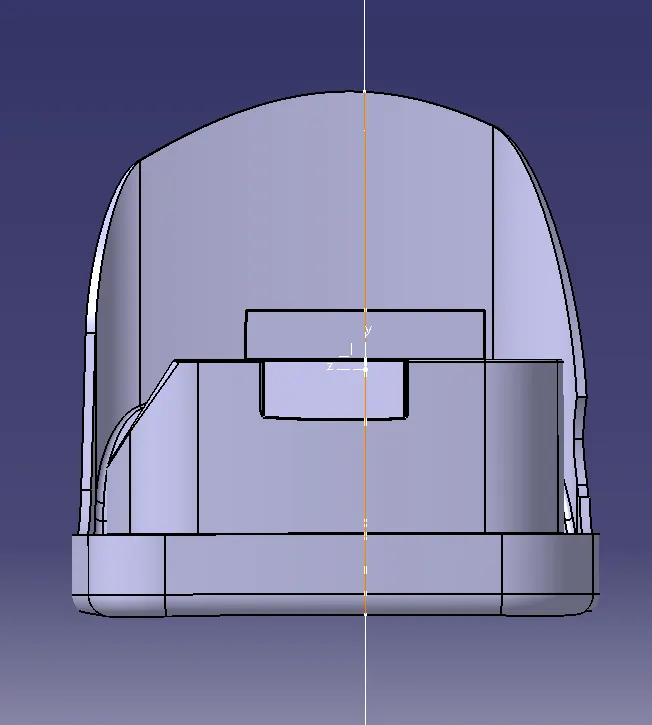
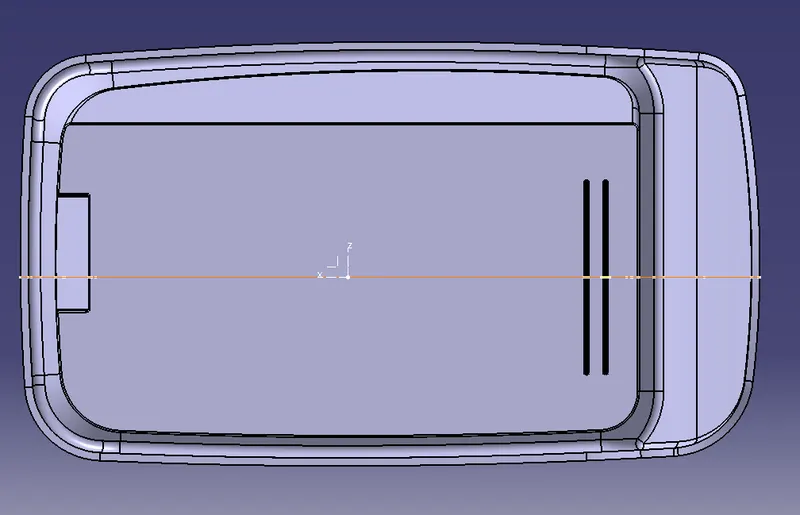
Bellow is the images of different views of the Center console coin holder.
Design rules to create ribs
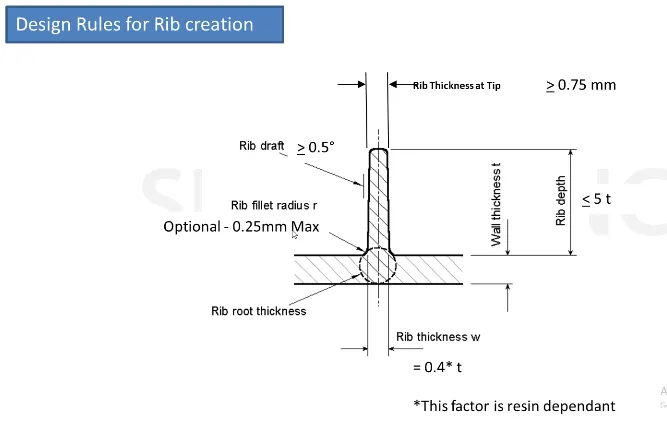
The distance between the 2 ribs should be 2 times the thickness (2t)
The rib thickness (w) should be 0.4 times the thickness (0.4t)
The minimum thickness at the rib tip should be 0.75
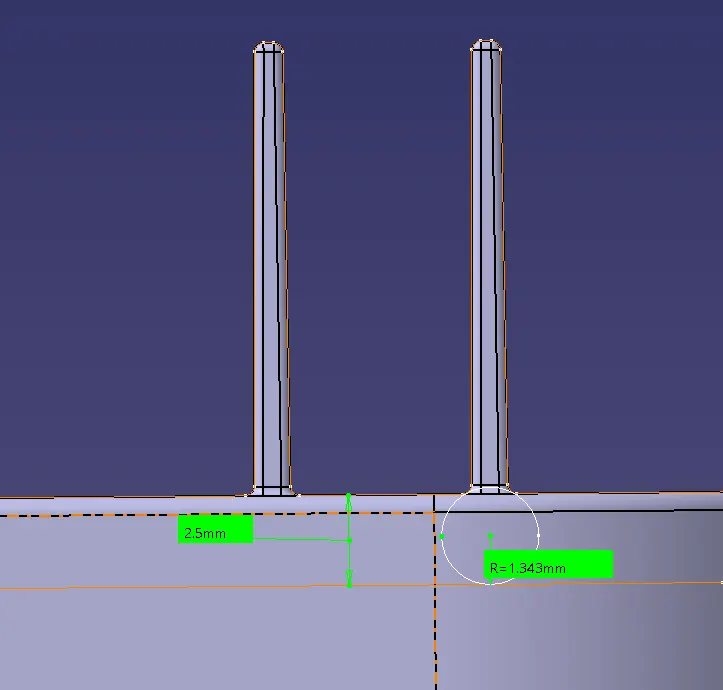
Construction procedure of Ribs:-
- First sketch for the ribs length
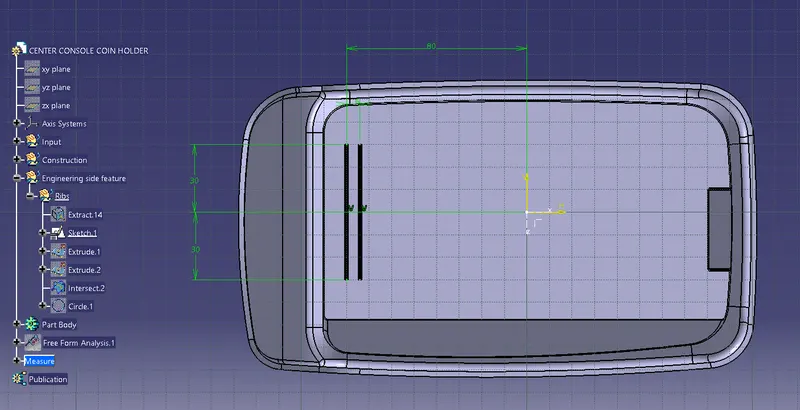
- Then extrude both the ribs at a length of 12.5mm.
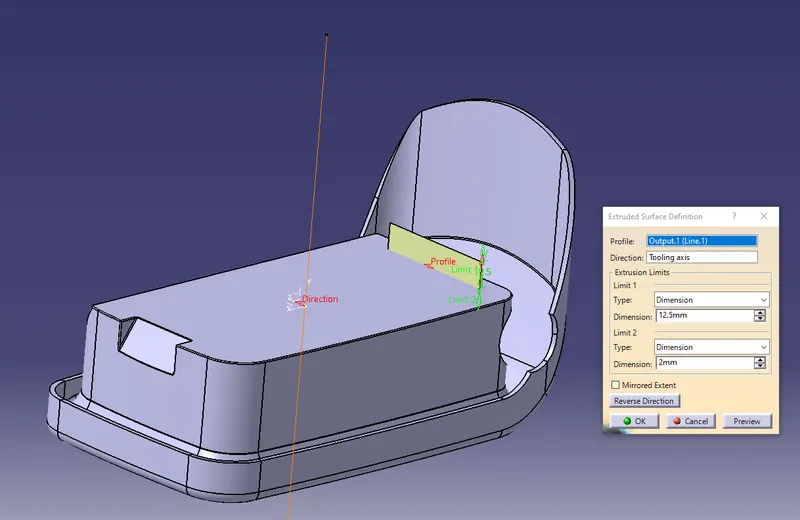
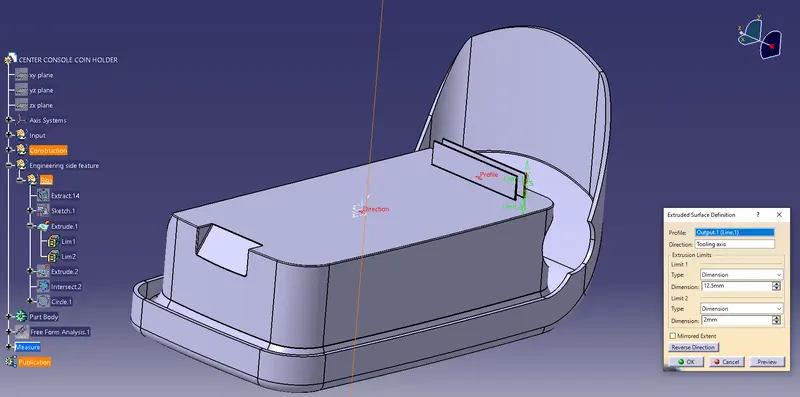
- The thickness of the rib should be 0.4 times the thickness of the component (0.4t)
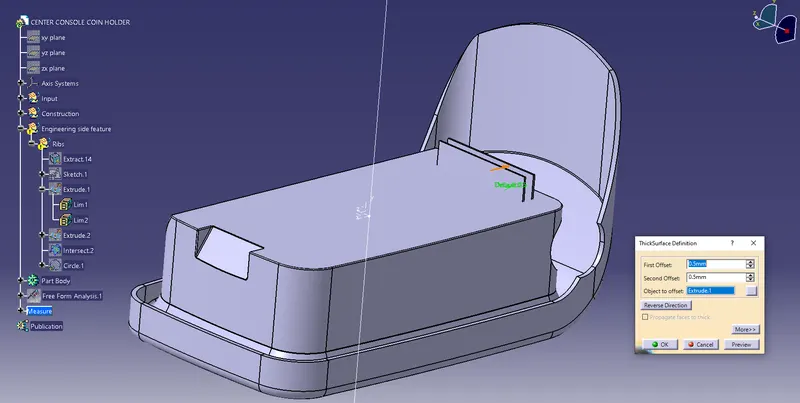
- Then give the draft angle 0.5 degrees and give the pooling direction as tooling axis.
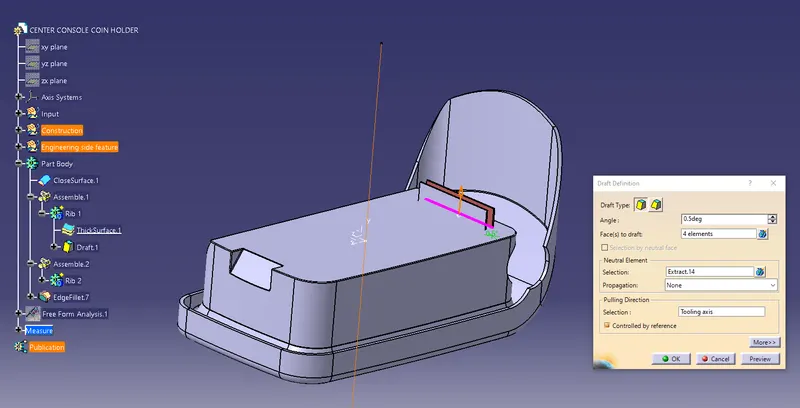
- Finally, give all the fillet value to the ribs.
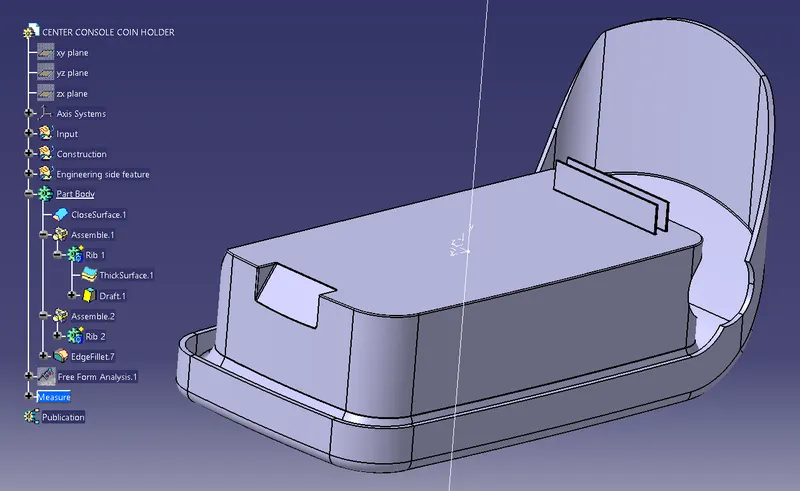
- Then create the insertion between the XY plane.
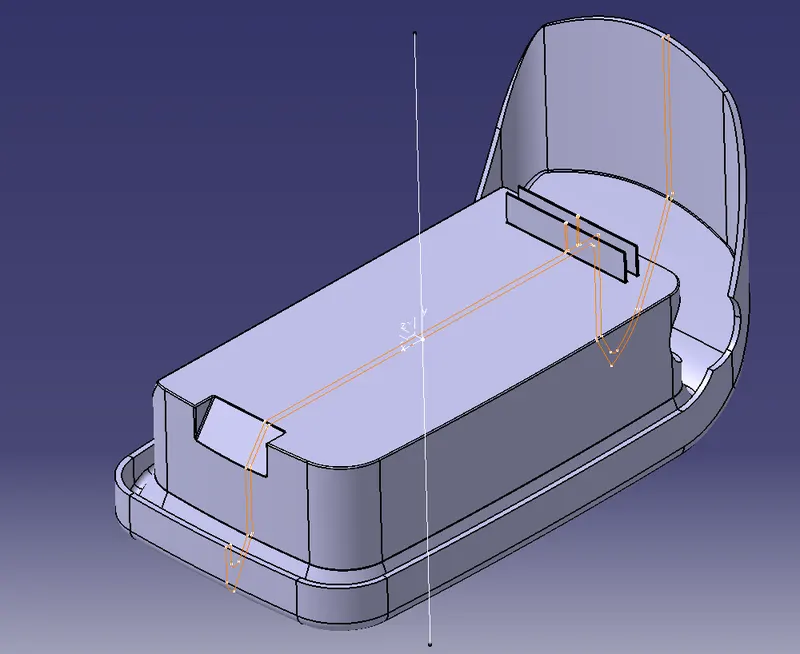
- Then check all the measurements according to the design rule.
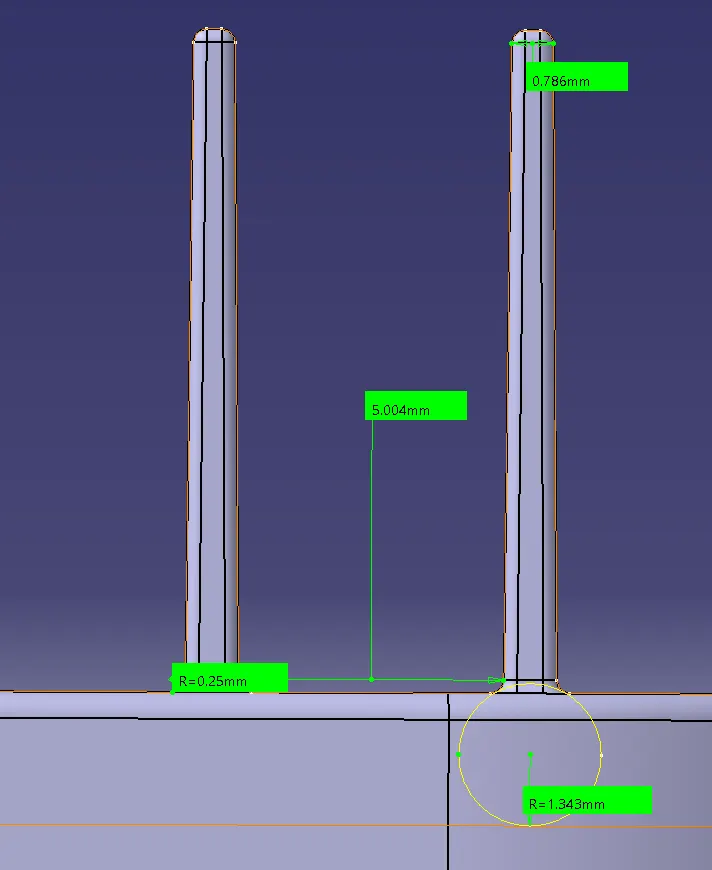
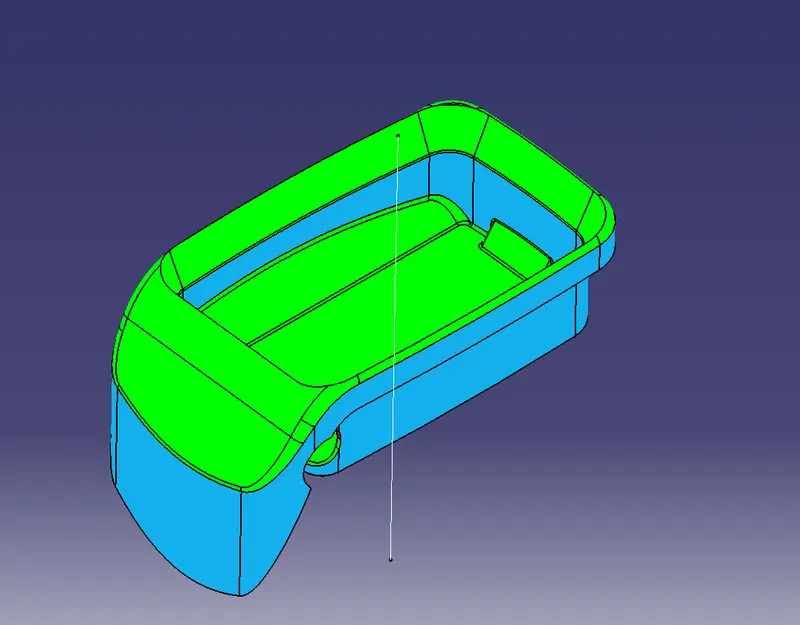
DRAFT ANALYSIS
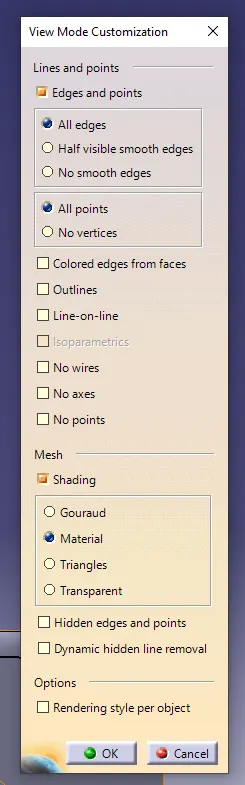
- First, change the view mode to material mode in the mesh.
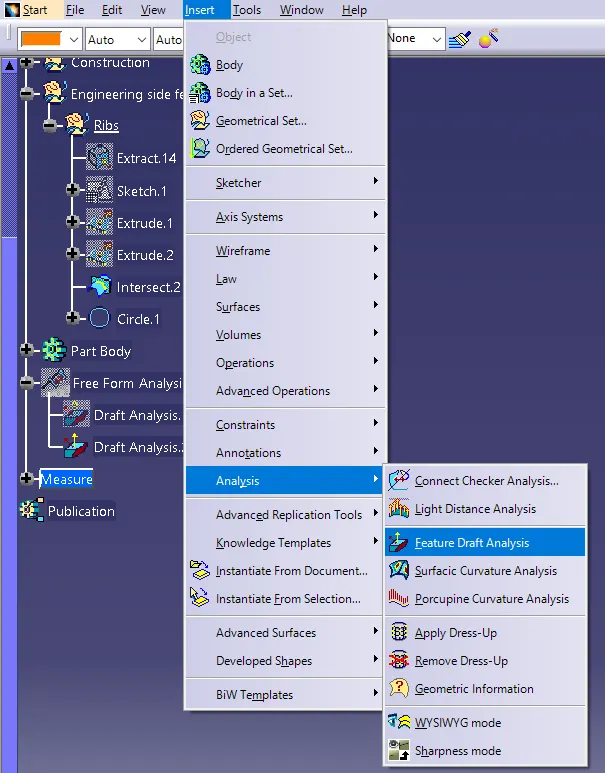
- Then go to insert>analysis>feature draft analysis
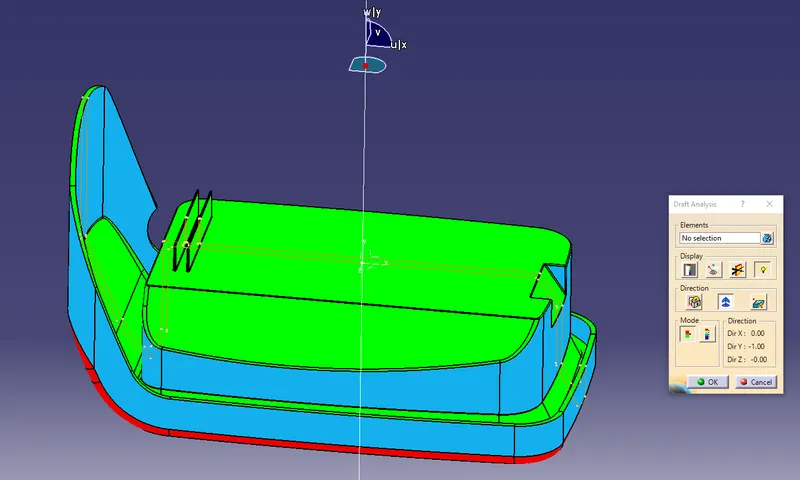
- Then click the compass and drag the compass to the tooling axis and click anywhere in the component.
Different views of ribs.
Isometric view
 \
\
Front view
Side view
Top view
Cut section view