Week 8 Worm Gear Challenge
Objective: To perform a transient structural analysis on a worm gear assembly.
Procedure:
Step 1: Engineering Data
- Add Structural Steel material to the drop down list of materials.
Step 2: Geometry
- Right click on geometry and Import the Skill_Lync_worm_gear.x_t extension file
- Rename the Static Structural tab as Worm Gear.
- Update the Model tab and open click Edit.
Step 3: Model and Meshing
- Open Model and under geometry assign names according to convenience for better understanding.
- Rename geometries as Worm and Gear.
- Insert Mesh Size as 1mm.
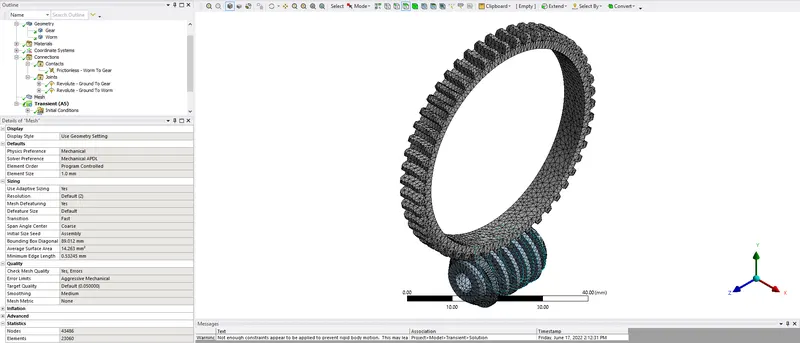
Step 4: Connections
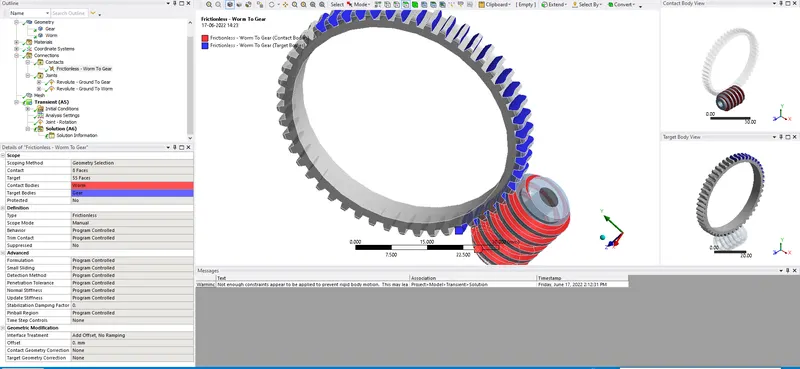
- Contacts:- Define the contact faces between Worm and Gear properly. Change type of contact to frictionless.
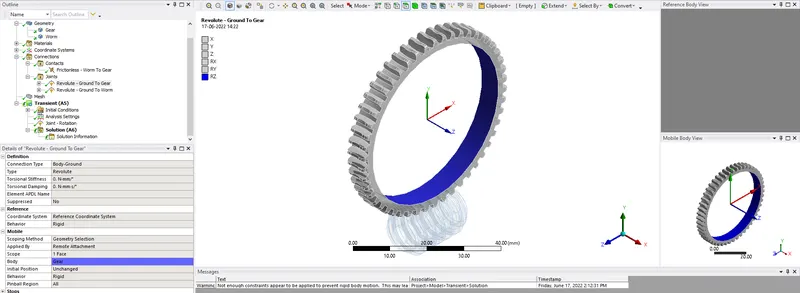
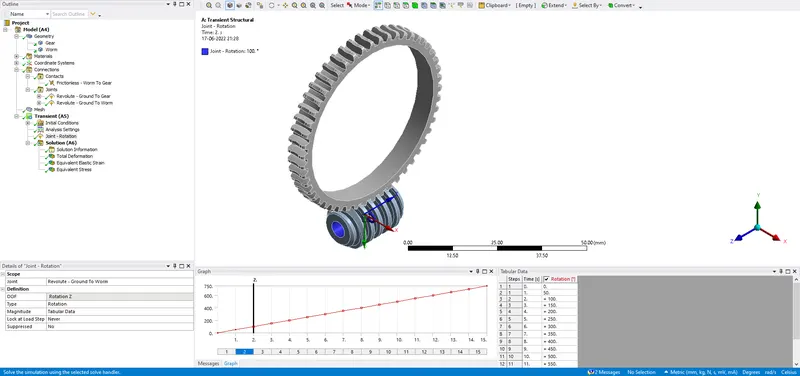
- Define a Ground to Gear Revolute Type Joint.
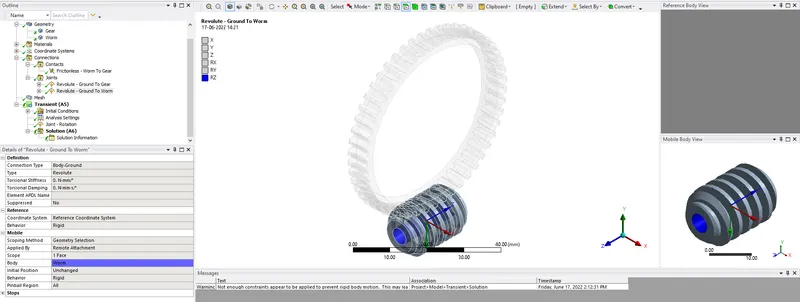
- Define a Ground to Worm Revolute Type Joint.
Step 5: Setup
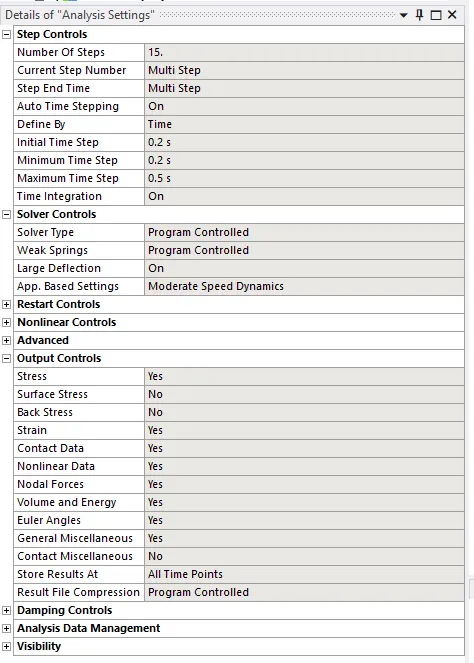
- In analysis settings we are going to simulate this case in 15 steps.
- Select all steps and switch on the large deflection in solver controls.
- Insert Joint load as rotational type defined by tabular data with angular increments of 50 deg, second being 50 deg, and last as 750.
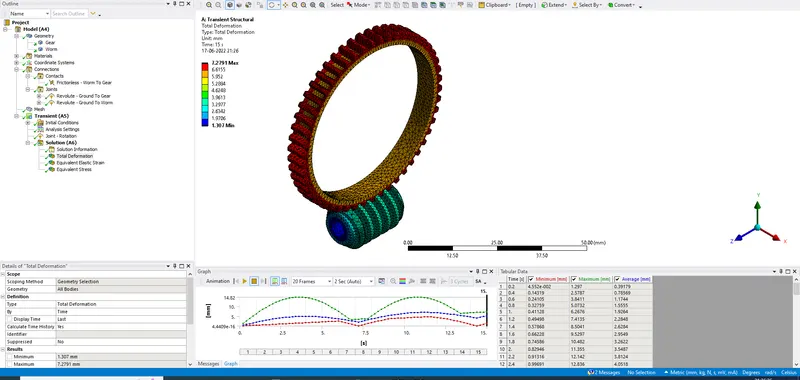
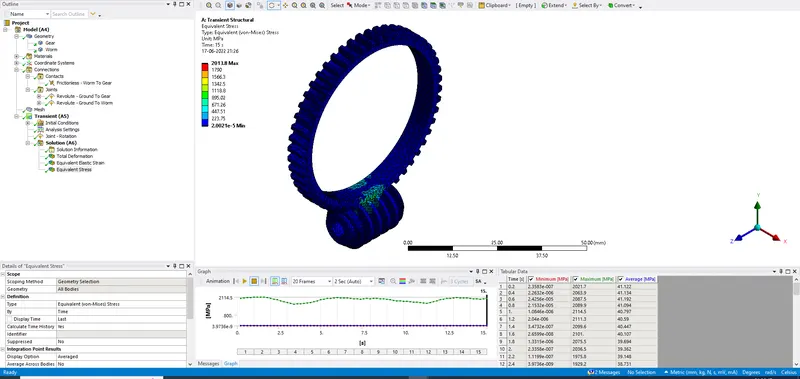
Results:
| Equivalent stress | Equivalent elastic strain | Total deformation | |
| Units | MPa | mm/mm | mm |
| Worm Gear Challenge | 2013.8 | 0.010618 | 7.2791 |