Week- 8 - Solid meshing
AIM-
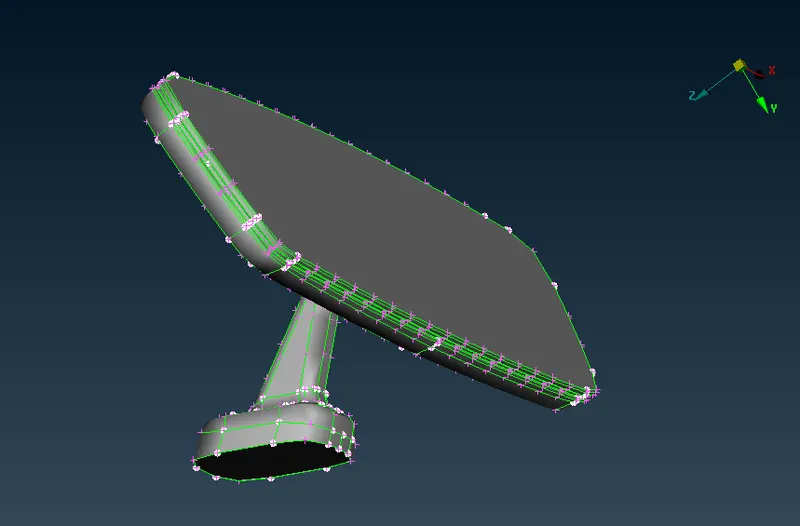
- For the given Rear view mirror component, check for the geometrical errors and mesh the Surfaces with the given 2D element Quality criterias given below and to generate volume mesh on the component using tetra elements.
CAD MODEL IMAGE -
PROCEDURE :-
- Solid meshing or volume meshing is a 3D meshing type in which mesh is generated throughout the whole volume of the model rather than just generating it on the model's surface which is exactly what is done in 2D meshing.
- First import the CAD Model of Rearview Mirror into ANSA Software or interface, then perform an initial Geometry checkup in this procedure we need to check for the following Geometrical errors present in the model like crack, overlap face, needle face, triple con, unchecked faces etc.
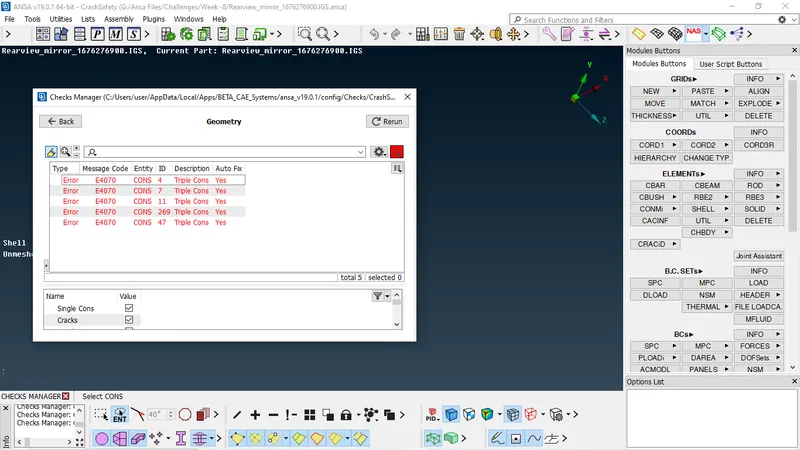
- After the checkup fixing the errors if any, we can achieve this either by Manually or Autofix.
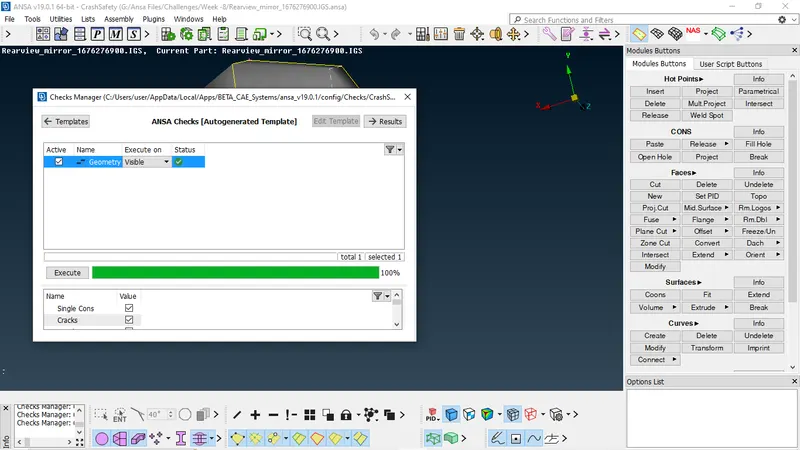
- Once the model has no error it will show green status in the above image and we can proceed further.
2D MESHING:-
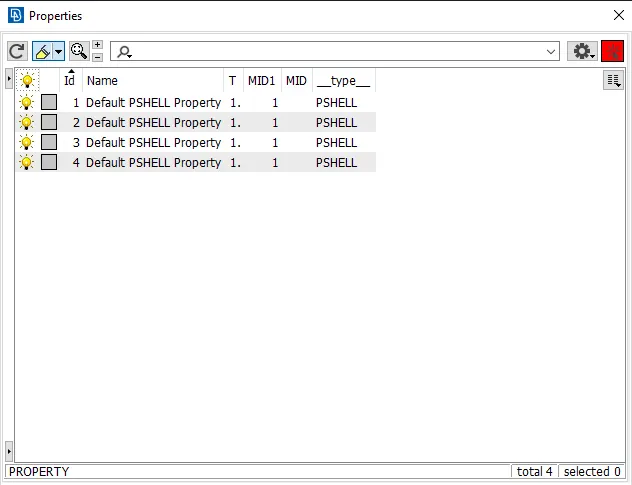
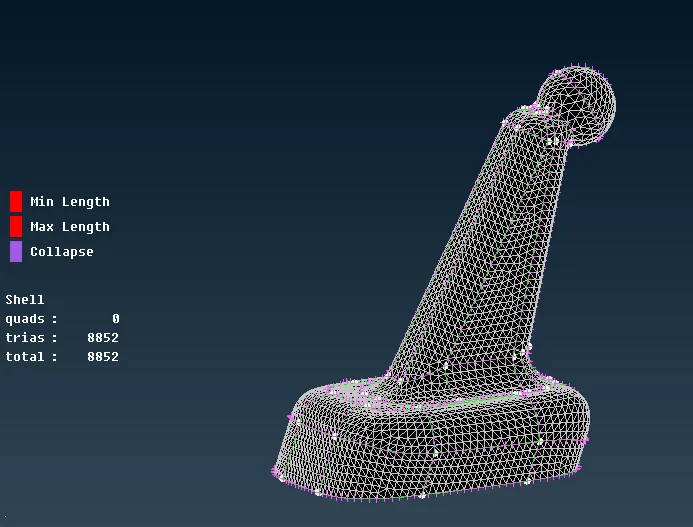
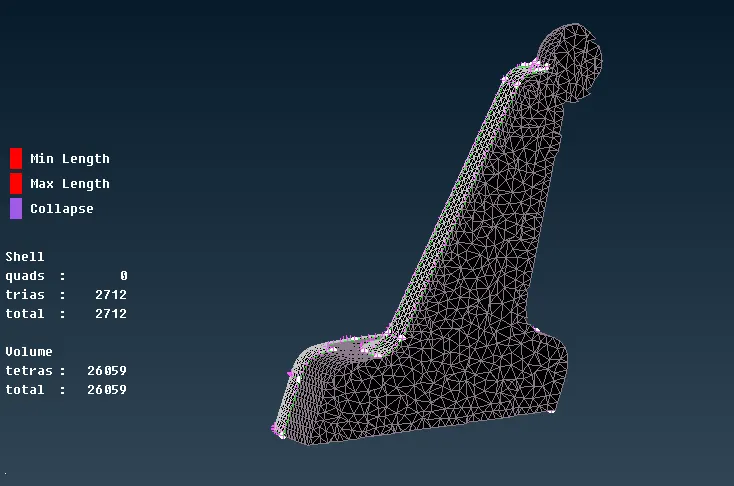
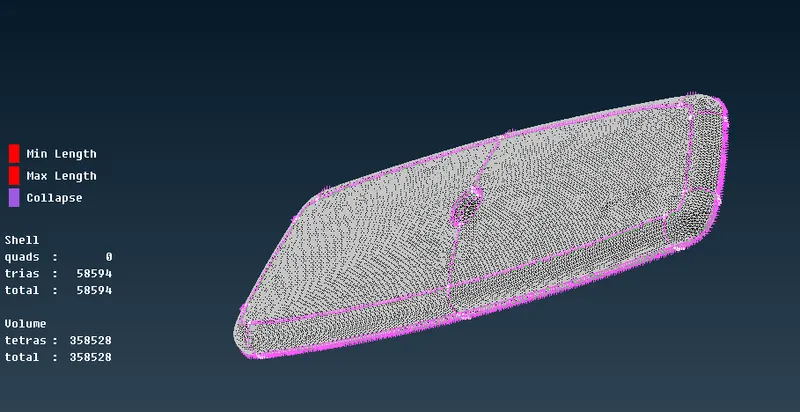
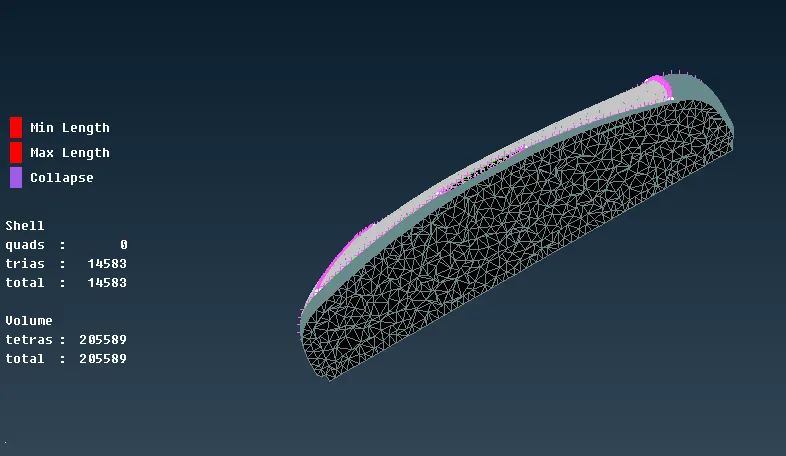
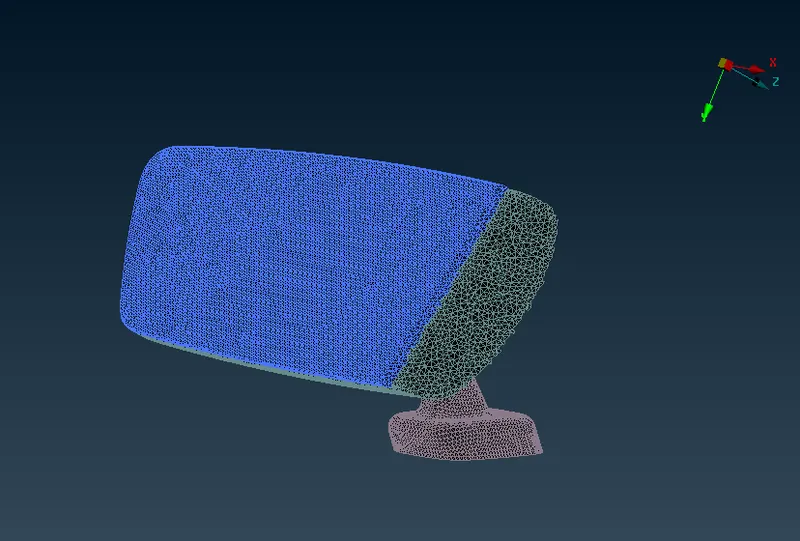
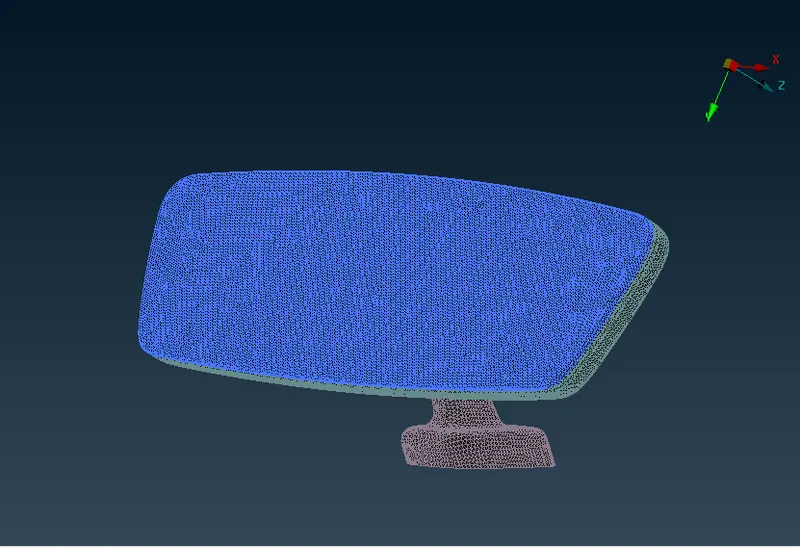
- As the model has four Different components its splitted into 4 components based on the property. The four different components are shown below.
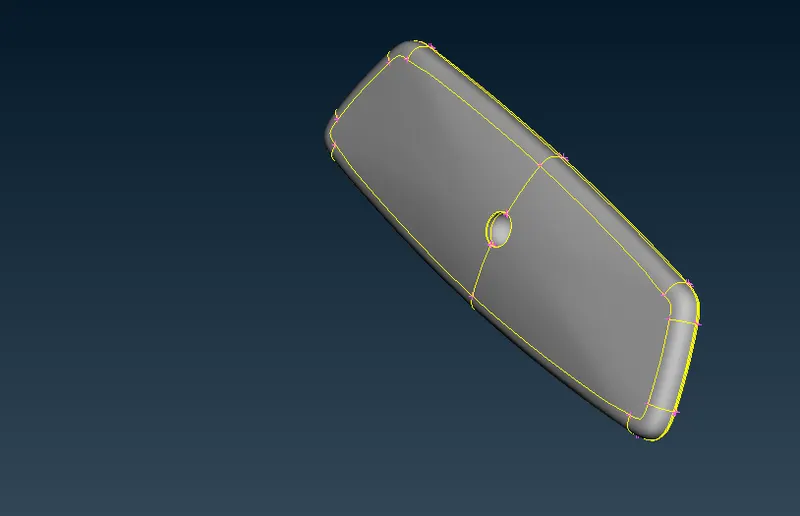
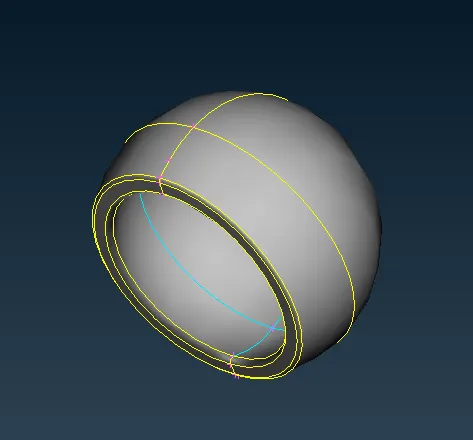
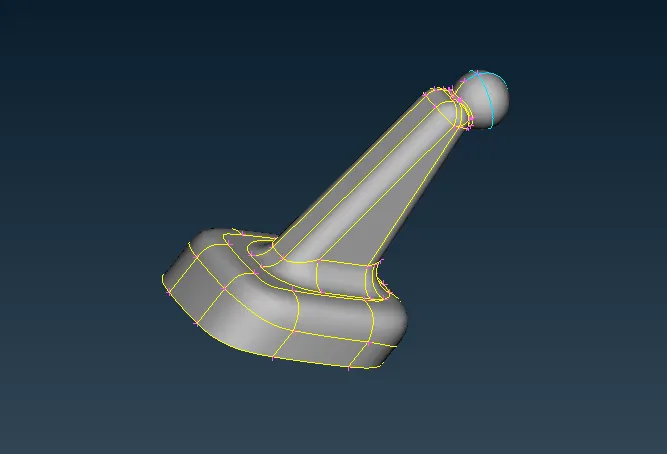
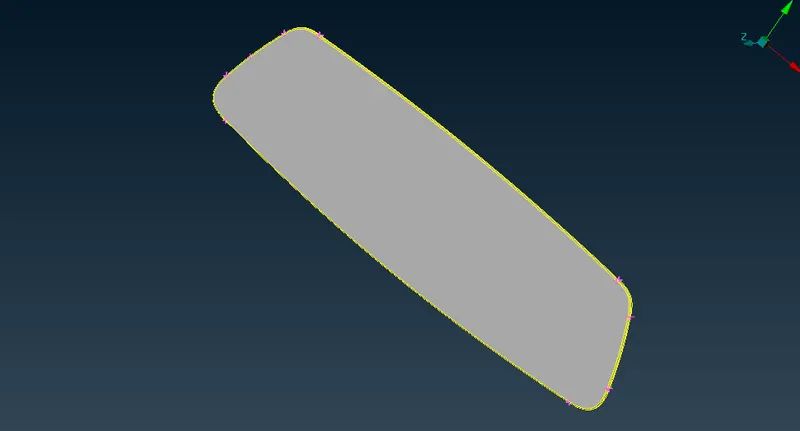
- Measurements are taken at various places of the model having features like fillets to ensure that elements would not fail for minimum length quality criteria at those places and unnecessary cuts are removed while new cuts and faces are introduced if required.
Quality Criteria Setup for Shell/Surface Meshing:-
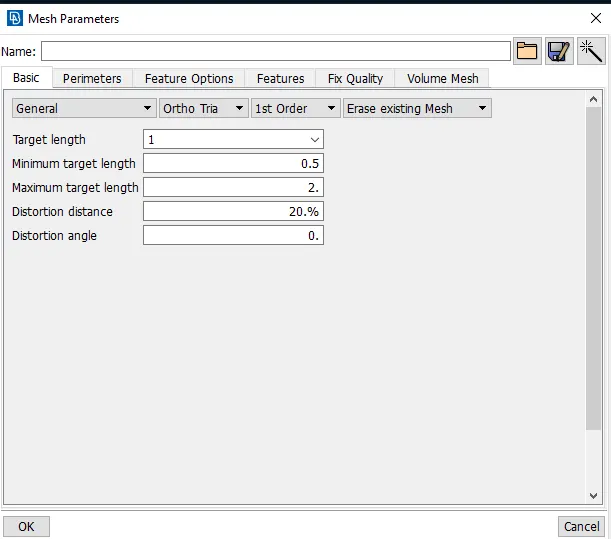
- In this we need to assigned the quality parameter and mesh attributes, the parameter given for the Mesh attributes were are as follows.
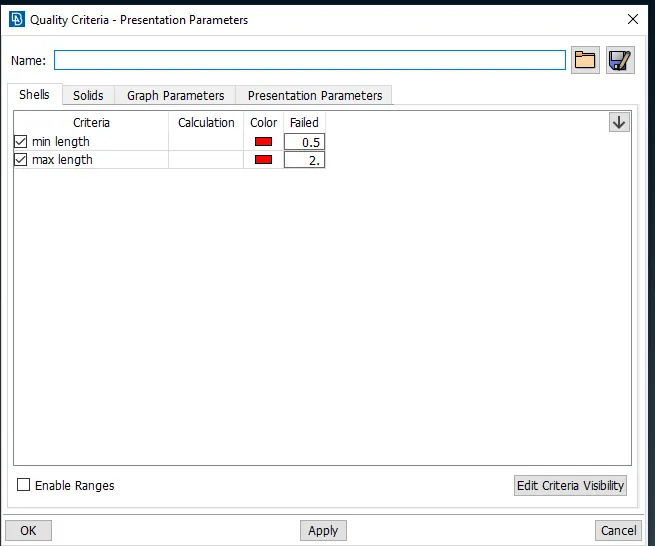
- Then switch to Presentation parameters tab, In Graphics division put tick mark for Elements% and choose the Details on demand effect as 'More details'.
- Element type is changed to Ortho Tria from mixed element type.
- Target Length = 1
- Min Length = 0.5
- Max Length = 2
- Then the meshing is done using mesh generation -> spot mesh tool. This tool generates the mesh using the element type given.
- The curved faces are mesh using element type as ortho tria as its captures curve faces more accurately then normal tria and the flat surfaces are given the mesh element type as tria.
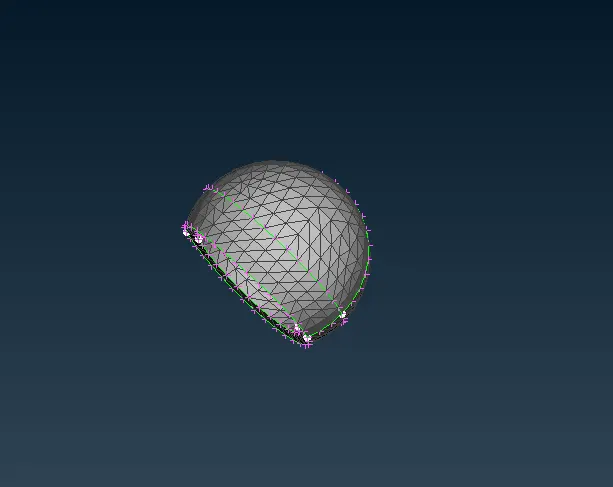
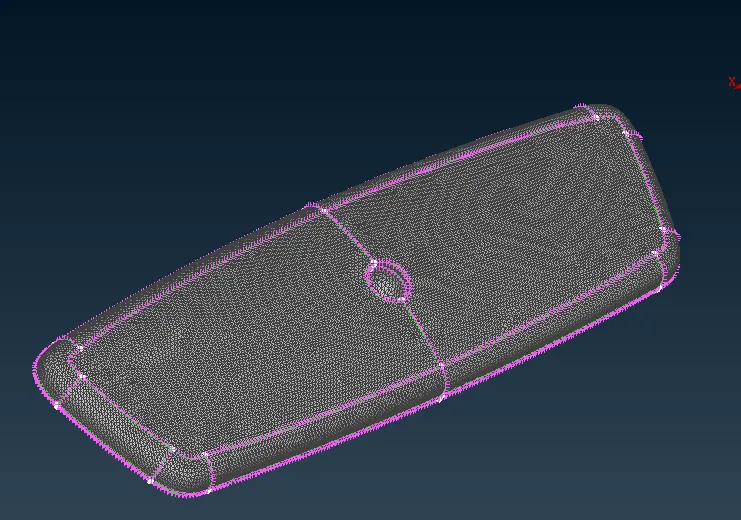
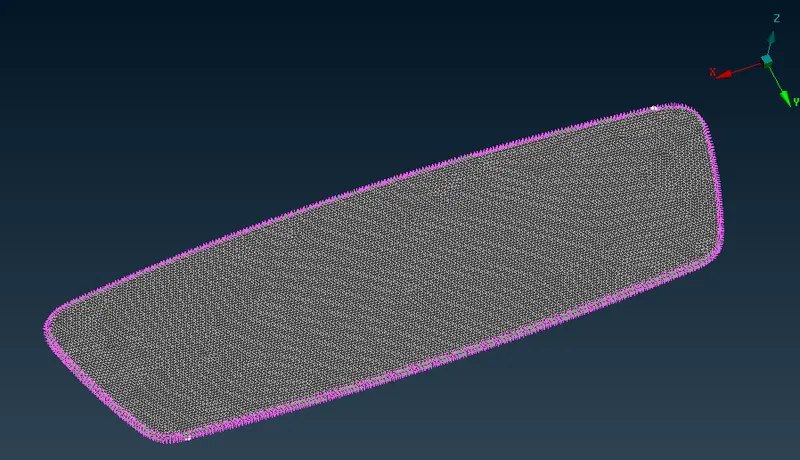
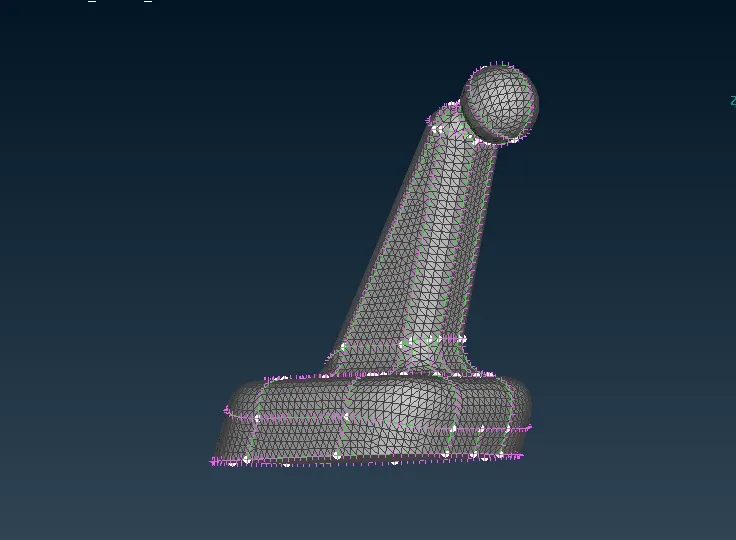
- Then the created mesh is refined using the shell mesh -> Improve -> Reconstruct, Smooth, in mesh module of ANSA.
Quality Criteria Setup for Solid/Volume Meshing:-
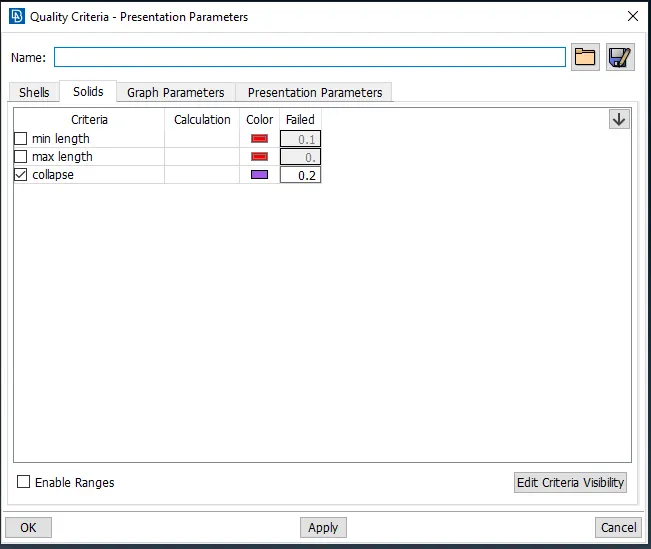
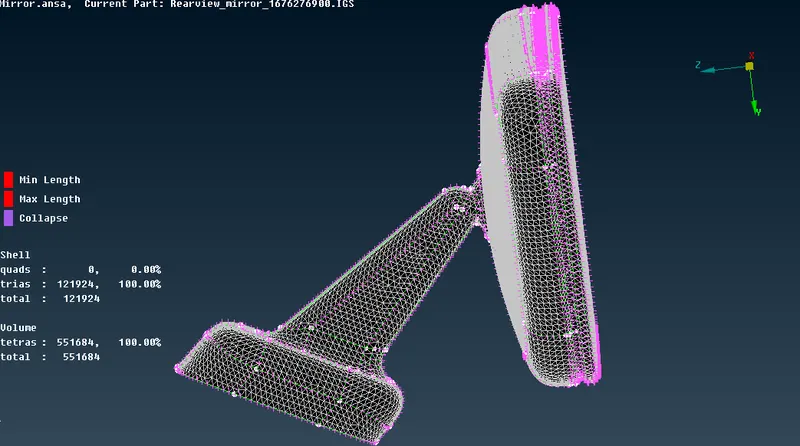
- Quality criteria is set up for solid meshing once after shell meshing is done. only one quality criteria is defined for solid meshing in this model which is called Tet Collapse having max allowable limit of 0.2.
Volume Defining and Property ID setup:-
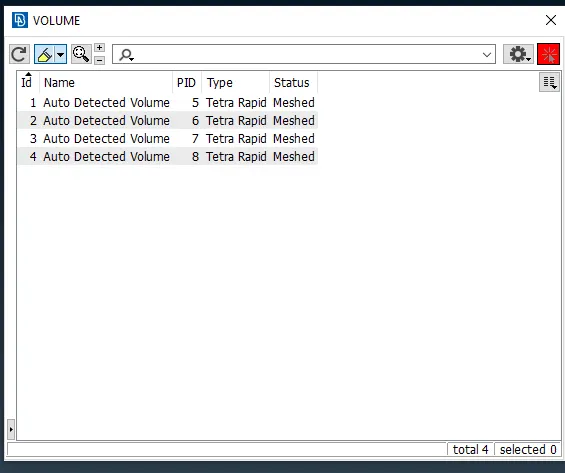
- The volume is defined by using the define option in volume mesh module.
- Volume Mesh->Volumes->Define->Manual->Select the component with box selection->Middle mouse click to confirm.
- Then the solid property is created.
Solid Meshing:-
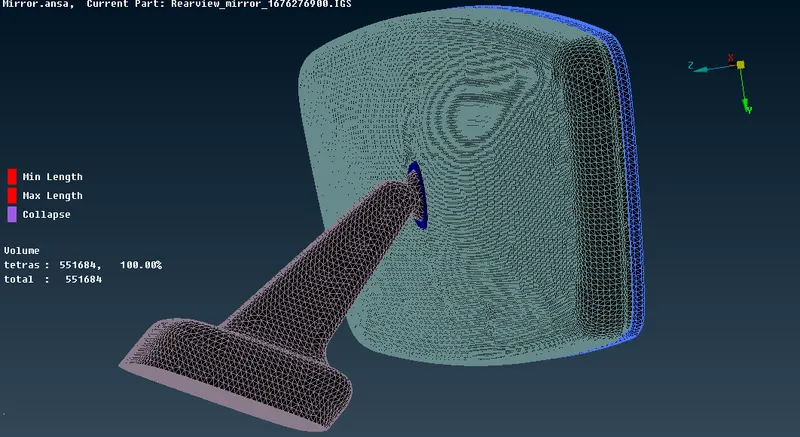
- Solid Meshing can be performed with some of the meshing algorithms available in ANSA like Tetra Rapid, Tetra FEM etc. but here, Tetra FEM is used.
- For Tetra FEM- Volume Mesh->Unstructured Mesh->Tetra FEM.
- For Tetra Rapid- Volume Mesh->Unstructured Mesh->Tetra Rapid.
- After the volume meshing quality of the tet collapse failed elements is to be fixed by adjusting the position of the nodes of the failing element while moving the nodes in x,y or z directions. Similarly all other quality issues can be cleared.
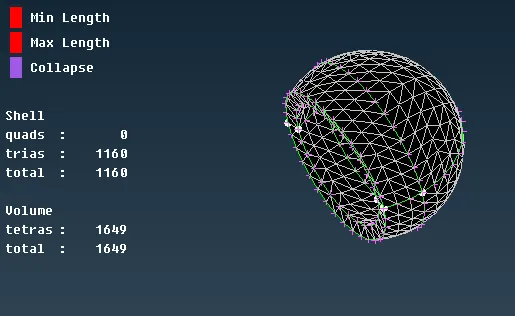
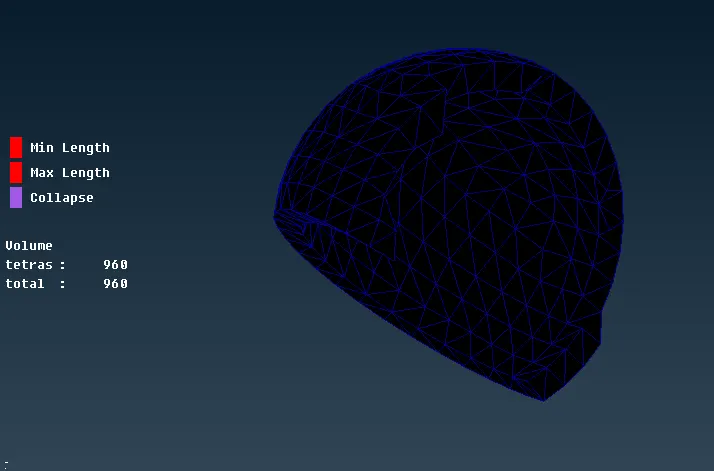
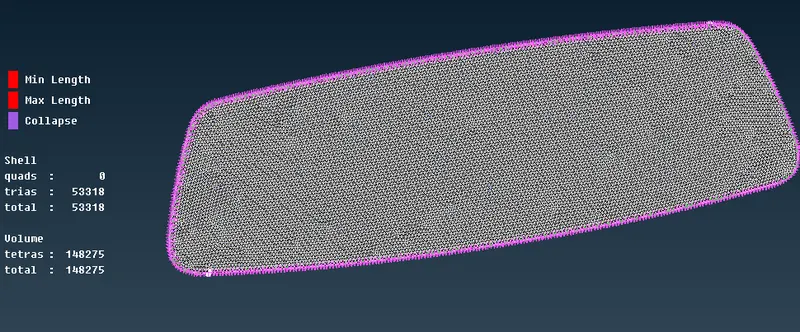
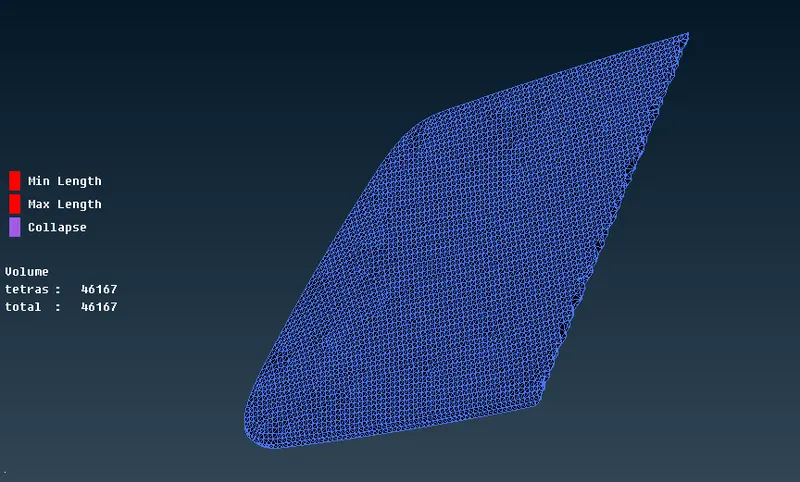
- Ensure there is no OFF elements in the quality.
The final model will look like the image as shown below.
CONCLUSION:-
Successfully worked on Rear view mirror model and generated solid mesh of the same under given quality criteria.
LEARNING OUTCOMES:-
- Learned how to mesh the given component using tria and ortho tria elements.
- Got Aware of shell meshing using tria and ortho tria element types.
- Learned how to define the volume and apply volume meshing.
- Learned to setup quality criteria for solid meshing.
- Learned to use Tetra FEM and Tetra Rapid meshing algorithms.
- Learned how to clear errors such as kink, dip and tet collapse elements.