Week- 8 - Solid meshing
AIM:
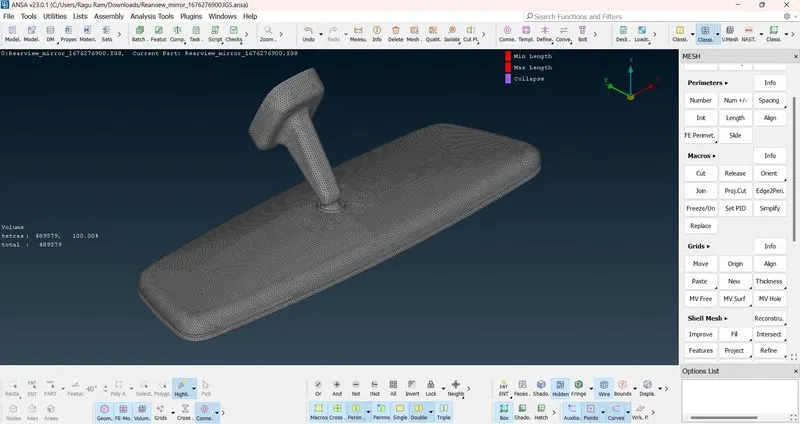
To do solid meshing for given rear view mirror component.
SOFTWARE:
BETA ANSA V23.0.1
PROCEDURE:
- Import the geometry in ANSA Software.
- Do orient on all surface.
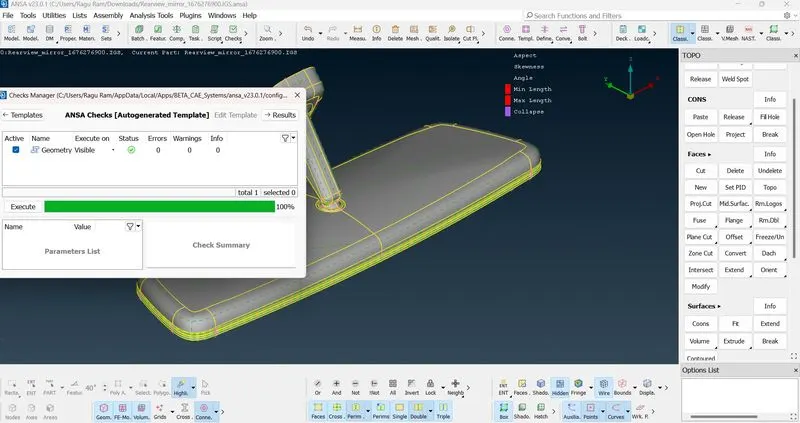
- Do geometry check to clear the geometrical errors.
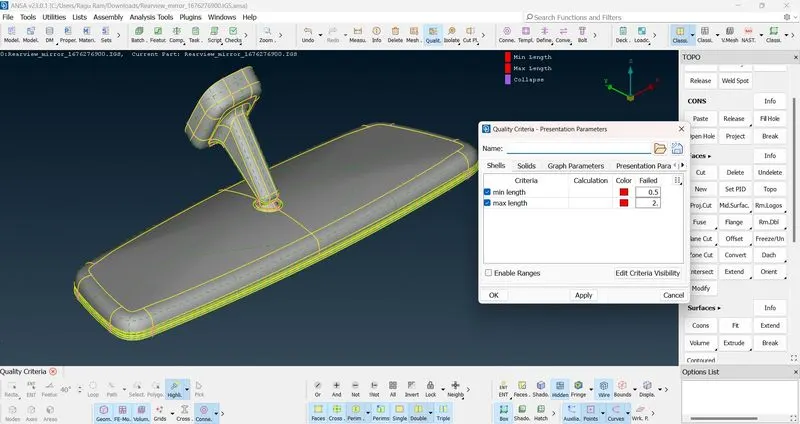
- Quality criteria are given after checking geometry clearance.
- Then in mesh option target length have fixed as 1.
- Before Meshing give length(distance between the nodes) for perimeter and macros.
- Length value is given as 1.
- Initially 2D Meshing is done by using best tool.
- After that do rework or Reconstruct if any off elements are there.
- Once completing the shell meshing then move for solid meshing which is 3D meshing.
- Initially in 3D meshing we need to the define the volume.
- So Volume>Define>Detect on>Visible.
- Then by using tetra element the given volume is meshed completely.
- Hence 3D meshing is done by following this method.
NEW LEARNING:
From this challenge I had learned that how to do the 3D meshing by using trias and ortho trias elements.
CONCLUSION:
By following these methods solid meshing is completed for the given rear view mirror component.
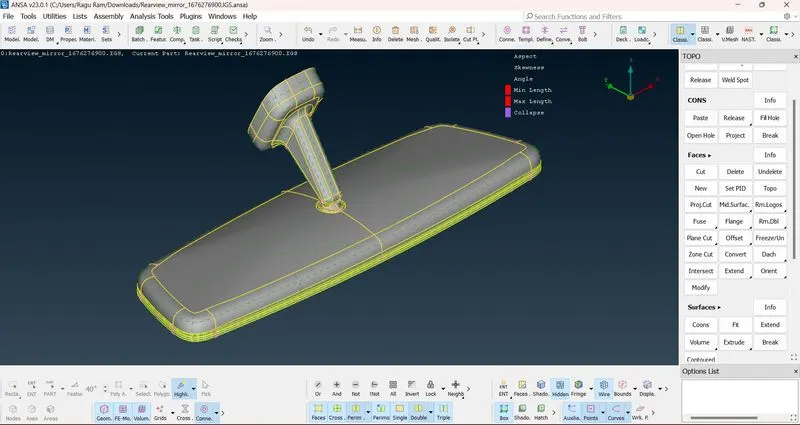
CAD IMAGE:
AFTER GEOMETRY CLEARANCE:
QUALITY CRITERIA:
Quality criteria for shell.
Quality criteria for solid:
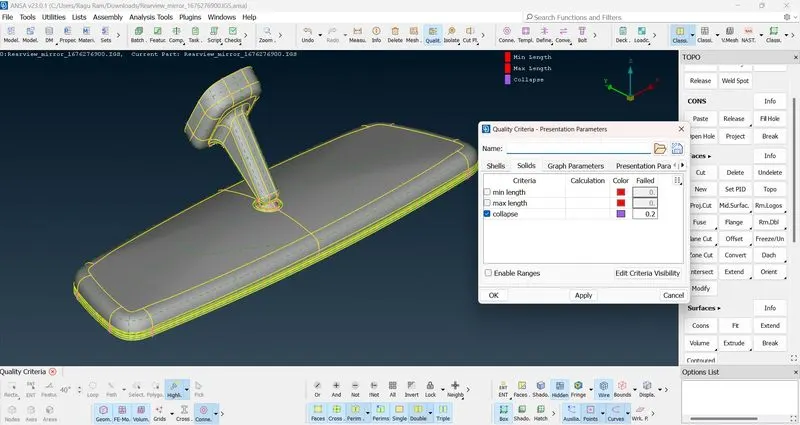
2D Meshing:
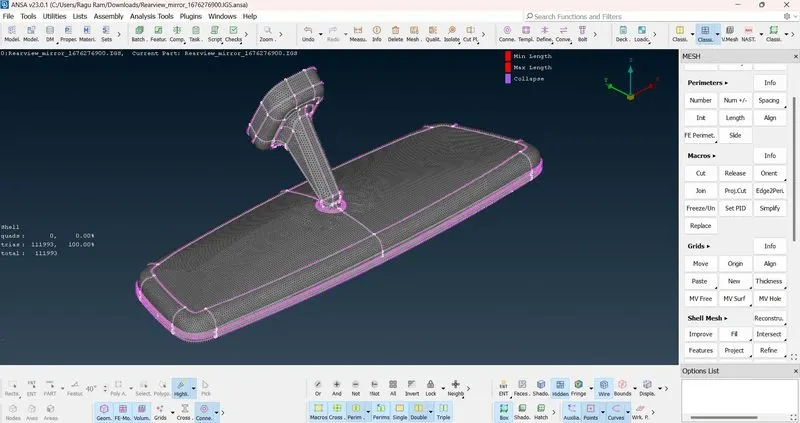
3D MESHING: