Week 4 - 2D Meshing for Sheet Metal
OBJECTIVE:
To make 2d meshing for given Sheet metal
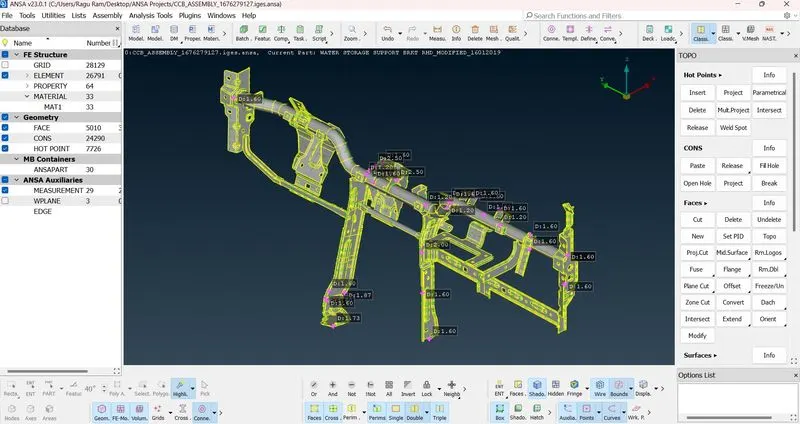
CAD MODEL WITH MEASUREMENTS:
PROCEDURE:
- First, properties have to check. For this given model there are 34 parts.
- Do orient for given Model.
- Topo>Faces>Orient.
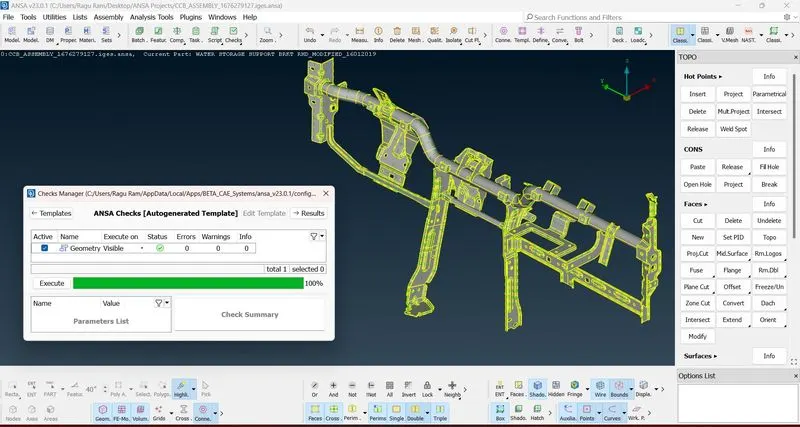
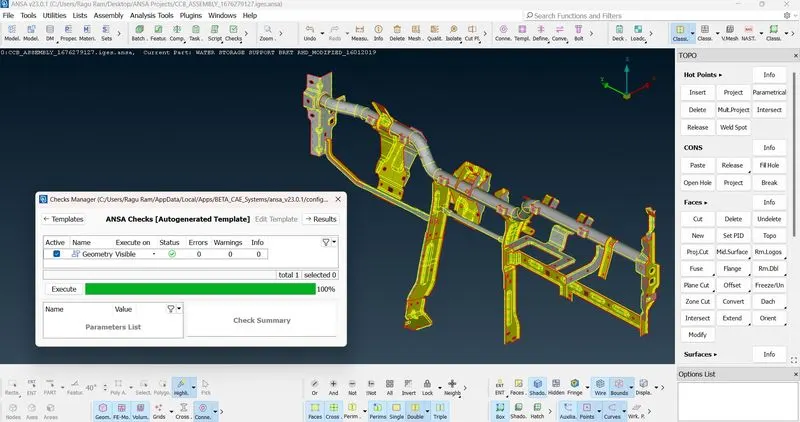
- Do geometry check if any errors arise clear it by using Cons> Paste or Fill holes else Face> Cut, New & Topo.
- After geometry check, do measurements for confirming sheet metal having same thickness.
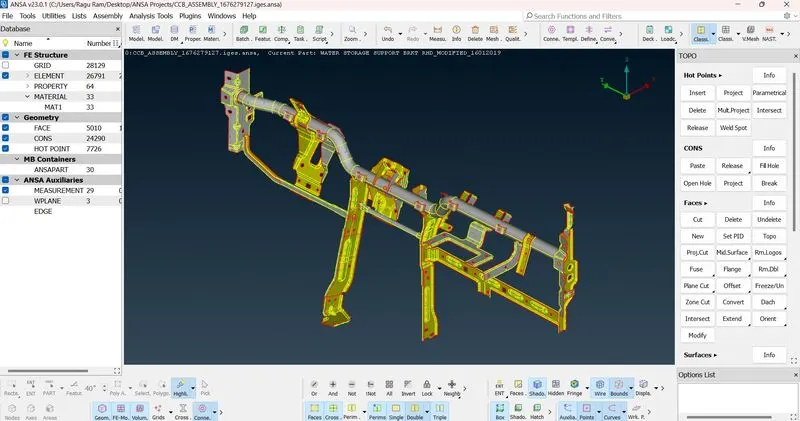
- Mid Surface Extraction.
- I did manual mid surface extraction by using Faces> Offset.
- Value is given by thickness of sheet multiply by 50%
- Actual thickness of plate is 1.60 hence the value given for extraction is -0.8.
- Negative sign is because the arrow is upward in direction.
- After extraction completed, give quality criteria for meshing.
- After giving criterias model has to move for meshing.
- Before meshing, clear unneccesary cons to avoid the quality issues.
- After clearing do mesh by using Classic Mesh>Mesh generation>Best.
- After completing the mesh do smooth for better mesh.
CAD MODEL WITH GEOMETRY CLEARANCE:
MID SURFACE EXTRACTION:
MID SURFACE EXTRACTION WITH GEOMETRY CLEARANCE:
QUALITY CRITERIA:
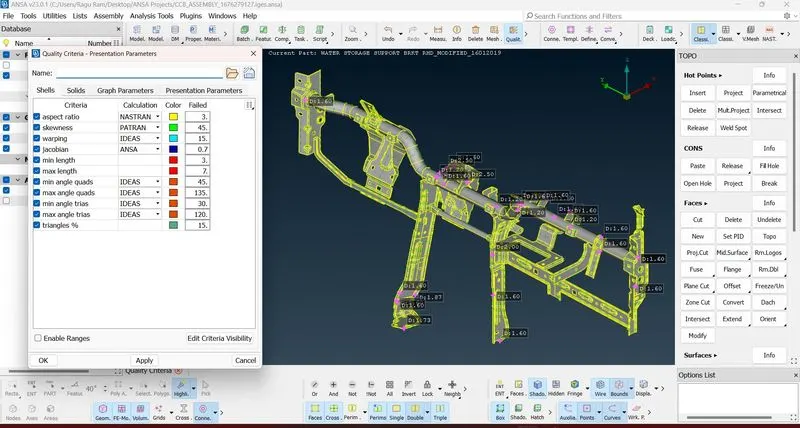
AFTER MESHING:
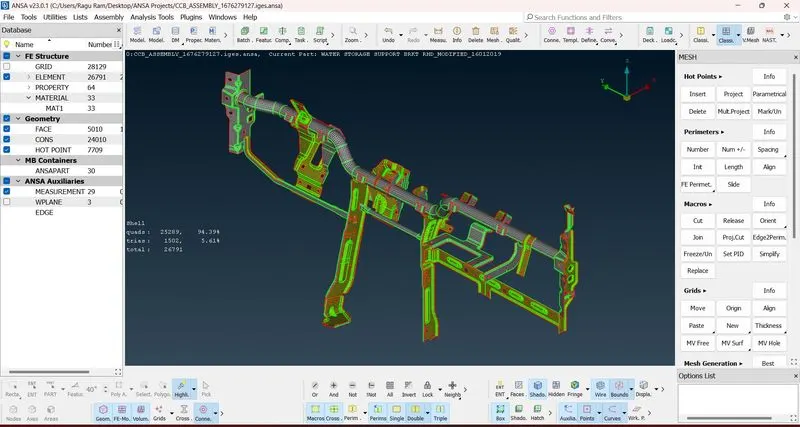
RESULT:
Hence the given model was completed as per the given criterias.