Week_8_Plastic Model_1
Aim :
Mesh the given plastic model as per given element size and quality criteria.
Procedure :
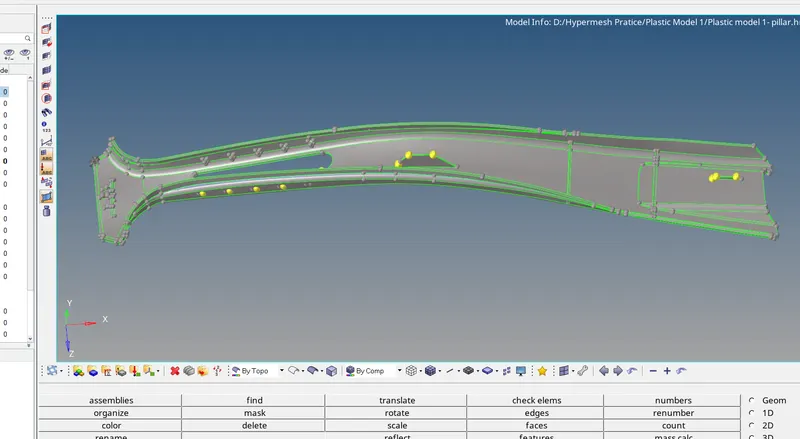
- This is the image of CAD model.
- This is a plastic part, as it has varying thickness in different parts of model.
- Such as ribs, features and base has varying thickness.
- So, to mesh plastic component we use different methods.
- Among which is taking mid and then meshing which is a traditional way of 2D meshing.
- But, extracting mesh and then meshing it will take much more time for plastic component because of its varying thickness.
- Due to uneven thickness the mid might not be proper and due much more complexity the software could crash.
- Thus, it is wise to have some other techniques also to mesh the model without extracting the mid surface.
- Hence, we are trying new methods of meshing the surfaces which are as follows :
- One of them is we can mesh the surface directly without extracting the mid surface and then offset it.
- Or duplicate the surface and then offset it to the middle of the surface and then mesh it.
- Or if possible we can create the surface of mesh with respect to available data like nods or lines and then mesh it.
- And there may be few more and we are trying them all.
- First of all mesh the 'A' surface and then offset it.
- Generally we classify the surface as 'A' surface and 'B' surface.
- 'A' surface is the one which do not have any features on its side or which is easily assessible to it.
- And the other one is 'B' surface which accomodate all the features and intricate surfaces.
- Thus, it is always good to start with meshing 'A' surface.
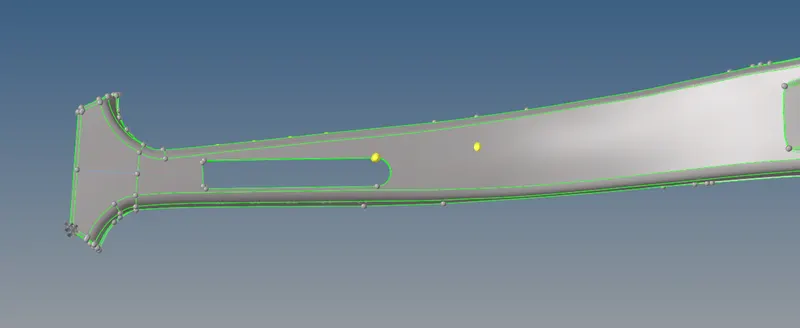
- The surface shown here in this image is 'A' surface.
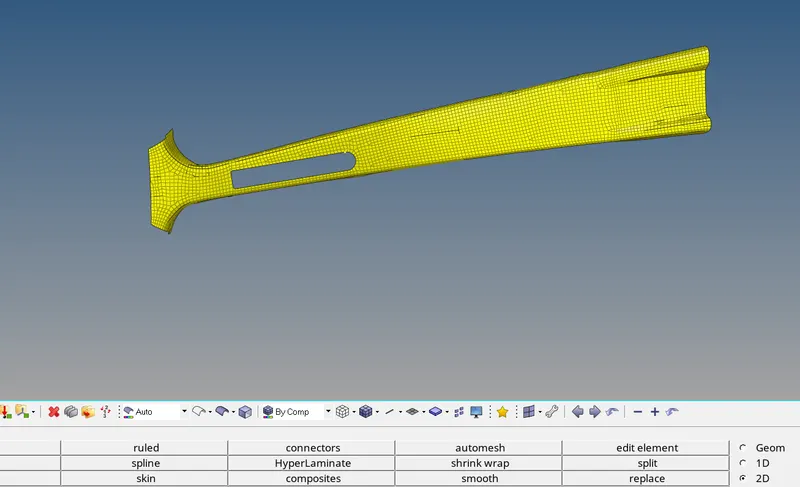
- And this is the mesh of A surface.
- To extract the mesh-
- Mesh the surface and then offset it using element offset command.
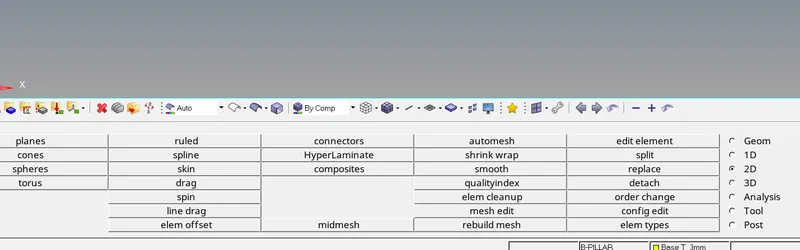
- In this method use ' element offset' and 'mesh edit' to extend the mesh and offset mesh.
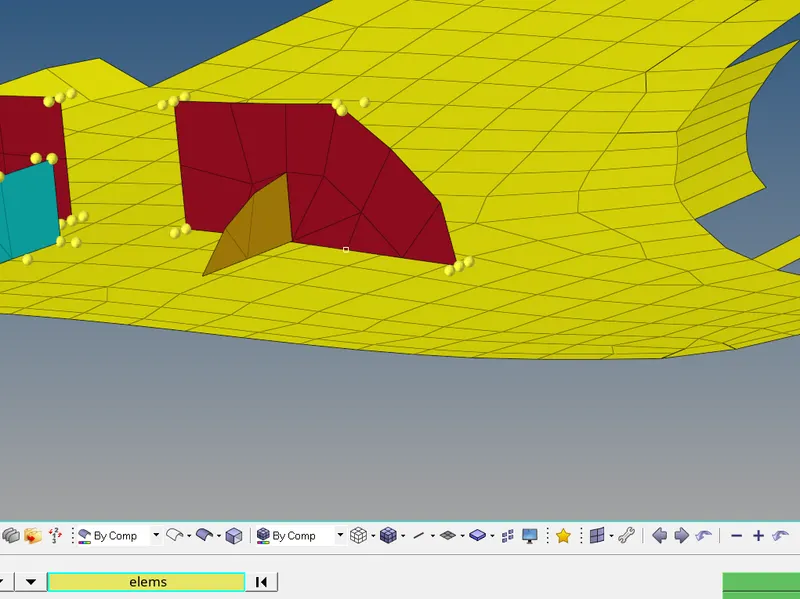
- In the same mesh the features and extend them to the base.
- Make sure that the mesh we have extracted resembles with the parent geometry.
- While meshing components or surfaces with different thicknesses separate the mesh elements in separate components so that respective thickness should be assigned to them.
- After creation of mesh elements on the features at mid extend the surfaces to base mesh and then correct the mesh flow.
- And at last deal with quality parameter.
- At some areas quality has been compromised beacause it was causing damage to features and parent geometry.
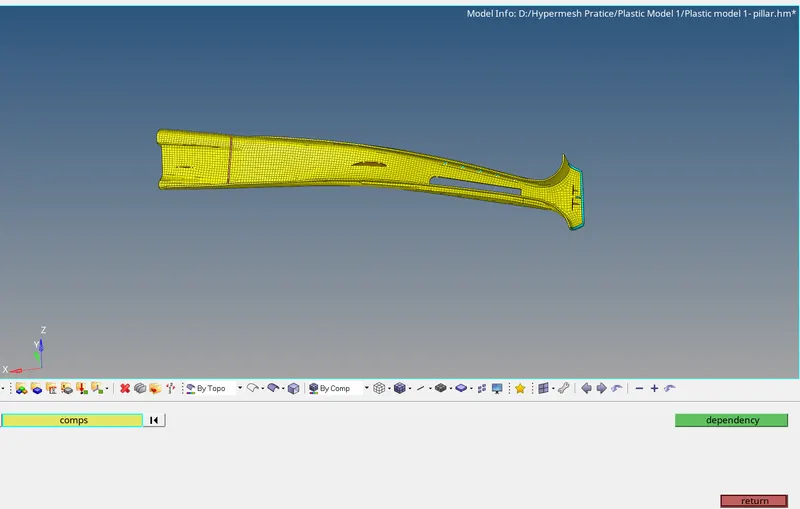
- This is the image of final mesh of model.
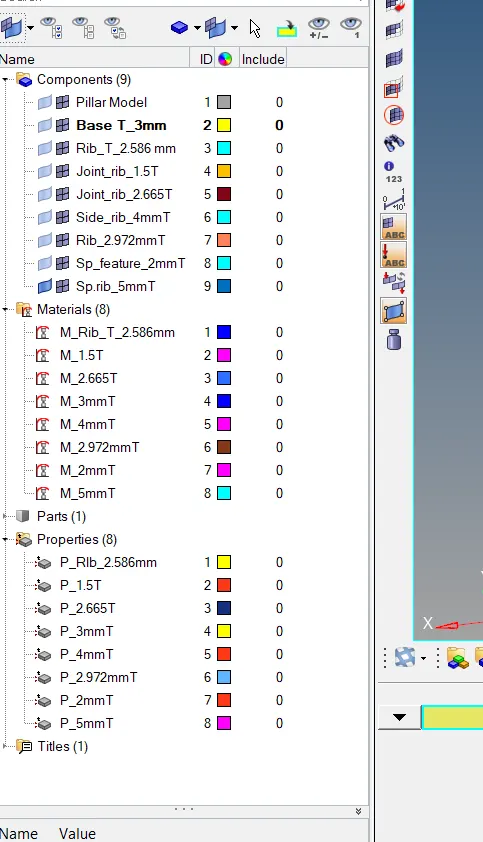
- While separating the components as per their thicknesses create component, material and properties and assign thickness according to it.
Result :
- At the end of this challenge able to do mesh without extracting mid surface from parent geometry.
- This method is much less time consuming as compared to former one.