Week_8_Plastic Model_1
Aim:-Create a midsurface and mesh of plastice model according to given quality criteria. That mantion below
Element quality criteria :
|
S.N |
Quality Criteria |
Value |
|
1 |
Target Element Length |
5 mm |
|
2 |
Aspect Ratio |
3 |
|
3 |
Skewness |
45 |
|
4 |
Warping |
30 |
|
5 |
Taper |
0.5 |
|
6 |
Min. Length |
3 mm |
|
7 |
Max. Length |
7 mm |
|
8 |
Min angle Quad |
45 |
|
9 |
Max angle Quad |
135 |
|
10 |
Min angle Tria |
30 |
|
11 |
Max angle Tria |
110 |
|
12 |
Tria % |
15 |
Object:- Create a midsurface and mesh
loade model:-
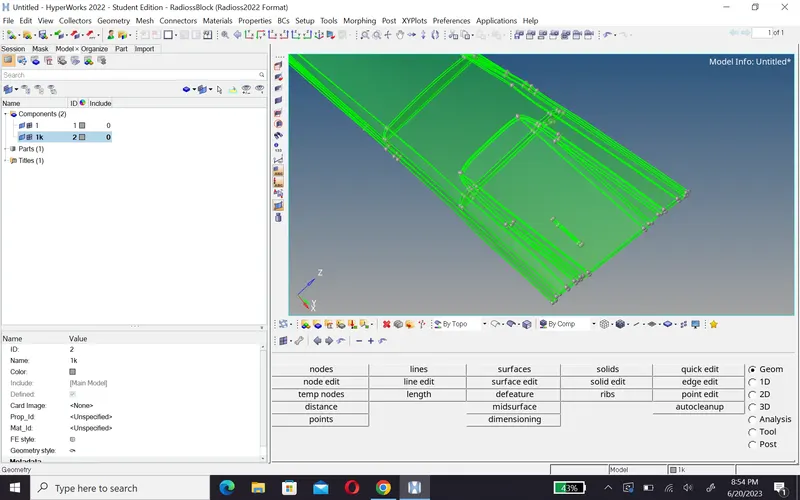
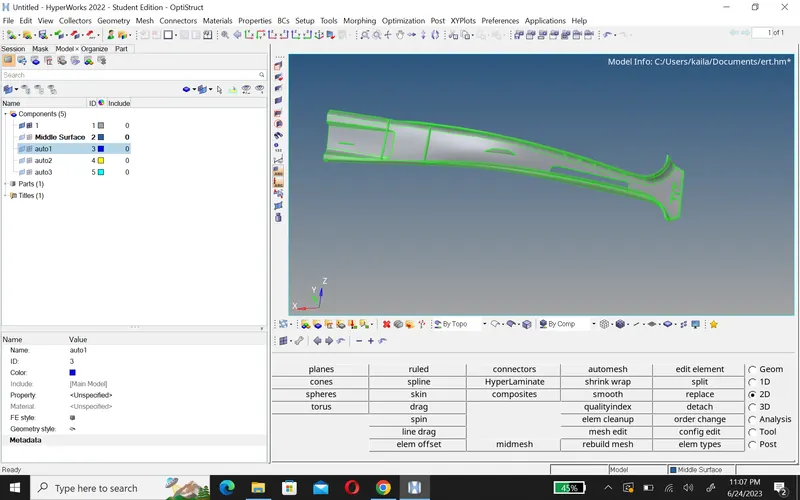
When i uploade model in hypermesh and go by topo, then i saw it is a solid , so that i am go delete option and select solid and delete it.
| Before deleting | After deleting |
 |
|
2.Geometery cleanup:-
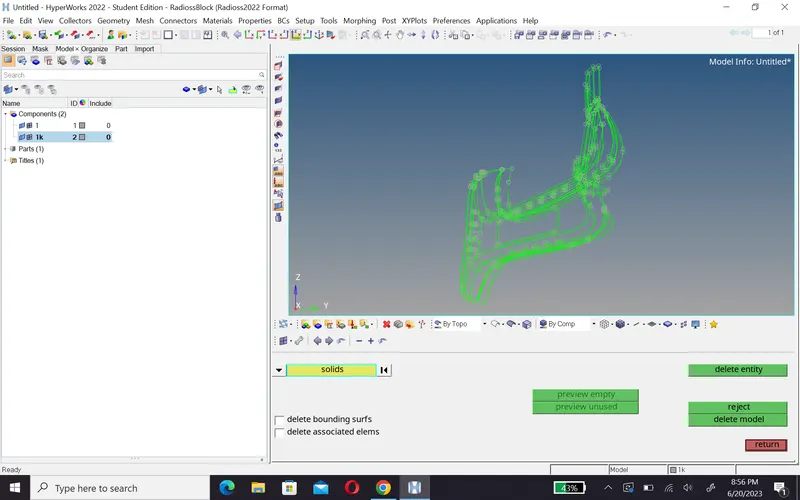
After achiving surface, when chack geometery it already cleane so that i did not need to cleane the geometery.
3. Midsurface:-
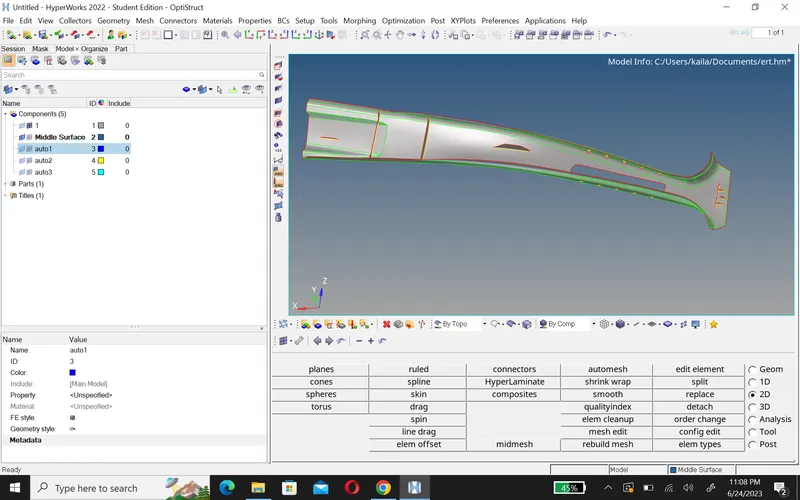
- After geometery cleanup , we ready to taking a midsurface
- Geo>midsurface>offset+plane+swe.
- And take midsurface via these command that mantion above.
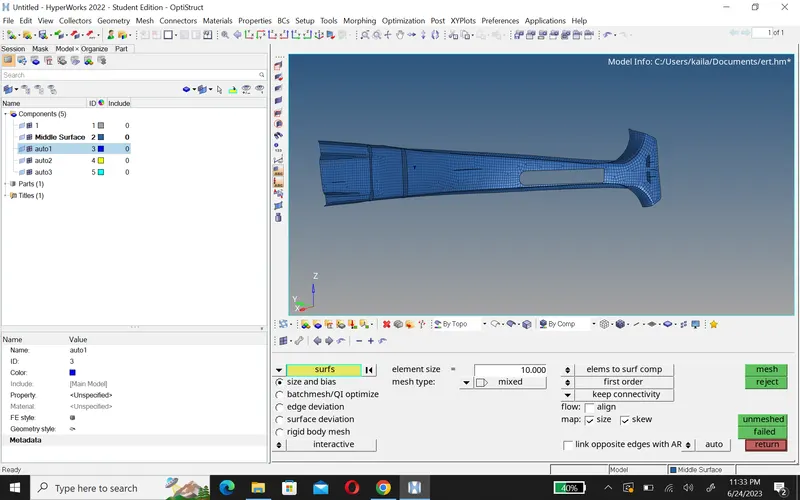
4.Meshing:-
- Before taking a mesh ,we setup quality criteria, and than create a mesh.
- 2D>Automesh>select surface and do mesh.
5.Fix falling element:-
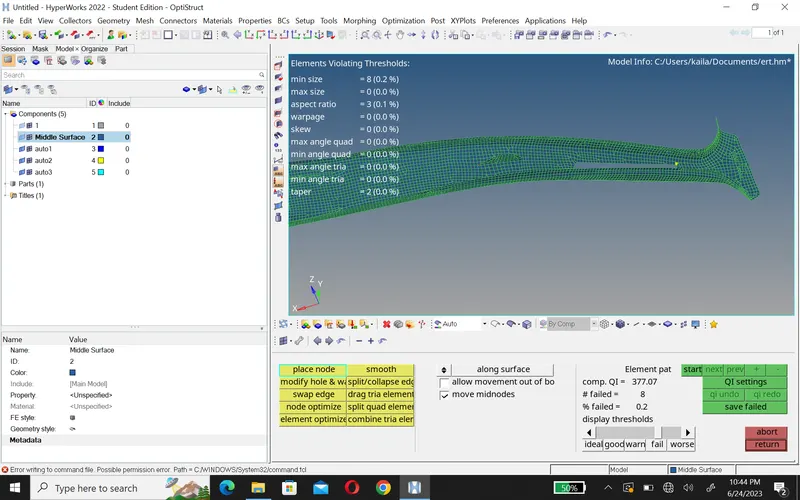
- After meshing ,we chack quality of mesh for this we go 2D>qualityindex>cleaning tool.
- And using some tool like split/collapes edges,swap edges,drage tria,element optimize etc.
Conclusion:-
- I trey to better mesh and meshing.
- this model have some difficult part that difficult to taking midsurface.