Week_8_Plastic Model_1
AIM: To mesh the given component with good mesh flow.
Procedure:
1.Import *.stp geometry in the RADIOSS module of Hyperworks
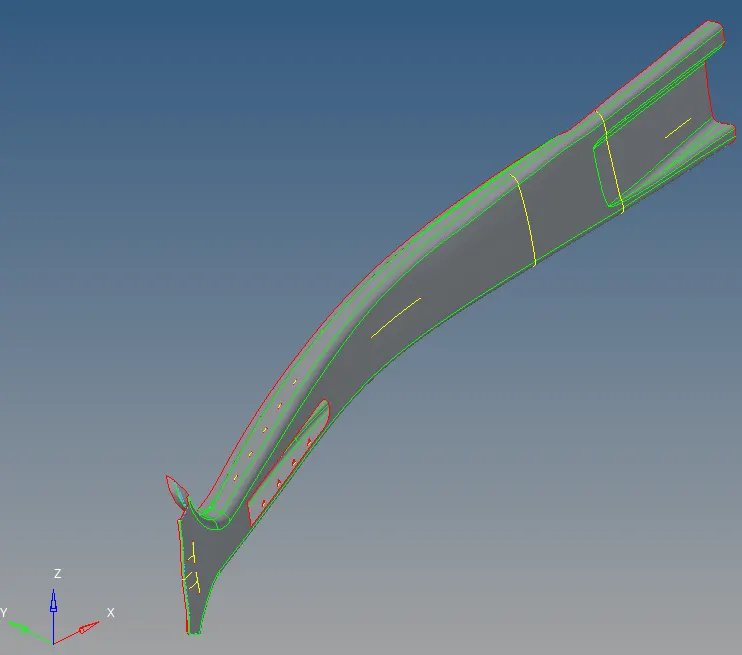
2. Run Midsurface for the displayed surface.
3. Edit the midsurface with quick edit extend tool to bring required edges.
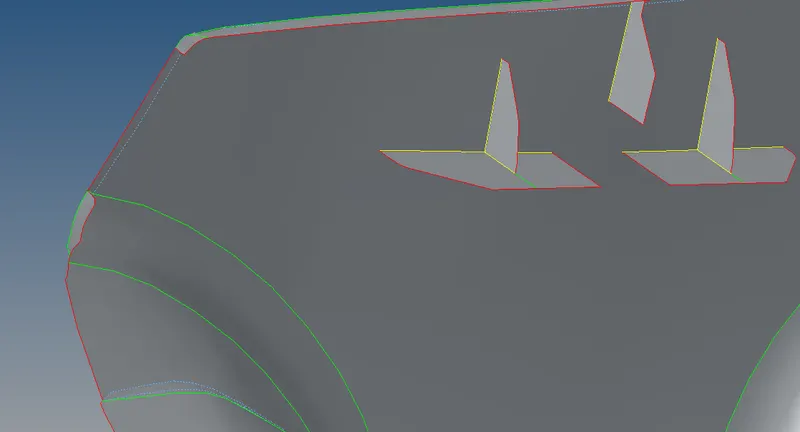
4. Edit the midsurface with quick edit to intersect surface features.
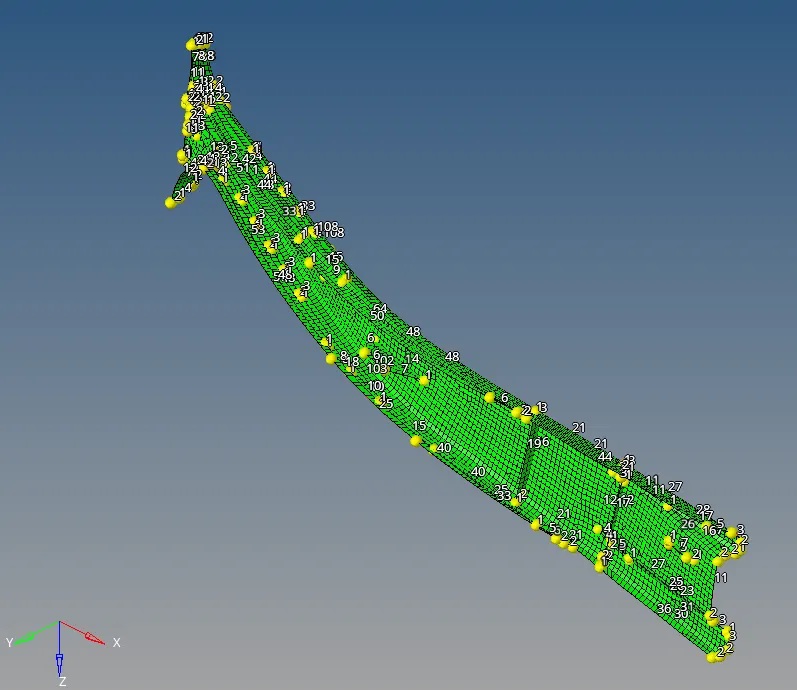
5. Run Automesh for the targeting element length of 5 mm.
6. To bring good mesh flow, split the surface and remesh.
7. Set the mesh quality criteria and check the mesh quality.
8. Edit the element and mesh at local site to bring good quality.
Conclusion:
Using Radioss function in Hypermesh given component is meshed with good flow.