Week - 8 - Morphing
AIM:Applyin morpin tecniques for te component.
PROCEDURE:
1.Firstly import te component do eometry clean up if necessary and ten topo foe wole eometry.
2.Create a box like structure to te feature were you need a cane of eometry.
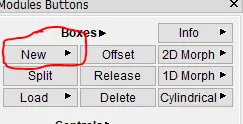
3.Ten te box will be created around te feature and it looks like as sown below.
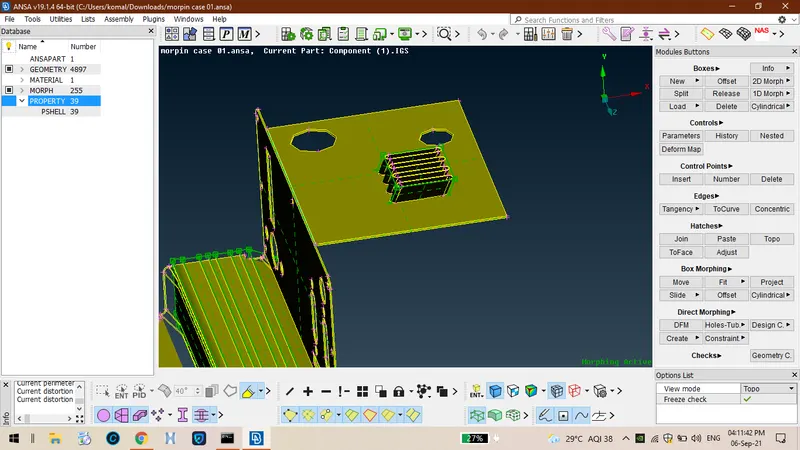
4. And ten we can split te box into no of boxes usin option called split.
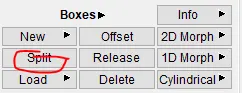
5.After splitin te box it will be look like as sown below.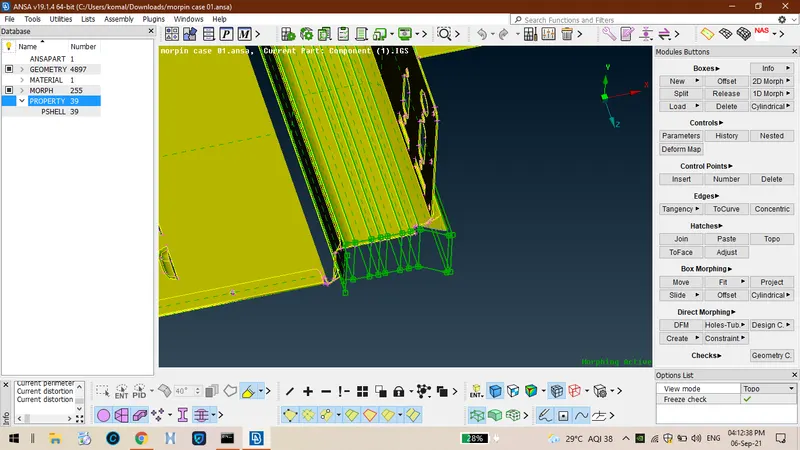
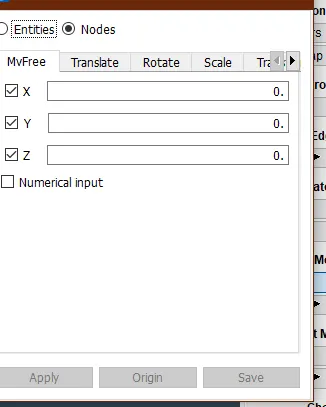
6.Ten we can use option called move so tat we can rotate te co ordinates usin move option.
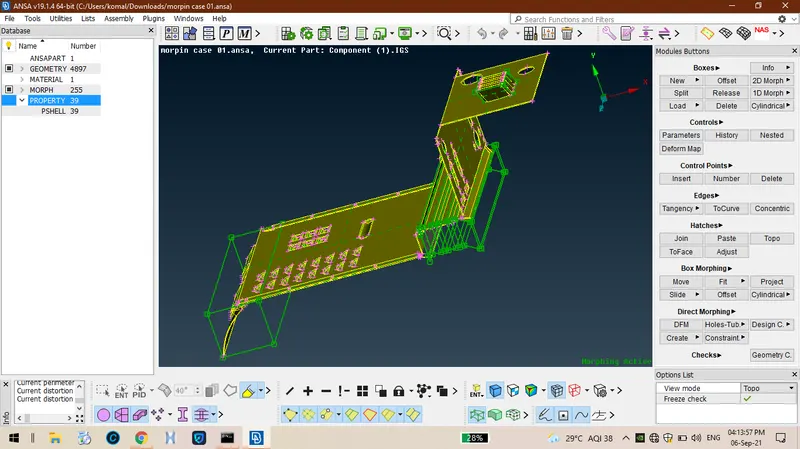
7.Finally performing all te options on te component it looks like as sown below.
MODEL 02:
AIM: To increase te eit of te ribs and do ouse of te component.
PROCEDURE:
1.Firstly import te eometry ,do eometry clean up and do topo to te component .
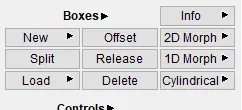
2.Create boxes for te feature were it is required usin option called new boxes.
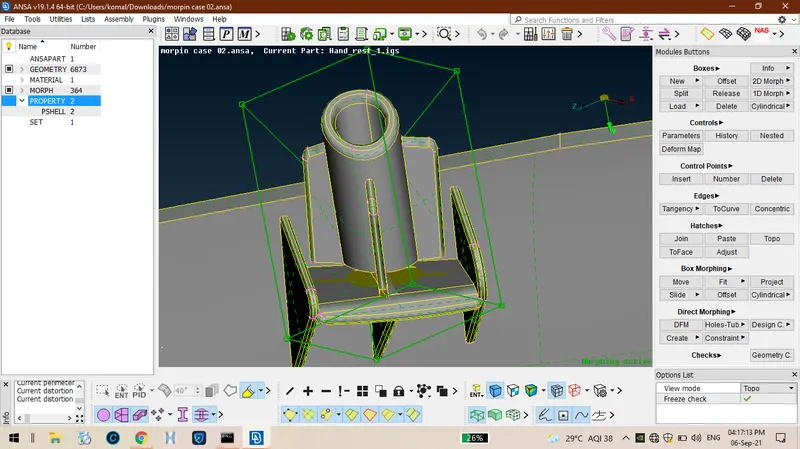
3.After creatin boxes for te features after tat it looks like as sown below.
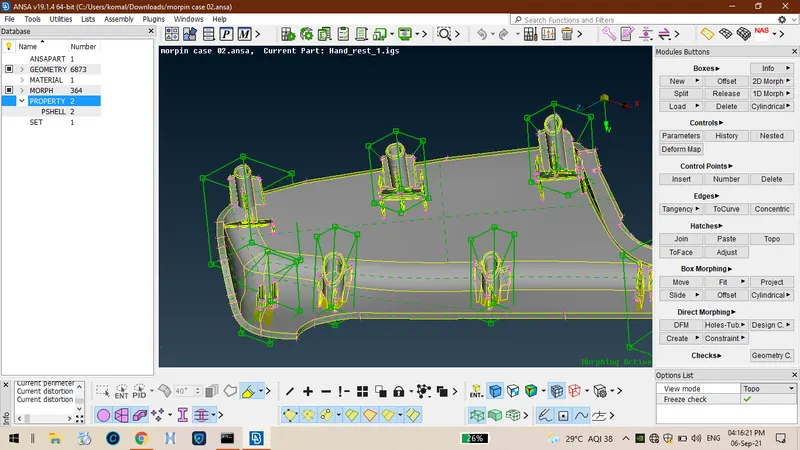
4.Ten create move in boxes so tat we can move te boxes by selectin te nodes.
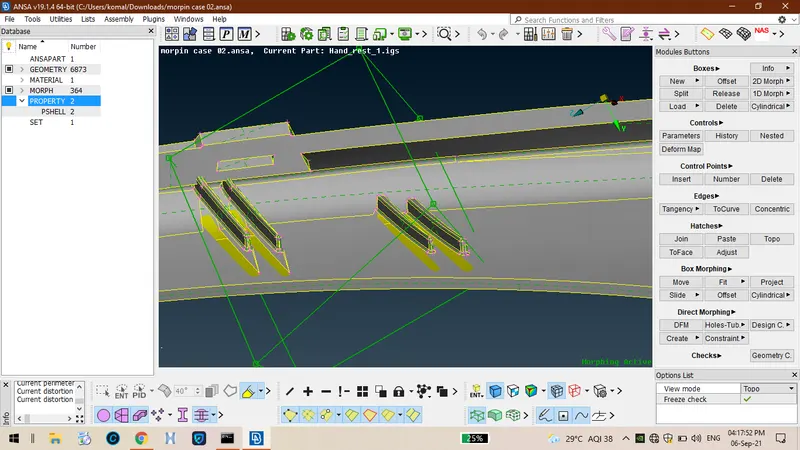
5.After increasin eit of te component it looks like.
LEARNIN OUTCOMES:
From ere we came to know tat ow to create boxes for te features and we can move te boxes by selectin te nodes to move.
CONCLUSION:
ence finally we can perform all te morpin operations on te iven coomponents.