Week - 8 - Morphing
Objective:
To Import the given model into ANSA and check for geometrical errors then to practice all the morphing techniques as shown in the demonstration.
Procedure:
1. To Import the given model into ANSA, then check for geometrical errors
2. If any errors were seen it has be cleared using various options available in ansa
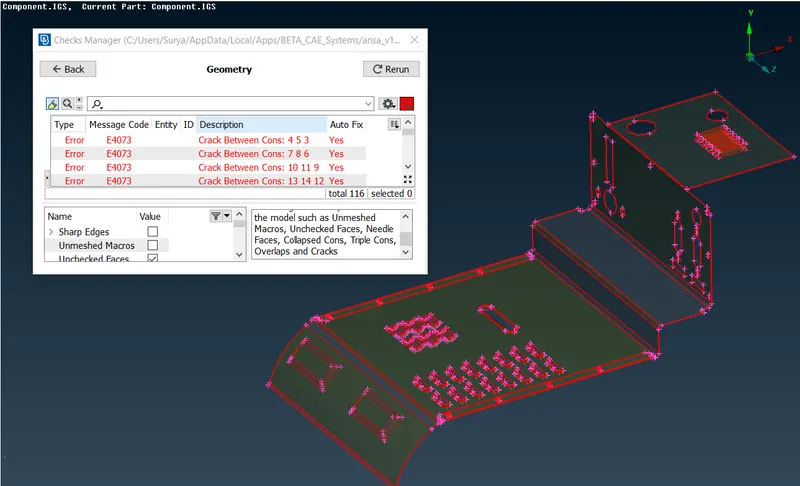
Component with Geometrical Errors
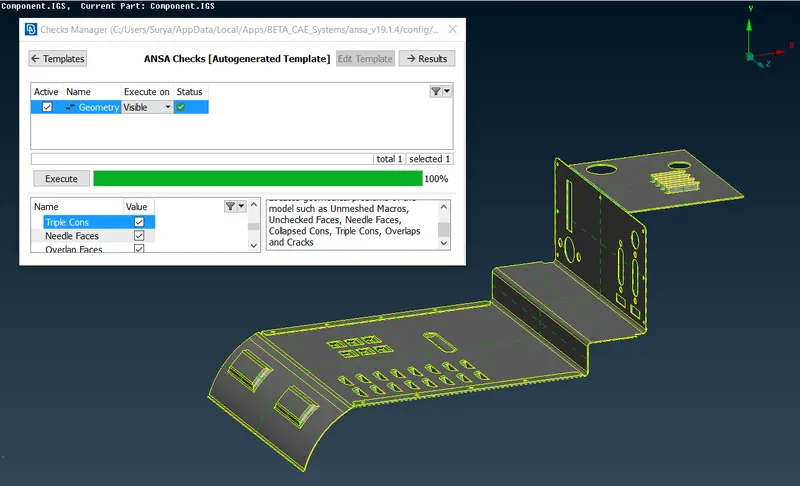
Component After clearing the above seen errors
Morphing:
ANSA encompasses a full – fledged Morphing menu which is completely integrated with ANSA’s interface,The functions of the Morphing menu can be used to efficiently re-shape both FE and/or Geometry based models.
3. Now to begin with morphing, we need to switch to the Morphing modulue from topo module
Domain (Box) Morphing:
Domain or Box Morphing is preformed via boxes that are created around a particular part or assembly that the user intends to morph. The movement of the Morphing boxes control points defines the morphing operations on the entities inside the Morph box. This type of Morphing can be applied to both FE and Geometry based models.
The following command is used to avail the box in the component:
Morph `rarr`Boxes `rarr`New `rarr` Ortho `rarr`Geometry `rarr`Selection of Geometry
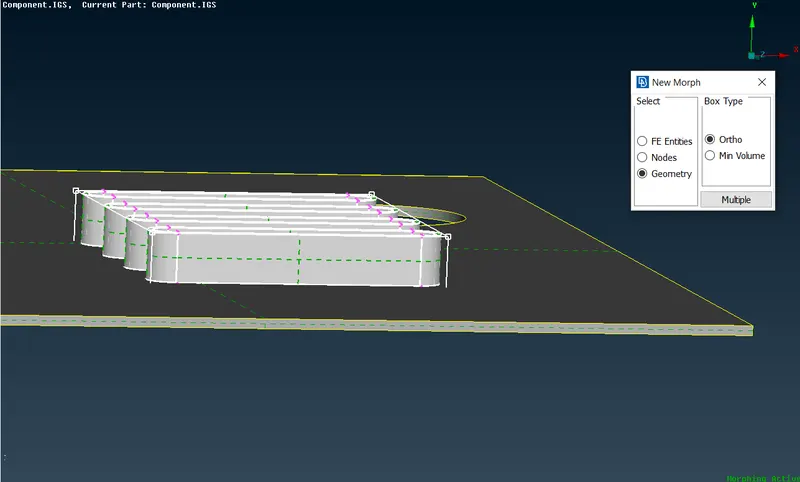
- As a result of the above mentioned selection as box type structure with control points at the edges will be formed
- These control points can be moved so that the model can be morphed into desired shape
- It should be noted that only the area inside the box will be morphed while moving the control points other part of the geometry will remain unchanged.
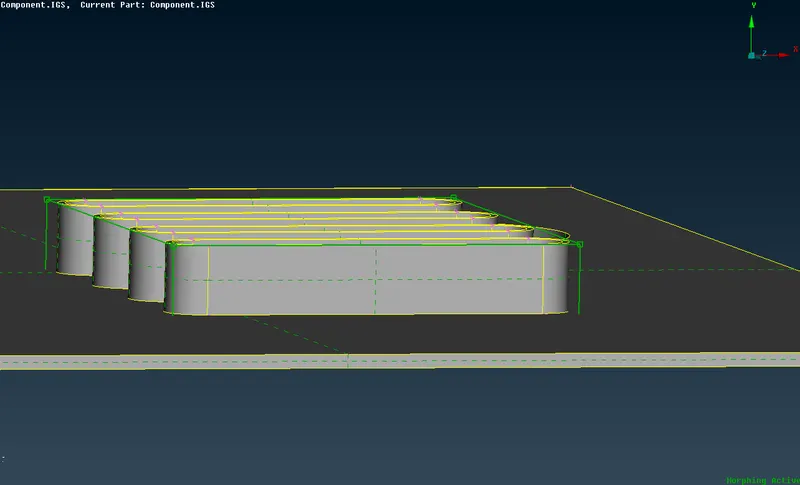
- Move option: Now to change the shape of the geometry into desired shape move option is used, which is also available under morph module.
- Move option is used to transform the entities inside the box in any direction using co ordinate axis, always remember to select the control points which are to be moved.
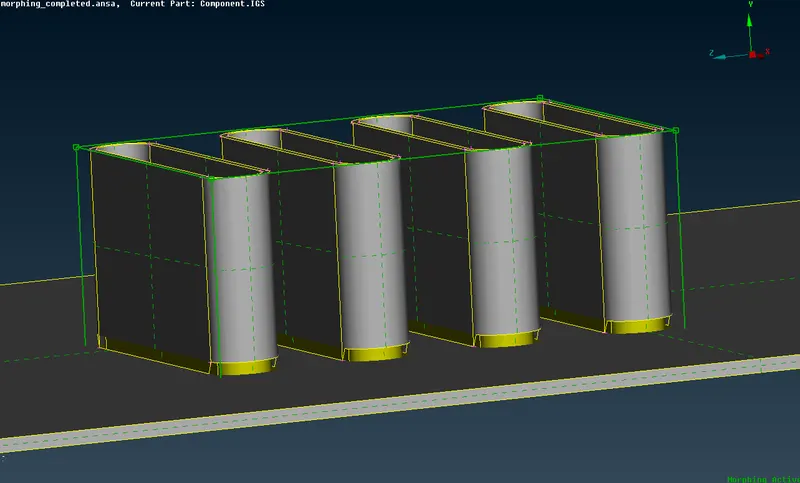
The following are some of the other examples carried out using morphing:
2. Extending the taper and the top plate:
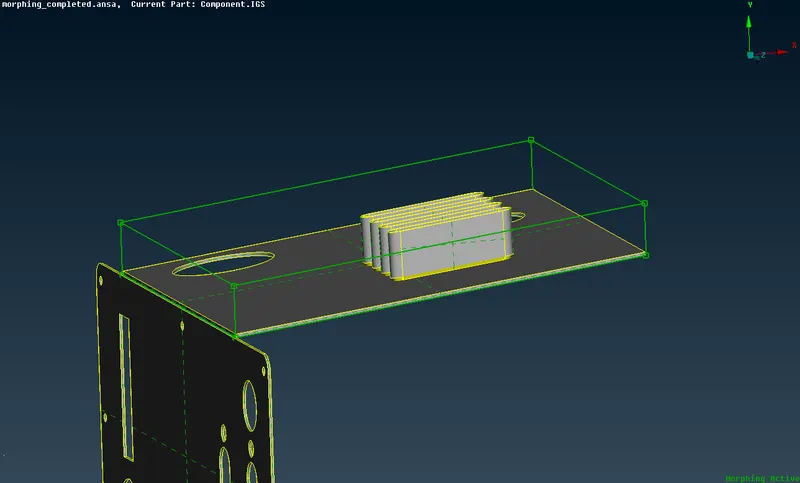
3. Changing the bend angles between the plates
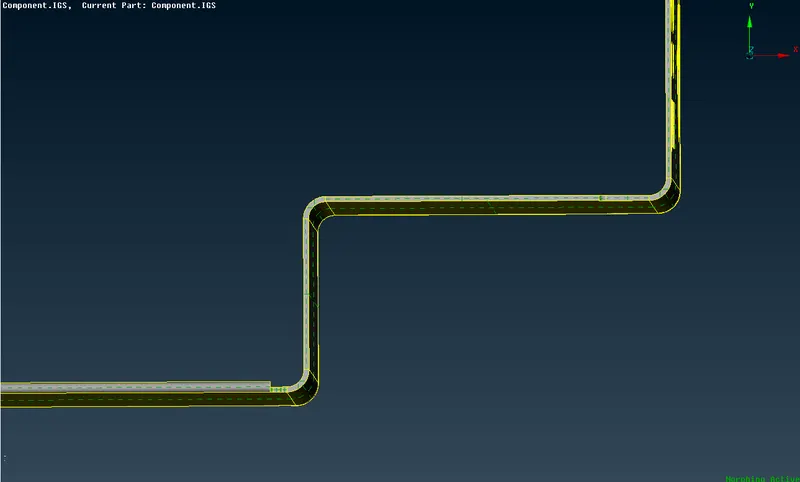
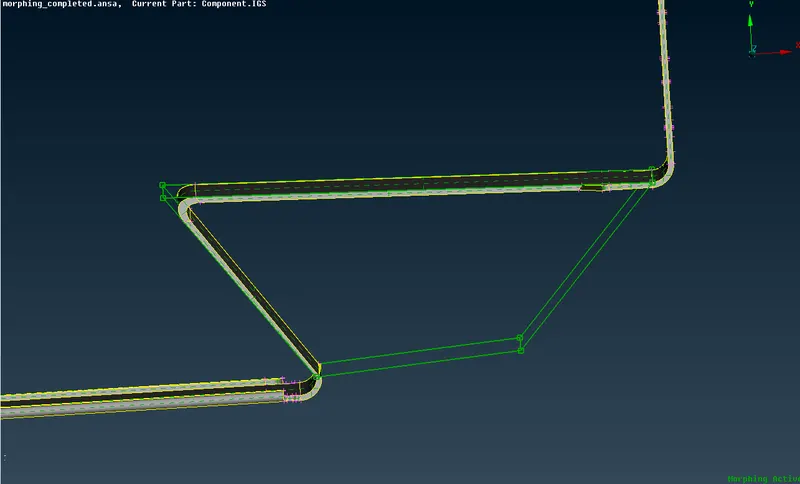
4. Making the bend in -ve direction
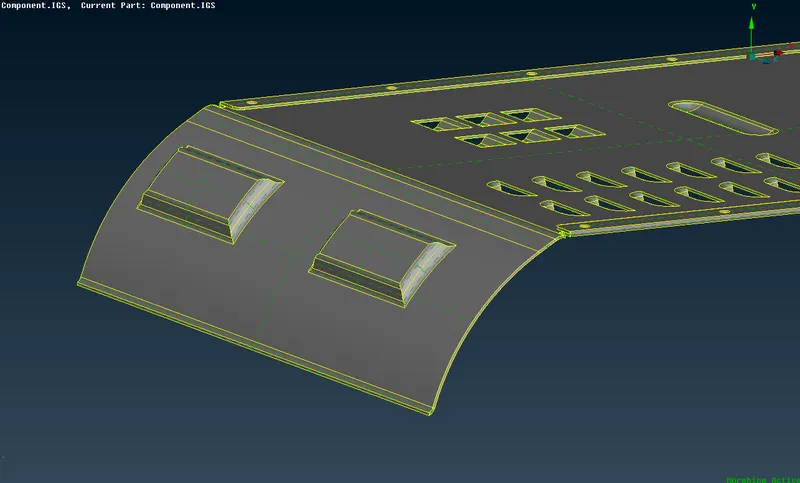
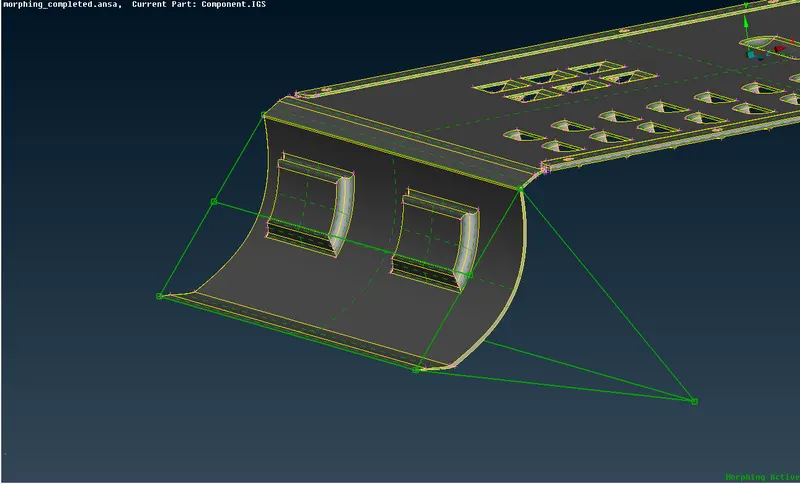
5. Sliding the Feature inthe -ve direction
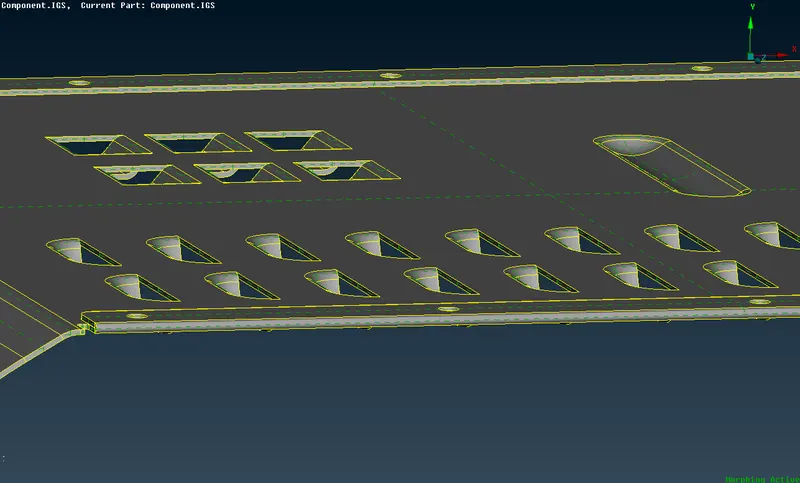
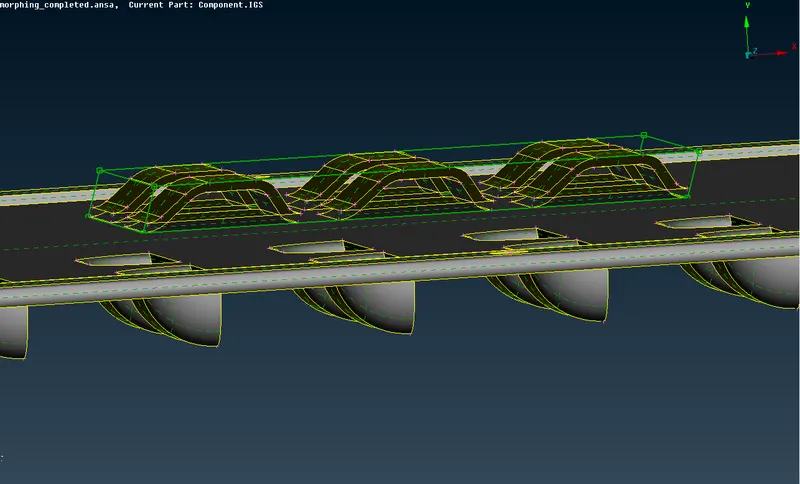
Deleting the Box morph:
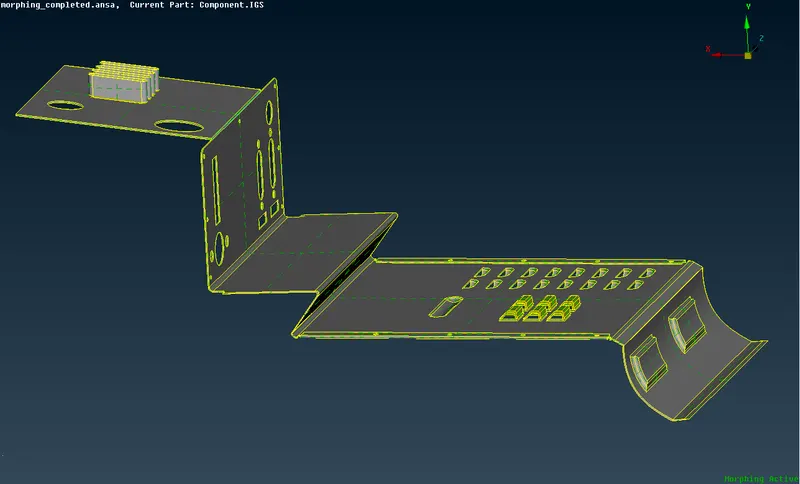
Once the desired shape and structure is obtained we can delete the box morph created by using the delete option in boxes menu, Final model Image as follows
Learning outcome:
- Understood the concept of morphing
- used box morph, generated splits, moved the model in different co-ordinates.
- used different tools in ANSA to transform the given geometry
Conclusion:
The given model of the component is sucessfully imported into ANSA , then the geometrical errors are cleared finally morphing techinque as explained in the video is carried out in order to understand the basic concept of morphing.
Link for model: https://drive.google.com/file/d/1AEaei8Nd701lC4myHM-epsQl43democ_/view?usp=sharing